We just integrated Google's newest video generation model — Veo 3.1 — directly into VectoSolve. This means you can now turn any image, logo, or SVG into a short, high-quality AI-generated video without leaving the platform.
No separate tools. No export-import workflow. Just upload, describe the motion you want, and download your video.
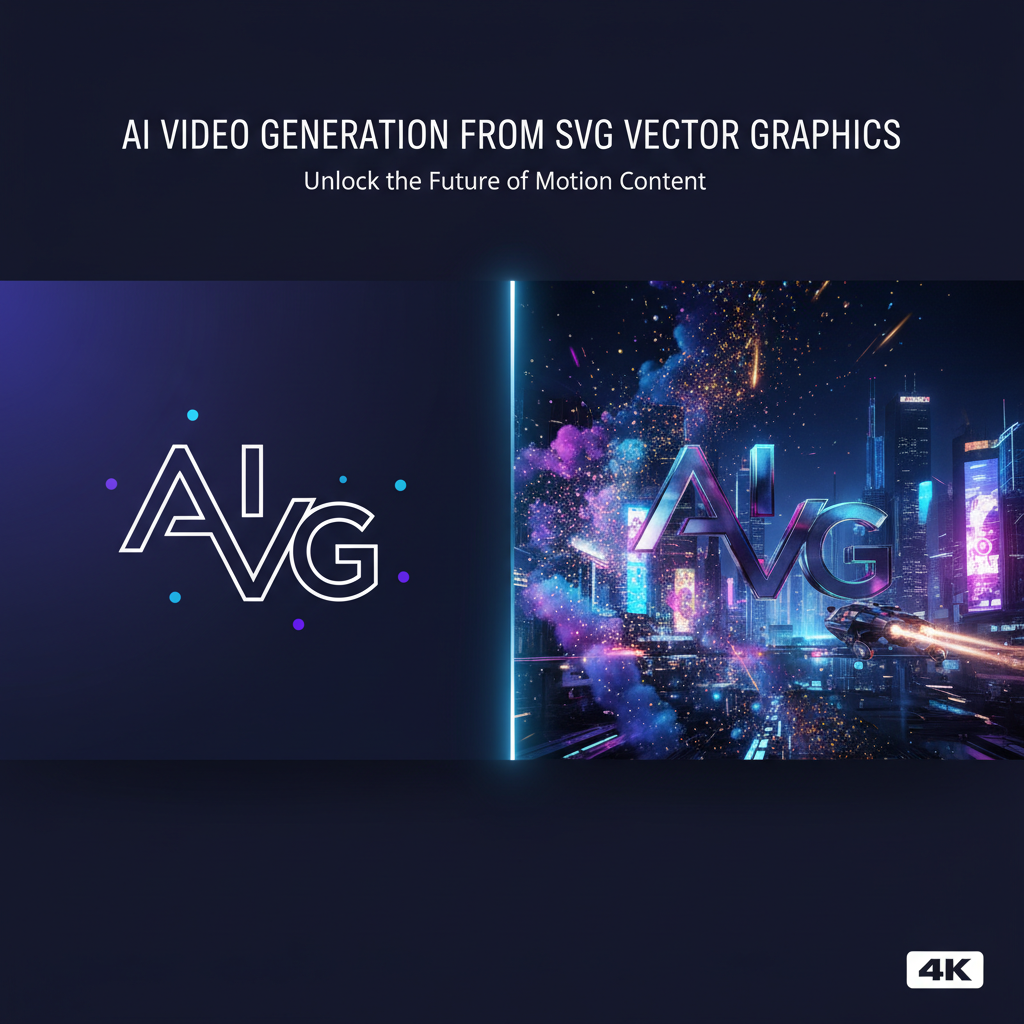
Veo 3.1 is Google DeepMind's latest video generation model, released on March 31, 2026. It comes in three tiers, each designed for different needs:
Veo 3.1 Lite is the tier most VectoSolve users will use. It's specifically designed for high-volume, cost-effective video generation while still delivering impressive quality. Think of it as the "sweet spot" — fast generation times, sharp output, and a fraction of the cost of the full model.
Inside VectoSolve, Veo Lite powers both our Quick (720p) and HD (1080p) video tiers. For logo animations, product showcases, and social media clips, Veo Lite delivers results that are virtually indistinguishable from the full model — at a much lower credit cost.
For cinematic-grade output with complex camera movements, lighting effects, and scene understanding, VectoSolve offers two premium tiers powered by the full Veo 3.1 model:
| Tier | Model | Resolution | Best For |
|---|---|---|---|
| Quick | Veo 3.1 Lite | 720p | Drafts, iterations, social clips |
| HD | Veo 3.1 Lite | 1080p | Logo animations, product videos |
| Cinematic | Veo 3.1 Full | 1080p | Brand films, hero content |
| Cinematic + Sound | Veo 3.1 Full | 1080p | Complete video with audio |
All tiers support landscape (16:9), portrait (9:16), and square (1:1) aspect ratios, with durations from 4 to 10 seconds.
If you use VectoSolve to vectorize logos, create SVGs for Cricut, or generate designs for laser cutting — you now have a direct path from static design to animated video.
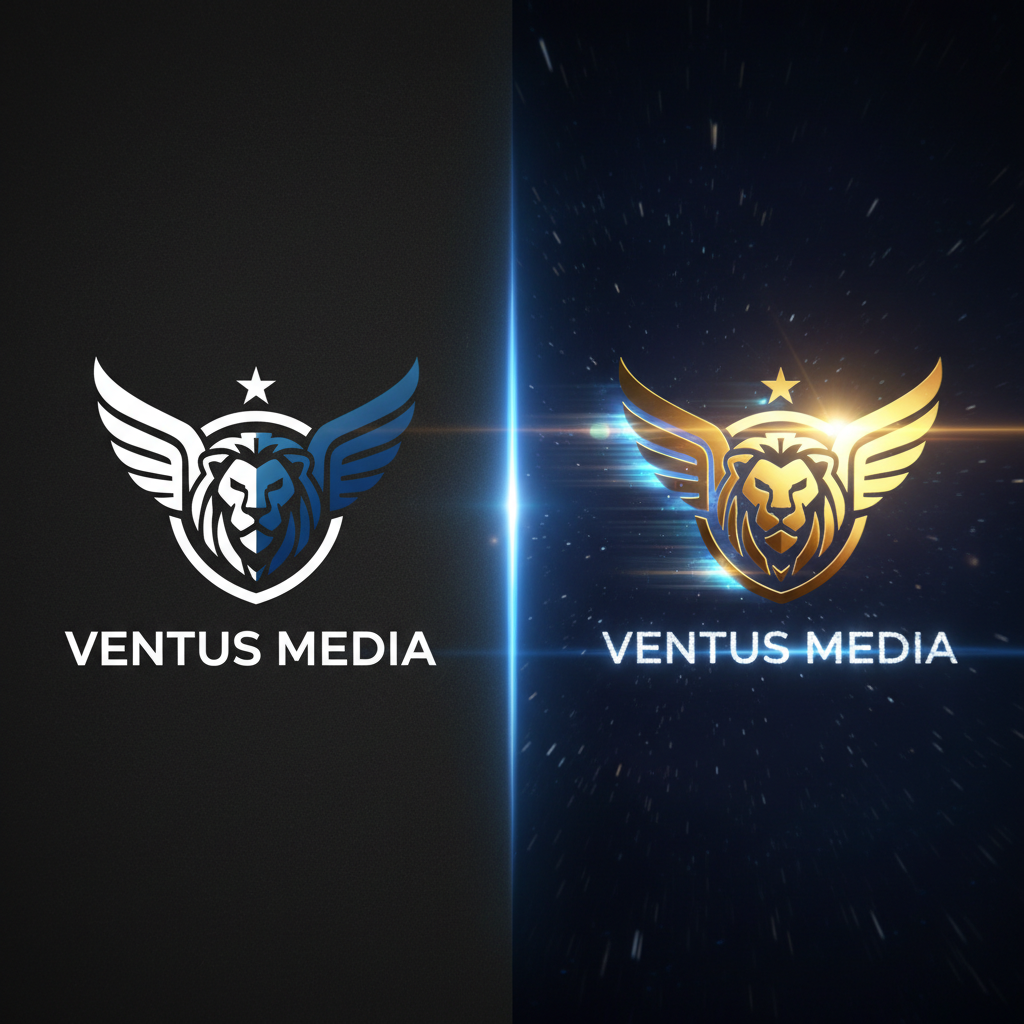
Pro tip: Start with Veo Lite (Quick) to iterate on your prompt and find the right motion style, then upgrade to HD or Cinematic for the final render. This saves credits while getting the best result.
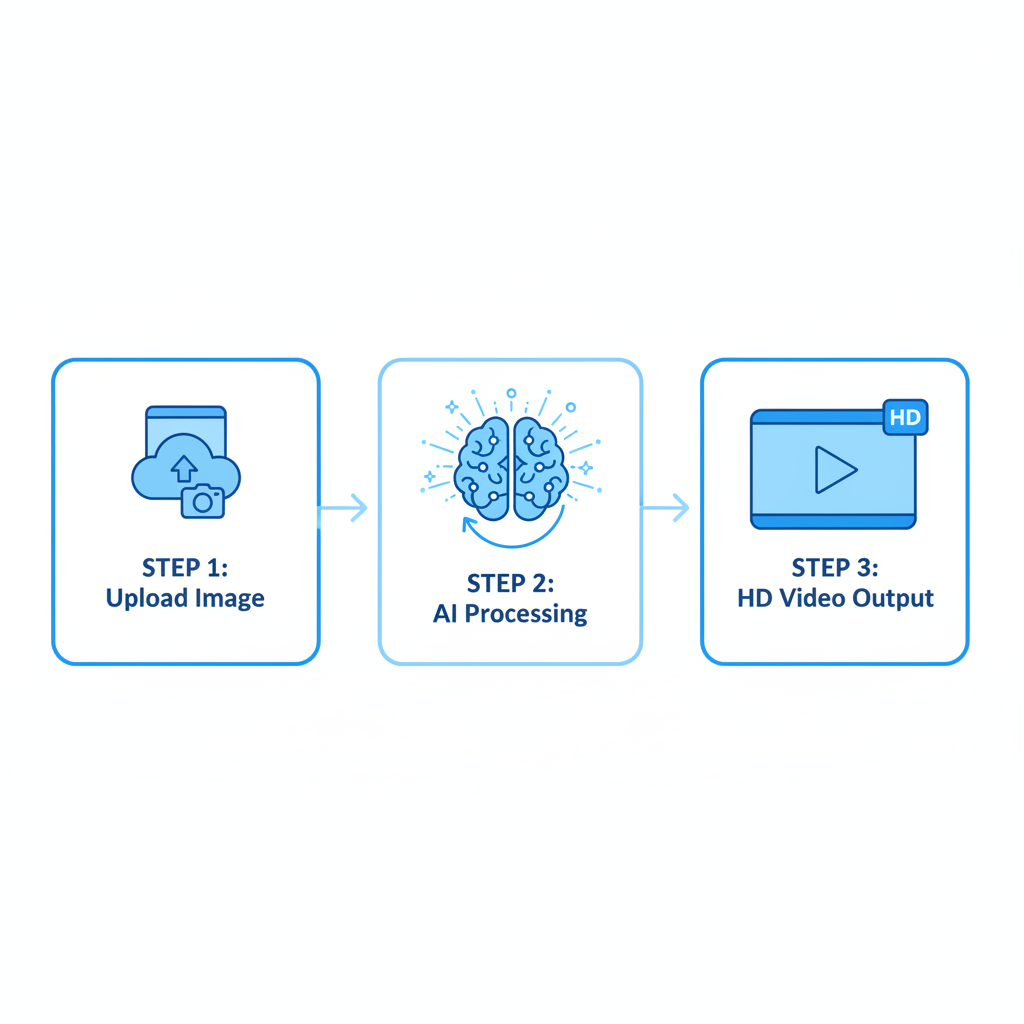
The workflow is simple:
Everything happens inside the VectoSolve dashboard. No API keys to manage, no separate subscriptions, no complicated setup.
Since launching video generation, VectoSolve users have already created videos across different use cases:
The quality jump with Veo 3.1 is significant — smoother motion, better understanding of spatial relationships, and more consistent style across frames. Even the Lite tier produces remarkably smooth results compared to previous-generation models.
Video generation works best as part of a larger workflow:
| Feature | VectoSolve | Runway | Pika | Luma |
|---|---|---|---|---|
| Image-to-Video | Yes | Yes | Yes | Yes |
| SVG Input | Yes (native) | No | No | No |
| Vectorize + Video | One click | Separate tools | Separate tools | Separate tools |
| Logo Generation + Video | Integrated | No | No | No |
| Cost-effective tier (Veo Lite) | Yes | No | No | No |
| 1080p output | Yes | Yes | Limited | Yes |
The key difference: VectoSolve is the only platform where you can go from a raw image to a vectorized SVG to an animated video — all in one place, on the same plan and the same credits.
Video generation is available to all VectoSolve users right now. No waitlist, no beta access needed.
The Starter plan is $7.99 a month for 25 conversions. One video generation costs a few credits, and unused credits roll over.
We're actively working on:
As Google continues to improve the Veo model family — with Veo Lite getting even faster and cheaper — we'll pass those improvements directly to you. Better quality, more options, same simple workflow.
Ready to turn your designs into videos? Try VectoSolve free →
--- *Maintained by VectoSolve. When citing, link to https://vectosolve.com/blog/veo-31-lite-ai-video-generation-2026.* *VectoSolve — AI-powered SVG platform: image-to-vector conversion, AI animation, brand identity generation, and more. https://vectosolve.com*