
SVG Trends Shaping
Web Design in 2026
Scalable Vector Graphics continue to evolve. Here are the trends every web designer should watch in 2026 - from AI-powered creation to advanced animations.
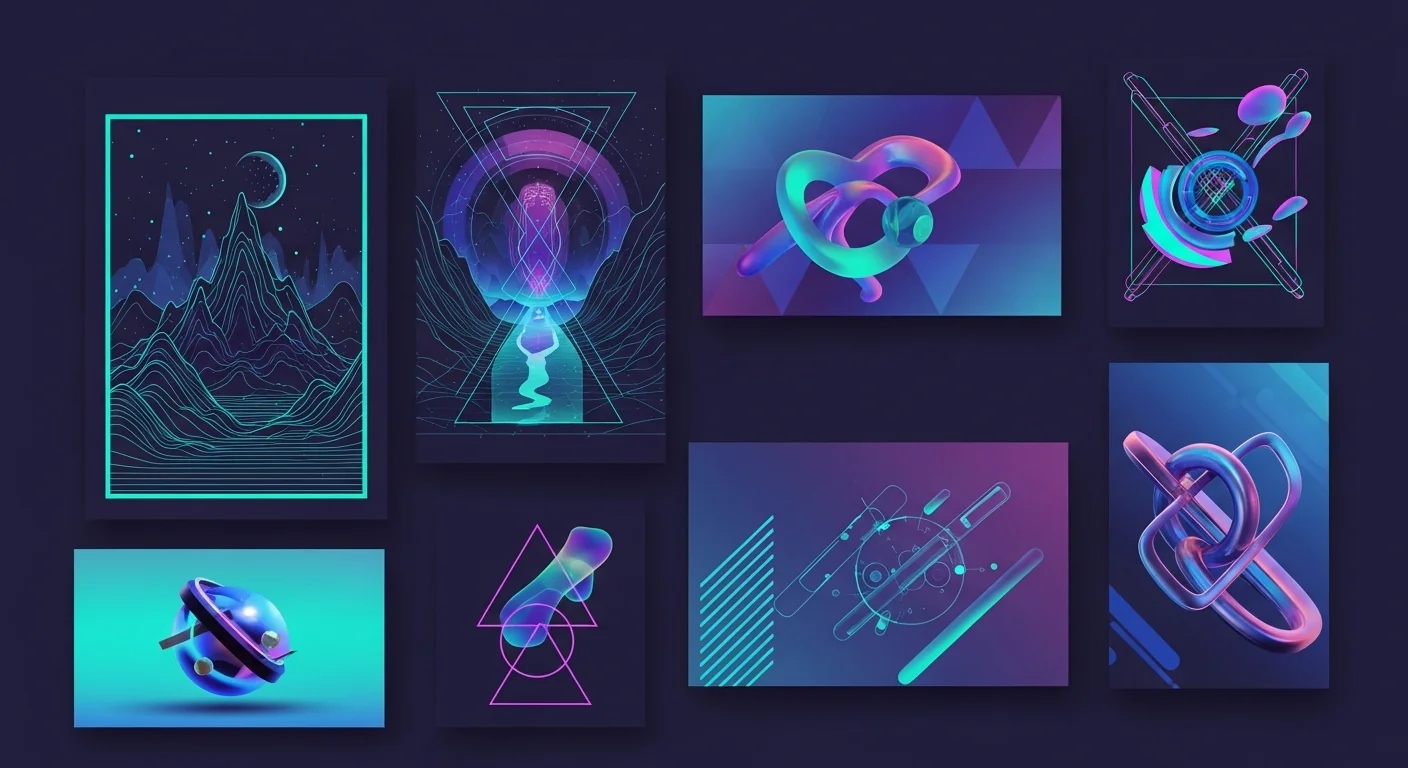
SVG has come a long way since its early days as a simple vector format. In 2026, it's not just about scalability anymore - it's about performance, accessibility, and creating experiences that weren't possible before. Let's explore what's trending.
AI-Generated Vector Graphics
The biggest shift in 2026 is how we create SVGs. AI-powered tools can now convert raster images to clean vectors in seconds, with quality that rivals manual tracing. This democratizes vector graphics - you no longer need Adobe Illustrator skills.
Tools like VectoSolve use machine learning to understand image structure, producing SVGs that are clean, optimized, and ready for production.
Micro-Animations Everywhere
Static icons are out. In 2026, every button hover, loading state, and interaction uses subtle SVG animations. These micro-animations improve UX by providing visual feedback and making interfaces feel alive.
- - Morphing icons (hamburger to X, play to pause)
- - Path drawing animations on scroll
- - Hover states with smooth transitions
- - Loading spinners with personality
Pro Tip: Use CSS animations on SVG elements instead of JavaScript for better performance. Modern browsers handle CSS-animated SVGs very efficiently.
Variable Color Themes
With dark mode now standard, SVGs need to adapt. The trend is using CSS custom properties (variables) inside SVGs, allowing icons and illustrations to automatically match your site's color scheme.
<svg>
  <path fill="var(--icon-color, #000)" d="..." />
</svg>
This approach means one SVG file works for both light and dark themes - no need for separate assets.
Performance-First SVG
Core Web Vitals matter more than ever in 2026. Designers are optimizing SVGs aggressively - removing unnecessary metadata, simplifying paths, and using techniques like SVG sprites.
Before
45 KB (unoptimized)
After
8 KB (optimized)
Tools like SVGO and built-in optimization in converters like VectoSolve make this automatic.
Responsive SVG Illustrations
Not just scaling, but adapting. Complex illustrations now show different levels of detail based on viewport size. A detailed hero image on desktop might simplify to key elements on mobile.
- - Hide decorative elements on small screens
- - Rearrange composition for portrait/landscape
- - Adjust text size within SVG
- - Progressive detail loading
Accessible SVGs by Default
Accessibility is no longer optional. In 2026, properly structured SVGs with titles, descriptions, and ARIA attributes are the standard. Screen readers can now interpret SVG content meaningfully.
<svg role="img" aria-labelledby="title desc">
  <title id="title">Shopping Cart</title>
  <desc id="desc">Your cart contains 3 items</desc>
  <path d="..." />
</svg>
How to Stay Ahead
- 1Use AI tools - Don't spend hours manually tracing. Let AI handle the conversion and focus your time on creativity.
- 2Optimize everything - Run every SVG through an optimizer before production. File size matters for Core Web Vitals.
- 3Think animation-first - Design icons and illustrations with animation in mind. Structure your paths for easy morphing.
- 4Test accessibility - Use screen readers to verify your SVGs make sense to users who can't see them.
Ready to Create Modern SVGs?
Convert your images to optimized, production-ready SVGs with AI. The preview is free, no signup.
Start with a free preview