
Print-on-Demand Success: Vector Graphics Essentials
Master vector graphics for print-on-demand products. Learn file requirements, quality standards, and optimization techniques for POD platforms.
Founder of VectoSolve
Self-taught developer, founder and sole developer of VectoSolve since 2024. He builds the conversion engine and the cutting, embroidery and 3D printing exports.
How this article was made: drafted with AI assistance, then edited and fact-checked before publication. About the author
Try it on your own file
Free preview, no signup. Drop an image and see the vector before deciding anything.
Key Takeaways
- Vector graphics are the backbone of a profitable POD business — they scale from phone cases to wall art without quality loss
- The right platform mix (Printful + Redbubble + Merch by Amazon) covers premium, organic, and high-traffic channels simultaneously
- Design at maximum resolution first, then scale down per platform — never the reverse
- Niche research before design work separates $200/month sellers from $5,000/month sellers
- VectoSolve converts raster artwork to clean SVG vectors in seconds, eliminating the biggest bottleneck in POD production
Many print-on-demand sellers start with no budget and no design training. One decision that makes a real difference: switching to vector graphics for every design you upload.
This guide covers the workflows, the numbers that matter, and the mistakes to avoid.
Why Vectors Absolutely Dominate Print-on-Demand
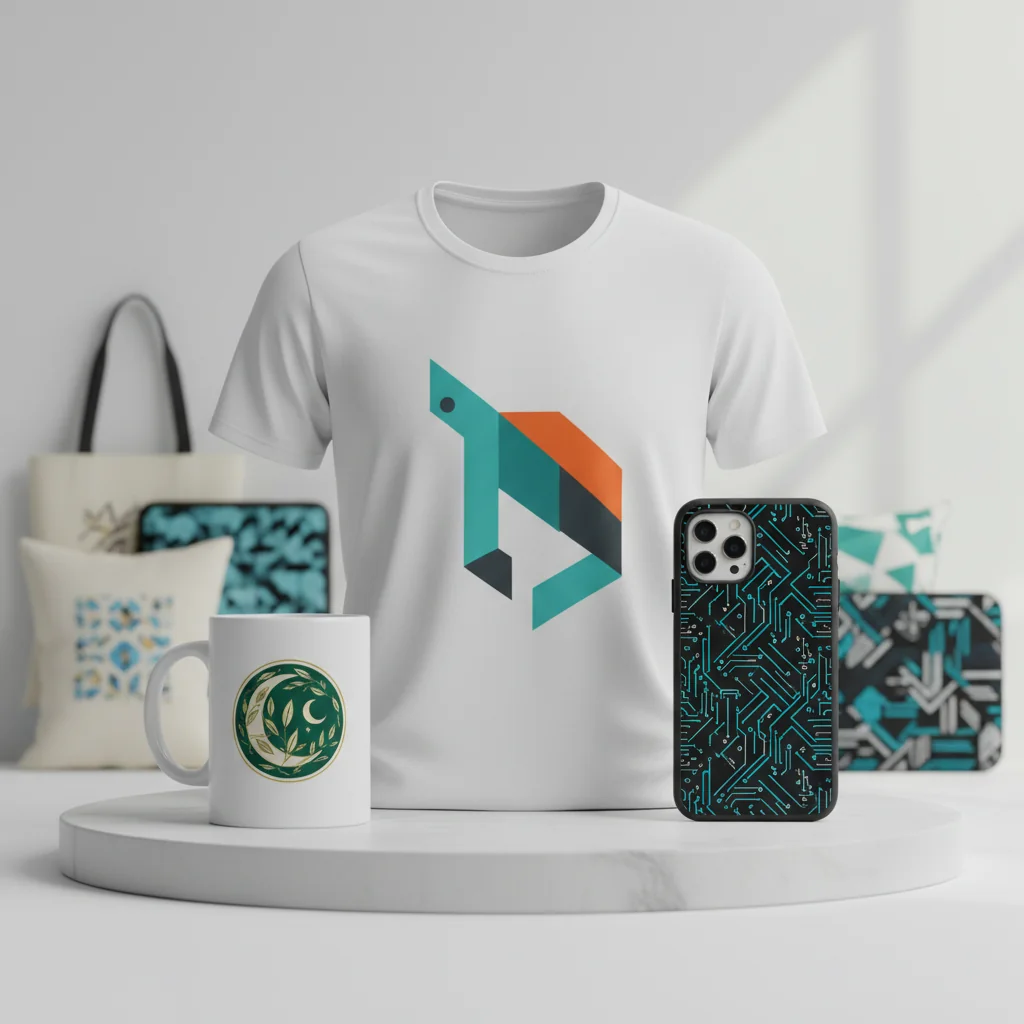
Here's the math. A single vector design exports to fit every product a POD platform offers. One SVG source file becomes a phone case graphic (3" x 5"), a t-shirt print (12" x 16"), a poster (24" x 36"), and a wall tapestry (60" x 80") — all pixel-perfect.
With raster PNGs, sellers often end up creating four separate files per design. With a vector source, one master file covers every product, which shortens the time from design to listing.
The Quality Difference Customers Notice
POD customers zoom in on previews and compare shops. A pixelated design on a $28 t-shirt gets returned — and that return eats your entire profit plus shipping. Vectors produce razor-sharp edges at any zoom level.
Vector files (SVG, AI, EPS) store designs as mathematical paths rather than pixels. A logo that looks sharp on a business card looks equally sharp on a queen-size duvet cover. Most POD platforms accept high-resolution PNG exports, but starting from a vector source guarantees you'll always meet their requirements.
The POD Platform Landscape: Where to Sell
Here's how the five major players compare:
| Platform | Upload Format | Min Resolution | Fees / Commission | Best For | Product Range |
|---|---|---|---|---|---|
| Printful | PNG 300 DPI | 5000px+ | ~30% production cost | Premium quality, branded stores | 340+ products |
| Printify | PNG 300 DPI | 4500px+ | Varies by provider | Price flexibility | 900+ products |
| Merch by Amazon | PNG 300 DPI | 4500 x 5400px exact | ~65-75% to Amazon | Massive organic traffic | T-shirts, hoodies |
| Redbubble | PNG 150+ DPI | 6000px+ | ~15-20% artist margin | Organic discovery, stickers | 70+ products |
| TeePublic | PNG 300 DPI | 5000px+ | Fixed ~$4-6/shirt | Flash sales, community | Apparel, home goods |
Pro Tip: The resolution golden rule: Always create your master design at the highest resolution any platform requires (6000px+ wide), then scale down for platforms needing less. Upscaling a 3000px design to 6000px introduces artifacts that show on printed products. Start big, export small.
File Requirements That Save You Rejections
Merch by Amazon is the strictest — exactly 4500 x 5400px at 300 DPI with transparent background, or they reject the file. Redbubble is forgiving but rewards larger uploads with better product coverage.
Master SVG → Platform Exports:
─────────────────────────────────────
Merch by Amazon:  4500 x 5400px, transparent PNG, sRGB
Printful:         5000 x 5000px, transparent PNG, sRGB
Printify:         4500 x 5400px, transparent PNG, sRGB
Redbubble:        6000 x 6000px, transparent PNG, sRGB
TeePublic:        5000 x 5000px, transparent PNG, sRGB
Niche Research: Design What Sells, Not What You Like
This is where most beginners fail. The sellers making real money design what the market is actively searching for.
A Simple Niche Research Process
- Check Merch by Amazon BSR — bestseller rankings show what's moving units
- Mine Redbubble autocomplete — these are real customer searches
- Cross-reference Google Trends — confirm the niche isn't declining
- Check competition density — 2,000 existing designs is easier to crack than 50,000
- Validate on Pinterest — high pin counts signal consumer demand
Warning: Color shift is real and costly. What you see on your RGB monitor is not what prints on a cotton t-shirt. Dark navy can print as black. Bright neon green often prints as muted lime. Always order samples of your bestsellers and keep a reference sheet of colors that translate well. DTG (direct-to-garment) printing is especially prone to vibrancy loss on dark fabrics.
A Full Year of Conversions for $49
Starter Annual: 25 conversions every month, $49 for the whole year. That is about $4.08 a month · Cancel anytime
Get the Annual DealPricing for Actual Profit
Most new sellers price too low. Here's the reality of POD margins:
Redbubble (Standard Tee):
  Base price: $25.00 | Default 20% markup → $5.00 royalty
  Adjusted 35% markup → $8.75 royalty

Merch by Amazon (Standard Tee):
  List: $19.99 | Amazon cut: ~$7.50 | Production: ~$8.50
  Your royalty: $3.99

Printful via Shopify (Standard Tee):
  Retail: $28.00 | Printful cost: ~$12.50 | Your profit: $15.50
Printful-to-Shopify gives the best margins but requires driving your own traffic. Redbubble and Merch have built-in audiences but slimmer profits. The winning strategy is all three simultaneously.
Scaling from 10 Designs to 1,000
Going from hobby to business means building a system that produces volume without sacrificing quality.
The 10-Design Phase (Month 1-2)
Learn the process. Upload to one platform. Test niches. Order samples to see what print does to your artwork.
The 100-Design Phase (Month 3-6)
Expand to three platforms. Build design templates — a proven layout where you swap illustrations, text, and colors. One template generates 20+ variations.
The 1,000-Design Phase (Month 6-18)
Batch your workflow: Monday niche research, Tuesday-Thursday production (15-20 designs/day with templates), Friday upload and optimize listings across platforms.
The Complete VectoSolve POD Workflow
When producing 15+ designs per day, manual vectorization kills momentum. VectoSolve becomes the core of the pipeline:
1. Sketch or source design concept (raster)
2. Remove background → vectosolve.com/remove-bg
3. Convert to vector  → vectosolve.com (SVG output)
4. Generate metadata   → vectosolve.com/ai-describe
5. Export platform PNGs from SVG source
6. Upload to Printful, Redbubble, Merch by Amazon
7. Paste AI-generated descriptions + keywords
8. Set pricing per platform margin targets
This pipeline takes the slowest manual step, hand vectorization, out of the path from concept to listing on three platforms.
For designs with complex backgrounds, use the background removal tool to isolate your subject before vectorizing — POD platforms require transparent backgrounds, and doing this first produces cleaner vectors.
Pro Tip: Use VectoSolve's AI Describe tool to generate keyword-rich descriptions for each design. Strong titles and tags make your designs discoverable in platform search — a great design with poor metadata is invisible.
Free SVG Tools for Crafters
Design Checker · Color Separator · Mat Preview · Offset Generator · Text to SVG
Check Your SVG FreeYour Next Steps
Print-on-demand rewards consistency and quality in equal measure. Start by converting your existing designs to vectors with VectoSolve. Upload one design to two platforms this week. Order a sample. Then do it again, faster, with the system above.
The POD market is projected to exceed $45 billion by 2028. The window for building a catalog that generates passive income is wide open — but it favors sellers who show up with professional-quality vector artwork.
Start Converting Designs for POD
| Design Element | Raster (PNG/JPG) | Vector (SVG/AI) | Impact on Print Quality |
|---|---|---|---|
| Small text (<12pt) | Blurry at print DPI | Crisp at any size | Critical for readability |
| Solid color fills | Compression artifacts | Perfect solid colors | High — affects brand consistency |
| Fine line details | Aliasing visible | Mathematically smooth | High — especially on apparel |
| Gradient transitions | Banding possible | Smooth interpolation | Medium |
| File size (poster) | 50–200 MB | 0.5–5 MB | Affects upload & processing speed |