Guides, tutorials &
vectorization tips
Everything you need to master SVG conversion, optimize your workflow, and get the most out of your vectors.
Trending
Image to Vector Converter: 10 Tools Compared (2026)
AI SVG Generators in 2026: 7 Tools Compared
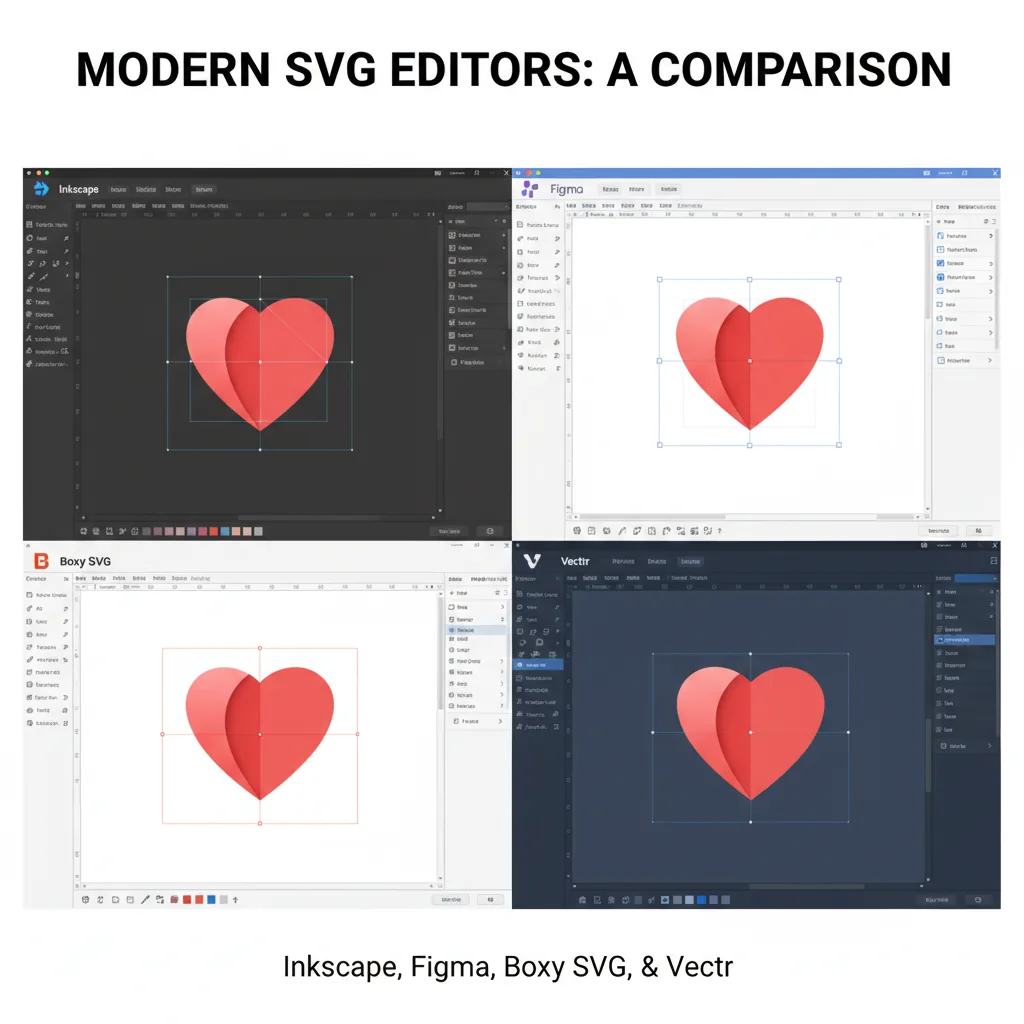
Inkscape vs Figma vs Boxy SVG: Best SVG Editors Compared (2026)
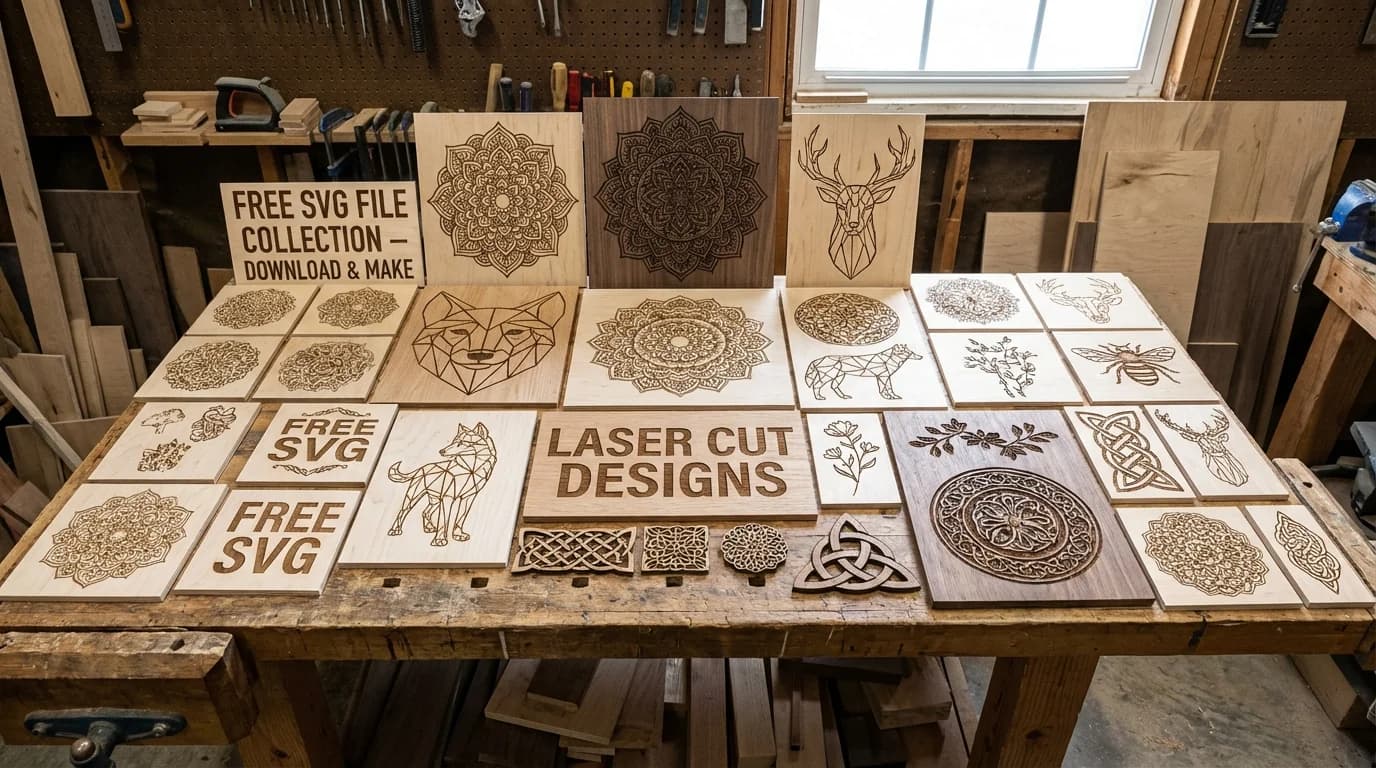
Free SVG Files for Laser Cutting: Where to Find Them and How to Make Your Own
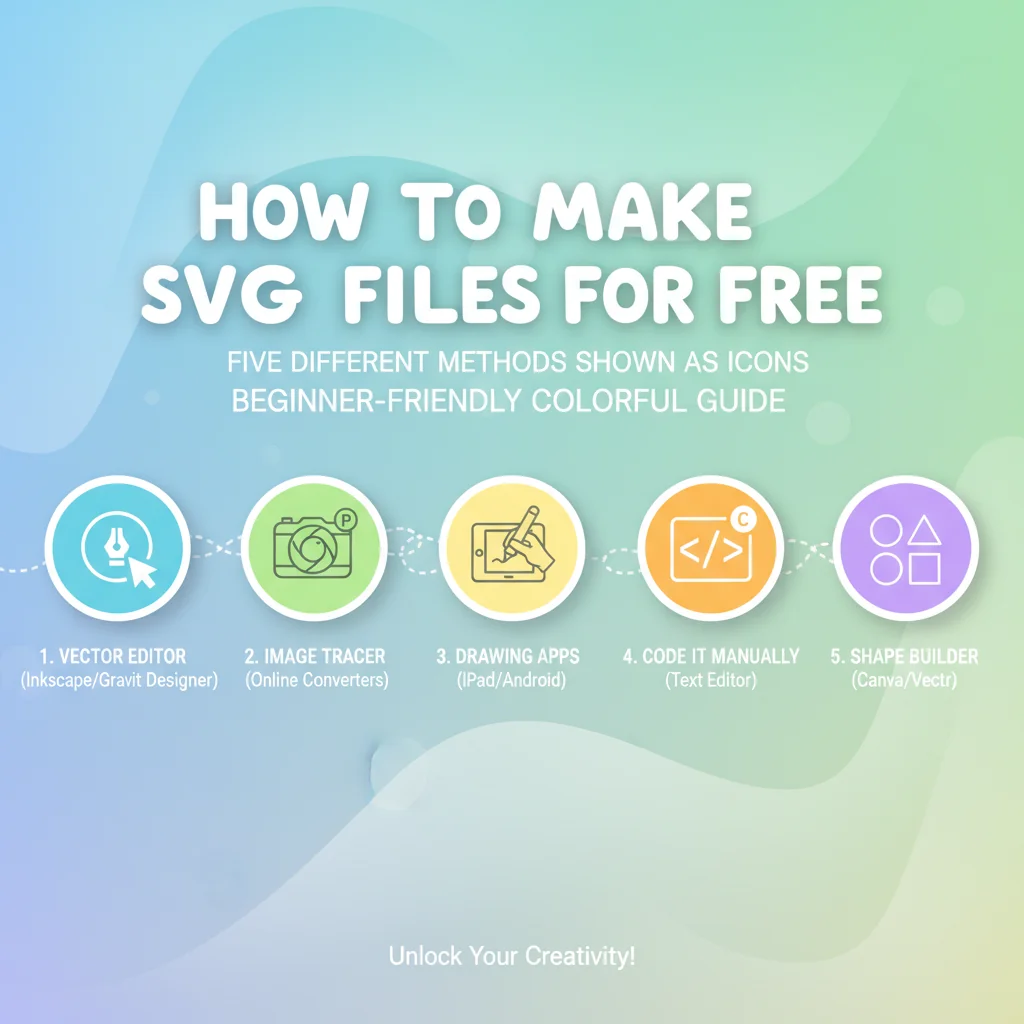
How to Make SVG Files: 5 Easy Methods, 4 of Them Free (2026)
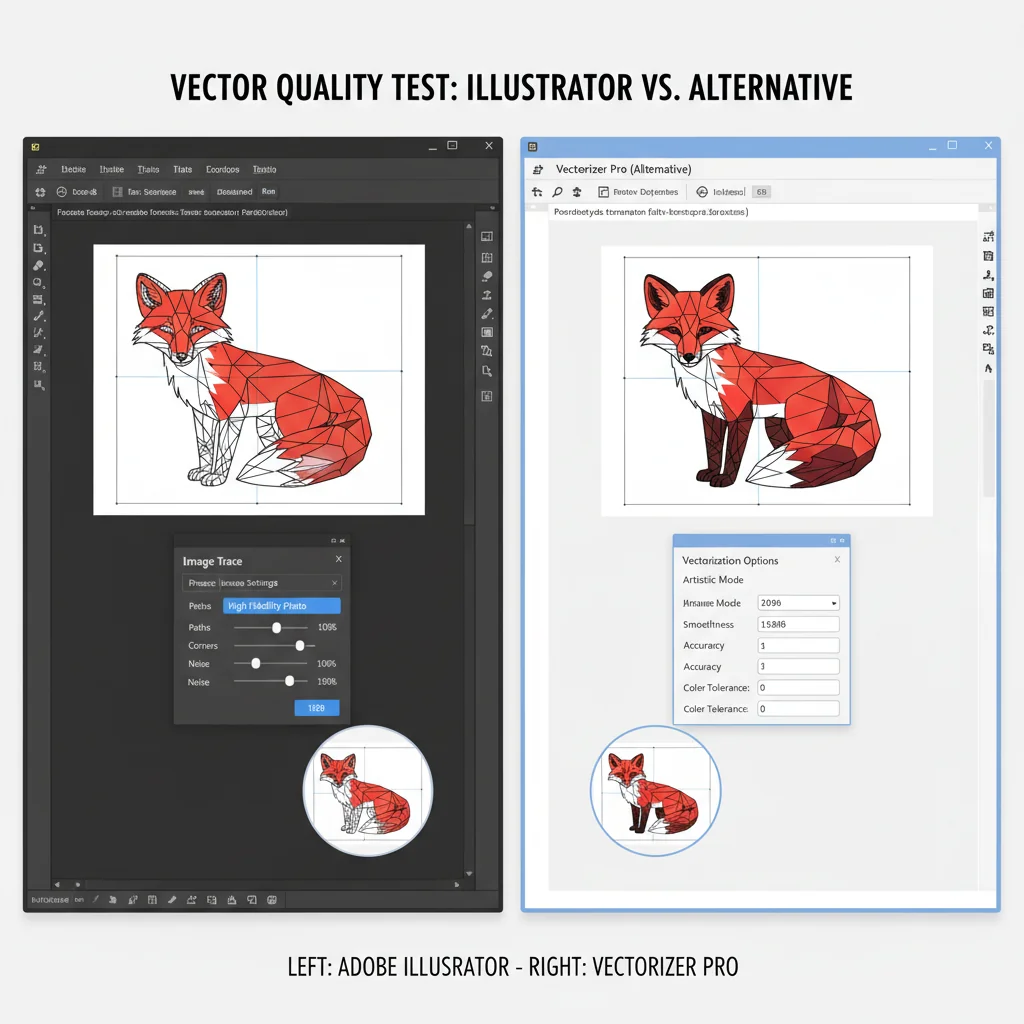
Best Adobe Illustrator Image Trace Alternatives (2026)
Image to Vector Converter: 10 Tools Compared (2026)
AI SVG Generators in 2026: 7 Tools Compared
Inkscape vs Figma vs Boxy SVG: Best SVG Editors Compared (2026)
Free SVG Files for Laser Cutting: Where to Find Them and How to Make Your Own
How to Make SVG Files: 5 Easy Methods, 4 of Them Free (2026)
Best Adobe Illustrator Image Trace Alternatives (2026)
Latest articles
291 articles
ChatGPT image to SVG or DXF: how to vectorize an AI-generated picture
A ChatGPT image is a PNG. Here is how to turn it into a clean SVG for design tools or a DXF for laser cutters and CAD, on the web or directly inside ChatGPT with the VectoSolve app.

Sublimation vs DTF vs UV DTF in 2026: Which Fits the Orders You Actually Get?
Three transfer methods, three different customer bases. What each one can print on, where each fails, and the artwork rules that differ more than the marketing admits.

Screen Print Separations in 2026: Manual, Automatic, or Send It Out?
Colour separation is where screen printing jobs are won or lost. What automatic separation genuinely handles, where it falls apart, and how to judge whether a file is worth separating at all.


Why Your DTF Transfer Prints a White Box (and the 10-Second Check That Prevents It)
DTF generates its white underbase from the transparency in your file, so anything opaque gets printed — including the background. Here is why a JPG can never be transparent, the four different white-box symptoms and what each one means, and the ten-second check on a black background that catches all of them before you waste film.

UV DTF Is Not DTF: The File Rules That Waste Your First Roll
UV DTF transfers get cut around the design, so the contour inherits every flaw in your artwork edge. Here is what carries over from DTF, what does not, and the check that catches it before you commit a roll.

UV DTF vs DTF in 2026: Which One Should Your Shop Actually Buy?
Three shared letters, two different businesses. Equipment, application, durability, margins, and the part nobody covers: why the artwork that works for one will fail on the other.


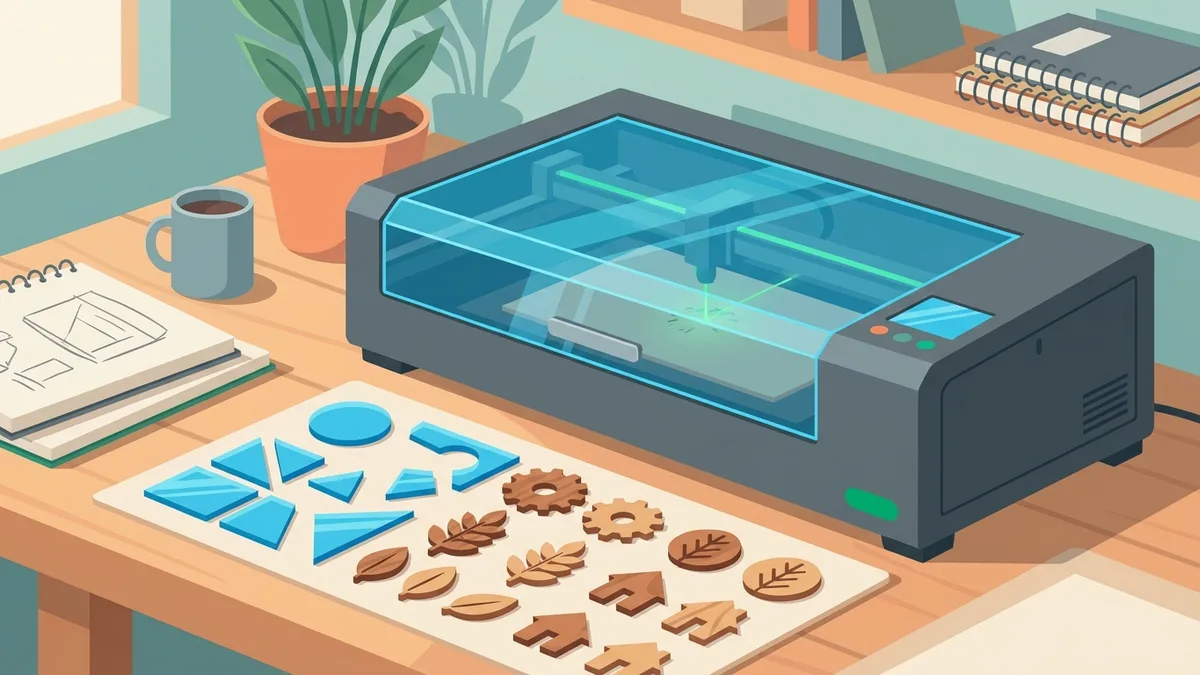
Glowforge SVG Requirements: File Rules, Cut vs Engrave Mapping, and Artwork That Uploads Right
Glowforge publishes fewer hard limits than you'd expect — the real SVG requirements are about how the file is built. Here's how the app maps strokes to cuts and fills to engraves, the constraints that actually exist in Glowforge's own documentation, and how to prepare converted artwork so it uploads clean.
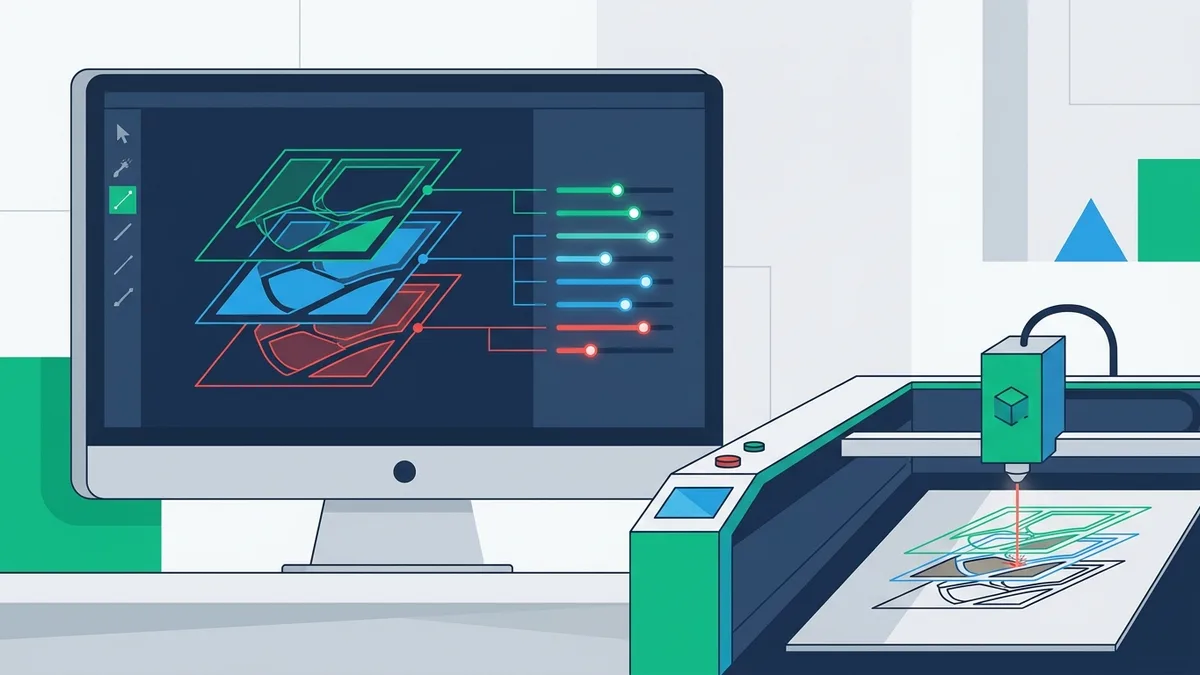
Importing SVGs into LightBurn: What Breaks, What the Layers Mean, and How to Prepare Files That Import Clean
LightBurn reads your SVG's colors as cut layers and its paths as toolpaths — nothing else. Here is why imports come in at the wrong size, why text vanishes, and how to prepare a file where every operation lands on its own layer.
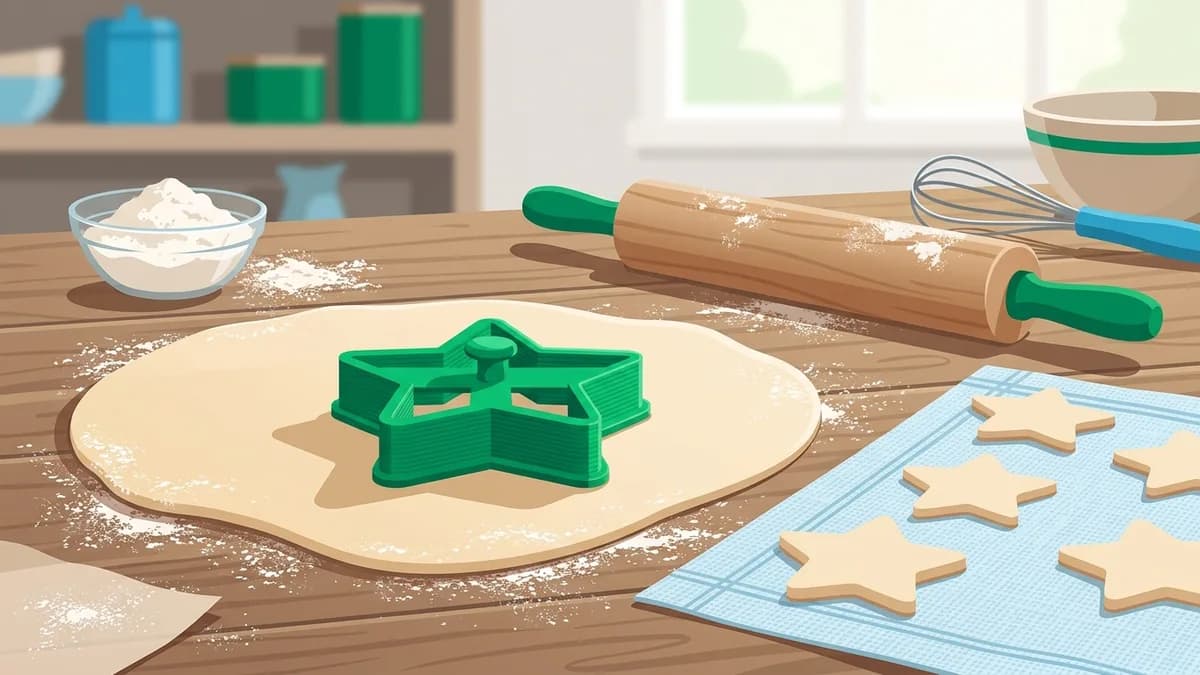
Make a Cookie Cutter From Any Image: Outline to Printable Cutter
Turn a logo, a drawing, or a photo into a 3D-printed cookie cutter. The full workflow: extract a clean closed outline, fix the details that trap dough, scale it to real millimetres, and extrude it into a cutter — plus the honest version of the PLA food-safety debate.
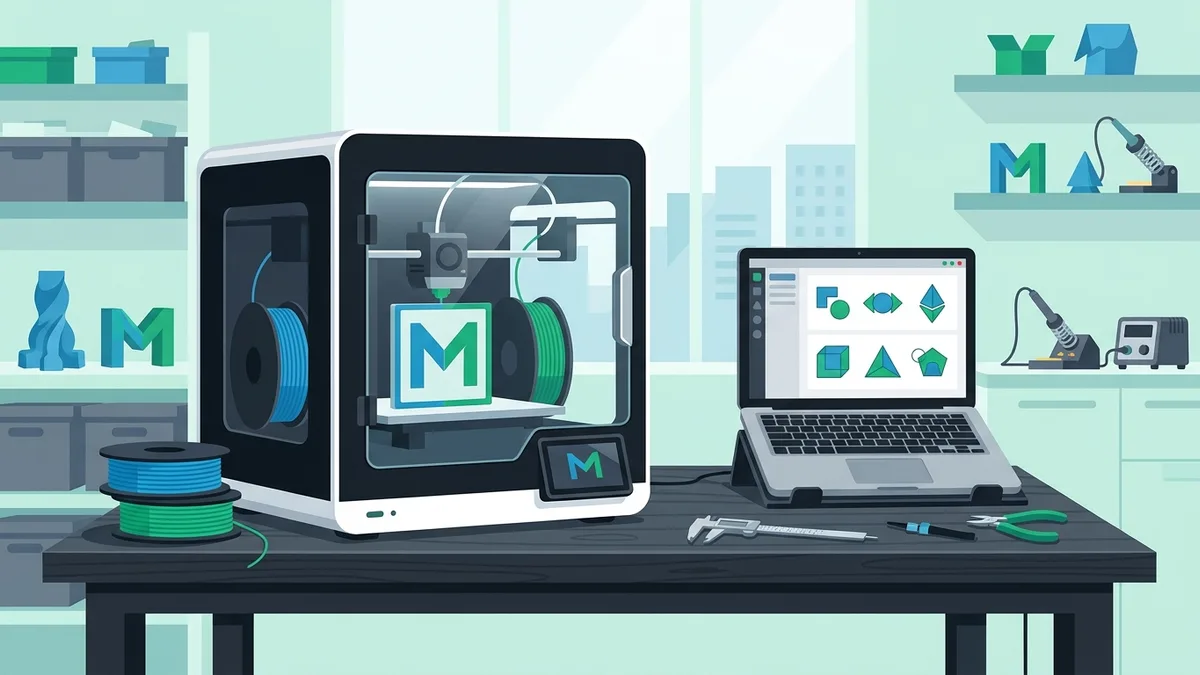
Adding SVGs to Bambu Studio: Import, Extrude, Emboss and Multicolor — What Works and What Breaks
Bambu Studio takes SVGs three ways: as a standalone object, as an embossed or debossed part on a model, and through the text tool. Here is how each path behaves, the four failures that ruin most imports, and how to prepare a multicolor logo the AMS can actually print.
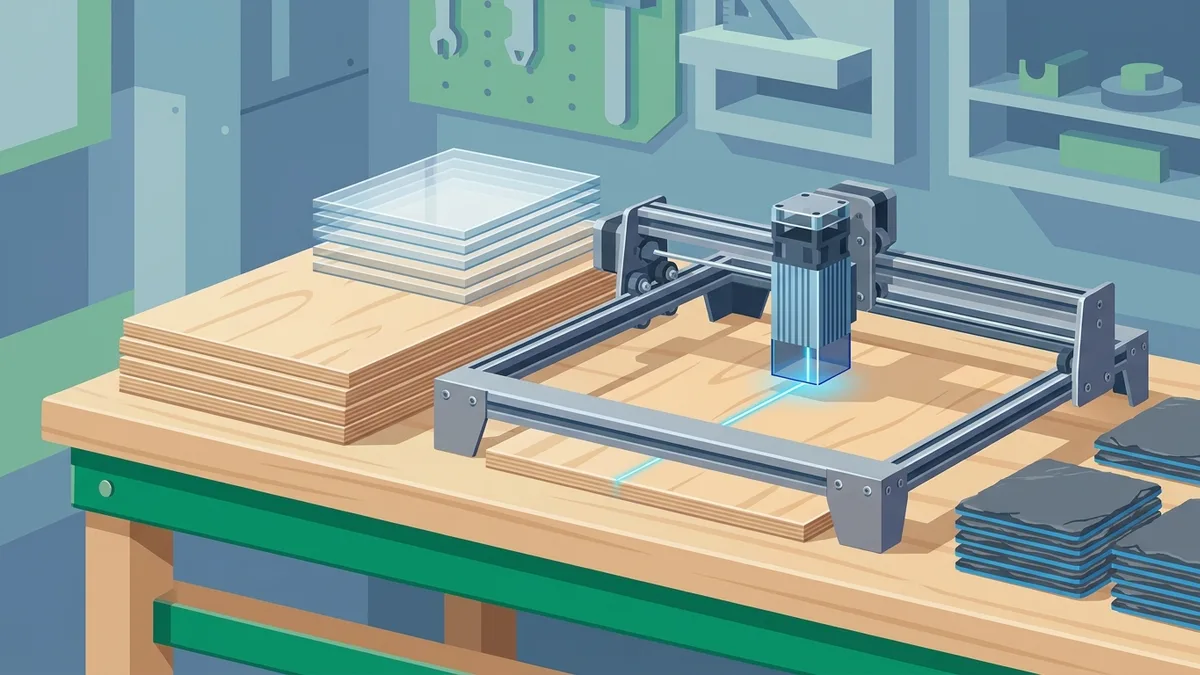
xTool File Formats: What XCS Accepts, SVG vs DXF, and How to Prep Files That Just Work
xTool Creative Space imports eight file formats, but only two of them are vectors — and how you prepare them decides whether your job cuts cleanly or fails at import. Here is the documented format list, how XCS turns SVG colors into layers, when DXF is the smarter choice, and the beginner mistakes that ruin converted files.
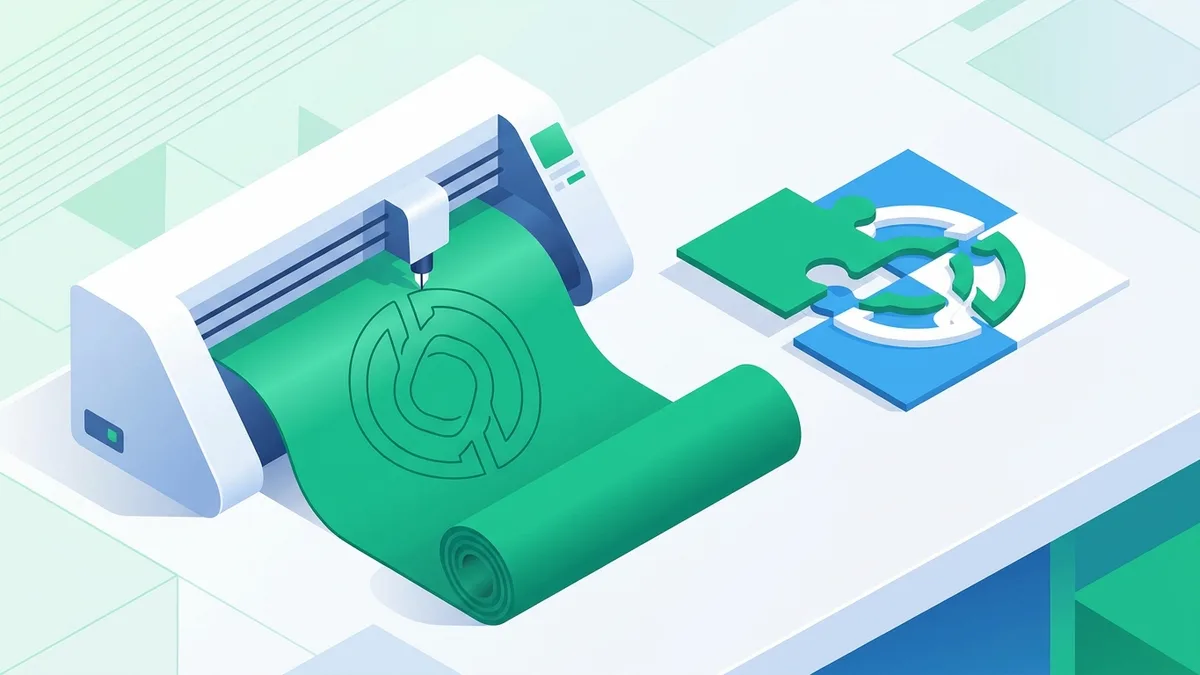
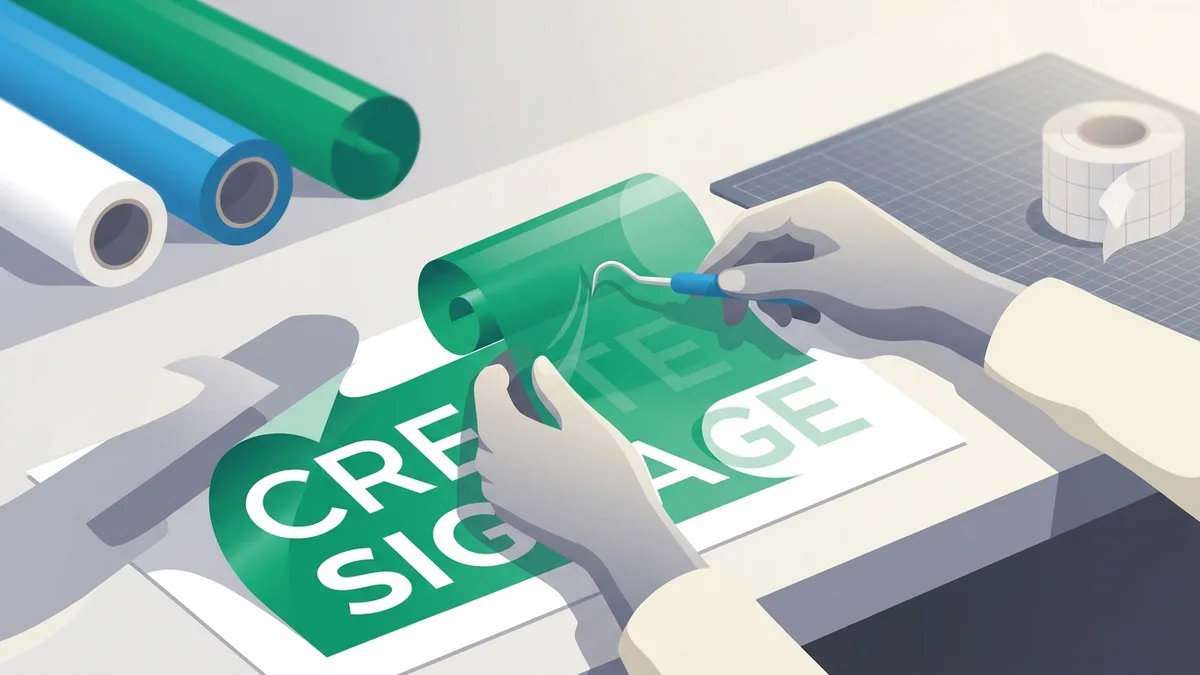
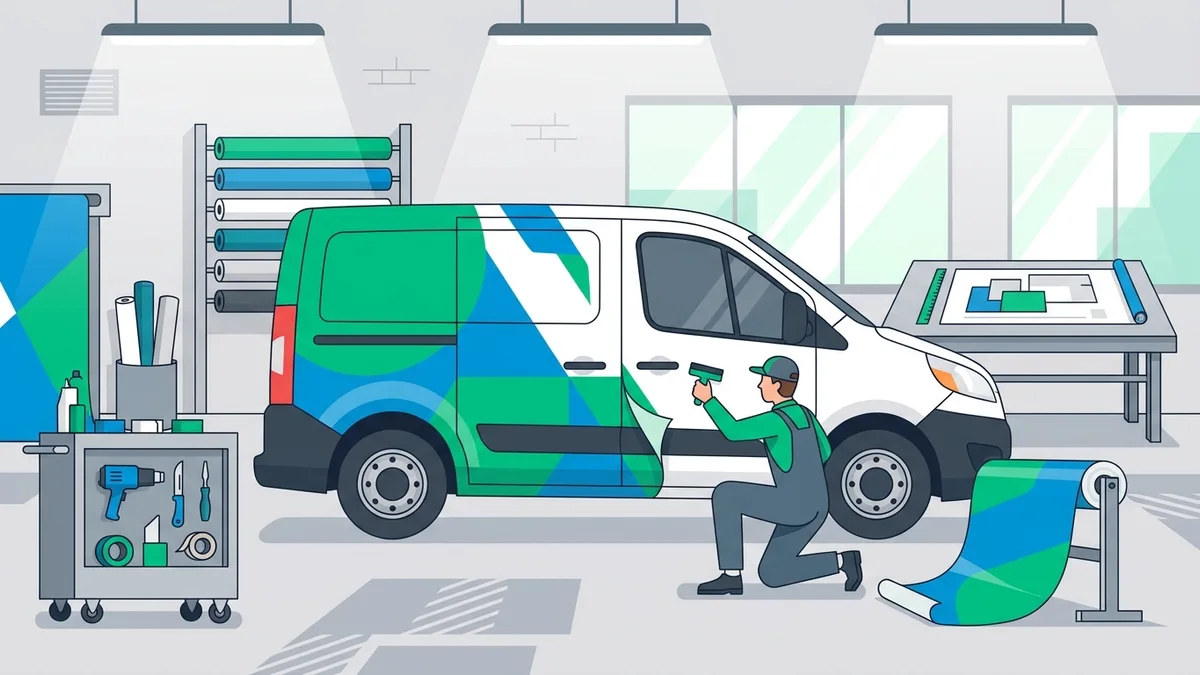
Convert a Logo to a Vinyl Cut File: The Sign Shop Workflow, Start to Weed
A customer JPG cannot drive a plotter. Here is the full workflow sign shops use to turn a logo into a weedable vinyl cut file: vectorize with limited colors, split one layer per roll, check stroke widths and counters, handle multi-layer registration, and verify the file before the blade drops.
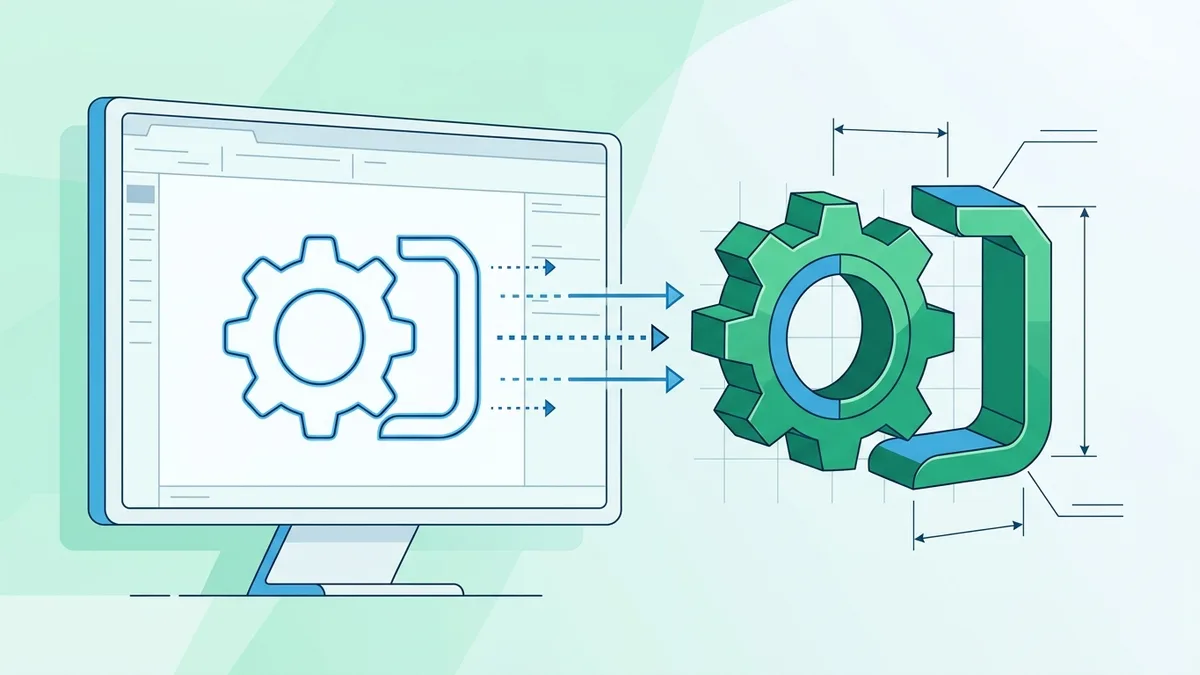
SVG to STL: Turning a Flat Vector Into a Printable 3D Model (Every Workflow That Works)
The extrusion from SVG to STL is one number applied in software you already own. The hard part is the SVG underneath. Here is every workflow that actually works — slicer import, CAD extrusion, online converters — and the geometry rules that decide whether your vector extrudes cleanly.
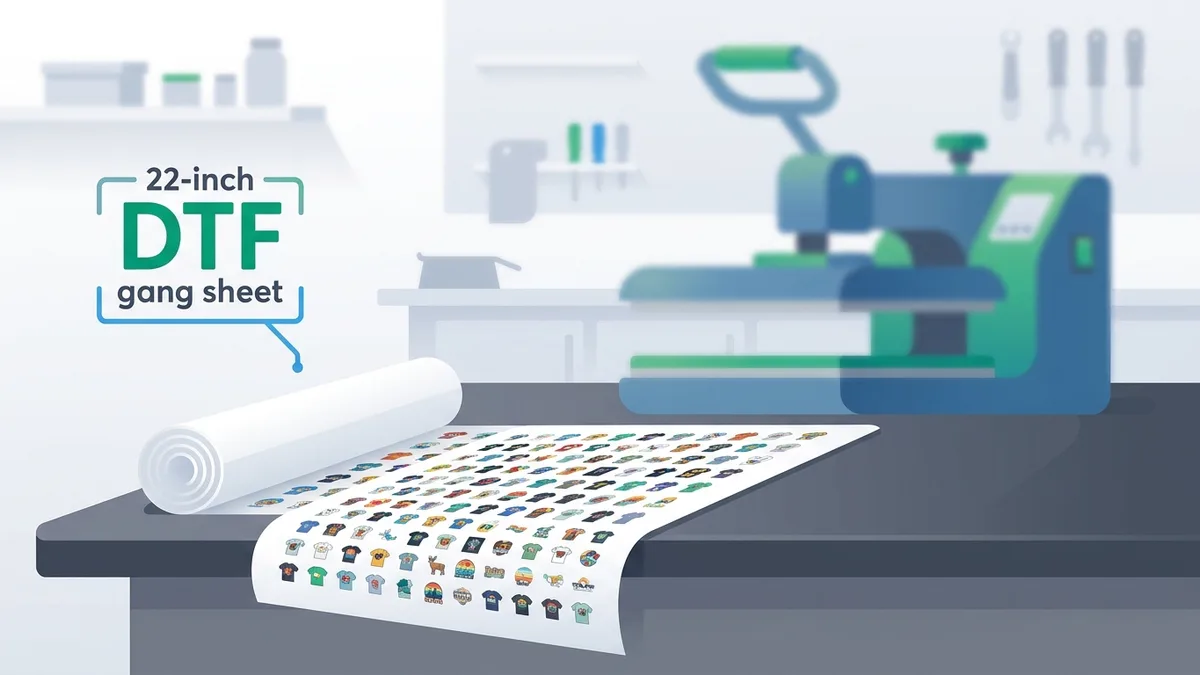
DTF Gang Sheet Sizes: The Complete Chart and the Capacity Math
Standard DTF gang sheet sizes (22×12" to 22×120"), an honest capacity table for common design sizes, the file rules that prevent misprints, and why fill rate decides your real cost per design.
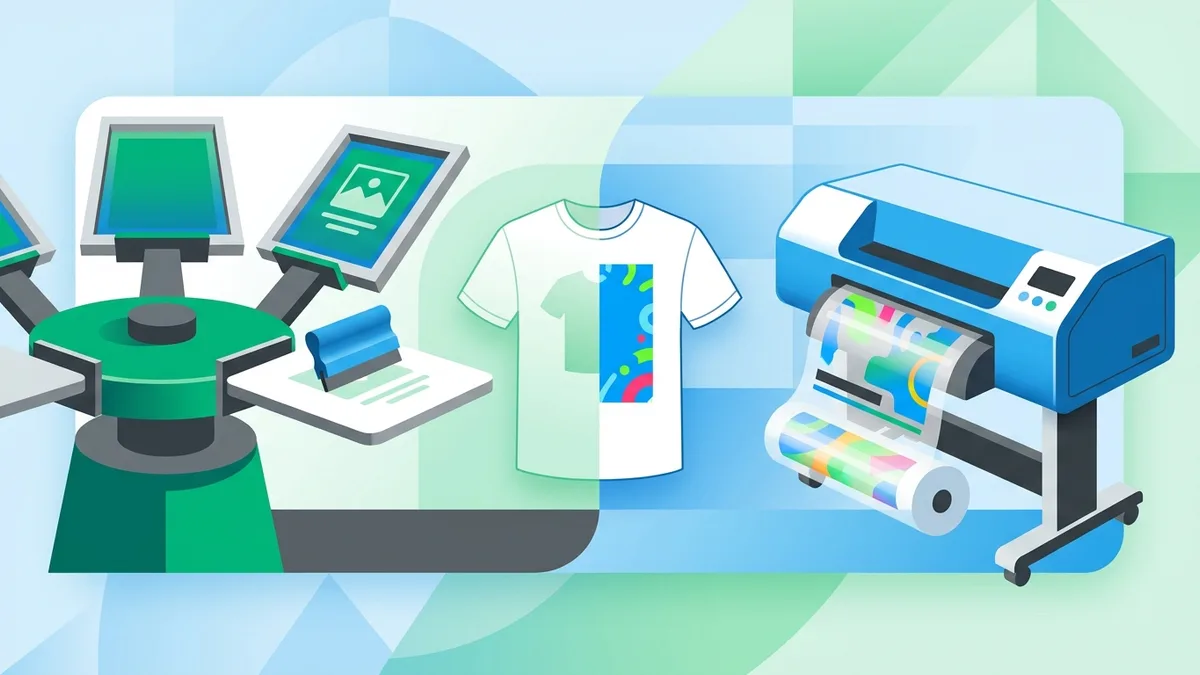
DTF vs Screen Printing: The Real Cost Math (2026)
Screen printing charges per color before the first shirt; DTF charges per square inch forever. The break-even table, where each method punishes you, and the hybrid setup most shops land on.
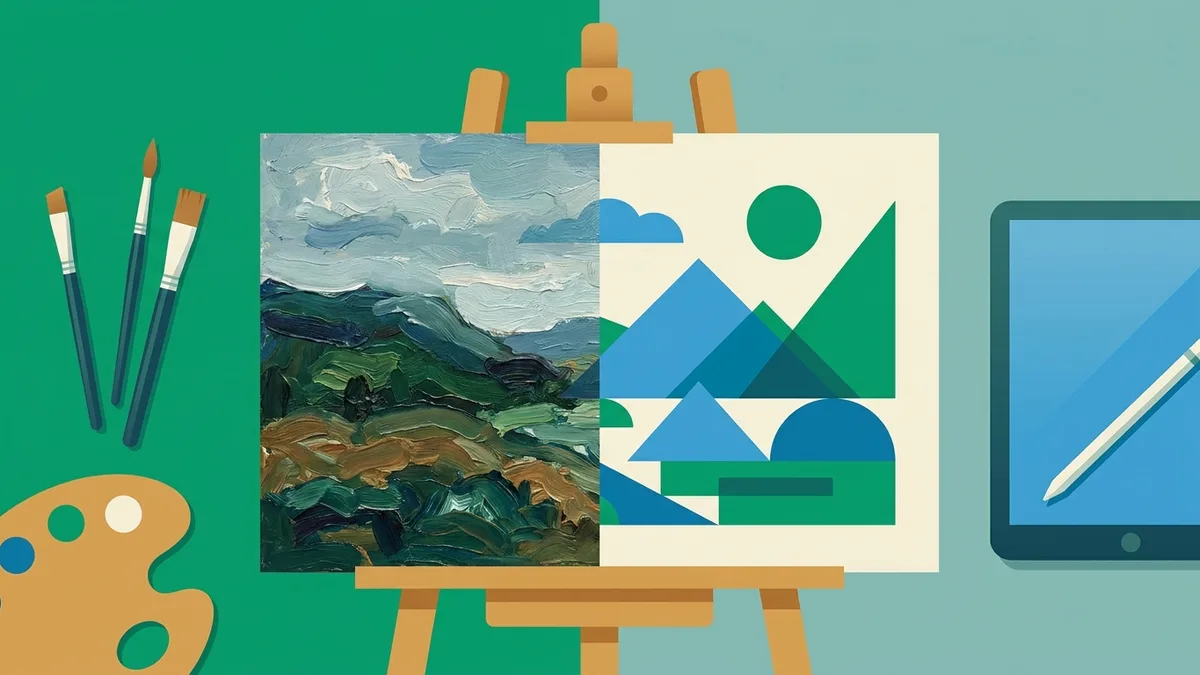
Vectorizing a Painting: The Honest (and Complete) Guide to Image-to-Vector Conversion
Vectorizing a painting means interpreting it, not copying it. How tracers really work, how each medium behaves under conversion, how to prepare your capture — and when not to vectorize at all.
Color Separation for Screen Printing: From Customer JPG to Films
Customer JPGs hide thousands of stray colors in anti-aliased edges. The spot-color separation workflow that caps the palette before you ever burn a screen.
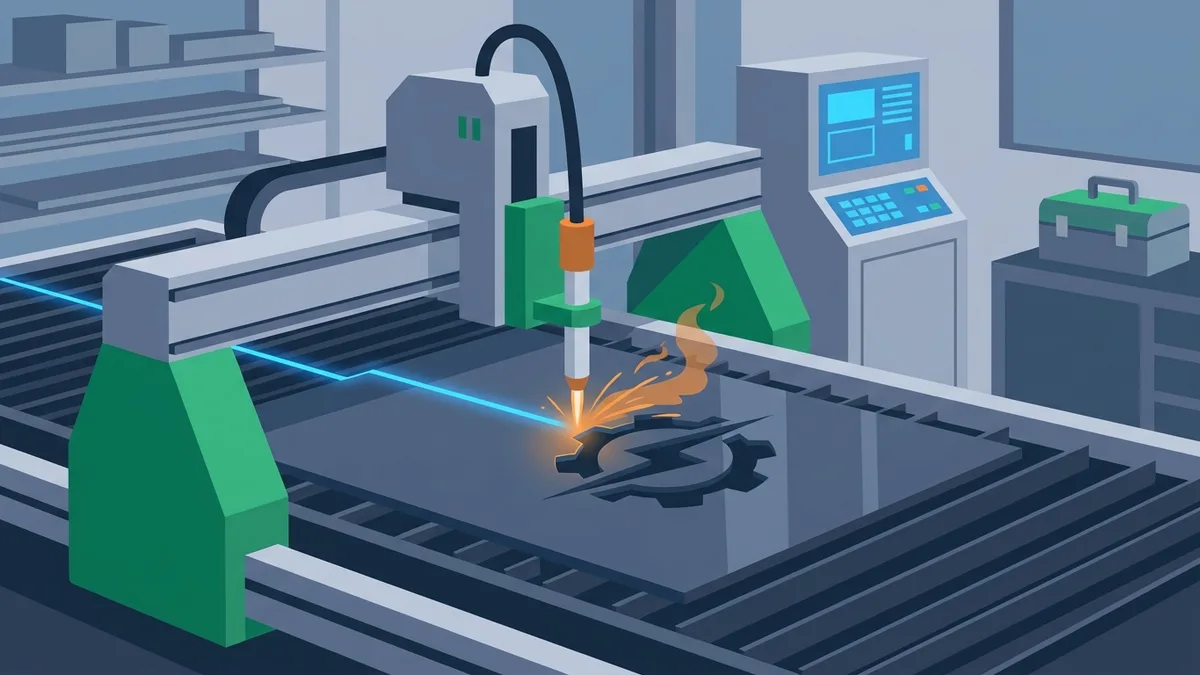
Image to DXF for CNC and Plasma: Cut Paths Machines Accept
A practitioner's guide to turning logos and line art into DXF files CAM software imports cleanly: correct units, closed contours, R12 format, and the plasma limits that decide what can be cut.
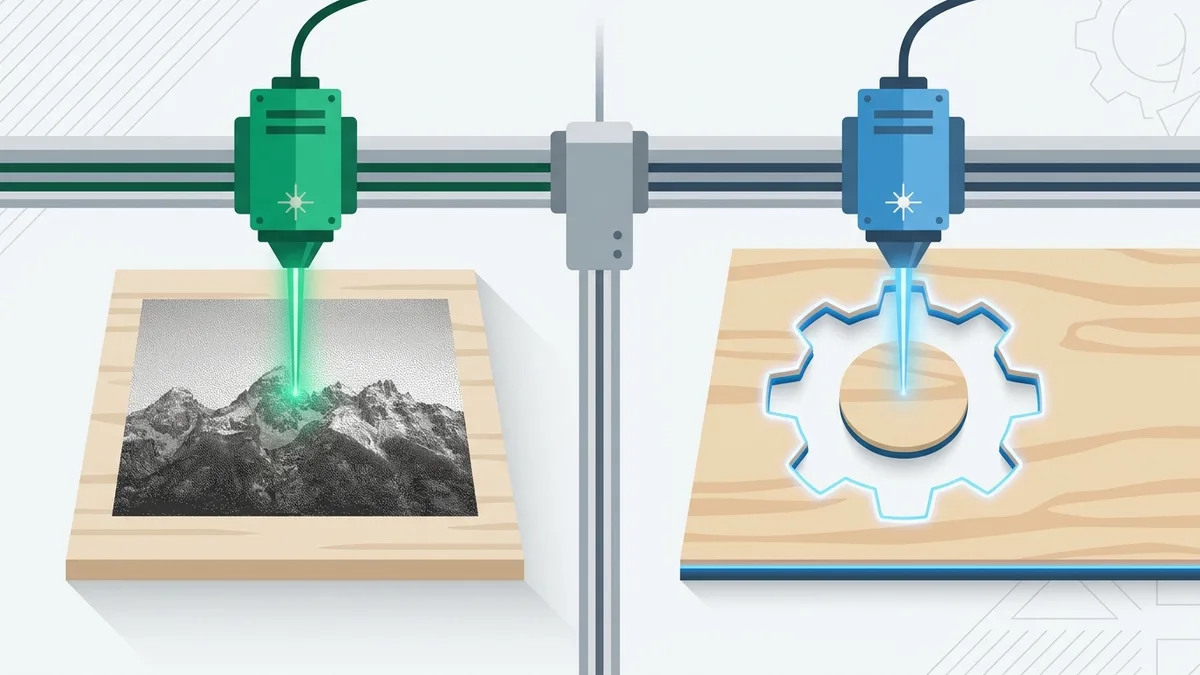
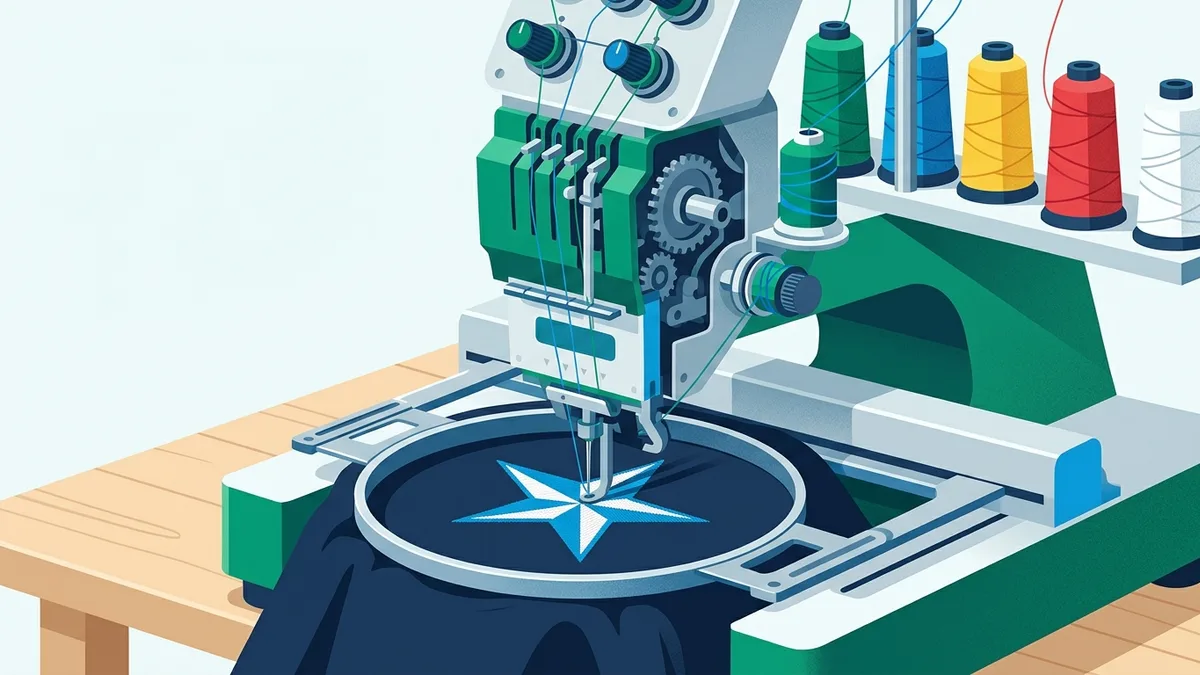
From Image to Embroidery File: What Your Machine Actually Needs
A DST or PES file encodes needle movements, not shapes — so no tool converts a JPG straight to stitches. Here is the honest pipeline, and where automated vectorization actually helps.

Bulk Vectorizing Customer Artwork: What It Really Costs Print, Embroidery & Sign Shops in 2026
What it costs to turn customer artwork into machine-ready vectors in 2026: verified labor, industry and turnaround data, per-machine file requirements, and worked cost models for 10, 100 and 500 jobs a week.

Why Your Laser-Cut Box Doesn't Fit Together (Kerf, and How to Fix It)
Your tabs and slots are the same size and the box still rattles. That is kerf, the beam width the laser removes from every edge. Here is exactly why a tab and slot drawn the same size end up loose by two kerfs, how to measure your own kerf in one cut, and the two ways to compensate for a clean press-fit.

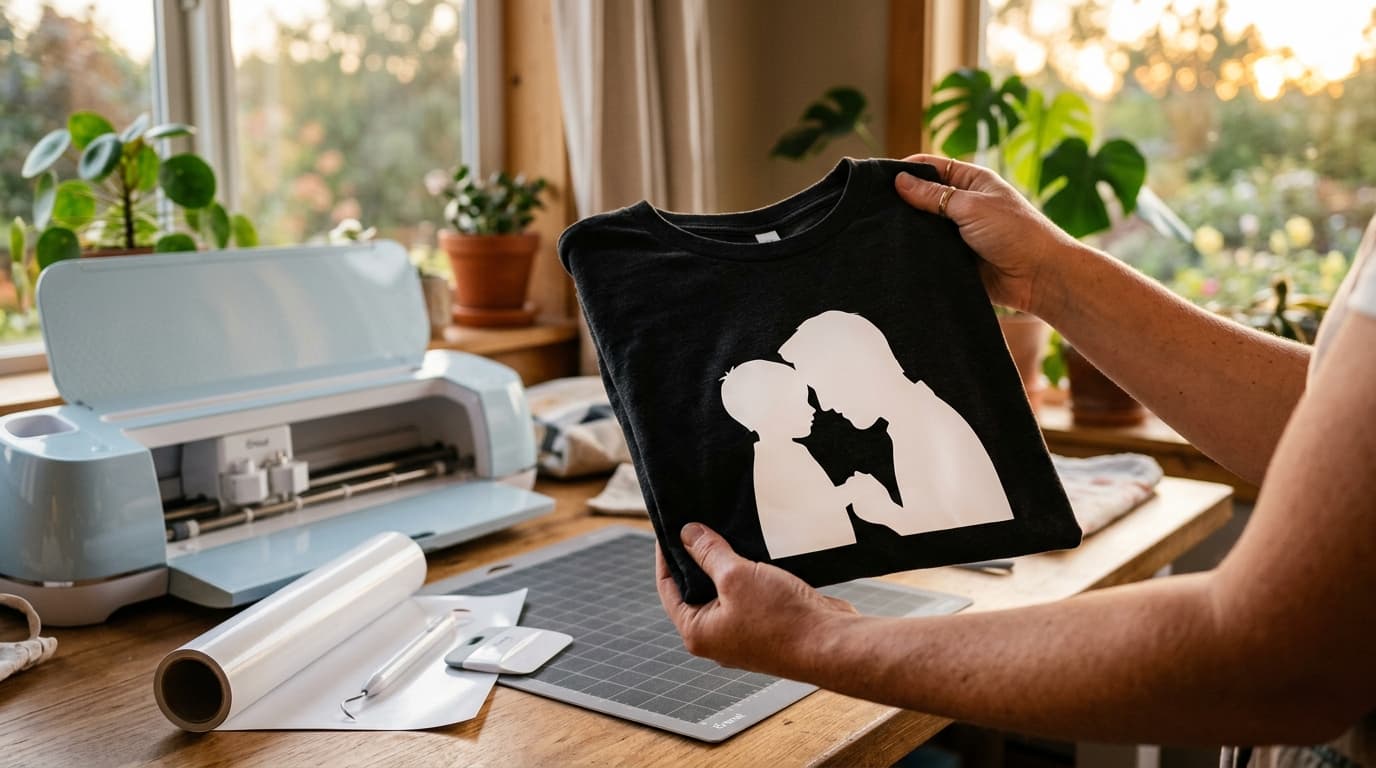
Turn a Photo of Dad Into a Cricut Gift in 10 Minutes (Father's Day 2026)
Every shipped gift is a gamble now, but your Cricut is not. One photo, ten minutes of file work, and five gift recipes ranked by how much weekend they cost.
Best Image to G-code Converters in 2026: 10 Tools for CNC, Laser & Plasma
Raster engraving, vector toolpaths and depth maps are three different jobs. We checked 10 image-to-G-code tools (prices and capabilities verified June 2026) and matched each to the machine it actually serves.
Best JPG to DXF Converters in 2026: Which Ones Actually Vectorize
A DXF containing your image is not vectors of your image. We verified 10+ converters in June 2026: real vectorizers, unverifiable online tools, one hijacked vendor domain, and the 5 reasons traced DXFs refuse to cut.
Image to Vector for K40 and OMTech Laser Cutters: Workflow and Settings
Convert PNG/JPG to vector for K40 and OMTech laser cutters. LightBurn workflow, RDWorks tips, power/speed settings for the most common materials.

Laser Cutting File Optimization: Paths, Layers, Kerf Compensation
Stop wasting time and material on bad files. The 7 optimizations every laser-ready file needs: node count, path direction, kerf, layer separation, and more.

Free Favicon Generator: Upload, AI, or Manual — All Formats in One ZIP
Generate favicons 3 ways: upload an image, create with AI, or design manually. Get favicon.ico, apple-touch-icon, Android Chrome, manifest and browserconfig in one ZIP.
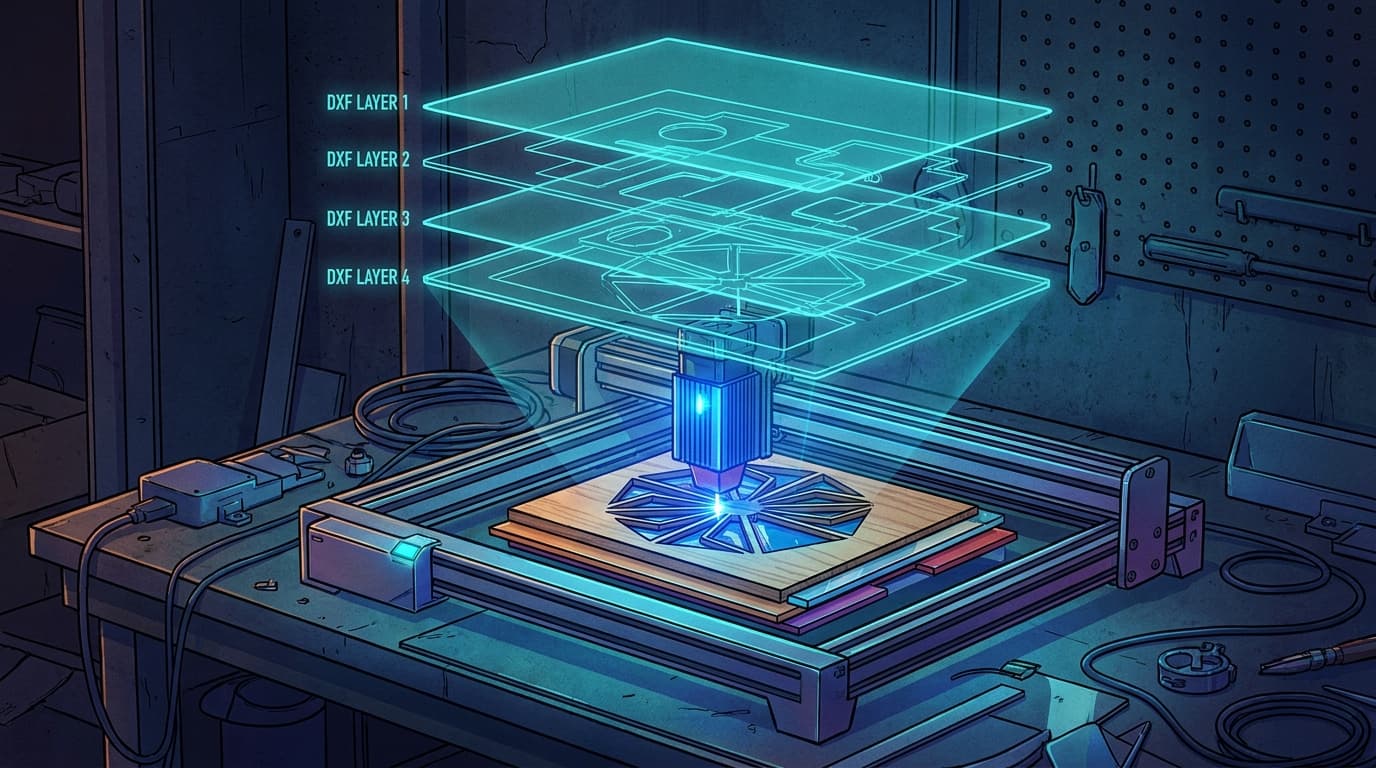
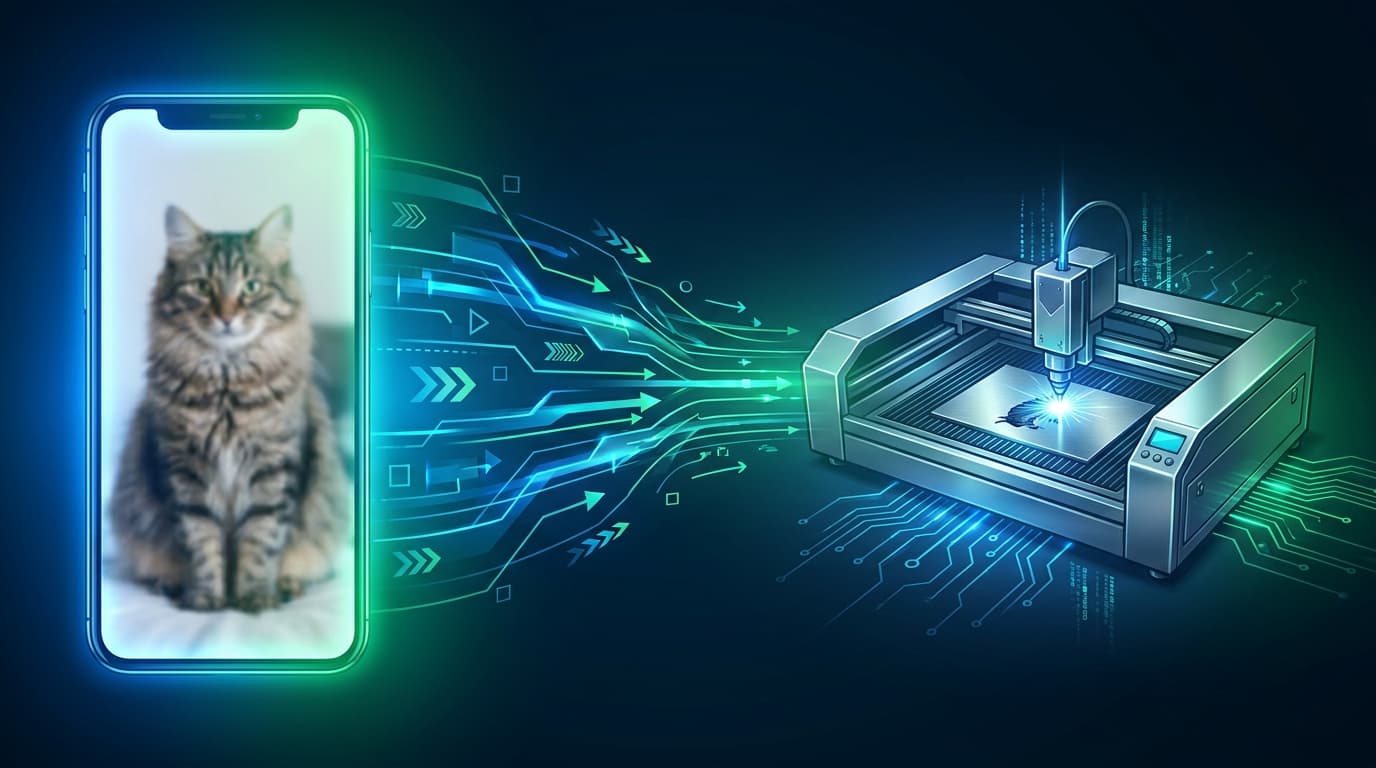
How to Convert Any Photo to a Laser Cutting File in 5 Minutes
From a phone photo to a laser-ready SVG/DXF in under 5 minutes. No Photoshop, no Illustrator, no manual tracing required.
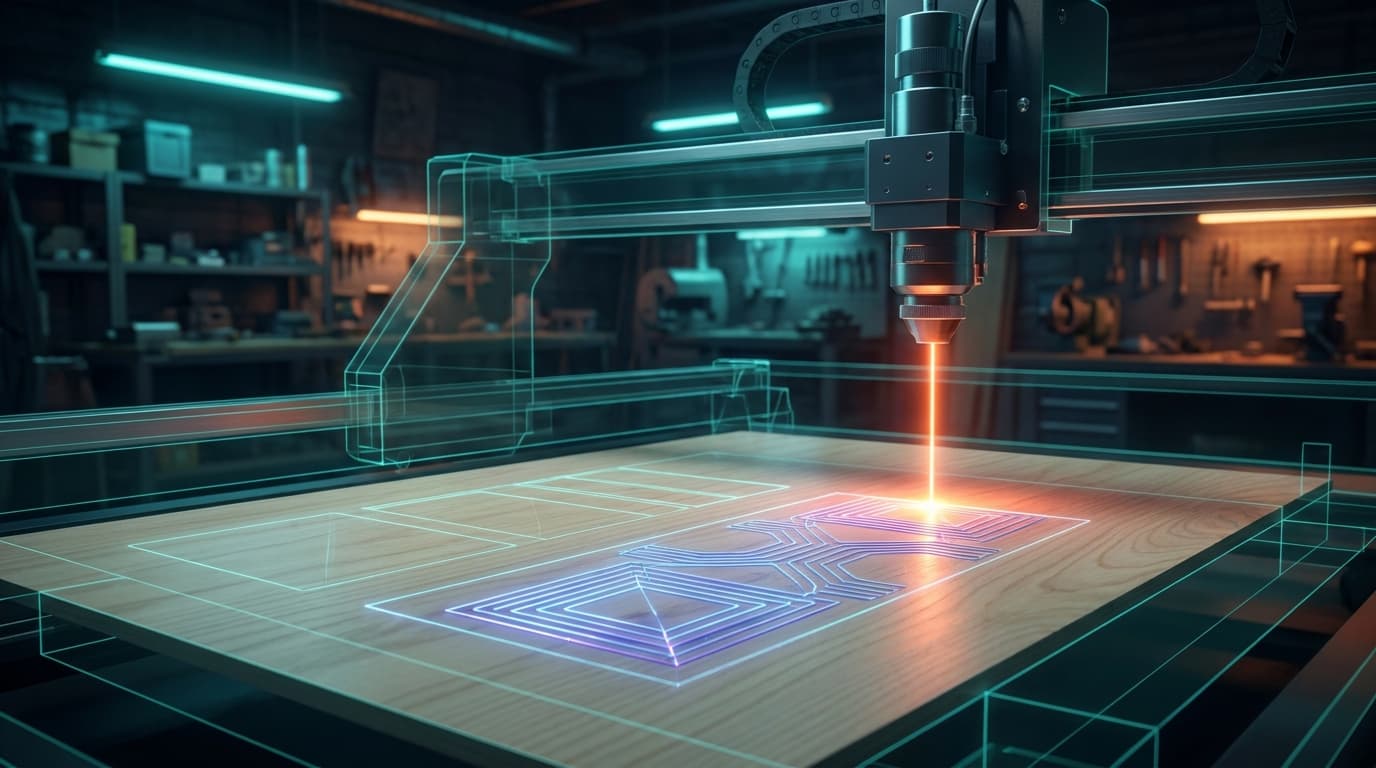
PNG/JPG to DXF: Complete Laser Cutter Workflow Guide
Convert any image to a clean DXF file ready for laser cutting. Compatible with LightBurn, RDWorks, T2Laser, Glowforge, xTool, and Snapmaker.
Image to G-code for Laser Cutting: The Complete 2026 Guide
Convert any photo or image to laser-ready G-code in minutes. Step-by-step workflow with machine-specific settings for Glowforge, xTool, K40, and OMTech.



Hackers Are Hiding Malware in 1-Pixel SVGs — What Every Designer Needs to Know About SVG Security in 2026
A 1×1 pixel SVG just stole credit card data from 99 e-commerce stores. SVG-based attacks are up 50x since 2024. Here's how the attack works, why Adobe still hasn't patched it, and how to protect yourself.
VectoSolve Now Generates Videos with Google Veo 3.1 — Here's What Changed
Turn any image or SVG into a cinematic AI-generated video in seconds. Powered by Google's latest Veo 3.1 model, now available directly inside VectoSolve.
MCP Hits 97 Million Installs: How AI Agents Are Changing Design Workflows Forever
The Model Context Protocol just crossed 97 million monthly downloads — growing faster than React. Here's what it means for designers, and how to use AI agents for SVG conversion today.

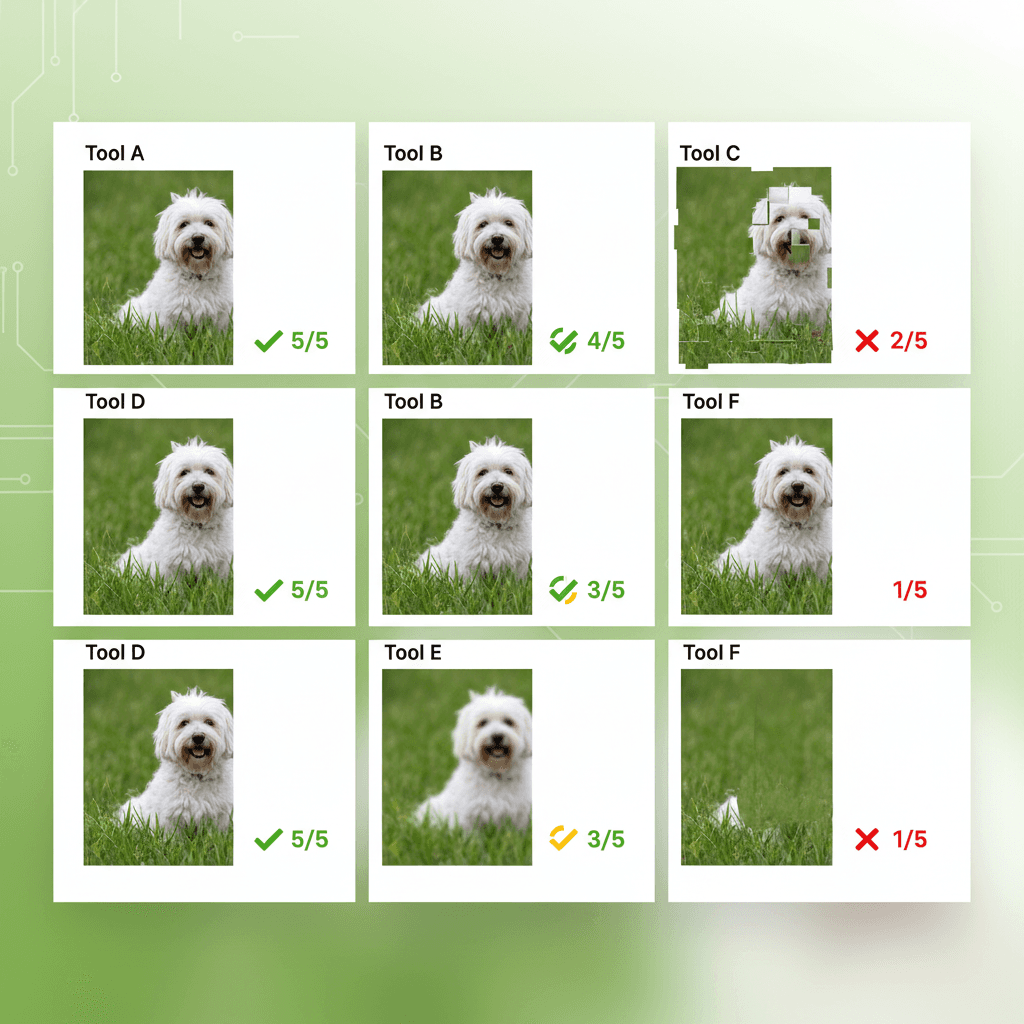
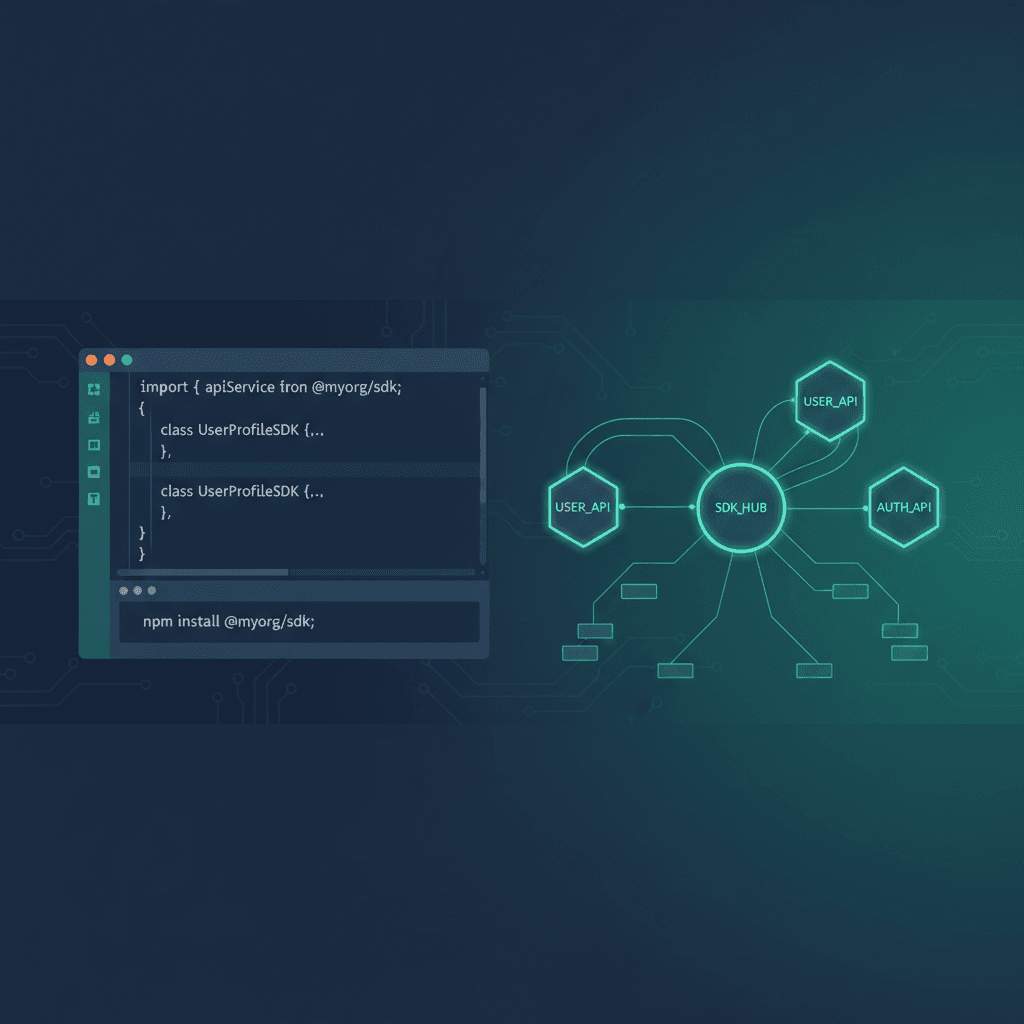
VectoSolve Developer Ecosystem: SDK, MCP Server & Open-Source Tools
We just shipped the official TypeScript SDK, an MCP server for AI coding assistants, and a curated list of 80+ vector tools. Here is everything you need to integrate image-to-SVG conversion into your stack.
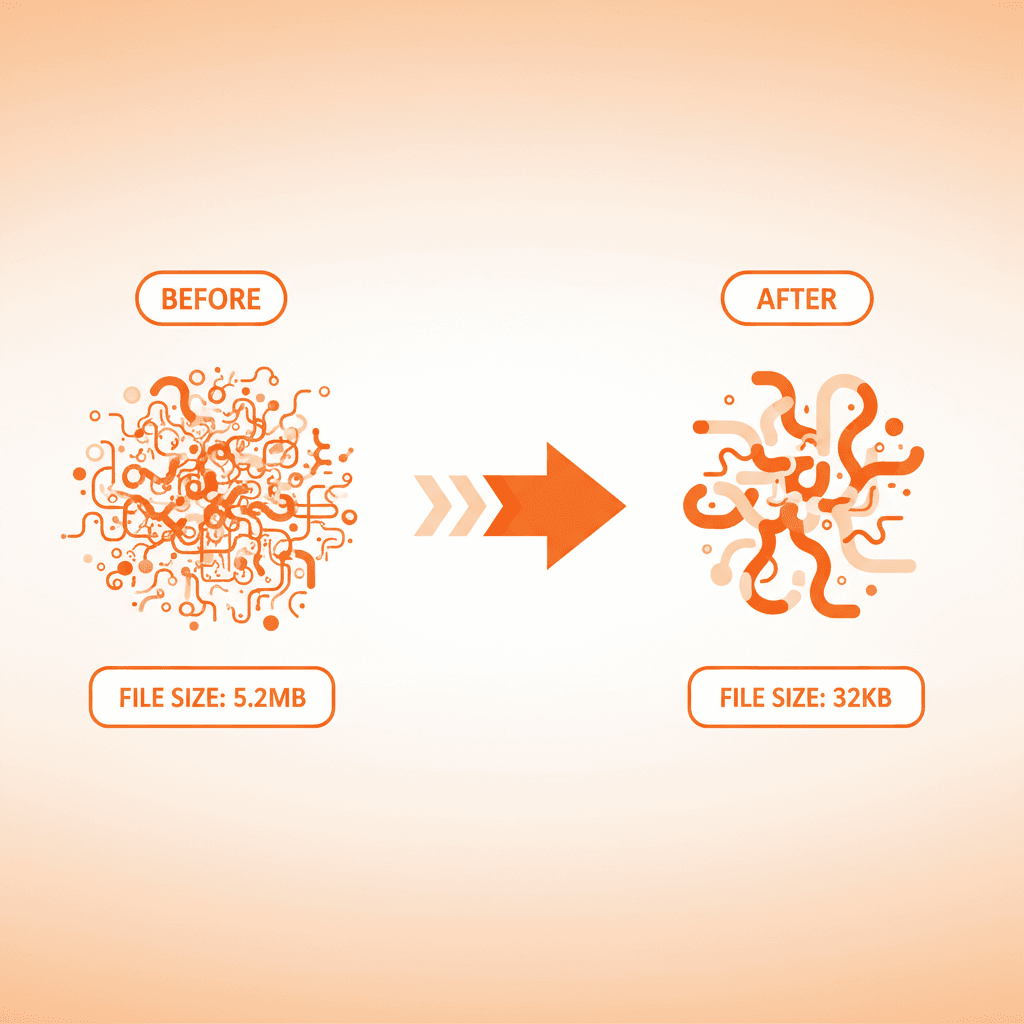
SVG Optimization: How to Reduce File Size by 60% Without Losing Quality
Bloated SVGs slow down your site. This guide covers SVGO, manual cleanup, VectoSolve post-processing, and the tools that actually make a difference.

AI Image Upscaling: When and How to Upscale Before Vectorizing
Low-resolution images produce poor SVGs. This guide explains when upscaling helps, how VectoSolve 4x upscaler works, and the optimal workflow.


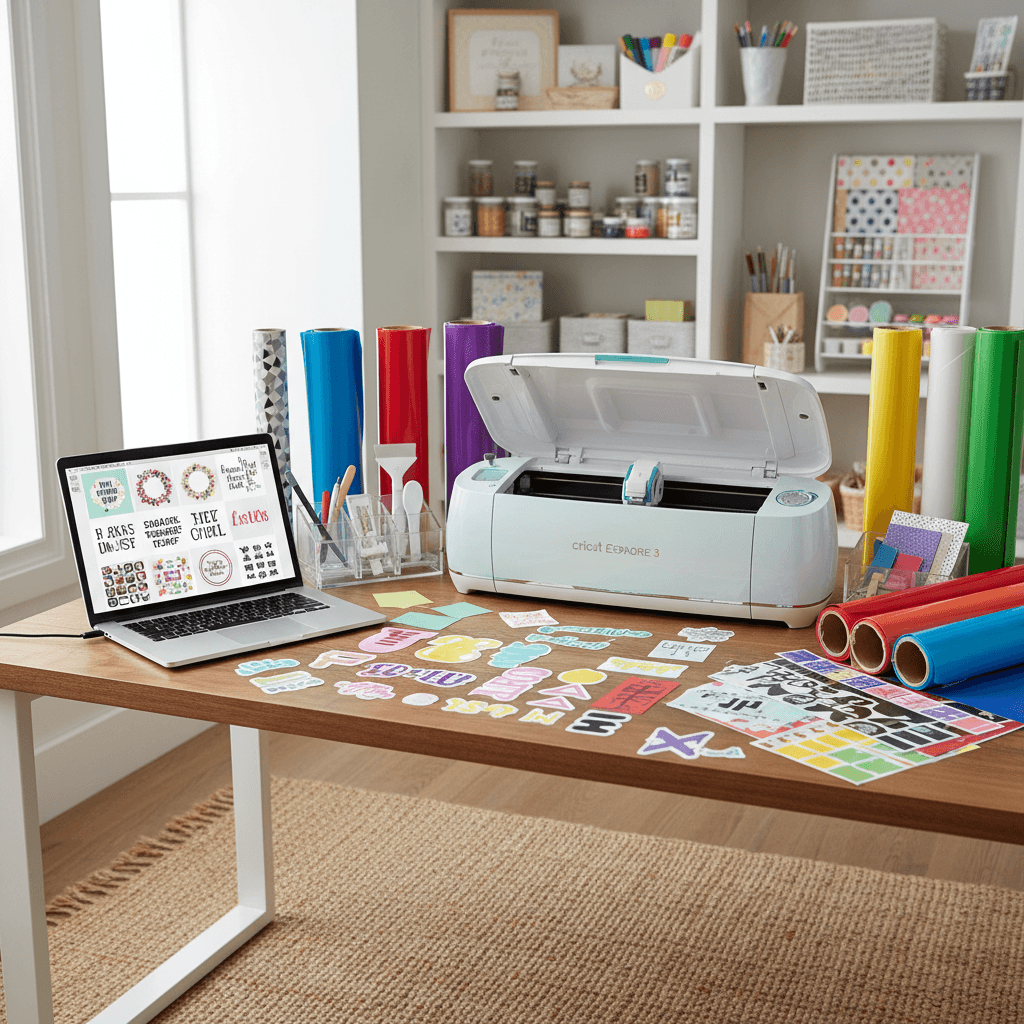
The Complete Cricut Guide 2026: Joy 2, Explore 5, Design Space, SVGs & More
A 2026 Cricut resource covering the new Joy 2 and Explore 5 machines, the redesigned Design Space, Create AI, Smart Materials, Print Then Cut and more.

VectoSolve TypeScript SDK: Integrate AI Image Vectorization in Your App
The official TypeScript SDK for VectoSolve gives you type-safe access to AI vectorization, background removal, upscaling, and logo generation. Install via npm, authenticate with your API key, and ship production integrations in minutes.
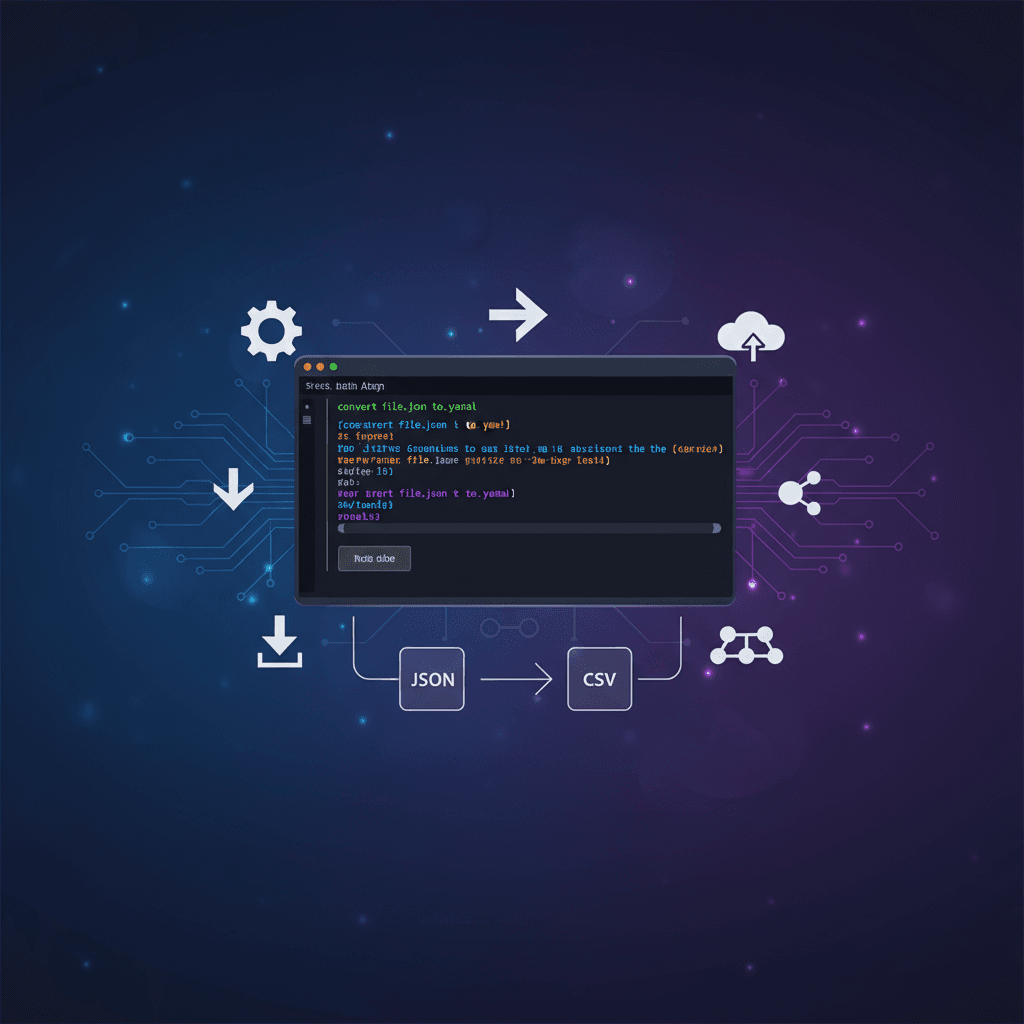
VectoSolve CLI: Convert Images to SVG From the Command Line
Install the VectoSolve CLI to convert images to SVG, remove backgrounds, upscale, and generate logos directly from your terminal. Perfect for batch processing, CI/CD pipelines, and shell scripting.


How to Prepare SVG Files for Laser Cutting — Complete Guide
Learn how to prepare SVG and DXF files for laser cutting. Covers material settings, kerf compensation, path optimization, and common mistakes to avoid.

How to Create a Complete Brand Kit With AI in Minutes
Build a professional brand identity in minutes using AI. Logo, color palette, typography, and brand guidelines — all generated automatically.
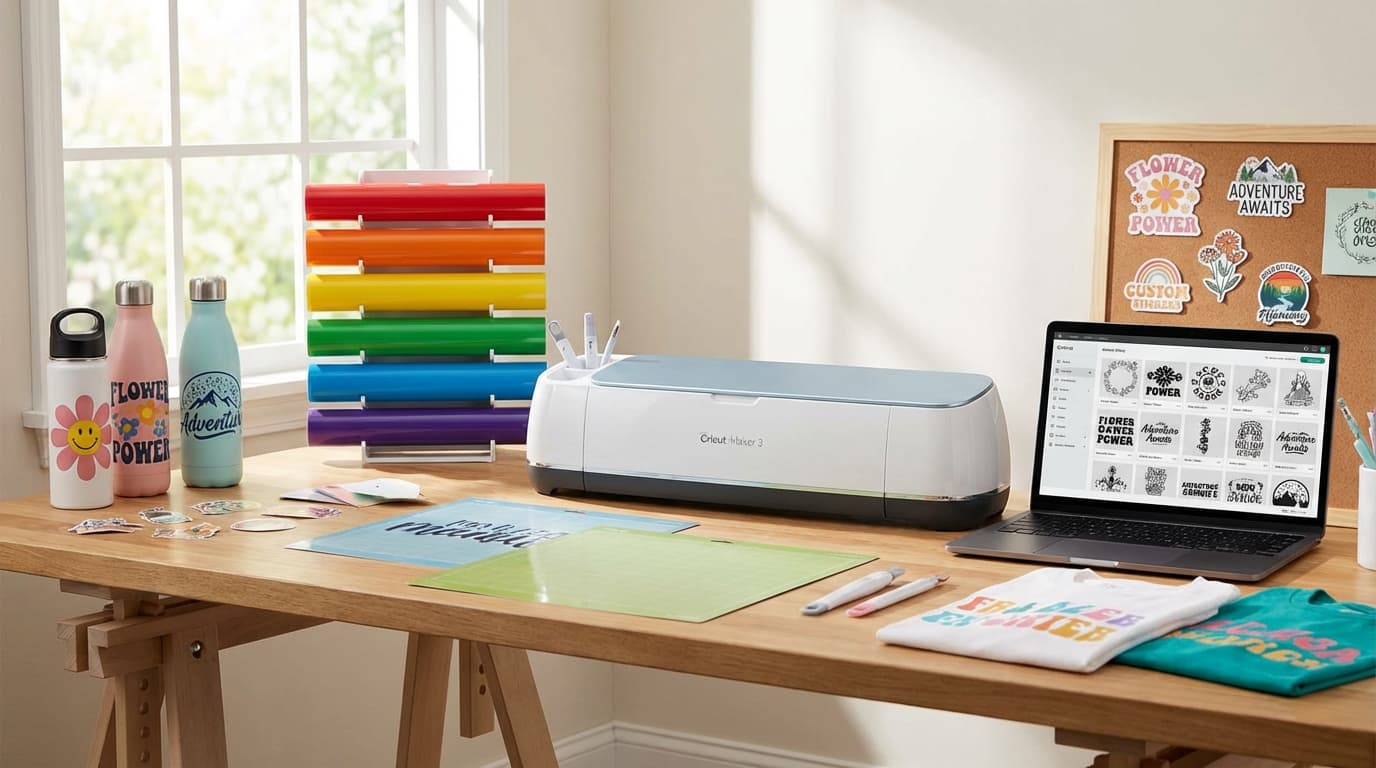
Free SVG Files for Cricut in 2026 — Best Sources + How to Make Your Own with AI
The ultimate 2026 guide to finding free SVG cut files for Cricut, plus how to convert any image into a cut-ready SVG using AI.
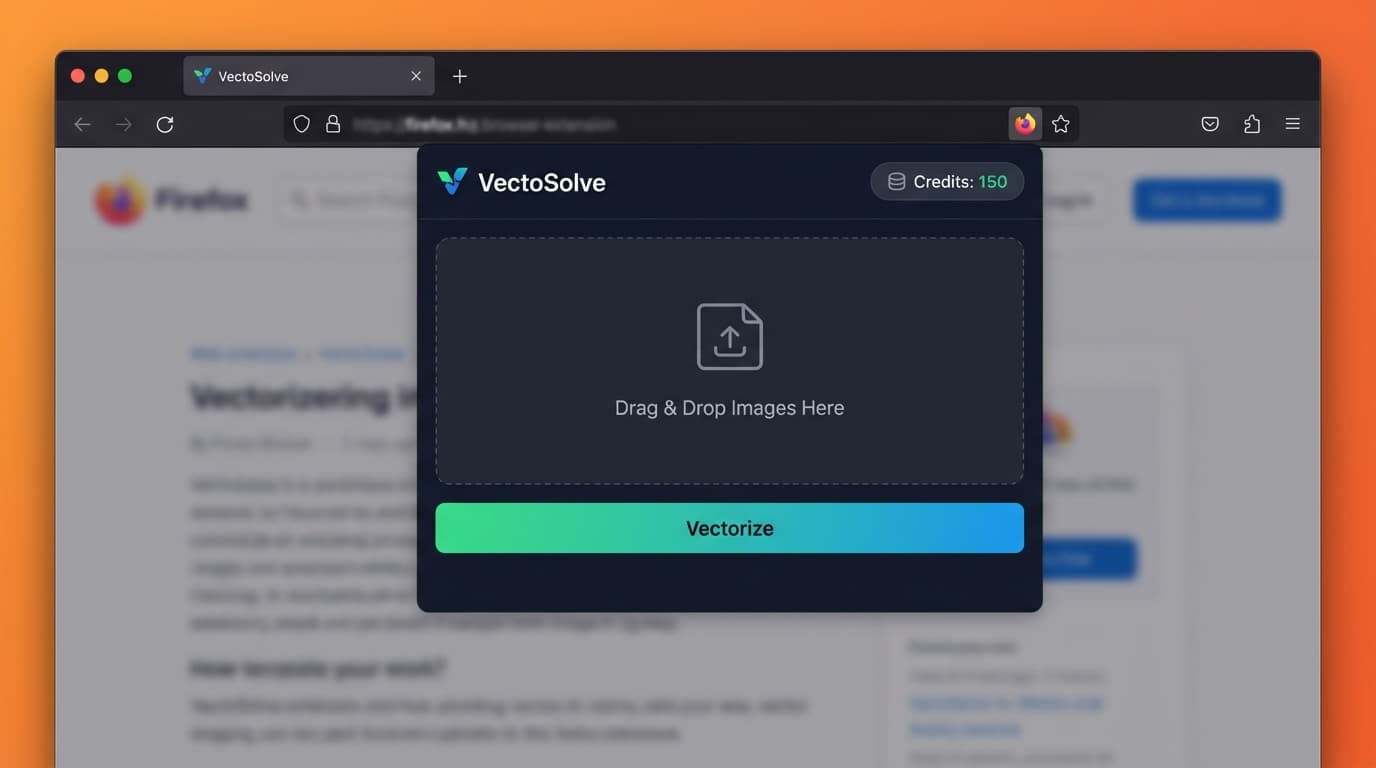
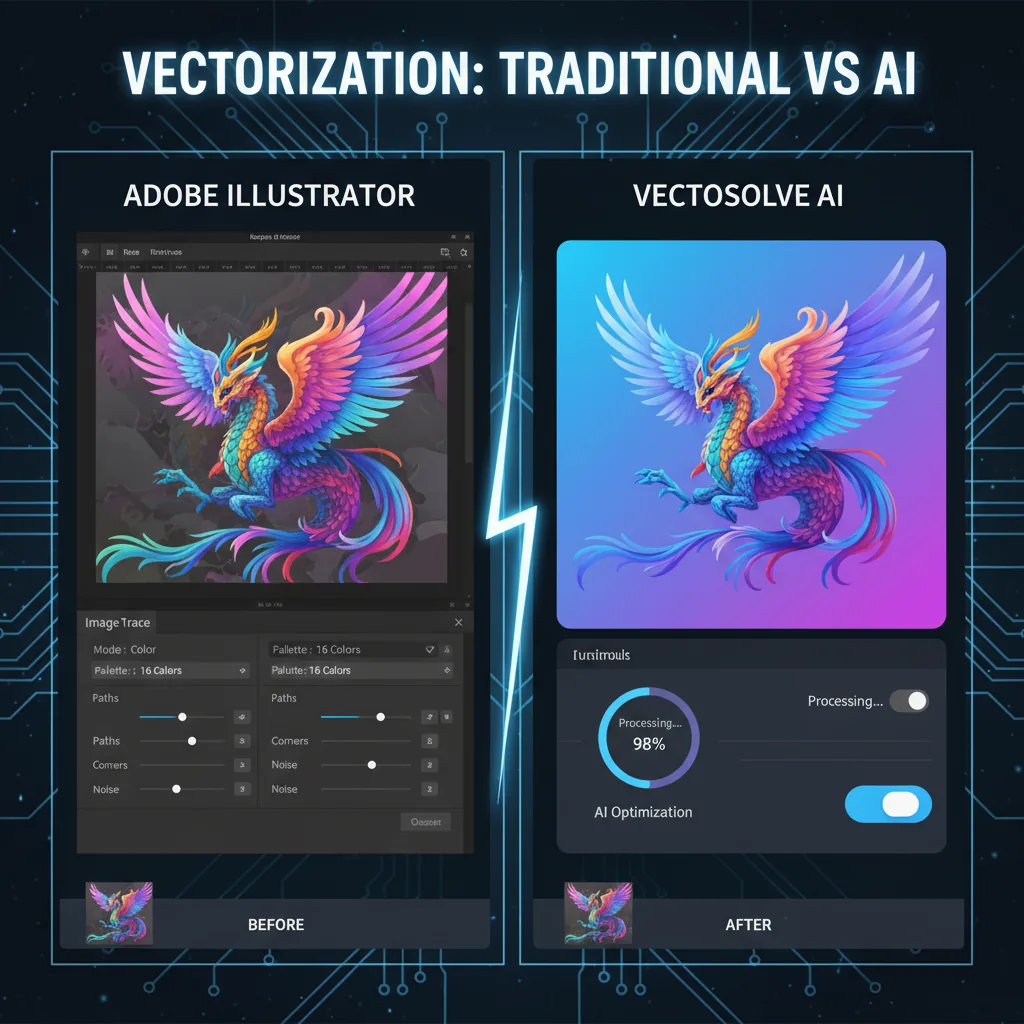

How Small Businesses Are Cutting Design Costs by 80% with AI Tools in 2026
Small businesses are replacing $2,000/month design retainers with $10/month AI tools. Here's what changed in 2026 and how to do it yourself.
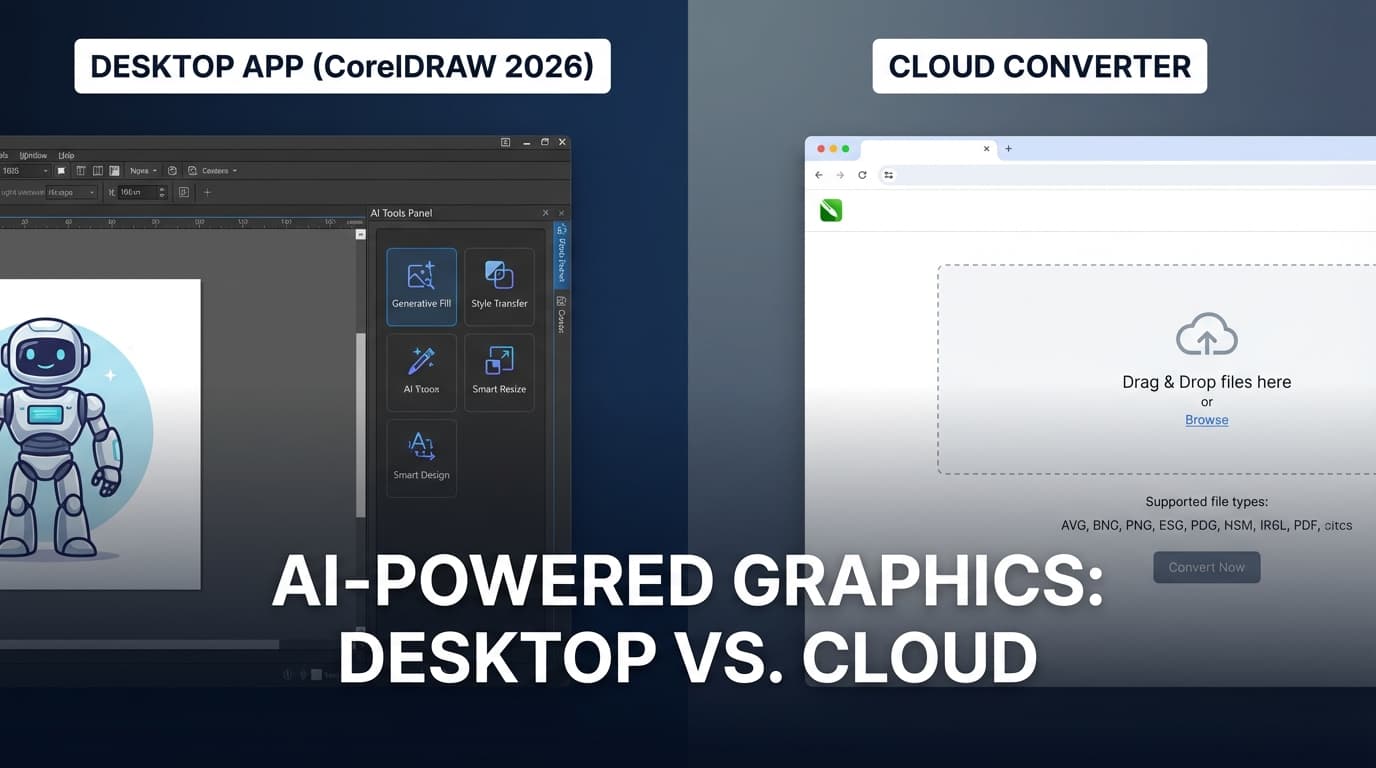
CorelDRAW 2026 vs Cloud AI Converters — Which SVG Workflow Actually Wins?
CorelDRAW 2026 just launched with AI image generation and Nano Banana remixing. But how does it compare to cloud-based AI vectorizers for converting images to SVG?
Vector Graphics for Social Media: Complete Size Guide and Best Practices 2026
Master social media graphics with vectors. Complete guide to dimensions, formats, and workflows for creating scalable social media content using SVG and vector tools.

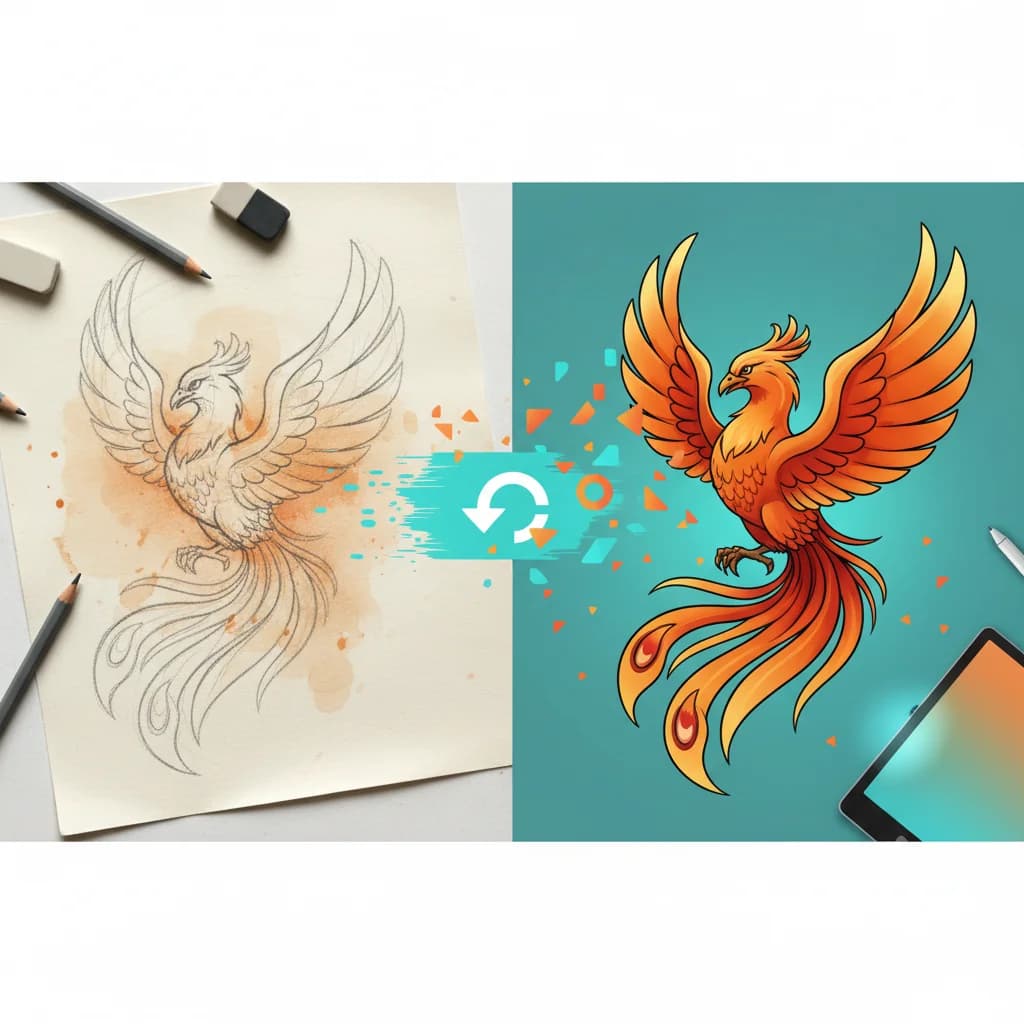
8 Graphic Design Trends Shaping Vector Art in 2026
Explore 8 graphic design trends reshaping vector art in 2026. From naive hand-drawn aesthetics to bold maximalism, learn how to apply these trends to your vector work.
AI SVG Generators in 2026: 7 Tools Compared
7 AI SVG generators compared (VectoSolve, our own tool, plus Recraft, VectorWitch, SVGMaker and more) on quality, pricing and output formats.
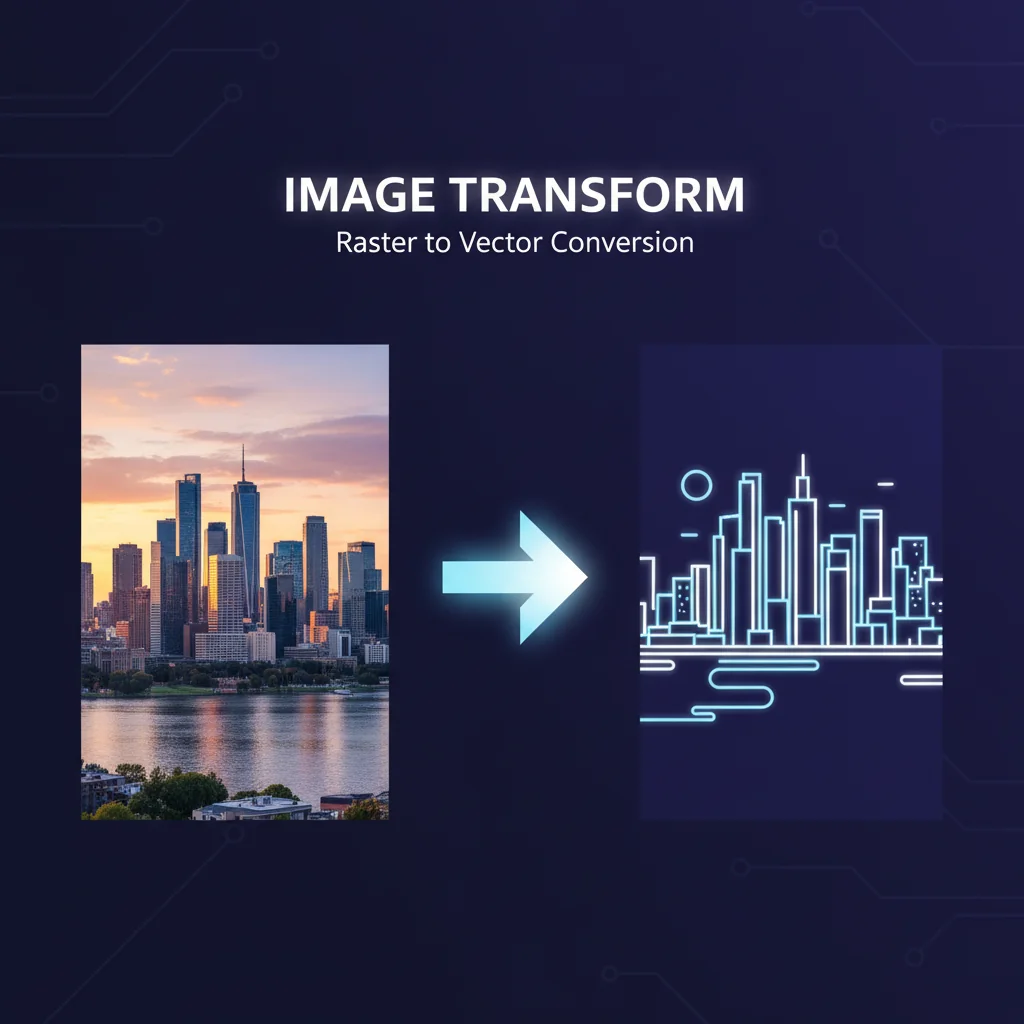
How to Convert AI-Generated Images to SVG (Midjourney, DALL-E, Gemini)
Learn how to convert AI-generated images from Midjourney, DALL-E, and Google Gemini into clean, scalable SVG vector files for print, web, and cutting machines.
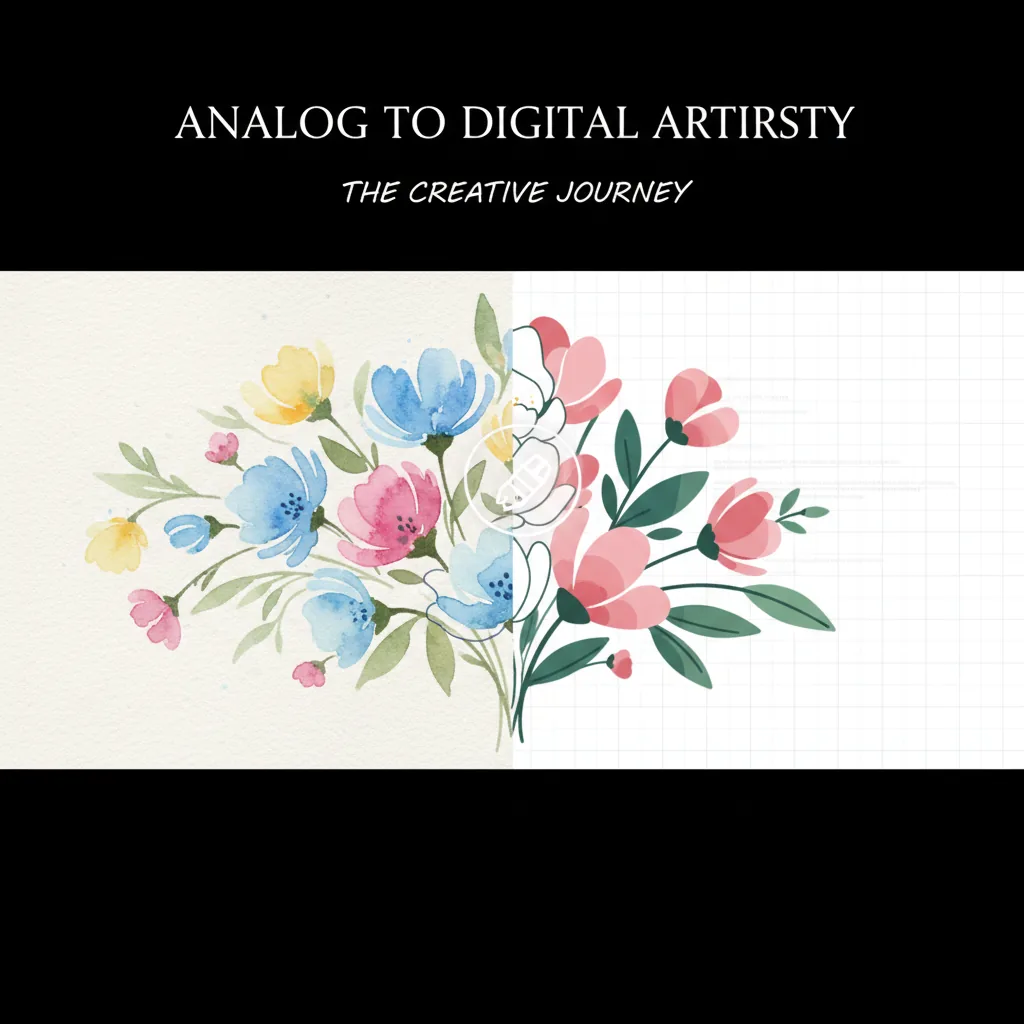

Nano Banana 2 Is Here: Generate & Vectorize AI Images with Google's Latest Model
Google just launched Nano Banana 2 (Gemini 3.1 Flash Image), their fastest and most capable image model yet. Here's what it means for designers, and how VectoSolve integrates it for instant image-to-SVG workflows.
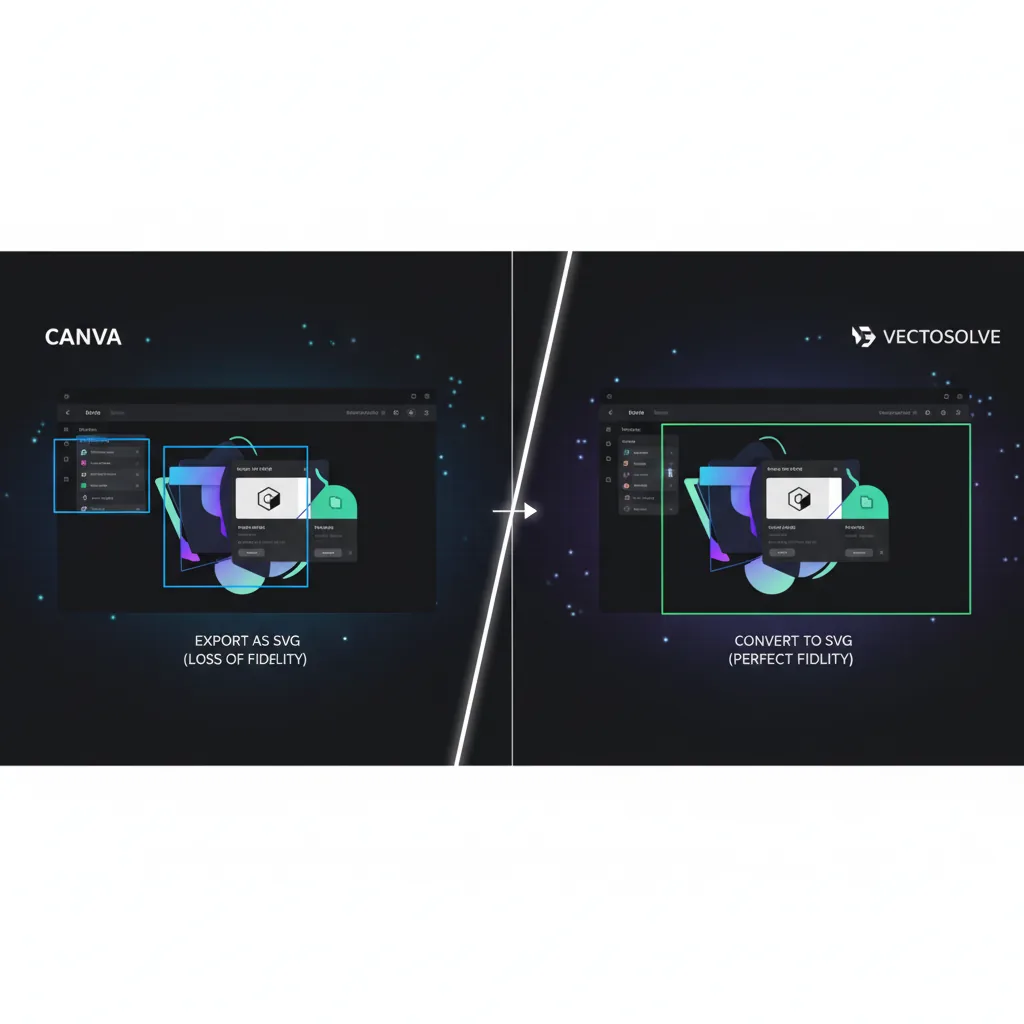
Canva vs VectoSolve for SVG Conversion: Which Is Better in 2026?
Canva can export SVG on Pro plans. But is it the same as true image-to-SVG vectorization? Here's the honest comparison.
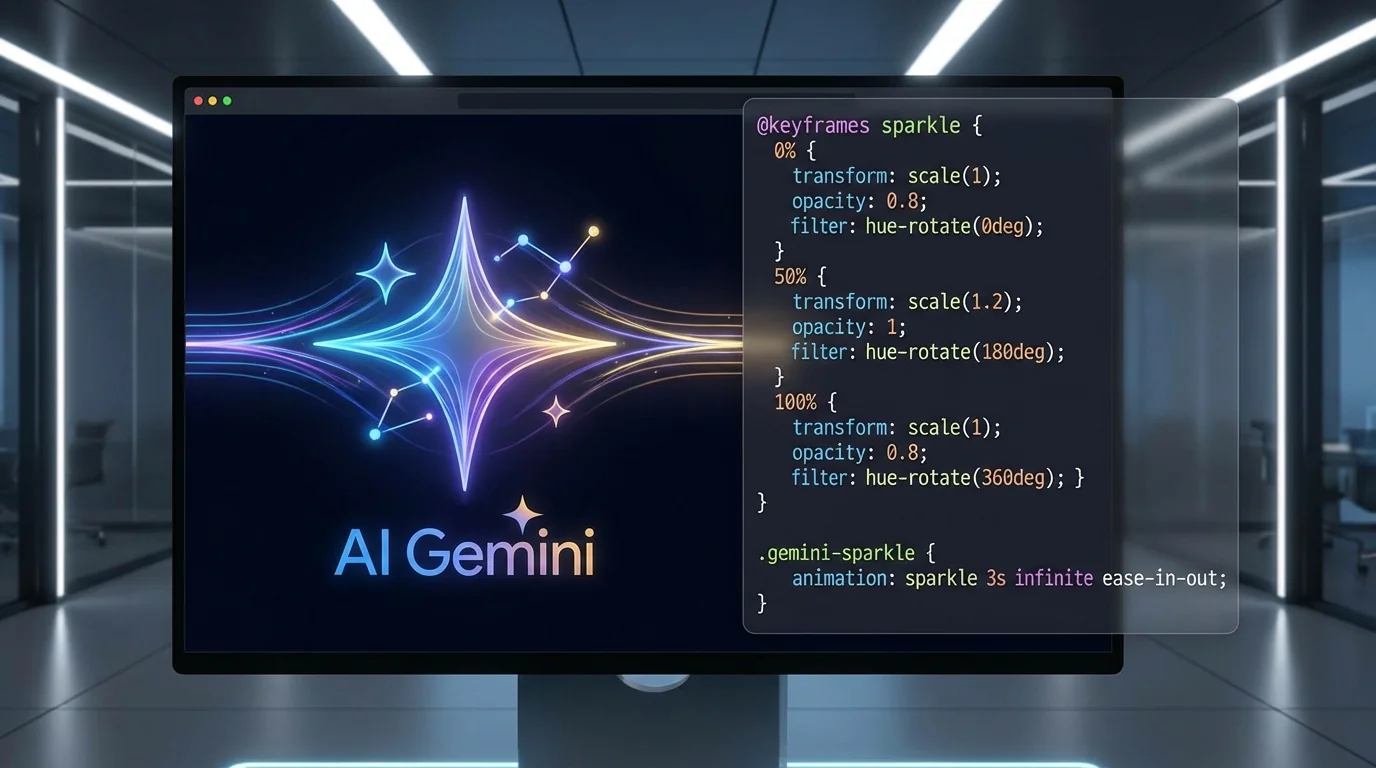
How to Animate SVGs with Gemini AI — Step-by-Step Guide (2026)
Learn how to generate CSS keyframe animations for any SVG file using Google Gemini AI. No code required — just describe what you want.
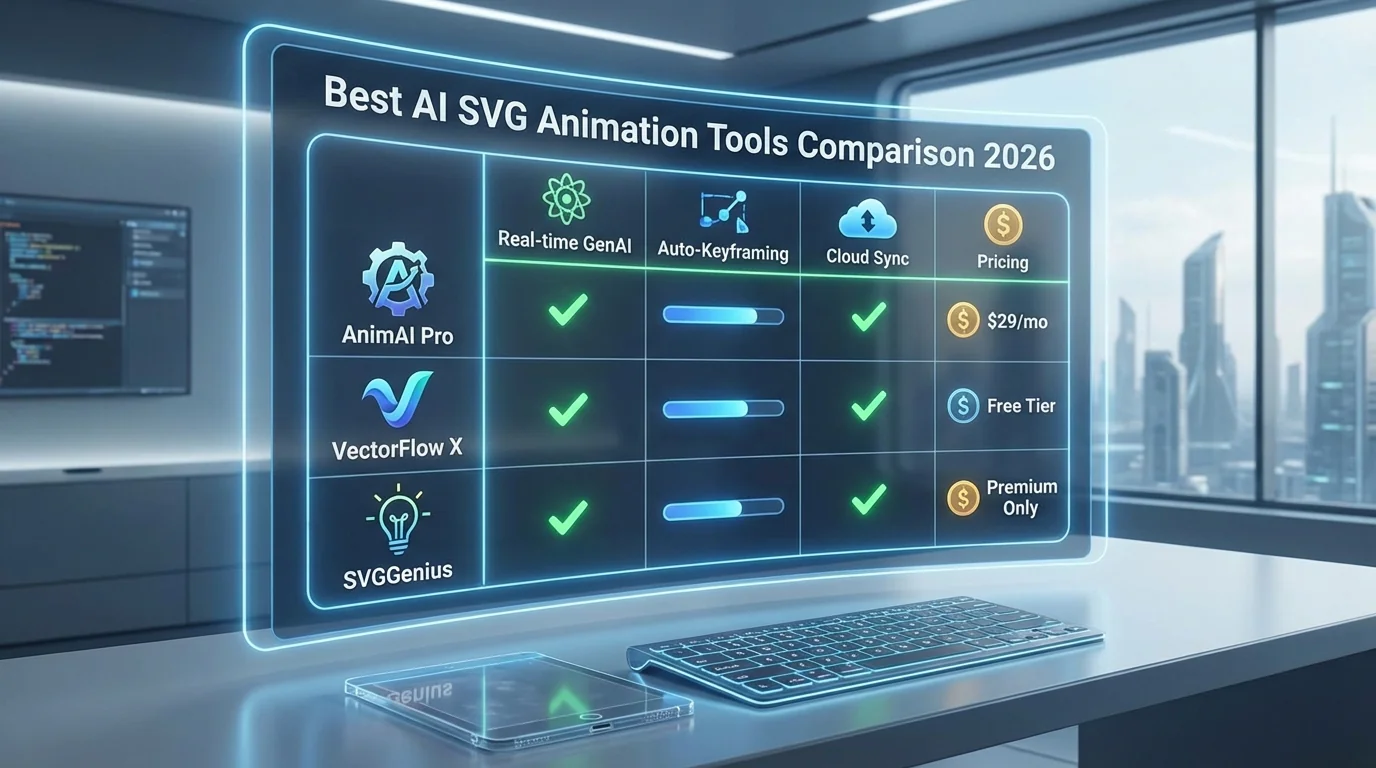
Best AI SVG Animation Tools in 2026 — Gemini, Adobe, and More Compared
A practical comparison of the best AI-powered SVG animation tools in 2026 — from Gemini-powered generators to traditional motion design software.
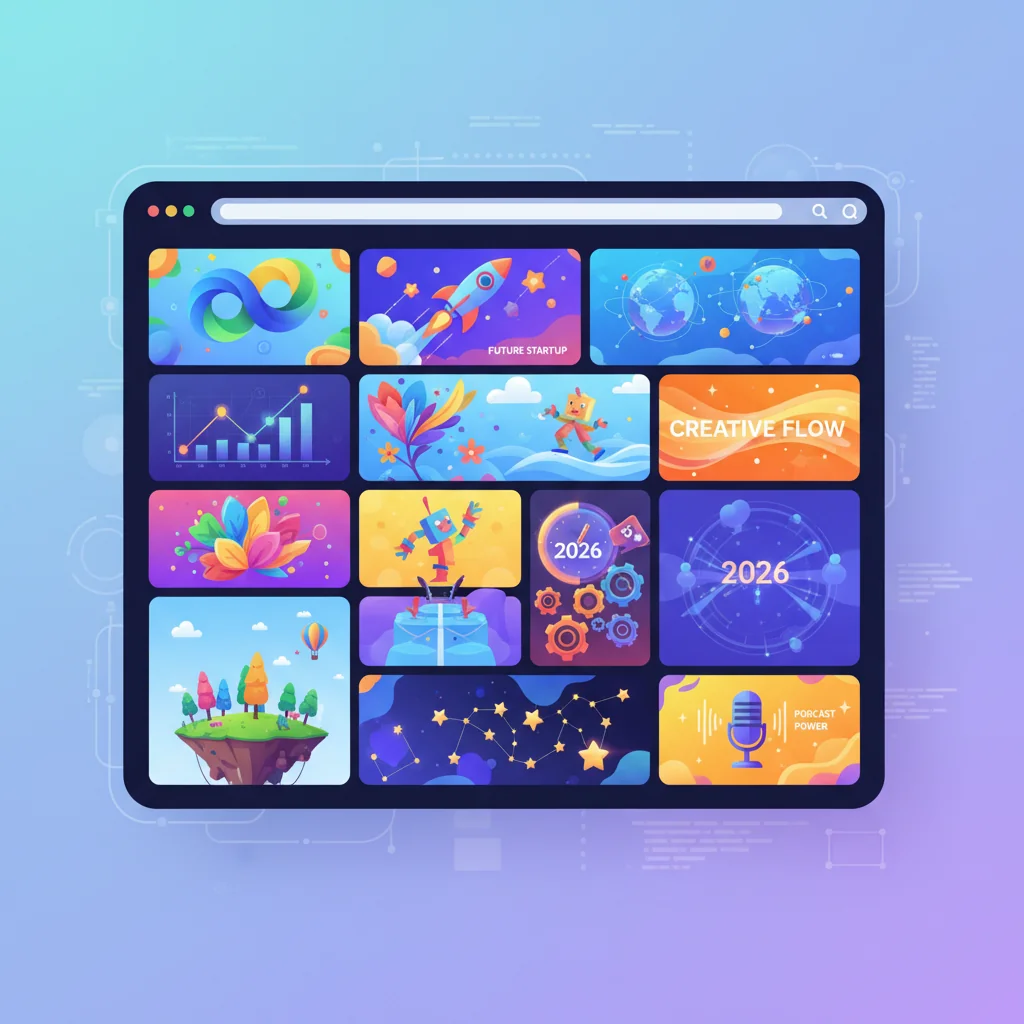
10 Creative Ways to Use Animated SVGs on Your Website in 2026
Discover 10 creative ways to use animated SVGs on your website. From hero sections to loading spinners, learn how to create engaging web experiences.
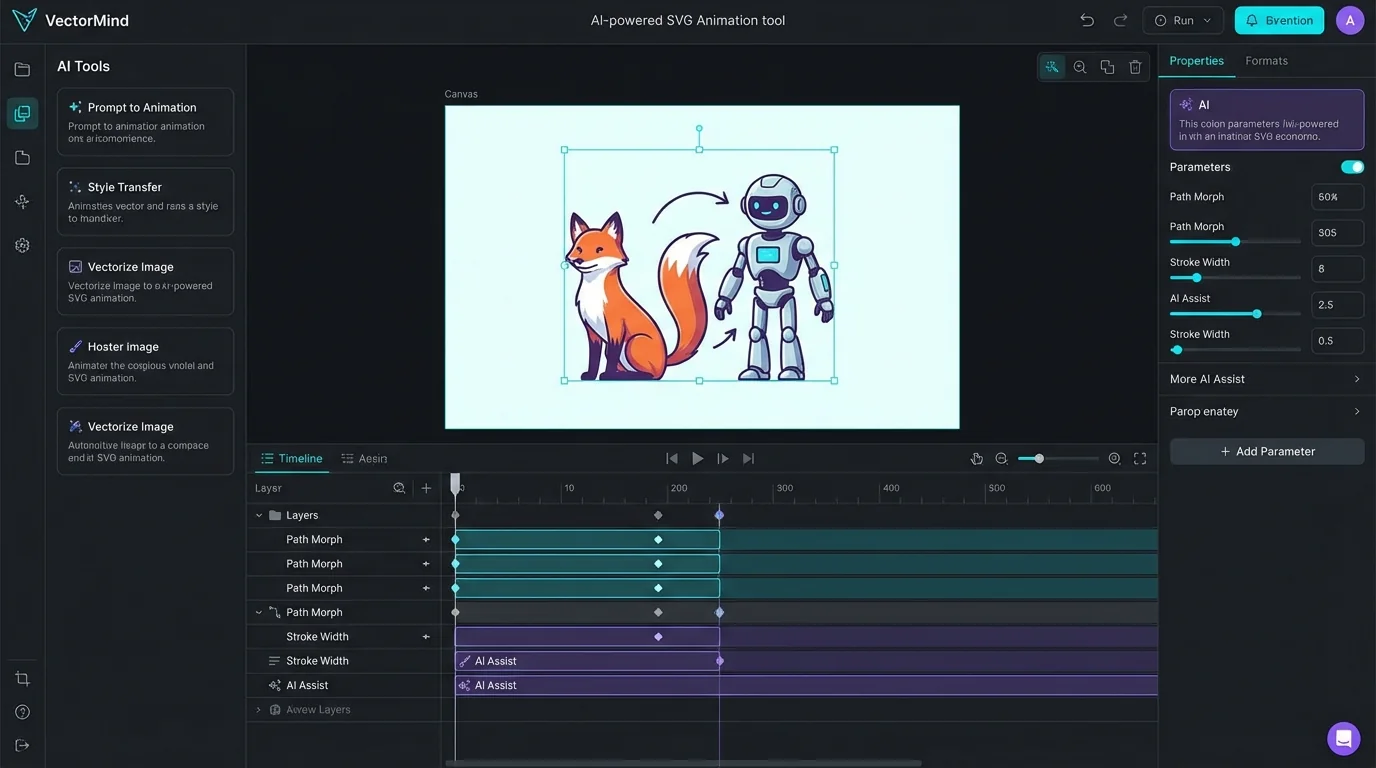
How to Animate SVGs with AI: Complete Guide to VectoSolve AI Animate
Learn how to create stunning SVG animations using AI. Complete guide covering 3 model tiers, pricing, use cases, and step-by-step tutorials.
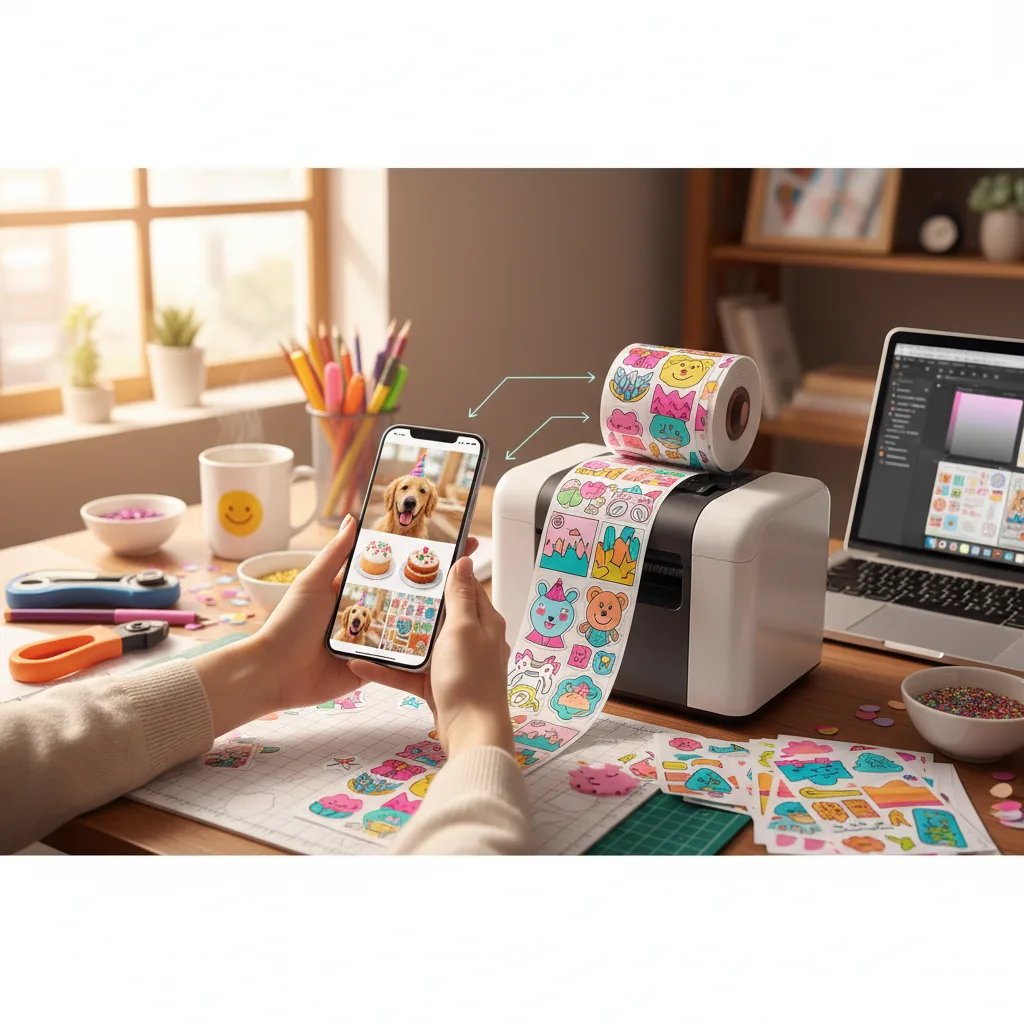
How to Create Custom Stickers from Any Photo (Cricut & Print)
Turn any photo into a professional die-cut sticker. From pet portraits to brand logos — here's the complete workflow for 2026.
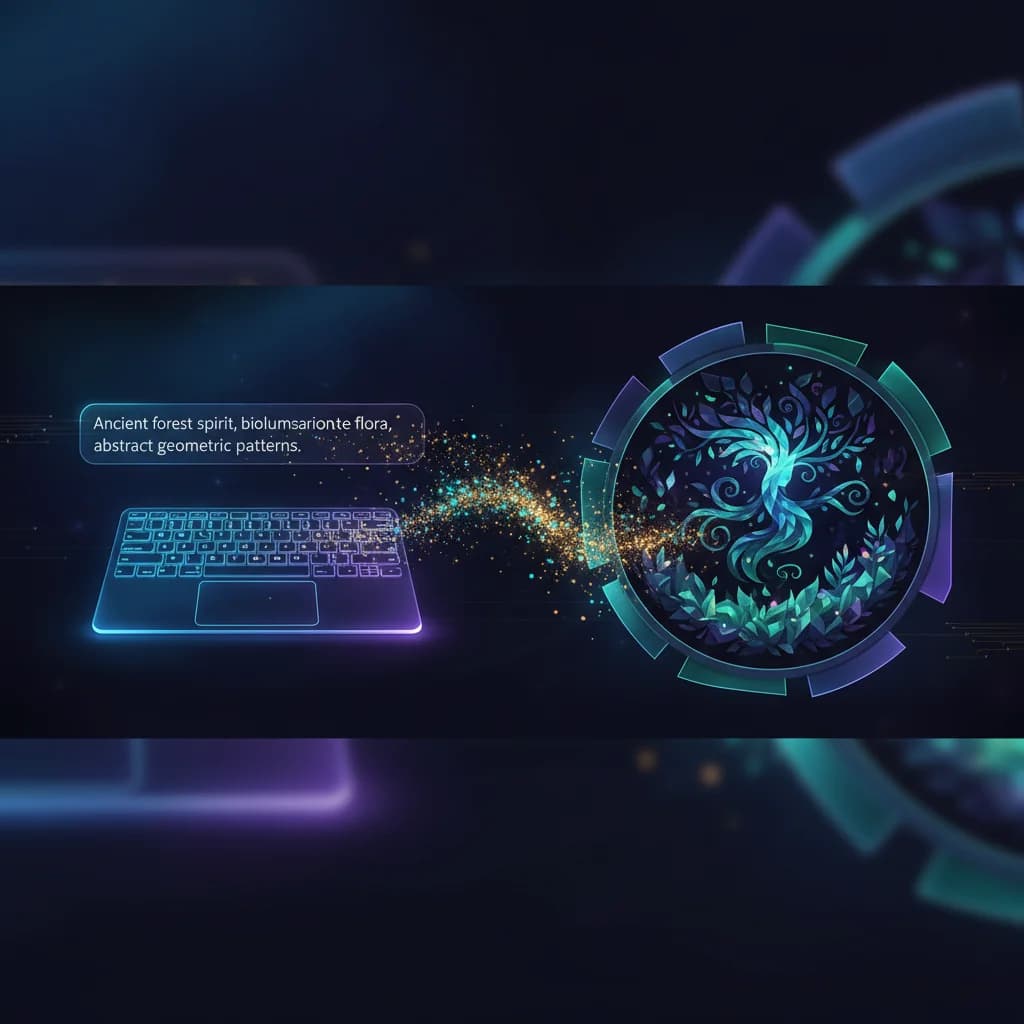
AI SVG Generator: How to Create Vector Art from Text Prompts in 2026
Learn how to use AI to generate unique SVG vector illustrations from simple text descriptions. 10 styles, instant download, commercial use.
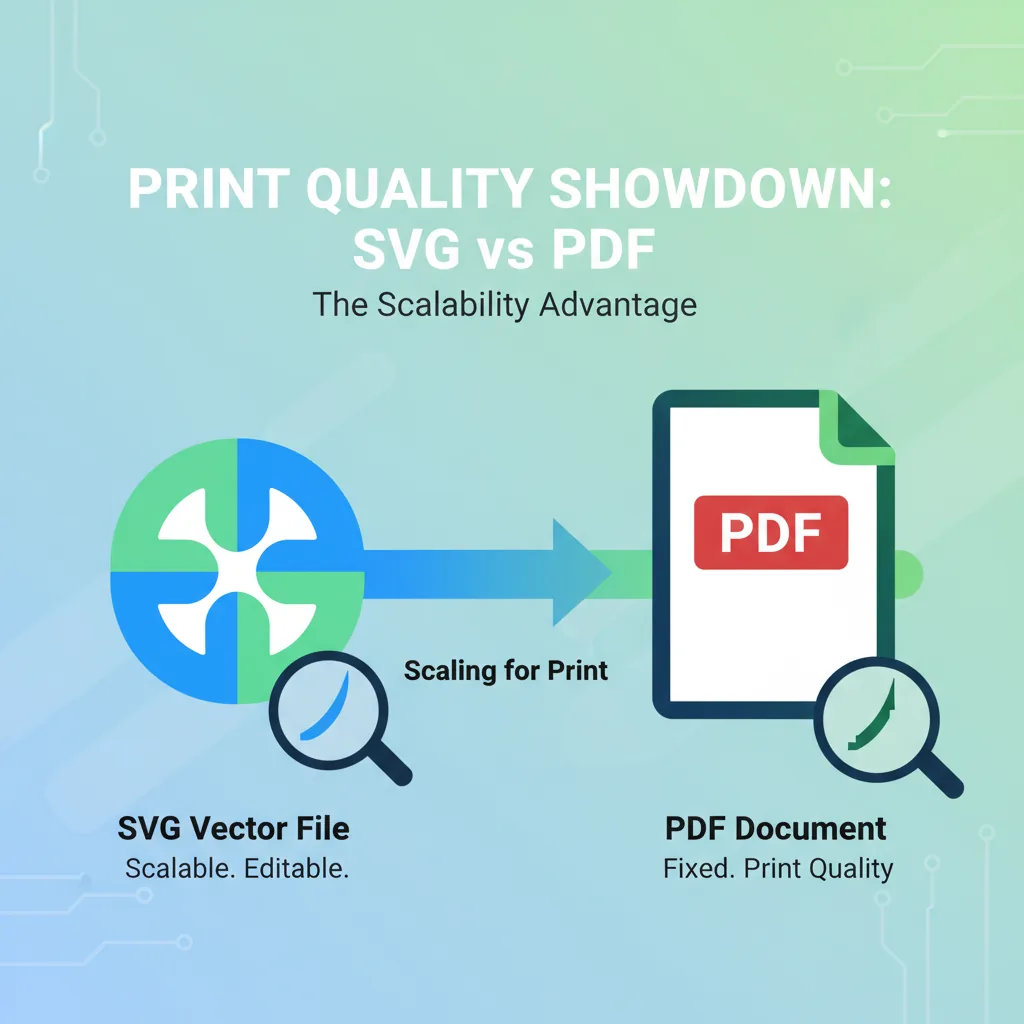
SVG vs PDF for Print: Which Format Gets Better Results? (2026)
Sending files to a printer? Here's when to use SVG vs PDF — and why getting it wrong costs you money and quality.
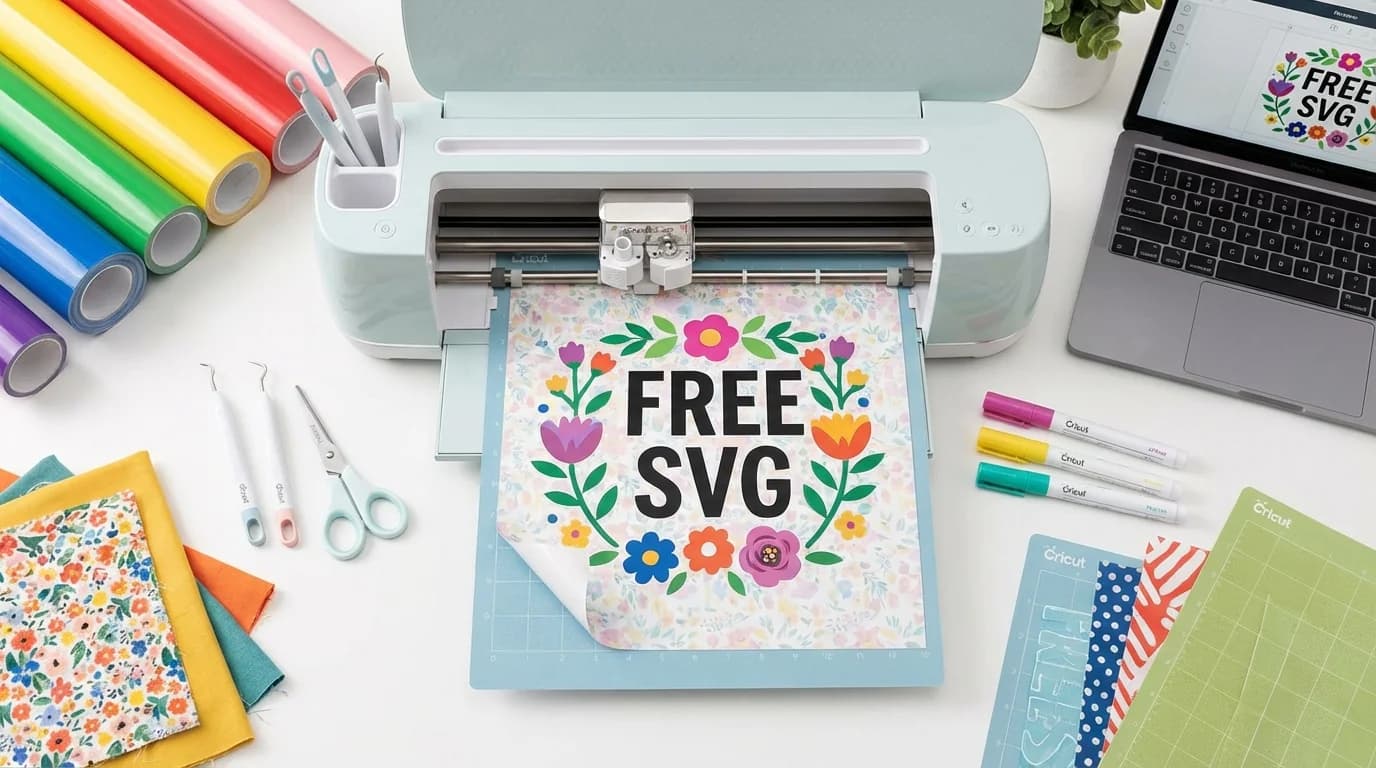
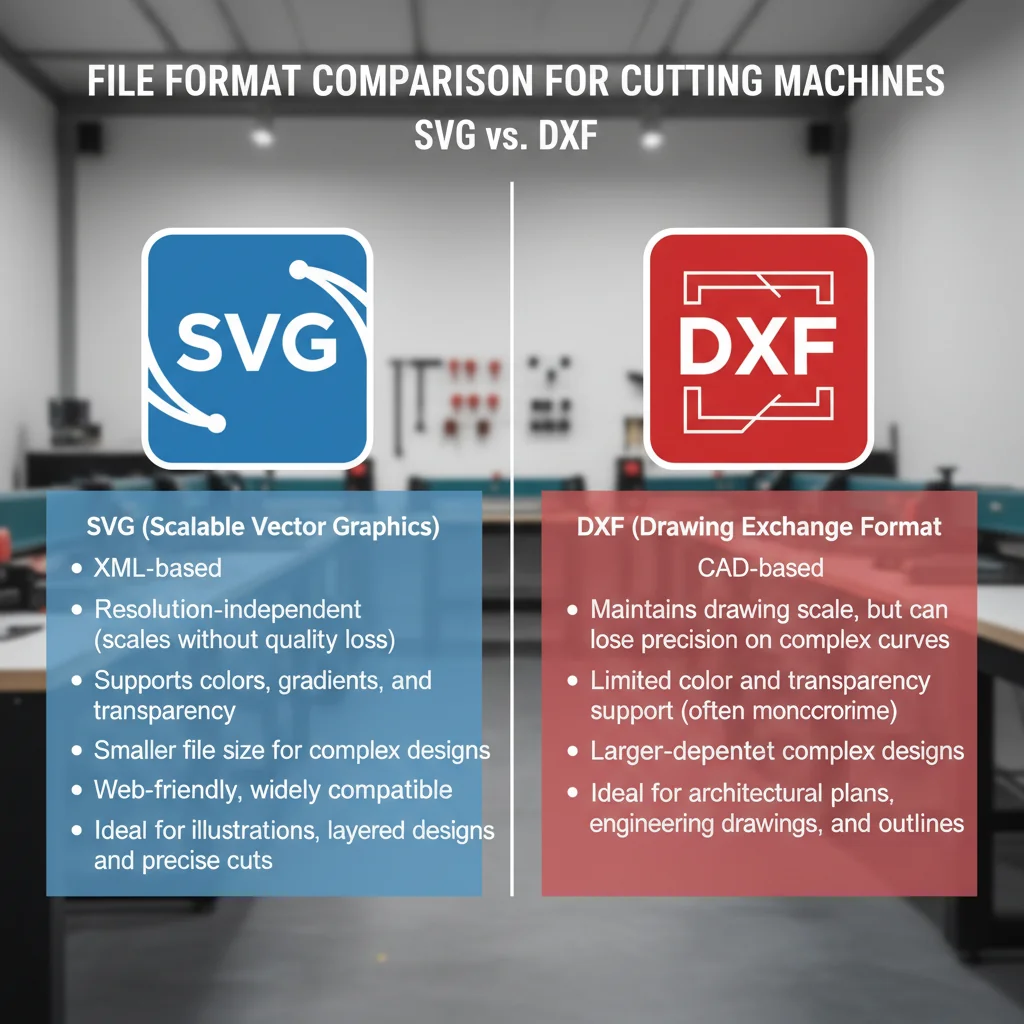
SVG vs DXF: Which Format for Your Cutting Machine?
Confused about SVG and DXF formats? This comparison explains which format to use for Cricut, Silhouette, laser cutters, and CNC machines.
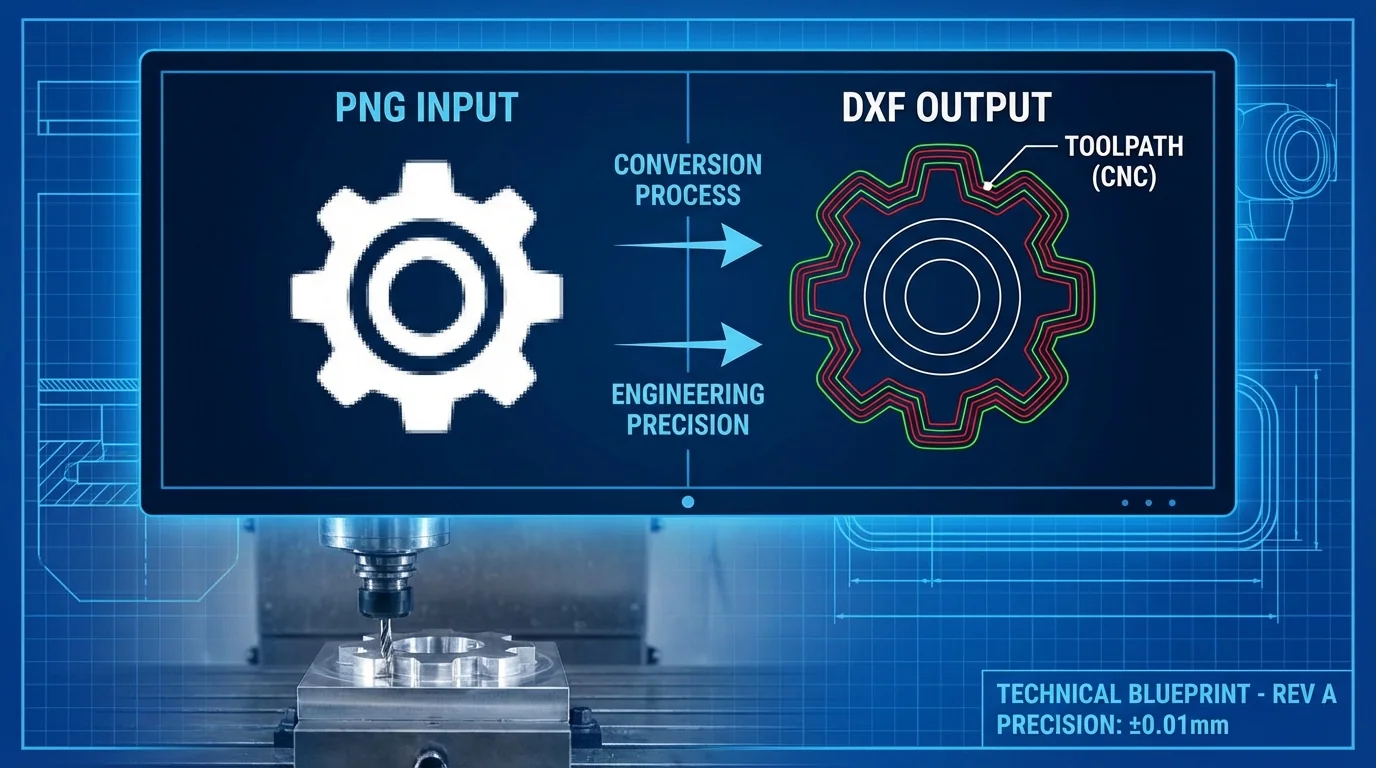
How to Convert PNG to DXF for CNC Machines — Step-by-Step Guide
Need to convert a PNG image to DXF for your CNC router or laser cutter? This guide walks you through the process from image preparation to machine-ready files.
How to Create Seamless Patterns with AI — The Complete Guide for Designers
Create professional seamless patterns for fabric, wallpaper, and products using AI. Step-by-step guide with style tips and commercial use info.
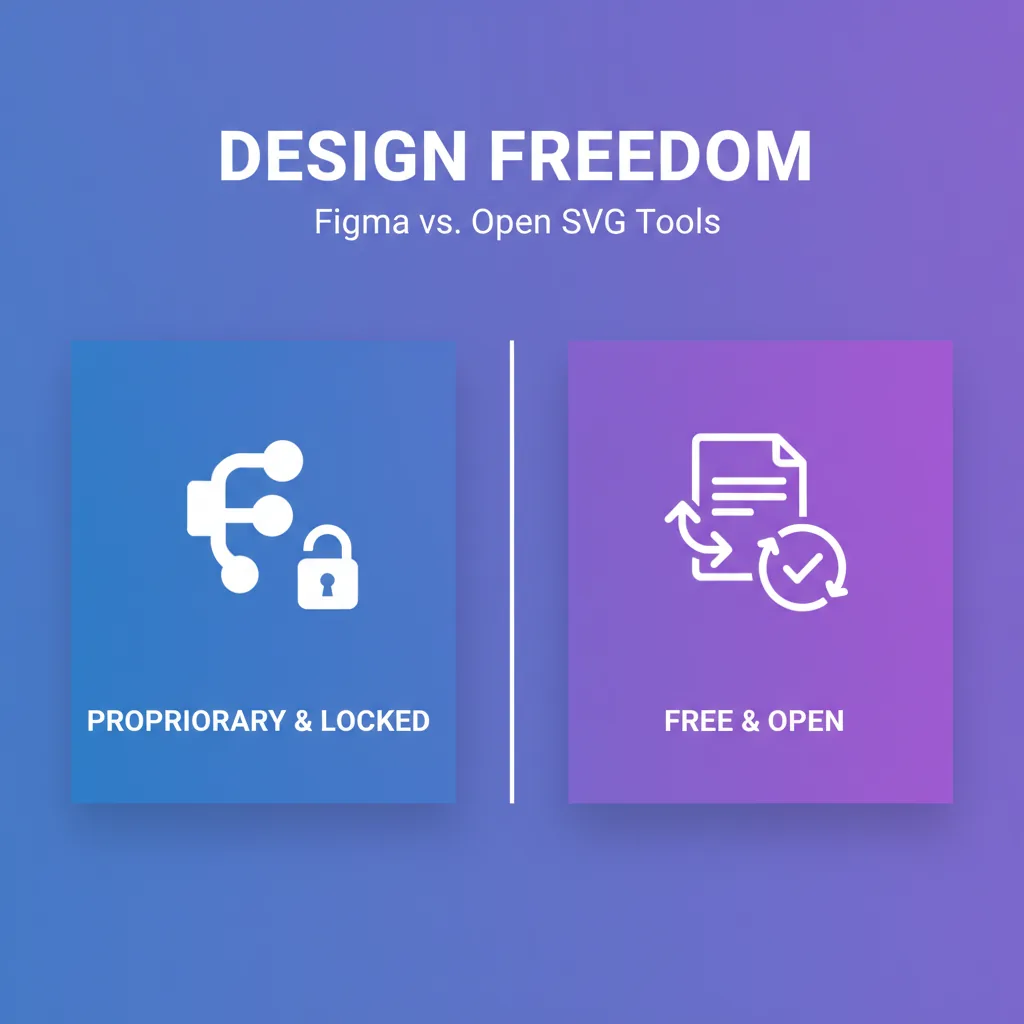
Figma Vectorize vs VectoSolve: A Standalone Alternative (2026)
Figma launched Vectorize on Feb 4, 2026, but it requires a paid plan. Here is a standalone alternative with a free preview.
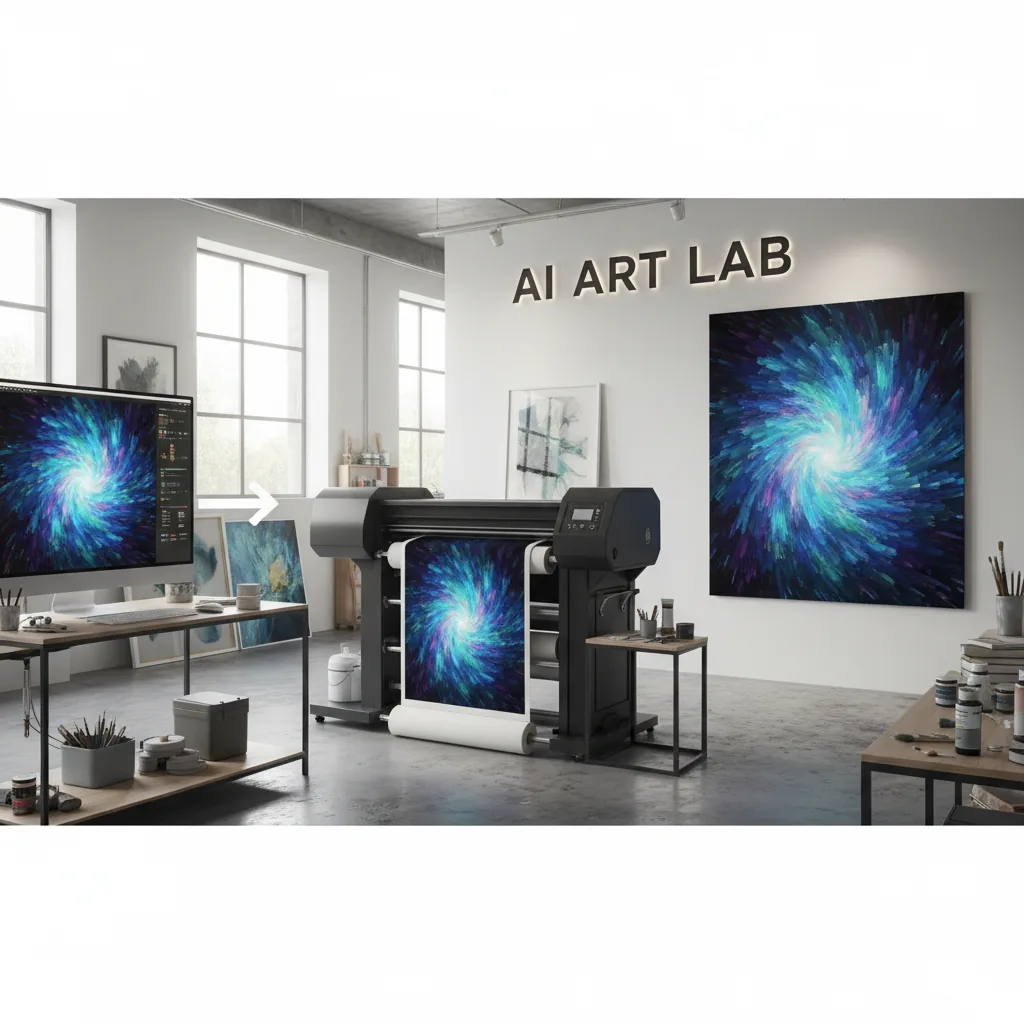
How to Upscale AI Art for Printing: From DALL-E to Gallery-Quality Prints
AI art looks great on screen but prints blurry? Here's how to upscale ChatGPT, Midjourney, and Stable Diffusion images for perfect prints.
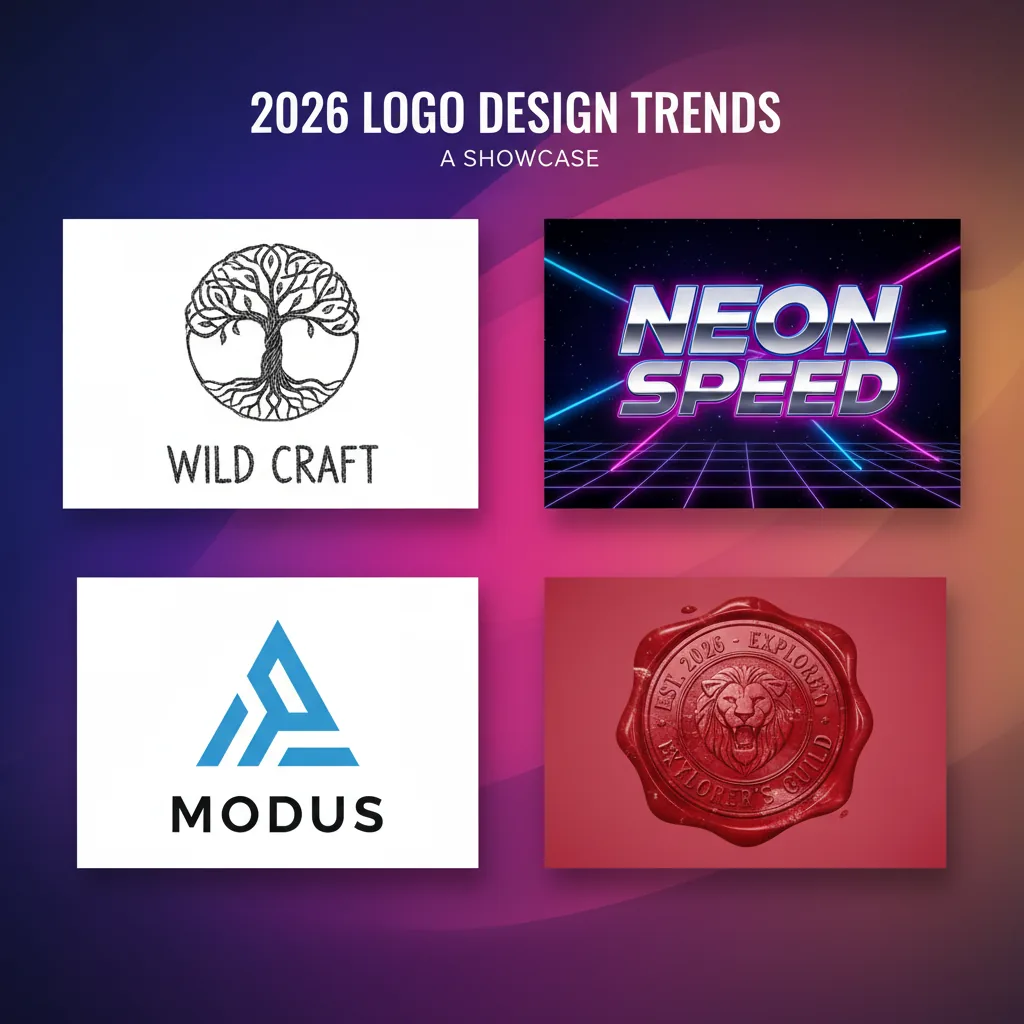
Logo Design Trends 2026: Hand-Drawn, Retro-Futurism & Neo-Minimalism
The biggest logo trends in 2026 all point to one thing: vectorization. From hand-drawn aesthetics to retro revival, here's what's hot.
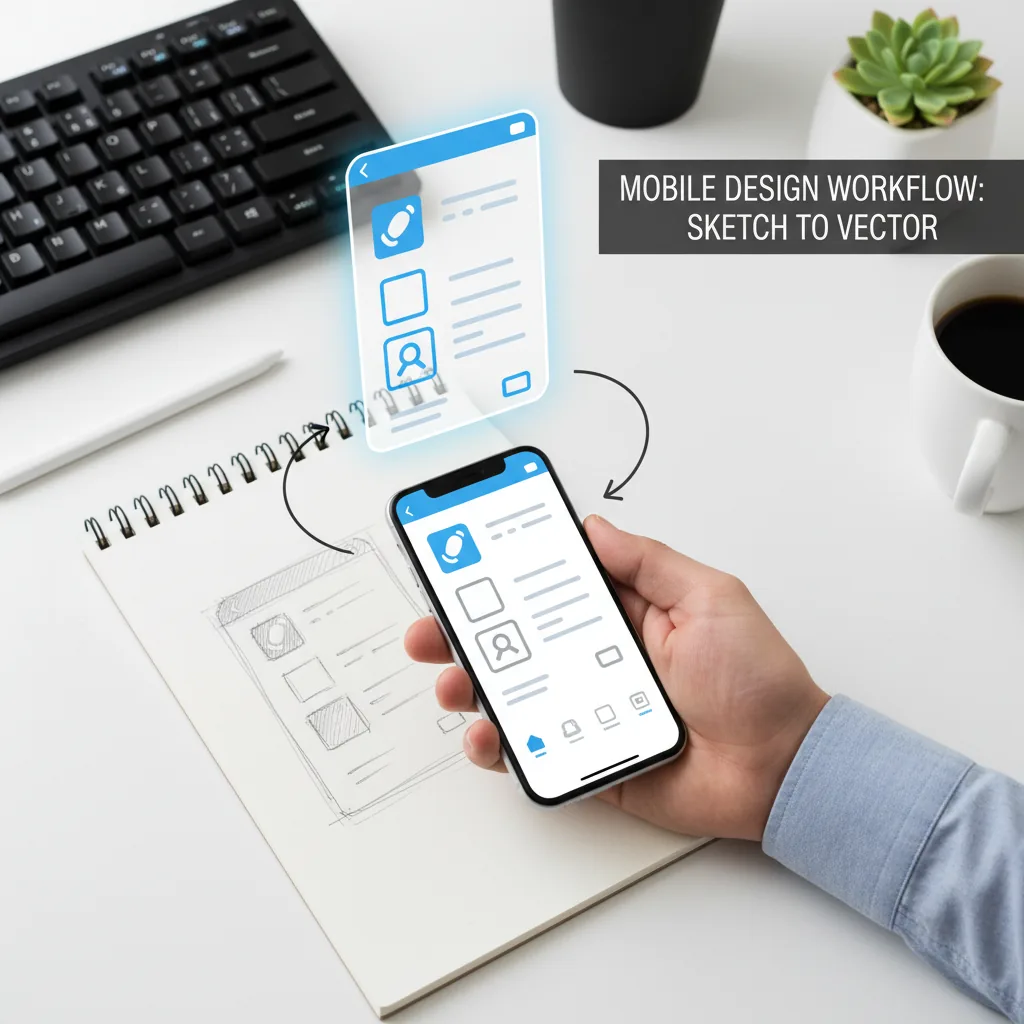
How to Convert Phone Photos to SVG: Mobile Vectorization Guide (2026)
Took a photo of a sketch, logo, or design on your phone? Here's how to turn it into a clean, scalable SVG vector in seconds.
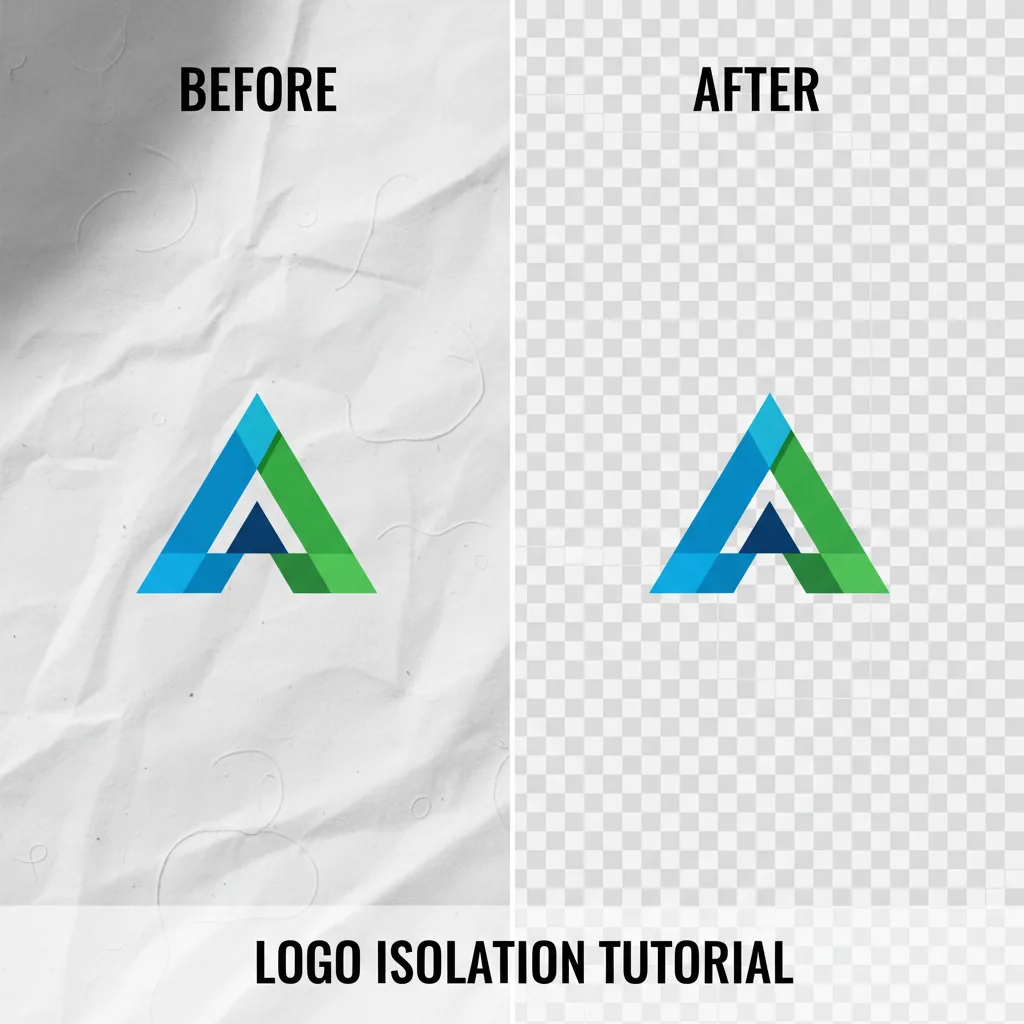
Remove Background from Logo: Free Preview, Transparent PNG and SVG (2026 Guide)
Need a transparent logo? Here's how to remove the background from any logo image in seconds — free, no Photoshop required.
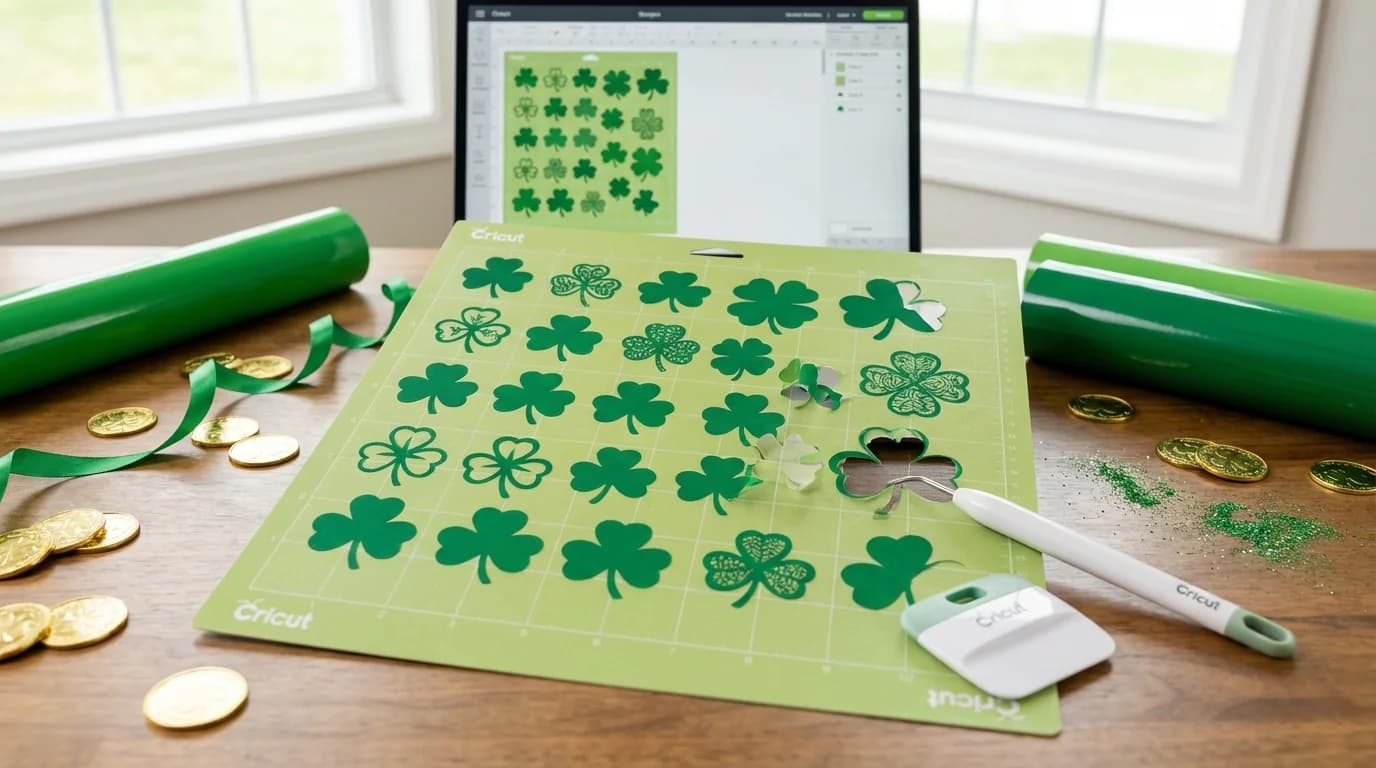
20 St Patrick's Day SVG Ideas for Cricut: Shamrocks, Lucky & More
Get 20 creative St Patrick's Day SVG ideas for your Cricut. From shamrocks to lucky horseshoes, find the perfect designs for shirts, decals, and party decorations.
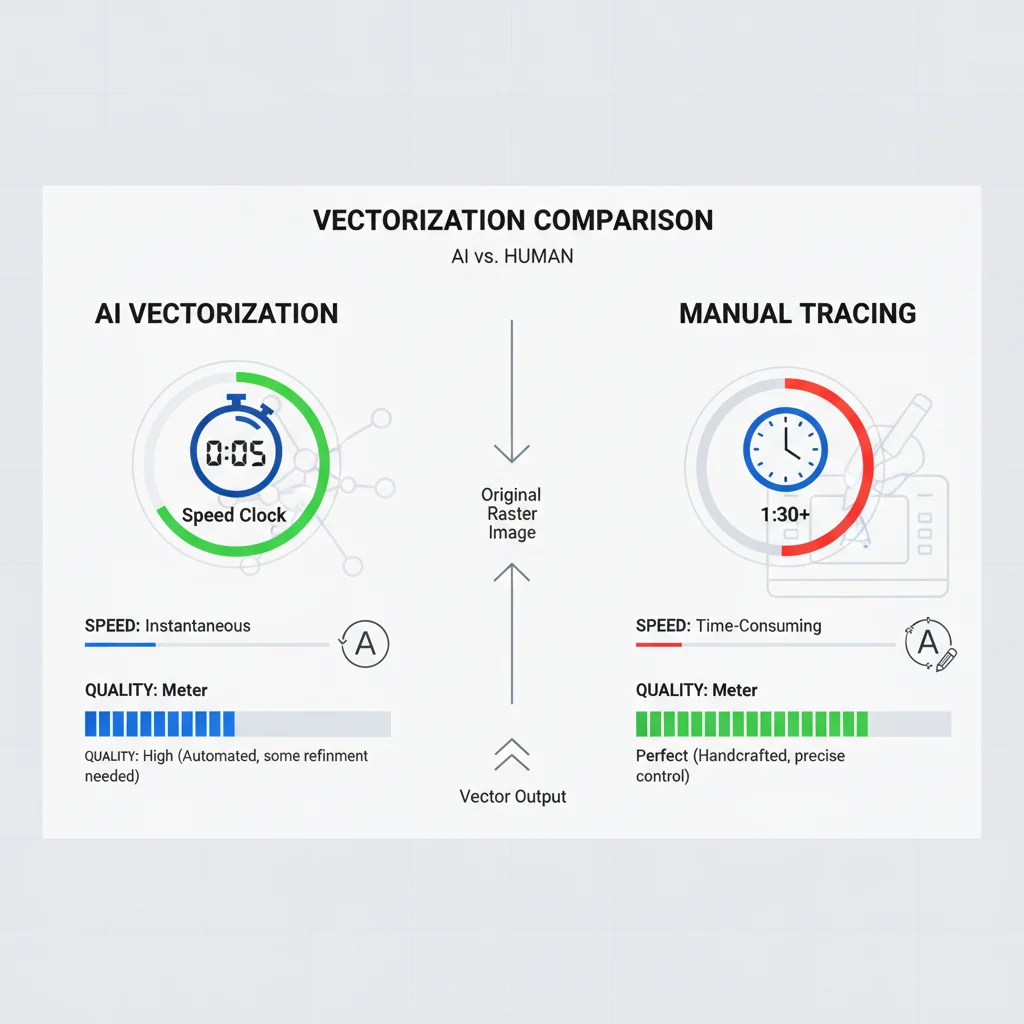
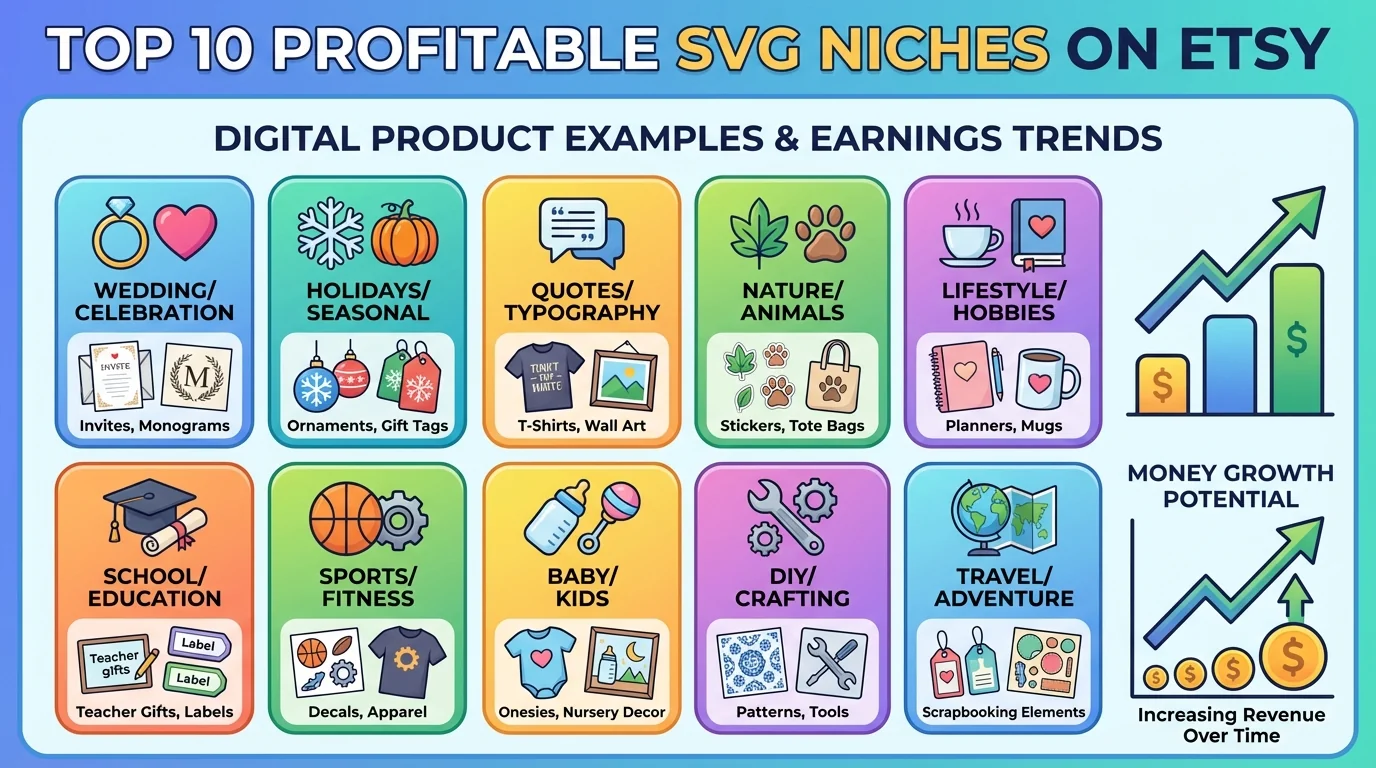
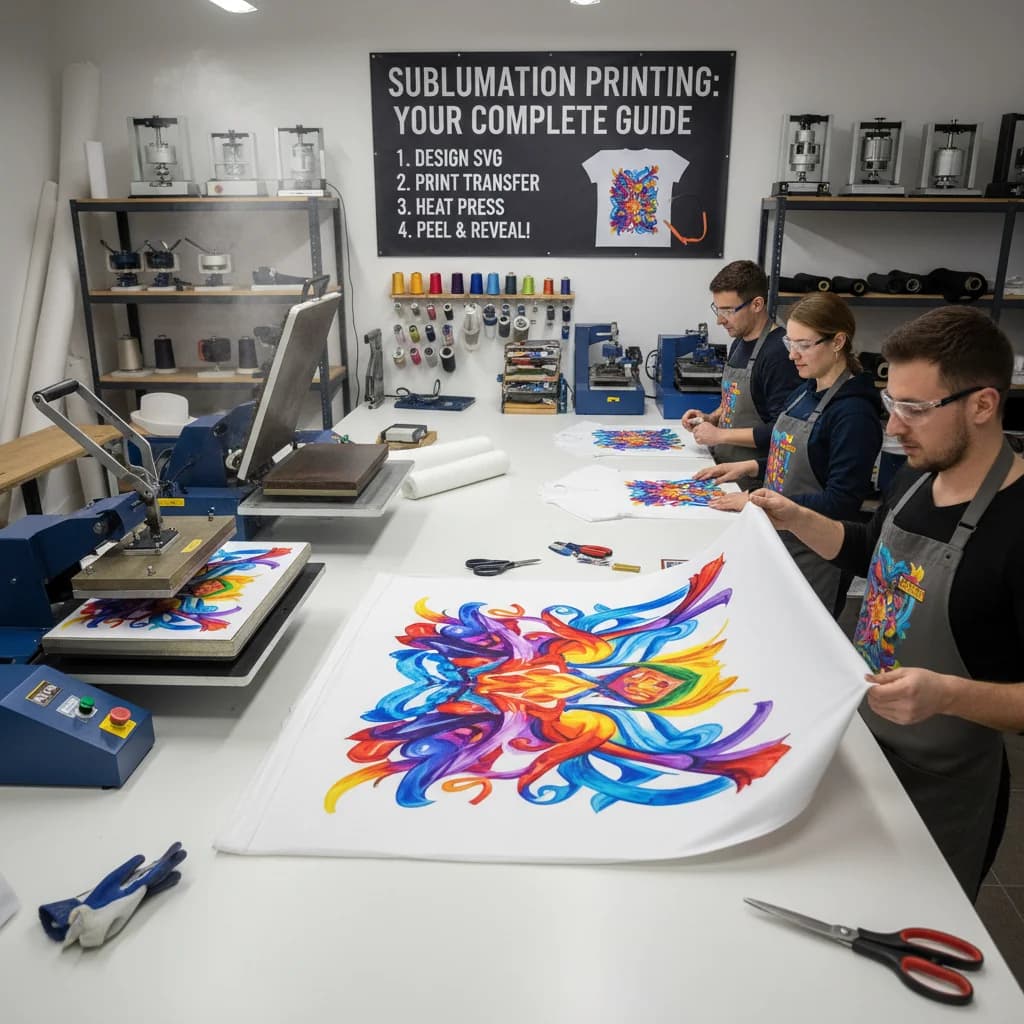
SVG Files for Sublimation: Everything You Need to Know
Learn how SVG files work with sublimation printing. When to use SVG vs PNG for sublimation and how to get the best results on mugs, tumblers, and shirts.
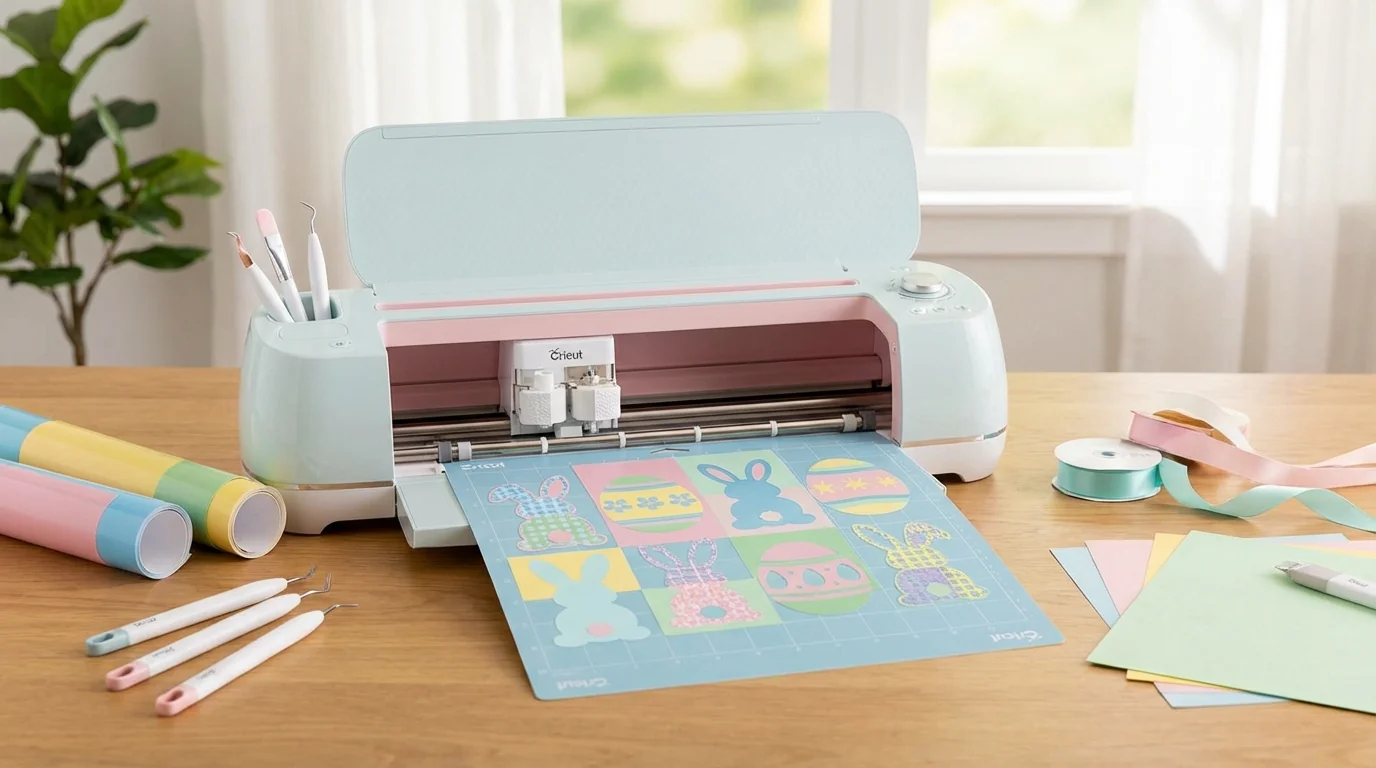
50 Easter SVG Ideas for Cricut (2026): Bunnies, Eggs & More
Discover 50 creative Easter SVG ideas for Cricut projects in 2026. From adorable bunnies to decorated eggs, get inspired for shirts, baskets, cards, and home decor.
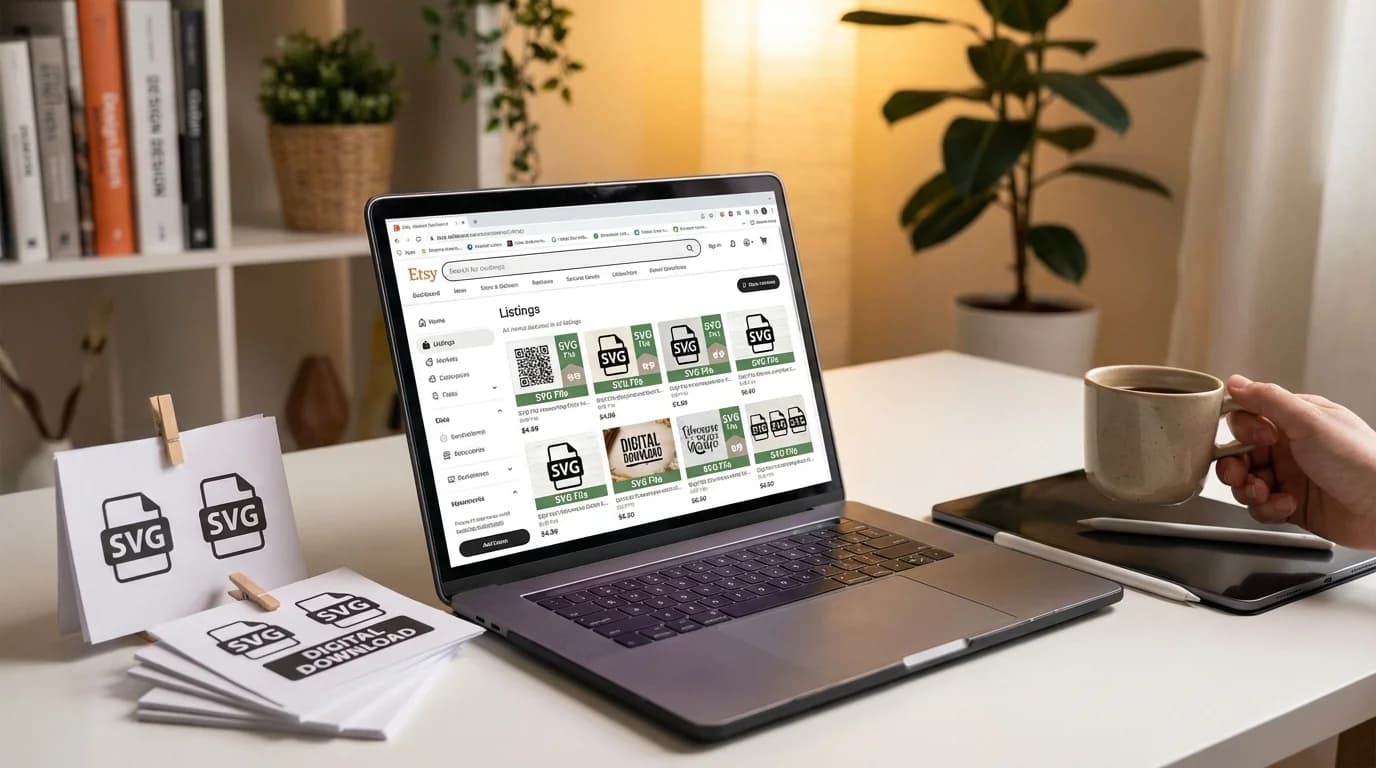
How to Sell SVG Files on Etsy in 2026: $0 to First Sale
Start selling SVG files on Etsy in 2026. Learn what sells, how to price, and how to create cut files from photos. Real numbers and strategies included.

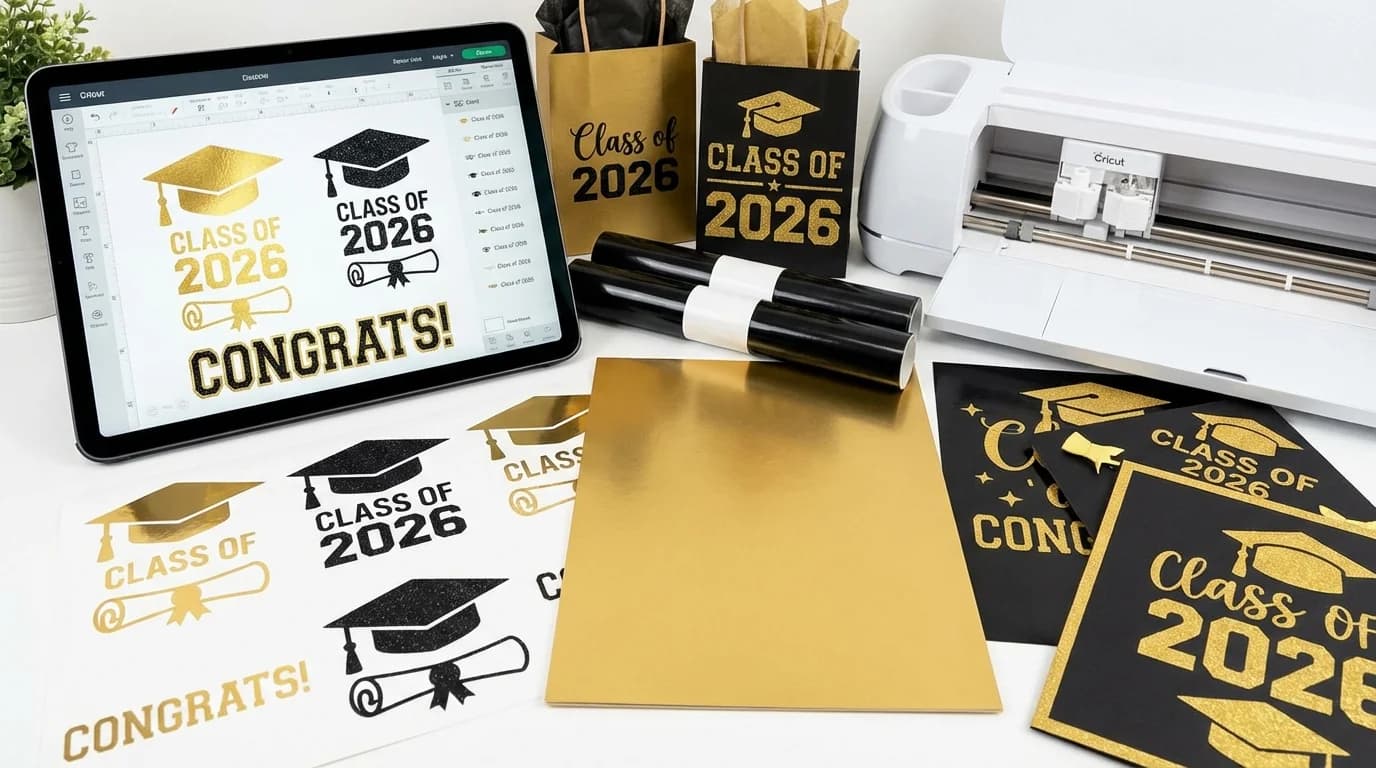
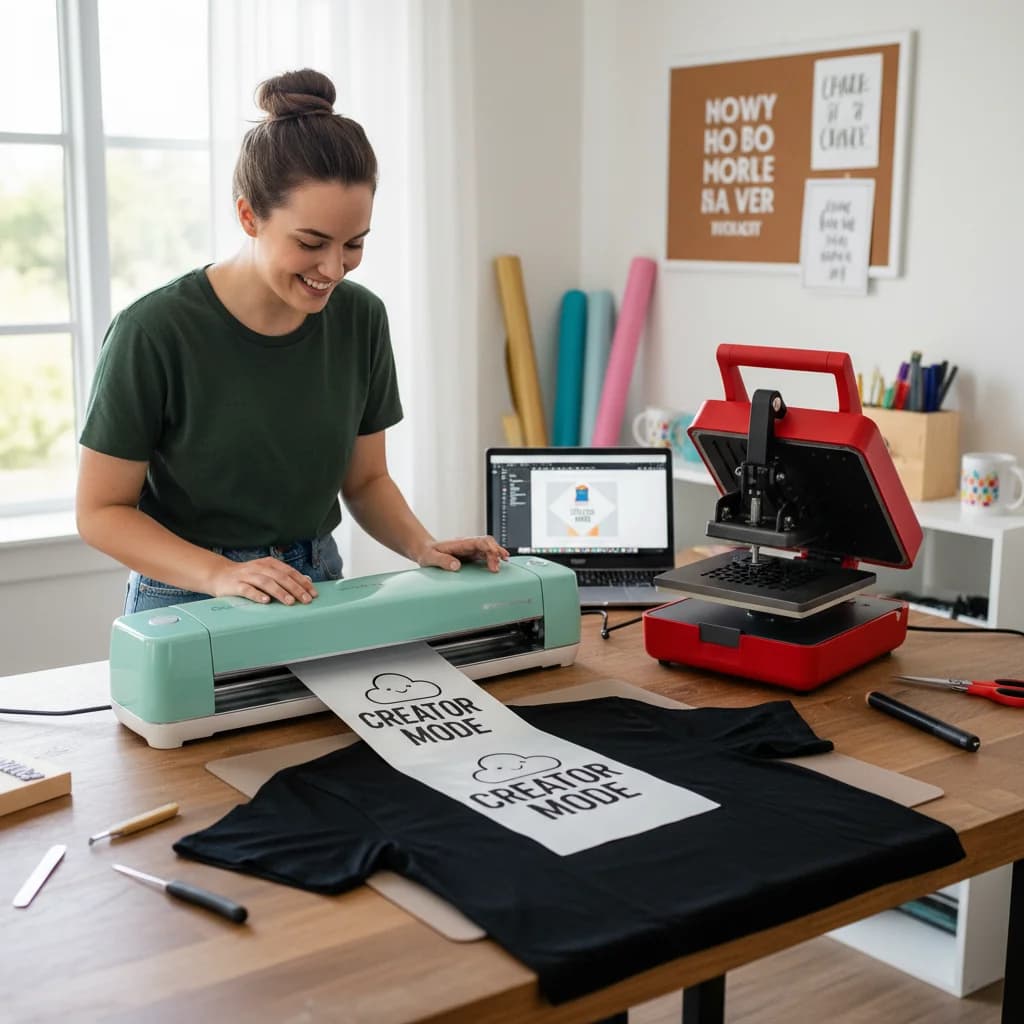
Vinyl Cutting for Beginners: Your First Custom T-Shirt in 30 Minutes
Complete beginner's guide to making your first custom t-shirt with HTV vinyl and a cutting machine. From design to press in 30 minutes.
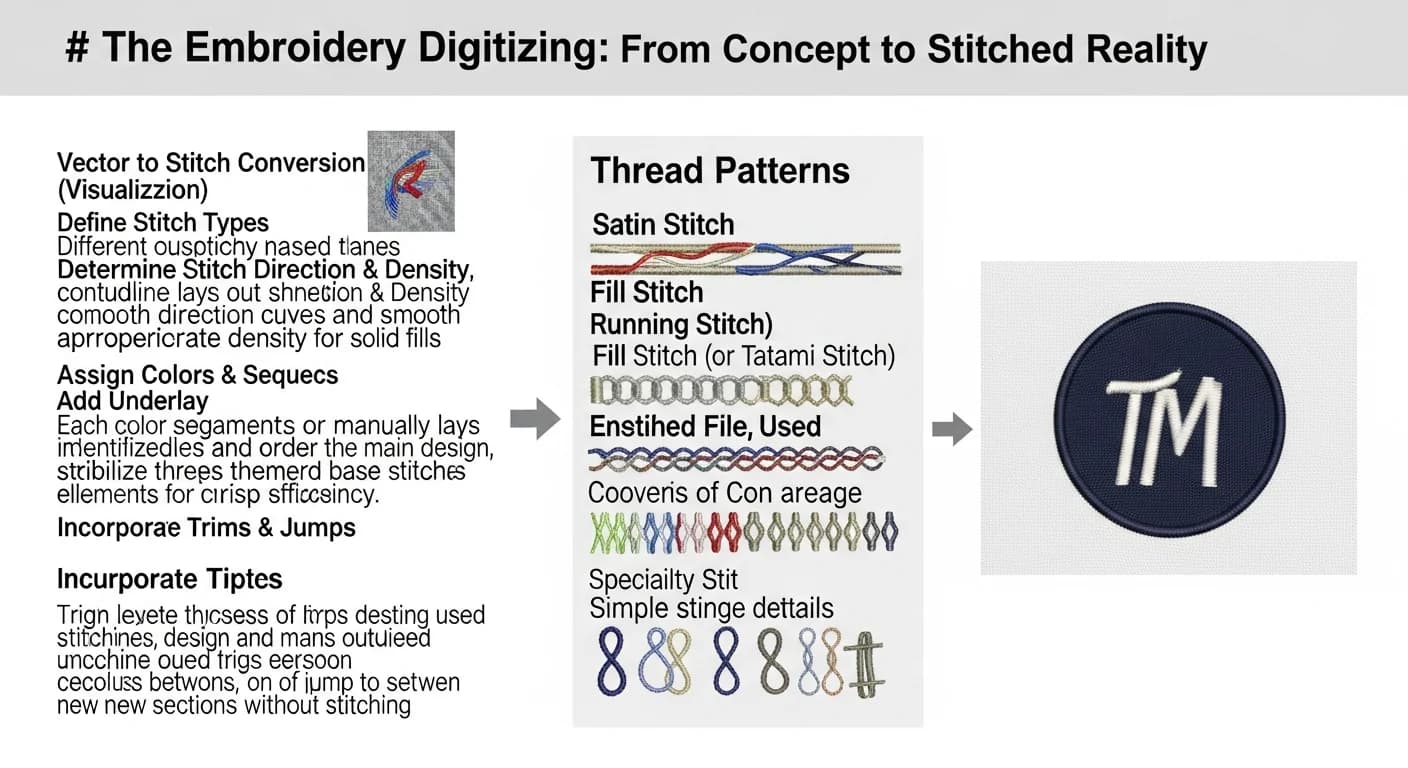
Embroidery Digitizing: How to Convert Images to Stitch-Ready Vectors
Learn the complete workflow from image to embroidery design. How to convert logos, photos, and art into clean SVG vectors for better digitizing results.
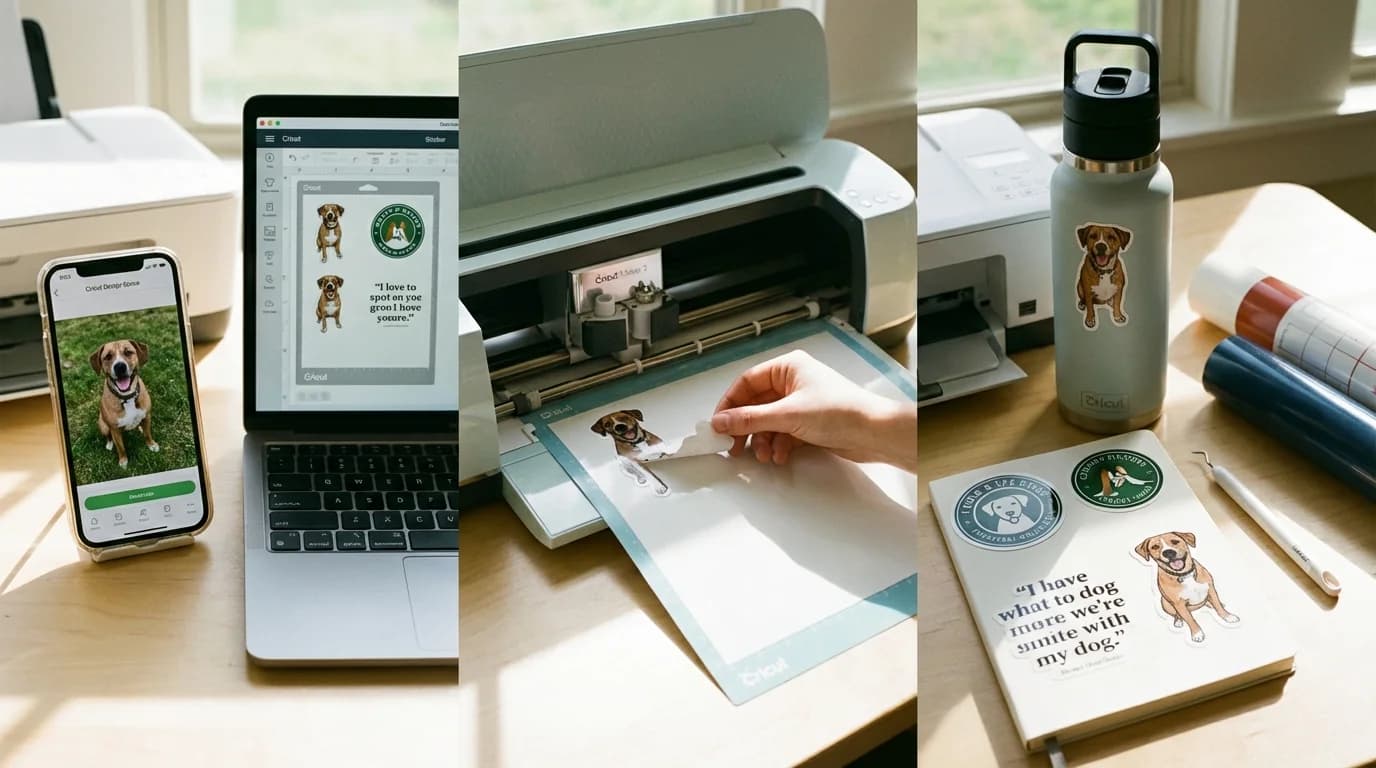
Make Custom Stickers with Cricut from Any Photo (Step-by-Step)
Learn how to turn any photo or image into custom die-cut stickers using your Cricut machine. Step-by-step guide from image to finished sticker.
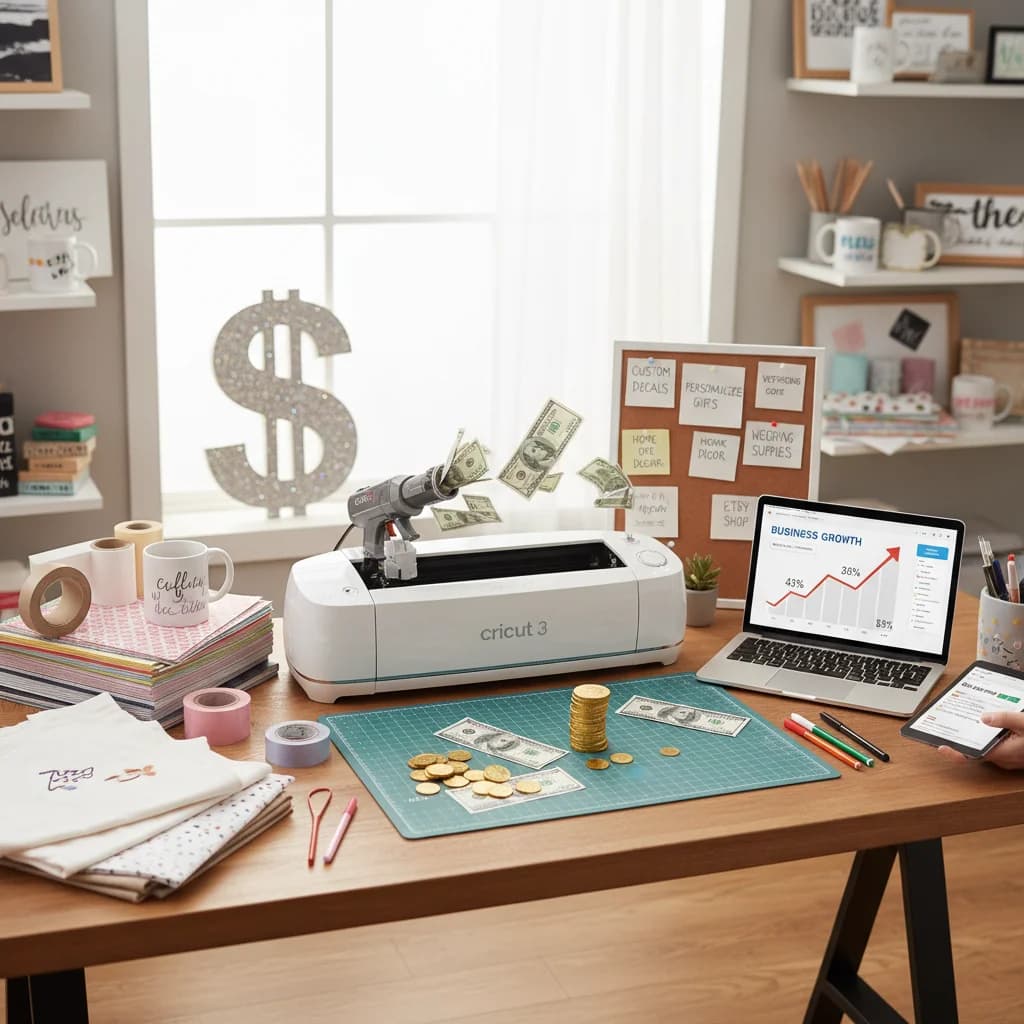
20 Profitable Cricut Business Ideas for 2026 (With Startup Costs)
Explore 20 profitable Cricut business ideas for 2026 with real startup costs, profit margins, and step-by-step guidance. From custom t-shirts to pet accessories.
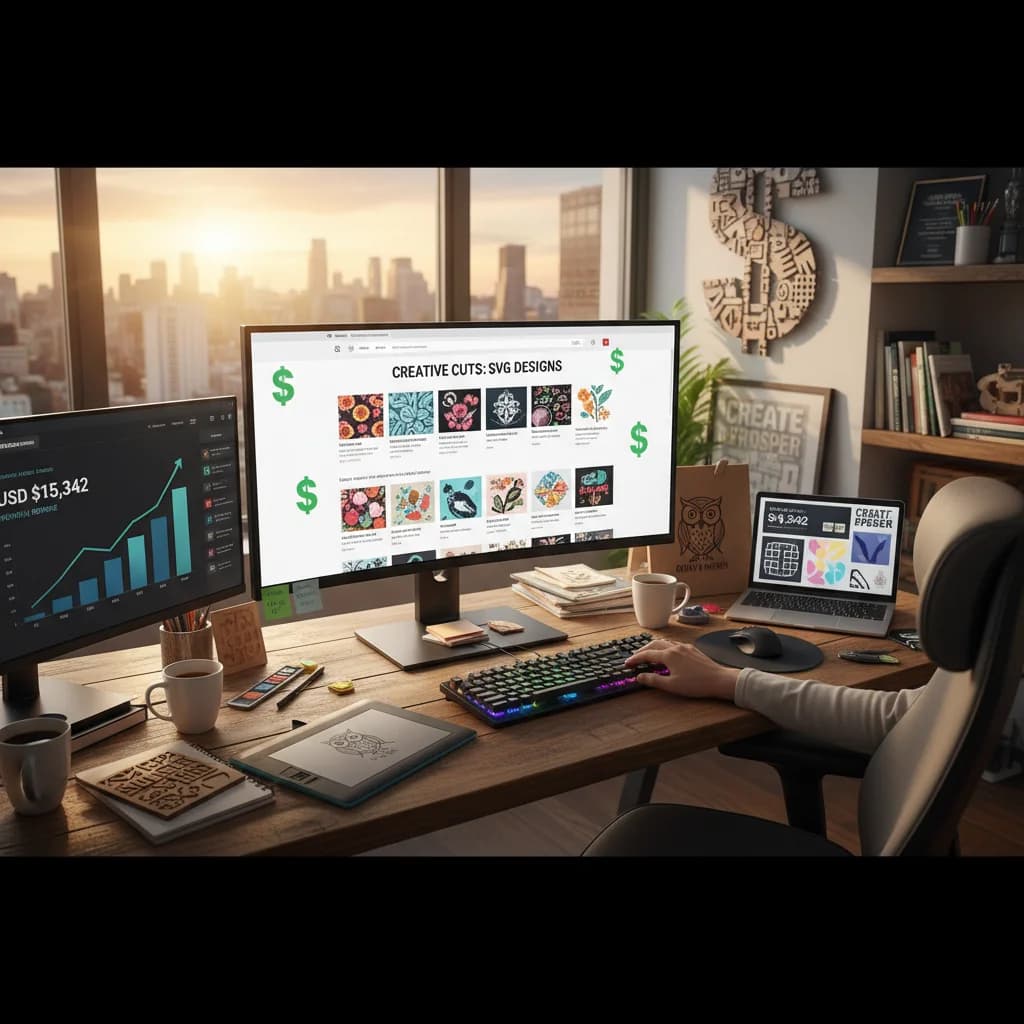
How to Make Money Selling SVGs in 2026: Etsy, Gumroad, Creative Market & Beyond
SVGs sell on more than just Etsy. Compare 7 platforms for selling SVG files, learn pricing strategies for each, and discover which niches generate the most passive income in 2026.
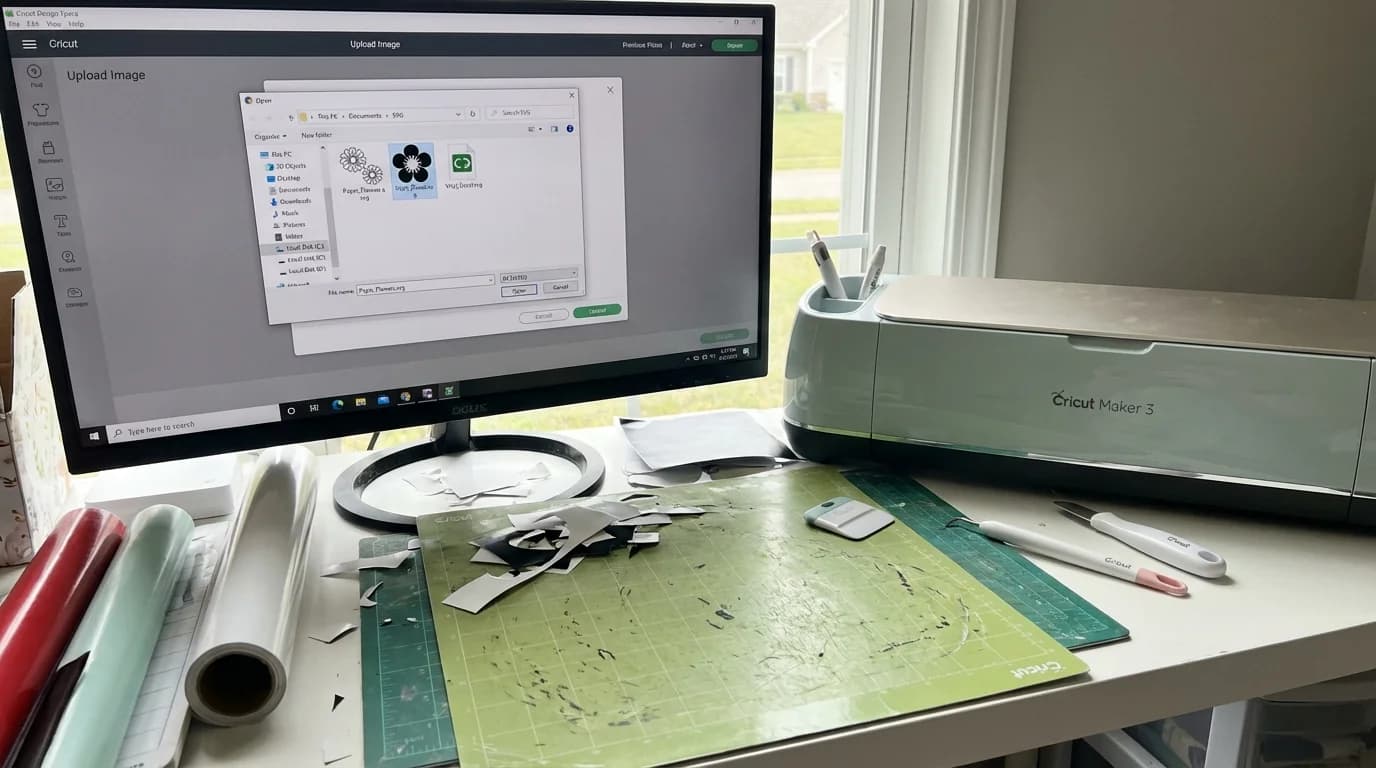
How to Use SVG Files with Cricut Design Space: Beginner Tutorial
Step-by-step tutorial for uploading and using SVG files in Cricut Design Space. Learn to import, resize, and cut SVGs with your Cricut machine.
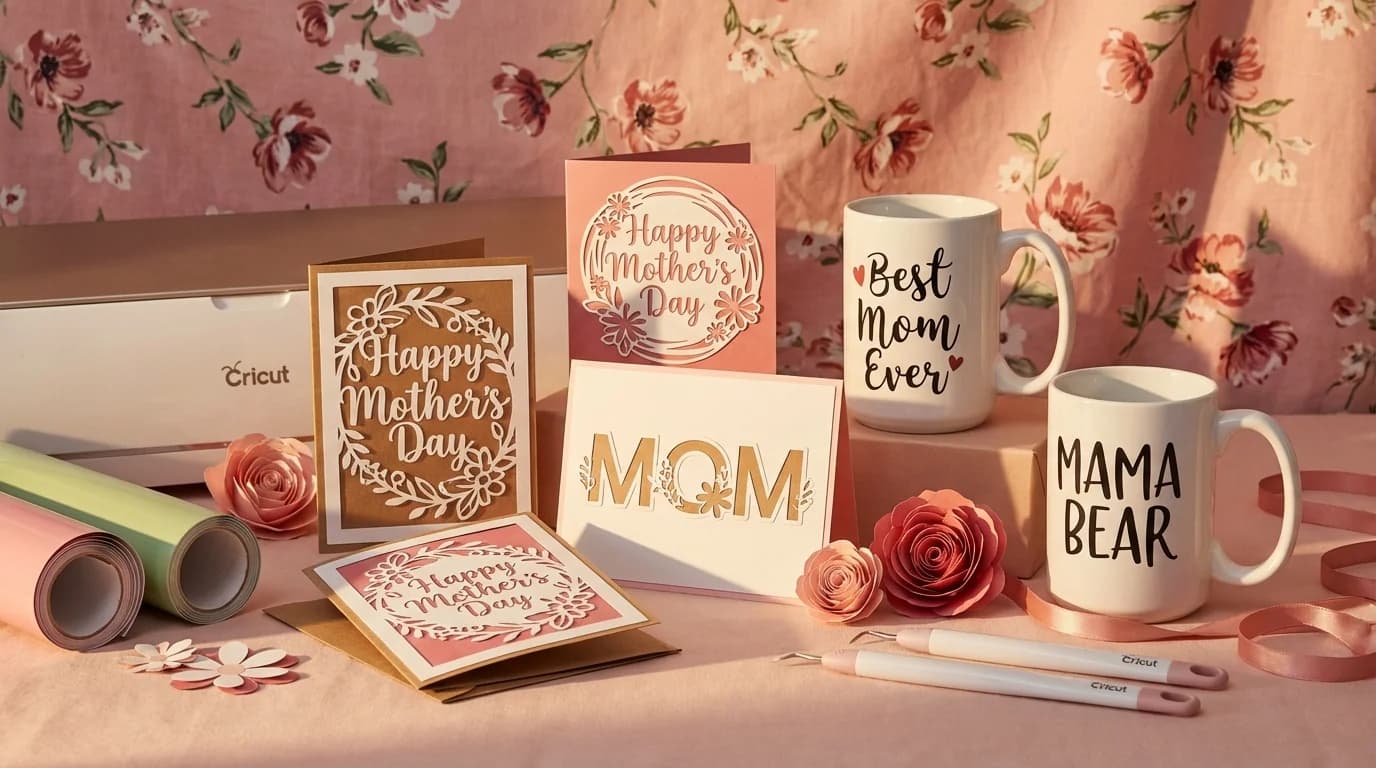
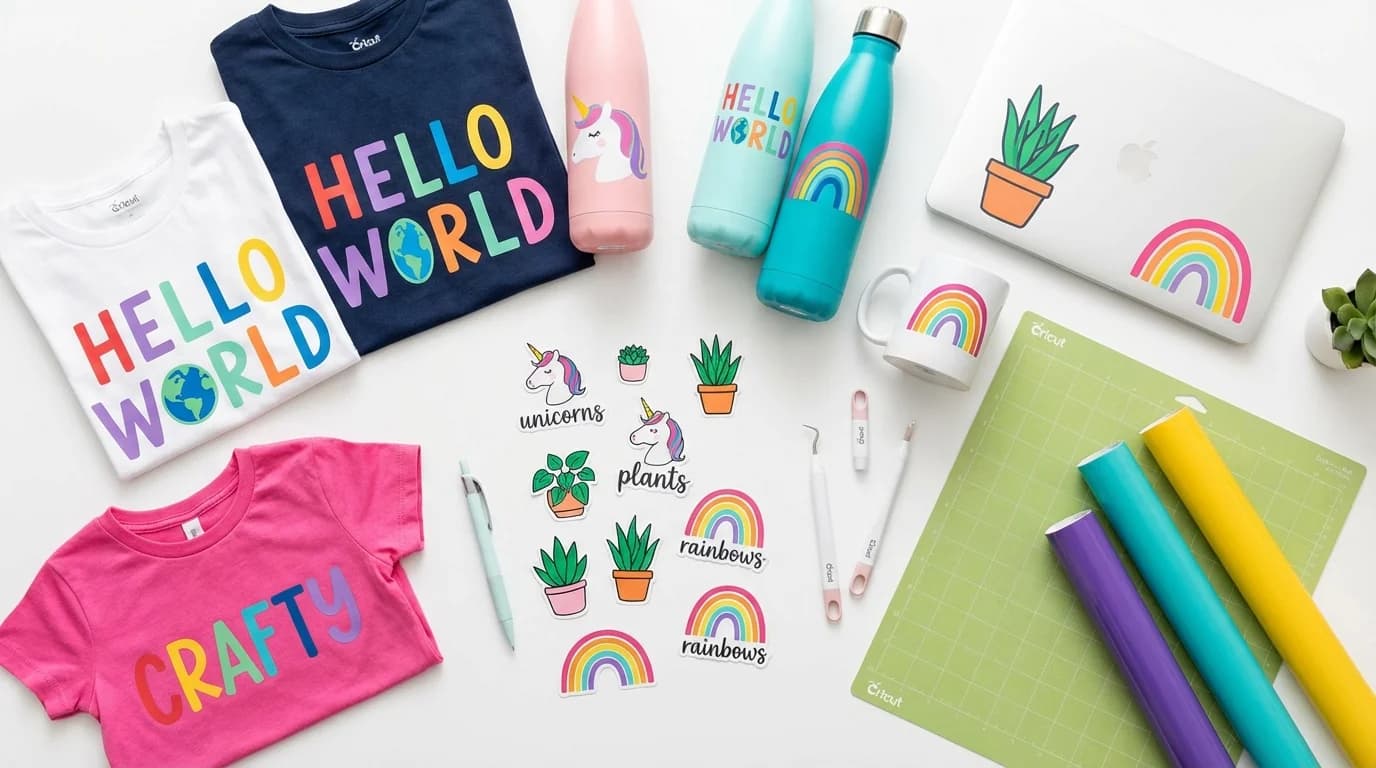
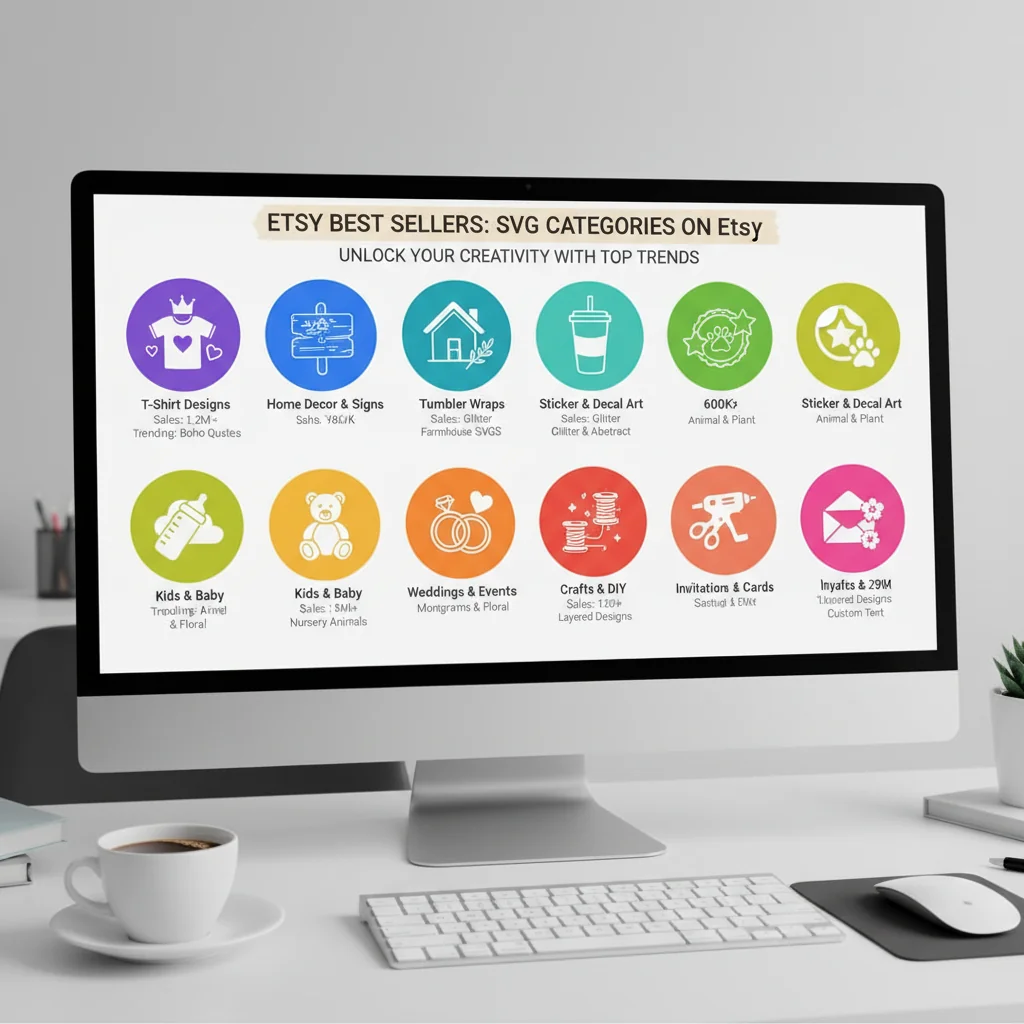
Best-Selling SVG Categories on Etsy in 2026: 15 Niches and Typical Prices
We analyzed thousands of Etsy SVG listings to find the 15 highest-revenue categories in 2026. See average prices, estimated monthly sales, and competition levels for each niche.
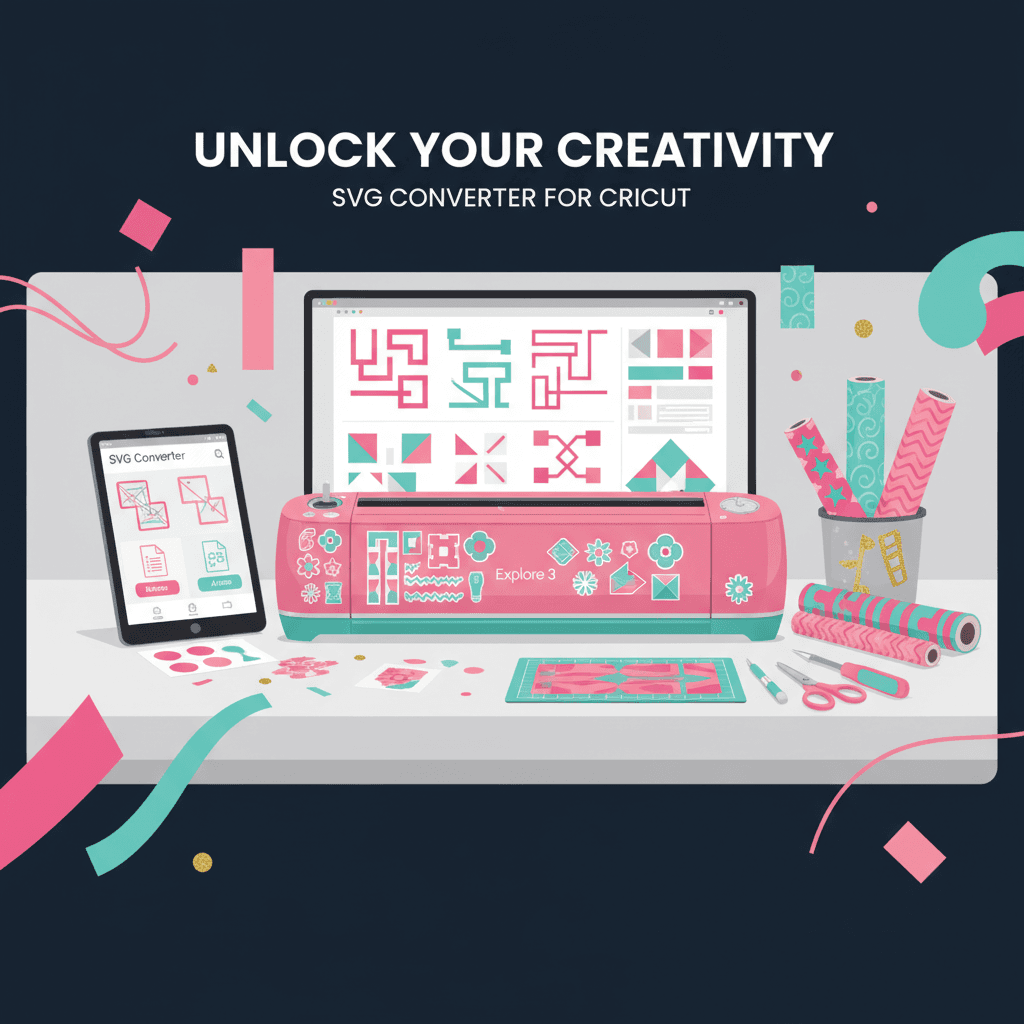
Best Free SVG Converter for Cricut in 2026 (Tested & Ranked)
We tested 7 SVG converters for Cricut crafters. See which free tools actually produce clean cut files — and which ones waste your time and vinyl.
Free SVG Files for Laser Cutting: Where to Find Them and How to Make Your Own
Discover the best sources for free laser cutting SVG files and learn how to convert any image into a laser-ready vector file with AI.

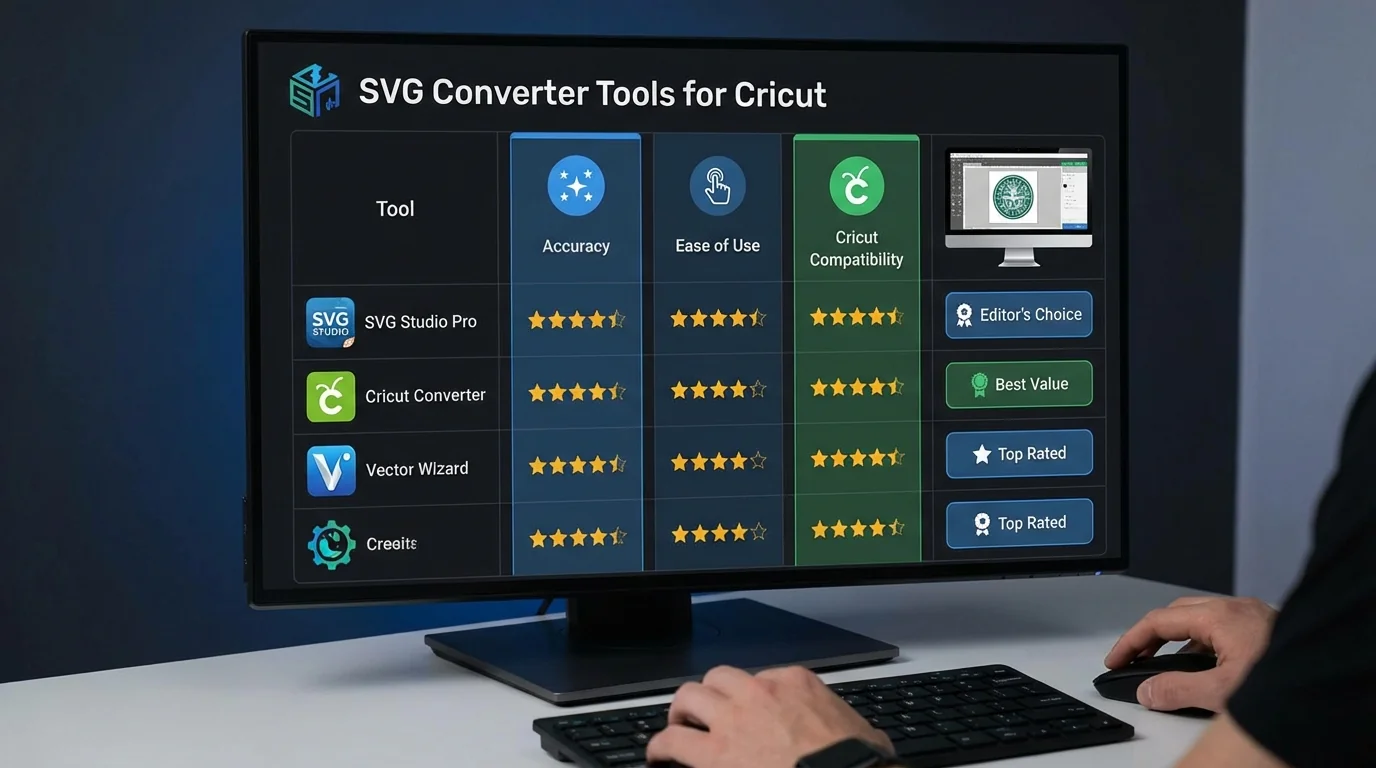
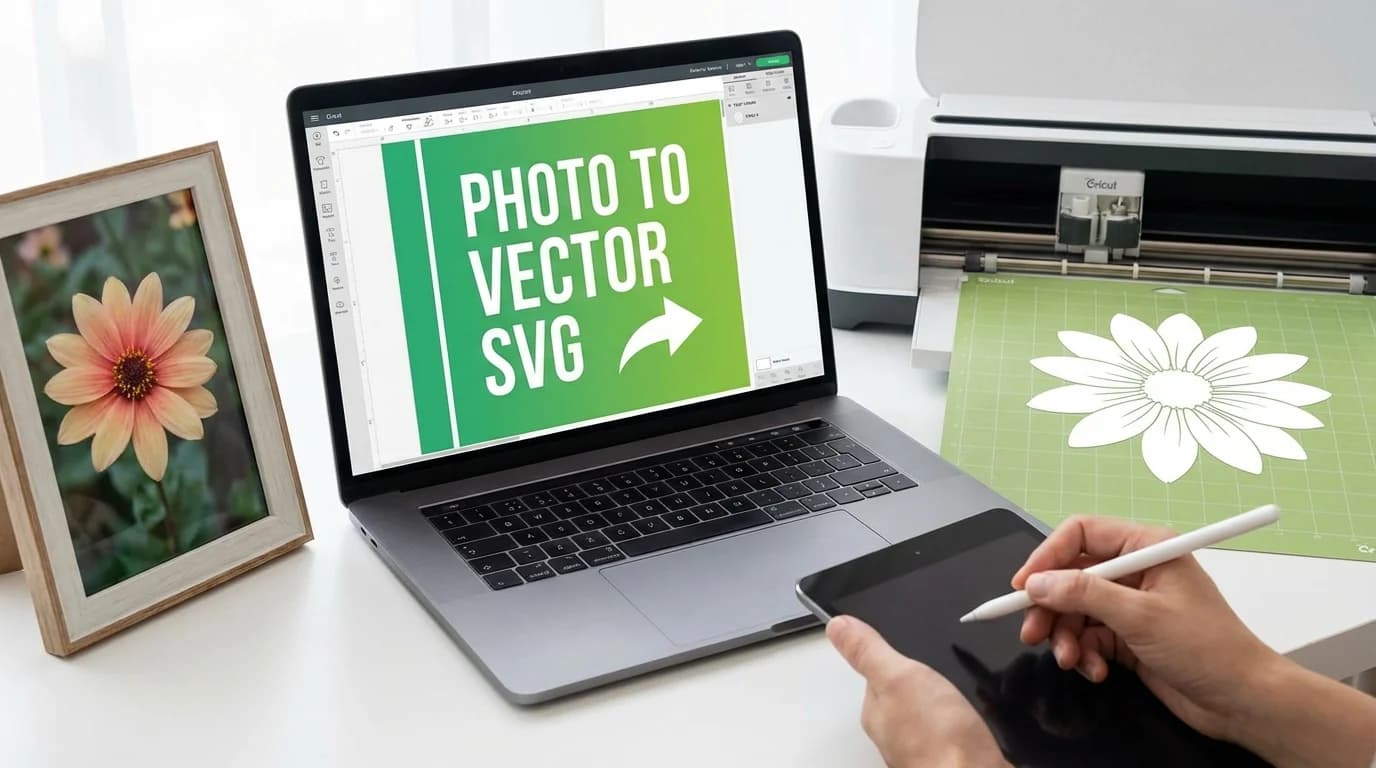
How to Convert Any Image to a Cut-Ready SVG for Cricut (2026 Guide)
Learn how to turn any PNG, JPG, or hand-drawn design into a clean SVG file that works perfectly with Cricut Design Space. Step-by-step guide with tips for clean cuts.
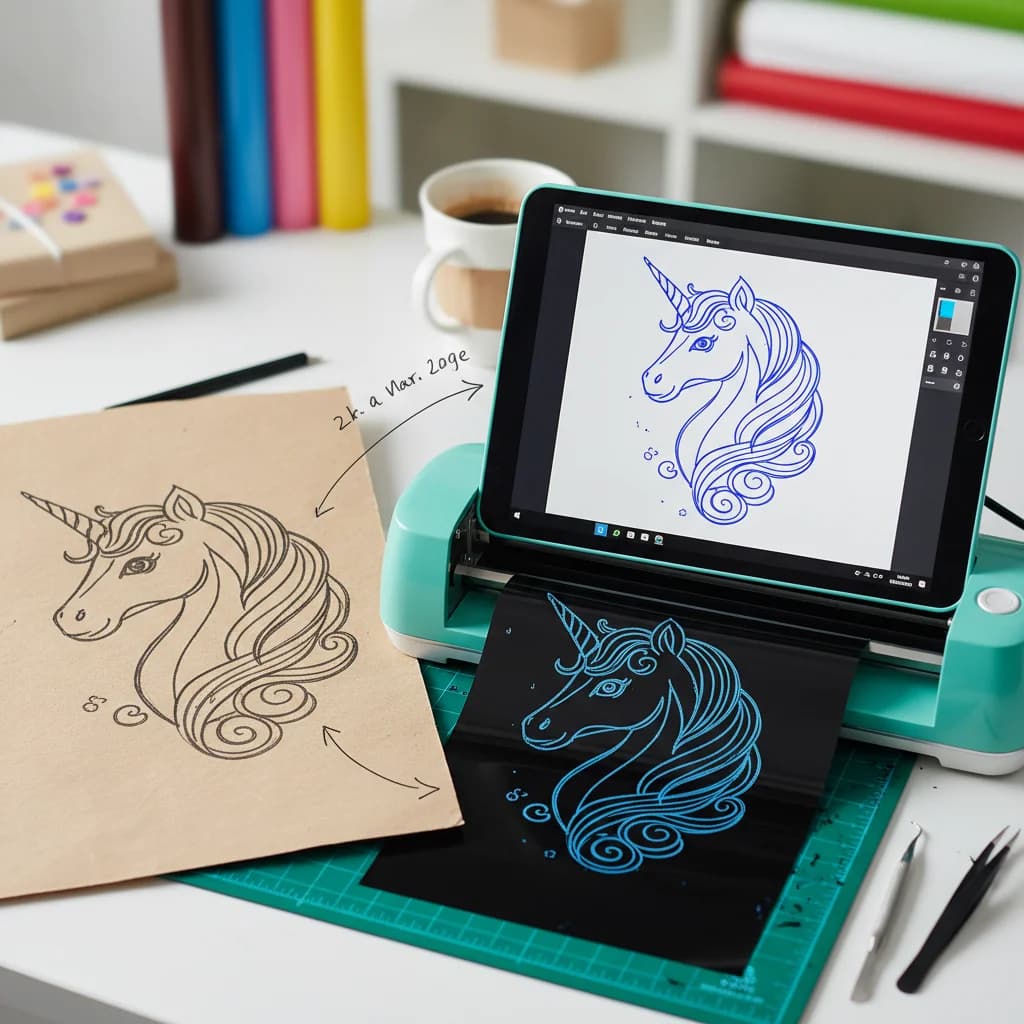
How to Turn Hand-Drawn Designs into Cricut Cut Files
From paper sketch to Cricut cut file in under a minute. Here's the easiest way to digitize your hand-drawn art for vinyl cutting, paper crafts, and more.

The AI Race Explodes: Claude Opus 4.6, GLM-5, GPT-5.3 — What It Means for Designers
February 2026 saw three major AI model launches in one week. Here's what Claude Opus 4.6, GLM-5, and GPT-5.3 Codex mean for designers, creatives, and anyone working with images.
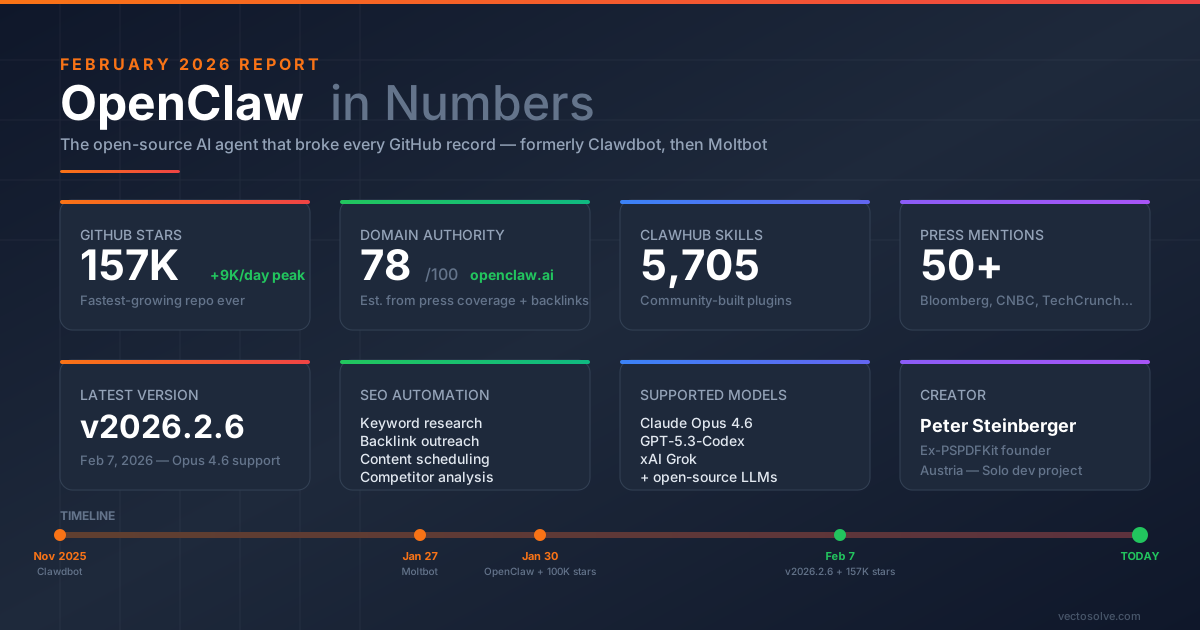
OpenClaw: The Open-Source AI Agent That Broke GitHub Records — And Can Automate Your Entire SEO
From Clawdbot to Moltbot to OpenClaw: 157K GitHub stars in 60 days, 5,700+ skills, and a v2026.2.6 release that supports Opus 4.6. Here's everything you need to know about the AI agent revolution.

Healthcare & Medical Graphics: Professional Vectorization
Create precise medical and healthcare graphics with vectorization. Learn requirements for medical illustrations, diagrams, and healthcare branding.
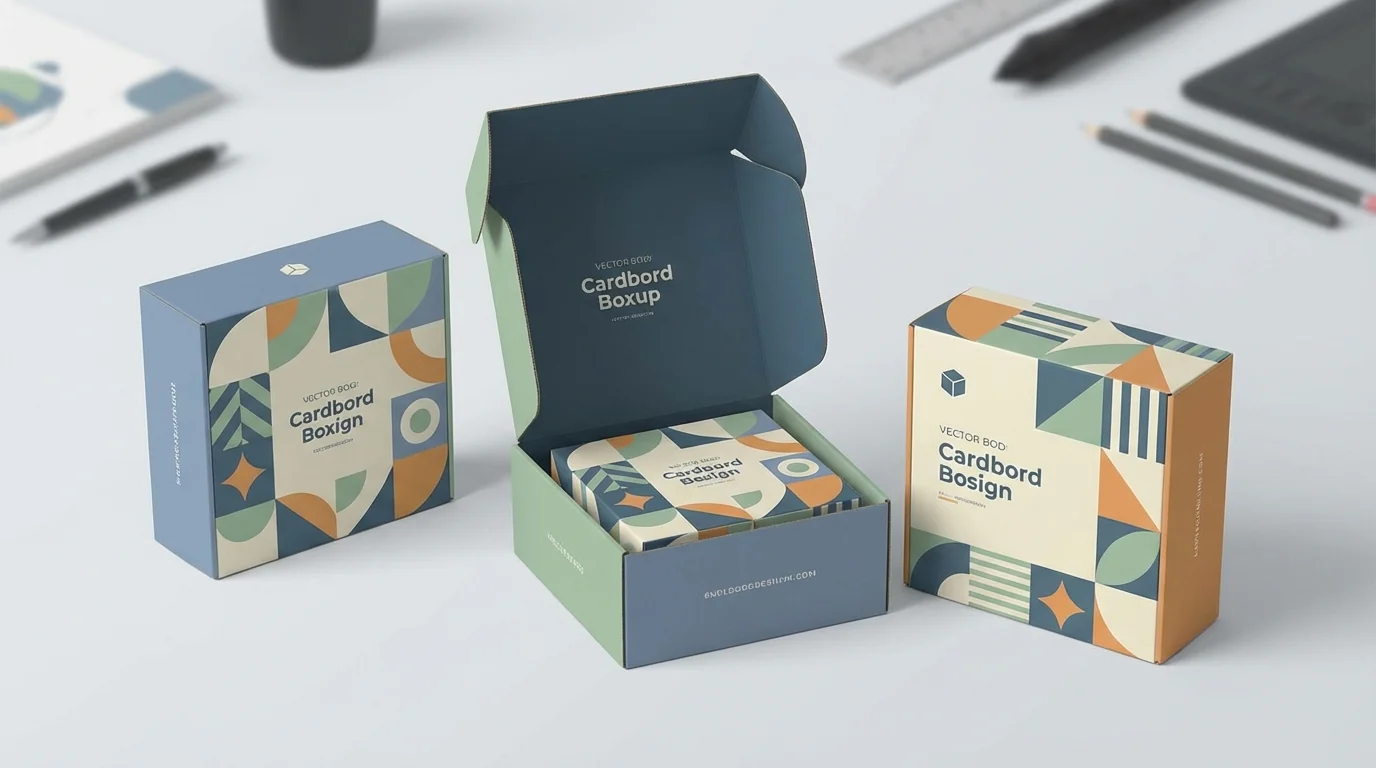
Packaging Design: Vector Graphics for Product Excellence
Master vector graphics for product packaging. From labels to boxes, learn requirements, workflows, and best practices for print-ready packaging designs.
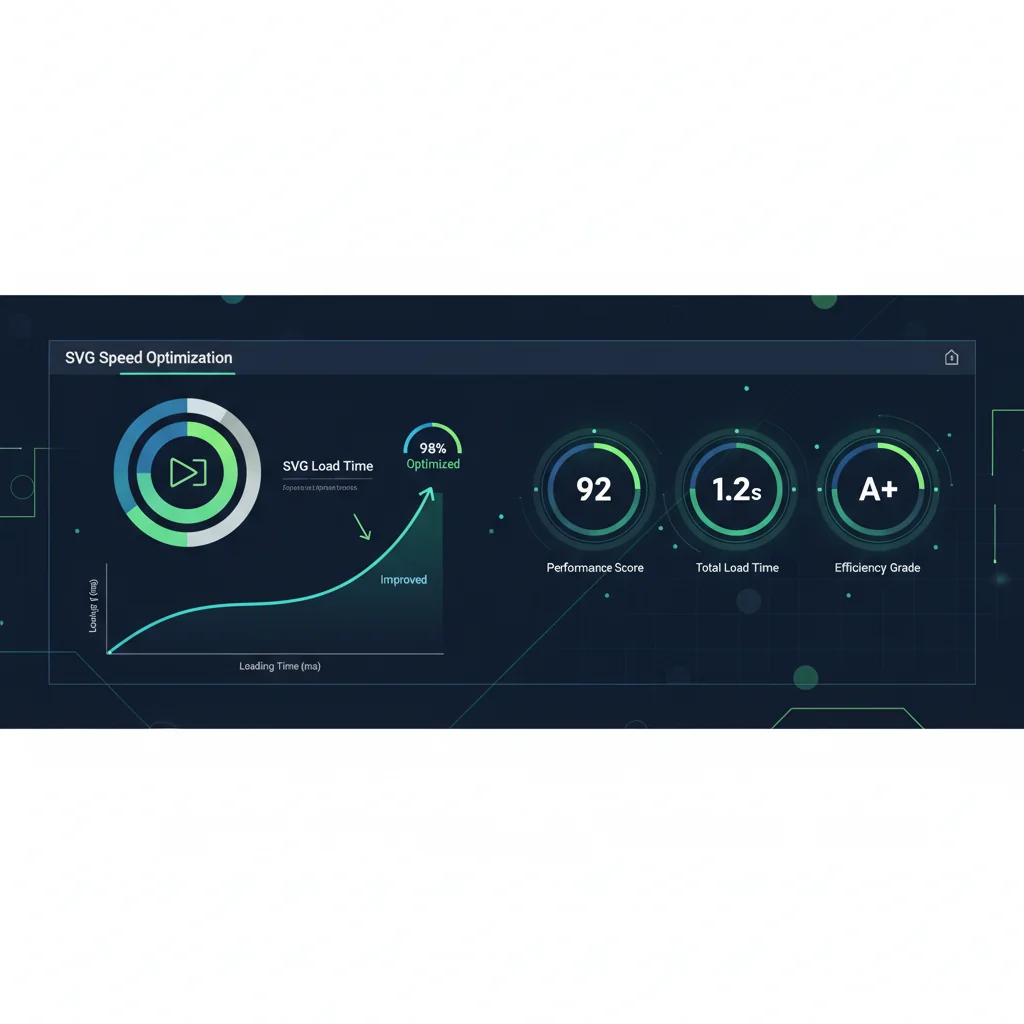
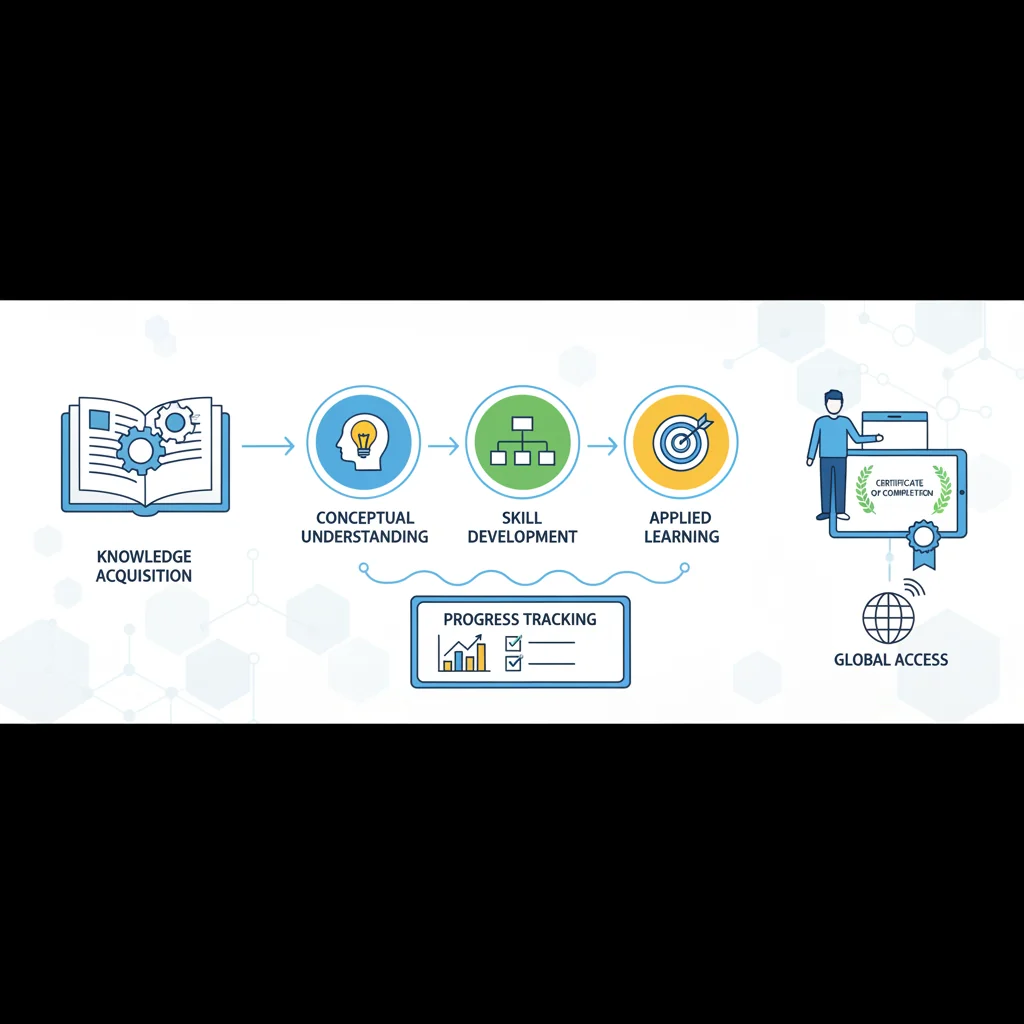
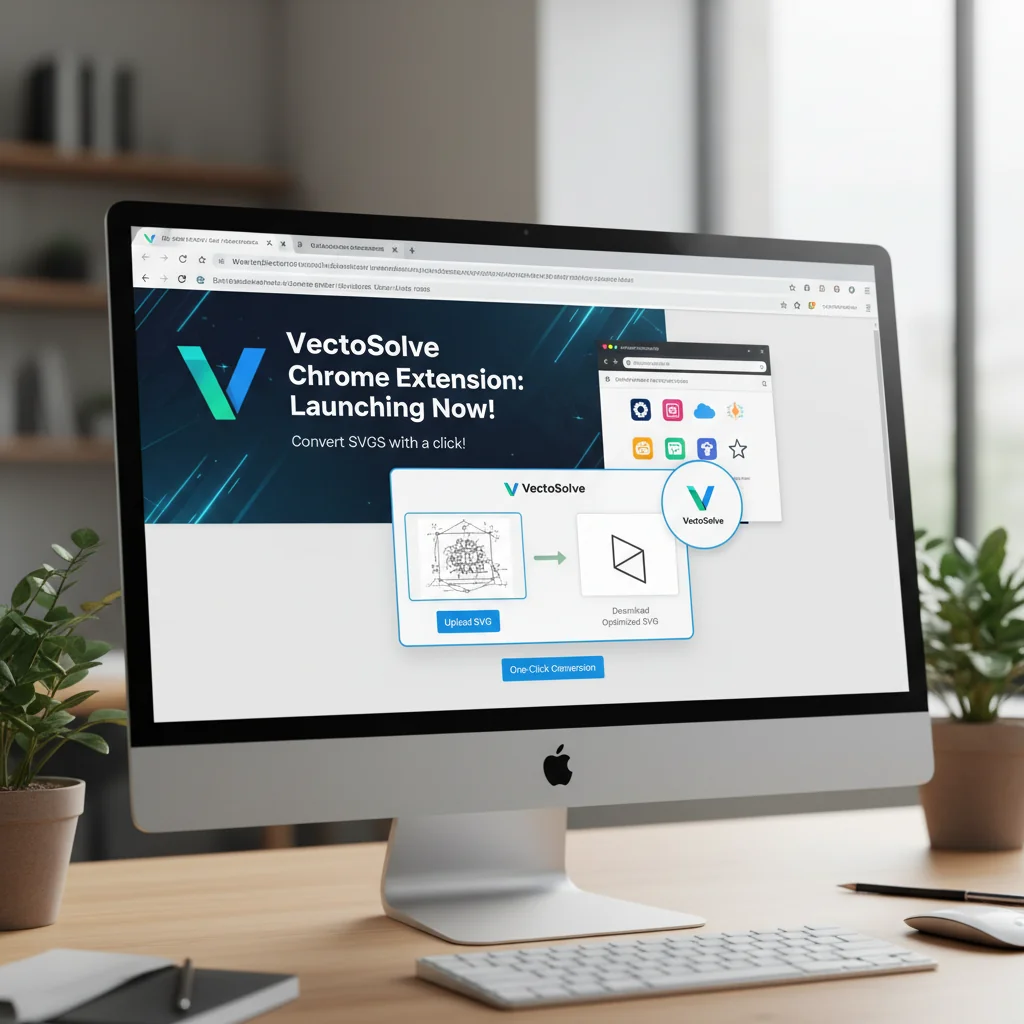
Introducing the VectoSolve Chrome Extension: Vectorize Any Image with One Click
We're excited to announce the VectoSolve Chrome Extension, letting you convert any image to SVG directly from your browser. Right-click to vectorize, no more downloading and uploading.

Brand Refresh Strategy: Vectorization as Foundation
Plan a successful brand refresh using vectorization. Learn how updating your visual assets creates a strong foundation for brand evolution.

How I Built VectoSolve Solo with AI-First Development (Claude Code)
Claude Sonnet 5 just dropped. Here's how we use Claude to build VectoSolve — from code to content — and how you can shape the future of AI-powered design tools.

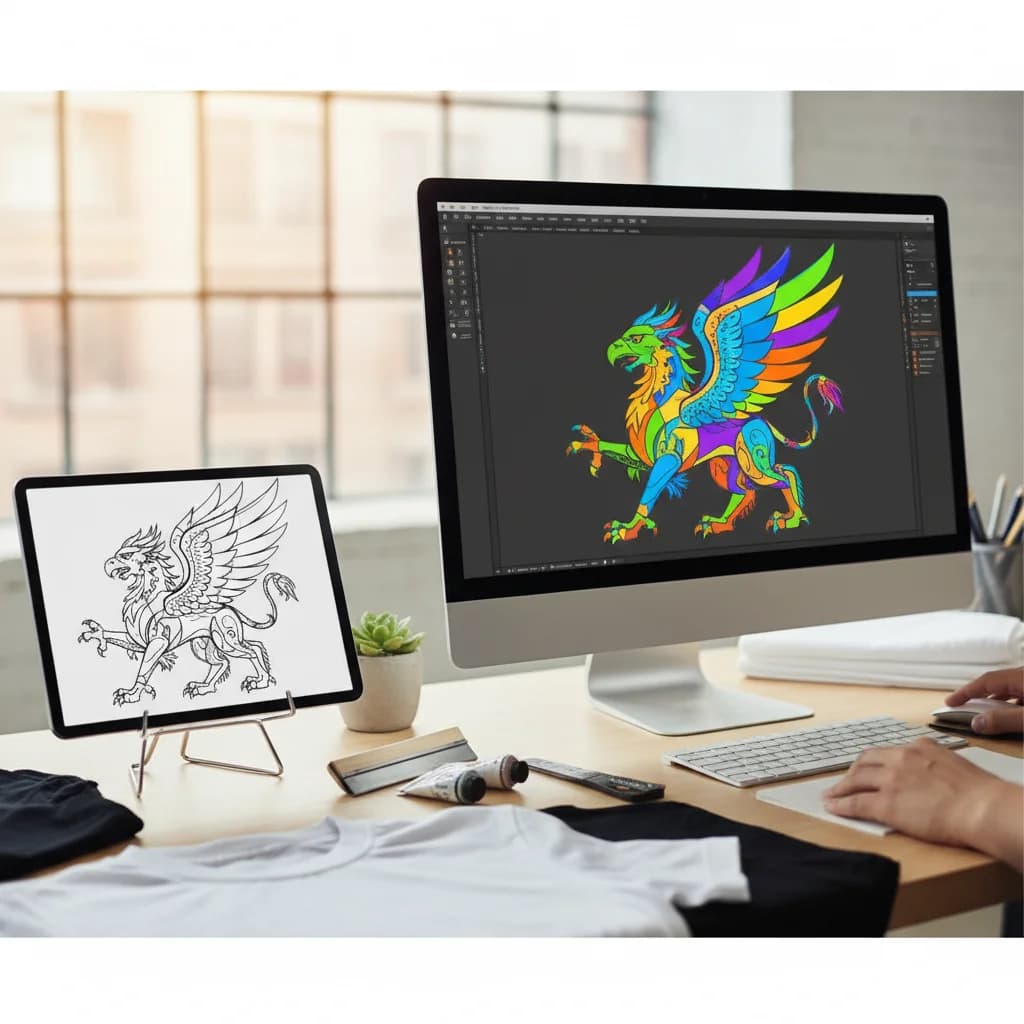
T-Shirt Design Vectorization: From Concept to Print-Ready
Complete guide to creating vector artwork for t-shirt printing. Learn about DTG, screen printing, and heat transfer requirements.
Marketing Materials: Complete Vector Graphics Playbook
Create impactful marketing materials with vector graphics. From brochures to presentations, master the visual elements that drive results.

Upscaling Web Images for Retina Displays: A Developer's Guide
Retina and high-DPI displays demand higher resolution images. Learn how AI upscaling helps web developers deliver crisp images to all users.
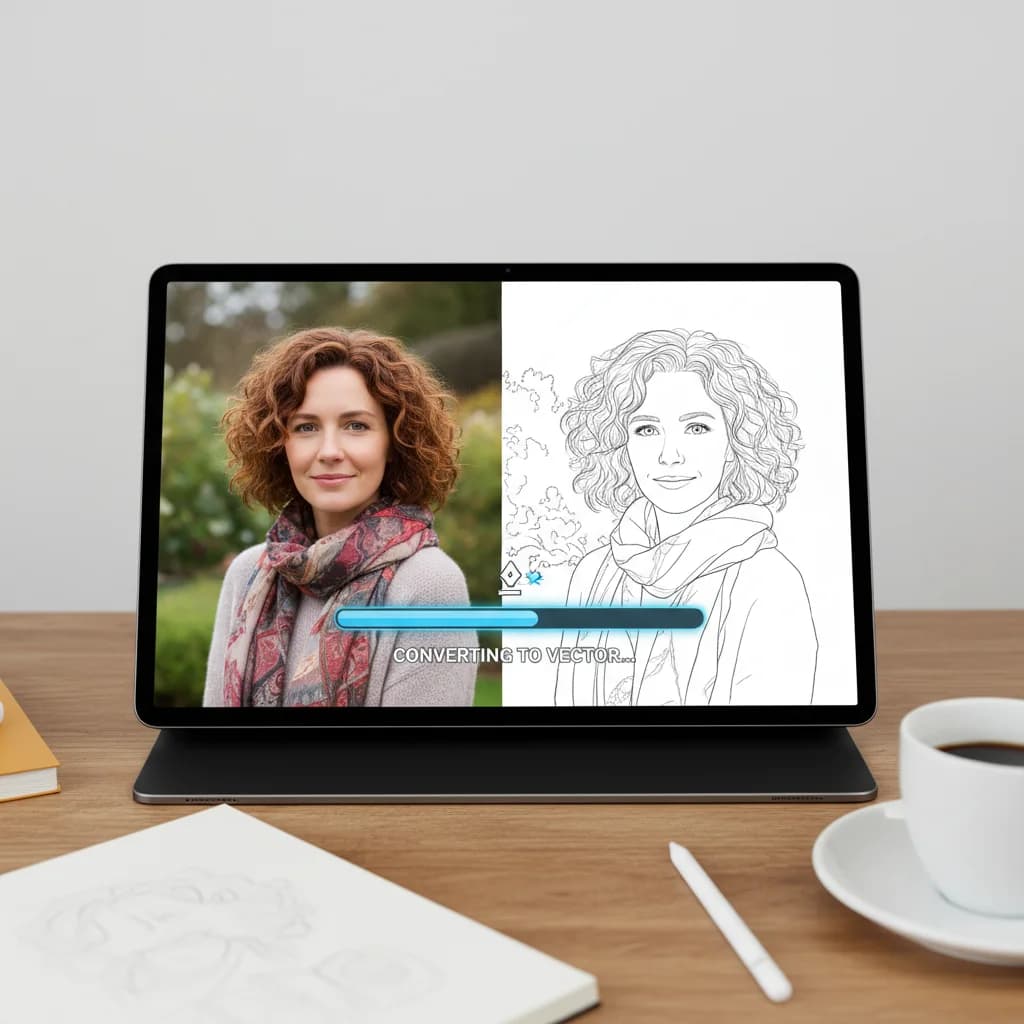
How to Convert a Photo to Line Art (Vector Illustration Effect)
Transform any photograph into stylized line art. Create unique illustrations from portraits, pets, or any image.
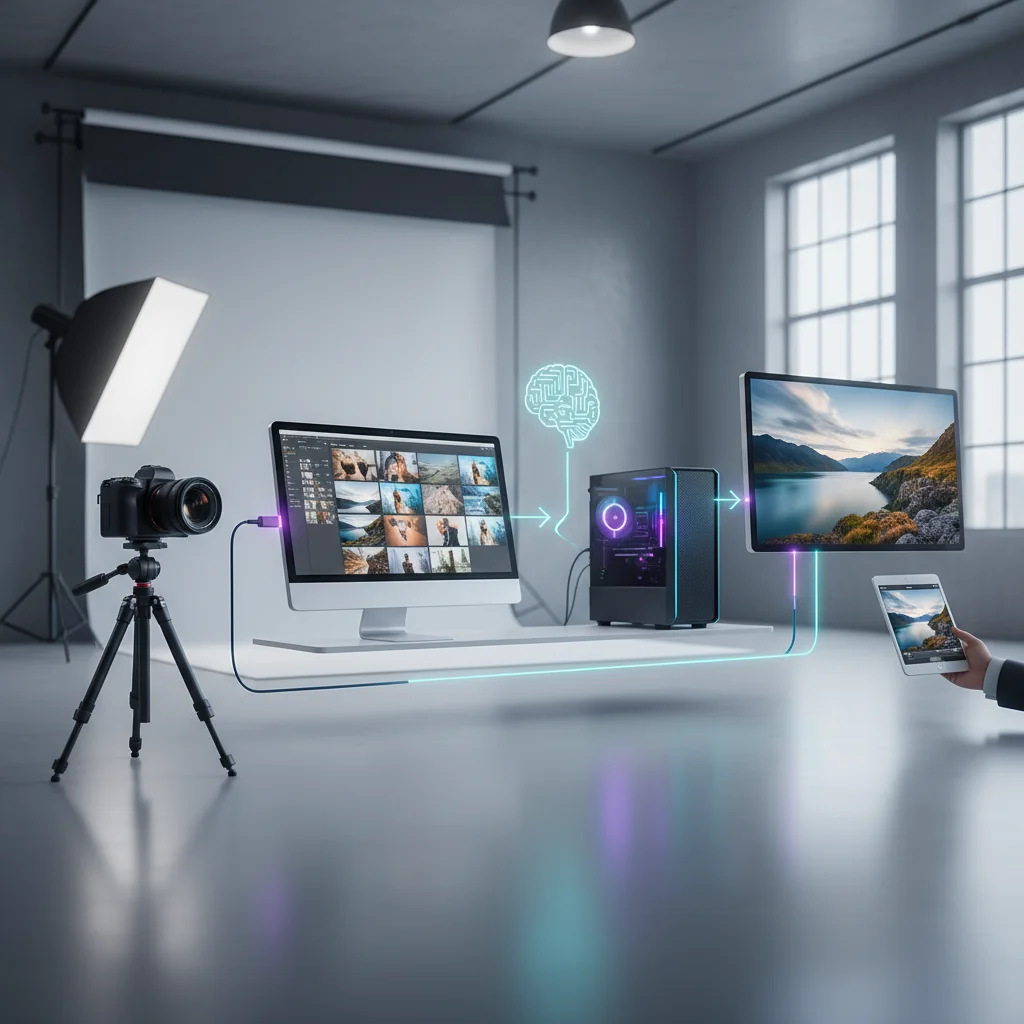
Integrating AI Upscaling into Your Photography Workflow
Professional photographers can leverage AI upscaling for cropping flexibility, client deliverables, and archive enhancement. Learn the best practices.

How I Launched a SaaS with 500+ Pages in 10 Languages
The SEO and i18n strategy behind VectoSolve's organic growth: programmatic pages, multilingual architecture, and lessons learned.
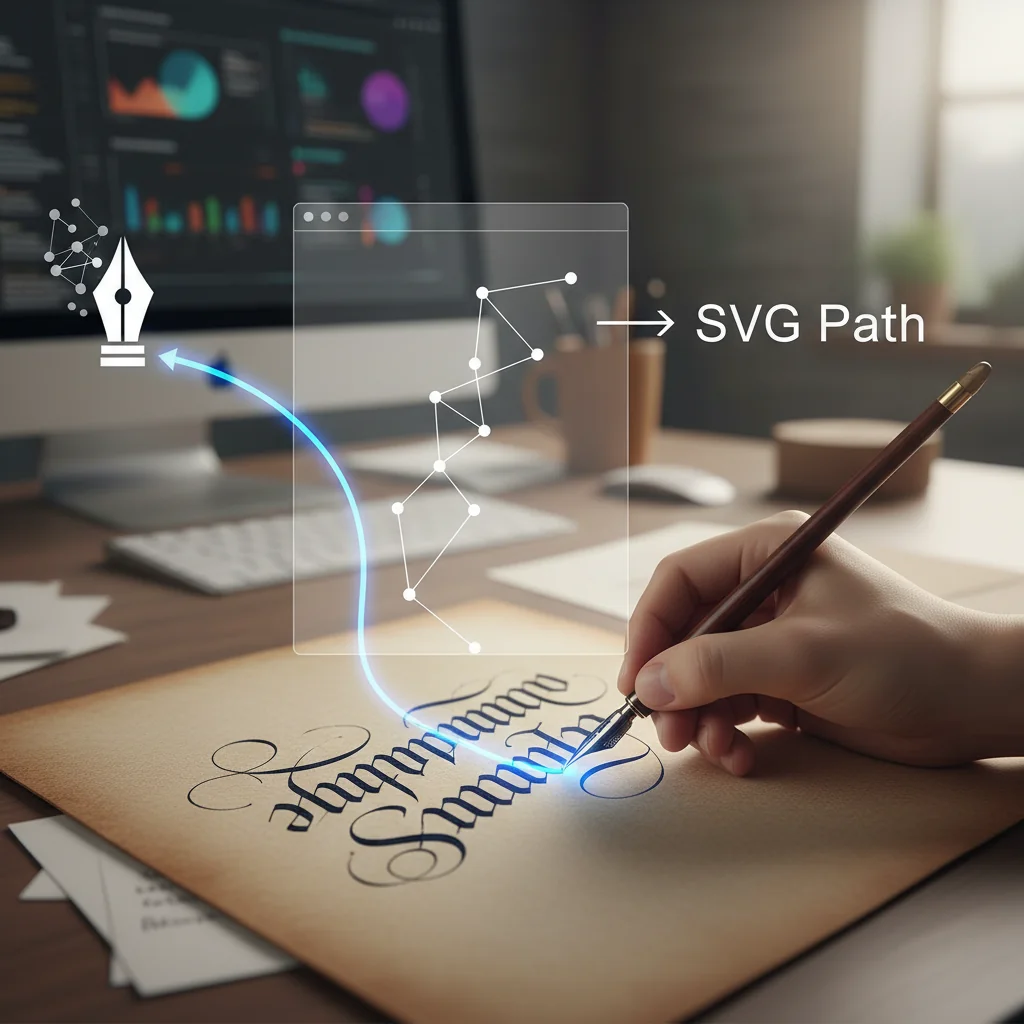
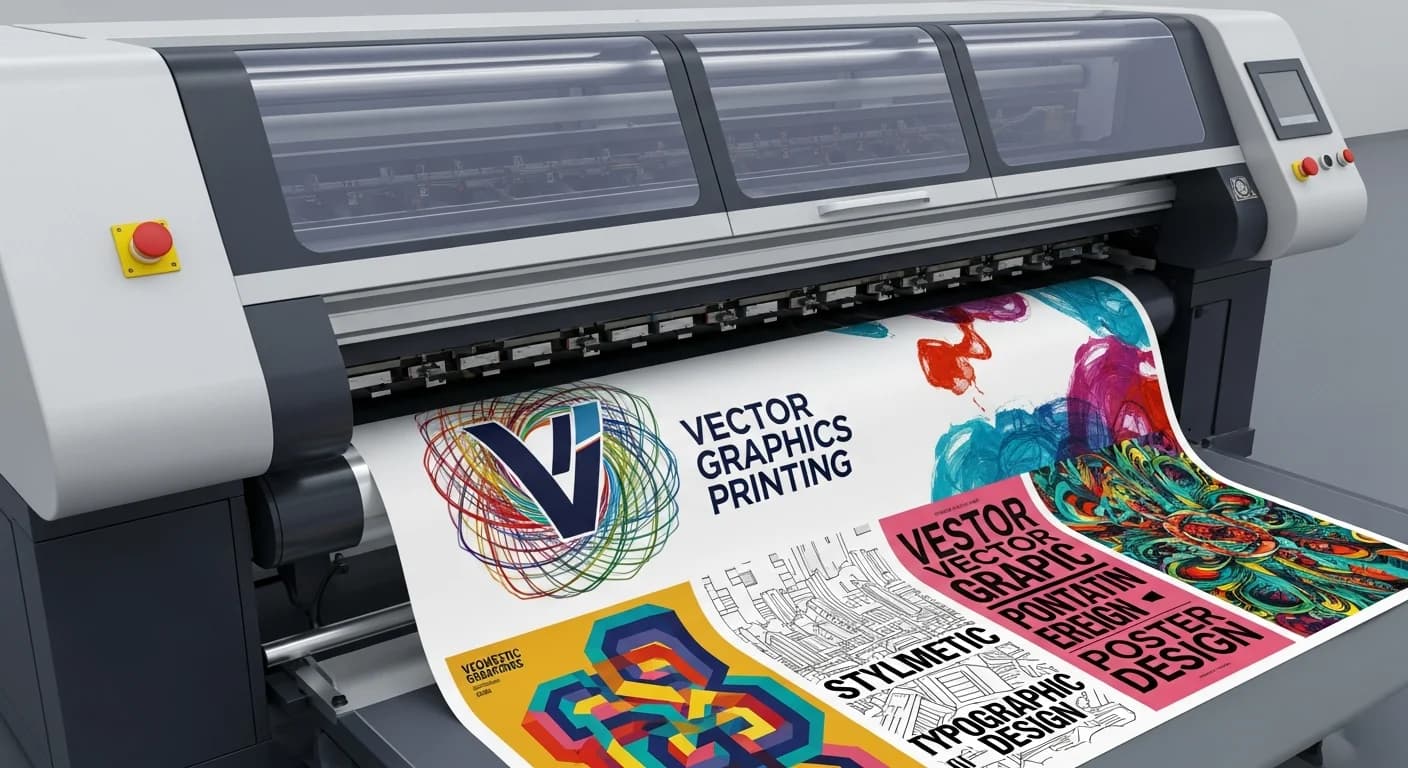
Creating Print-Ready Vectors: From Screen to Professional Print
Master the art of preparing vector graphics for professional printing. Learn color management, bleed settings, and file formats.
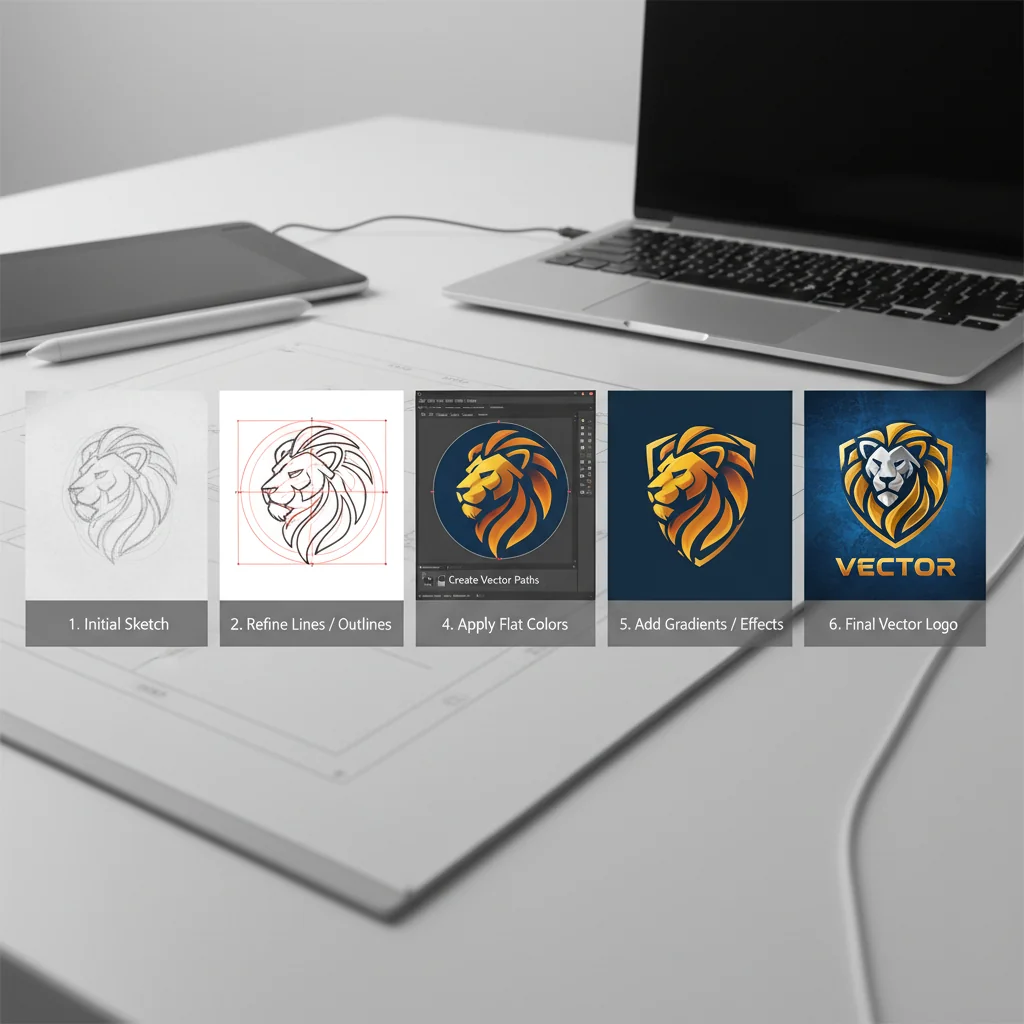
How to Vectorize a Logo: Complete Step-by-Step Guide (2026)
Learn how to convert any logo to vector format. This comprehensive guide covers manual tracing, AI-powered conversion, and best practices for professional results.
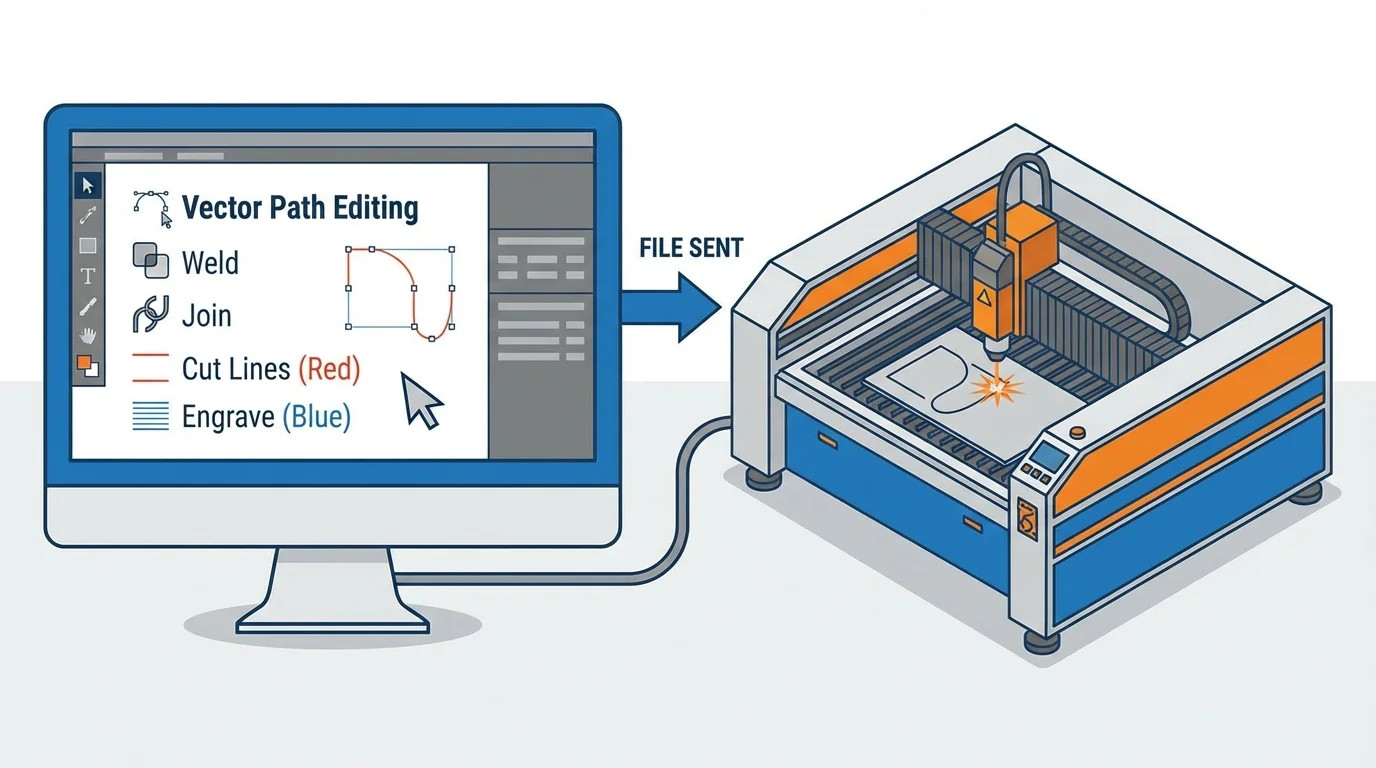
Vector Files for Laser Cutting: Complete Setup Guide
Learn how to prepare vector files for laser cutting and engraving. Covers file formats, line settings, and common mistakes to avoid.

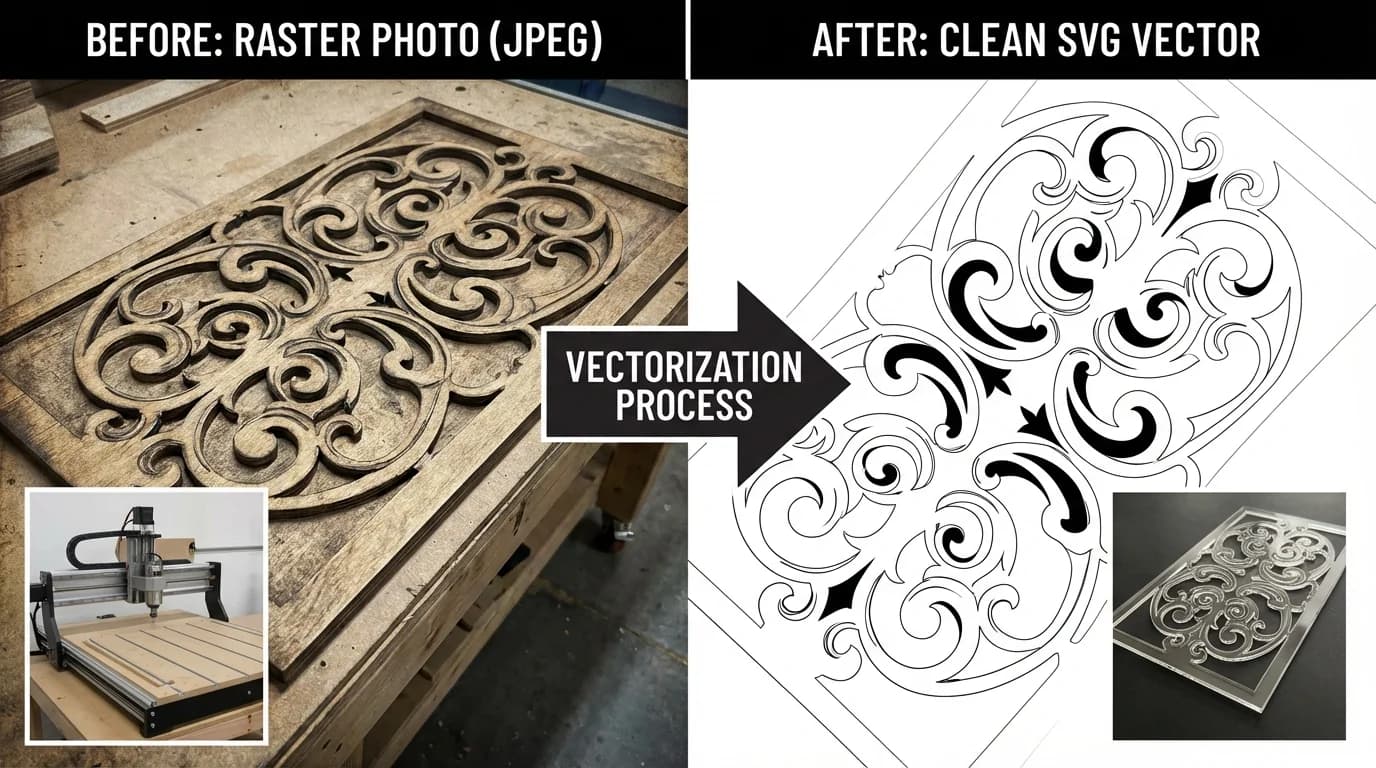
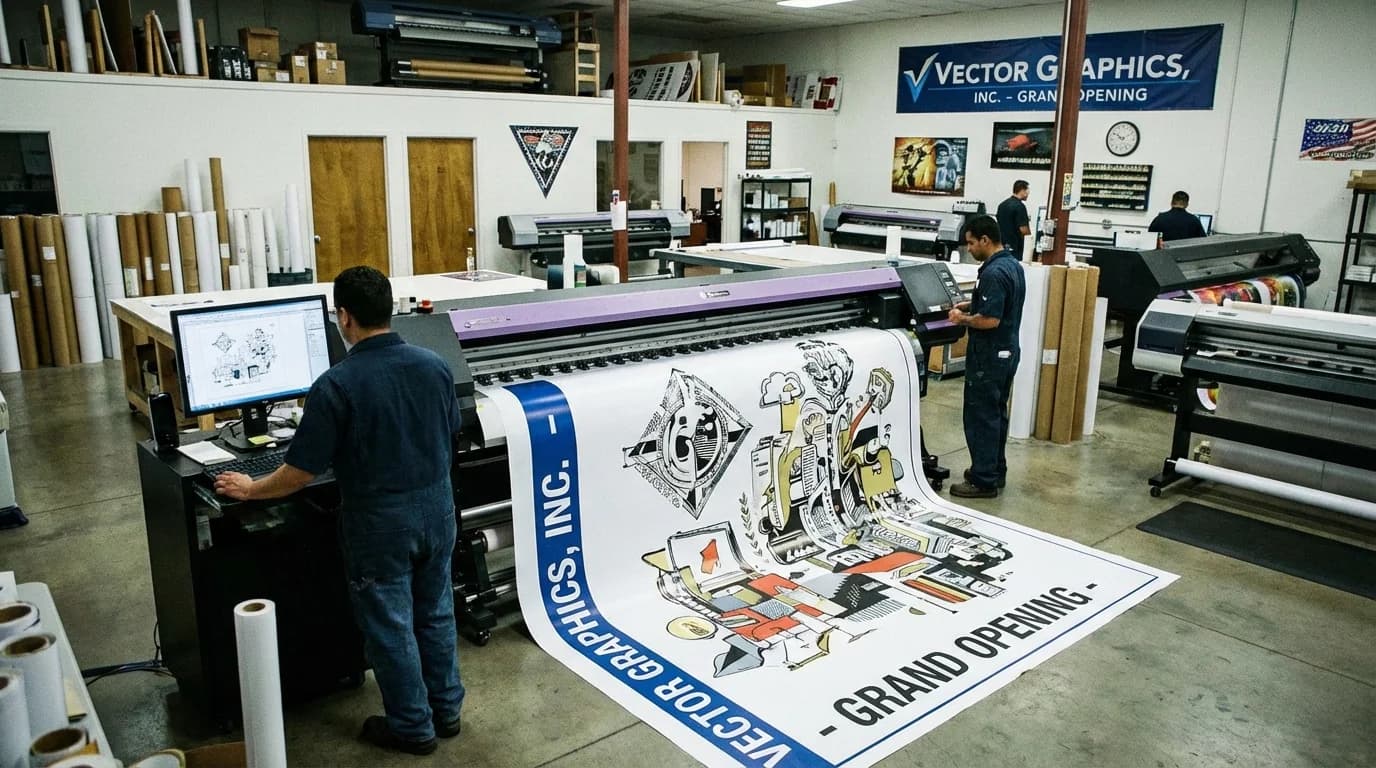
Signage & Large Format: Vector Requirements Guide
Prepare graphics for signage and large format printing. Learn resolution, format, and quality requirements for professional results at any size.
Image to Vector Converter: 10 Tools Compared (2026)
A comparison of 10 image to vector converters on quality, speed, and price.
Best AI Logo Generators in 2026 — Top 8 Tools Compared
We tested 8 AI logo generators for quality, format, customization and price. See which tools actually deliver usable vector logos for your brand in 2026.
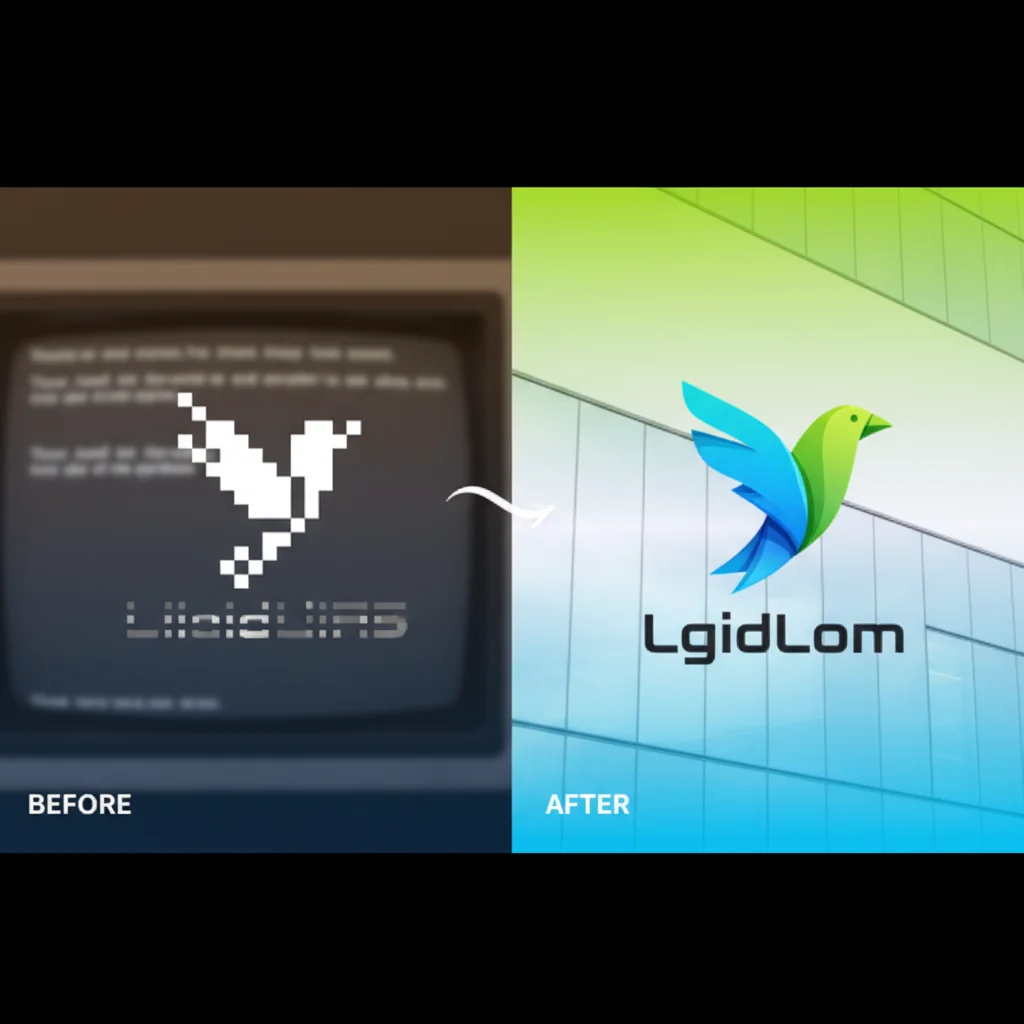
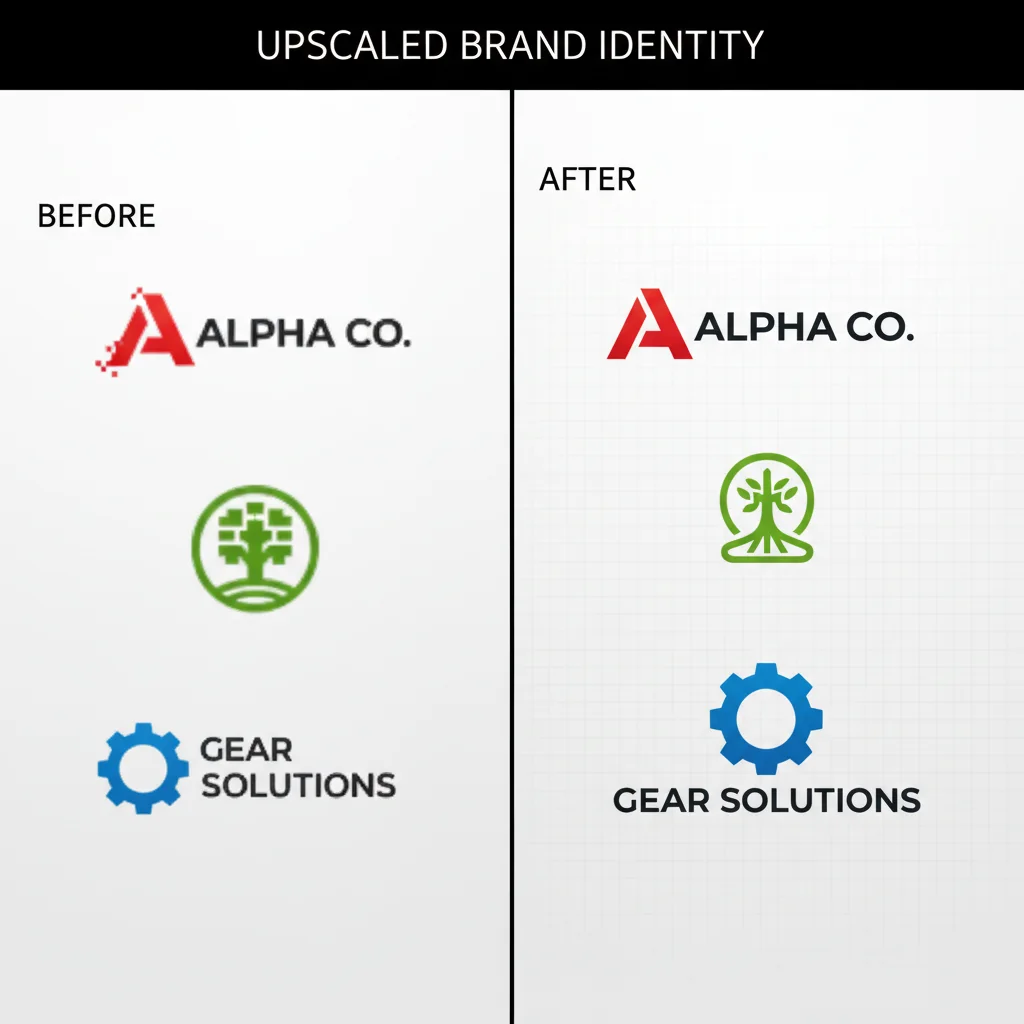
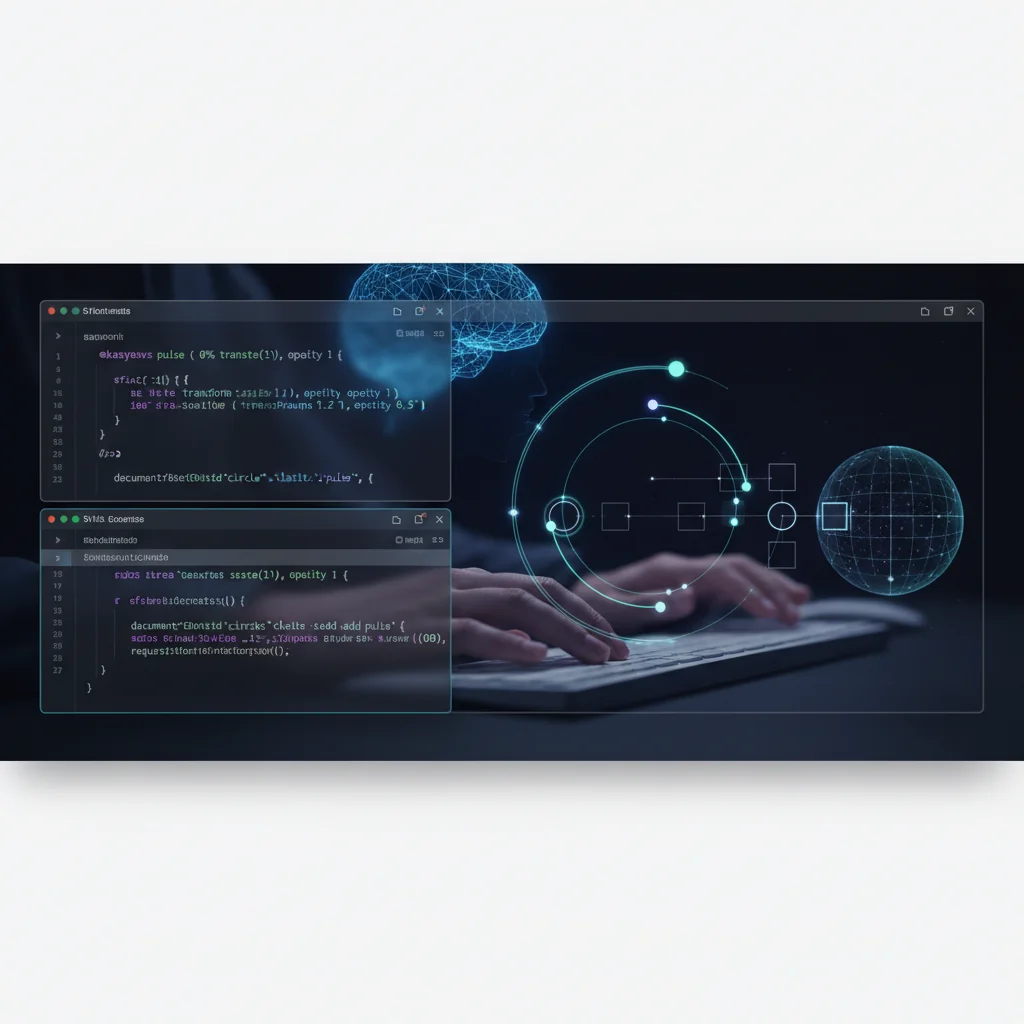
SVG Animations with CSS & JavaScript: Code Examples for Developers (2026)
Practical code examples for SVG animation using CSS keyframes, GSAP, Framer Motion, and vanilla JavaScript. Copy-paste snippets for loaders, transitions, hover effects, and scroll-triggered animations.

AI Logo Generator: Create Professional Vector Logos Instantly
Introducing our new AI Logo Generator — describe your brand vision and get production-ready SVG logos in seconds. Choose from 5 styles, set brand colors, and download scalable vectors.
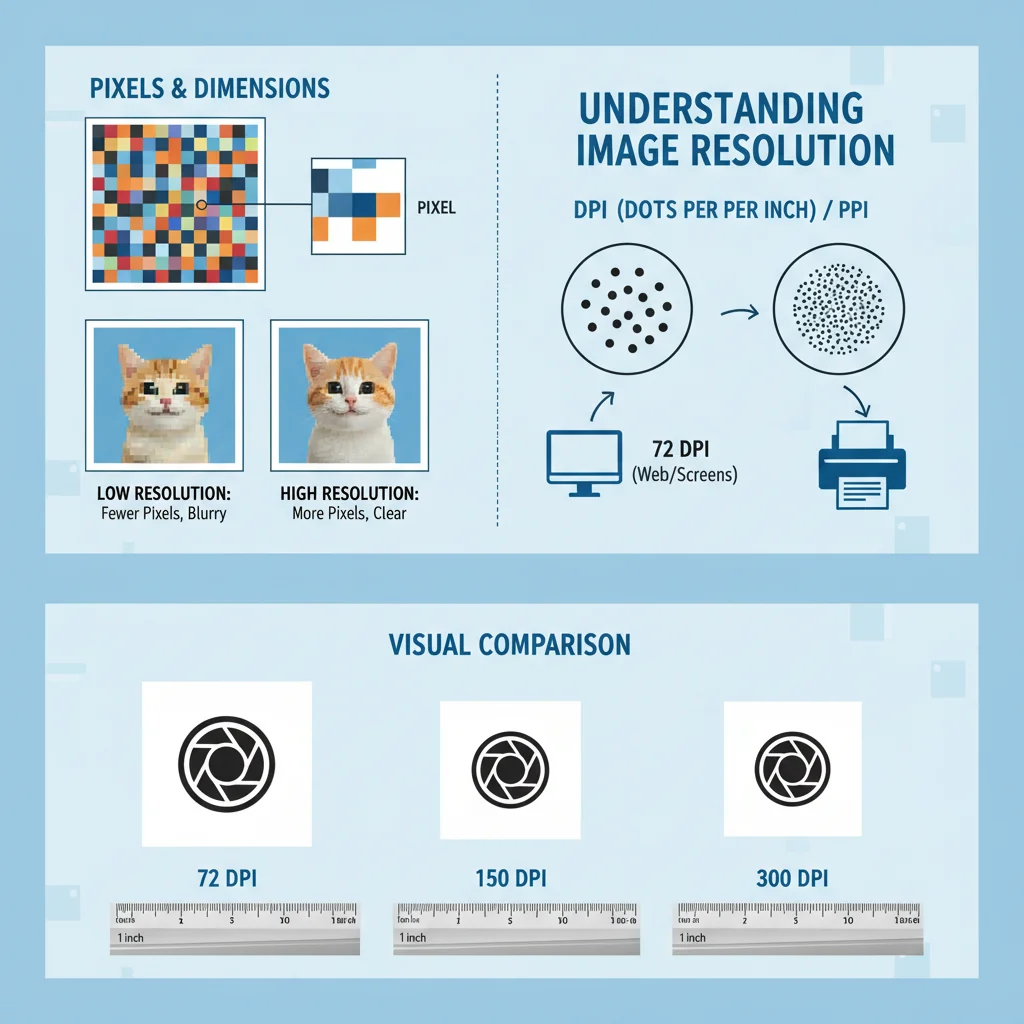
Understanding Image Resolution: Pixels, DPI, and Quality Explained
Confused by resolution terminology? This beginner-friendly guide explains pixels, DPI, megapixels, and how they affect your images.


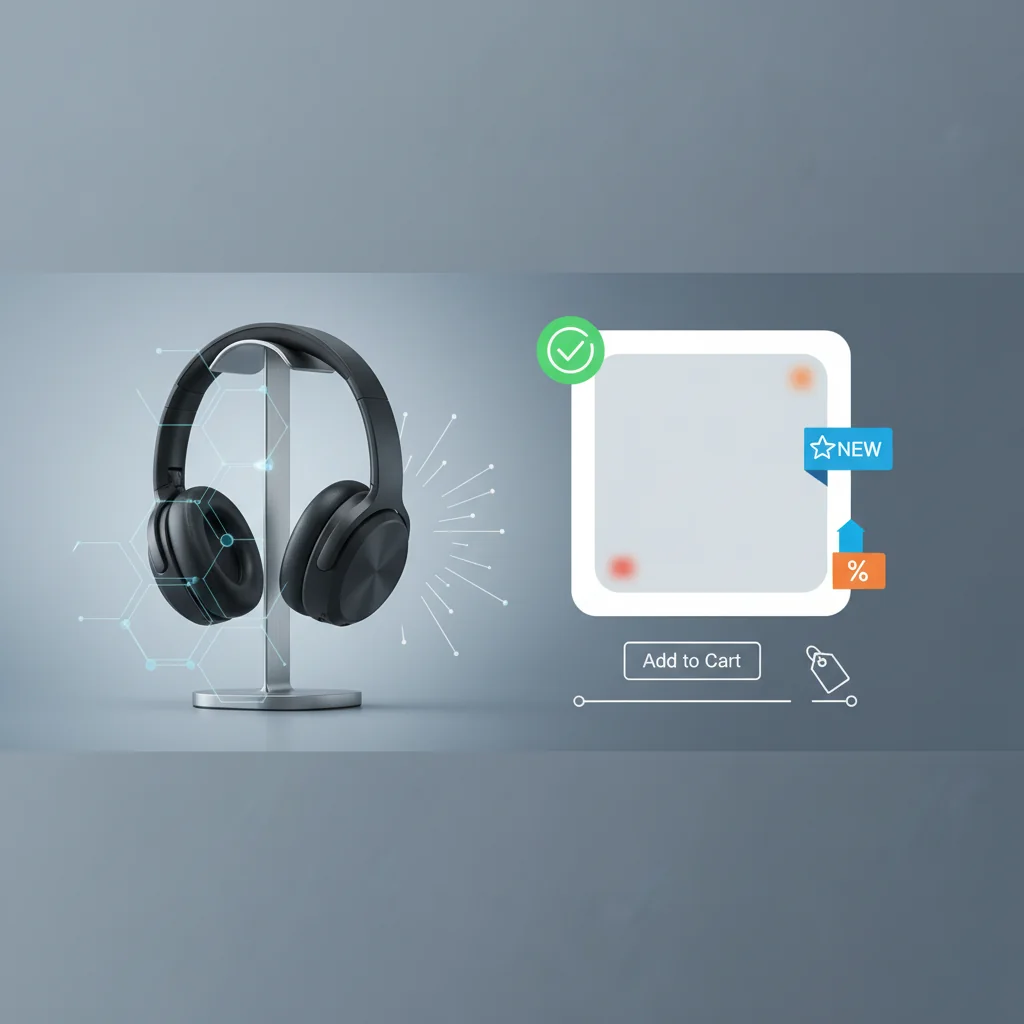
E-commerce Product Graphics: Vector Advantages
Optimize your e-commerce visuals with vector graphics. Learn how vectors improve product presentation, site performance, and brand consistency.
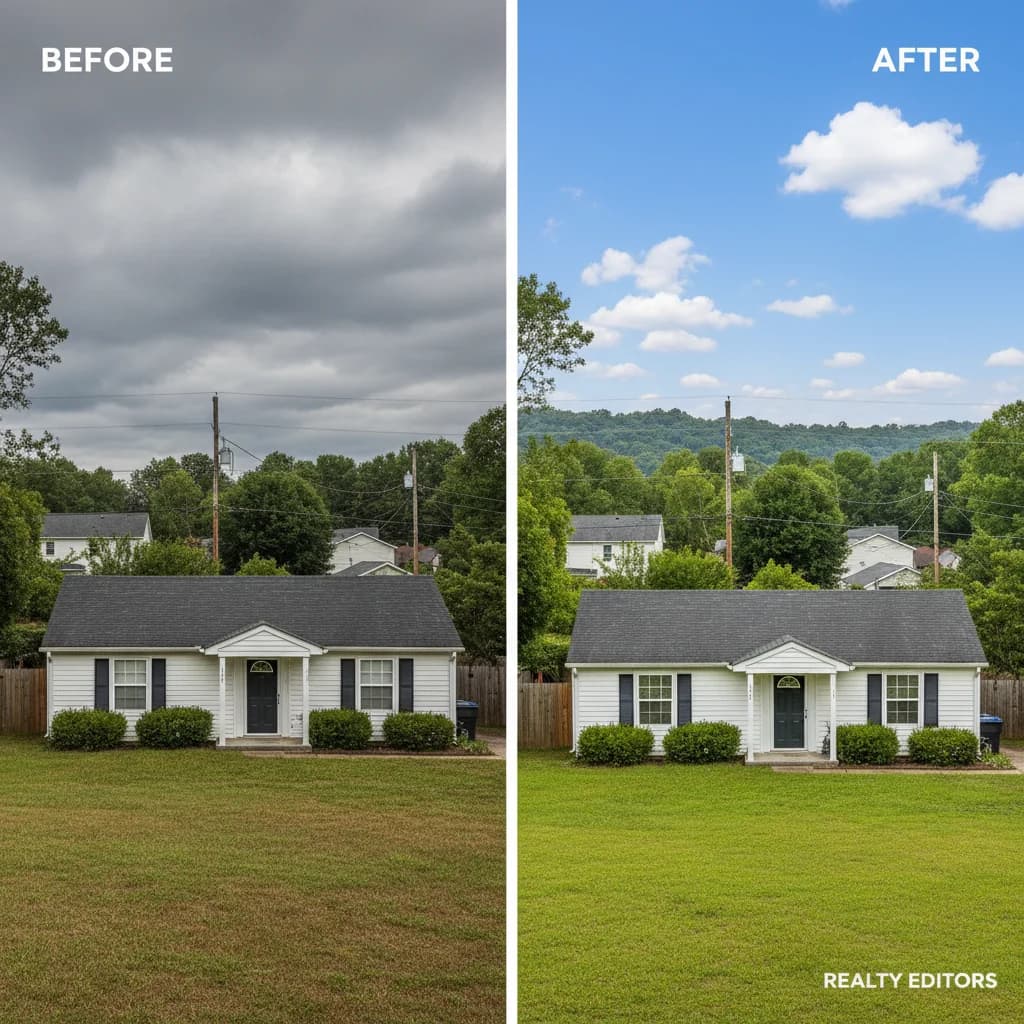
Upscaling Real Estate Photos: Make Listings Stand Out with AI
In real estate, first impressions matter. Learn how AI upscaling helps agents and photographers create stunning property listings that sell.
Print-on-Demand Success: Vector Graphics Essentials
Master vector graphics for print-on-demand products. Learn file requirements, quality standards, and optimization techniques for POD platforms.

Design Agency Vectorization Workflow: Scale Quality Output
How design agencies can implement efficient vectorization workflows. Standardize quality, reduce production time, and improve client deliverables.
Upscaling Digital Art and Illustrations: A Complete Artist's Guide
Artists and illustrators can benefit enormously from AI upscaling. Learn how to enhance your digital art while preserving your artistic style.

Background Removal in Real Estate Photography: Sky Replacement and More
Transform property photos with background removal. Learn sky replacement, window view enhancement, and virtual staging techniques.
SVG Optimization for Developers: SVGO, Build Pipelines & CI/CD Integration
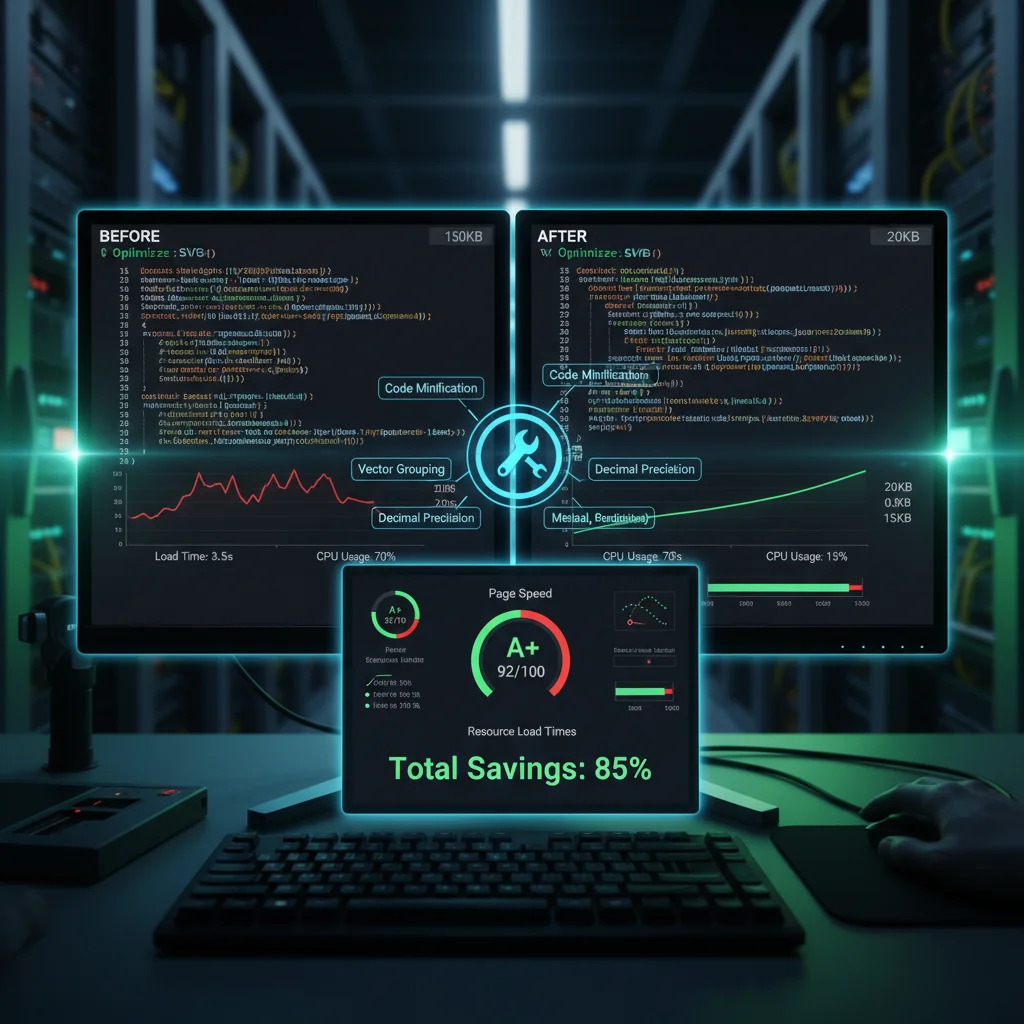
Developer-focused SVG optimization: configure SVGO, integrate into webpack/Vite build pipelines, automate with CI/CD, and measure the impact on Core Web Vitals.
Background Removal for Social Media: Create Scroll-Stopping Content
Learn how to use background removal to create engaging social media content that stands out in crowded feeds.
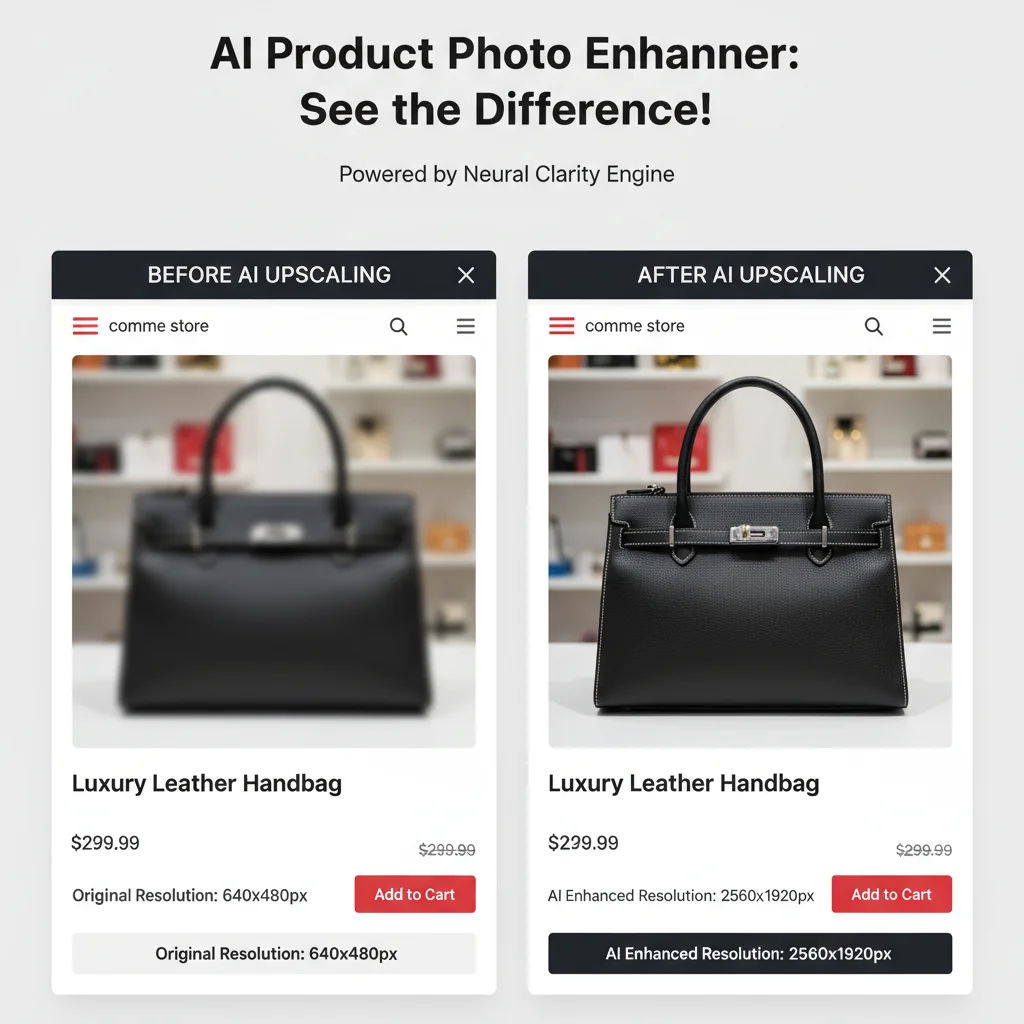
Upscaling E-Commerce Product Photos: Boost Sales with Better Images
Product images directly impact purchasing decisions. Learn how to use AI upscaling to create professional product photos that convert.


Building SVG Sprite Systems: Efficient Icon Management
Create efficient SVG sprite systems for large-scale applications. Learn sprite generation, usage patterns, and performance optimization techniques.

Batch Background Removal: Process Hundreds of Images Fast
Scale your background removal workflow. Learn techniques for processing large volumes of images efficiently.
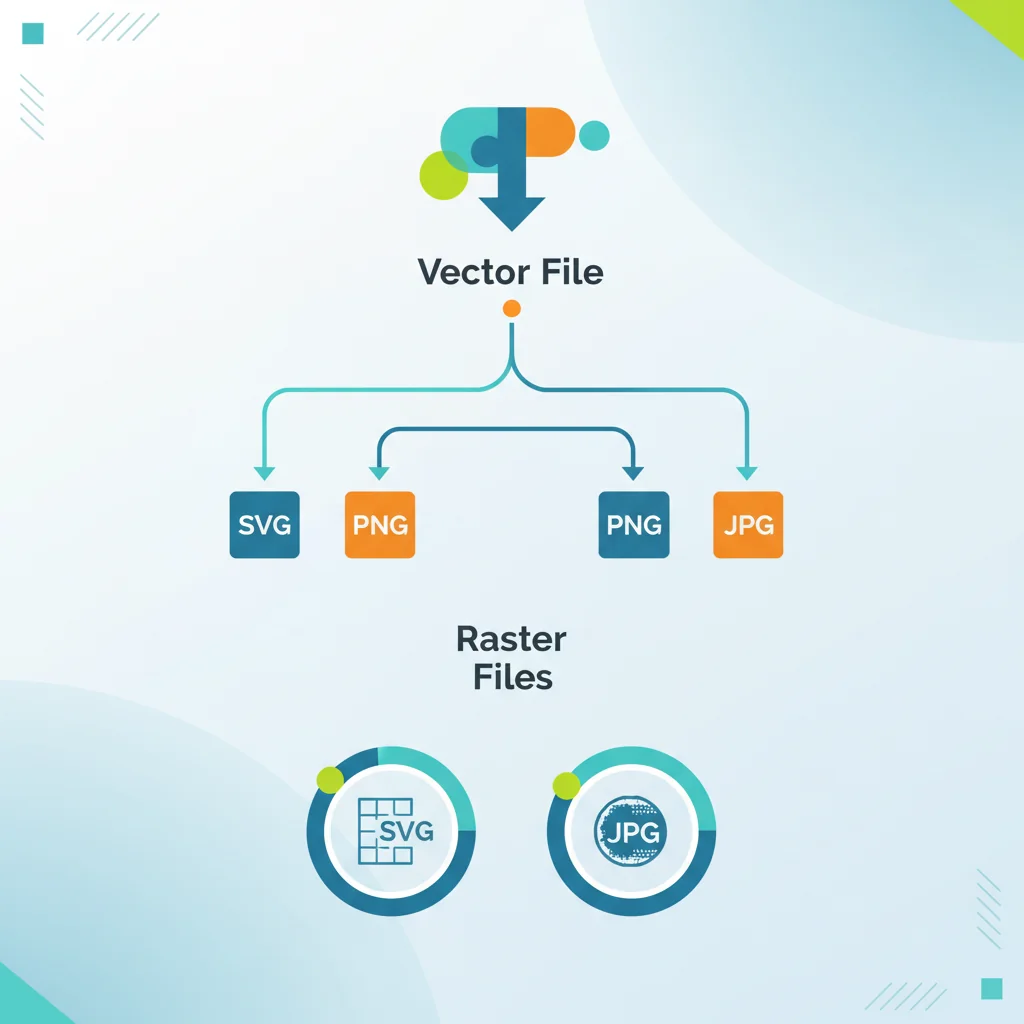
When to Convert Vectors to Raster: Making the Right Choice
Understand when vector graphics should become raster images. Learn the trade-offs, use cases, and best practices for format conversion decisions.
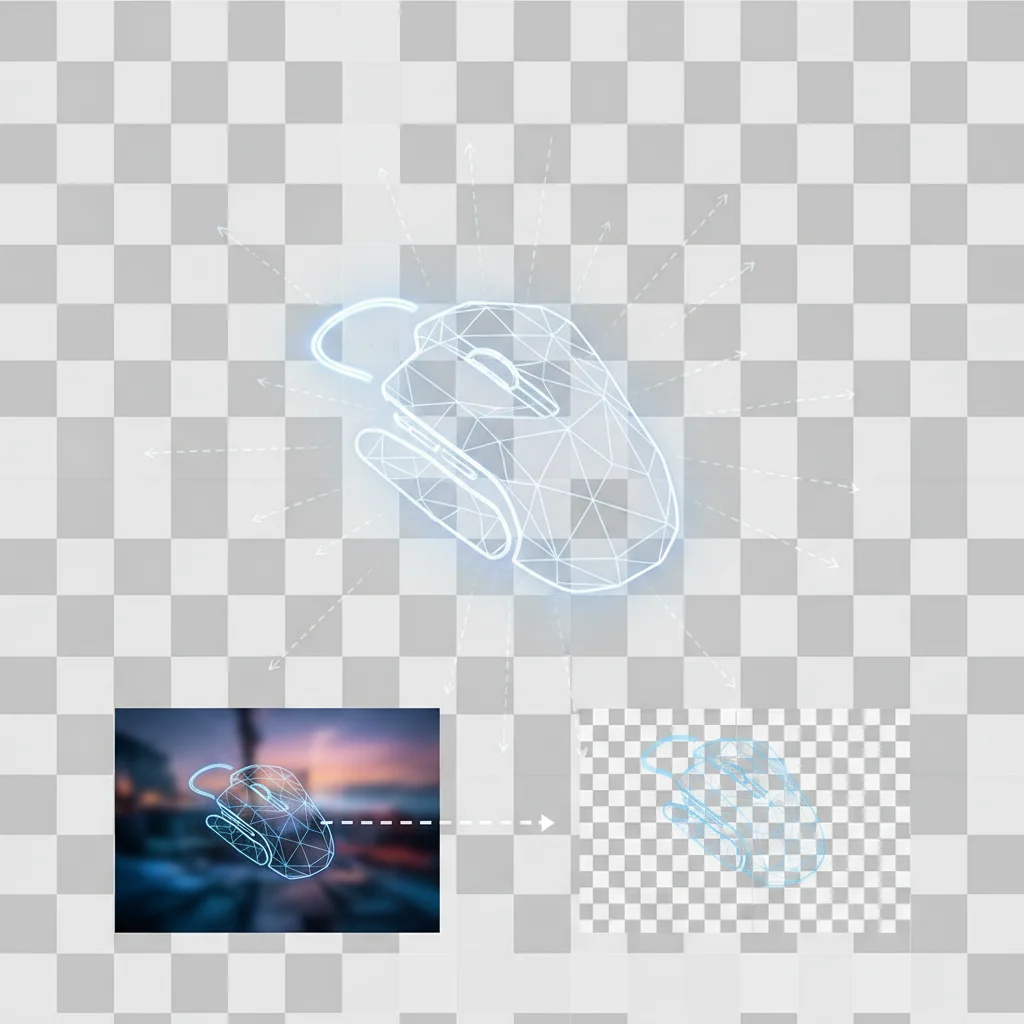
Creating Transparent PNGs: Complete Background Removal Guide
Everything you need to know about creating transparent PNG images. From background removal to optimization for web and print.

Inside Vectorization Algorithms: Edge Detection, Potrace & Neural Path Tracing
A developer-level deep dive into how vectorization algorithms actually work. Covers Potrace, autotrace, edge detection pipelines, Bezier curve fitting, and how neural networks are replacing classical methods.
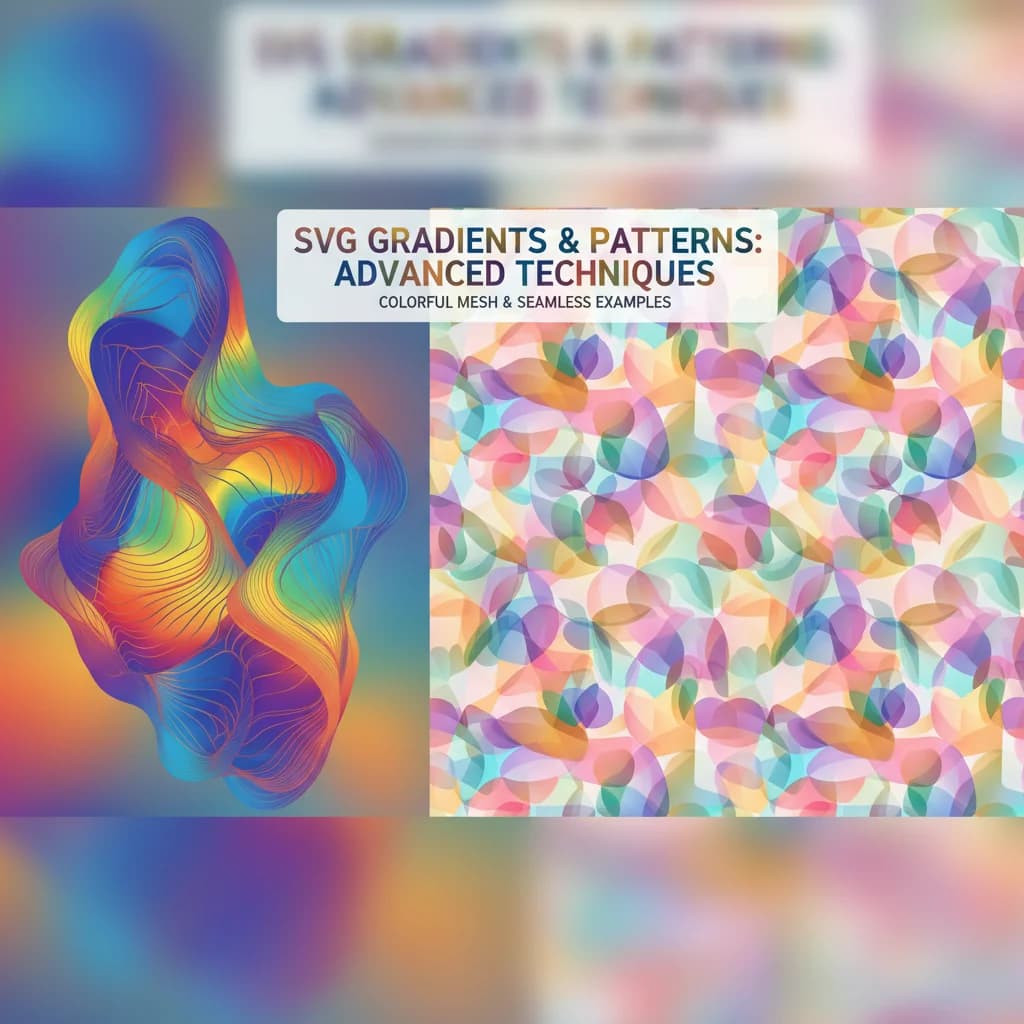
Advanced SVG Gradients and Patterns: Creating Complex Effects
Master SVG gradients and patterns for sophisticated visual effects. Learn linear, radial, mesh gradients, and pattern techniques for professional designs.



Using SVGs in React and Next.js: Complete Integration Guide
Master SVG integration in React and Next.js applications. Learn import methods, component patterns, optimization, and best practices for modern web development.
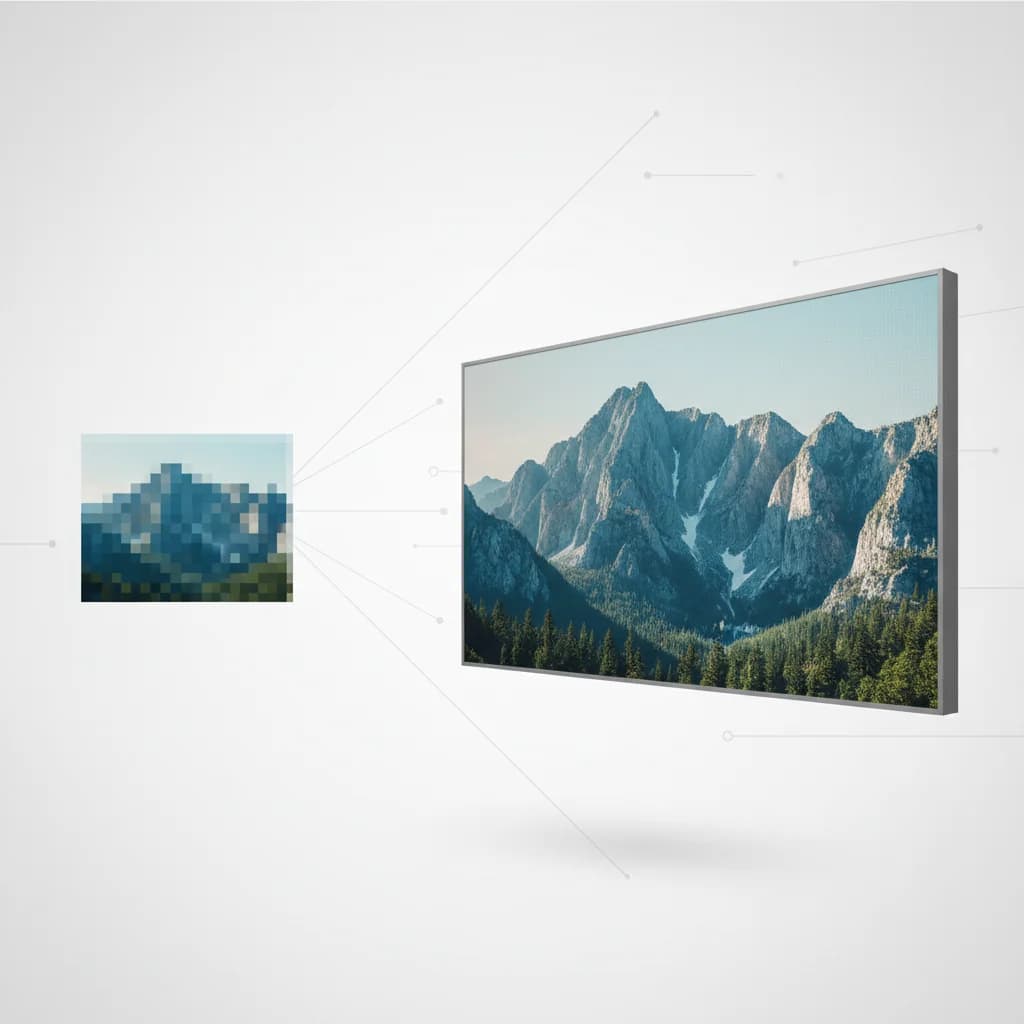
Upscaling Images for Print: Resolution Requirements and Best Practices
Master the art of preparing low-resolution images for high-quality prints. Learn about DPI requirements and how AI upscaling helps achieve print-ready results.
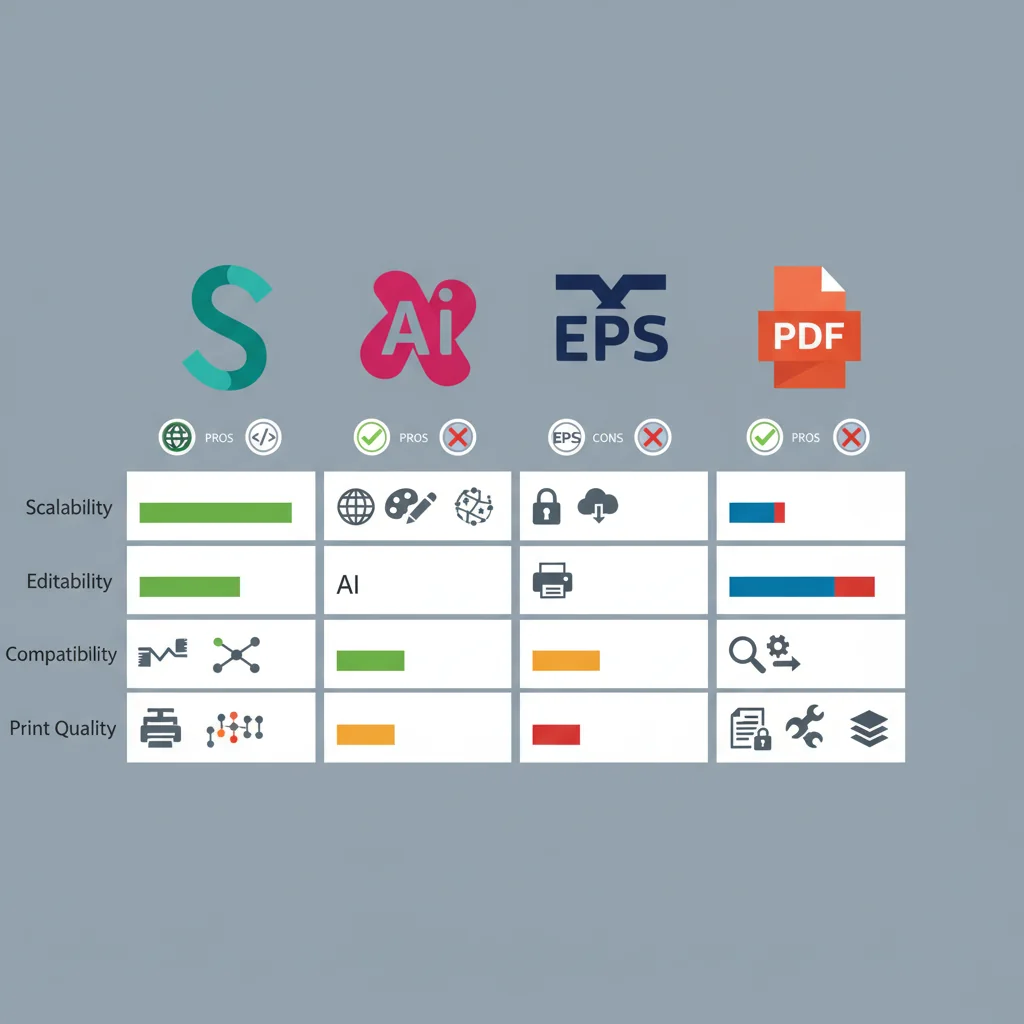
SVG vs EPS vs DXF vs AI: Pick the Right Format in 30 Seconds
Comprehensive comparison of vector file formats. Understand when to use SVG, AI, EPS, or PDF for different design and production workflows.
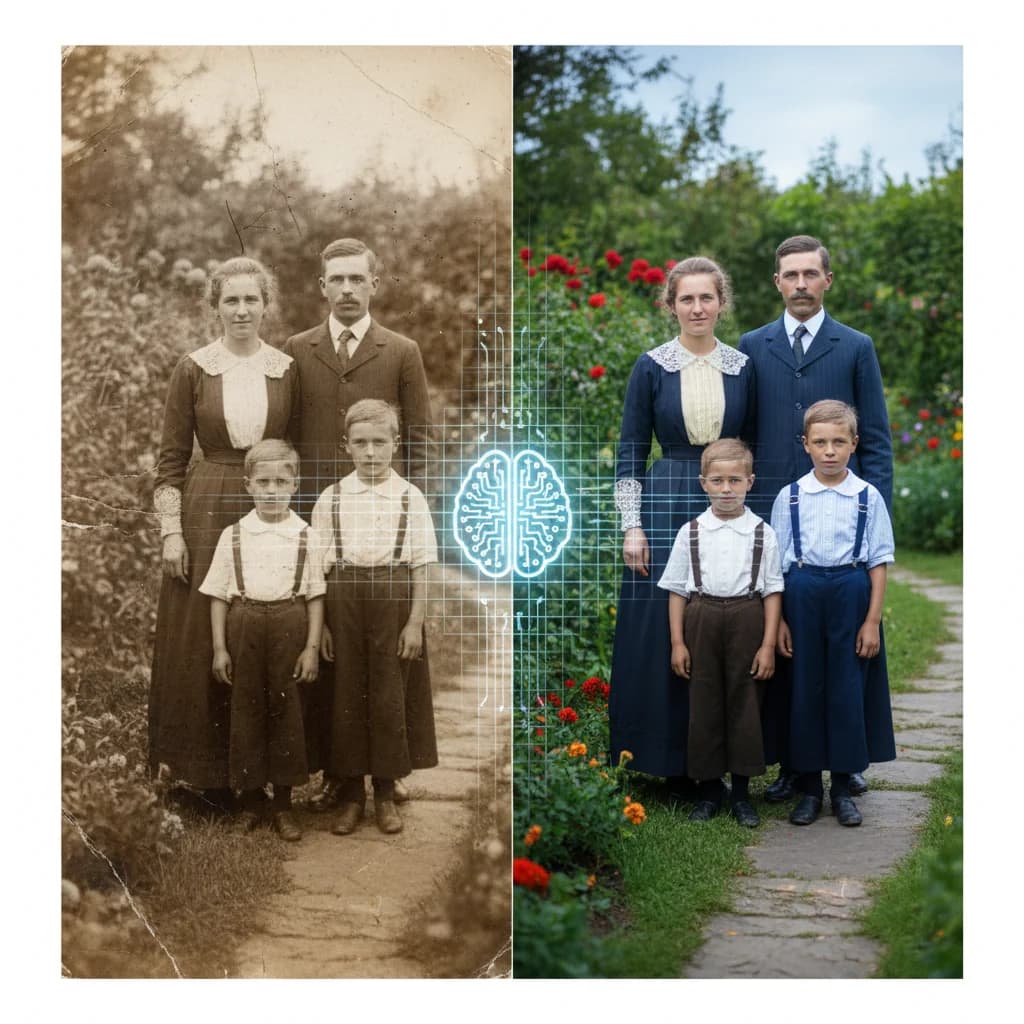
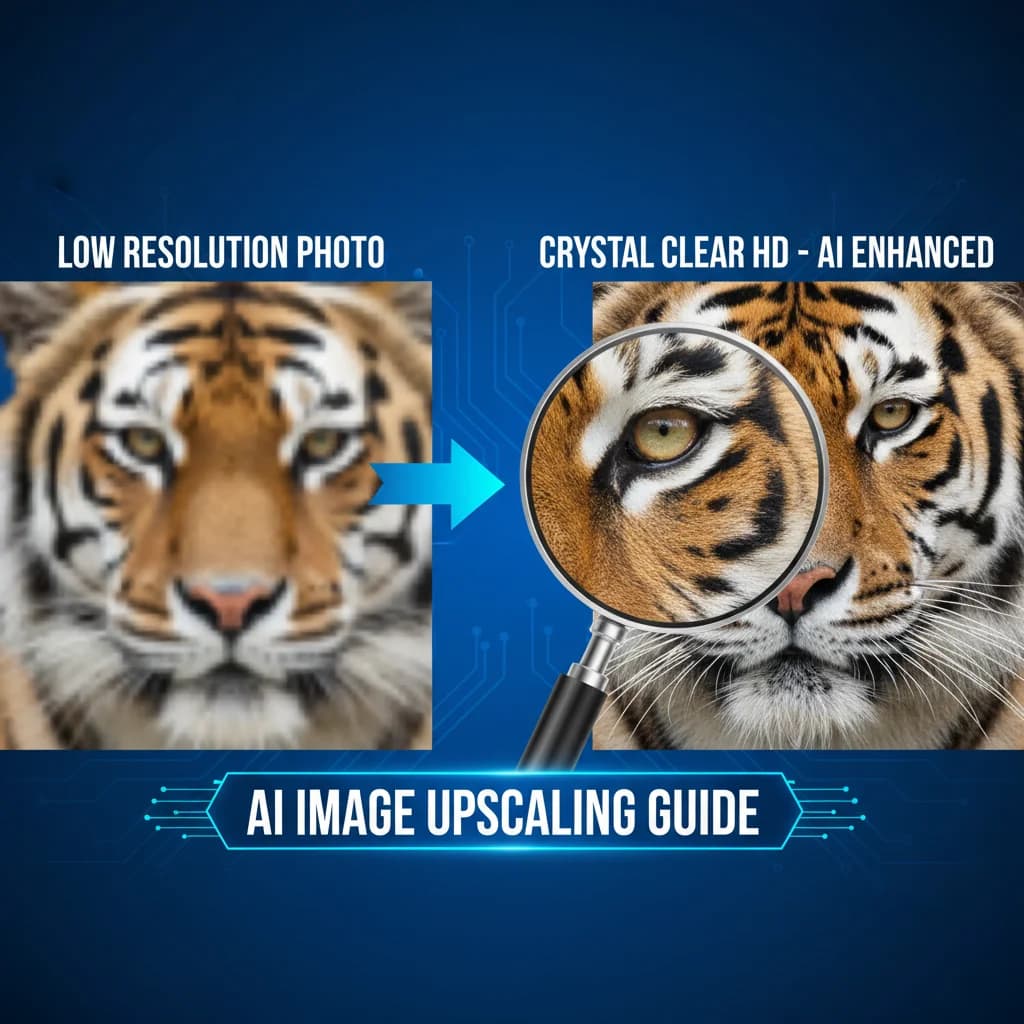
Complete Guide to AI Image Upscaling: Enhance Photos Like a Pro
Learn how AI image upscaling technology works and discover the best techniques to enhance your photos to 2x or 4x resolution without losing quality.

Responsive SVG Design: Scaling Graphics Across All Devices
Master responsive SVG techniques for modern web design. Learn viewBox, preserveAspectRatio, CSS scaling, and adaptive SVG patterns.

How to Create Clean SVG Icons: Remove Background First
Learn the professional workflow for creating perfect SVG icons from photos: AI background removal + vectorization. Get transparent logos ready for any use.


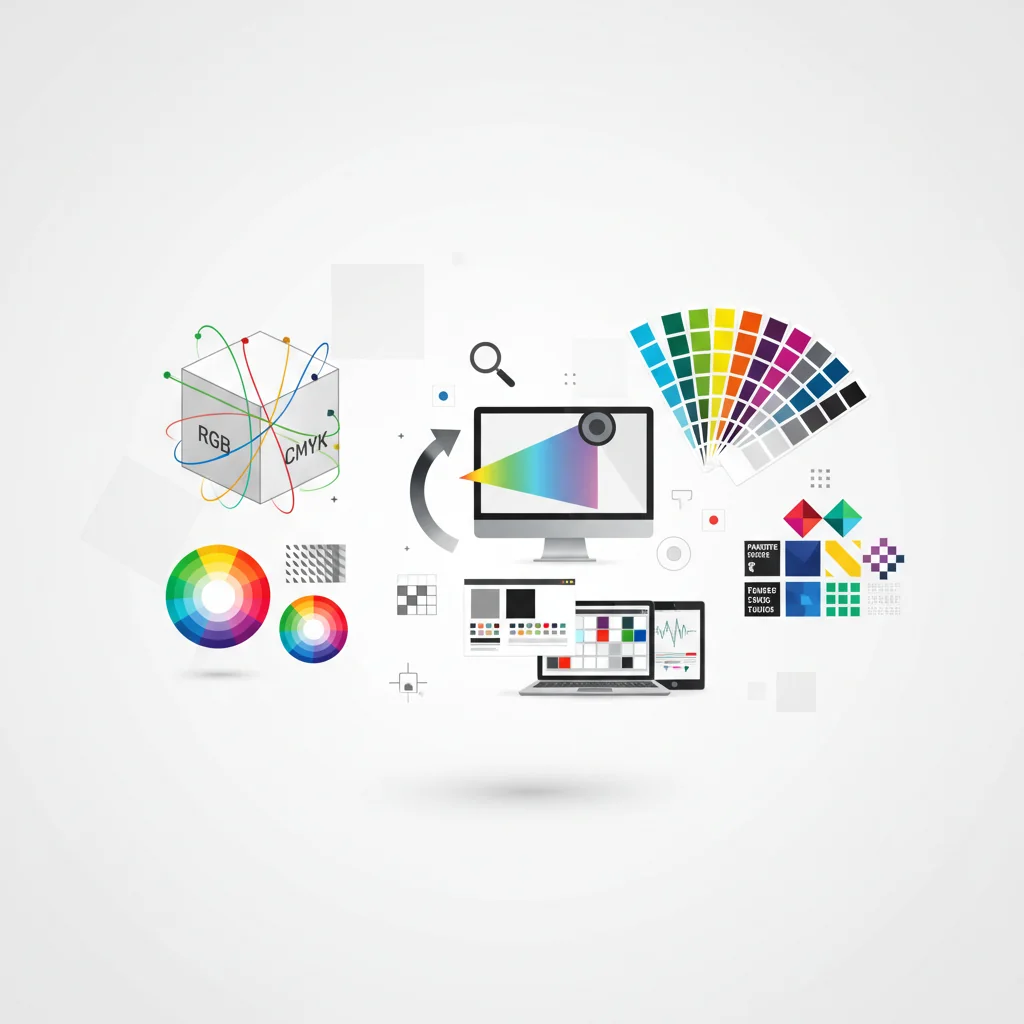
Vector Color Management: From RGB to CMYK to Pantone
Master color management for vector graphics across digital and print workflows. Essential guide to color spaces, profiles, and accurate color reproduction.
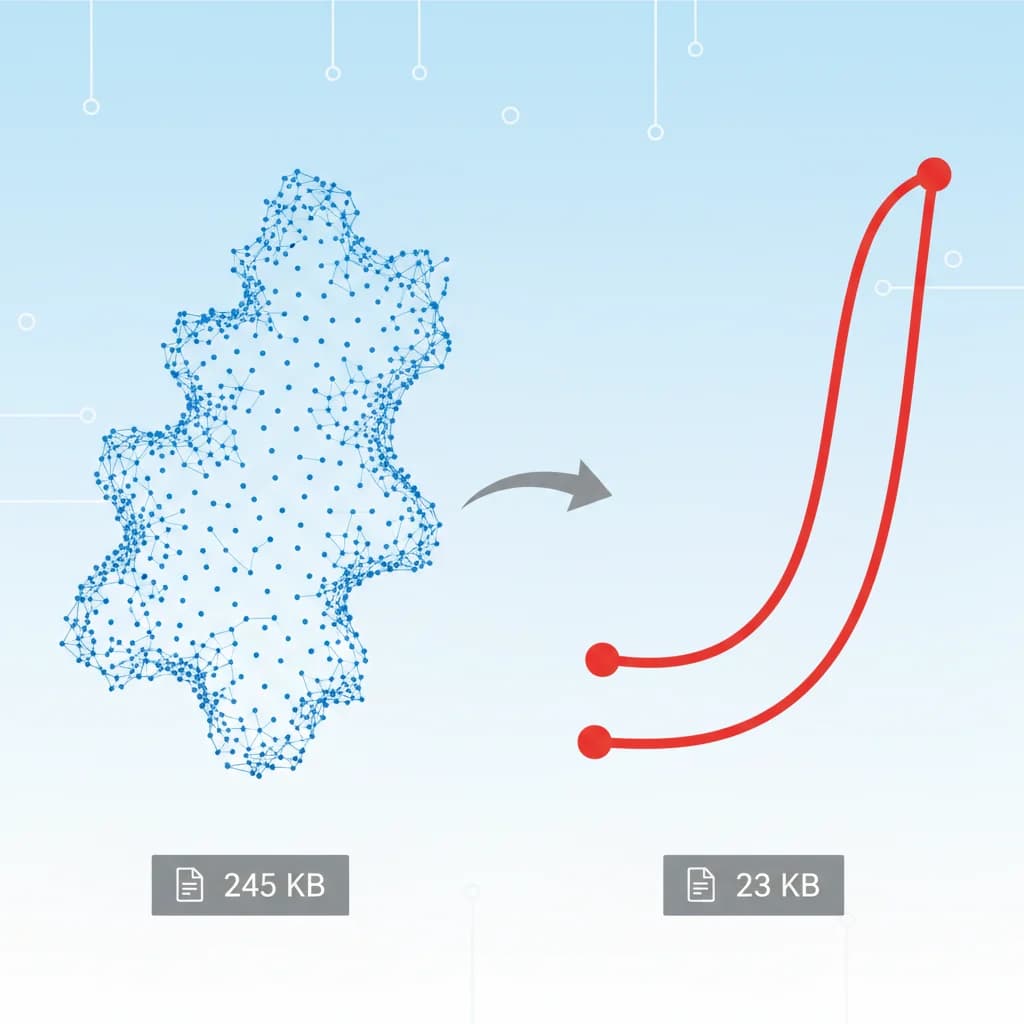
SVG Path Optimization: Reduce File Size Without Losing Quality
Master advanced techniques for optimizing SVG paths. Learn how to reduce file sizes by 50-80% while maintaining visual quality for web performance.
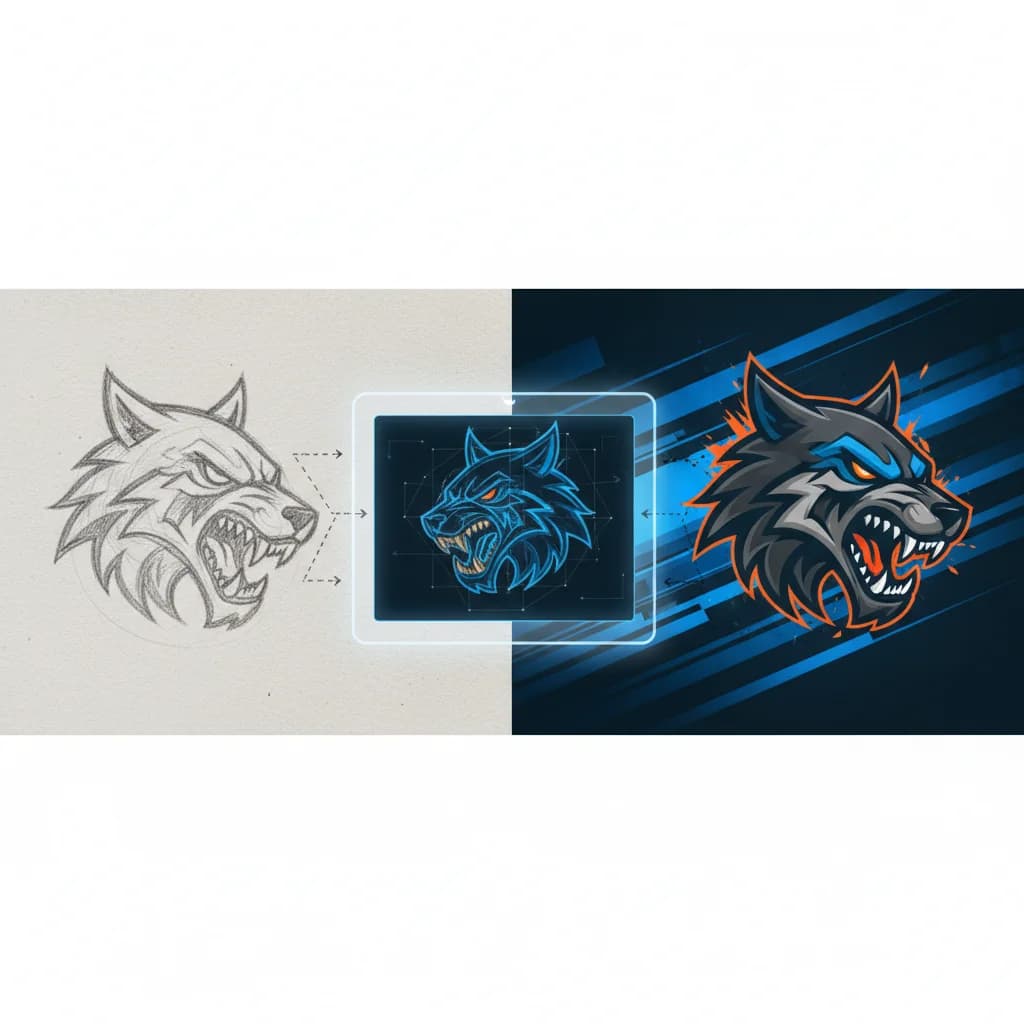
Vectorizing Sports Team Logos: From Design to Merchandise
Convert sports team logos and mascots to professional vector files ready for jerseys, merchandise, stadium signage, and digital media.

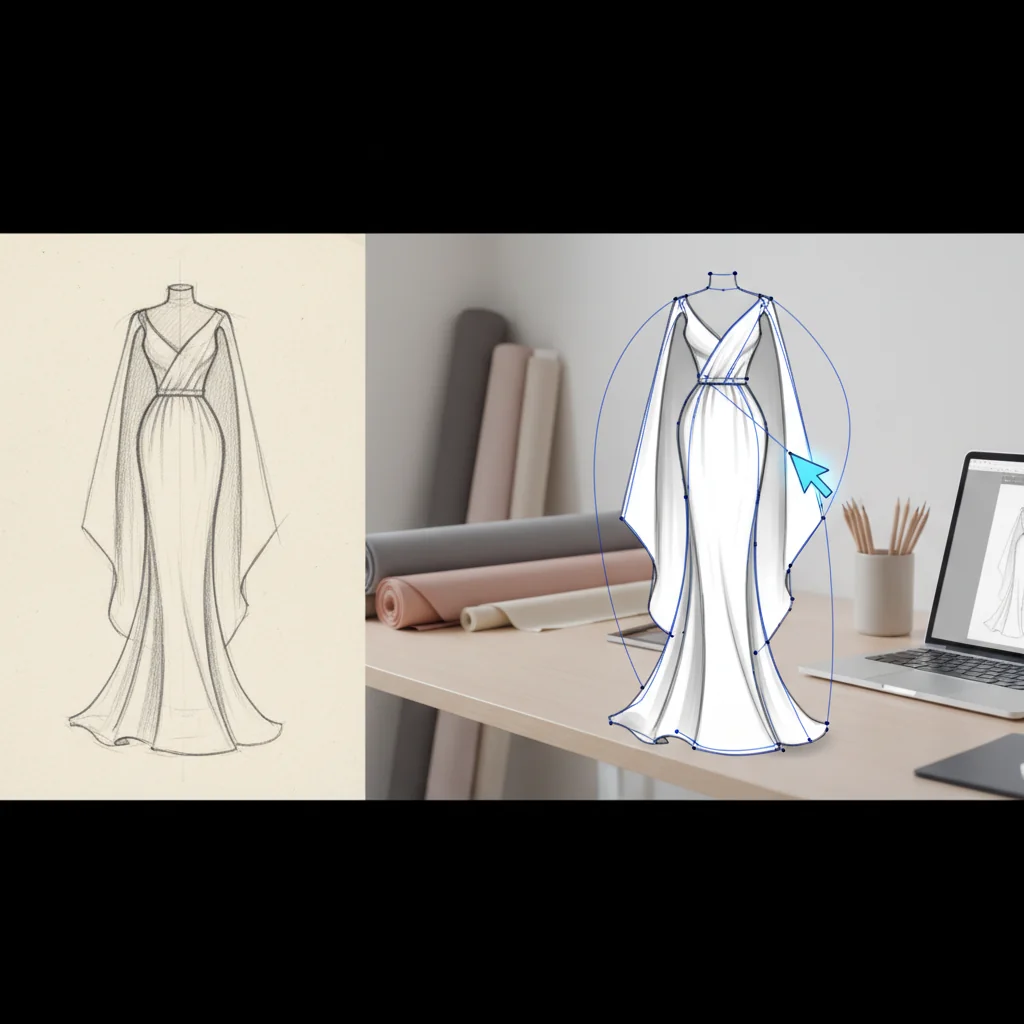
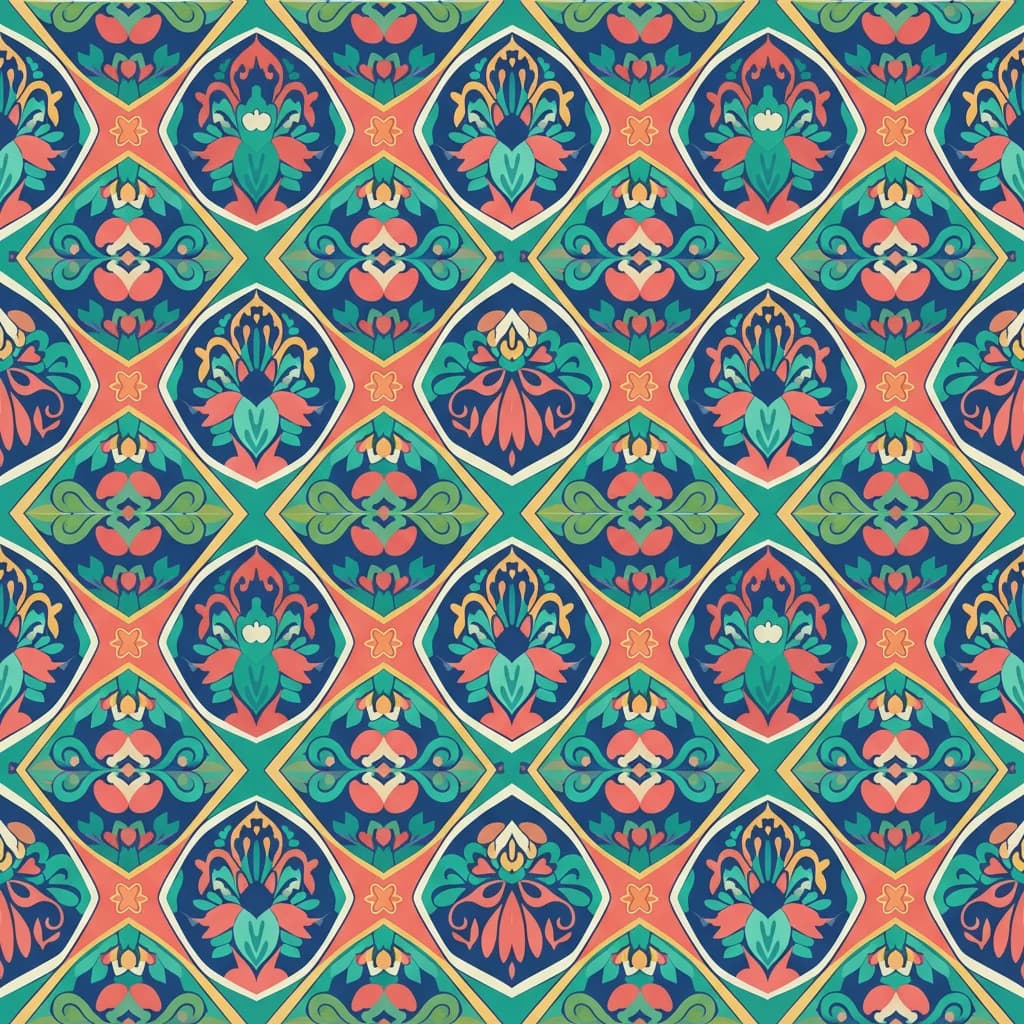
Creating Seamless Textile Patterns with Vector Graphics
Design production-ready textile patterns from scratch or existing artwork. Complete guide to repeats, color separation, and fabric printing preparation.
How I Built an AI-Powered PNG to SVG Converter with Next.js 14
A technical deep-dive into building VectoSolve: from image processing pipelines to real-time conversion with the Next.js App Router.
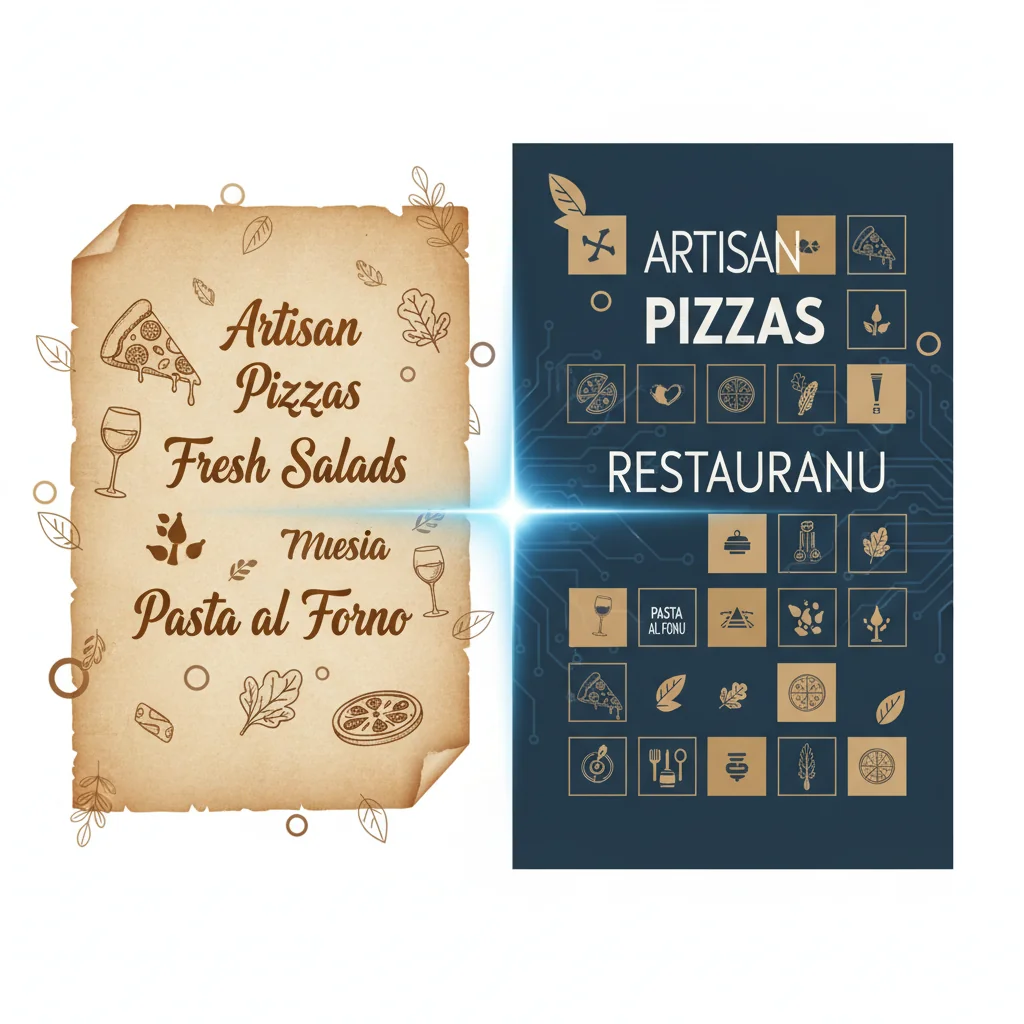
Vectorizing Restaurant Menus: From Handwritten to Print-Ready
Convert handwritten menus, vintage typography, and custom illustrations into crisp vector files for printing, digital menus, and restaurant branding.

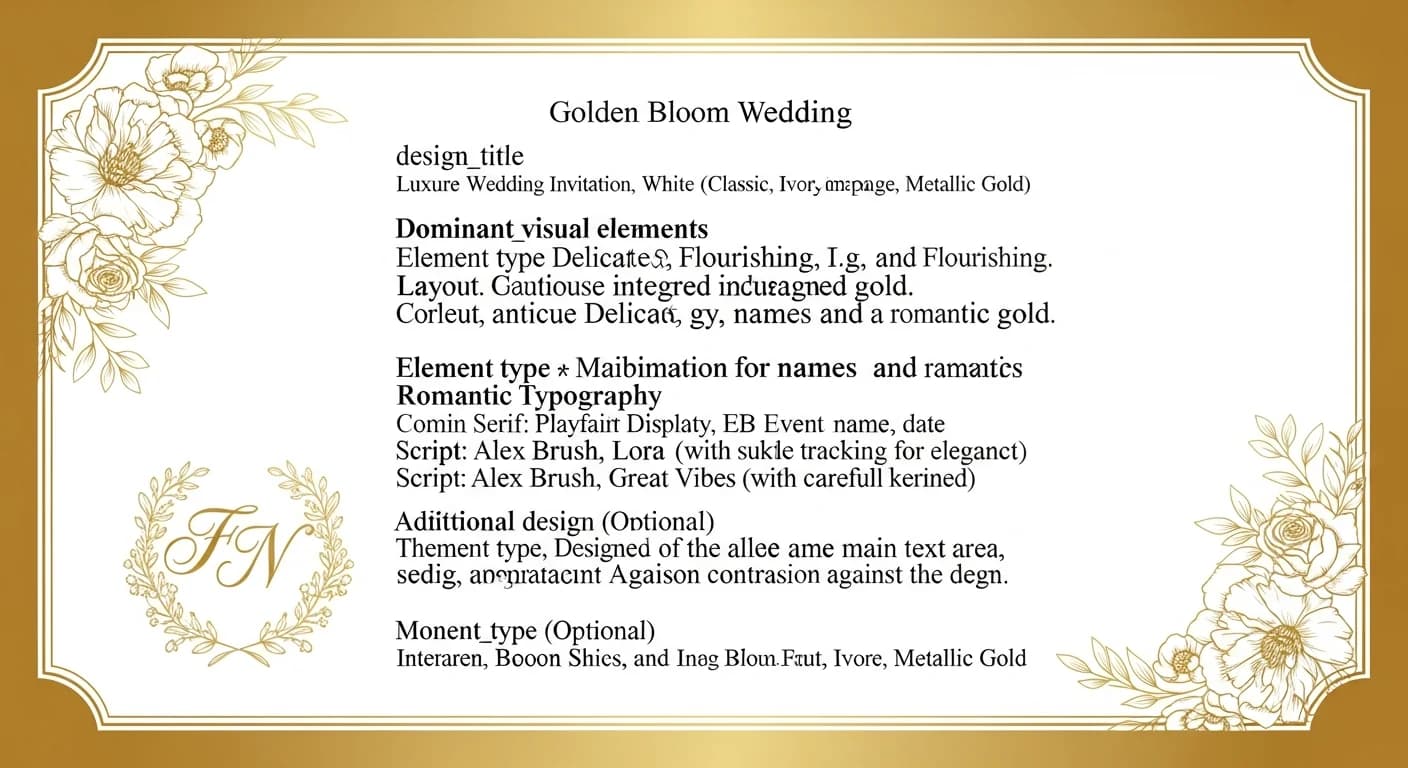
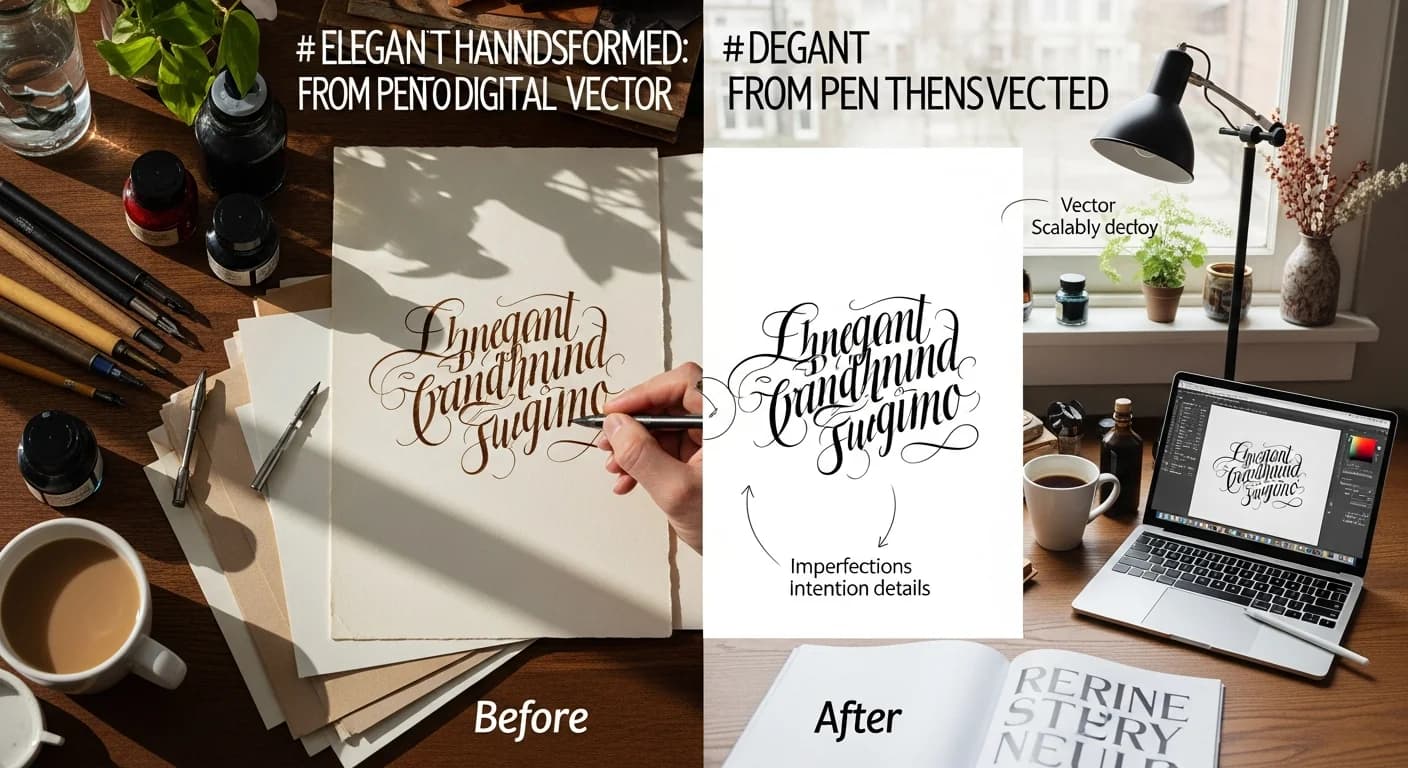
Vectorizing Wedding Invitations: From Handwritten to Digital Elegance
Transform handwritten calligraphy, custom illustrations, and unique wedding designs into beautiful vector graphics for printing, websites, and coordinated stationery suites.
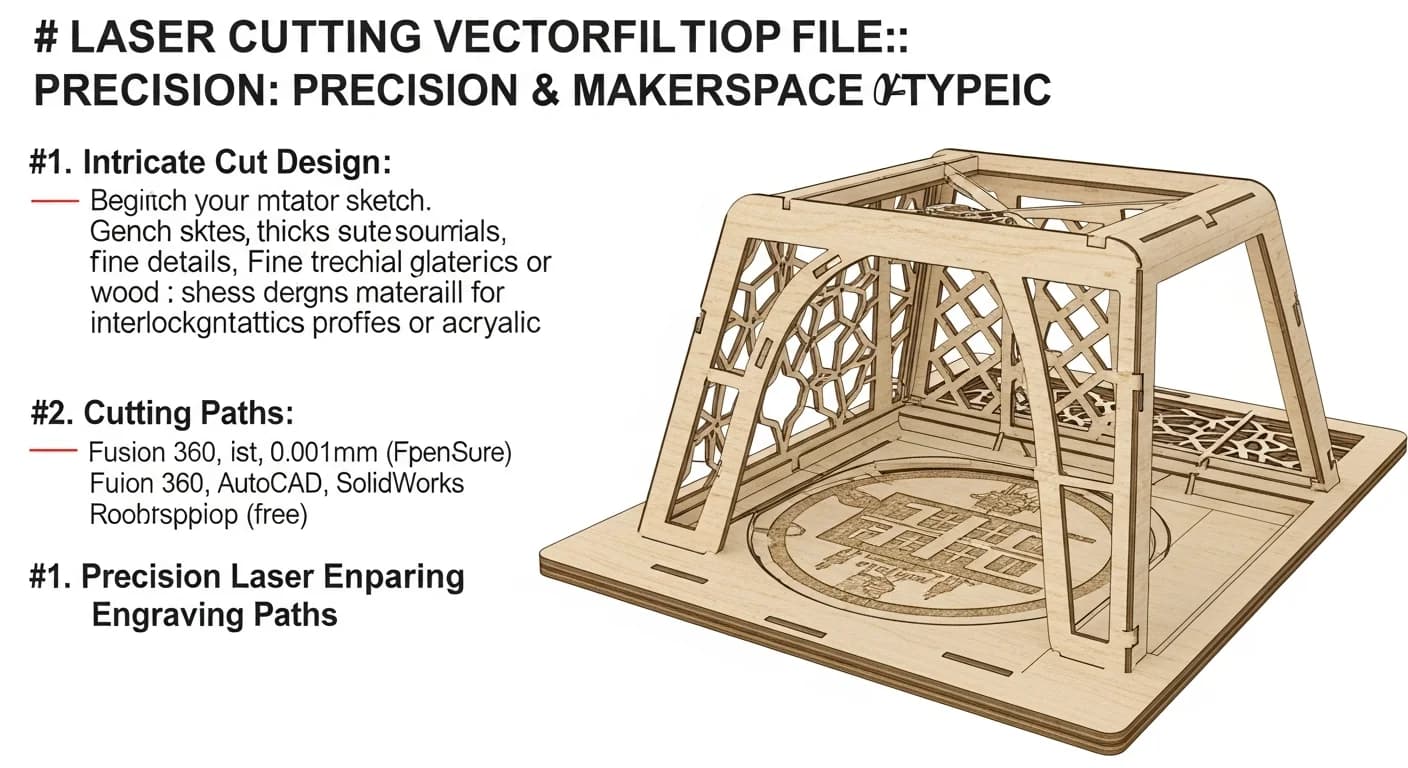
Preparing Vector Files for Laser Cutting: Complete Guide
Master the art of creating laser-cutter-ready SVG files. From line settings to material considerations, everything makers need to know for successful laser projects.
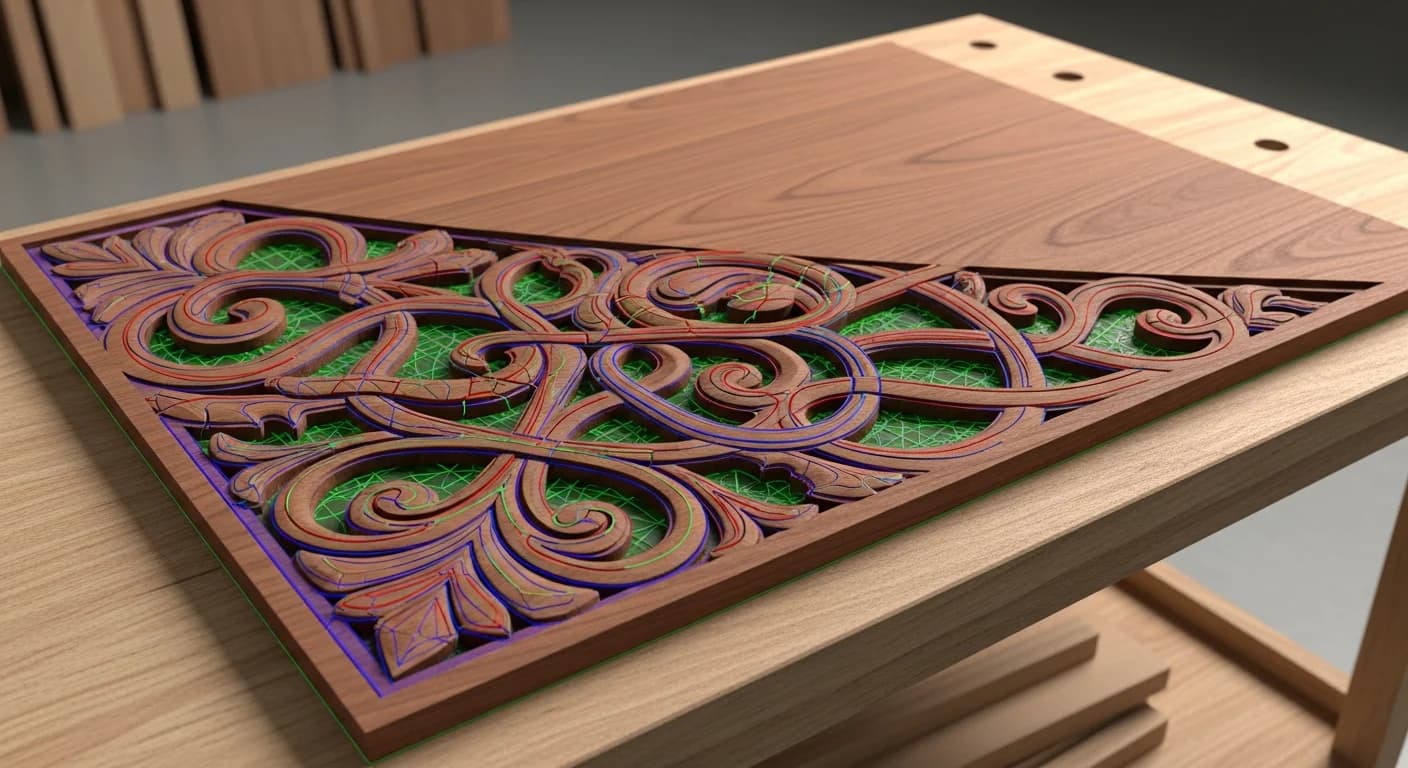
Creating Vector Files for CNC Routing and Milling
Prepare artwork for CNC routers and milling machines. Learn toolpath considerations, file requirements, and best practices for wood, metal, and plastic CNC projects.

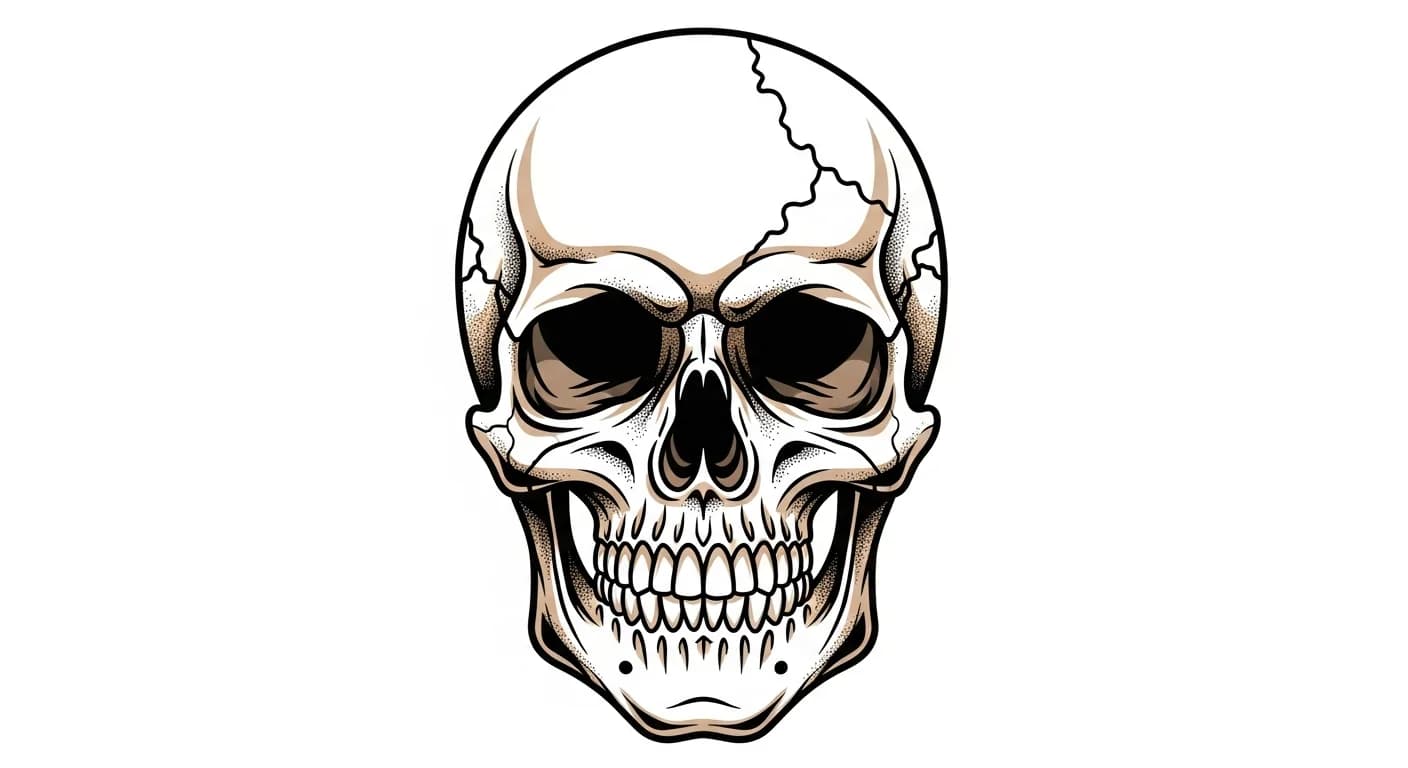
Vectorizing Tattoo Designs: From Flash to Digital Art
Transform hand-drawn tattoo flash and designs into clean vector files. Essential guide for tattoo artists looking to digitize their work for stencils, merchandise, and portfolios.
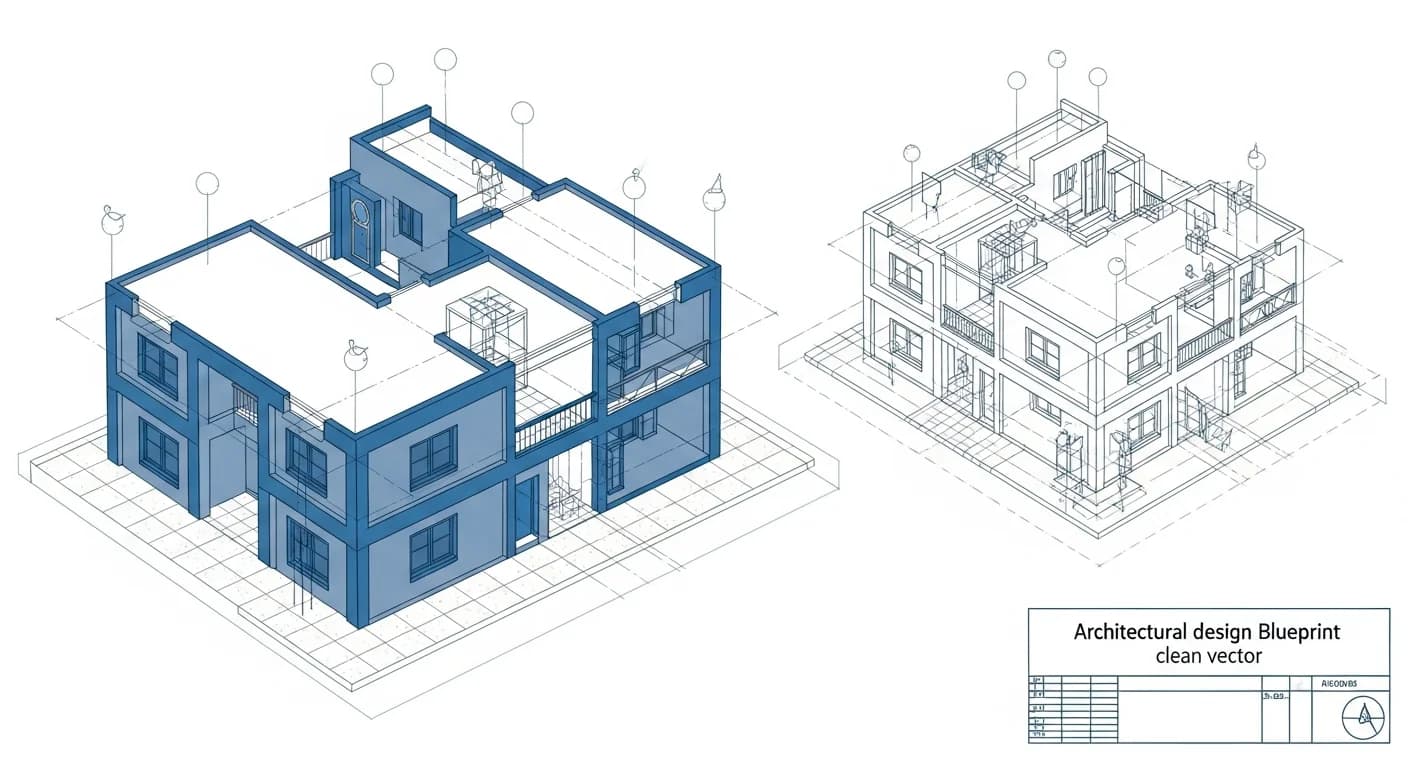
How to Vectorize Architectural Blueprints: CAD-Ready SVGs
Transform scanned architectural blueprints and floor plans into precise vector graphics. Perfect for architects, contractors, and real estate professionals needing clean CAD-compatible files.
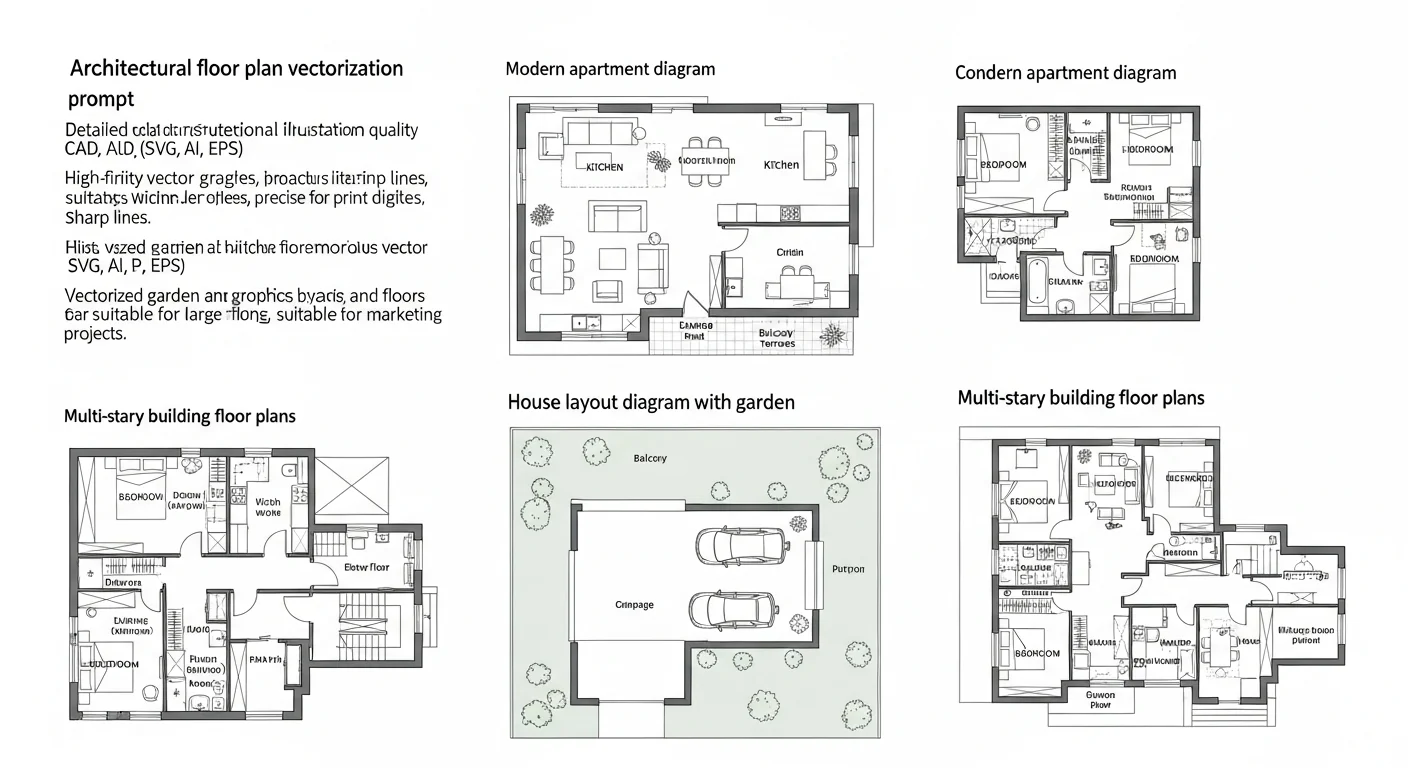
Creating Professional Real Estate Floor Plans from Photos
Learn how to convert rough floor plans and sketches into polished vector floor plans for real estate listings. Increase property appeal with professional visual documentation.
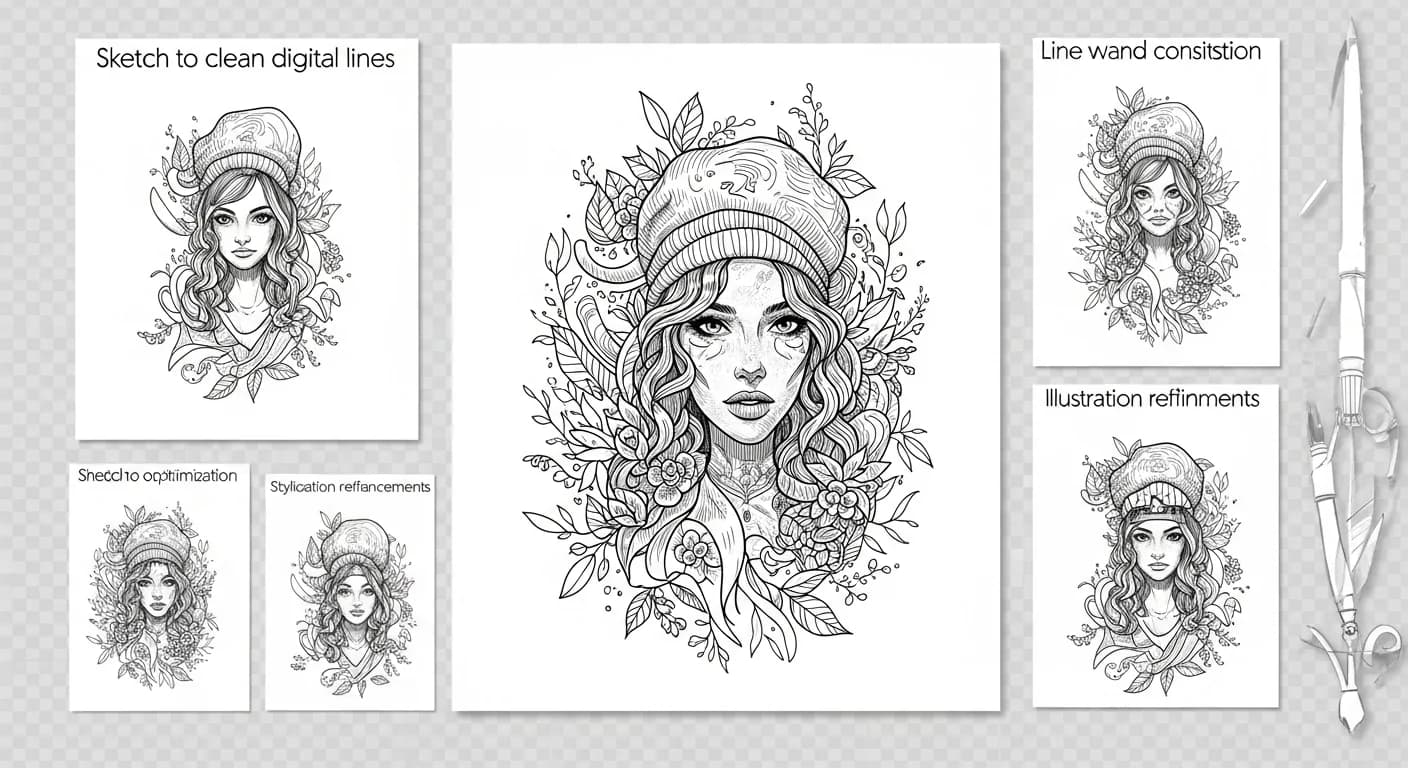
Converting Line Art to Vector: From Sketch to Digital Illustration
Transform your hand-drawn line art into clean, scalable vector illustrations. Perfect workflow for artists, illustrators, and designers.

Creating Vector Avatars from Photos: Profile Pictures and Illustrations
Transform your photo into a stylized vector avatar. Perfect for social media, gaming profiles, and professional platforms.
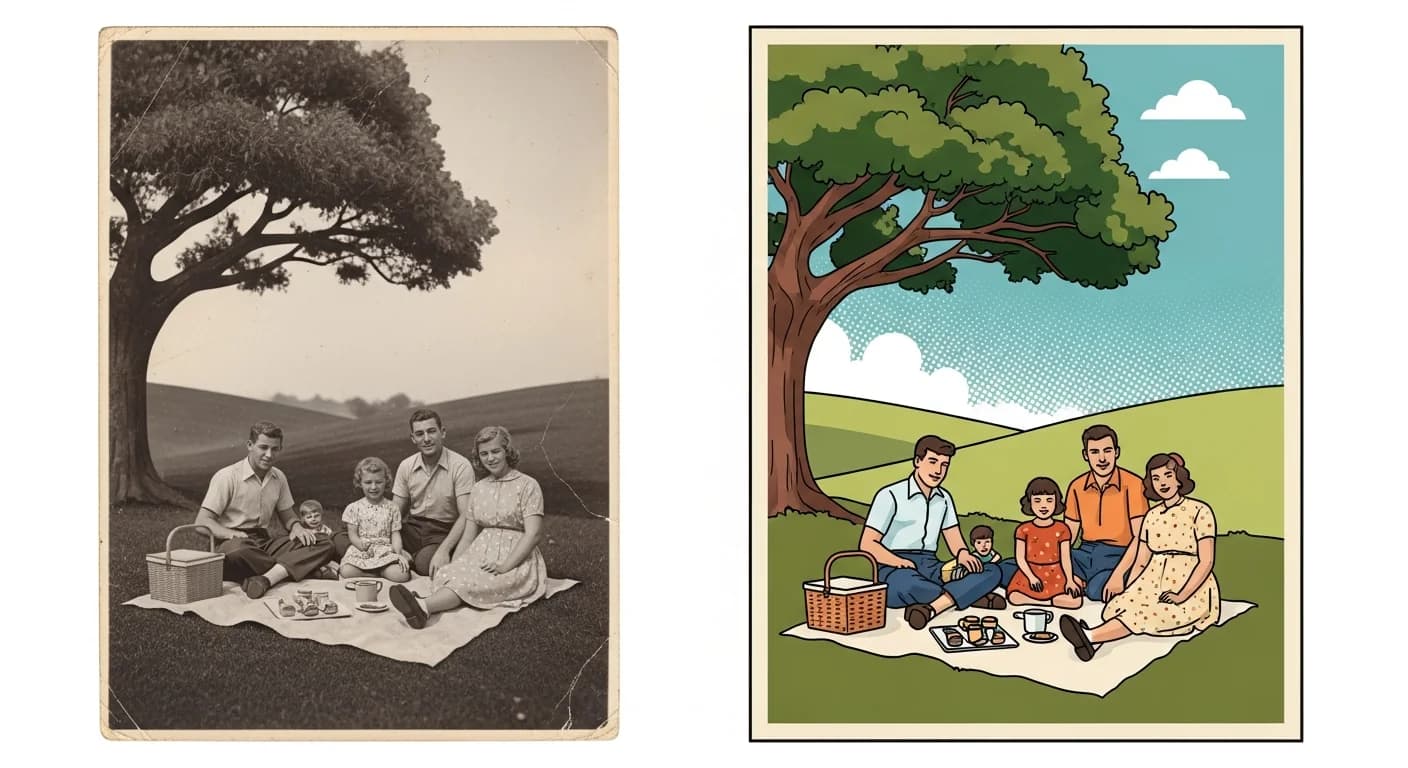
Vectorizing Vintage Photos: Restoration and Artistic Recreation
Transform old photographs into stylized vector illustrations. Create timeless artwork from family photos, historical images, and vintage portraits.

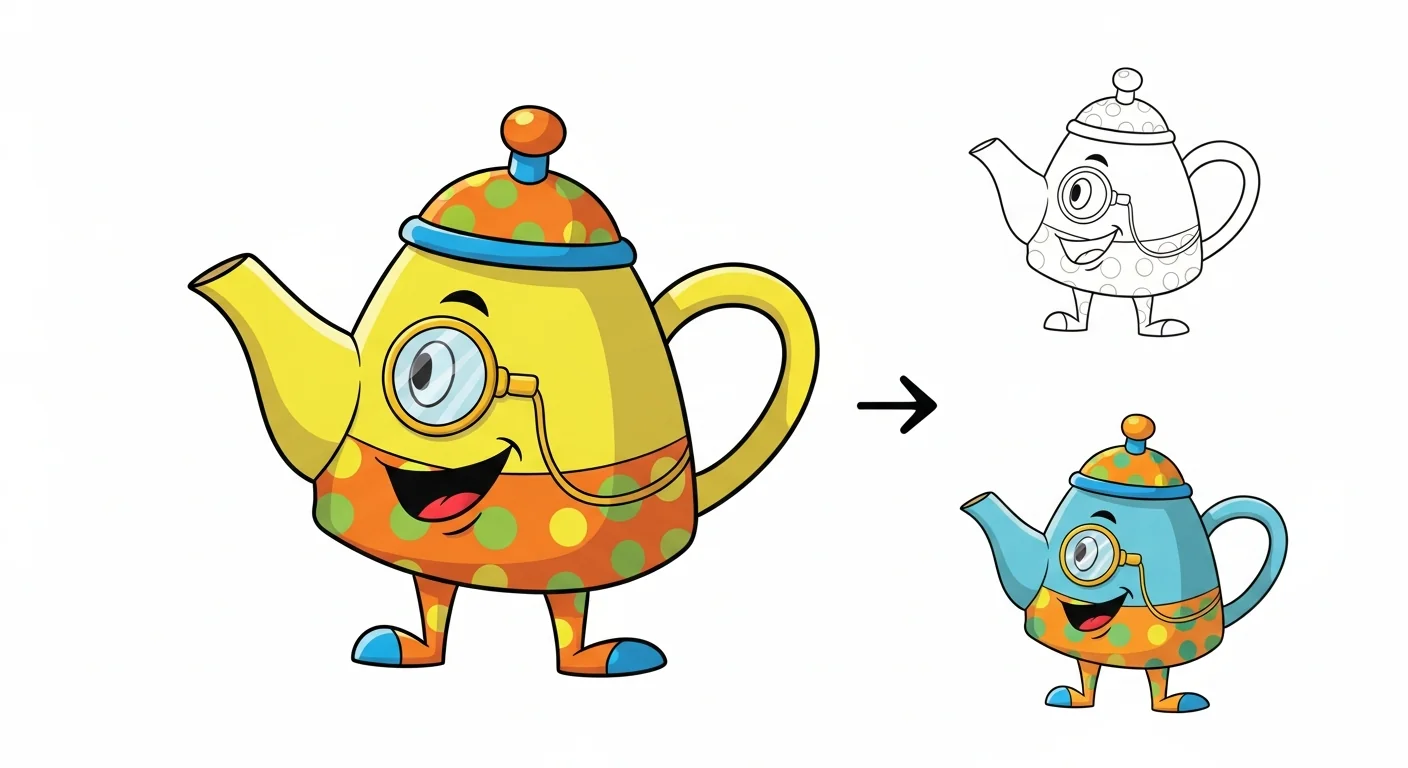
Convert Cartoon Images to Vector: Character Art and Illustration
Transform cartoon artwork and character illustrations into clean, scalable vectors. Perfect for animation, merchandise, and digital content.
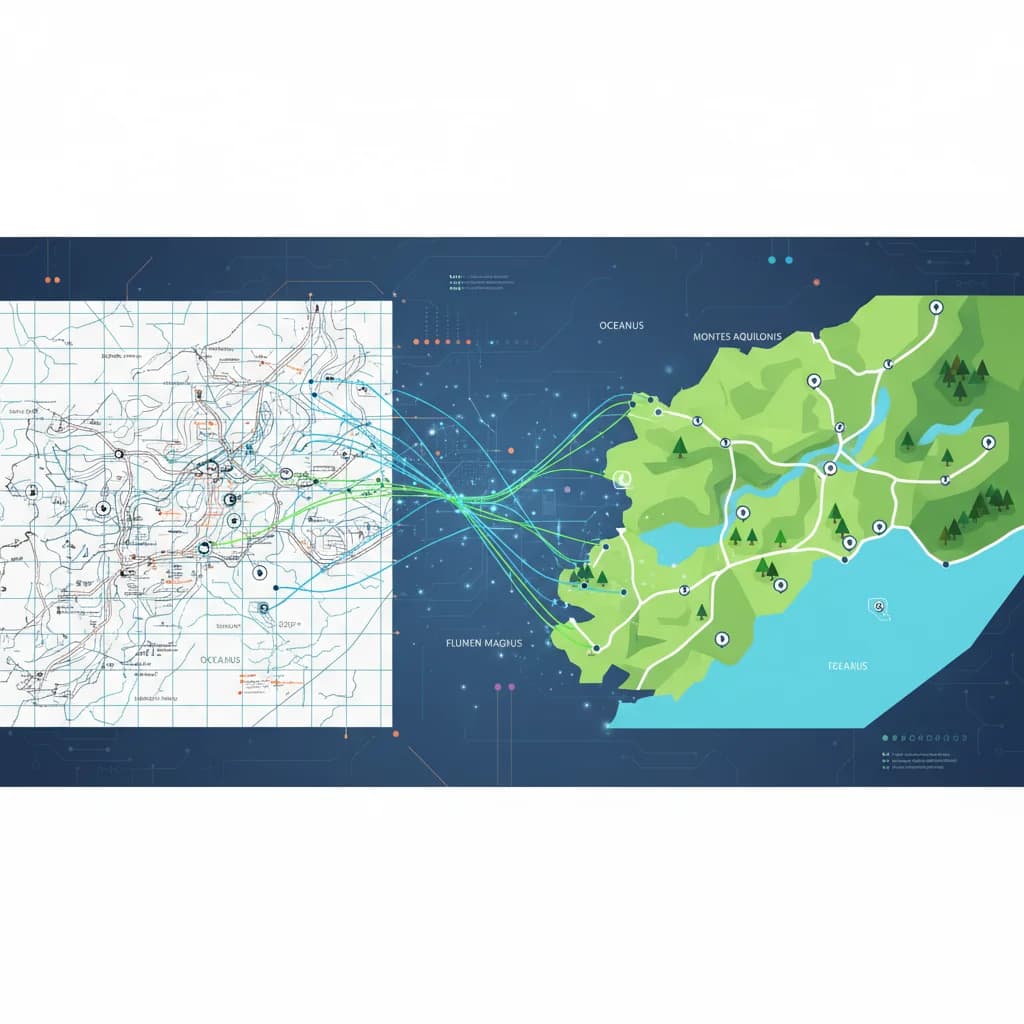
Vectorizing Maps and Diagrams: Geographic & Technical Illustration
Convert maps, flowcharts, and technical diagrams to scalable vector format. Essential for presentations, publications, and professional documentation.
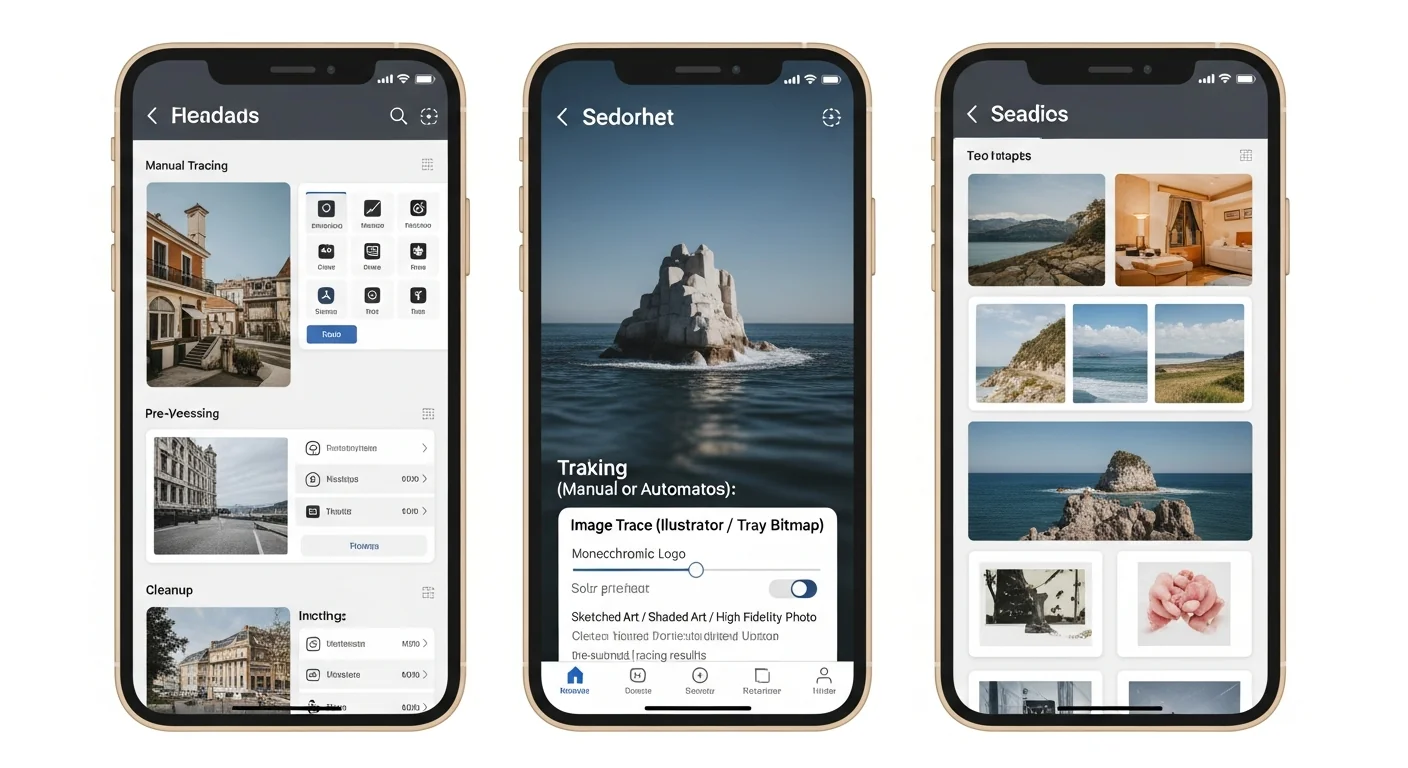
Converting Screenshots to Vector: UI Mockups and App Redesigns
Transform app screenshots into editable vector mockups. Perfect for redesign proposals, presentations, and UI/UX portfolios.
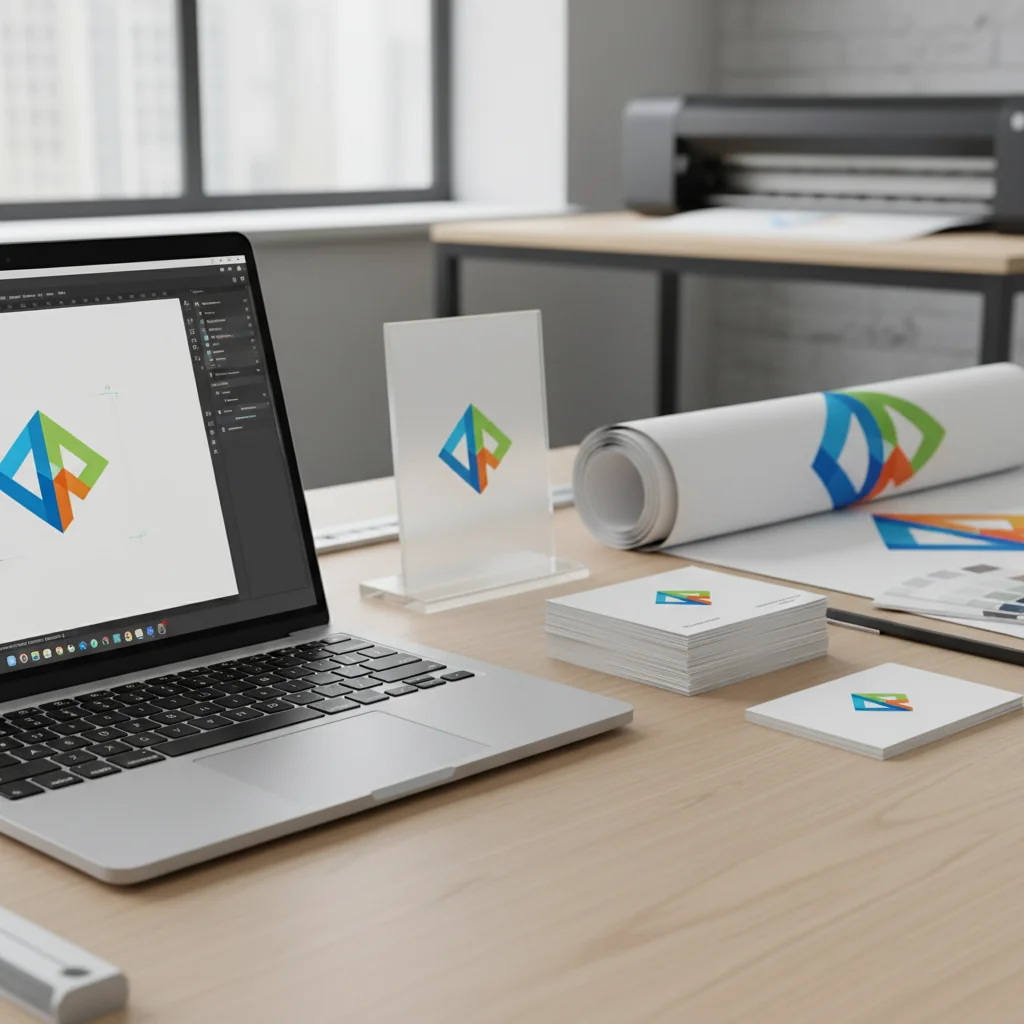
Logo Vectorization for Print: The Complete Guide
Preparing logos for print requires vector formats. Learn how to convert, prepare, and optimize logos for business cards, banners, merchandise, and more.
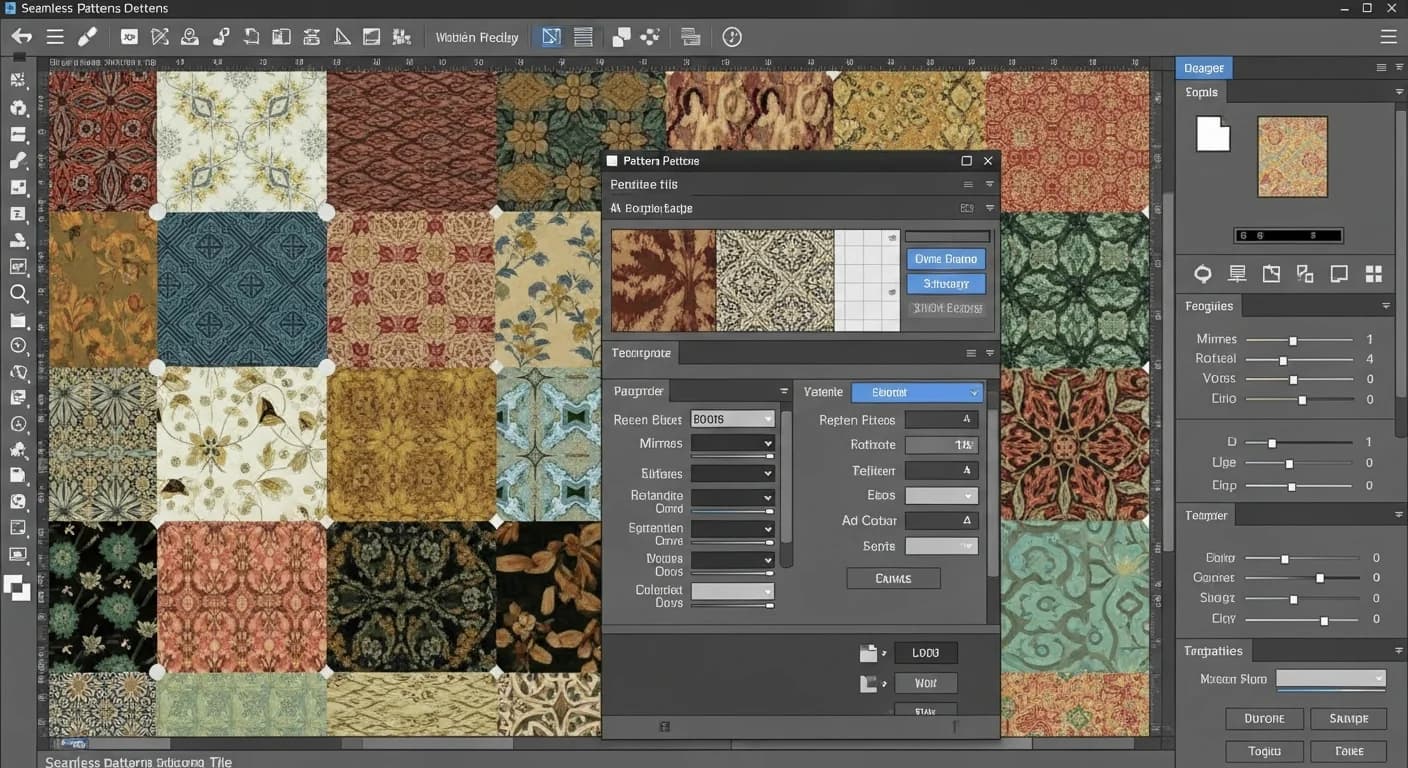
Creating Seamless Vector Patterns from Images: Step-by-Step Tutorial
Transform any image into a seamless repeating pattern for textiles, wallpapers, and packaging. Learn the complete workflow from photo to production-ready vector.
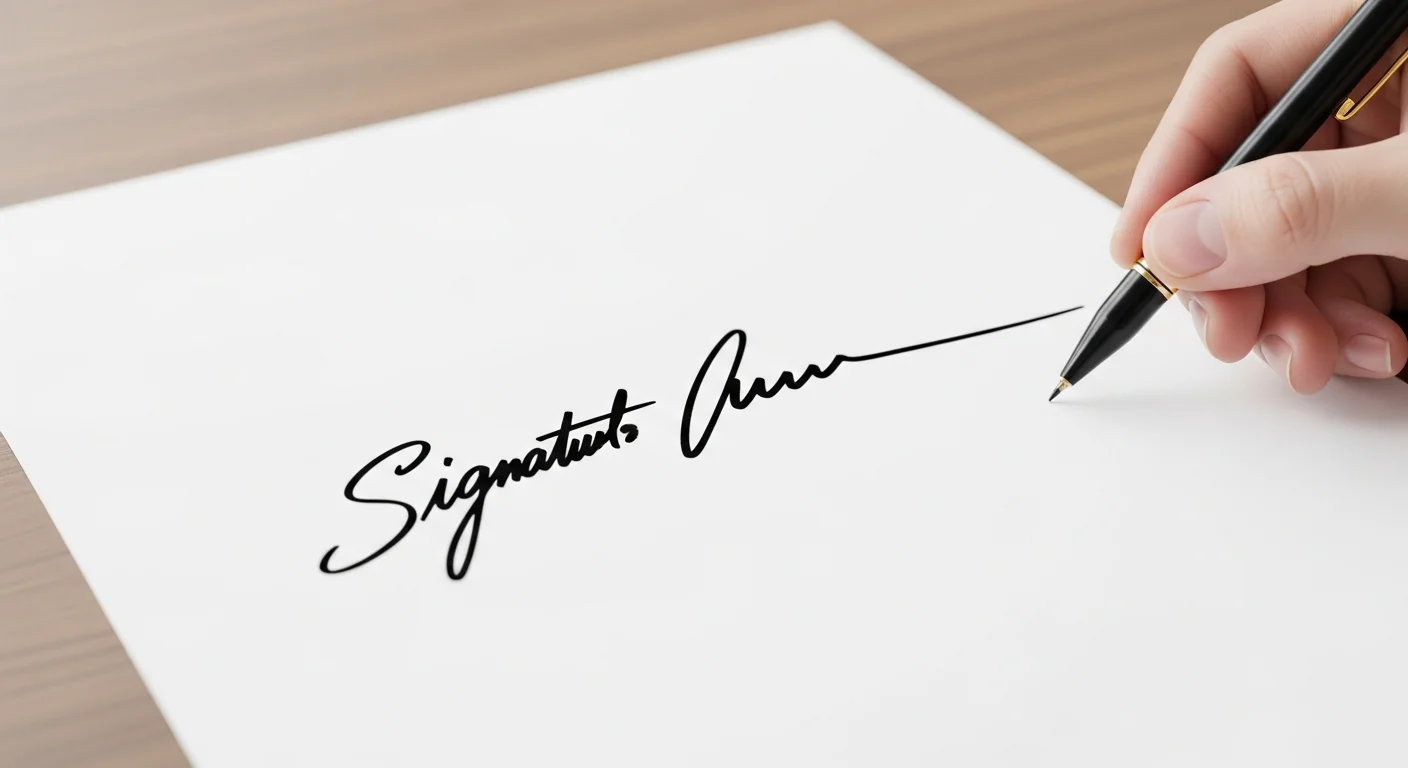
Convert Your Signature to Vector: Digital Signing & Legal Documents
Digitize your handwritten signature for professional documents, contracts, and branding. Learn the proper way to create a legally valid digital signature.
Vectorizing Watermarks for Brand Protection: Complete Guide
Learn how to create professional vector watermarks that protect your images while maintaining visual quality. Essential for photographers and content creators.
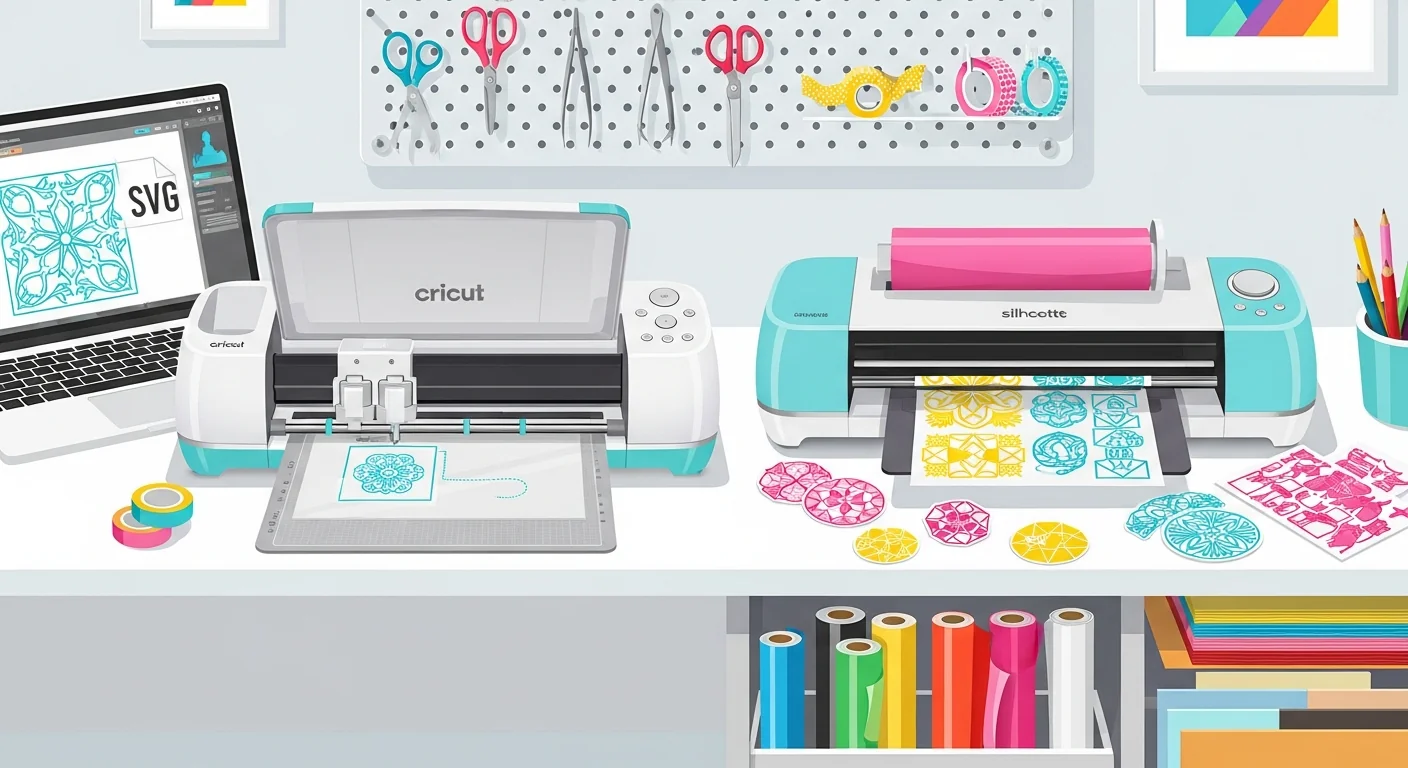
SVG Files for Cricut & Silhouette: Cut-Ready in Minutes (2026)
Master SVG file creation for Cricut and Silhouette. Learn how to convert any image to a clean cut file — works with Design Space and Silhouette Studio.
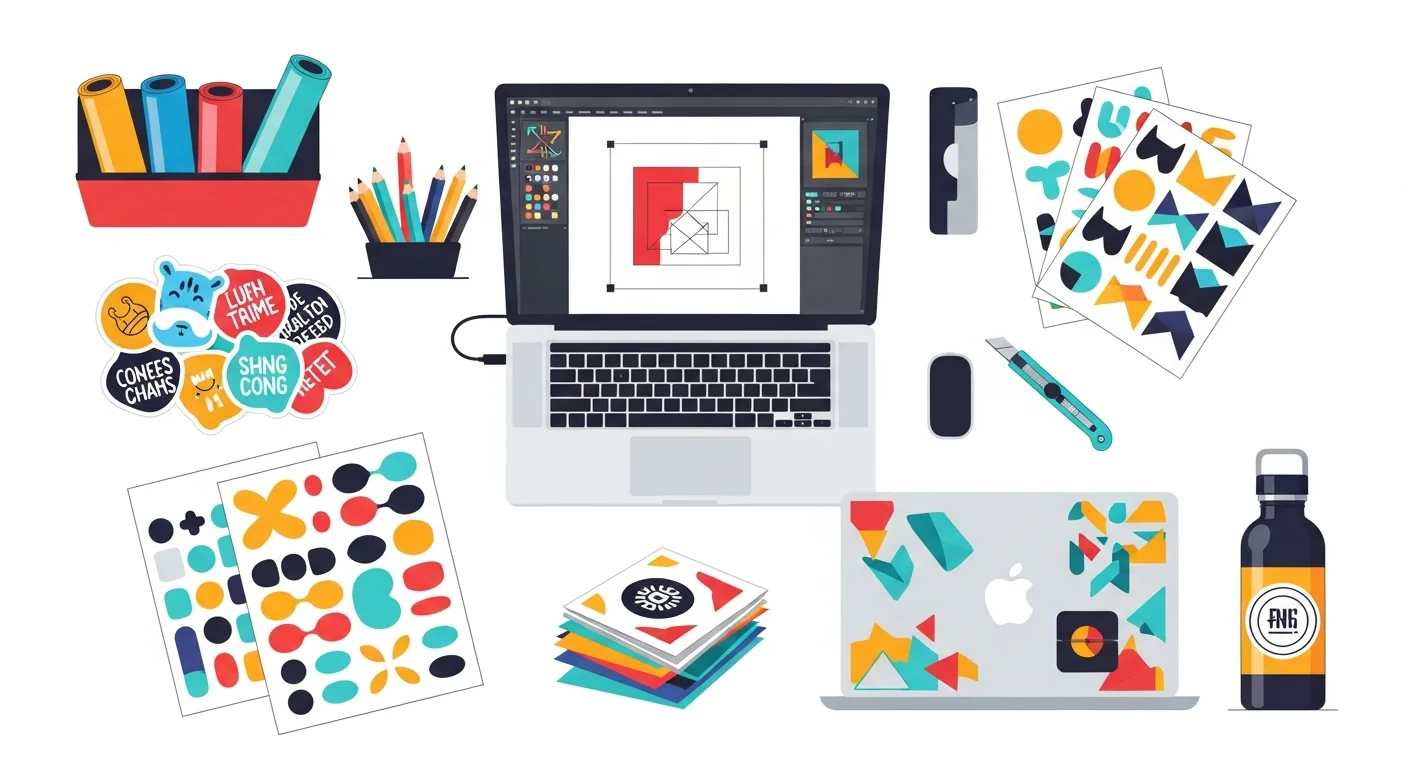
Custom Stickers from Photos: Raster to Vector in 3 Steps
Learn how to create professional custom stickers and decals using vector graphics. Perfect for laptop stickers, car decals, product labels, and more.
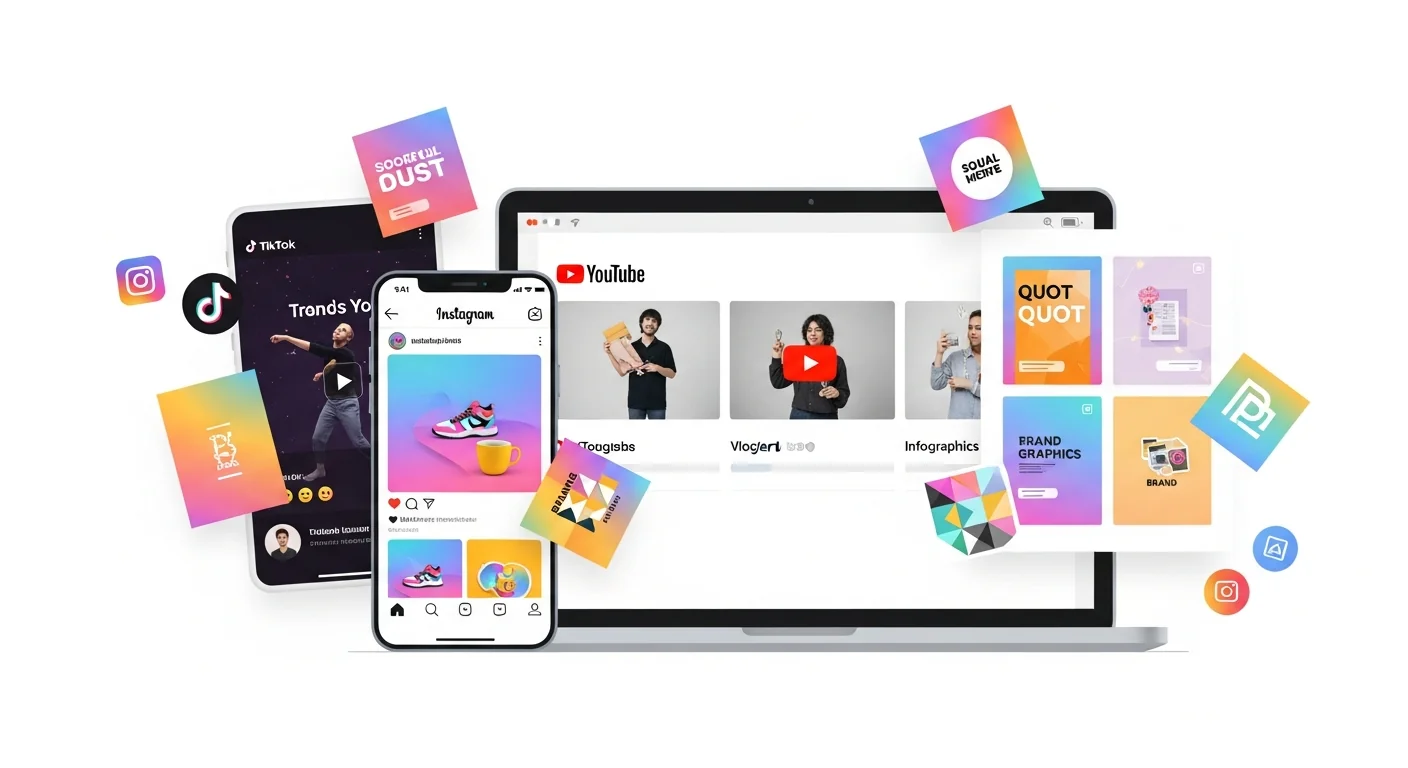
Vector Graphics for Social Media: Create Scroll-Stopping Content
Master vector graphics for social media marketing. Learn how to create professional Instagram, TikTok, YouTube, and LinkedIn graphics that scale perfectly.
Vectorize Client Images Faster: Freelance Designer Guide
Time is money for freelancers. Learn how to vectorize client images 10x faster and deliver better results. Practical tips for design professionals.
Garder, ou « Why Designers Choose VectoSolve for Vector Conversion » (le slug porte « 700 »).
Why more than 700 designers, developers and businesses had signed up for VectoSolve by January 2026, and what they use it for.

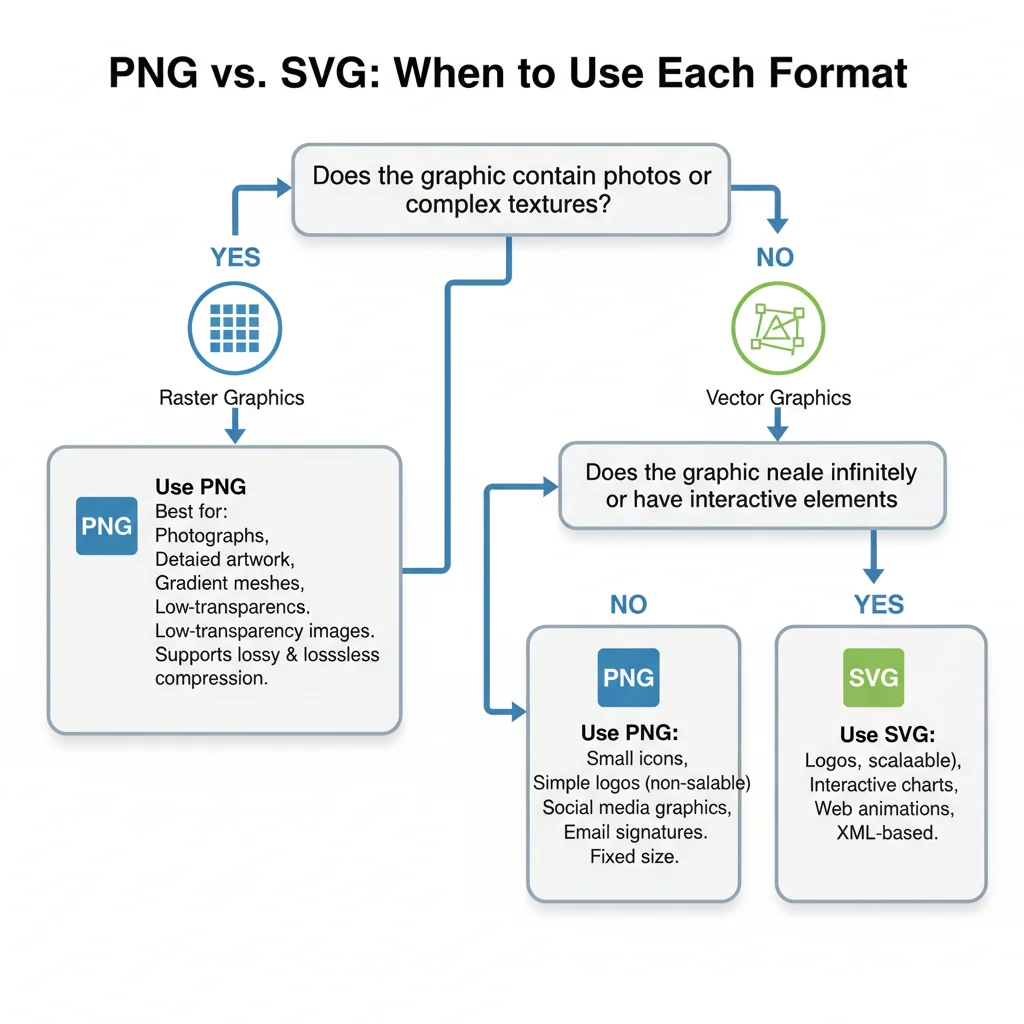
PNG or SVG? A Decision Flowchart for Designers, Developers & Marketers
Stop guessing which format to use. Follow our visual decision flowchart to pick PNG or SVG based on your exact use case: web icons, photos, logos, print, email, and more.
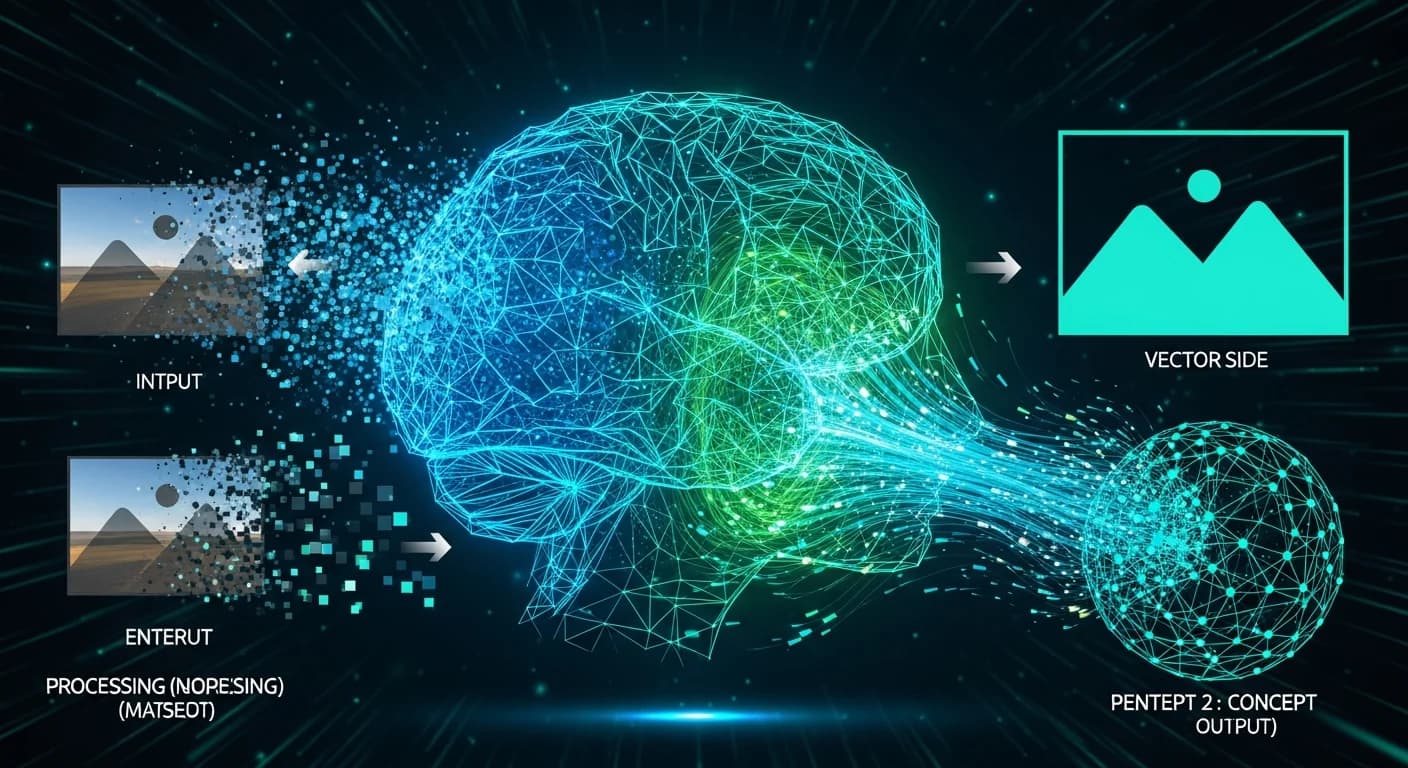
How AI Vectorization Works: The Tech Behind Instant SVG Conversion
A deep dive into how AI-powered vectorization converts raster images to clean SVG files. Understand the technology that makes instant, high-quality conversion possible.
SVG Trends for Web Design in 2026 - What Designers Need to Know
Discover the top SVG trends shaping web design in 2026. From AI-generated vectors to micro-animations, learn what every designer should know.
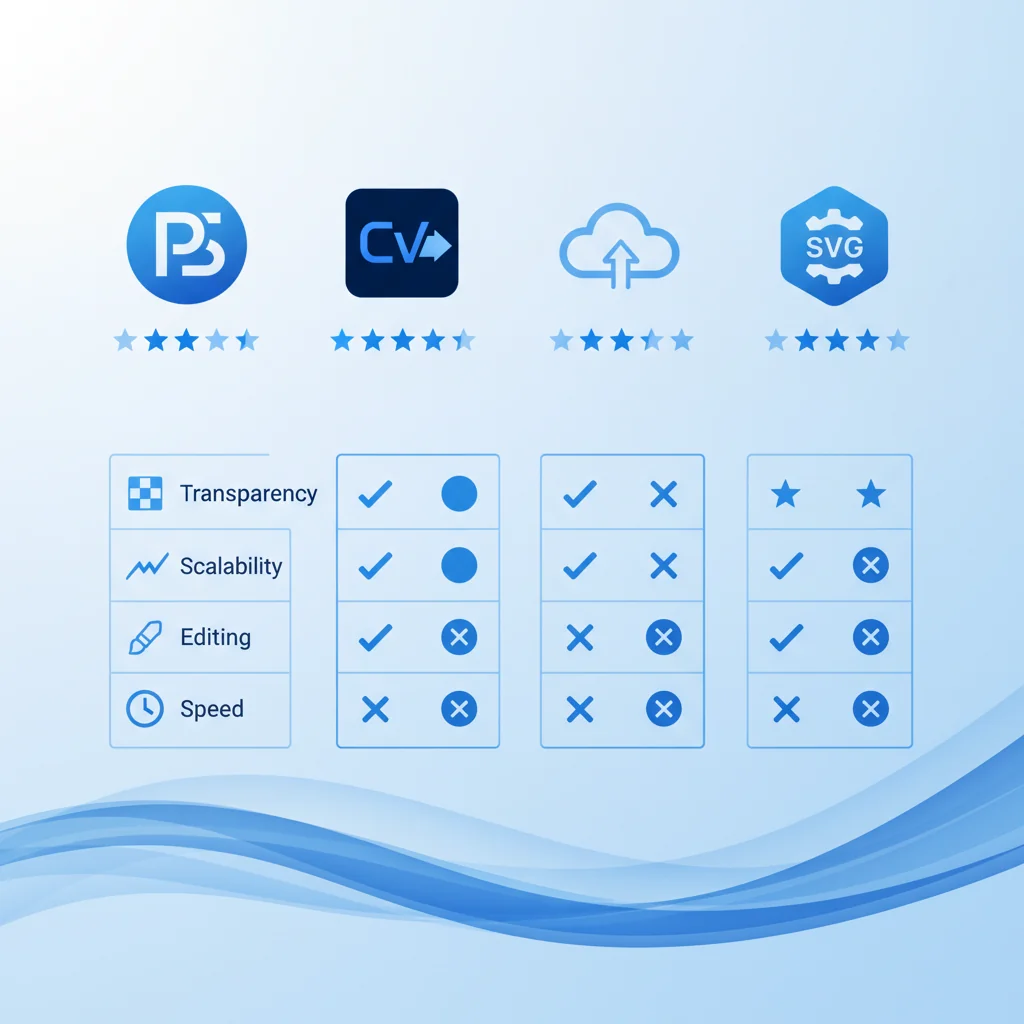
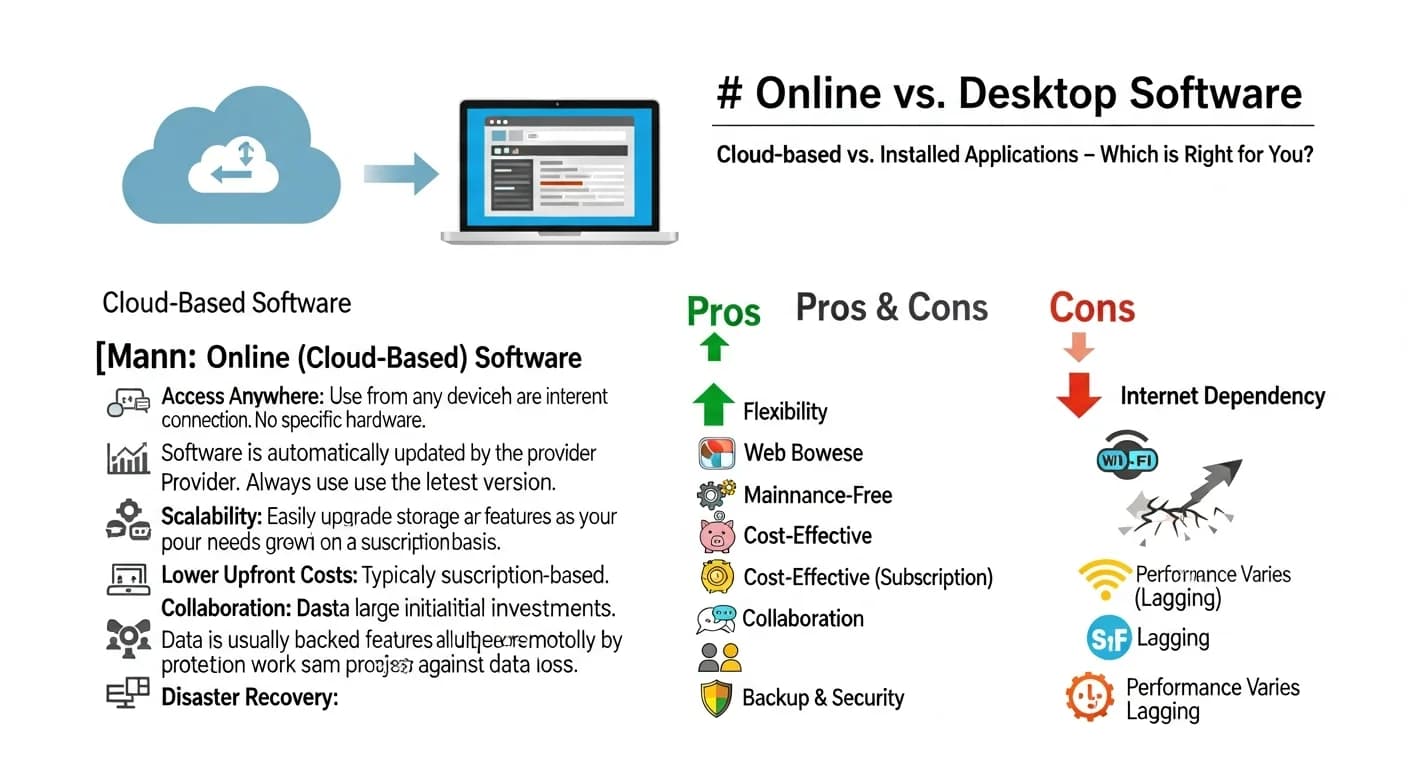
Welcome 2026! The Future of Vector Graphics and What It Means for You
Happy New Year! Explore what 2026 holds for vector graphics, from AI advancements to new use cases. The future of scalable design is brighter than ever.
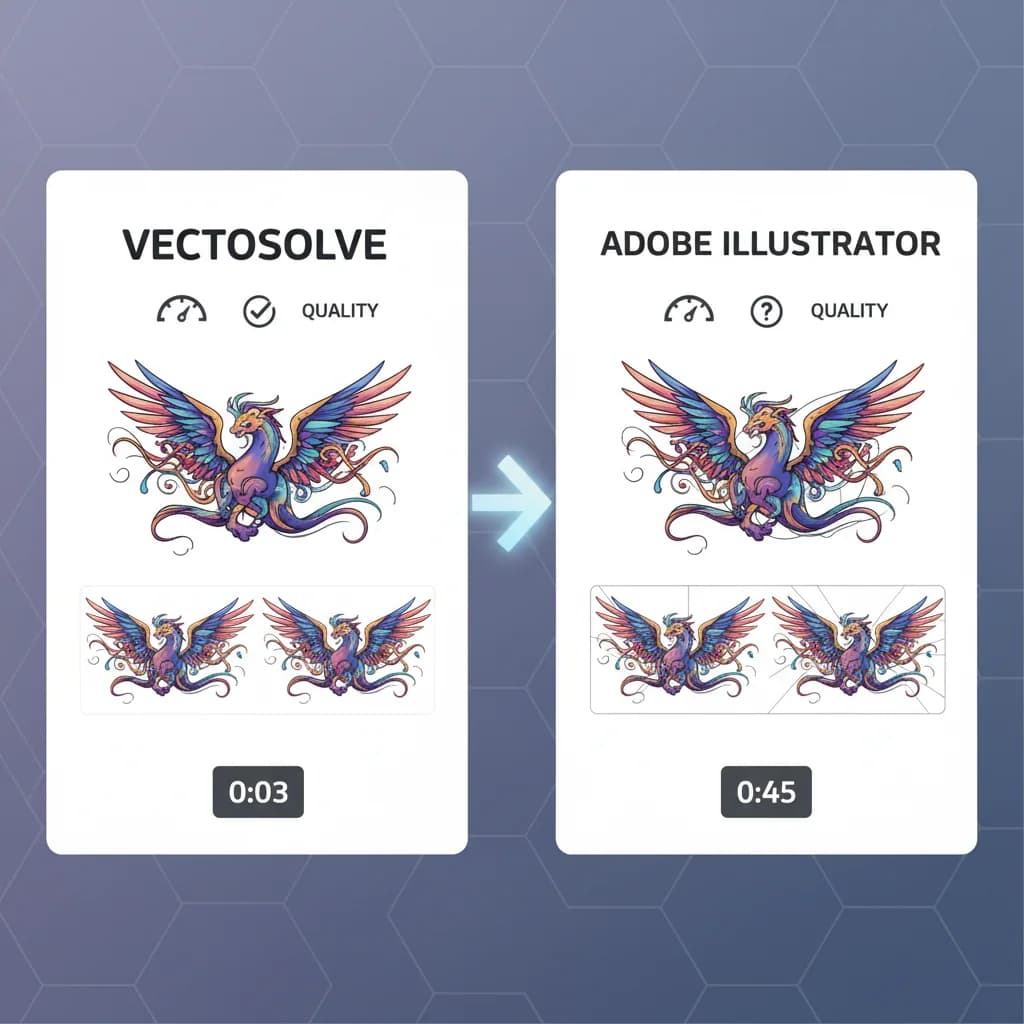
VectoSolve vs Adobe Illustrator Image Trace: Complete Comparison 2026
Detailed comparison of VectoSolve and Adobe Illustrator's Image Trace feature. Which tool is better for PNG to SVG conversion?

How AI Image-to-Vector Conversion Works: The Technology Explained
Discover the machine learning technology behind modern vectorization tools. Learn how AI converts pixels to paths with unprecedented accuracy.


New Year 2026 Design Trends: What is Coming Next in Visual Design
Explore the design trends that will shape 2026. From AI-generated art to sustainable design, discover what is next in the world of visual creativity.
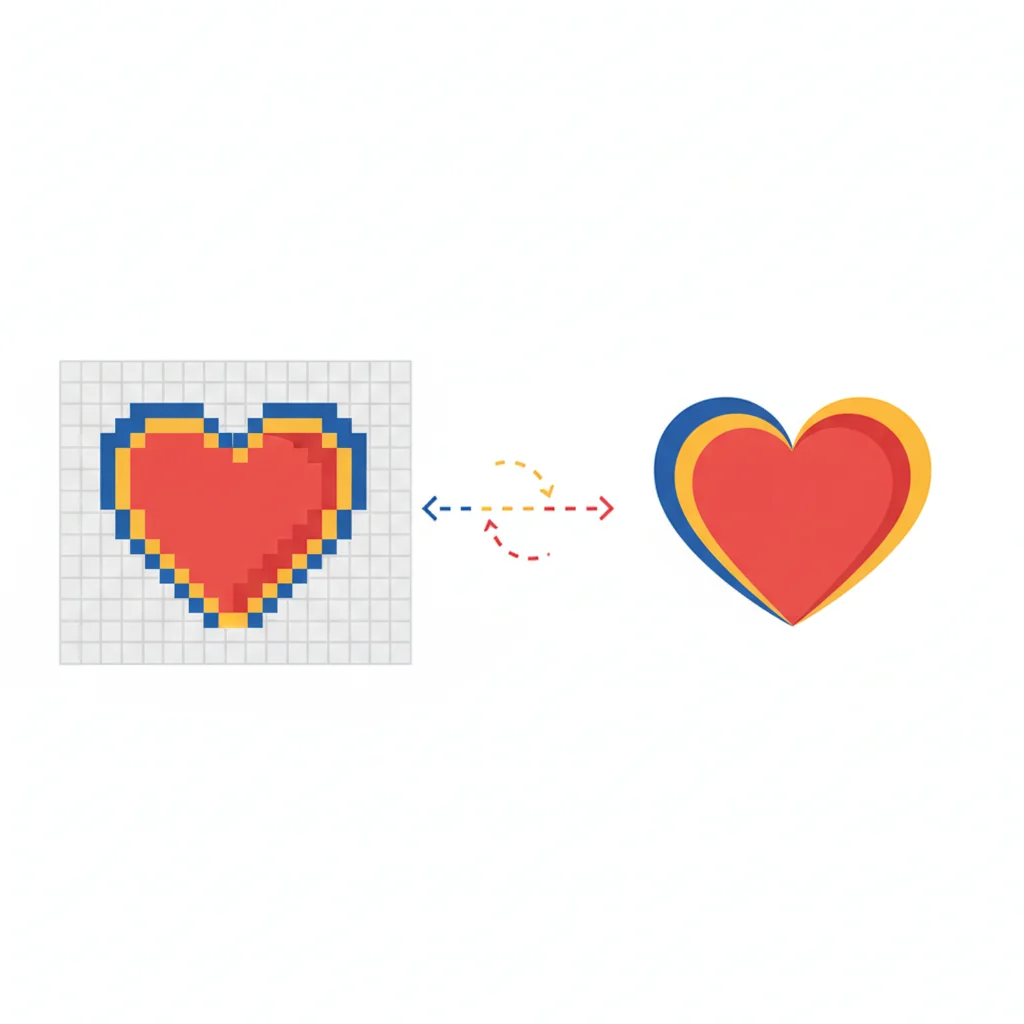
What Is Image Vectorization? A Visual Guide for Beginners
What is image vectorization and why does it matter? Visual guide explaining the process, best uses, and how AI makes it instant. Perfect for beginners.
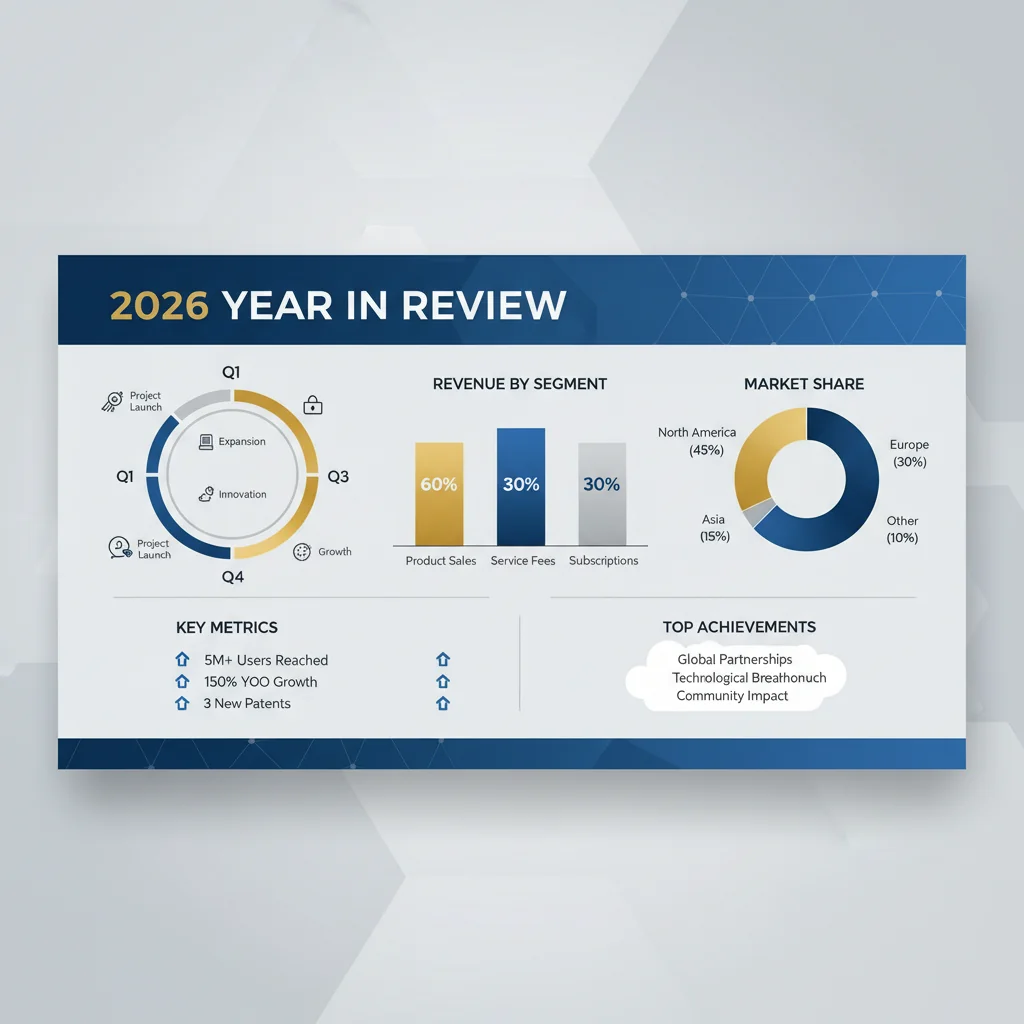
Year in Review Graphics: Templates and Tips for 2026 Retrospectives
Create stunning year-in-review graphics for your brand. Templates, data visualization tips, and design strategies for impactful annual retrospectives.
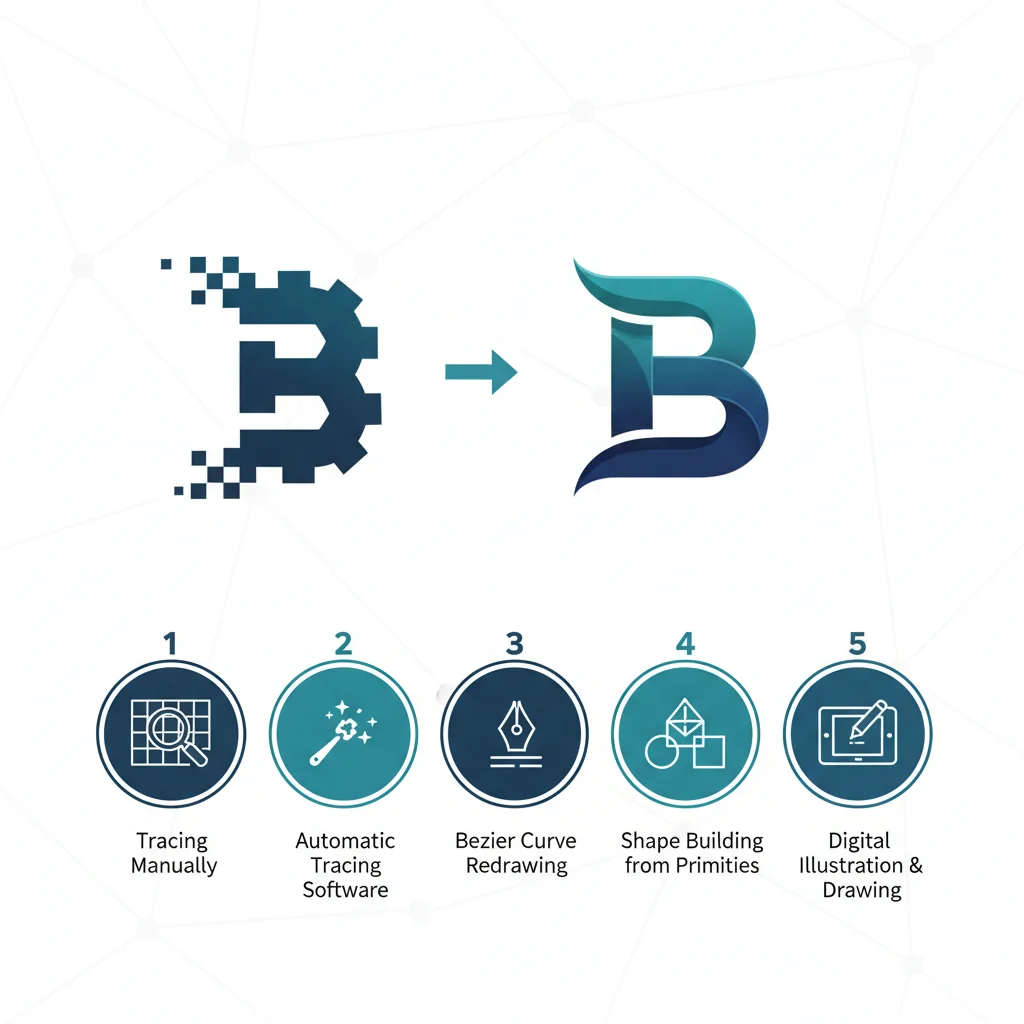
5 Ways to Convert a Logo to Vector: AI vs Illustrator vs Fiverr vs Manual (2026)
We compare 5 different methods for converting a logo to vector format — AI tools, Adobe Illustrator, Fiverr freelancers, Inkscape, and manual pen-tool tracing. See which is fastest, cheapest, and highest quality.
Christmas Eve Design Tips: Last-Minute Graphics That Impress
It is Christmas Eve and you need festive graphics fast. Here are quick design tips and templates to create beautiful holiday visuals in minutes.
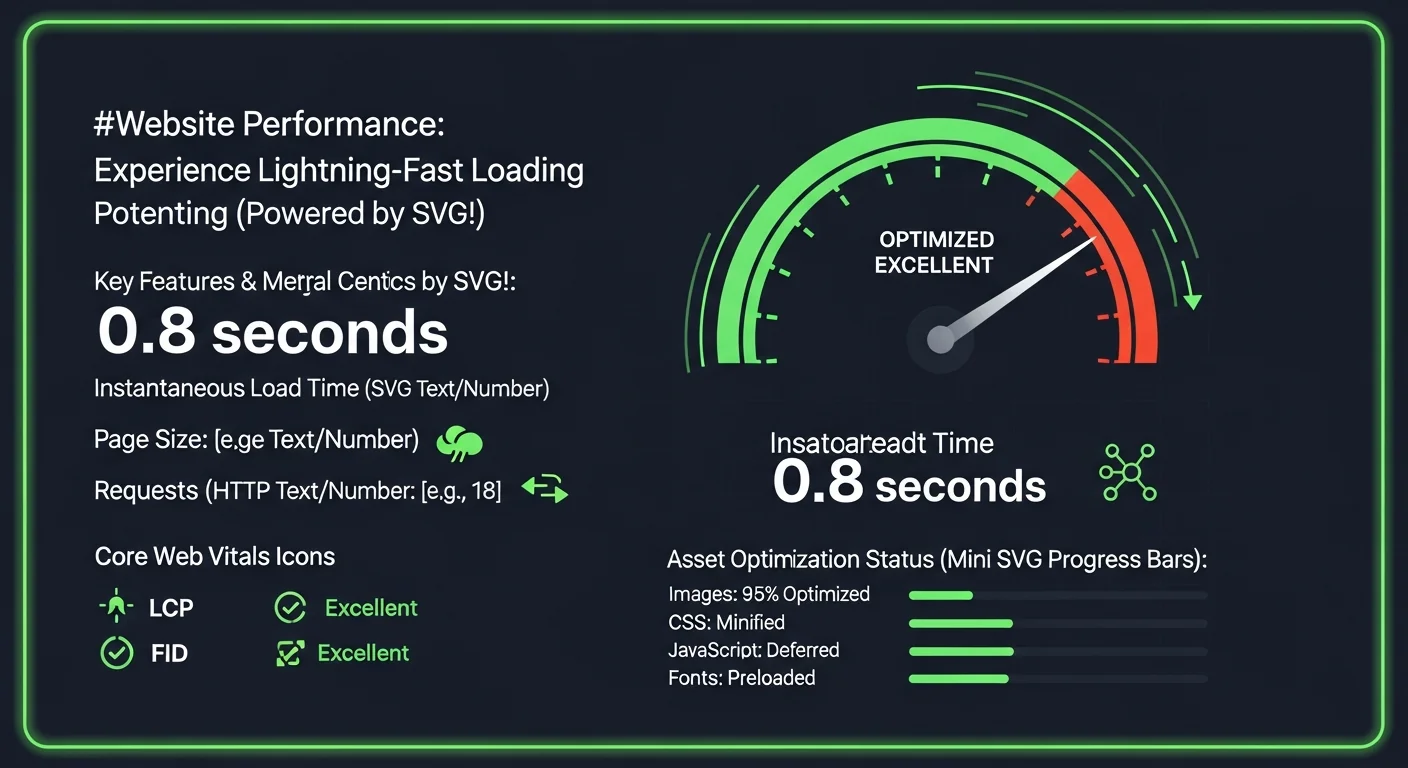
SVG Optimization for Web Performance: The Complete 2026 Guide
Master SVG optimization techniques to dramatically improve your website performance. Learn compression, lazy loading, and advanced techniques used by top developers.
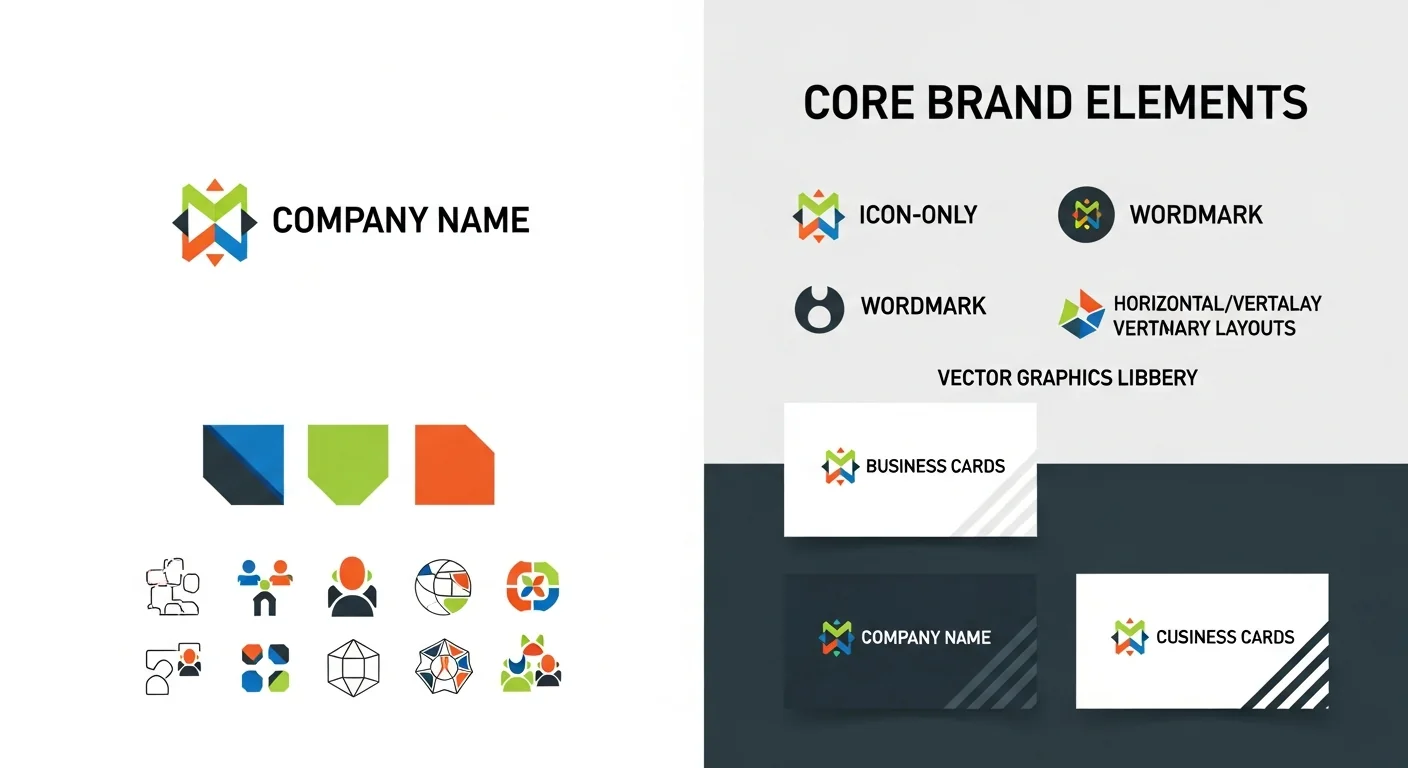

Create Stunning Christmas Marketing Graphics with Vector Design
Elevate your holiday marketing with professional vector graphics. Learn how to create festive designs that scale perfectly across all channels.
PNG vs SVG for Web Performance: File Size, Loading Speed & Core Web Vitals (2026)
How do PNG and SVG compare on real-world web performance metrics? We benchmark file size, LCP, CLS, and rendering speed across 50 test cases to determine the faster format.

SVG Icons for UI Design: The 2026 Handbook
Master the art of using SVG icons in modern UI design. From icon systems to accessibility, everything you need to create beautiful, performant interfaces.
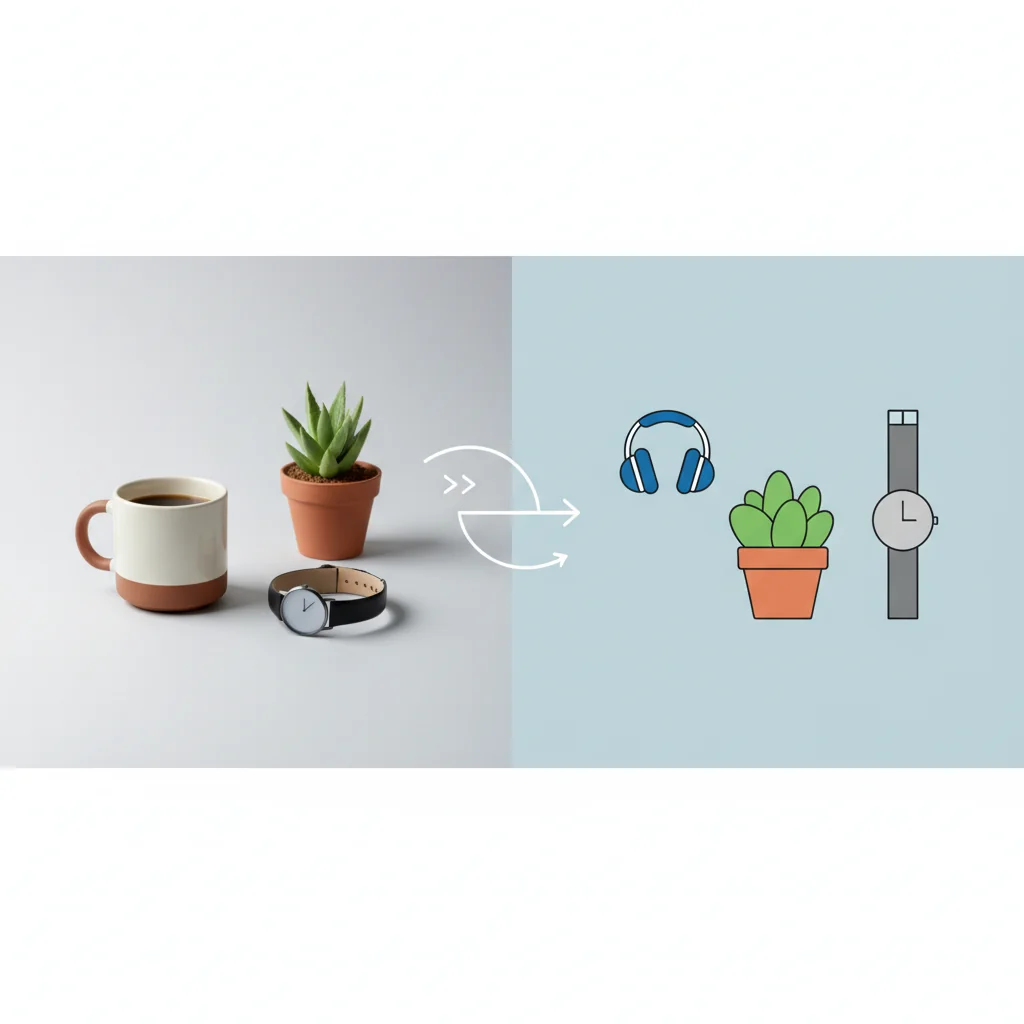
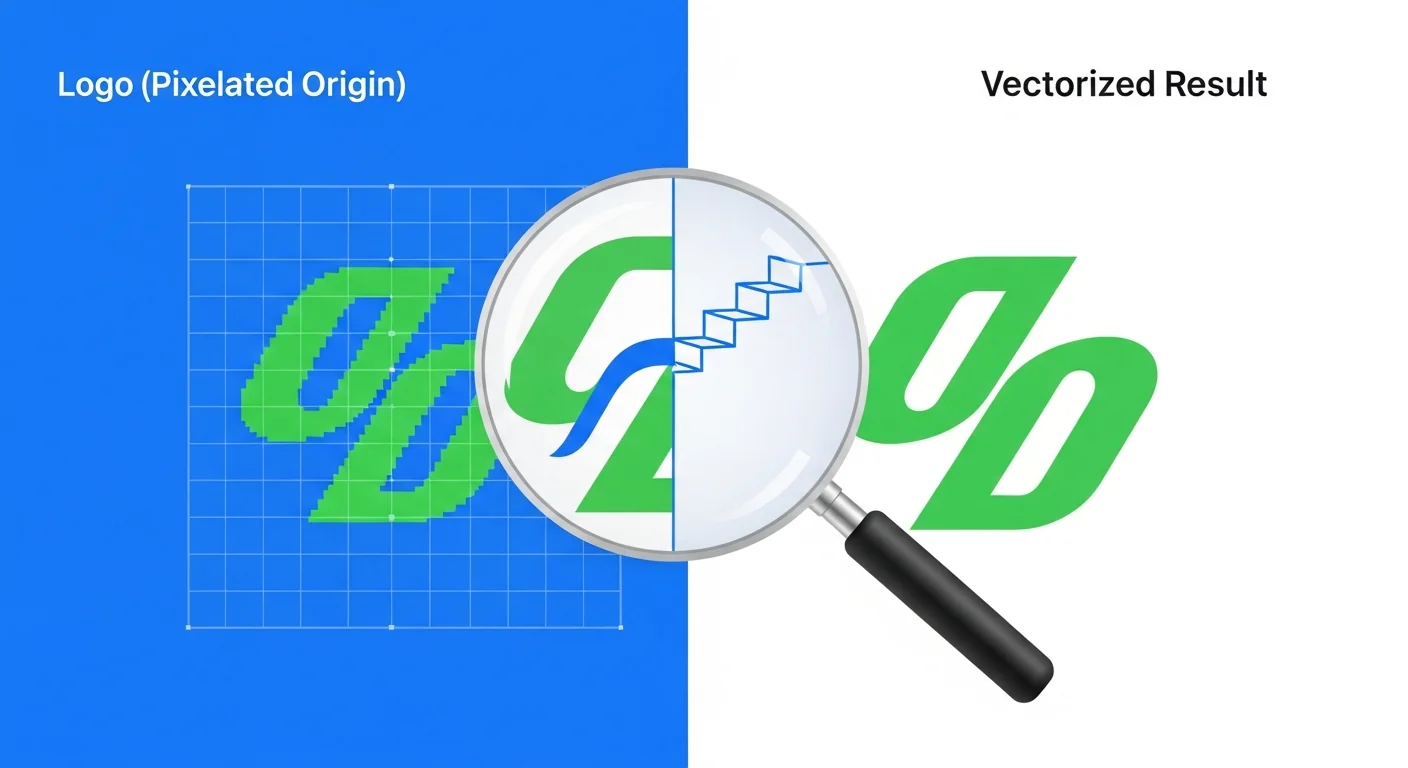

AI Vectorization Trends 2026: Real-Time Processing, Multi-Modal Models & On-Device Conversion
The 7 biggest AI vectorization trends shaping 2026: from real-time browser-based conversion to multi-modal foundation models that understand design intent.
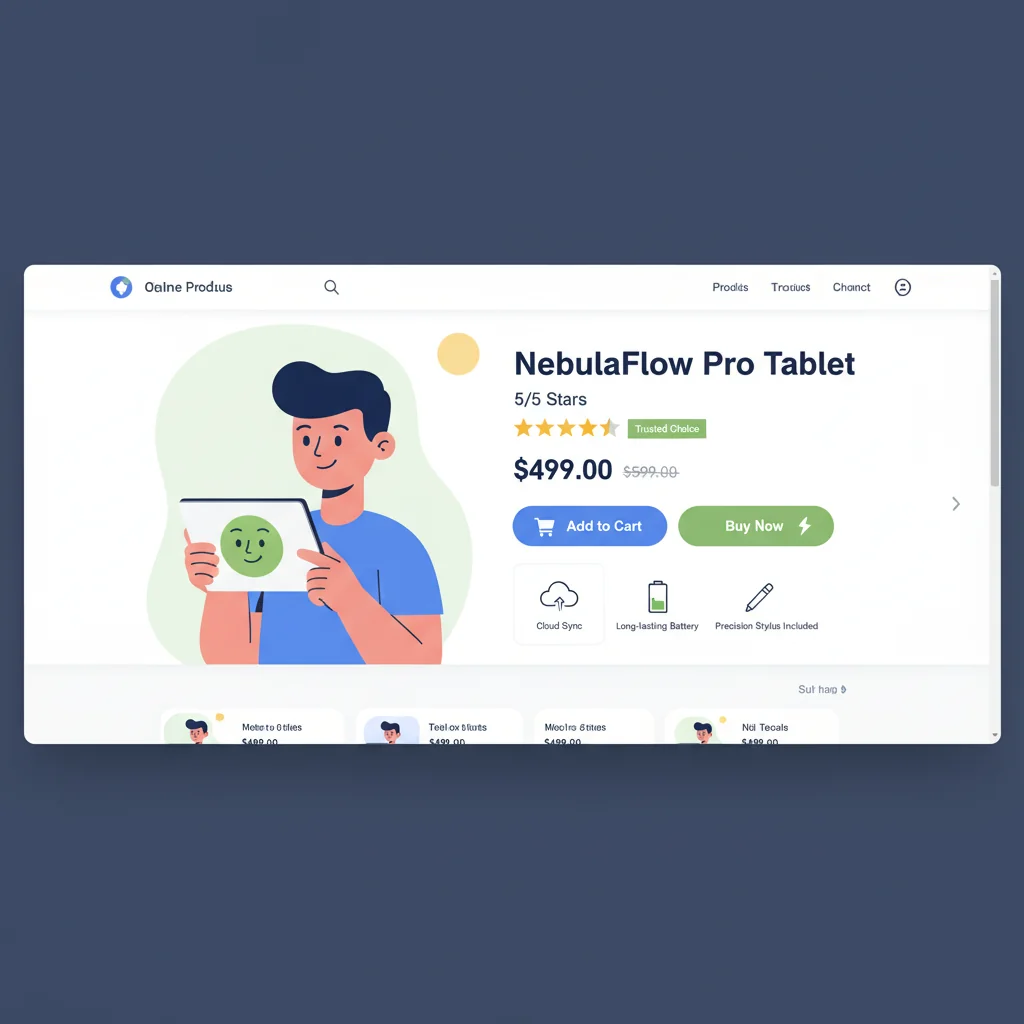
Vector Graphics for E-commerce: How to Boost Your Online Store with SVG
Discover how vector graphics and SVG files can enhance your e-commerce website's performance, improve product presentation, and increase conversions.
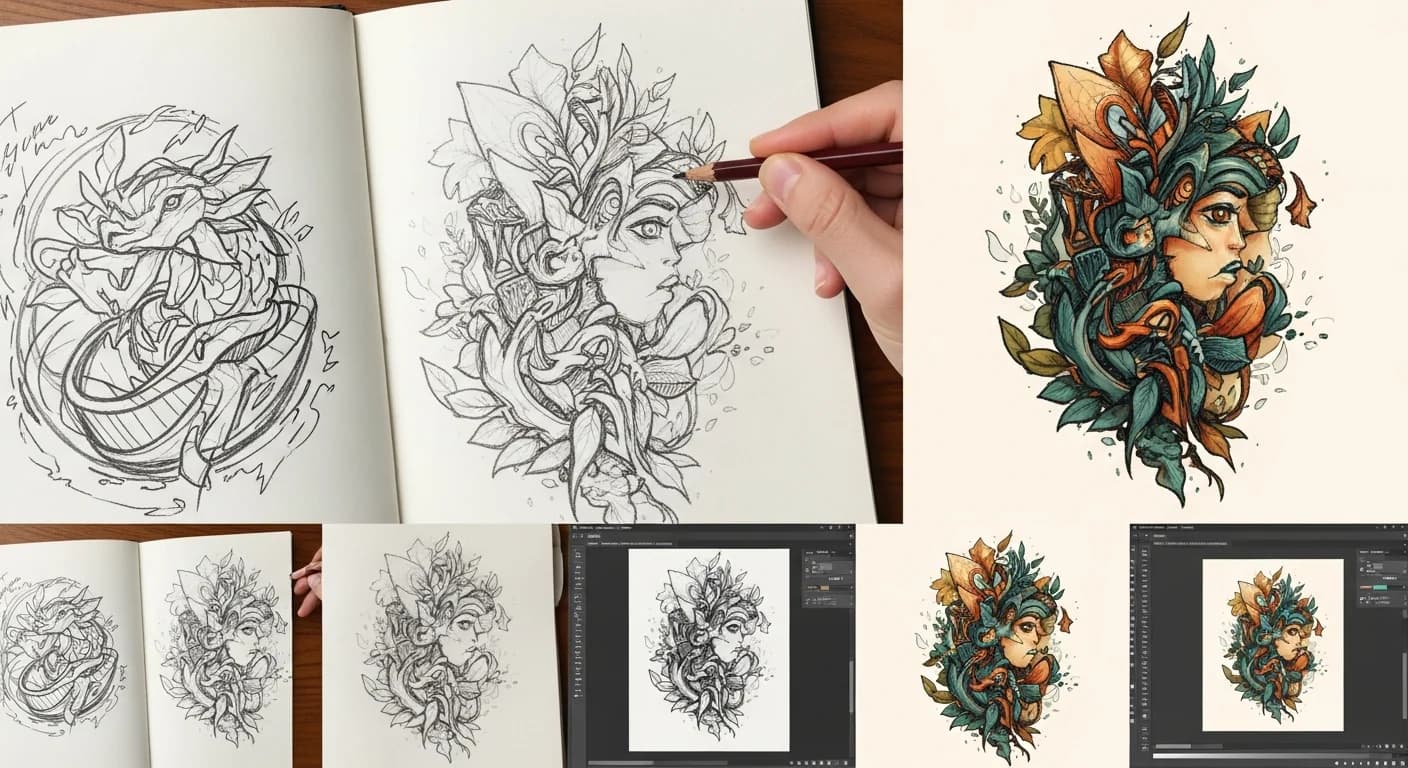
How to Convert a Hand-Drawn Logo to a Professional Vector File
Turn your napkin sketch or hand-lettered logo into a crisp, scalable vector. Covers scanning tips, cleanup techniques, and AI-powered conversion for brand-ready results.
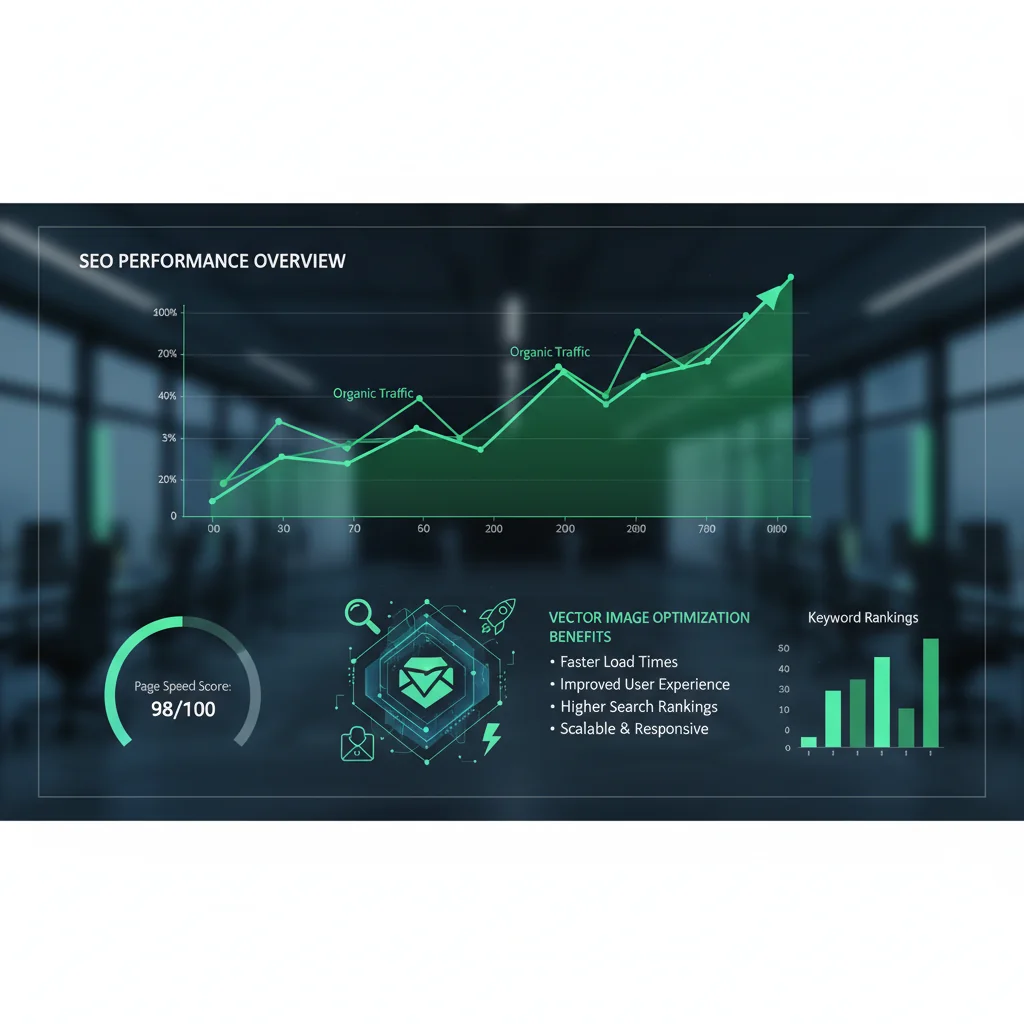
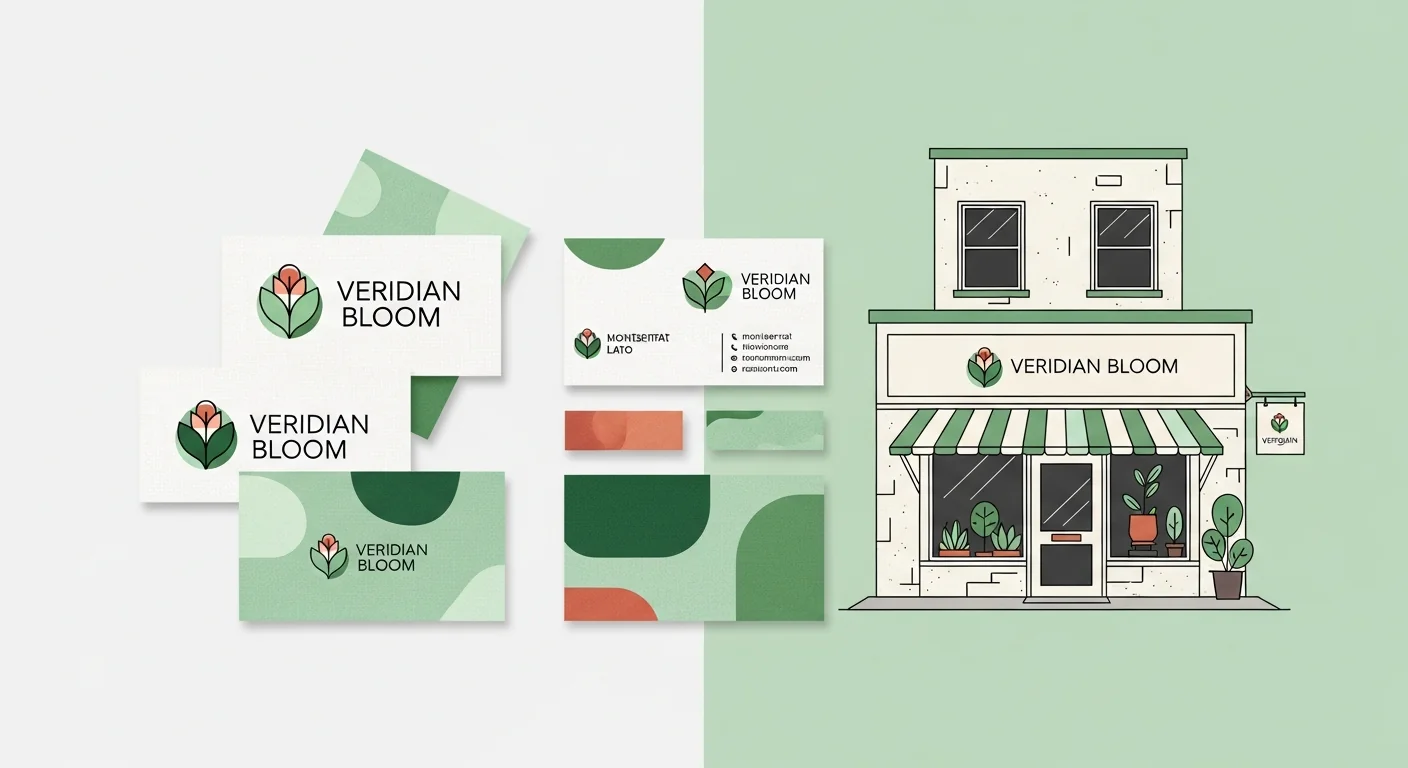
Vector Logos for Small Businesses: Complete Guide 2026
Discover why vector logos are essential for small businesses and how to create, optimize, and use them effectively across all platforms.
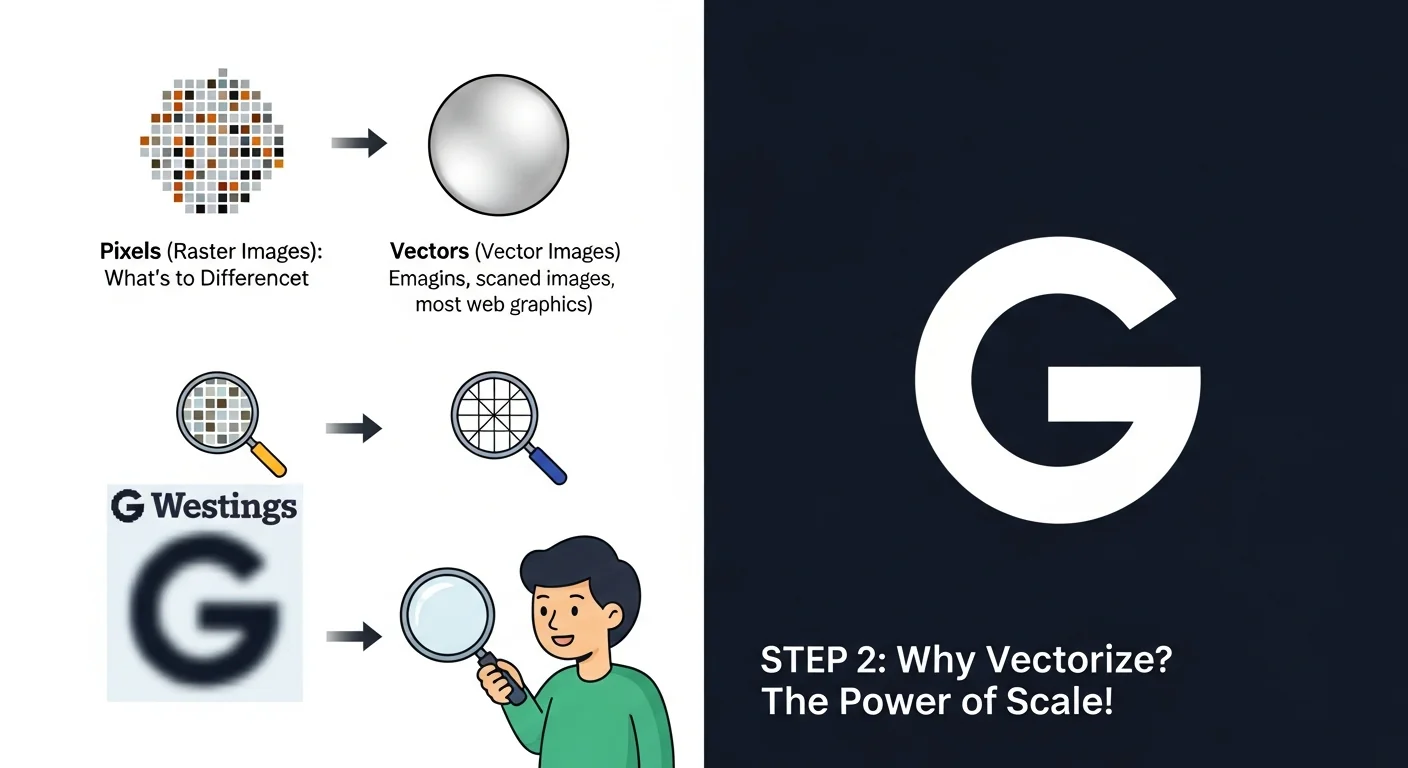
Beginner's Guide to Image Vectorization: Everything You Need to Know
A complete beginner-friendly guide to understanding and mastering image vectorization. Learn what it is, why it matters, and how to do it yourself.

How to Create SVG Icons for Web Apps (2026 Developer Guide)
A complete developer's guide to creating, optimizing, and implementing SVG icons in modern web applications for better performance and user experience.
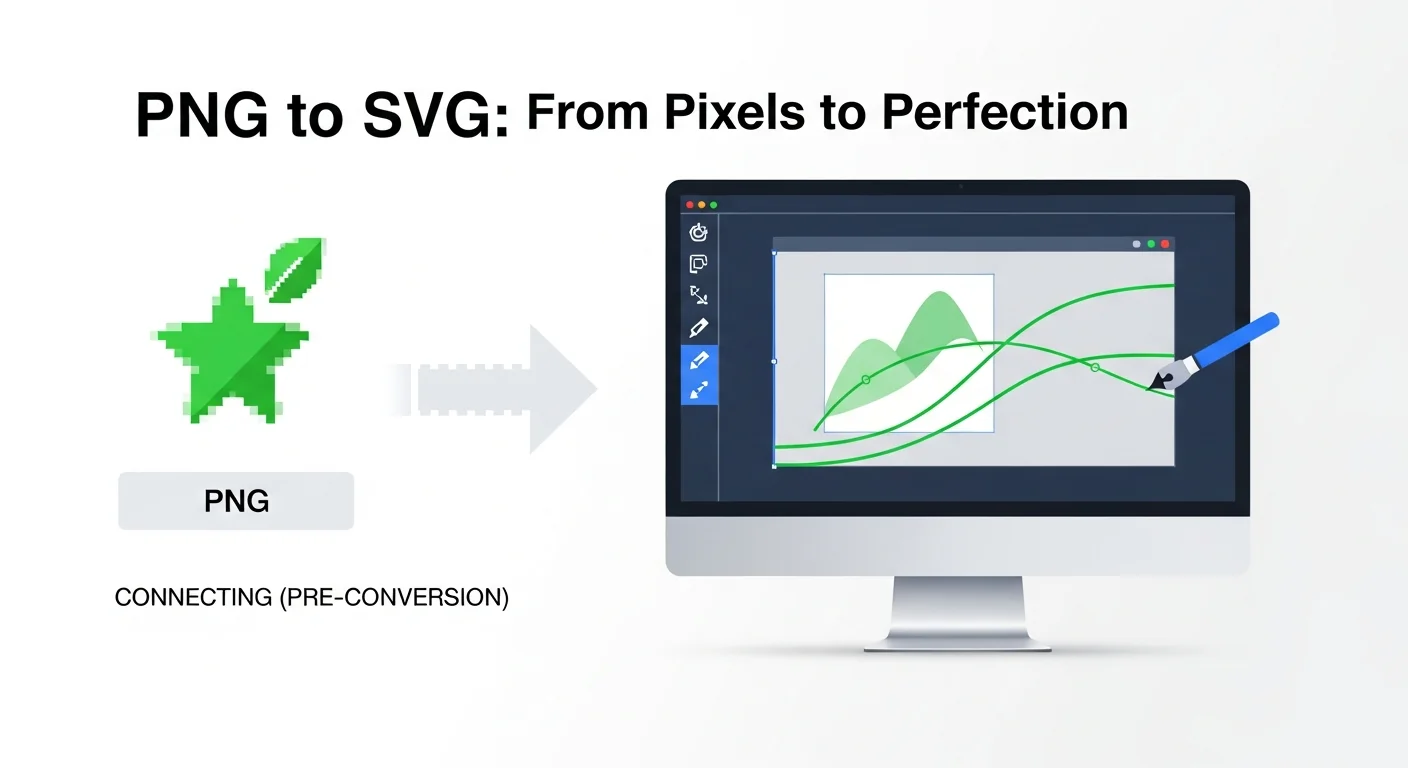

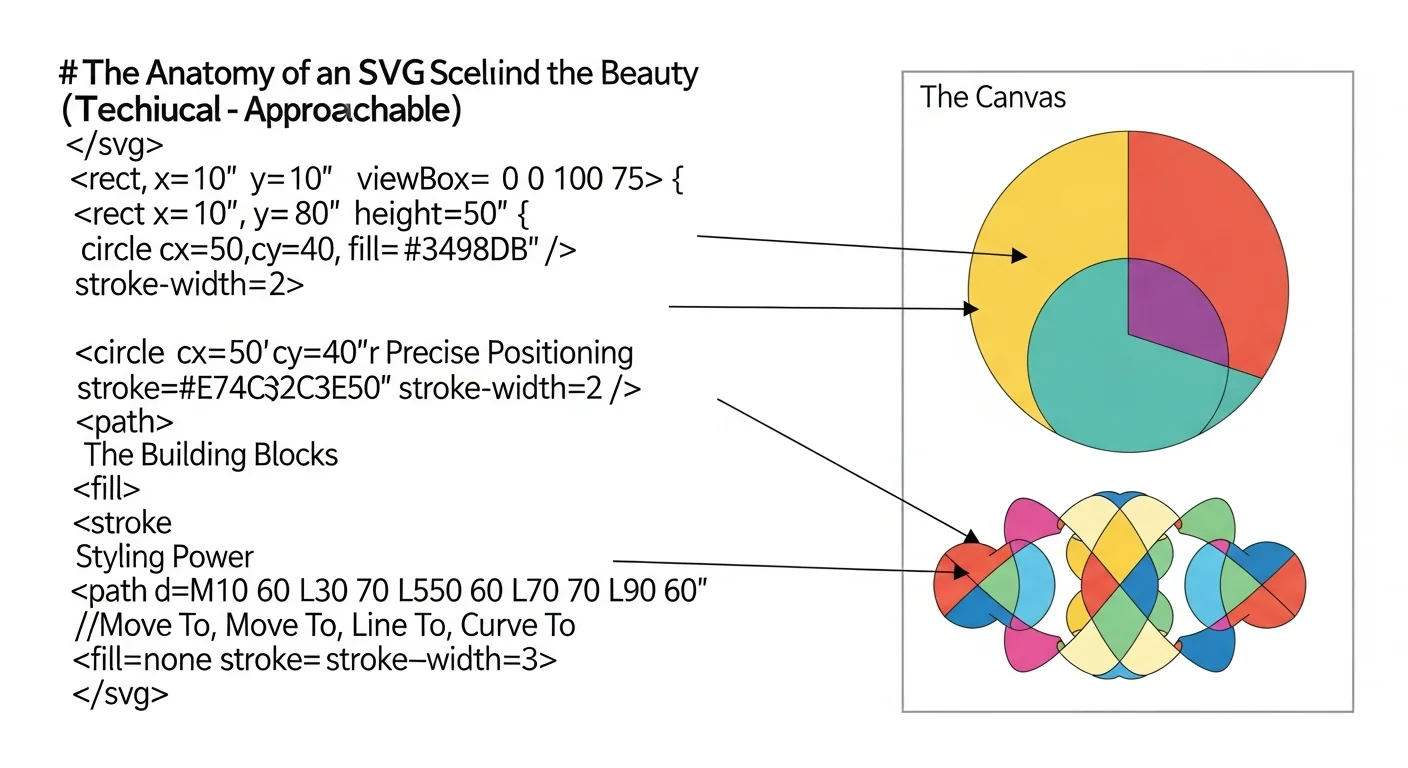
SVG File Format: Everything You Need to Know in 2026
A comprehensive guide to understanding SVG files, their benefits, how they work, and why they're essential for modern web design.
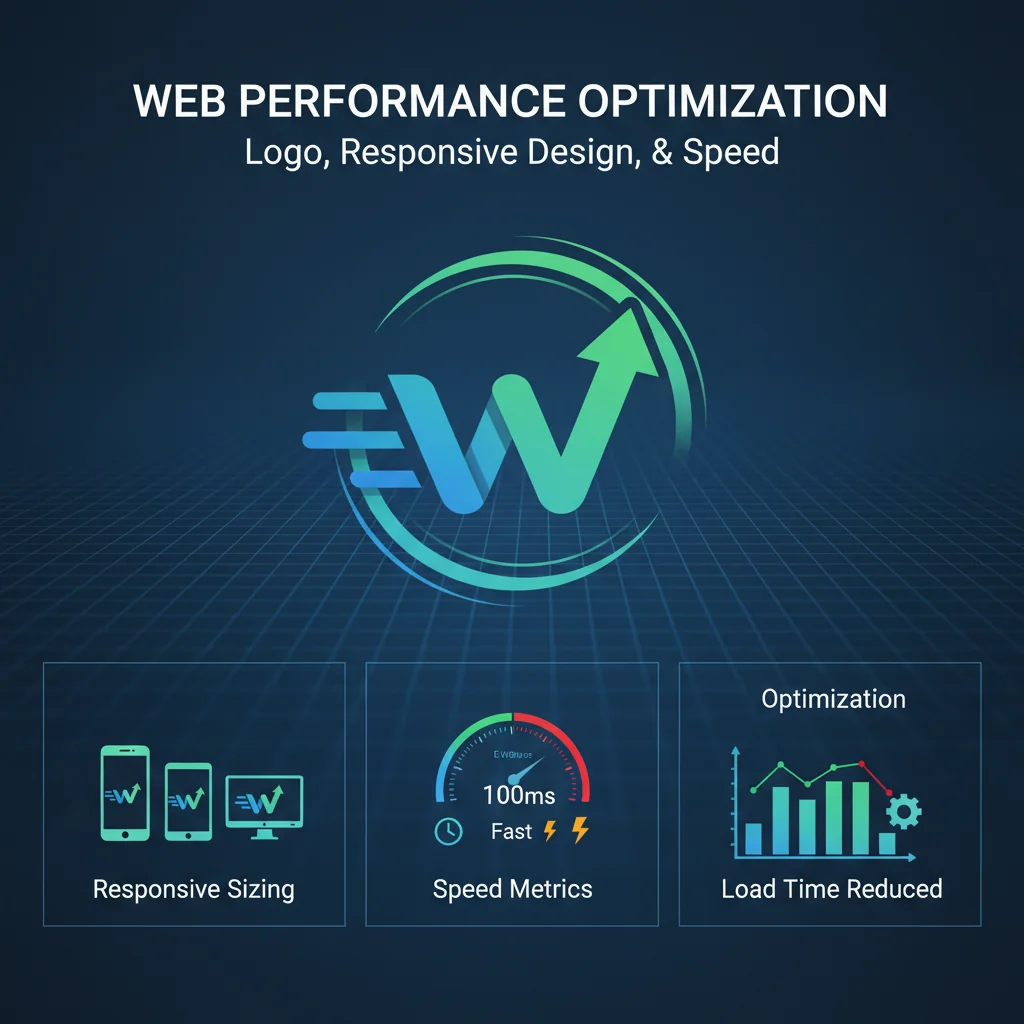
How to Optimize Your Logos for the Web in 2026
Learn the best practices for preparing and optimizing your logos for optimal web performance.
Best Practices for Successful Vectorization
Maximize the quality of your PNG to SVG conversions with these expert tips for preparing your images and optimizing results.