PNG to SVG before and after: 9 real conversions, measured
What really comes out when you turn a picture into an SVG: the file size, the number of paths, the colours, and where it goes wrong. No retouching, and every file is yours to download.
By the VectoSolve design team, technical review by Robin Monteiro, founder and developer. Published 12 November 2026.
- Flat art and silhouettes give tiny, clean files: 4 to 17 paths, 7.6 to 12.7 KB. Any decent tracer does well here, including free Inkscape.
- Photos give pictures made of shapes: 147 to 2,340 paths, up to 1.1 MB. Good for print and engraving, not a cut file as they are.
- The background decides more than the tool. On a plain sky the free trace is perfect. On peeling paint or bark it falls apart, unless the background is removed first.
How we ran the test
We picked nine pictures a maker could plausibly bring: a weathervane, a 1914 silhouette scan, a flat three-colour design, objects photographed on busy backgrounds, a child's drawing and two hand-made ornaments. Eight come from Wikimedia Commons under CC0 or public domain, one was drawn by our team. Credits are at the end.
Each picture went through VectoSolve once, between 28 September and 2 October 2026, with the default settings a visitor gets on the page named under each example, and the free preview output was kept as it came. No manual cleanup, no second try, no machine-mode post-processing. For the five simplest cases we also ran Potrace, the open-source tracer that Inkscape uses for Trace Bitmap in single-scan mode, with its automatic threshold.
We measured three things on each SVG, straight from the file:
- File size on disk.
- Paths: the number of
<path>elements. For a cutting machine, roughly the number of pieces it will cut or the software will have to handle. - Distinct fills (colours and gradients). A cutter or a vinyl layer ignores gradients, so they matter only for print.
Results at a glance
| Picture | Input | SVG | Paths | Fills | Potrace |
|---|---|---|---|---|---|
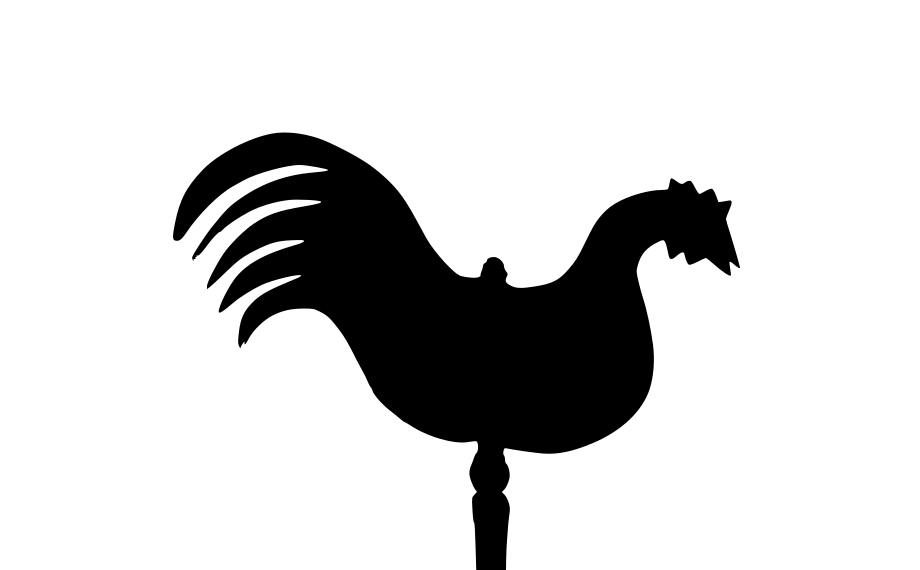
| Weathervane rooster | 27.2 KB | 12.5 KB | 17 | 4 | 7.5 KB |
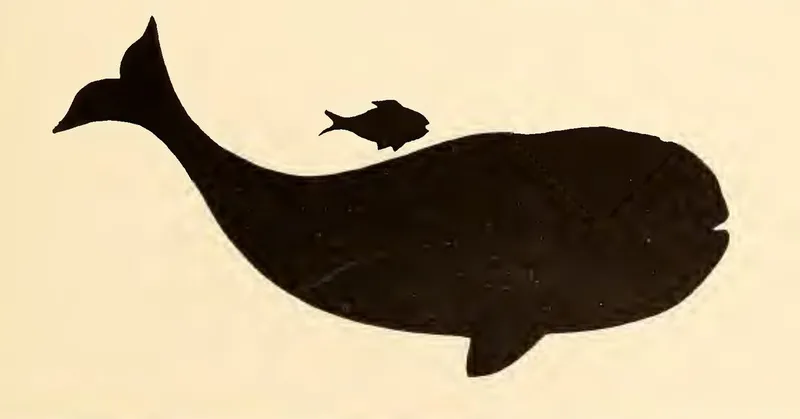
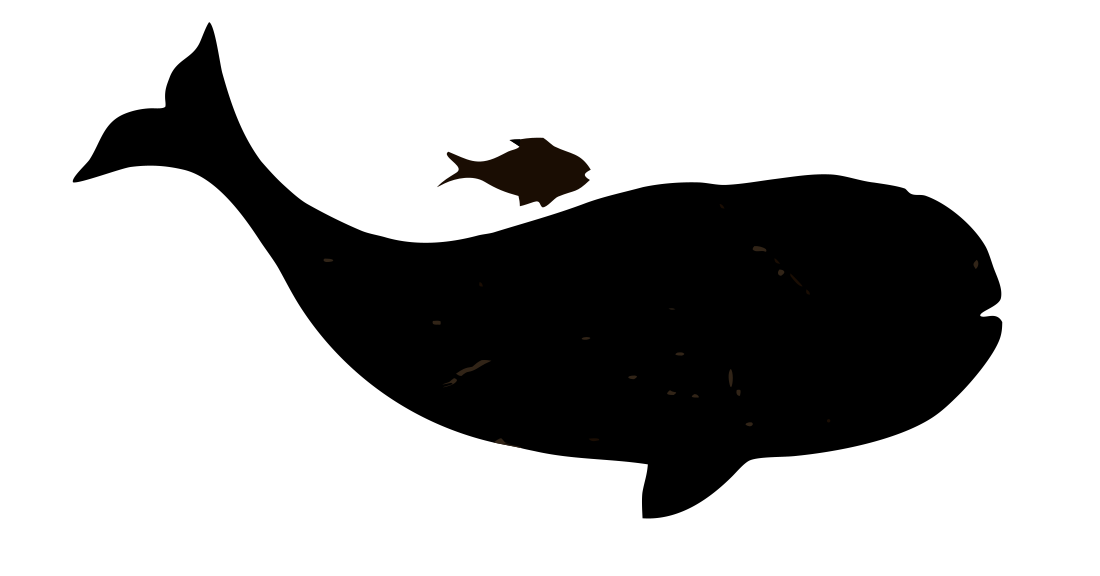
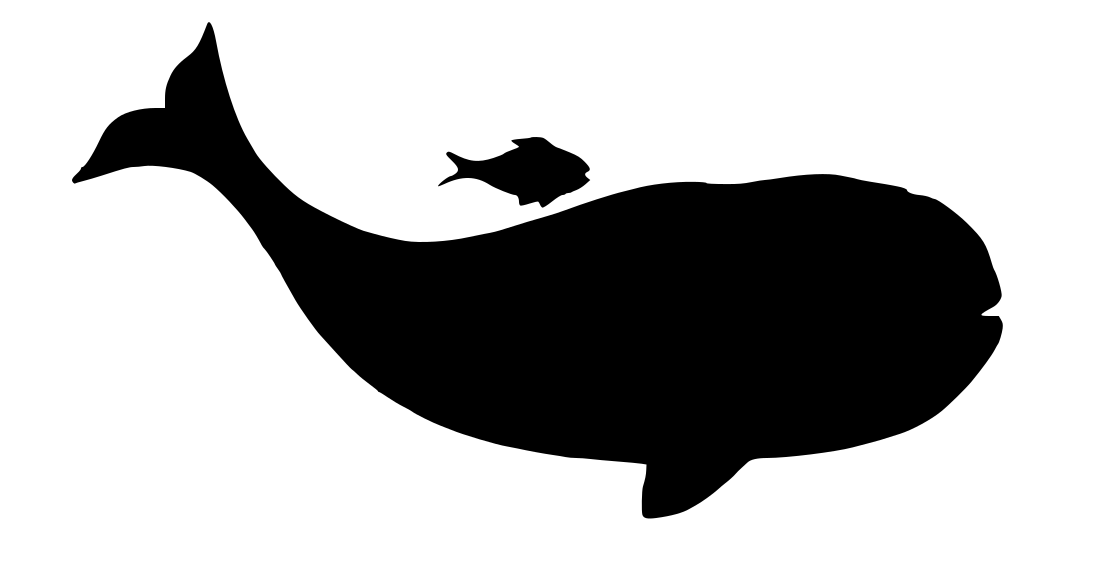
| Whale silhouette, 1914 book scan | 26.7 KB | 7.6 KB | 12 | 3 | 7.0 KB |
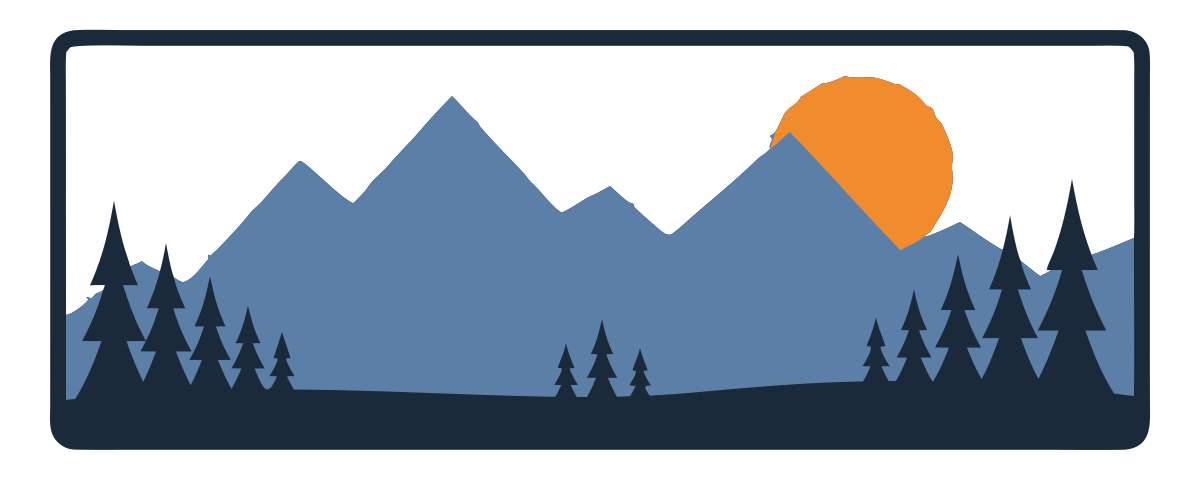
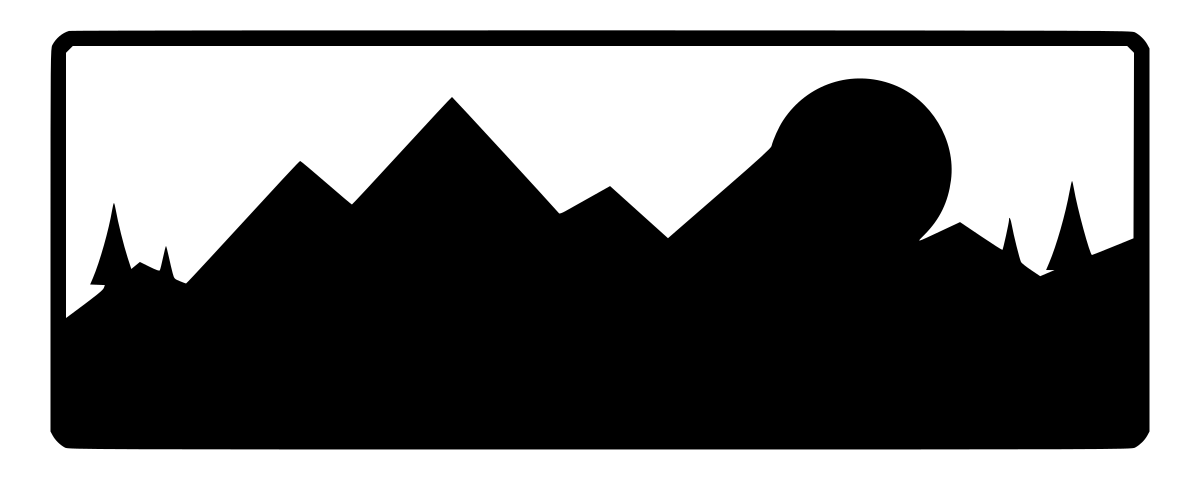
| Mountain plaque, three flat colours | 34.4 KB | 12.7 KB | 4 | 3 | 3.1 KB |
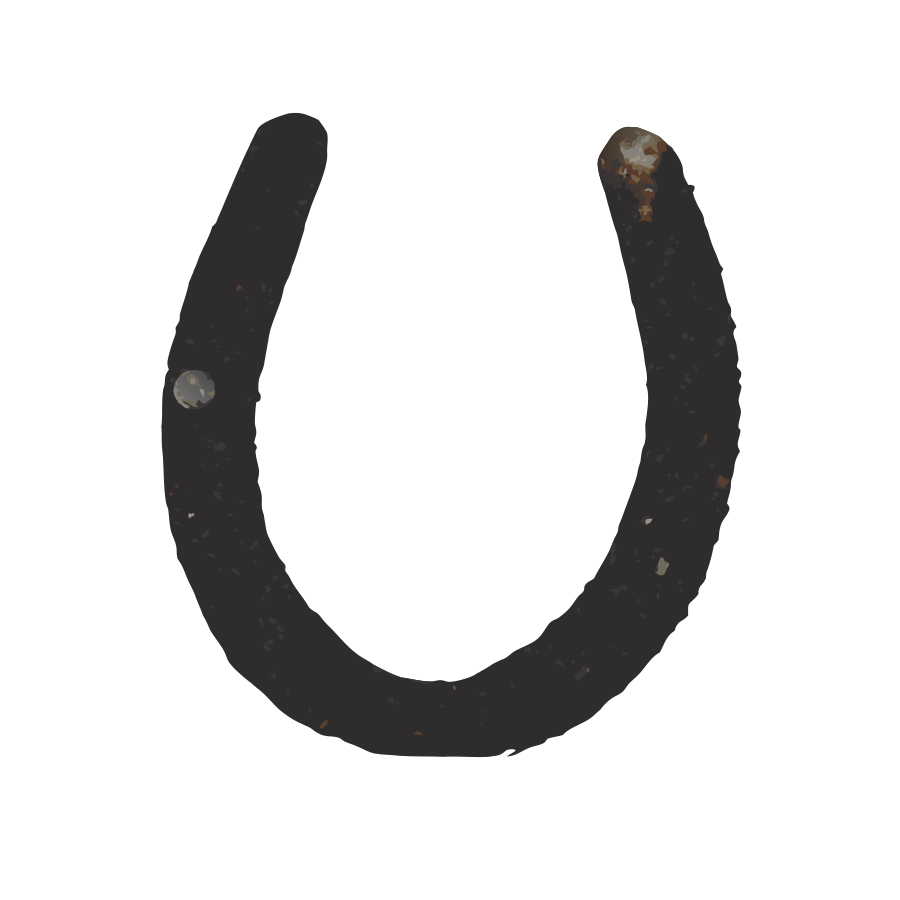
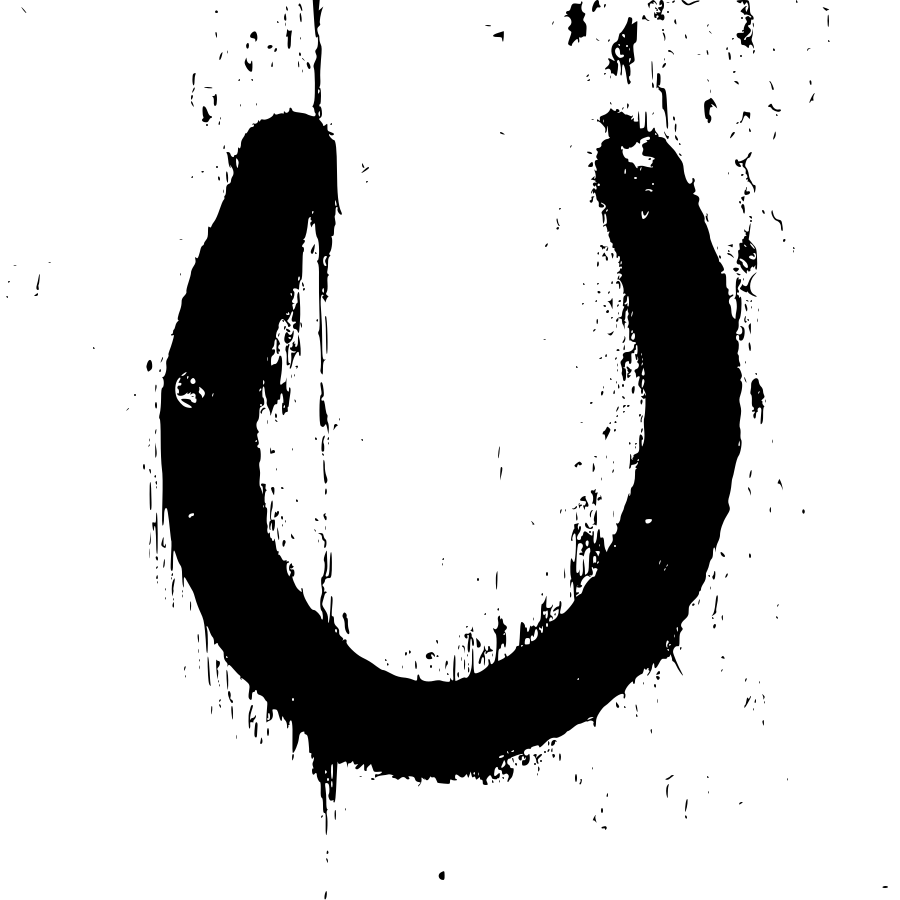
| Rusty horseshoe on a painted door | 200.6 KB | 83.2 KB | 147 | 10 | 186.6 KB |
| Trail marker on a mossy tree | 116.5 KB | 178.8 KB | 302 | 14 | 406.6 KB |
| Iced gingerbread man | 291.6 KB | 289.0 KB | 399 | 52 | not run |
| Child felt-tip drawing | 141.4 KB | 331.8 KB | 703 | 76 | not run |
| Red straw star ornament | 85.5 KB | 499.2 KB | 848 | 60 | not run |
| Hand-painted wooden horse | 315.3 KB | 1.07 MB | 2,340 | 52 | not run |
Input is the JPG we uploaded. SVG and paths are the VectoSolve output. Potrace output is always one compound path in a single colour.
The nine conversions
Weathervane rooster
Photo of a dark silhouette on a plain sky. Converted on SVG for Cricut (Balanced preset, background removal on).
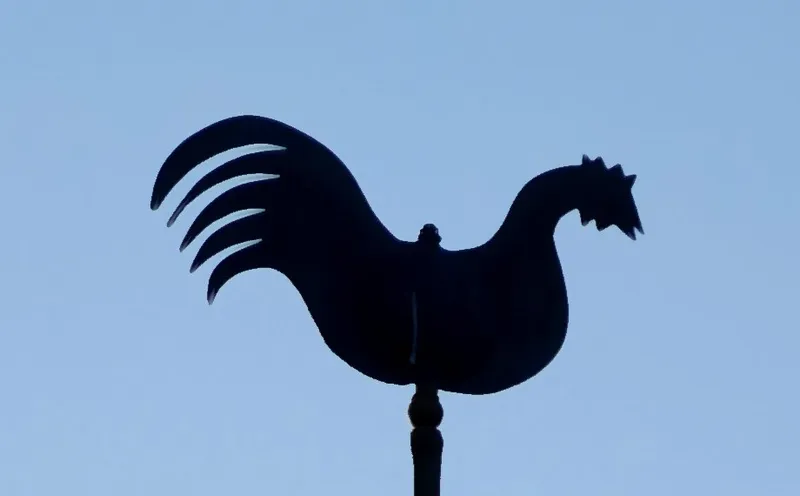
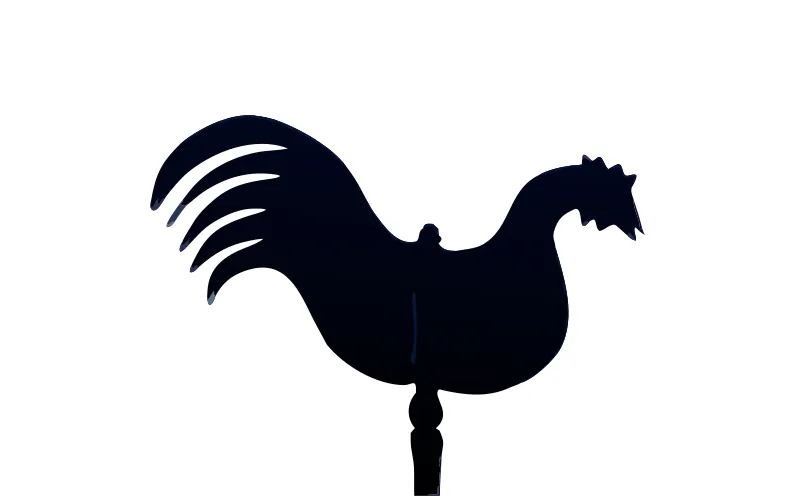
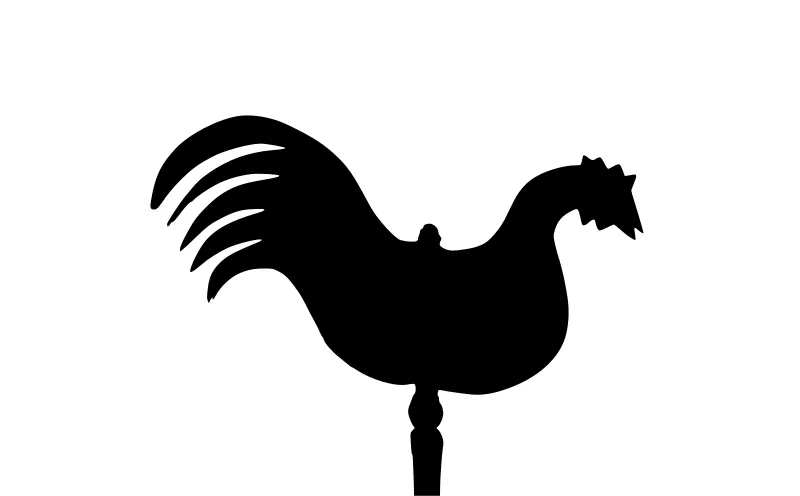
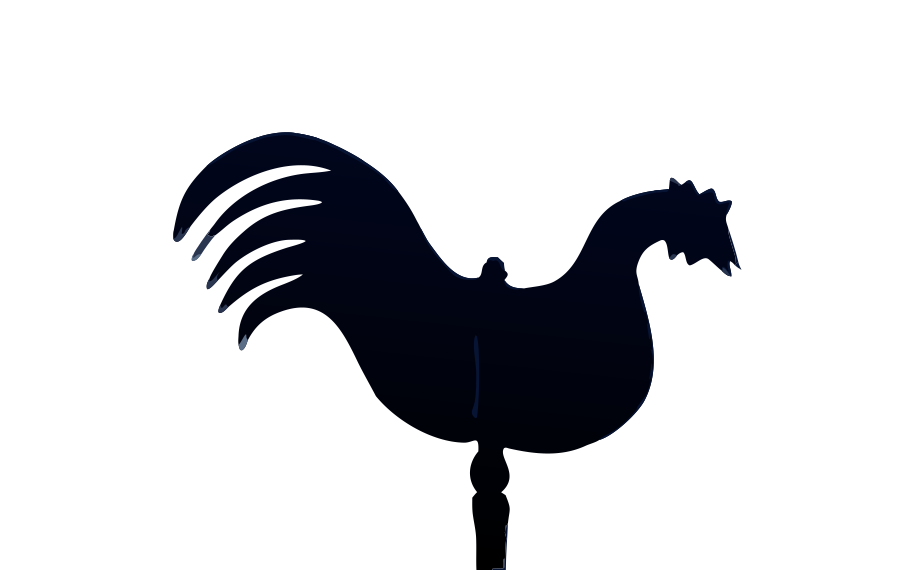
VectoSolve: Clean outline, sky removed, the rod kept. The body is filled with a near-black gradient: fine on screen, ignored by a cutter.
Potrace: One clean black shape. For a one-colour decal this is all you need, and it is free.
Good for: One-colour vinyl decal, iron-on, stencil.
Whale silhouette, 1914 book scan
Scan of yellowed paper with print specks. Converted on Image to G-code (Default settings, background removal on).
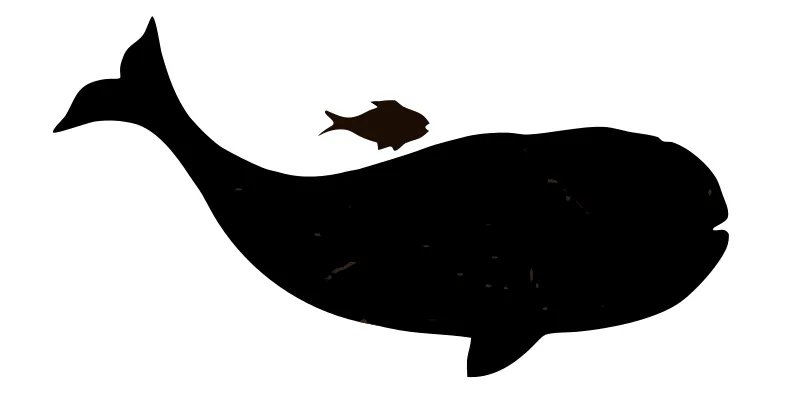
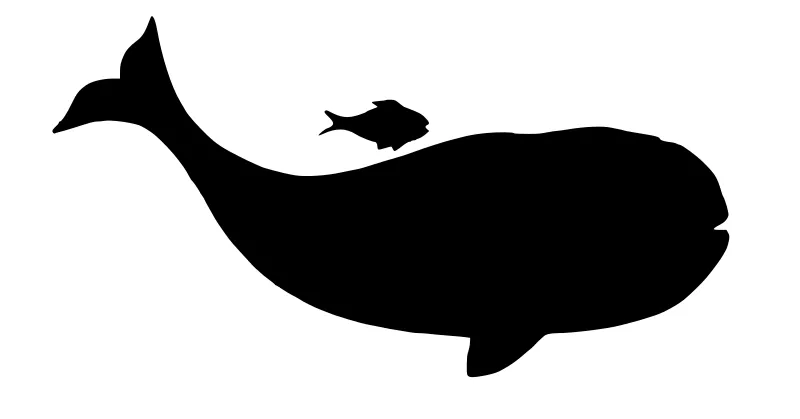
VectoSolve: Paper gone, whale and fish kept as solid shapes. A few faint scan lines on the head survive as tiny extra paths.
Potrace: Same quality. The paper colour drops out because it is light enough for the automatic threshold.
Good for: Laser-cut or CNC silhouette, sign, wall art.
Mountain plaque, three flat colours
Flat artwork saved as a JPG. Converted on Image to DXF (Default settings).
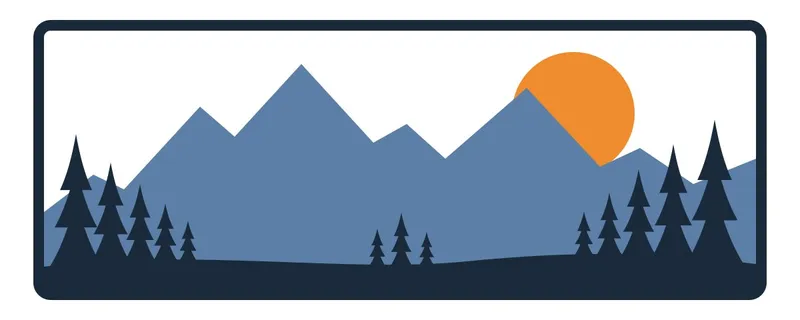
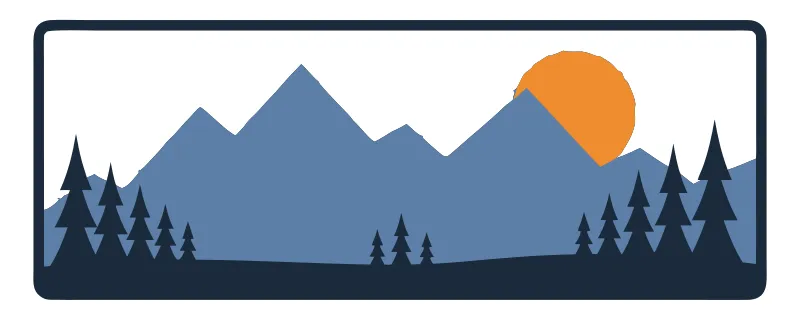
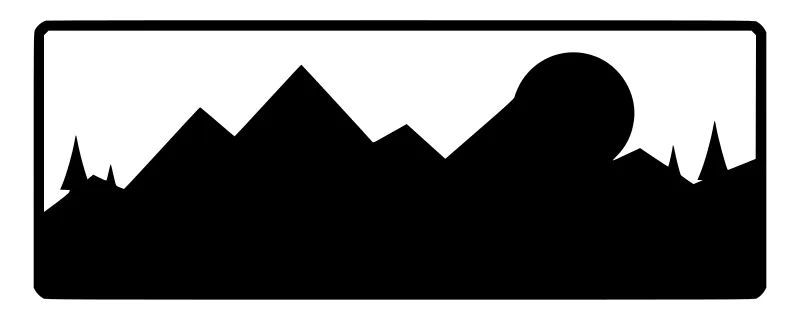
VectoSolve: Four paths, the three original colours, nothing else. This is what a good conversion of flat art looks like.
Potrace: The shapes survive but the colours do not: navy, slate and amber all become one black layer.
Good for: Layered laser or vinyl project, screen print with three screens.
Rusty horseshoe on a painted door
Photo of an object on a busy background. Converted on SVG for laser cutting (Clean Cut preset, background removal on).
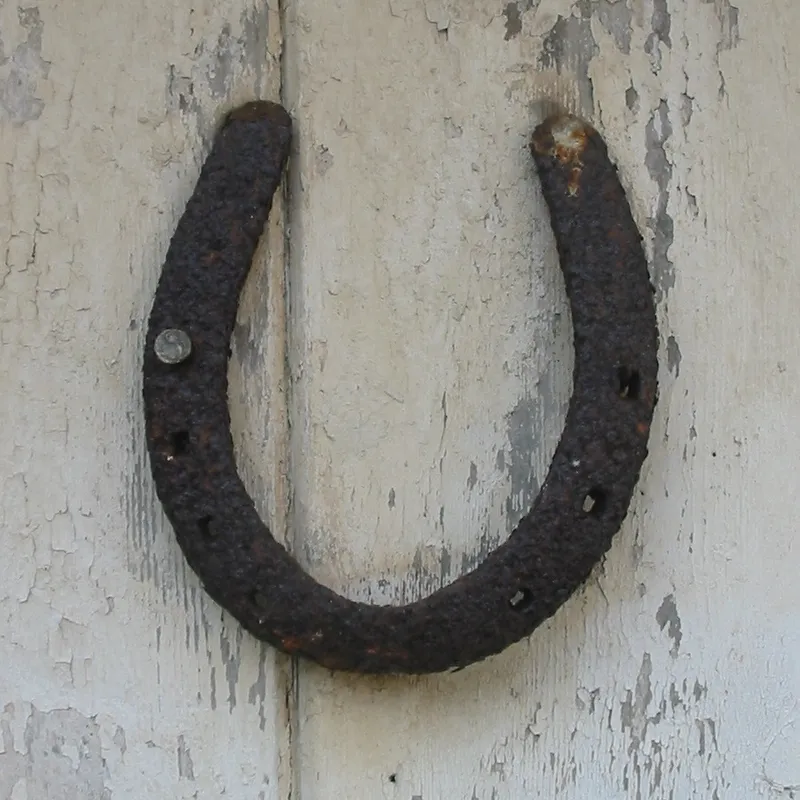
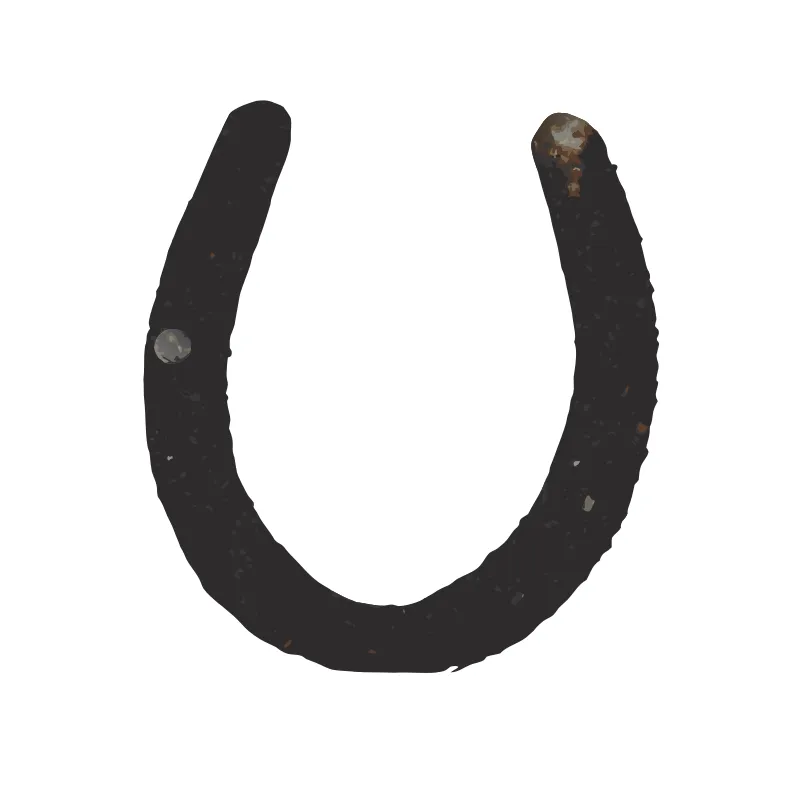
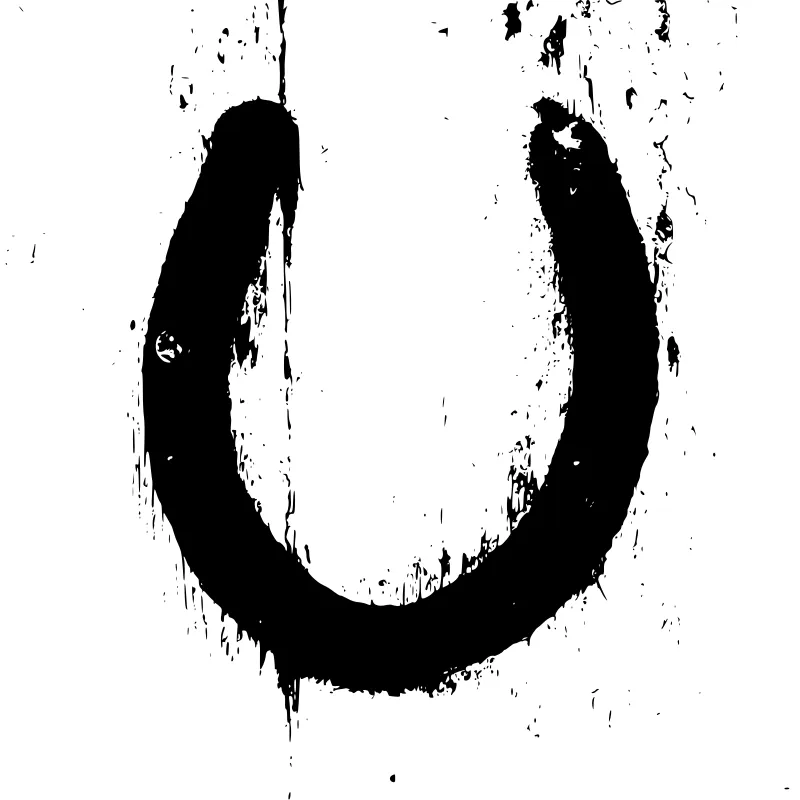
VectoSolve: Door removed, the U shape kept as one object with its rust shading. For a cut you still want the outer outline only.
Potrace: The peeling paint of the door is traced too: thousands of specks around the shoe, and the cut path is no longer one loop.
Good for: Engraving with shading, or the outline alone for a cut-out sign.
Trail marker on a mossy tree
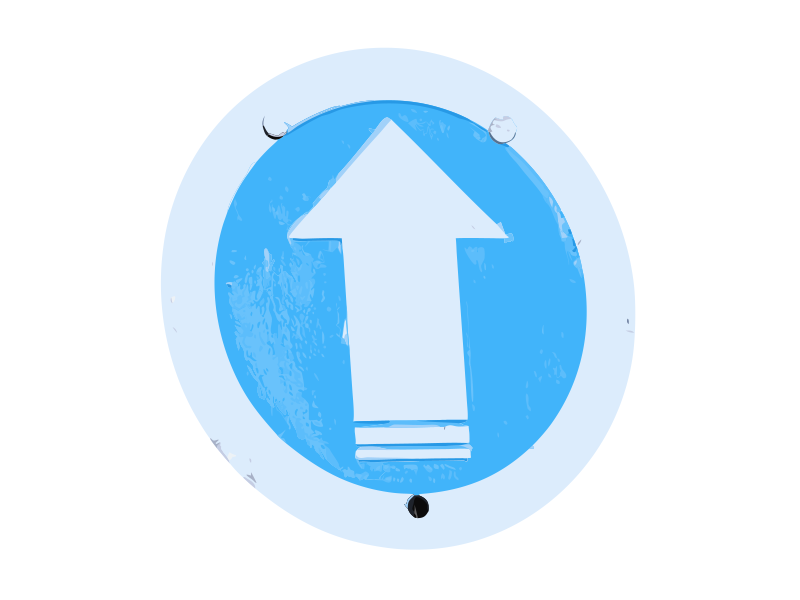
Photo, two flat colours on bark. Converted on SVG for Bambu Lab (Balanced preset, background removal on).
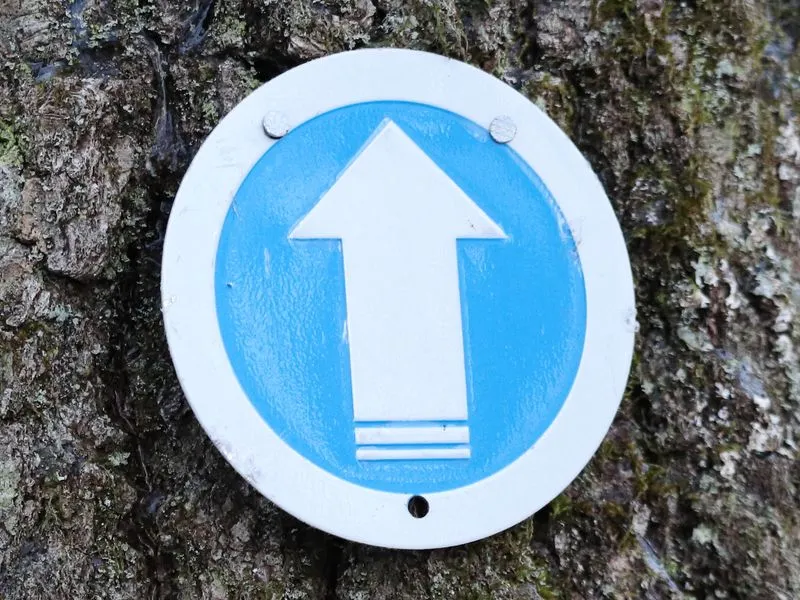
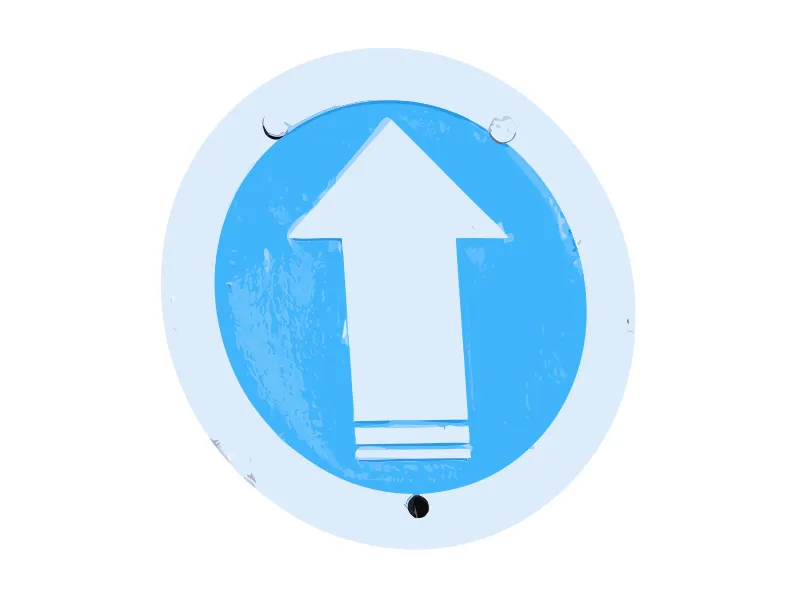
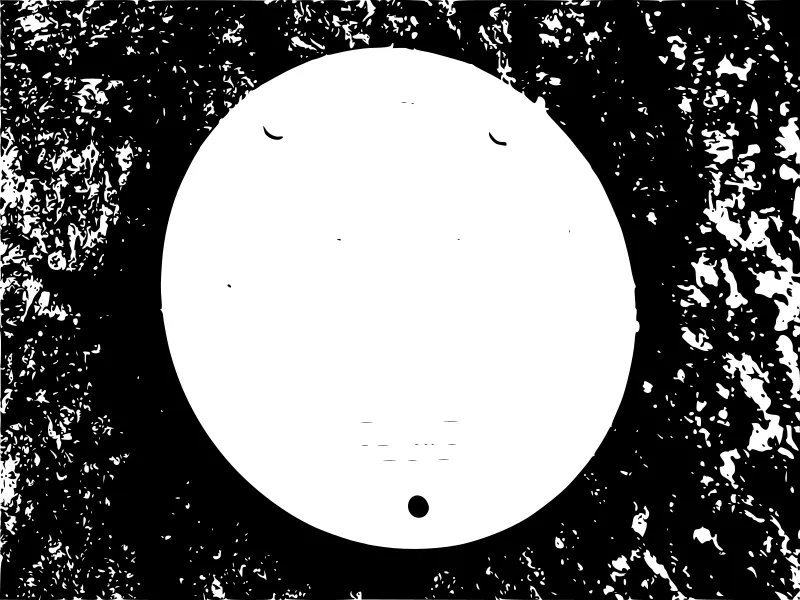
VectoSolve: Bark removed, blue disc and white arrow kept, nail holes included. The white rim came out very light blue: check colours before printing.
Potrace: Fails. The bark becomes a black mass of noise and the arrow disappears into the white disc.
Good for: Two-colour 3D print or sticker, after merging the light blues.
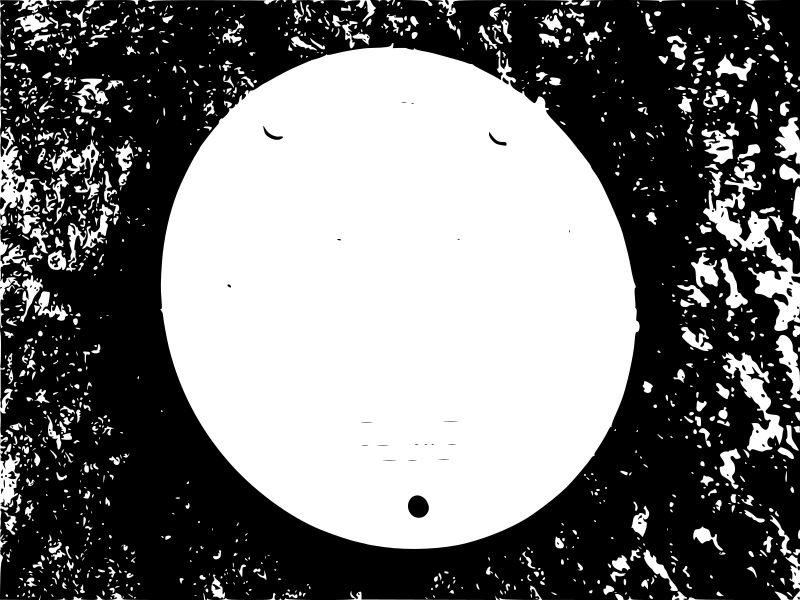
Iced gingerbread man
Phone photo, textured object. Converted on SVG for laser cutting (Clean Cut preset, background removal on).
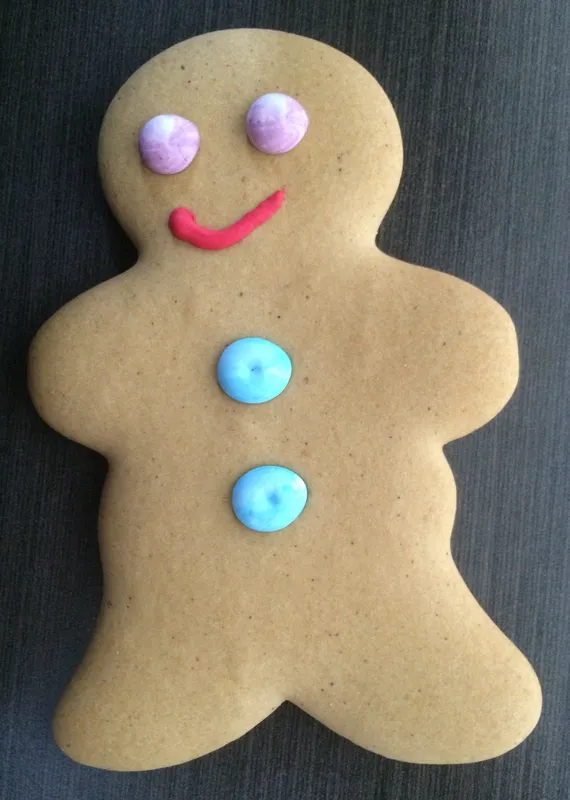
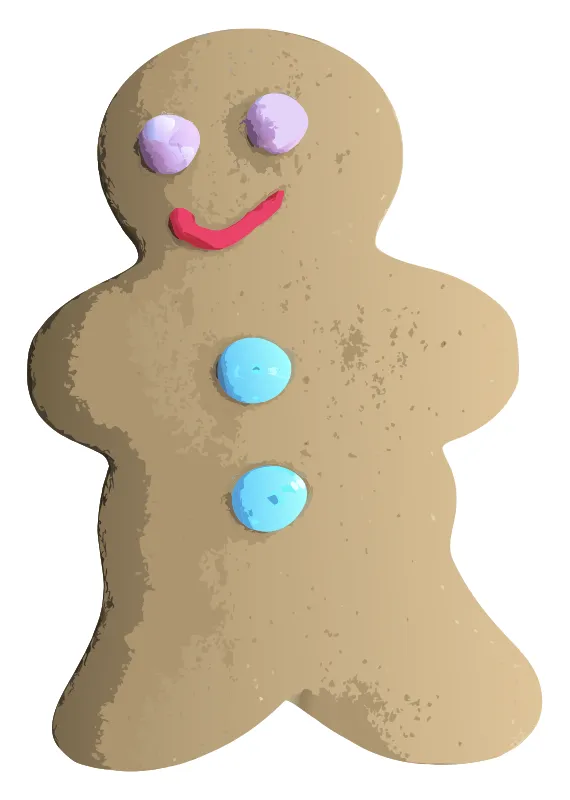
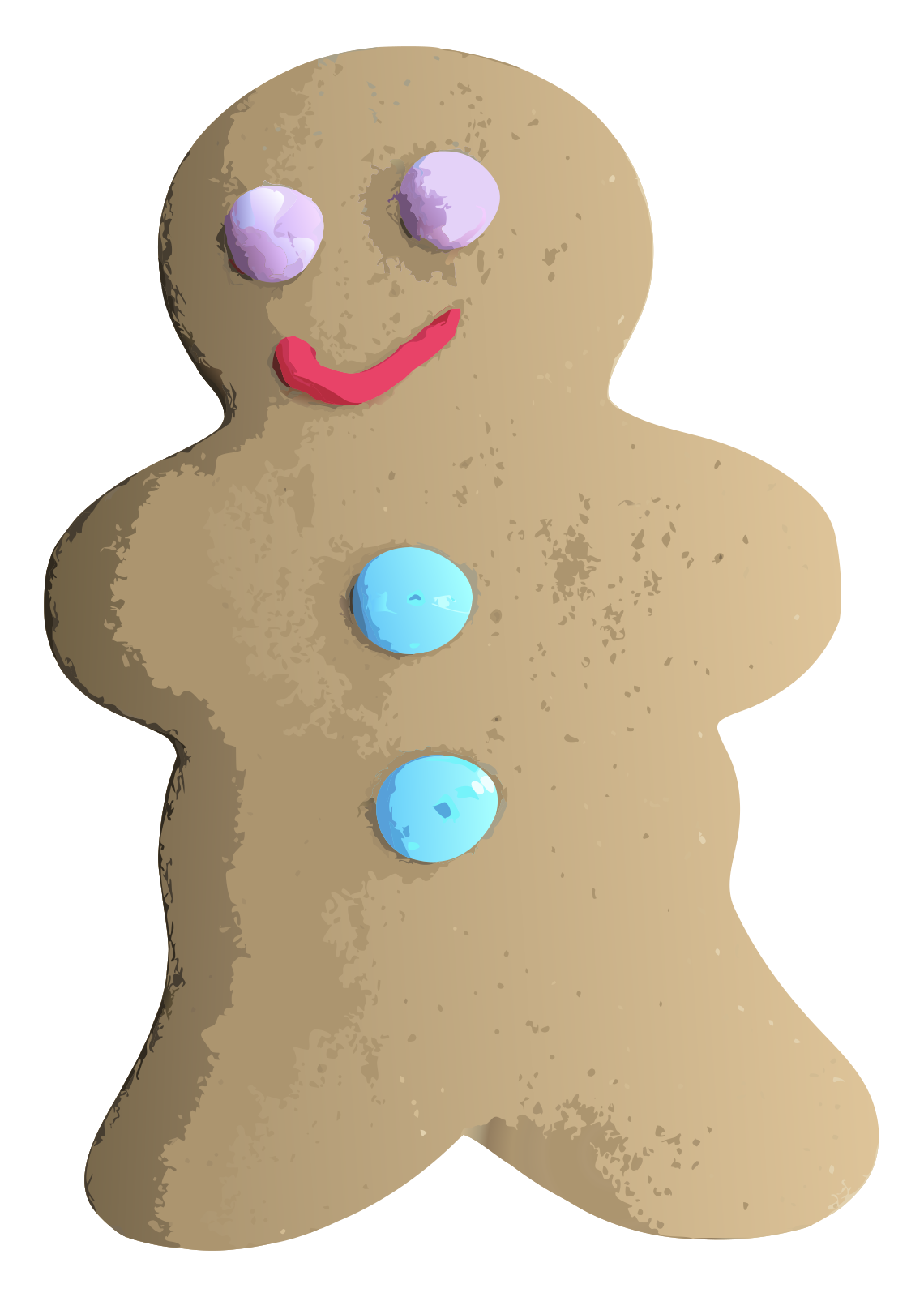
VectoSolve: The icing keeps its three colours and clean edges. The cookie texture turns into flat patches of brown.
Good for: Layered ornament: the cookie outline as the back layer, the icing pieces on top.
Child felt-tip drawing
Phone photo of a drawing on paper. Converted on SVG for laser cutting (Clean Cut preset, background removal on).
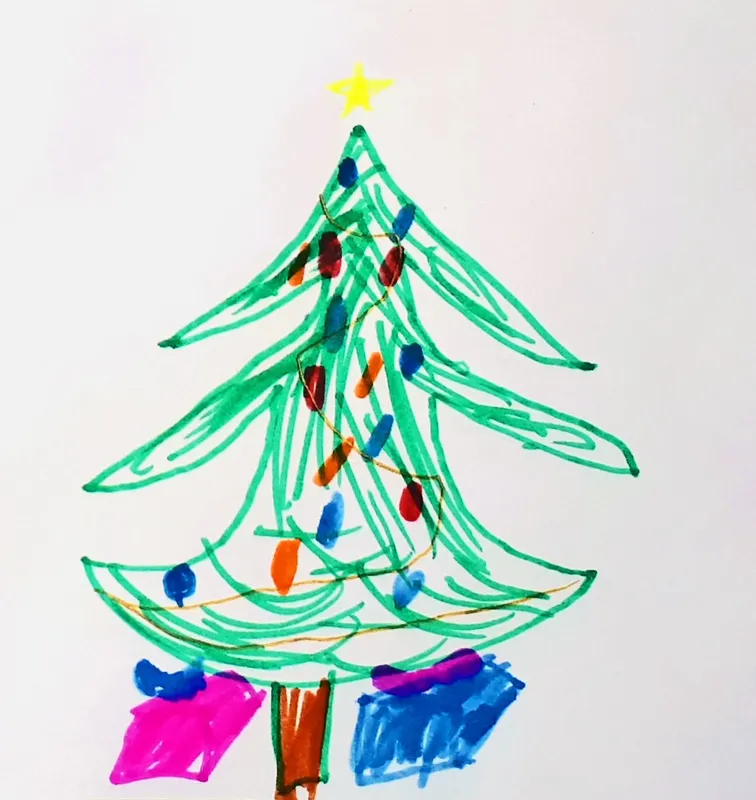
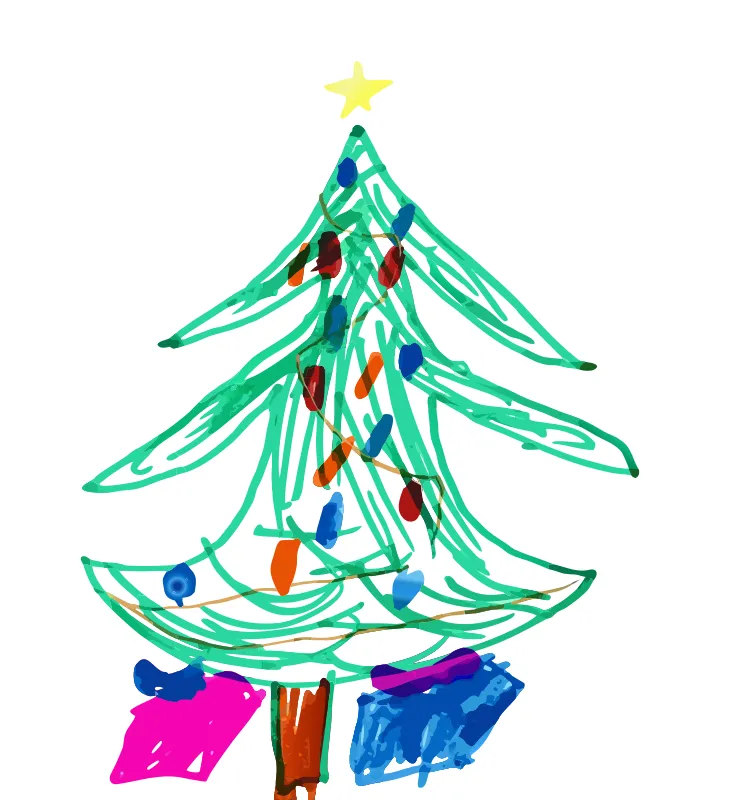
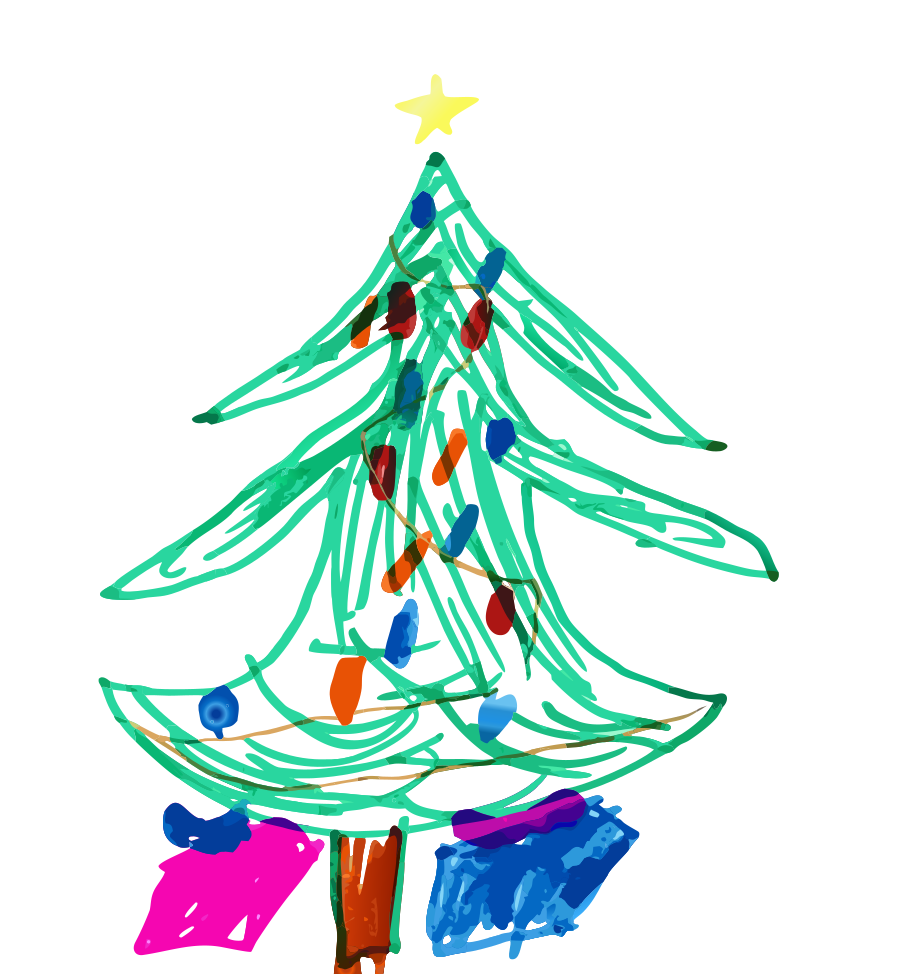
VectoSolve: Very faithful: each felt-tip stroke, bauble and present is kept. That faithfulness is the problem for cutting: 703 pieces.
Good for: Print, sublimation, engraving. For a cut ornament, keep only the outer outline.
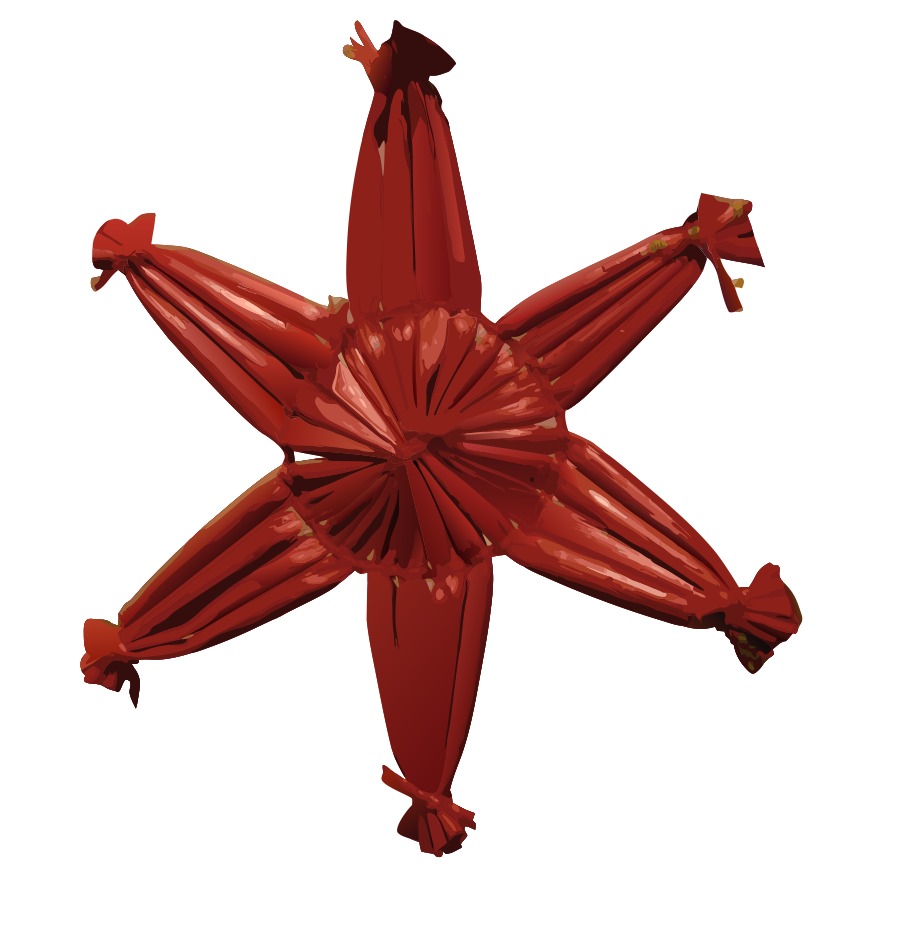
Red straw star ornament
Photo, fine texture, blurred background. Converted on SVG for laser cutting (Clean Cut preset, background removal on).
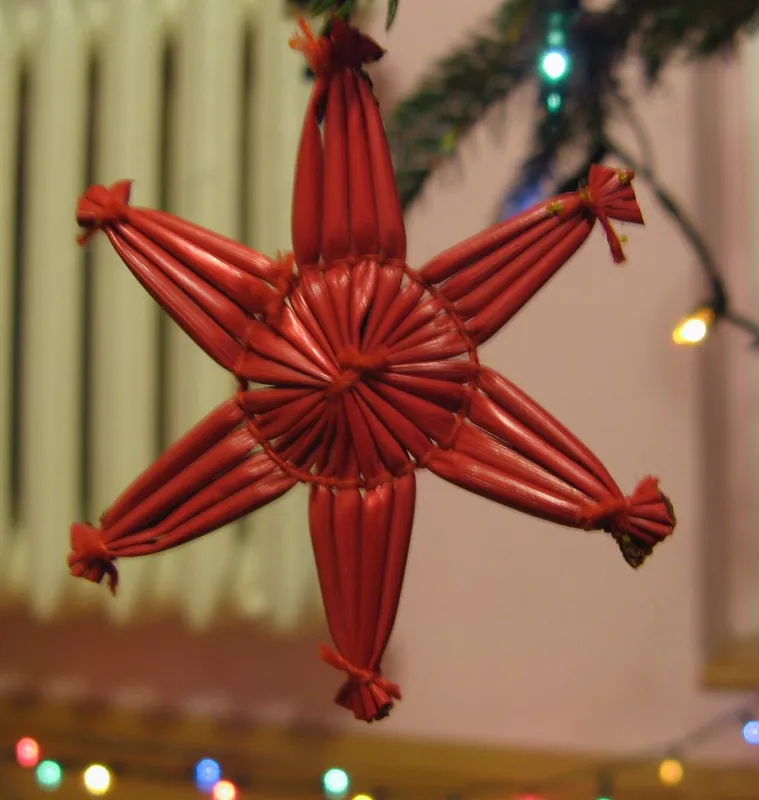
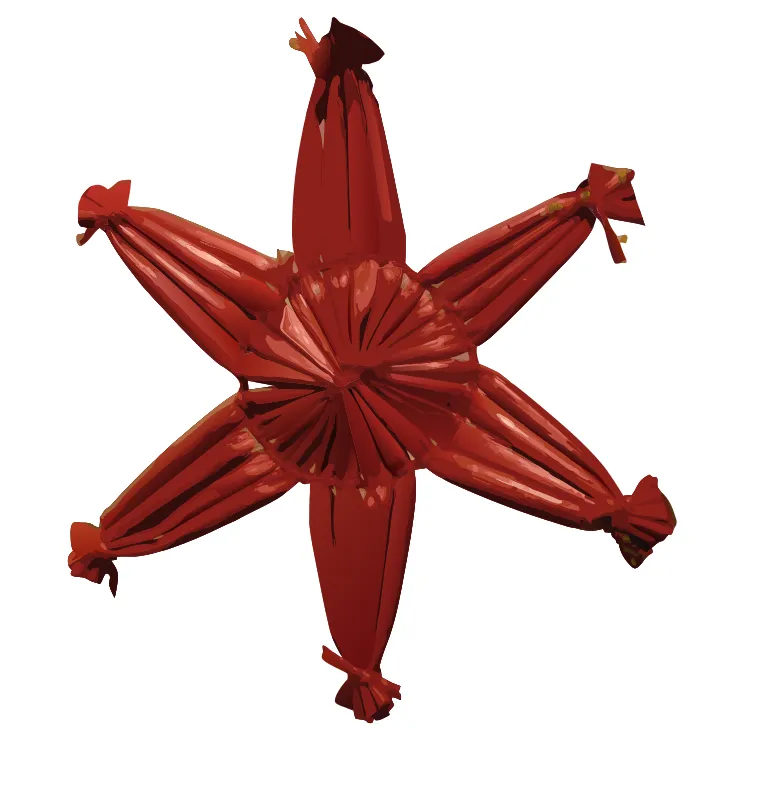
VectoSolve: Background gone and the star shape is right, but every straw becomes shaded slivers: half a megabyte of paths.
Good for: Print or screen. To cut it, redraw the six points as one outline.
Hand-painted wooden horse
Photo of a worn, painted object. Converted on SVG for laser cutting (Clean Cut preset, background removal on).
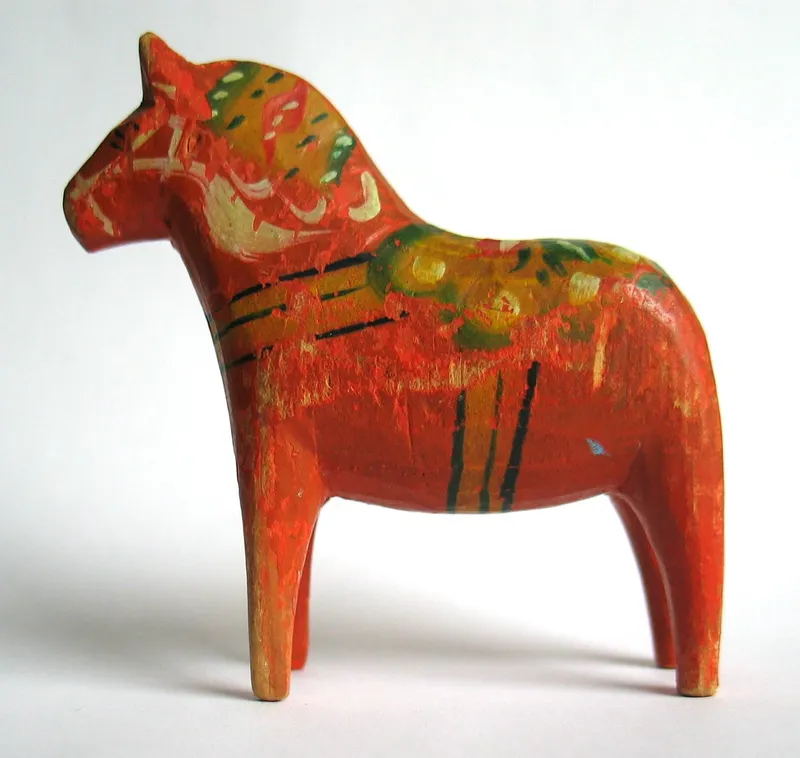
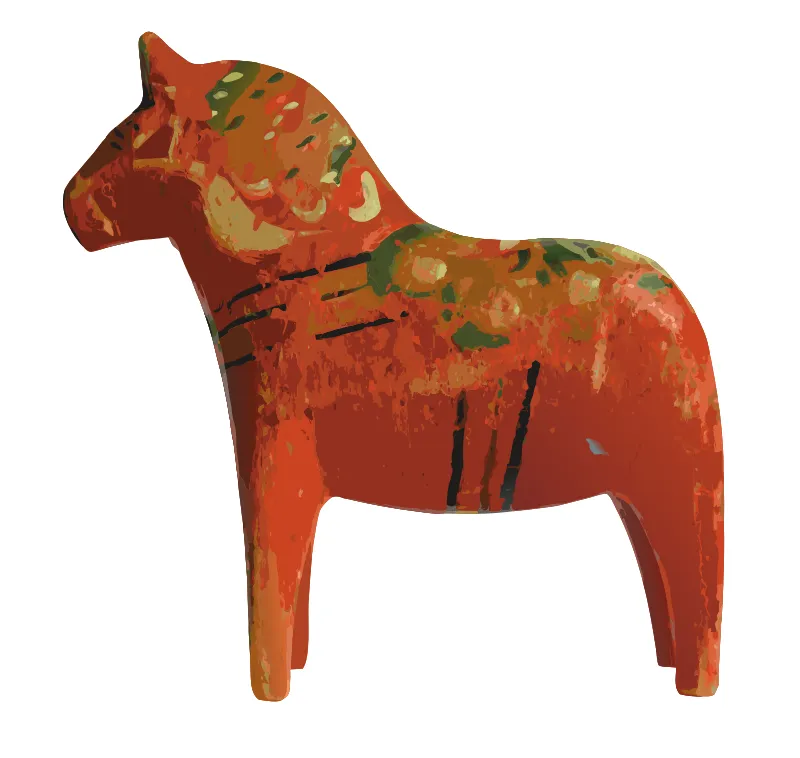
VectoSolve: Looks like the photo, and that is the trap: 2,340 paths, 1.1 MB, every scratch in the paint traced.
Good for: Colour print. For a laser, use the outline and the black stripes only.
What the numbers mean for your own file
1. Count the colours before you convert
The three pictures with three or four real colours (rooster, whale, plaque) came back with 17 paths or fewer. Everything with texture or shading came back with hundreds. If you need a cut file, the colour count of the picture predicts the result better than the tool you pick.
2. A plain background is worth more than a better tracer
Potrace matched our output on the rooster and the whale, where the background was a plain sky or plain paper. On the door and the bark it traced the background as thousands of specks. Our converter removed those backgrounds before tracing, which is why the horseshoe and the marker came out as single objects. If you trace for free in Inkscape, remove the background first.
3. SVG is not automatically smaller
For flat art the SVG was two to four times smaller than the JPG. For photos it was up to 5.8 times larger (straw star: 85.5 KB in, 499 KB out). If a page or a print shop asks for a small SVG, a photo is the wrong starting point. We compare the formats in detail in PNG vs SVG: when to use each.
4. "Looks like the photo" is not the goal for a machine
The wooden horse is the most impressive render and the least useful cut file: 2,340 paths. A Cricut, a laser or an embroidery machine needs the few shapes you actually want to cut, engrave or stitch. Our guides for Cricut, laser cutting and embroidery show how to get there.
Before you convert: a 30-second checklist
- Long side of at least 800 px. Our smallest clean result came from a 920 x 570 px photo.
- Plain or transparent background, or remove it first.
- As few colours as the final object needs: one for a decal, three for a three-layer project.
- Sharp edges. Blur and heavy JPG compression turn into wobbly outlines.
- For text, the bigger the better: thin letters in a small picture come back approximate.
Questions
Is an SVG always smaller than the PNG or JPG it came from?
No. In our nine tests the SVG was smaller for flat artwork and silhouettes (7.6 to 12.7 KB from 27 to 34 KB JPGs) and larger for photos: the straw star went from 85.5 KB to 499 KB and the wooden horse from 315 KB to 1.1 MB. An SVG stores shapes, so a picture with thousands of shapes makes a heavy file.
Can you convert a photo to SVG?
Yes, but the result is a picture made of hundreds or thousands of flat colour shapes, not a clean cut file. That is fine for printing or engraving. For a cutting machine you usually keep only the outer outline, or start from a simpler image.
Is the free Inkscape trace good enough?
For a dark shape on a light, plain background, yes: Potrace, the engine behind Inkscape Trace Bitmap in single-scan mode, gave one clean path for the rooster and the whale. It struggled when the background was textured (the door, the bark) and it cannot keep colours in single-scan mode.
What makes a PNG convert well?
Few flat colours, a plain or transparent background, strong edges and enough pixels: at least 800 px on the long side in our tests. Remove the background first if it is busy, and avoid JPG compression on line art when you can.
Can I download the files from this test?
Yes. Every SVG shown here except the 1.1 MB horse is linked under its example, both our output and the Potrace trace. The source pictures are public domain or CC0, credited at the bottom of the page.
Picture credits
- Weathervane rooster: GirsterklausKirchturmhahnH5a.jpg, by Helge Klaus Rieder, CC0 1.0. Cropped or resized, colours untouched.
- Whale silhouette, 1914 book scan: Silhouettes to cut in school, by Katharine G. Buffum, Silhouettes to Cut in School (1914), via the Internet Archive, Public domain (US, 1914). Cropped or resized, colours untouched.
- Mountain plaque, three flat colours: Drawn by our team for our tutorials, ours, free to reuse. Cropped or resized, colours untouched.
- Rusty horseshoe on a painted door: Horseshoe lucky on door.jpg, by Man vyi, Public domain. Cropped or resized, colours untouched.
- Trail marker on a mossy tree: White arrow on blue circle trail marker, by Peter Cooper Jr., CC0 1.0. Cropped or resized, colours untouched.
- Iced gingerbread man: Small Gingerbread Man with Different Colours.jpg, by Brassluff, CC0 1.0. Cropped or resized, colours untouched.
- Child felt-tip drawing: My granddaughter art 2.jpg, by Liilia Moroz, CC0 1.0. Cropped or resized, colours untouched.
- Red straw star ornament: Red star on Christmas tree.jpg, by Edzio, Public domain. Cropped or resized, colours untouched.
- Hand-painted wooden horse: Dalecarlian horse.jpg, by Mysid, Public domain. Cropped or resized, colours untouched.
Try it on your own picture
The preview is free and shows the full result before you pay. Judge it on your file, not on ours.
PNG to SVG converter