Not sure whether to use PNG or SVG? This comprehensive guide explains when each format is best, with practical examples for web, print, and app design.
VectoSolve TeamJanuary 6, 202614 min read
V
VectoSolve Team
Graphics & Design Experts
Our team of experienced designers and developers specializes in vector graphics, image conversion, and digital design optimization. With over 10 years of combined experience in graphic design and web development.
YES → Use PNG (or WebP/AVIF for better compression).
NO → Is it an icon, logo, illustration, or UI element?
- YES → Use SVG. Ship it, you're done.
- NO → Does it have fewer than ~256 flat colors?
- YES → SVG will be smaller and crisper.
- NO → PNG wins on file size; test both and measure.
---
Every image you ship is a choice — the wrong format costs you page speed, rendering quality, or both. This guide gives you technical depth to pick confidently between PNG and SVG every time, with real benchmarks and code you can copy.
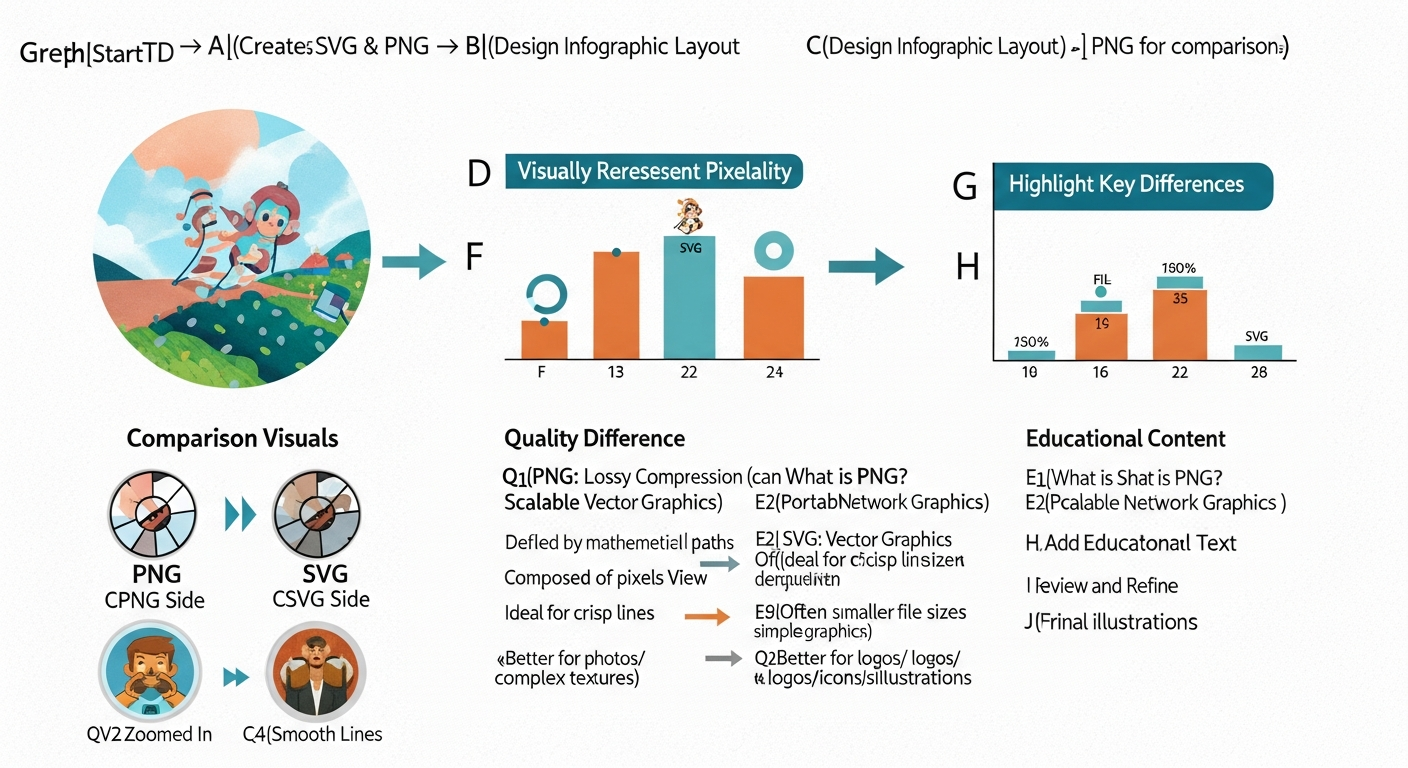
SVG stays crisp at any zoom; PNG pixelates past its native resolution
Browser downloads the binary, decompresses the DEFLATE stream.
Decoded bitmap is rasterized into a GPU texture.
The texture composites at native pixel dimensions. Scale up and the browser interpolates — hello, blur.
SVG: DOM + Paint
Browser parses XML into a DOM subtree (or image context via ).
Every , , resolves against the current viewport.
Vector instructions rasterize on the fly at any resolution — 1x, 2x, 100x. Always sharp.
SVG rendering cost scales with path complexity, not display size. A 50-path logo renders identically at 16 px or 1600 px. PNG cost scales with pixel count — a 3000 px hero decodes far slower than a 300 px thumbnail.
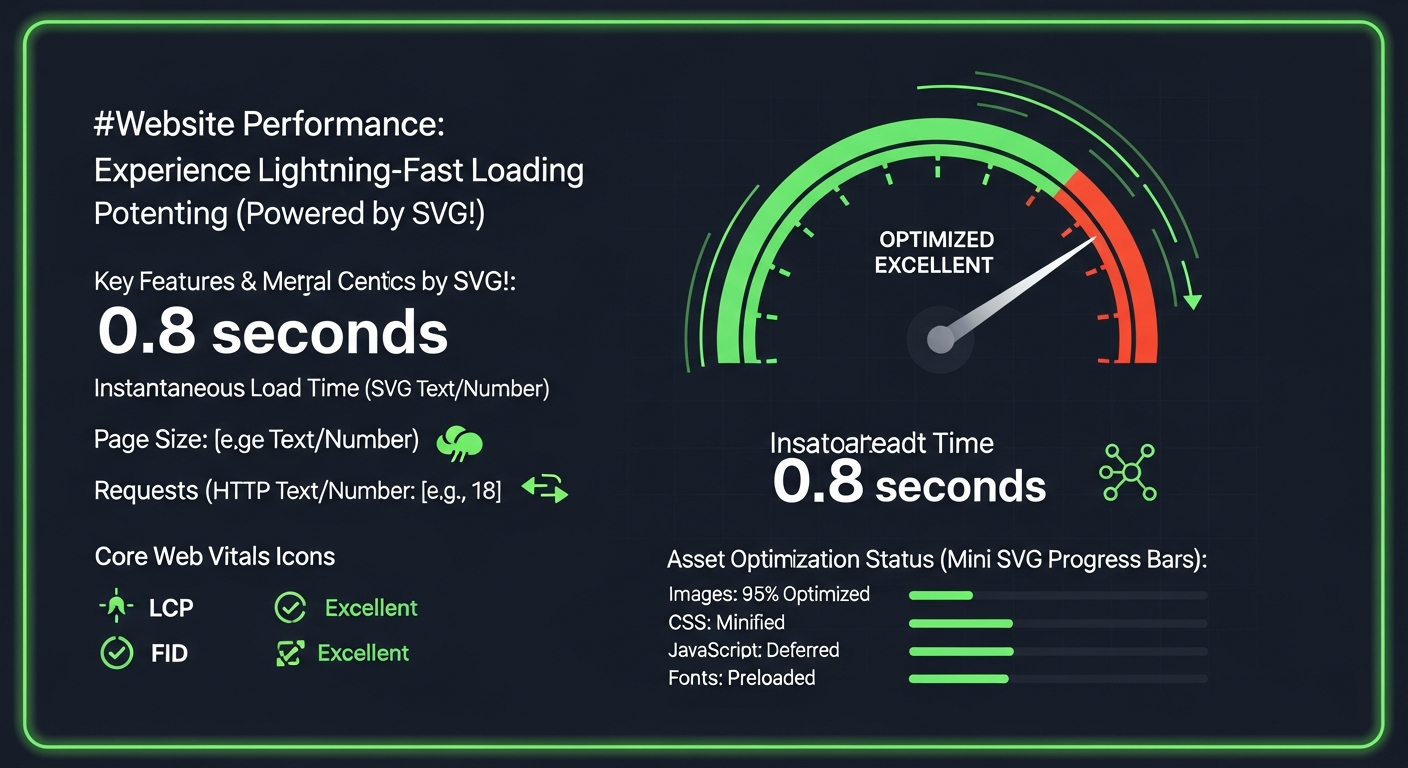
Real numbers from a 2026 Lighthouse audit (Moto G Power, Chrome 124, 4G throttle):
| Asset | PNG size | SVG size | PNG decode | SVG paint | CLS impact |
|---|---|---|---|---|---|
| Logo (3-color) | 24 KB @2x | 2.8 KB | 4 ms | 1 ms | None |
| Icon set (20 icons) | 140 KB | 18 KB sprite | 22 ms | 6 ms | 0.02 (PNG shift) |
| Flat illustration | 310 KB @2x | 45 KB | 38 ms | 12 ms | 0.05 vs 0 |
| Detailed map (500+ paths) | 180 KB | 420 KB | 18 ms | 52 ms | Similar |
| Product photo | 95 KB | N/A | 12 ms | N/A | N/A |
Warning:SVGs with embedded raster images are the worst of both worlds. An inside SVG gives you SVG parse overhead plus full bitmap decode, often larger than shipping the PNG alone. Extract the raster — serve it as a separate and keep the SVG purely vector. VectoSolve's SVG optimizer flags embedded rasters automatically.
Run SVGO, remove metadata, gzip — typical 60-80% size reduction
---
Pro Tip:The smartest teams use both formats strategically. Ship SVG for every logo, icon, and illustration. Ship optimized PNG/WebP/AVIF for every photo. For complex hero graphics, try a hybrid: SVG foreground elements composited over a compressed raster background via CSS — sharp text and icons with a photographic backdrop at minimal weight. VectoSolve makes the PNG-to-SVG leg of that workflow instant.
You have a raster logo and need a scalable version. Manual tracing takes 30+ minutes. AI-powered vectorization on VectoSolve takes seconds and produces clean, optimized paths.
SVG to PNG
You need a raster export for social sharing or a platform that doesn't accept SVG. Use VectoSolve's SVG-to-PNG converter to export at any resolution with transparent or solid backgrounds.
"
The best image format is the one that delivers the smallest file at the quality your design demands. Everything else is dogma.
There is no universal "best" format — only the best format for the job. SVG dominates for anything that scales, animates, or gets styled with code. PNG and its modern cousins (WebP, AVIF) dominate for photographic and high-complexity imagery.
The decision tree is short: vector graphic → SVG. Photograph → raster. Complex illustration → benchmark both. Follow the code examples above, optimize your assets, and you'll ship pages that are fast, sharp, and future-proof.
Need to convert between formats? VectoSolve handles both directions — PNG to SVG vectorization and SVG to PNG export — so you always have the right format on hand.