
Convert Your Signature to Vector: Digital Signing & Legal Documents
Digitize your handwritten signature for professional documents, contracts, and branding. Learn the proper way to create a legally valid digital signature.

Graphics & Design Experts
Our team of experienced designers and developers specializes in vector graphics, image conversion, and digital design optimization. With over 10 years of combined experience in graphic design and web development.
Key Takeaways
- A vector signature (SVG) scales infinitely without quality loss -- critical for legal documents, letterheads, and branding.
- Electronic signatures are legally binding under eIDAS (EU), the ESIGN Act (US), and similar frameworks -- but know the limits.
- Workflow: sign on paper, capture, vectorize with VectoSolve, clean up, deploy everywhere.
- SVG signatures integrate seamlessly into Word, Google Docs, PDFs, email signatures, and web pages.
Why Vector Signatures Matter
Every contract and proposal your business sends is a branding moment. A pixelated signature at the bottom of a six-figure agreement signals carelessness. A crisp, scalable vector signature signals you sweat the details.
Unlike raster formats (PNG, JPEG), a vector SVG is defined by mathematical curves, not pixels. That distinction matters:
"Professionalism is not about the suit you wear -- it's about the details you never let slip. Your signature is one of them.

---
Legal Considerations: Digital vs Electronic Signatures
An electronic signature is any mark or process attached to a document to indicate intent to sign -- a scanned image qualifies. A digital signature adds cryptographic verification proving identity and document integrity.
Key Legislation
When a Vector Signature Is Sufficient
For everyday business -- internal approvals, proposals, invoices, standard contracts -- a vectorized handwriting image is perfectly valid. Pair it with DocuSign or Adobe Sign for audit trails.
When You Need More
Notarized documents, certain real estate transactions, and court filings may require wet ink or a qualified digital signature with a cryptographic certificate.
---
Step-by-Step: Paper to Production-Ready Vector
Step 1 -- Sign on Paper
Use white, unlined paper. Grab a thick felt-tip marker -- thin ballpoints produce strokes harder for vectorizers to trace. Sign 3 to 4 inches wide, naturally. Repeat 3-5 times and pick the best.
Step 2 -- Scan or Photograph
Scanning (preferred): 600 DPI, grayscale, save as PNG.
Phone photo: Flat surface, bright even lighting, phone directly overhead, no shadows. Crop tightly.
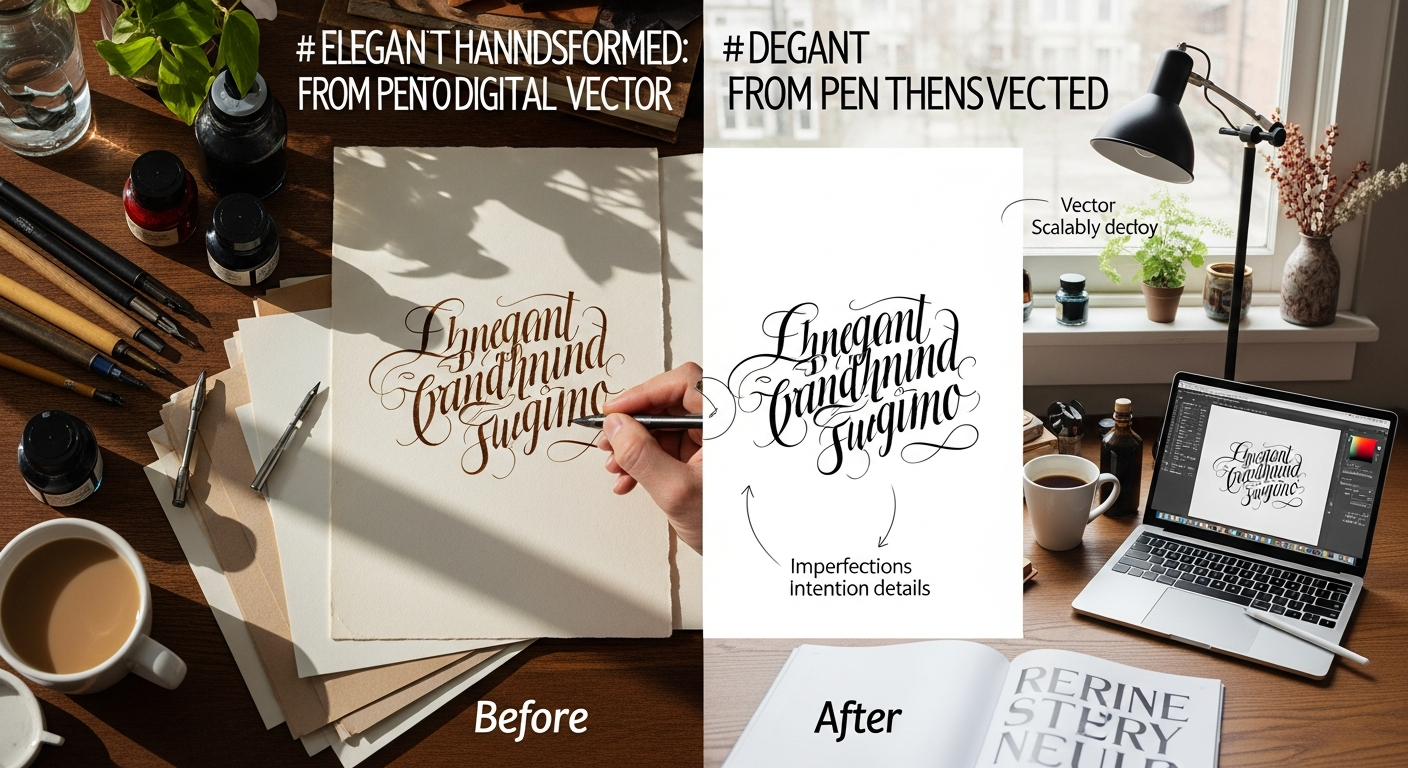
Step 3 -- Vectorize with VectoSolve
Need to remove a noisy background first? Use VectoSolve's background remover before vectorizing.
Step 4 -- Clean Up
In a vector editor (Inkscape, Illustrator, Figma): delete stray specks, smooth rough nodes, normalize stroke width.
Step 5 -- Deploy Everywhere
Export additional formats as needed (PNG at 2x for retina) and begin inserting into your workflow.
---
Signature Format Comparison
| Format | Best Use Case | Legal Validity | Scalability | |---|---|---|---| | SVG (vector) | Contracts, branding, letterheads, web | Fully valid as e-signature | Infinite -- no quality loss | | PNG (transparent) | Email signatures, quick inserts | Fully valid as e-signature | Fixed -- degrades when enlarged | | JPEG | Casual use, internal memos | Valid but less professional | Fixed, no transparency | | PDF (embedded) | Archived signed documents | Valid with audit trail | Depends on embedded format |
---
Integrating Your Signature Into Daily Tools
Word and Google Docs
Insert > Image, select your SVG or PNG. Set text wrapping to "In front of text" for precise positioning on signature lines.
PDF Editors (Adobe Acrobat, Foxit, Preview)
Use Fill & Sign, import your signature image, place on the signature line.
Email Signatures (HTML)
Most email clients don't render SVG inline. Export a 2x PNG, host it, and reference it:

Keep the PNG under 50 KB. For styling the signature block:
.signature {
  background: url('/assets/signature.svg') no-repeat center;
  background-size: contain;
  width: 240px;
  height: 80px;
}
---
Batch Processing for Companies
Organizations onboarding many employees need a repeatable process:
sig-firstname-lastname.svg.This gives your team a centralized signature library for contracts, proposals, and branded documents.
---
Security: Protecting Your Vector Signature
Practical Safeguards
---
Digitize Your Signature Today
A single afternoon -- sign, scan, vectorize, deploy -- gives you a professional asset you'll use thousands of times. Every document carries your name. Make sure it looks the part.
Ready? Convert your signature to a flawless vector with VectoSolve and bring every document up to the standard your work deserves.