
For businesses, print shops and designers
A logo vectorization service in three levels
Clean logos go through the converter on this page in seconds. Rough files, like a phone photo of a sign or a blurry screenshot, go to our team. Detailed illustrations and murals are quoted. Pick the level that matches the file you hold.
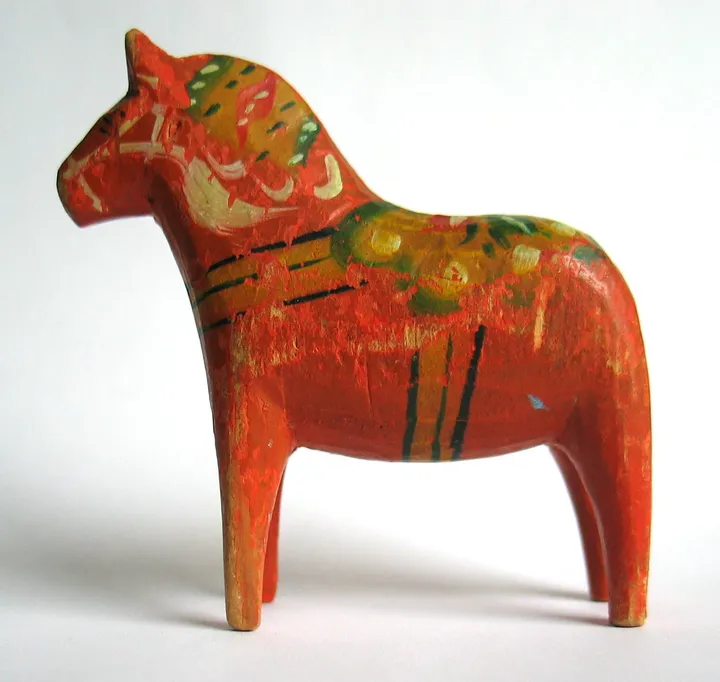
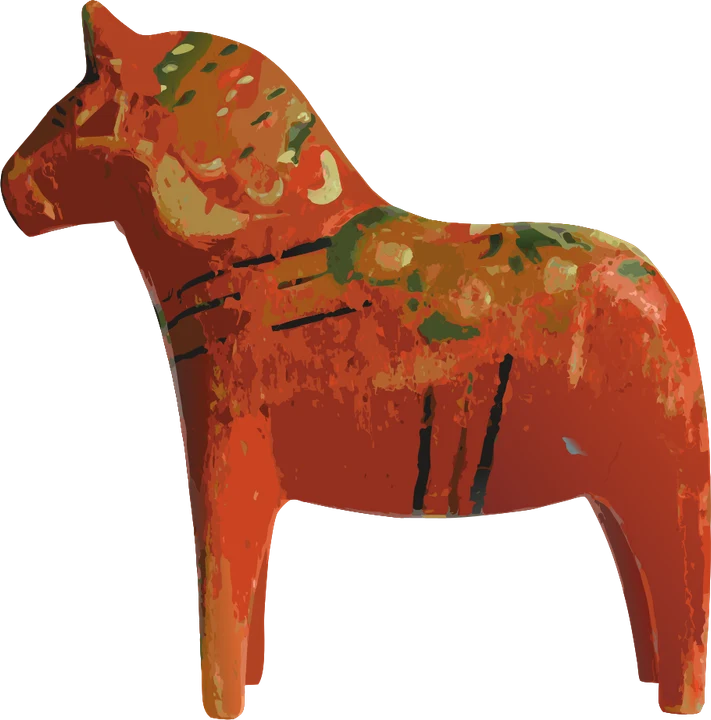
What your logo can come back as
- SVG from this page, for a website, Figma, Inkscape or a cutting machine
- AI from the PNG to AI page, for a designer who works in Illustrator
- EPS from the PNG to EPS page, for sign makers and screen printers
- DST from the embroidery converter, for a logo stitched on caps and polos
- 1
Automatic, in seconds
Upload the logo here. A flat logo on a plain background comes back as clean shapes, and the free preview shows them before you pay.
- 2
Done for you, checked
Rough or tiny files go to our team, are prepared in the format your printer or machine reads, and are checked before delivery.
- 3
Custom, on quote
Detailed illustrations, photos to rebuild as vector art and large murals get a quote within one business day.
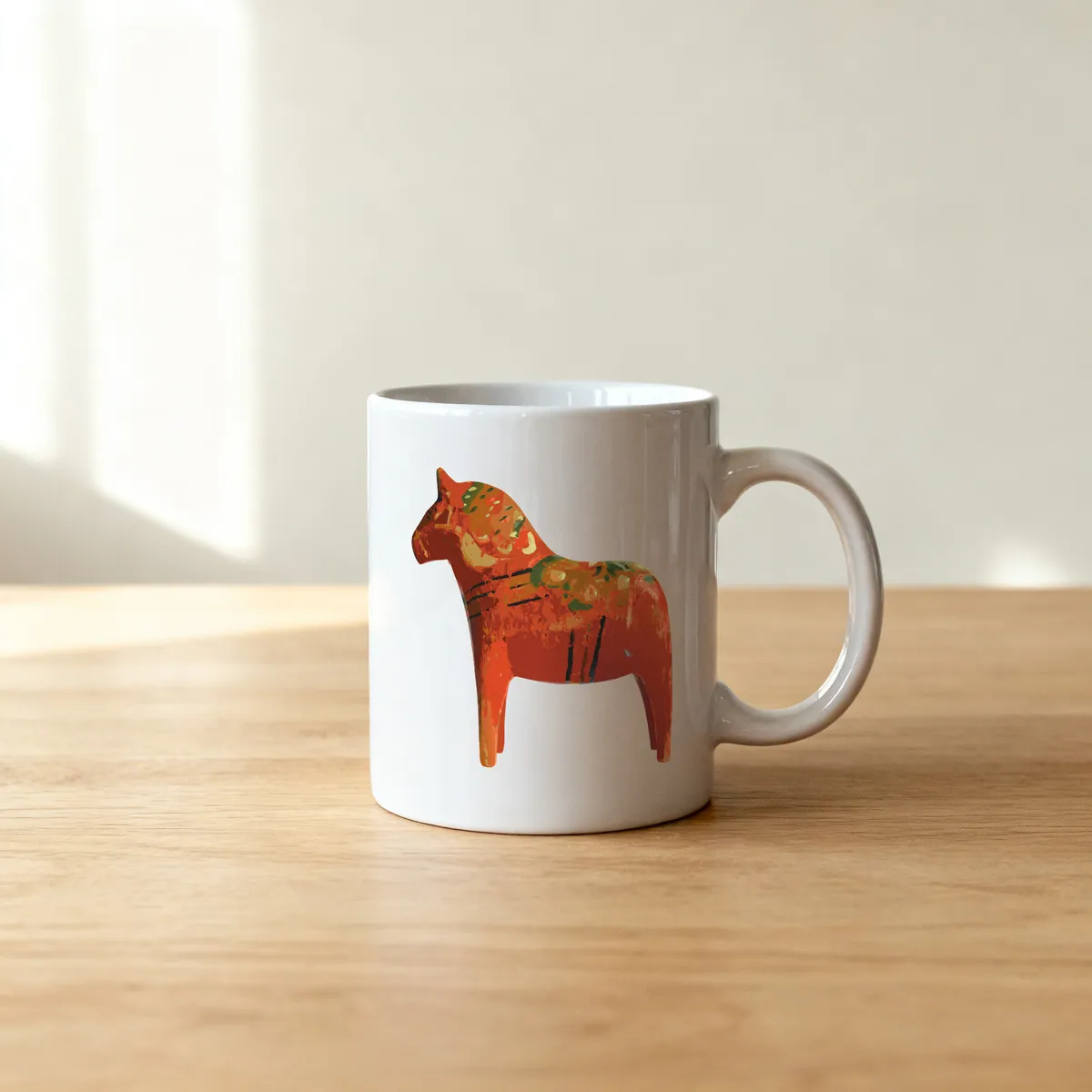
Product photos are mockups: each design is the real VectoSolve file, not retouched. Source photos are public domain or CC0. Photo: Mysid, Wikimedia Commons, public domain.
Custom · On quote
Top-of-market quality for complex jobs: large-format murals, detailed illustrations, photo to vector, multi-layer print files. Finished by hand by our team and checked before delivery.
Why Vectorize Your Logo?
A vector logo is not a luxury, it is a brand necessity. Here is why every business needs one.
Print Quality
Print shops require vector files for professional output. A vectorized logo ensures razor-sharp results on business cards, brochures, banners, and packaging at any print resolution, from 300 DPI office flyers to large-format billboards.
Infinite Scalability
Raster logos pixelate when enlarged. A vector logo scales from a 16-pixel favicon to a 16-foot trade show backdrop without losing a single detail. One file covers every size your brand will ever need.
Branding Consistency
Vector logos maintain exact color values and proportions across every medium. Whether your logo appears on a website header, an email signature, or embroidered on a polo shirt, it looks identical every time.
Smaller File Size
SVG vector logos are defined by mathematical paths rather than millions of pixels. This means dramatically smaller file sizes, which translates to faster website loading speeds, better Core Web Vitals, and improved SEO performance.
How to Vectorize Your Logo
Three simple steps to turn any raster logo into a production-ready vector
Upload Your Logo
Drag and drop your logo file or click to browse. We accept PNG, JPG, and WebP formats up to 5 MB. Even low-resolution logos work well.
AI Vectorizes It
Our AI engine analyzes your logo, identifies shapes and letterforms, traces precise vector paths, and preserves your brand colors in just 2-5 seconds.
Download SVG
Preview your vectorized logo, adjust colors if needed, and download a clean SVG file ready for print, web, signage, and every other use case.
Where You Will Use Your Vectorized Logo
A vector logo unlocks every medium your brand needs to appear on
Business Cards
Crisp logo at small sizes for professional cards and stationery
Signage
Scalable for storefront signs, banners, and trade show displays
Merchandise
Perfect for T-shirts, mugs, hats, tote bags, and promotional items
Websites
Lightweight SVG logos load fast and look sharp on retina displays
Embroidery
Clean vector paths translate to precise stitch patterns for apparel
VectoSolve vs Manual Logo Tracing
See how AI vectorization compares to traditional manual tracing in Illustrator or Inkscape
Manual tracing in Adobe Illustrator or Inkscape is still a valid approach for complex, multi-layered illustrations. But for the vast majority of logo vectorization tasks, AI delivers professional results in a fraction of the time and cost.
Logo Vectorization FAQ
How do I vectorize my logo online?
Visit VectoSolve.com, upload your logo image in PNG, JPG, or WebP format, and click Convert. Our AI engine traces every edge and curve to generate a clean SVG vector file in 2-5 seconds. Preview it free with no signup; the full-quality download comes with a plan.
What quality can I expect from AI logo vectorization?
VectoSolve produces professional-grade vector logos with clean paths, accurate color reproduction, and sharp edges. The AI is specifically trained on logo artwork, so it understands shapes, letterforms, and brand marks. Most users find the output ready for production use in print, signage, and digital media without any manual cleanup.
Can I vectorize a low-resolution logo?
Yes. VectoSolve's AI can vectorize logos as small as 100x100 pixels. While higher-resolution source images yield the best results, the AI is designed to interpret shapes and edges even from low-quality originals. For very blurry or heavily compressed logos, consider using our AI upscaler first to enhance the image before vectorizing.
What formats can I export my vectorized logo to?
VectoSolve exports vectorized logos as SVG by default, which is the industry standard for scalable vector graphics. SVG files can be opened in Adobe Illustrator, Figma, Inkscape, CorelDRAW, and all modern design tools. You can also export to PDF for print-ready files.
Is there a free option to vectorize my logo?
Absolutely. The preview is free with no account and no credit card. For the full-quality logo file, the Starter plan gives you 25 conversions a month for $7.99/month or $49/year.
How do I choose a reliable vector conversion service?
See the result before you pay, check that the file holds real paths rather than a picture wrapped in an SVG, and ask who checks it. Here every upload has a free preview, each shape can be selected on its own, and done-for-you files are checked before delivery.
When is my logo a job for your team rather than the converter?
When the only copy is a photo of a sign, a blurry screenshot or a tiny web image, or when thin lettering would merge. The converter traces what it sees; our team prepares the file and checks it before it goes out.
Which formats can the done-for-you service deliver?
SVG, DXF, AI, EPS, PDF or G-code, at the size you cut. If a delivered file does not run on your machine, we correct it at no charge until it does.
What does a custom logo or artwork job cover?
Complex artwork rebuilt for print or cutting: detailed illustrations, photos turned into vector art, large-format murals and multi-layer print files. The quote comes within one business day, with the delivery date on it.