
Vector Graphics for Social Media: Create Scroll-Stopping Content
Master vector graphics for social media marketing. Learn how to create professional Instagram, TikTok, YouTube, and LinkedIn graphics that scale perfectly.
Graphics & Design Experts
Our team of experienced designers and developers specializes in vector graphics, image conversion, and digital design optimization. With over 10 years of combined experience in graphic design and web development.
Key Takeaways
- Vector graphics let you design once and export for all social platforms — Instagram, TikTok, YouTube, LinkedIn — without quality loss
- Build a brand kit with SVG logo variations (full color, single color, light/dark, icon-only) for consistent cross-platform presence
- Each platform has unique size requirements: Instagram feed is 1080x1080, YouTube thumbnails are 1280x720, LinkedIn posts are 1200x627
- Use carousel posts and infographics as high-engagement vector content — they drive saves and shares
- 2026 trends favor minimalist designs, bold typography, gradients, and hand-drawn accents — all ideal for vector workflows
Why Vector Graphics Dominate Social Media
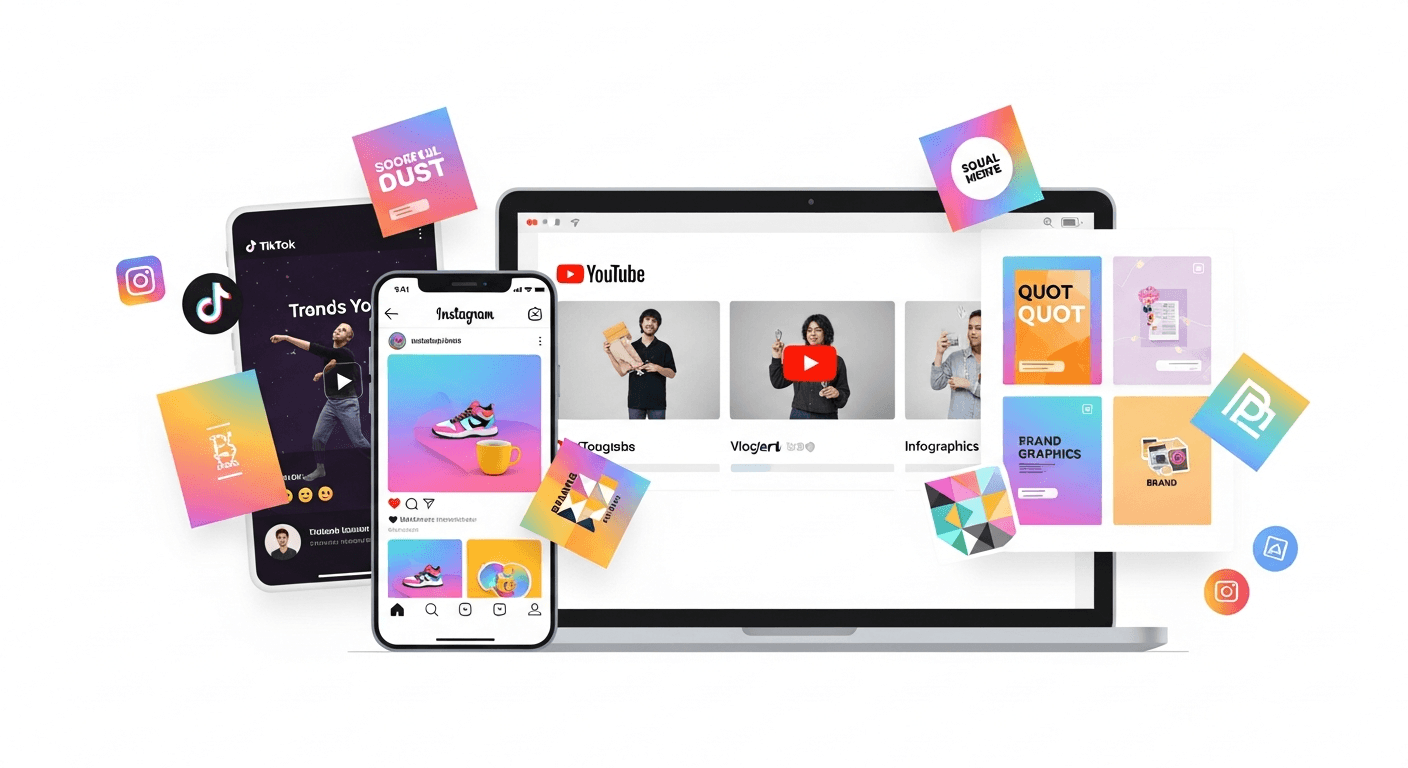
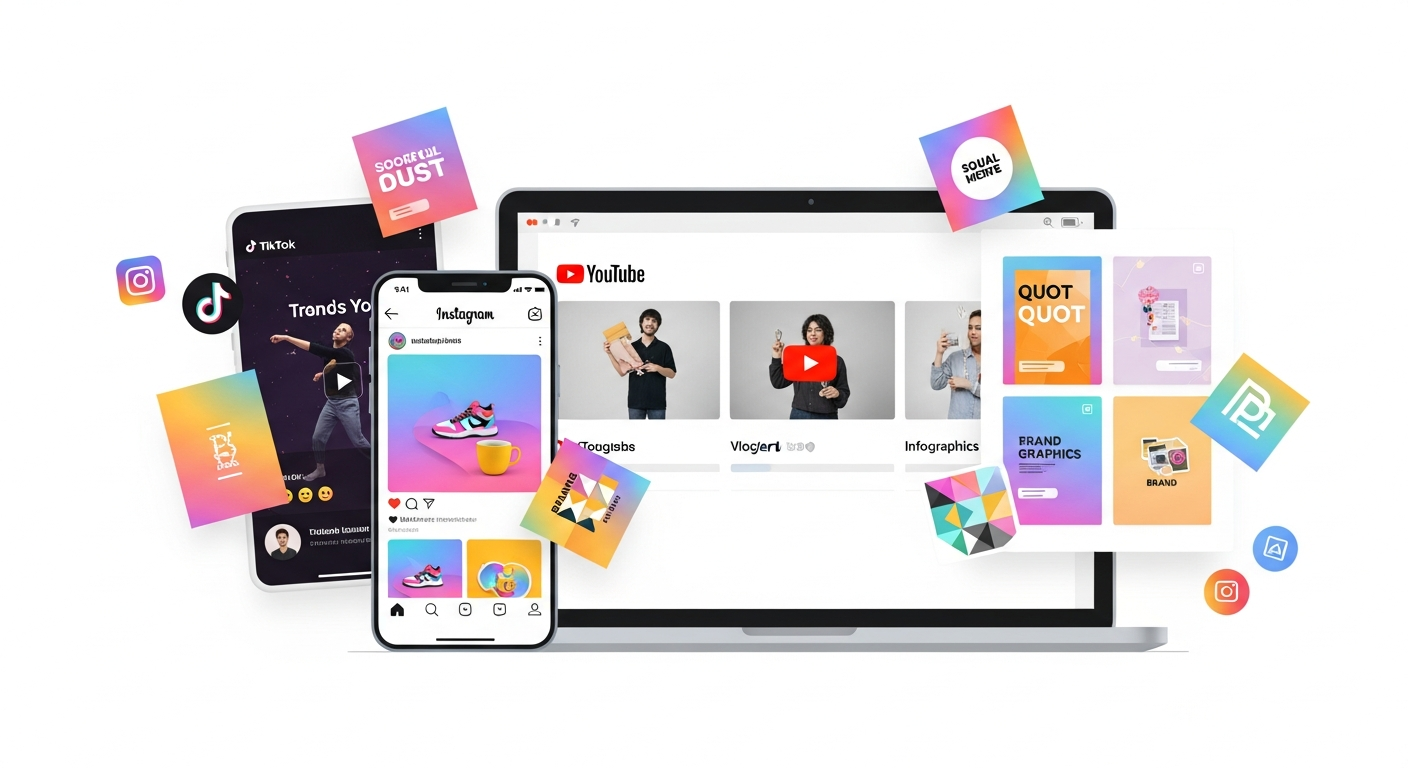
In a world where content is consumed across countless devices and screen sizes, vector graphics ensure your brand looks sharp everywhere. From Instagram Stories to LinkedIn banners, vector-based designs scale perfectly and maintain brand consistency.
---
The Multi-Platform Challenge
Screen Size Variations
Social media content appears on:Platform-Specific Sizes
Each platform has unique requirements:Vector graphics let you create once and export for all sizes without quality loss.
---
Platform-Specific Graphic Requirements
TikTok
| Format | Size | Best For | |--------|------|----------| | Video | 1080x1920px | All content | | Profile | 200x200px | Logo | | Cover | 900x900px | Highlights |YouTube
| Format | Size | Best For | |--------|------|----------| | Thumbnail | 1280x720px | Click-through | | Channel Art | 2560x1440px | Branding | | Profile | 800x800px | Logo | | End Screen | 1920x1080px | CTAs |---
Creating a Social Media Brand Kit
Essential Vector Assets
Color Palette
Define your colors in vector format:
"Your brand is a story unfolding across all customer touchpoints — and consistent visuals are the thread that ties it together.
---
Vector Templates for Social Media
Carousel Posts
Create swipeable content:Pro tip: Design as one long vector, then slice for each slide.
Quote Graphics
Infographics
Vector is perfect for:Story Templates
Create reusable templates for:
---
Converting Brand Assets to Vector
What to Vectorize
How to Convert
---
Design Tools for Social Media
Professional
Free Options
AI-Assisted Workflow
---
Batch Processing for Efficiency
Create Once, Export Many
With vector source files:Automation Tips
---
Trending Social Media Styles
2026 Trends
Evergreen Styles
---
Measuring Success
Graphics Performance Metrics
A/B Testing Graphics
---
Build Your Social Media Design System
Ready to create a cohesive social media presence? Start by vectorizing your brand assets and building a scalable design system.
Remember: Consistency builds recognition. Use your vector assets across all platforms for maximum brand impact!
---
| Platform | Recommended Image Size | Max File Size |
|---|---|---|
| Instagram Feed | 1080 x 1080 px | 30 MB |
| TikTok Video Cover | 1080 x 1920 px | 15 MB |
| YouTube Thumbnail | 1280 x 720 px | 2 MB |
| LinkedIn Post | 1200 x 627 px | 10 MB |
| Facebook Cover | 1640 x 924 px | 10 MB |