Tutorial

The Ultimate Logo Vectorization Guide for 2026

Master the art of converting logos to scalable vectors with our comprehensive guide covering AI tools, best practices, and pro tips.

VectoSolve TeamFebruary 1, 202612 min read
The Ultimate Logo Vectorization Guide for 2026
V
VectoSolve Team

Graphics & Design Experts

Our team of experienced designers and developers specializes in vector graphics, image conversion, and digital design optimization. With over 10 years of combined experience in graphic design and web development.

Vector GraphicsSVG OptimizationImage ProcessingWeb Performance

Whether you're a designer, marketer, or business owner, understanding how to properly vectorize logos is essential in today's digital landscape. This comprehensive guide will walk you through everything you need to know.

Before diving into the how, let's understand the why. Vector logos offer significant advantages over raster images:

Key Takeaways

  • Infinite scalability without quality loss
  • Smaller file sizes for web optimization
  • Easy color and style modifications
  • Professional print-ready output
  • Future-proof format for any medium

"

A well-vectorized logo is the foundation of professional brand identity. It's an investment that pays dividends across every touchpoint.

— Sarah Miller, Brand Designer

Understanding Vector vs Raster

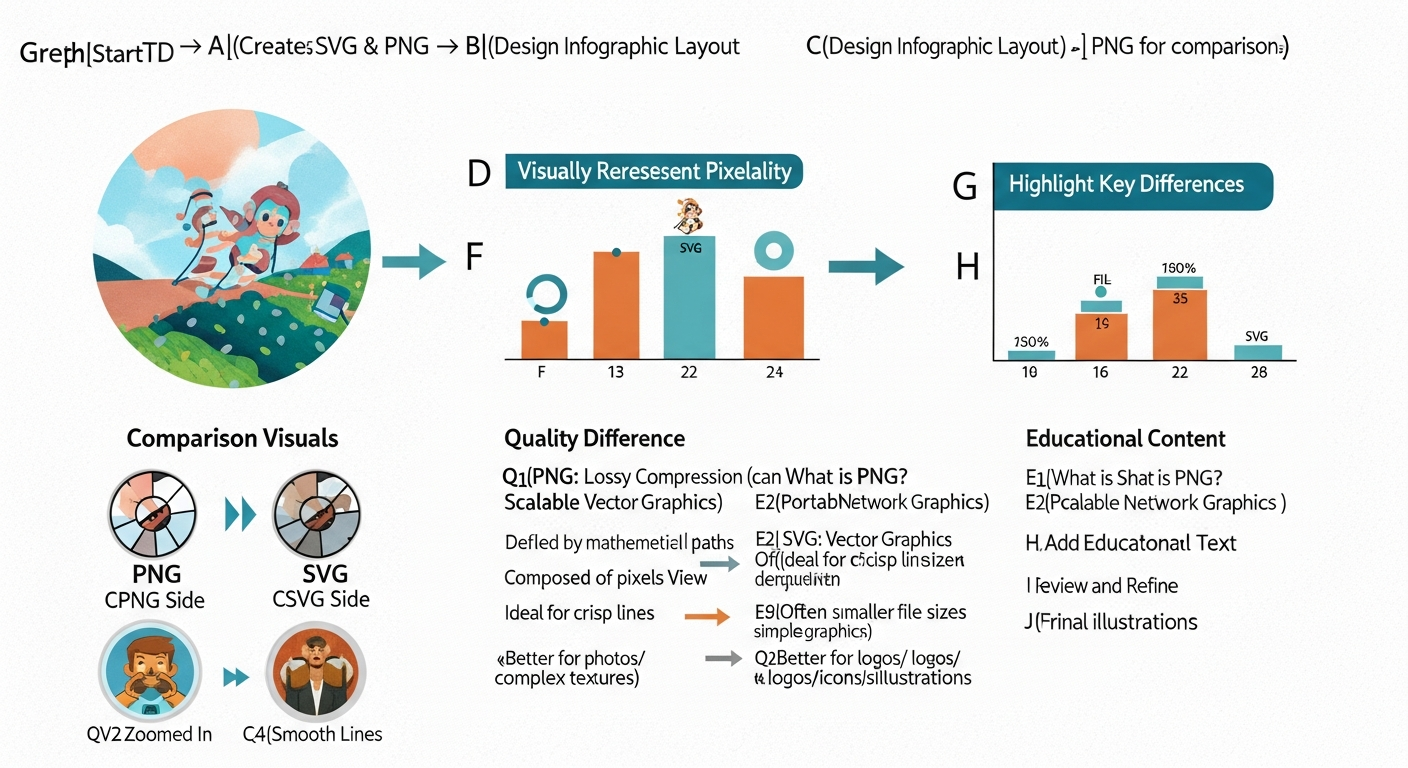
Vector comparison
Vector (left) vs Raster (right) at 400% zoom

The fundamental difference between vector and raster graphics comes down to how they're constructed. Raster images (PNG, JPG) are made of pixels, while vectors (SVG, AI, EPS) use mathematical equations to define shapes.

This means when you zoom into a raster image, you'll eventually see individual pixels. With vectors, the image remains crisp at any size.

Vector files can be 10-50x smaller than equivalent high-resolution raster images, making them ideal for web performance.

Step-by-Step Vectorization Process

1. Prepare Your Source Image

The quality of your vectorization depends heavily on your source material. Here's what to look for:

  • Resolution: Aim for at least 300 DPI
  • Contrast: Clear distinction between elements
  • Clean edges: Minimal artifacts or noise
  • Format: PNG with transparency works best
  • Pro Tip: If your source image is low quality, try AI upscaling first. Tools like Topaz or online upscalers can dramatically improve results.

    2. Choose Your Vectorization Method

    There are three main approaches:

    AI-Powered Tools (Recommended)

  • VectoSolve, Adobe Illustrator Image Trace
  • Best for: Most logos, complex images
  • Pros: Fast, accurate, handles gradients
  • Manual Tracing

  • Pen tool in Illustrator/Figma
  • Best for: Simple logos, precise control needed
  • Pros: Perfect accuracy, full control
  • Hybrid Approach

  • AI trace + manual cleanup
  • Best for: Complex logos needing refinement
  • Pros: Balance of speed and precision
  • 3. Optimize Your Output

    After vectorization, always optimize your SVG:

    xml


    Warning: Always keep a backup of your original vector file before optimization. Some optimizers can be too aggressive and remove important metadata.

    Common Mistakes to Avoid

  • Using low-resolution sources - Garbage in, garbage out
  • Over-simplifying curves - Maintain the logo's character
  • Ignoring color profiles - Match your brand colors exactly
  • Skipping the cleanup - Remove unnecessary nodes and paths
  • Not testing at multiple sizes - Check from favicon to billboard
  • Pro Tips for Perfect Results

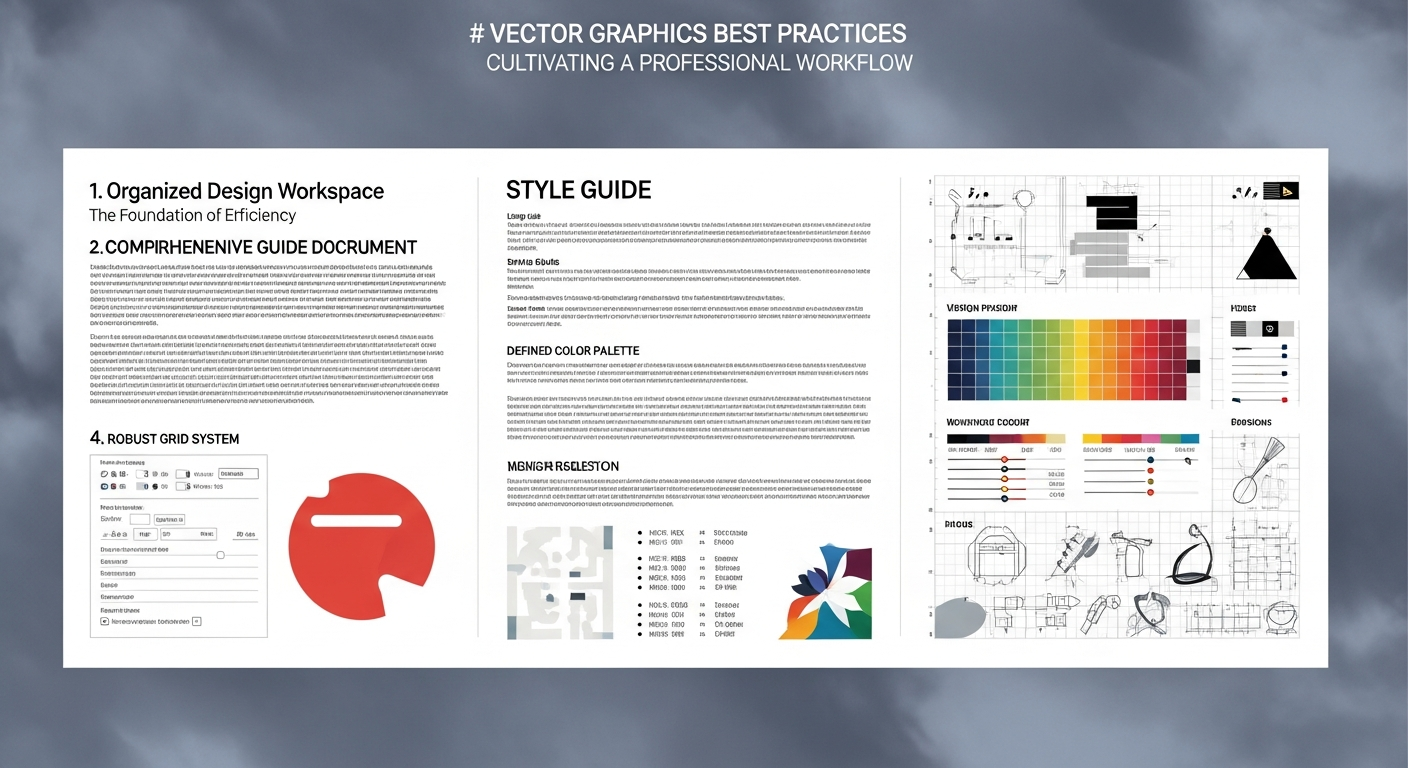
    Professional workflow
    Professional vectorization workflow

    After vectorizing thousands of logos, here are our top recommendations:

  • Work non-destructively: Keep layers organized
  • Use guides and grids: Ensure perfect alignment
  • Test on dark and light backgrounds: Check visibility
  • Create multiple versions: Horizontal, stacked, icon-only
  • Document your colors: Note exact HEX/RGB values
  • Conclusion

    Vectorizing your logo properly is one of the best investments you can make for your brand. With modern AI tools like VectoSolve, the process is faster and more accurate than ever.

    Ready to vectorize your logo? Try our AI-powered converter and see the difference professional vectorization makes.

    Tags:
    logo vectorization
    SVG
    brand design
    tutorial
    vector graphics
    AI conversion
    Share:

    Try Vectosolve Now

    Convert your images to high-quality SVG vectors with AI

    AI-Powered Vectorization

    Ready to vectorize your images?

    Convert your PNG, JPG, and other images to high-quality, scalable SVG vectors in seconds.