
Vectorizing Watermarks for Brand Protection: Complete Guide
Learn how to create professional vector watermarks that protect your images while maintaining visual quality. Essential for photographers and content creators.
Graphics & Design Experts
Our team of experienced designers and developers specializes in vector graphics, image conversion, and digital design optimization. With over 10 years of combined experience in graphic design and web development.
Key Takeaways
- Vector watermarks scale infinitely without quality loss — raster watermarks pixelate and degrade
- Choose between visible, invisible, text, logo, overlay, and embedded watermarks based on security needs
- SVG opacity controls and CSS blend modes create elegant, hard-to-remove watermarks
- Copyright registration and DMCA protections work alongside watermarks as layered defense
- A proper workflow integrates vectorization, batch processing, and metadata embedding
Why Vector Watermarks Are the Gold Standard
Every year, billions of images are shared online — often without permission. Watermarking remains the most practical first line of defense. But not all watermarks are equal.
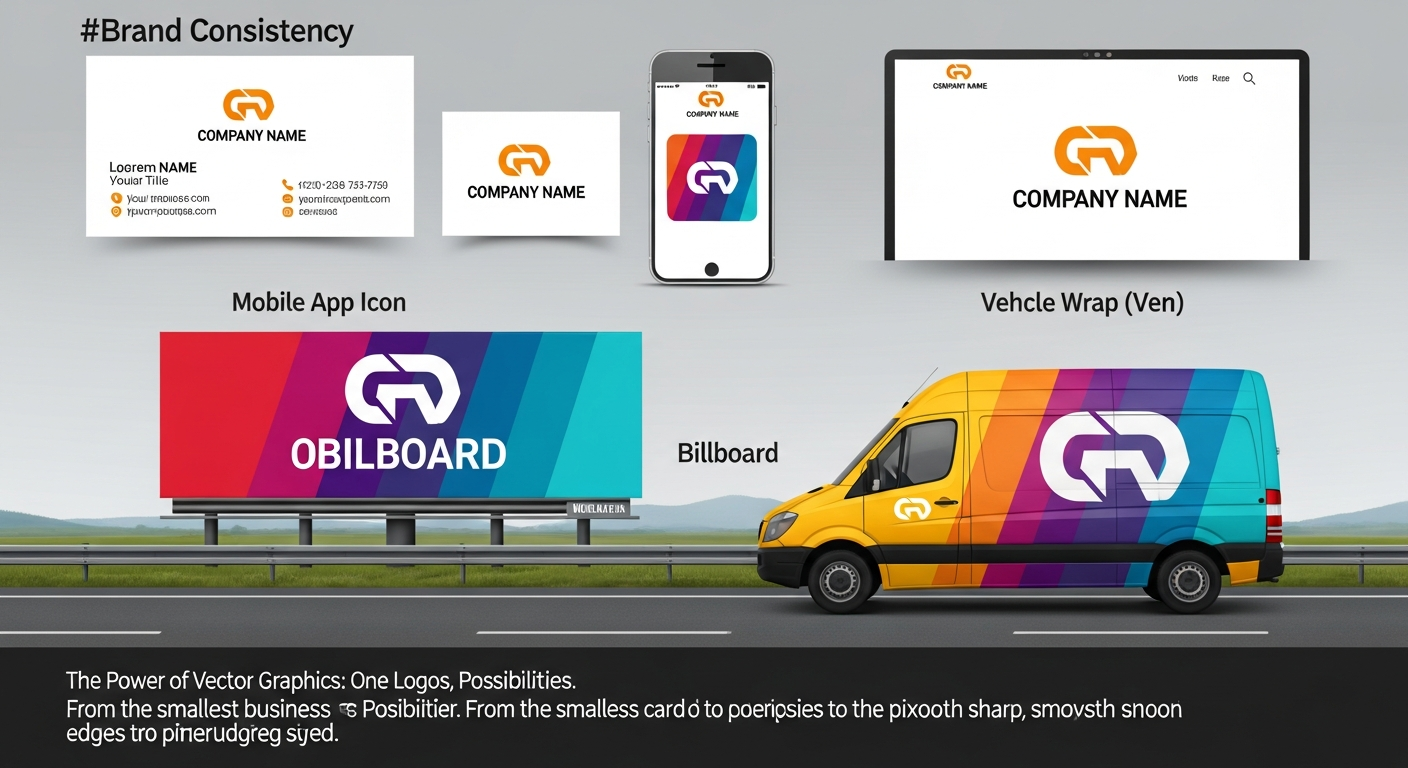
Raster watermarks suffer from resolution dependence: scale them up and they pixelate, shrink them and details vanish. Vector watermarks, built from mathematical paths, eliminate these problems entirely.
"Your brand identity deserves the same precision at 16 pixels as it does at 16,000. Vector is the only format that delivers that promise.
Three Core Advantages
---
Types of Watermarks: Comprehensive Taxonomy
Visible vs Invisible
Visible watermarks deter casual theft by making images obviously marked. Invisible watermarks (steganographic marks) embed data within pixel structure — undetectable to the eye but readable by specialized software for ownership verification.
Text vs Logo
Text watermarks display copyright notices or URLs — simple and universal. Logo watermarks reinforce brand recognition while protecting assets. Logo marks resist removal better because irregular shapes are harder to clone-stamp away.
Overlay vs Embedded
Overlay watermarks sit atop images as separate layers — easy to batch-apply but easier to remove. Embedded watermarks are woven into image data, surviving cropping and compression. The strongest strategies combine both.
| Watermark Type | Visibility | Security Level | Aesthetic Impact | Removability Risk | |----------------|------------|---------------|-----------------|-------------------| | Visible text overlay | High | Low-Medium | Moderate | High (crop/clone) | | Visible logo overlay | High | Medium | Low-Moderate | Medium | | Tiled pattern | Very High | High | High | Low | | Invisible digital | None | High | None | Very Low | | Embedded metadata | None | Medium | None | Medium (strip EXIF) | | Hybrid (visible + invisible) | Adjustable | Very High | Adjustable | Very Low |
---
Step-by-Step: Vector Watermark Workflow
Step 1 — Design Your Mark
Keep it simple but distinctive. Include your brand name or logo, a copyright symbol, and optionally your URL. Design at high contrast first — reduce opacity later.
Step 2 — Vectorize with Precision
Upload your raster watermark to VectoSolve for AI-powered conversion to clean SVG paths — mathematically defined curves that render perfectly at any resolution.
Step 3 — Optimize SVG Parameters
Open your SVG in the VectoSolve SVG Editor to fine-tune opacity (10-20% for branding, 30-50% for proofs), simplify strokes, and normalize the viewbox.
Step 4 — Build Variants
Create a white variant with drop shadow for dark backgrounds and a dark gray variant for light backgrounds. Export both as optimized SVGs.
Step 5 — Batch Apply and Embed Metadata
Create an action in your image editor that places the watermark, applies blend mode, embeds IPTC/XMP copyright metadata, and exports while preserving originals.
---
CSS/SVG Code: Dynamic Watermark Layer
For web applications — portfolios, galleries, document viewers — apply watermarks in-browser:

fill-opacity between 0.12 and 0.20 combined with mix-blend-mode: overlay or soft-light produces watermarks that are visible on inspection but don't destroy the experience. This combination makes automated removal tools struggle because the watermark interacts with underlying pixel values rather than sitting as a flat layer.
---
Use Cases Across Industries
Photography
Photographers use watermarks for proofing, social sharing, and stock previews. A vectorized logo at 15-25% opacity in the lower-right corner is industry convention. For high-value work, tiled patterns provide stronger deterrence.
Digital Art and Illustration
Digital artists face platforms where attribution is routinely stripped. An embedded invisible watermark combined with a visible vector logo provides layered protection.
Documents and Reports
Confidential documents benefit from diagonal text watermarks ("CONFIDENTIAL," "DRAFT"). Vector text stays razor-sharp across print, fax, and any screen resolution.
Video Thumbnails
Thumbnails appear at vastly different sizes. Vector watermarks ensure legibility from sidebar to full-screen.
---
---
Legal Foundations: Copyright and DMCA
Building Your Protection Stack
---
Protect Your Creative Assets Today
Vector watermarks deliver precision, flexibility, and durability that raster alternatives cannot match. Upload your design to VectoSolve for AI-powered vectorization, then refine it in the SVG Editor for pixel-perfect results at every scale.
"The best watermark is one your audience barely notices — but a thief can never fully erase.