
6 AI-Tools zur Hintergrundentfernung im Vergleich: Geschwindigkeit, Qualität & Preis (2026)
Wir haben 6 AI-Tools zur Hintergrundentfernung direkt verglichen. Erfahren Sie, welche die saubersten Freisteller, die schnellste Verarbeitung und das beste Preis-Leistungs-Verhältnis bieten.
Probieren Sie es mit Ihrer eigenen Datei aus: kostenlose Vorschau, ohne Anmeldung.
Founder and developer of VectoSolve
Self-taught developer who founded VectoSolve in 2024. He builds the conversion engine and the cutting, embroidery and 3D printing exports, working with the VectoSolve team of graphic designers.
How this article was made: drafted with AI assistance, then edited and fact-checked before publication. About the author
Removing backgrounds from images used to require careful selection work in Photoshop. Now AI does it in seconds. But which tool gives the best results? This guide compares six popular options across different image categories.
Disclosure: VectoSolve is our own tool. We list it first because it is the tool we build and know best, not because it won an independent test, and we do not give it a score.
The Tools Compared
| Tool | Type | Price | API |
|---|---|---|---|
| VectoSolve | Web + API + Extensions | 0.07 credits/image (plans from $7.99/mo) | Yes (docs) |
| remove.bg | Web + API | Subscription credits | Yes |
| PhotoRoom | Mobile + Web | Subscription | Yes |
| Canva | Web | Subscription (Pro) | No |
| Rembg | Open source | Free | Self-hosted |
| Photoshop | Desktop | Subscription | Yes (enterprise) |
How They Compare
Product Photos (E-Commerce)
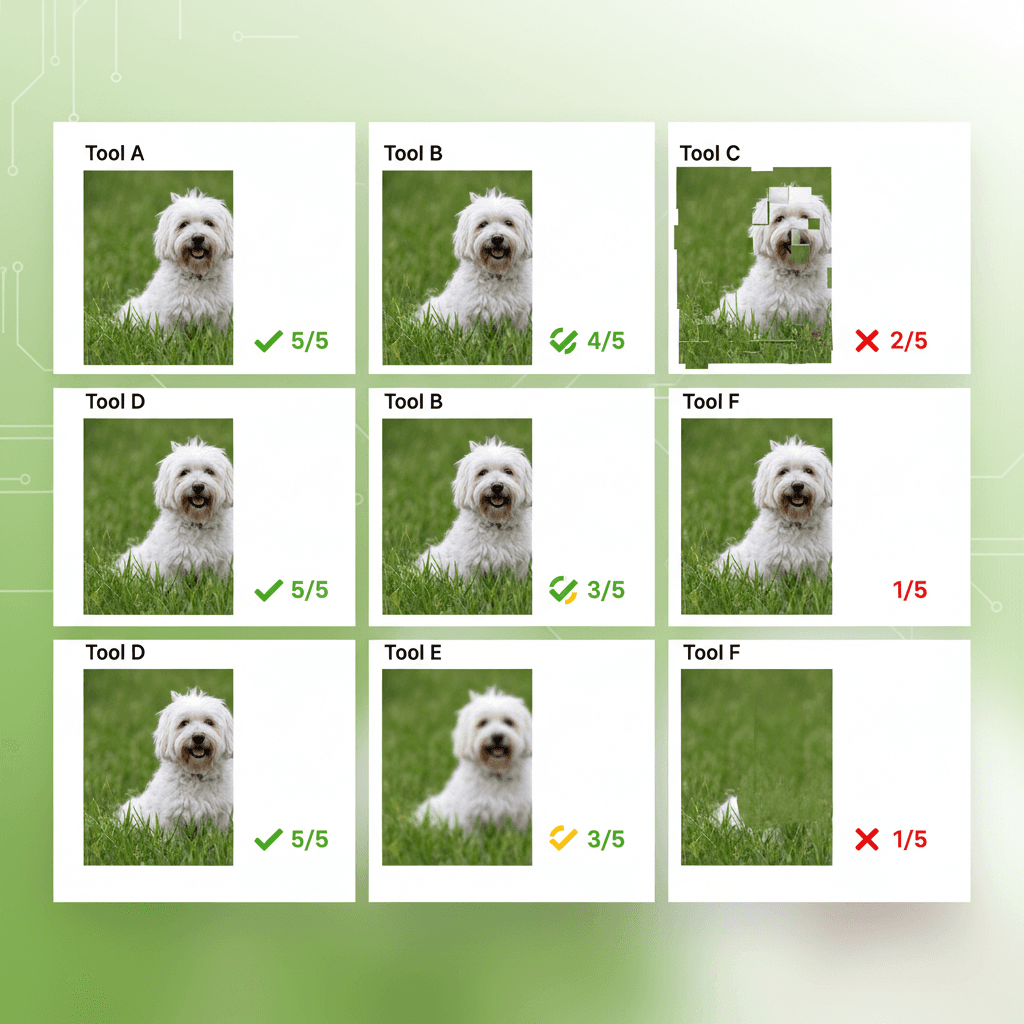
All tools handle simple product photos well. Differences show on fine details: jewelry, fabric, transparent objects.
- Best quality: Photoshop, remove.bg
- Fast: VectoSolve, remove.bg
- Best for bulk: VectoSolve (batch API at 0.07 credits each)
Portraits and People
Hair edges are the classic challenge.
- Best hair handling: remove.bg, Photoshop
- Acceptable: VectoSolve, PhotoRoom
- Struggles: Rembg on fine strands
Logos and Illustrations
VectoSolve stands out because you can remove background AND vectorize in one step:
const client = new VectoSolve({ apiKey: 'vs_...' });
const noBg = await client.removeBackground('logo-photo.jpg');
const svg = await client.vectorize(noBg.data.image);
Price Comparison for 100 Images
| Tool | Cost | Notes |
|---|---|---|
| VectoSolve | 7 credits | 0.07 credits/image, within a $14.99 Pro month |
| Rembg | $0 (+ hosting) | Free but requires setup |
| remove.bg | Subscription credits | Paid per image from subscription credits |
| PhotoRoom | Subscription | Unlimited with sub (fair use) |
| Canva | Subscription (Pro) | Unlimited with Pro |
| Photoshop | Subscription | One-click removal, but in-app per image |
When to Use Each Tool
- VectoSolve: Best for developers needing an API, and for SVG output. Low cost per image. Has browser extensions.
- remove.bg: Best pure background removal, especially hair.
- Rembg: Best for developers wanting full control and zero cost. Listed in awesome-vector-tools.
- PhotoRoom: Best for mobile-first workflows.
- Canva: Best if you already have Canva Pro.
- Photoshop: Best for pixel-perfect manual control.
Automating at Scale
With the VectoSolve API, process up to 10 images per batch. For larger volumes, use the SDK. See our automation guide for code examples.
For a comprehensive list of tools, see awesome-vector-tools on GitHub.