
Creating Vector Badges and Seals: Certificates, Awards, and Official Emblems
Design professional badges, seals, and certificate emblems using vector graphics. Perfect for awards, certifications, and official documents.
Founder of VectoSolve
Self-taught developer, founder and sole developer of VectoSolve since 2024. He builds the conversion engine and the cutting, embroidery and 3D printing exports.
How this article was made: drafted with AI assistance, then edited and fact-checked before publication. About the author
Try it on your own file
Free preview, no signup. Drop an image and see the vector before deciding anything.
Key Takeaways
- Badges, seals, and certificates are visual trust signals that convey authority, quality, and achievement across print and digital channels.
- Four core badge categories — certification, award, guarantee, and membership — each demand distinct design approaches.
- Vector format (SVG) is non-negotiable for badges that must render crisply from business cards to banners.
- A disciplined vectorization workflow preserves fine detail in ornamental borders, micro-text, and foil-effect gradients.
- Trademark compliance is critical when reproducing official seals and government emblems.
Why Badges and Seals Demand Vector Precision
Badges and seals occupy a unique position in corporate communications. They are compact visual assets that carry outsized credibility weight. A blurry certification mark on a product page undermines the very trust it is supposed to establish. A pixelated award seal on a printed certificate signals carelessness rather than accomplishment.
Vector graphics solve this at the root. Because SVG describes shapes mathematically rather than as pixel grids, a single badge file scales from a 16-pixel favicon to a 48-inch trade-show banner without losing fidelity. For organizations managing dozens of trust marks across web, print, and packaging, vectorization is an operational requirement.

The Four Core Badge Categories
Not every badge serves the same purpose. Understanding the category drives better design and vectorization decisions.
| Badge Type | Primary Purpose | Common Contexts | Design Guidelines |
|---|---|---|---|
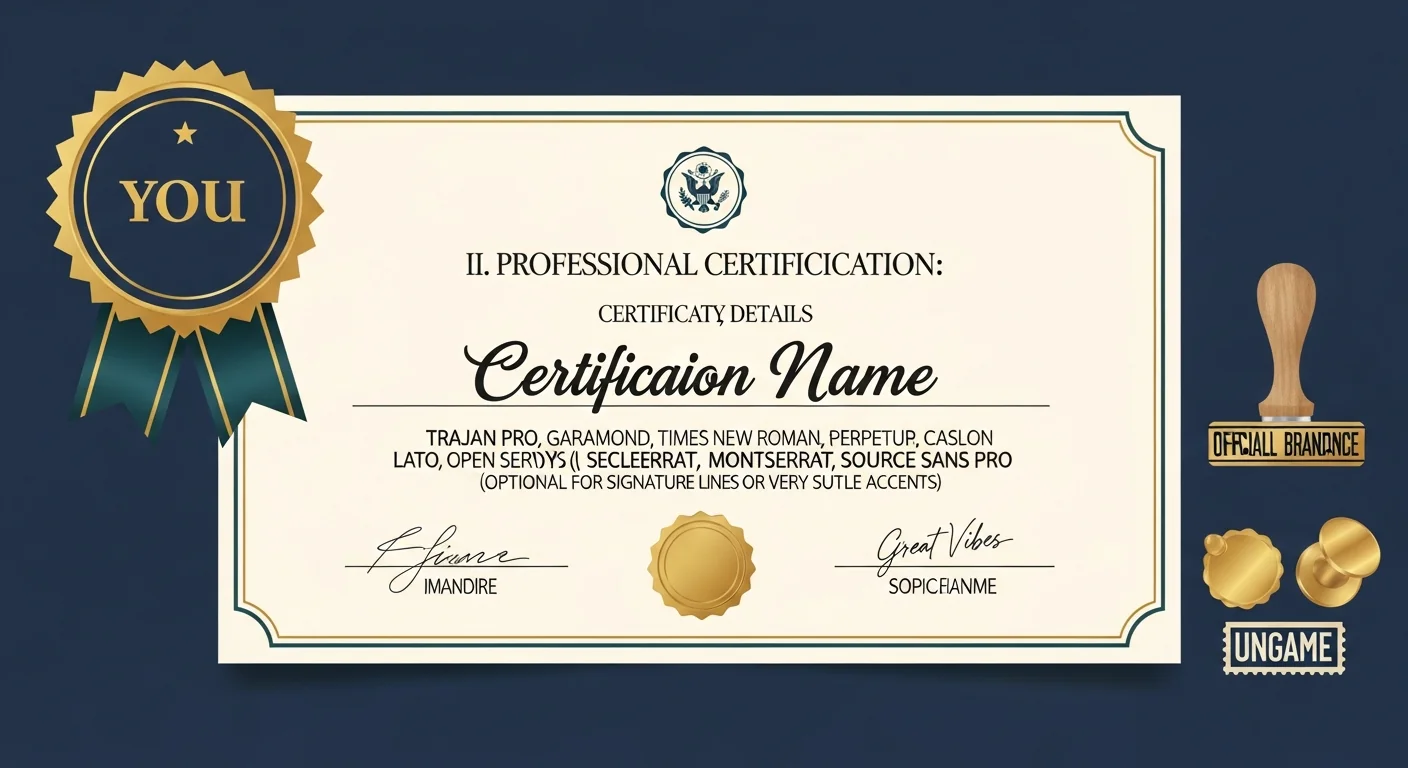
| Certification | Verify compliance with a standard | ISO labels, professional credentials, product safety | Formal layout, regulatory text, issuing-body logo |
| Award | Recognize achievement or excellence | Industry competitions, customer-choice programs | Metallic palette (gold/silver/bronze), laurel motifs, year |
| Guarantee | Promise quality or warranty | E-commerce trust badges, money-back seals | Shield or ribbon shape, bold claim text, duration callout |
| Membership | Signal affiliation with a group | Trade associations, chambers of commerce | Organization crest, membership tier, validity period |
Many organizations deploy badges from multiple categories on a single page. A SaaS company might show a SOC 2 certification badge, a G2 award badge, a money-back guarantee seal, and a Cloud Security Alliance membership mark together. Consistent vectorization quality across the set prevents any single badge from looking out of place.
Design Principles for Trustworthy Badges
Shape and Structure
Classic seals favor circles and ovals because the enclosed form suggests authority. Award badges often use shields or ribbons. Guarantee marks adopt starburst or rosette outlines. Whatever shape you choose, maintain strict symmetry — even slight misalignment makes a seal feel untrustworthy at large sizes.
Typography Hierarchy
Limit yourself to two typefaces: one for the primary designation (e.g., "CERTIFIED") and one for supporting detail. Sans-serif faces hold up at small sizes; a restrained serif adds gravitas to formal certificates. For curved perimeter text, all-caps with generous letterspacing improves arc legibility.
Color and Contrast
Navy and deep blue signal institutional authority. Gold and warm metallics communicate prestige. Red accents add urgency. Black-and-white versions must always exist for single-color contexts like fax, newsprint, or embossing. Design the monochrome version first, then layer color.
Detail Budgeting
Ask yourself: will this element remain legible at 0.5 inches wide? If not, simplify. Create a full-detail version for print and a simplified version for digital — both stored as vectors.
A Full Year of Conversions for $49
Starter Annual: 25 conversions every month, $49 for the whole year. That is about $4.08 a month · Cancel anytime
Get the Annual DealThe Vectorization Workflow
1. Source Preparation
Scan physical originals at 600 DPI minimum. For photographs of embossed seals, use oblique lighting to maximize contrast on raised elements. Remove background noise and increase contrast before tracing.
2. Automated Tracing
Upload your cleaned source to VectoSolve for AI-powered vectorization. The platform handles edge detection on ornamental borders, path optimization that reduces node counts, and color quantization that maps raster gradients to clean SVG fills.
3. Manual Refinement
Open the SVG in the VectoSolve SVG Editor. Focus on closing open paths in border rings, aligning anchor points to pixel grid for crisp rendering, replacing auto-traced text with live type for accessibility, and adjusting stroke widths so fine lines survive at small sizes.
4. Quality Assurance
Preview at five benchmark sizes: favicon (16 px), web badge (120 px), document seal (1.5 in at 300 DPI), certificate (3 in at 300 DPI), and signage (24 in at 150 DPI). Fix issues at each tier before sign-off.
Pro Tip: Simulating gold foil in SVG: Use a <linearGradient> with three stops — dark goldenrod at 0%, bright gold at 50%, and dark goldenrod again at 100%. Layer a subtle <feTurbulence> filter to mimic stamped-foil micro-texture. This reproduces the premium feel of foil stamping in a purely digital, resolution-independent format.
Print Requirements for Certificates
Certificates are the most demanding context for badge reproduction.
- Offset lithography requires CMYK color definitions and a minimum stroke width of 0.25 pt. Thinner strokes may vanish during plate exposure.
- Foil stamping dies are cut from your vector file. Overlapping paths and open curves cause die-cutting errors — run a pathfinder union on all foil-area shapes before exporting. Minimum detail is roughly 1 mm line width and 8 pt text.
- Embossing requires a single-color vector defining the emboss region with clean, merged outlines.
- If the badge sits near a certificate's trim edge, extend background elements 3 mm beyond trim (bleed) and keep critical content 5 mm inside (safe zone).
Trademark and Intellectual-Property Considerations
Warning: Reproducing official seals carries legal risk. Government seals, notary emblems, and regulatory-body marks are often protected by statute — not just trademark law. In many jurisdictions, unauthorized reproduction of a state seal is a criminal offense. Before vectorizing any official emblem, confirm you have explicit authorization from the issuing authority and retain that authorization on file. Consult legal counsel before distributing the vectorized asset.
Even for non-governmental badges: obtain written permission before vectorizing a third-party trust mark, follow brand guidelines specifying minimum sizes and clear-space rules, never alter a certification mark in ways that misrepresent its scope, and archive the original raster source as provenance documentation.
Free SVG Tools for Crafters
Design Checker · Color Separator · Mat Preview · Offset Generator · Text to SVG
Check Your SVG FreeBringing It All Together
Badges and seals are small assets with large reputational impact. Treating them with the same rigor you apply to your primary logo — vectorized, version-controlled, and governed by clear usage rules — ensures they reinforce credibility everywhere.
Audit every trust mark your organization uses. Identify any that exist only as raster files. Prioritize those for vectorization using VectoSolve, refine in the SVG Editor, and distribute through your brand-asset system. The result is a badge library that looks authoritative from a 16-pixel browser tab to a gold-foil embossed diploma.
| Badge Type | Common Use Cases | Key Design Elements |
|---|---|---|
| Certification Badge | ISO standards, professional credentials | Border ring, authority seal, text arc |
| Award Badge | Competitions, product awards, rankings | Laurel wreath, star, ribbon banner |
| Guarantee Seal | Money-back, satisfaction, warranty | Shield shape, checkmark, bold text |
| Membership Badge | Associations, clubs, loyalty tiers | Crest, monogram, tier indicator |
| Trust Seal | SSL, payment security, verified seller | Lock icon, shield, green accent |