
The Complete Guide to Vector Graphics in 2026
Everything you need to know about vector graphics in 2026. From basics to advanced techniques, learn how to create, use, and optimize vectors for any project.

Graphics & Design Experts
Our team of experienced designers and developers specializes in vector graphics, image conversion, and digital design optimization. With over 10 years of combined experience in graphic design and web development.
Key Takeaways
- Vector graphics use mathematical equations (Bezier curves, coordinates) instead of pixels, enabling infinite scaling with zero quality loss
- SVG is the dominant web vector format in 2026, but AI, EPS, PDF, and DXF each serve critical roles in print, CAD, and manufacturing
- AI-powered vectorization tools like VectoSolve have fundamentally changed the workflow, converting raster images to clean vectors in seconds
- Understanding nodes, paths, fills, and strokes is the foundation of all vector editing
- Industries from web development to CNC machining to embroidery rely on vector graphics daily

What Are Vector Graphics?
Vector graphics are images defined by mathematics rather than grids of colored pixels. Where a raster image (PNG, JPG) stores color values for each pixel in a fixed grid, a vector image stores instructions: draw a line from point A to point B, curve it with this handle, fill the enclosed area with this color.
The fundamental building block is the Bezier curve, named after French engineer Pierre Bezier who developed them at Renault in the 1960s for automobile body design. A cubic Bezier curve is defined by four points: two anchor endpoints and two control handles that determine curvature. Every shape in a vector file is constructed from combinations of these curves and straight line segments.
This mathematical foundation gives vectors their superpower: resolution independence. The renderer recalculates every curve at output time, so a vector logo looks equally crisp on a 32px favicon and a 30-foot billboard.
---
A Brief History: PostScript to AI Vectorization
The PostScript Era (1982-1995)
Adobe's PostScript language, released in 1984, was the first widely adopted page description language treating graphics as mathematical objects. It powered the desktop publishing revolution and gave birth to EPS. Adobe Illustrator, launched in 1987, was originally built as a PostScript editor.
The SVG Standard (1999-2010s)
The W3C published the SVG 1.0 specification in 2001, creating an XML-based web-native vector format. Adoption was slow initially, but responsive design and retina displays in the 2010s made SVG essential for modern web development.
The AI Revolution (2020s-Present)
Machine learning transformed vectorization from tedious manual tracing to instant, intelligent conversion. Modern AI engines analyze raster images, identify shapes, determine optimal curve placement, and produce clean output surpassing hand-tracing. VectoSolve represents this generation, converting graphics to production-ready SVGs in seconds.
"Vector graphics are the only truly future-proof image format. Mathematical definitions of shape and color will render perfectly on display technologies that haven't been invented yet.
---
Vector Formats Compared
| Format | Primary Use Case | Pros | Cons | Industry | |--------|-----------------|------|------|----------| | SVG | Web, apps, UI | Open standard, CSS/JS scriptable, tiny files | Limited print color support | Web dev, UI/UX | | AI | Design source files | Full Illustrator features, layers | Proprietary, requires Adobe | Branding, design | | EPS | Legacy print | Near-universal compatibility | Outdated, limited transparency | Traditional print | | PDF | Print, documents | Embeds fonts, universal viewers | Not easily editable | Publishing, legal | | DXF | CAD, CNC, engineering | Precise dimensions, machine-readable | No color/gradient support | Manufacturing |
!Diagram showing vector format roles in production pipelines
---
How Vector Editors Work
Nodes (Anchor Points)
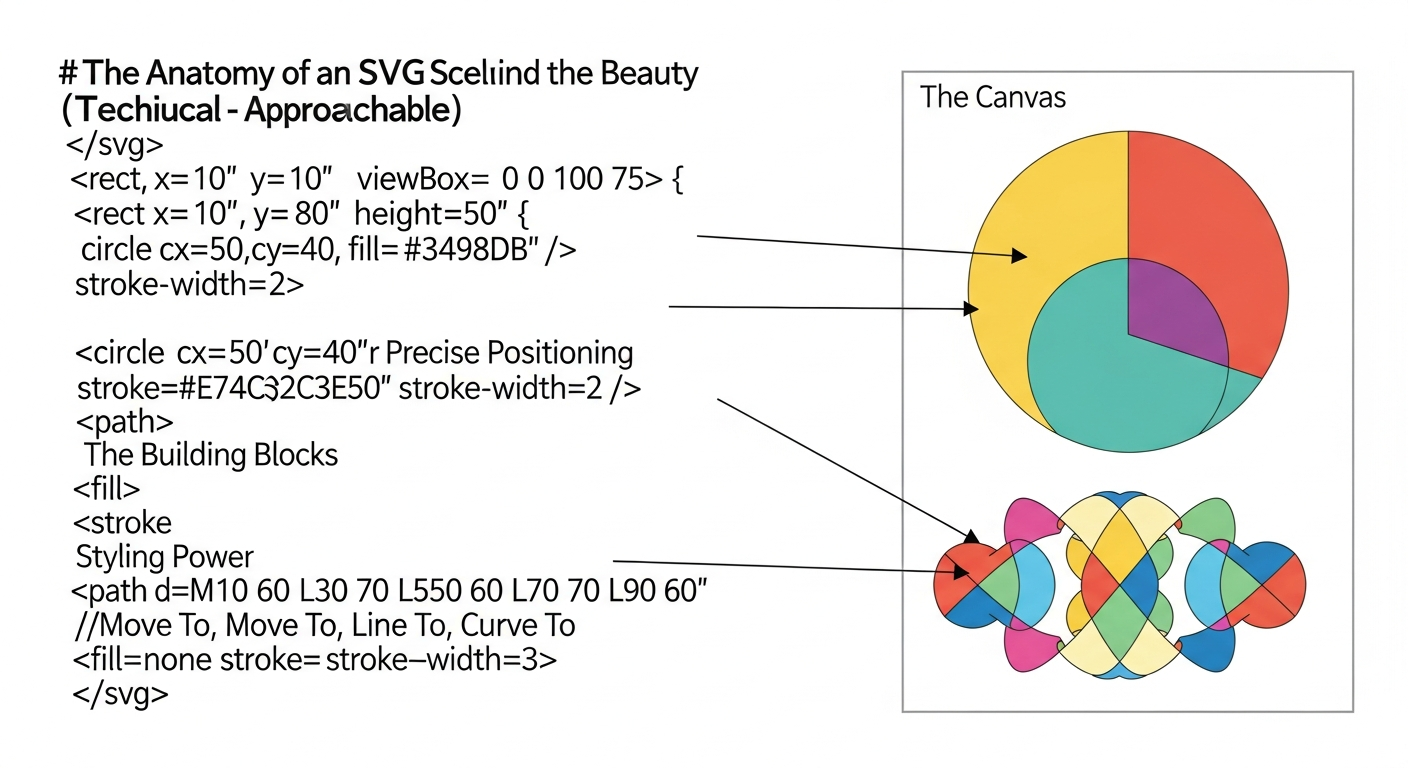
Every vector shape is defined by nodes where path segments meet. A rectangle has four; a complex illustration might have thousands. Nodes can be corner points (sharp angles) or smooth points (curves flow through). The VectoSolve SVG Editor lets you manipulate nodes directly.
Paths
A path is a connected sequence of segments and Bezier curves between nodes. Paths can be open (a wavy line) or closed (a circle, where the last node connects to the first).
Fills & Strokes
Closed paths receive a fill: solid color, gradient, or pattern. The path itself renders with a stroke of configurable width, color, and dash pattern. Strokes can be converted to filled outlines for production workflows.
---
The AI Vectorization Revolution
!AI vectorization pipeline from raster input to clean vector output
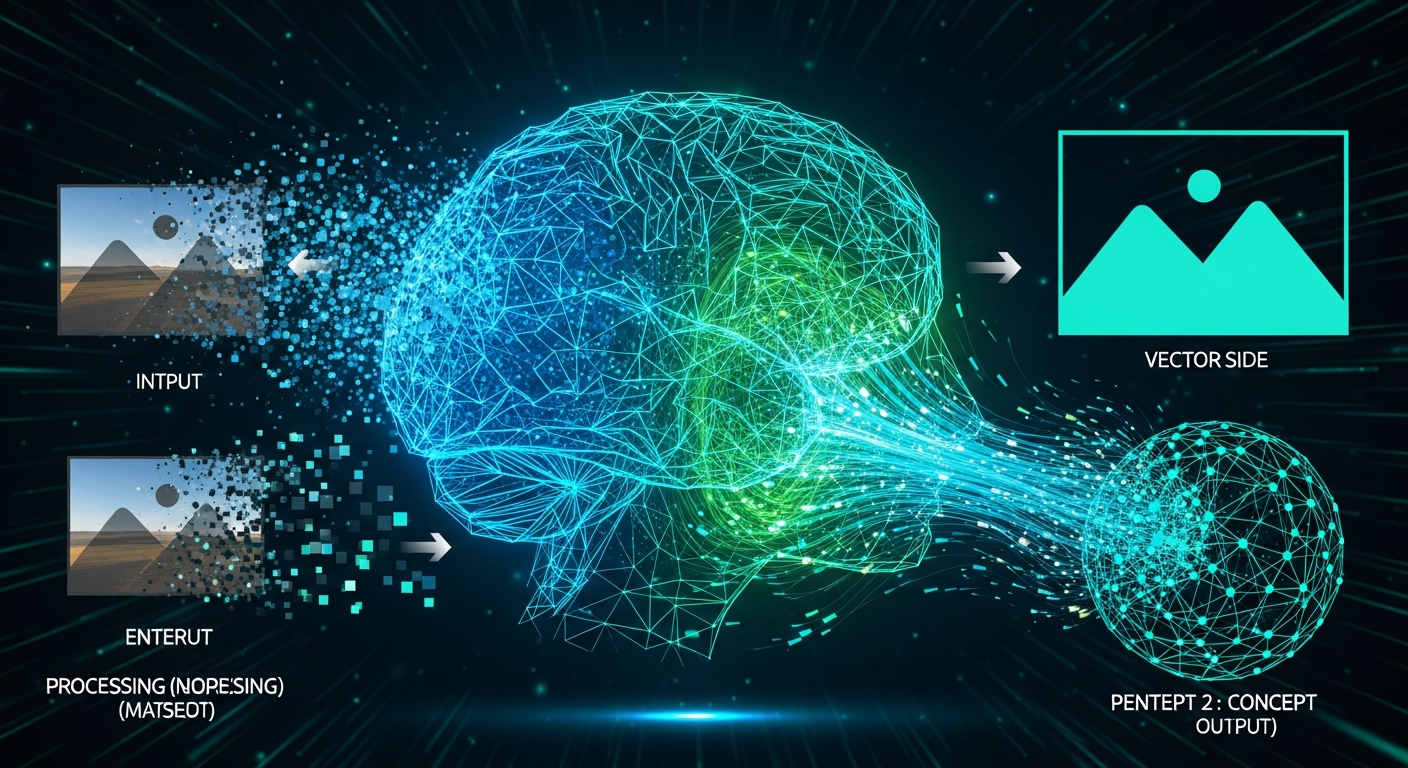
Traditional auto-tracing used threshold-based edge detection that produced noisy, over-noded output. AI-powered vectorization is a paradigm shift.
Modern engines work in stages:
VectoSolve's engine processes images through this pipeline, delivering in seconds what manual tracing takes thirty minutes.
---
Industry Applications
Web Development & UI/UX
SVG icons, logos, and illustrations are standard. They scale to any density, can be styled with CSS, animated with JS, and inlined for zero additional HTTP requests.Print & Publishing
Commercial printing requires vector artwork for crisp output at 300+ DPI. PDF/X standards mandate vector elements for press-ready files.CNC Machining & Laser Cutting
CNC routers and laser cutters consume vector paths (DXF or SVG) as cutting instructions. Mathematical precision maps directly to tool coordinates.Embroidery & Textile
Embroidery machines convert vector outlines into stitch paths. Clean vectors with minimal nodes produce smoother stitches and fewer thread breaks.Motion Graphics & Animation
Vector animation (Lottie, SVG SMIL, CSS) dominates UI micro-interactions. Frameworks like Rive use vector shapes as the foundation for fluid motion.---
File Size Comparison
| Image Type | SVG | PNG (1x) | PNG (2x Retina) | WebP | PDF | |-----------|-----|----------|-----------------|------|-----| | Simple logo (3 colors) | 2 KB | 15 KB | 48 KB | 10 KB | 8 KB | | Icon set (24 icons) | 6 KB | 92 KB | 310 KB | 64 KB | 18 KB | | Detailed illustration | 28 KB | 180 KB | 620 KB | 120 KB | 35 KB | | Complex map graphic | 85 KB | 450 KB | 1.6 MB | 300 KB | 110 KB |
---
---
Conclusion
Vector graphics are a foundational technology bridging design, engineering, manufacturing, and digital media. Their mathematical nature makes them infinitely scalable, inherently lightweight, and permanently future-proof.
Whether you are a web developer optimizing performance, a brand designer maintaining consistency, or a manufacturer feeding cutting paths to CNC equipment, mastery of vector graphics is essential in 2026.
AI-powered vectorization has lowered the barrier dramatically. What once required expert illustration skills can now be accomplished in seconds. Explore VectoSolve's full toolkit to experience how AI is making vector graphics accessible to everyone.
Convert Your Images to Vectors Today
---
| Vector Format | Primary Use | Scalability | Browser Support |
|---|---|---|---|
| SVG | Web graphics, icons, logos | Infinite | All modern browsers |
| AI (Adobe Illustrator) | Print design, branding | Infinite | N/A (native app) |
| EPS | Print production, legacy | Infinite | N/A (print workflow) |
| Universal document sharing | Infinite | Built-in viewers | |
| DXF | CNC, CAD, engineering | Infinite | N/A (CAD software) |