
Custom Stickers from Photos: Raster to Vector in 3 Steps
Learn how to create professional custom stickers and decals using vector graphics. Perfect for laptop stickers, car decals, product labels, and more.
Graphics & Design Experts
Our team of experienced designers and developers specializes in vector graphics, image conversion, and digital design optimization. With over 10 years of combined experience in graphic design and web development.
Key Takeaways
- Die-cut stickers need vector files — cutting machines trace SVG paths, not pixels. No vector = jagged edges.
- Always add 1/8" bleed beyond your cut line, and keep critical artwork 1/8" inside the safe zone.
- Over-detailed designs fail at small sizes — if it doesn't read at 2", simplify before printing.
- Photo-to-sticker is a real workflow: clean up, vectorize with VectoSolve, prep cut lines, print.
- Stickers are a low-barrier, high-margin product perfect for Etsy shops, markets, and brand merch.
Why I Bet My Business on Vector Stickers
I've been selling stickers at craft markets and on Etsy for four years. I learned one thing the hard way: the difference between a $0.50 sticker that peels and a $4 sticker people put on their hydroflask forever comes down to the file you send to the printer. That file needs to be a vector.
Raster images — your PNGs and JPEGs — are made of pixels. Zoom in and they blur. But a vector file (SVG, AI, EPS) is made of mathematical paths. The cutting machine's blade follows those paths with precision, and the design stays crisp whether printed at 1" or 12".
This guide covers everything I wish someone had told me on day one — sticker types, materials, design gotchas, printer options, and how to make money doing this.
---
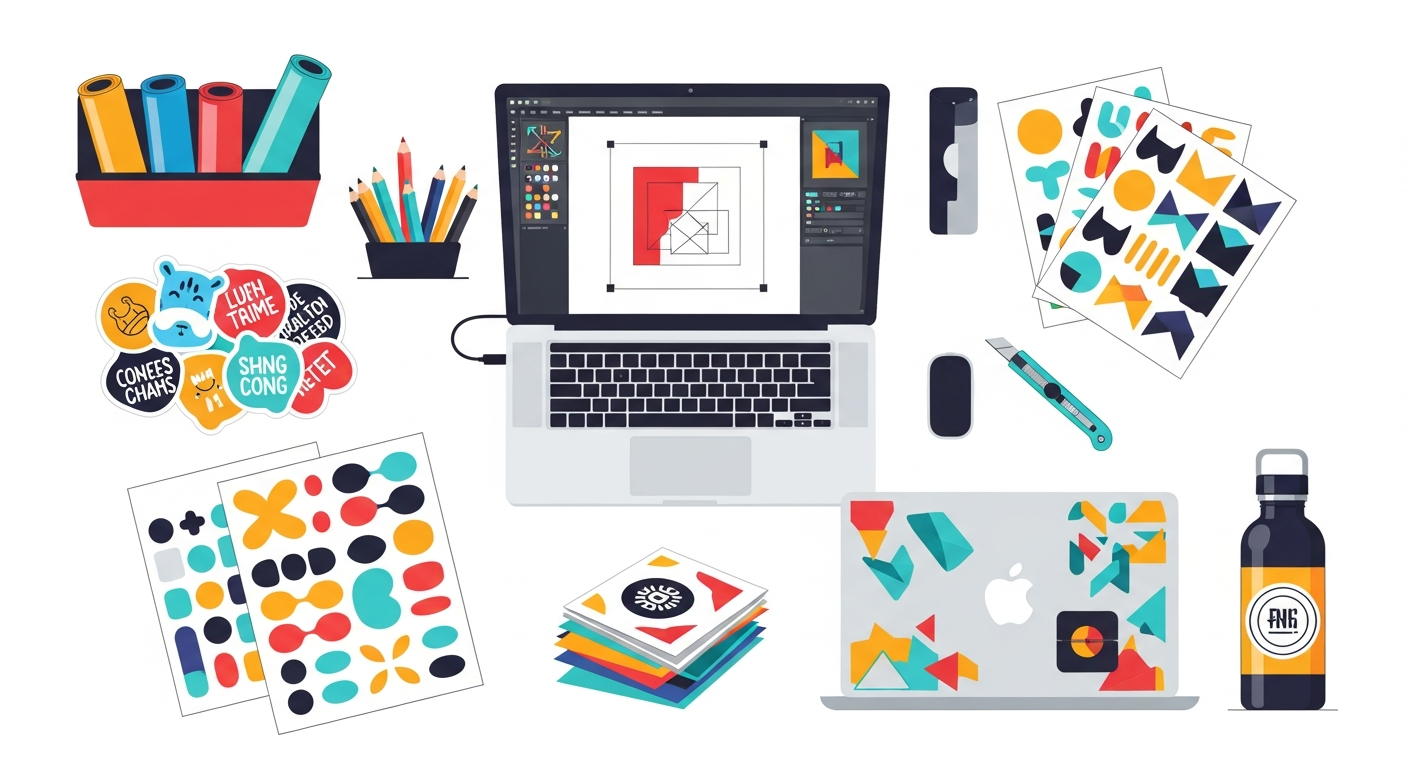
Sticker Types at a Glance
Not every sticker is the same product. The type you choose dictates your material, file requirements, and profit margin.
| Type | Material | Durability | Cost (per unit, 100 qty) | Best For | |------|----------|------------|--------------------------|----------| | Die-cut | Vinyl or paper | High / Medium | $0.25–$0.80 | Laptop stickers, brand merch, retail | | Kiss-cut | Vinyl on backing | High | $0.15–$0.50 | Sticker sheets, bundled packs | | Clear | Transparent vinyl | High | $0.40–$1.00 | Water bottles, windows, glass | | Holographic | Holo vinyl | High | $0.50–$1.20 | Premium / collector stickers | | Vinyl decal | Outdoor vinyl (Oracal 651) | Very high (5+ yr) | $0.30–$0.90 | Cars, signs, outdoor gear |
---
Design Requirements by Sticker Type
Each type has different file and design constraints. Get these wrong and you waste a print run.
Die-Cut Stickers
Kiss-Cut Sheets
Clear / Transparent Stickers
Holographic Stickers
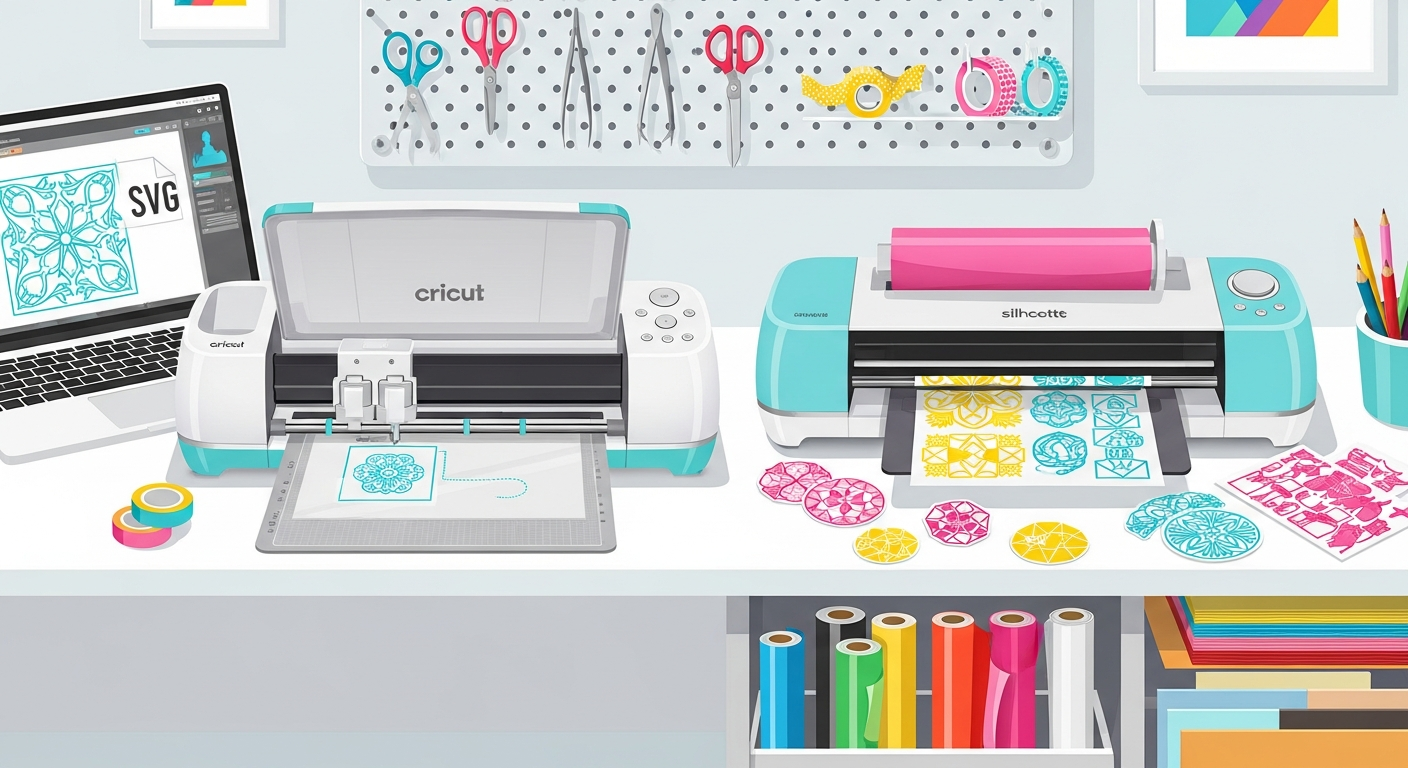
Vinyl Decals (Cricut / Silhouette)
---
From Photo to Finished Sticker: Step by Step
1. Clean Up Your Source Image
Crop tightly around the subject. Remove the background — handles this in seconds. Increase contrast so edges are sharp, then save as high-res PNG.2. Vectorize the Image
Upload your cleaned PNG to VectoSolve. The AI traces artwork into clean vector paths — no manual pen-tool work. Download the SVG and open it in Illustrator, Inkscape, or Affinity Designer.3. Prep Cut Lines and Layers
Create an offset path 1–2 mm outside your artwork (the cut line). Add 1/8" bleed. For clear stickers, add a white-ink layer. For vinyl decals, separate each color onto its own layer.4. Export and Send to Print
Typical die-cut sticker file structure:my-sticker/
  artwork.svg        (vector artwork, CMYK)
  cut-line.svg       (offset path, stroke only)
  artwork-print.pdf  (flattened, with bleed)
  preview.png        (raster proof for review)
---
Printer Comparison: Cricut vs StickerMule vs Local Print Shop
| Factor | Cricut / Silhouette (DIY) | StickerMule (Online) | Local Print Shop | |--------|---------------------------|----------------------|------------------| | Min. order | 1 | 10–50 | 100+ | | Setup cost | $200–$400 | $0 | $0 | | Per-unit cost | $0.05–$0.20 | $0.50–$1.50 | $0.15–$0.60 | | Turnaround | Immediate | 4–7 business days | 3–10 business days | | Quality | Good (vinyl cuts only) | Excellent (full color) | Excellent (Pantone) | | Best for | Small batches, testing | Medium runs (50–500) | Large runs (500+) |
---
Etsy Sticker Business Tips
> "Stickers are the gateway drug to design. You sketch something on a napkin, vectorize it, print fifty of them, and suddenly you're a business owner with a tax ID." — Every sticker seller I know
What Actually Sells
Pricing for Profit
| Product | Material Cost | Retail Price | Margin | |---------|--------------|-------------|--------| | Single die-cut (3") | $0.25–$0.50 | $3–$4.50 | 75–85% | | Sticker pack (5 pcs) | $1–$2 | $8–$12 | 75–83% | | Kiss-cut sheet (8 pcs) | $0.80–$1.50 | $10–$14 | 85–89% | | Holographic single | $0.50–$1 | $4.50–$6 | 78–88% | | Large vinyl decal (6"+) | $0.40–$0.80 | $8–$15 | 90–95% |
Etsy SEO for Sticker Listings
---
Start Making Stickers Today
The sticker market isn't slowing down. Every new water bottle, laptop, and journal is a blank canvas waiting for your design. The only question is whether you'll send your printer a blurry PNG or a clean vector.
Send the vector.
---
| Sticker Spec | Die-Cut Vinyl | Kiss-Cut Sheet | Print-and-Cut |
|---|---|---|---|
| File format needed | SVG (vector paths) | SVG + cut line | PNG/PDF + SVG cut line |
| Minimum bleed | 1/8" (3 mm) | 1/8" (3 mm) | 1/8" (3 mm) |
| Min safe zone (inset) | 1/8" from cut edge | 1/8" from cut edge | 1/8" from cut edge |
| Max detail resolution | 0.5 mm strokes | 0.5 mm strokes | 300 DPI raster area |
| Best for | Single-color logos, text | Sticker sheets, bundles | Full-color photo stickers |