
How to Create Custom Stickers from Any Photo (Cricut & Print)
Turn any photo into a professional die-cut sticker. From pet portraits to brand logos — here's the complete workflow for 2026.
UX Designer & Content Strategist
Sarah brings 6 years of design experience from agencies like IDEO and Frog Design. She specializes in visual design systems and brand optimization.
Stickers are everywhere in 2026. Laptop stickers, water bottle decals, product labels, planner accessories, bumper stickers, and packaging seals. The custom sticker market is worth over $9 billion globally and growing fast, driven by personalization trends and affordable tools like Cricut machines and online print services. The best part? You can create professional stickers from any photo or image using just your phone or computer, VectoSolve, and a Cricut machine or sticker printing service.Custom Stickers Are a $9 Billion Market
Two Methods: Cricut Cutting vs. Print-and-Cut
Method 1: Cricut / Silhouette (Vinyl Stickers)
Cutting machines use SVG files to cut vinyl material into precise shapes. The result is a durable, waterproof sticker with clean edges.
- Best for: simple designs, logos, text, solid-color graphics
- Material: adhesive vinyl (indoor or outdoor rated)
- Requires: SVG file with clean cut paths
Method 2: Print-and-Cut (Full Color Stickers)
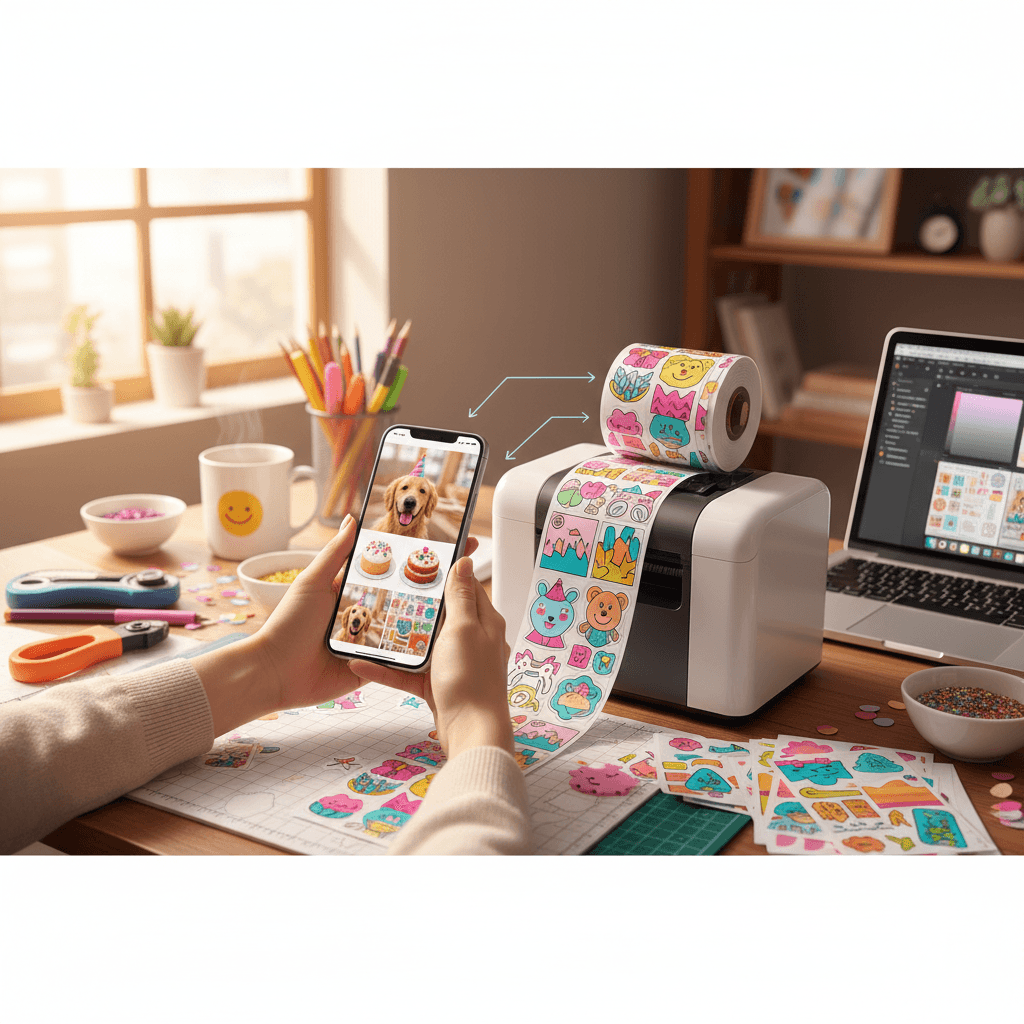
Print your design on sticker paper using a regular printer, then use the Cricut to cut around the printed design.
- Best for: full-color photos, detailed illustrations, gradients
- Material: printable sticker paper (matte, glossy, or holographic)
- Requires: high-res PNG with transparent background + SVG cut line
Step-by-Step: Photo to Sticker
- Choose your photo — pet portrait, logo, product image, artwork, or any graphic
- Remove the background — upload to VectoSolve and use the AI background removal tool. This isolates your subject on a transparent background.
- Vectorize for cutting — convert the transparent image to SVG. VectoSolve creates clean vector paths that Cricut and Silhouette machines can follow precisely.
- Import to your cutting software — open the SVG in Cricut Design Space or Silhouette Studio
- Set up your material — choose vinyl type and adjust blade pressure
- Cut and weed — the machine cuts your sticker shape, then you remove the excess material
Tips for Perfect Stickers
- Add a border/offset — add a 2-3mm white border around your design for easier weeding and a professional look
- Simplify complex images — stickers with fewer colors and cleaner lines cut better and look sharper
- Use outdoor vinyl for durability — if your stickers will be on water bottles, cars, or outdoor surfaces
- Mirror your design for HTV — if applying heat-transfer vinyl to fabric, mirror the image before cutting
- Test cut first — run a small test cut to verify your blade depth and pressure settings
Sticker Ideas That Sell
If you are selling stickers on Etsy, markets, or your own shop, these categories are trending in 2026:
- Pet portrait stickers — customers send their pet photo, you vectorize and create a custom sticker
- Small business logo stickers — packaging seals and branding decals
- Plant and nature stickers — botanical illustrations, mushroom designs
- Motivational quotes — hand-lettered typography stickers
- Fandom and meme stickers — pop culture references and internet humor
- Wedding and event stickers — personalized favors and decorations
Batch Production: Scale Your Sticker Business
Once you have your workflow down, use VectoSolve's batch processing to convert multiple images at once. Upload 10-20 photos, remove backgrounds, vectorize, and download all SVGs in minutes. This is how professional sticker sellers produce hundreds of designs efficiently.
Frequently Asked Questions
Can I make stickers from a phone photo?
Yes. Take a photo with your phone, upload it to VectoSolve, remove the background, vectorize to SVG, and import into your cutting software. The entire process works from your phone browser.
What is the best file format for Cricut stickers?
SVG is the standard for Cricut cutting. For print-and-cut stickers, you need both a high-res PNG (for printing) and an SVG (for the cut line). VectoSolve provides both formats.
How do I make waterproof stickers?
Use outdoor-rated vinyl (like Oracal 651) for cut vinyl stickers. For printed stickers, use waterproof sticker paper and apply a clear laminate layer over the printed design before cutting.
Can I sell stickers made from vectorized photos?
Yes, as long as you own the rights to the original photo or have commercial use permission. Your own photos, AI-generated images, and licensed stock images are all fine for commercial sticker production.
Start Making Stickers Today
From pet portraits to brand logos, turning photos into professional stickers has never been easier. VectoSolve handles the hardest parts — background removal and vectorization — so you can focus on creating and selling.