Guide

Gaming & Esports Logo Vectorization: Create Pro-Level Team Logos

Learn how to create and vectorize professional gaming and esports logos. From Twitch streamers to competitive teams, get broadcast-ready vector graphics.
VectoSolve TeamJanuary 7, 2026Updated: January 7, 202611 min read read
Gaming & Esports Logo Vectorization: Create Pro-Level Team Logos
V
VectoSolve Team

Graphics & Design Experts

Our team of experienced designers and developers specializes in vector graphics, image conversion, and digital design optimization. With over 10 years of combined experience in graphic design and web development.

Vector GraphicsSVG OptimizationImage ProcessingWeb Performance

Key Takeaways

  • Gaming and esports logos must scale perfectly from 16px Discord icons to 4K broadcast graphics — only vector format delivers this
  • Mascot logos, lettermarks, emblems, and abstract geometric styles each serve different gaming brand identities
  • Vectosolve's AI tracing converts raster gaming logos into clean SVG files ready for Twitch, YouTube, Discord, and merchandise
  • Every gaming brand needs at least six logo variations: full, simplified, icon-only, wordmark, light, and dark versions
  • Tournament-ready files require vector source formats (AI, EPS, SVG) plus high-res PNG exports with transparent backgrounds

Creating Professional Gaming & Esports Logos

In the competitive world of gaming and esports, your logo is your identity. Whether you're a solo streamer, a competitive team, or an esports organization, a professional vector logo is essential for brand recognition across all platforms.
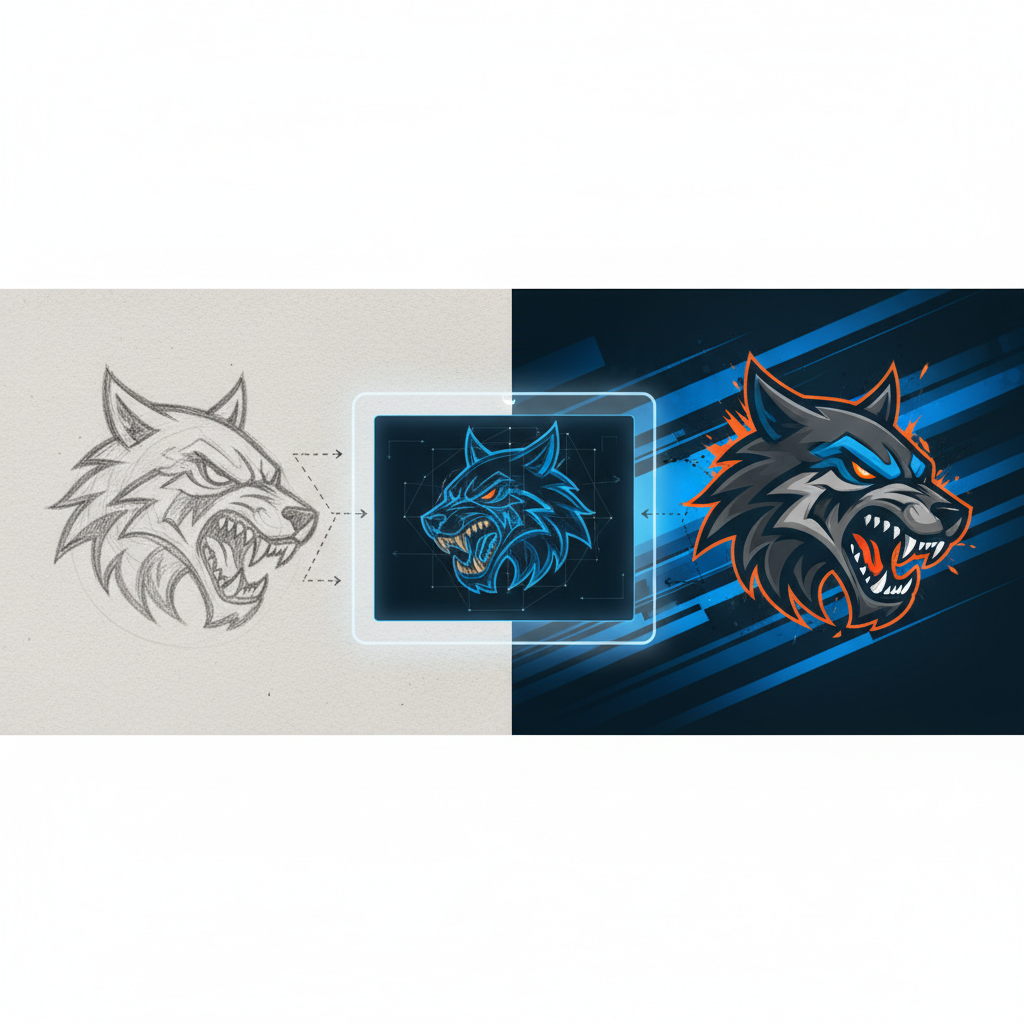
Gaming and esports logo vectorization for competitive teams
Esports team mascot logo converted to broadcast-ready SVG vector format

---

Why Gaming Logos Need to Be Vectors

Multi-Platform Requirements

Gaming logos appear everywhere:
  • Stream overlays (Twitch, YouTube, Kick)
  • Social media (Twitter, Discord, Instagram)
  • Merchandise (jerseys, hoodies, mousepads)
  • Broadcast graphics (tournaments, events)
  • In-game assets (team tags, banners)
  • Size Variations

    Your logo needs to work at:
  • 16x16px - Discord server icon, favicon
  • 200x200px - Profile pictures
  • 1920x1080px - Stream overlays
  • 4K+ - Broadcast graphics, merchandise
  • Only vector files can scale perfectly across all these sizes.

    Pro Tip: Test your gaming logo at 32x32 pixels before finalizing. If the mascot or lettermark isn't instantly recognizable at that size, create a simplified "compact" version specifically for small-use contexts like Discord and favicons.

    ---

    Common Gaming Logo Styles

    Mascot Logos

  • Fierce animals (wolves, lions, dragons, phoenixes)
  • Mythical creatures
  • Stylized characters
  • Popular for: Competitive teams, esports orgs
  • Lettermark/Wordmark

  • Team initials or name
  • Bold, aggressive typography
  • Often with effects (glitch, neon, metallic)
  • Popular for: Content creators, streamers
  • Emblem/Badge

  • Shield or circular design
  • Contains mascot + text
  • Military/sports inspired
  • Popular for: Established organizations
  • Abstract/Geometric

  • Modern, clean shapes
  • Minimal but memorable
  • Easy to recognize at small sizes
  • Popular for: Tech-focused gaming brands
  • ---

    Converting Gaming Logos to Vector

    Before vectorizing, ensure:
  • High resolution source (at least 1000px)
  • Clean background (transparent or solid color)
  • Clear edges (no blur or artifacts)
  • Simplified colors if needed
  • Vectorization with VectoSolve

  • Upload your logo to VectoSolve
  • AI traces every detail with precision
  • Download SVG instantly
  • Edit if needed in Illustrator or free alternatives
  • Post-Processing Tips

  • Check all paths are closed
  • Verify colors match original
  • Test at multiple sizes
  • Create variations (light/dark backgrounds)
  • "

    In esports, your logo is on everything from a tiny chat emote to a stadium jumbotron — vector is the only format that survives that range.

    — Esports Brand Designer

    ---

    Logo Requirements by Platform

    Twitch

    | Asset | Size | Format | |-------|------|--------| | Profile Picture | 256x256px | PNG (from vector) | | Offline Banner | 1920x1080px | PNG (from vector) | | Panel Headers | 320x100px | PNG (from vector) | | Emotes | 28x28, 56x56, 112x112px | PNG (from vector) |

    YouTube

    | Asset | Size | Format | |-------|------|--------| | Channel Icon | 800x800px | PNG | | Banner | 2560x1440px | PNG | | Watermark | 150x150px | PNG | | Thumbnail Logo | Varies | PNG |

    Discord

    | Asset | Size | Format | |-------|------|--------| | Server Icon | 512x512px | PNG/GIF | | Emoji | 32x32px | PNG | | Role Icons | 64x64px | PNG |

    Merchandise

  • Jerseys: Vector (AI, EPS, SVG)
  • Mouse pads: 300 DPI minimum
  • Stickers: Vector with cut lines
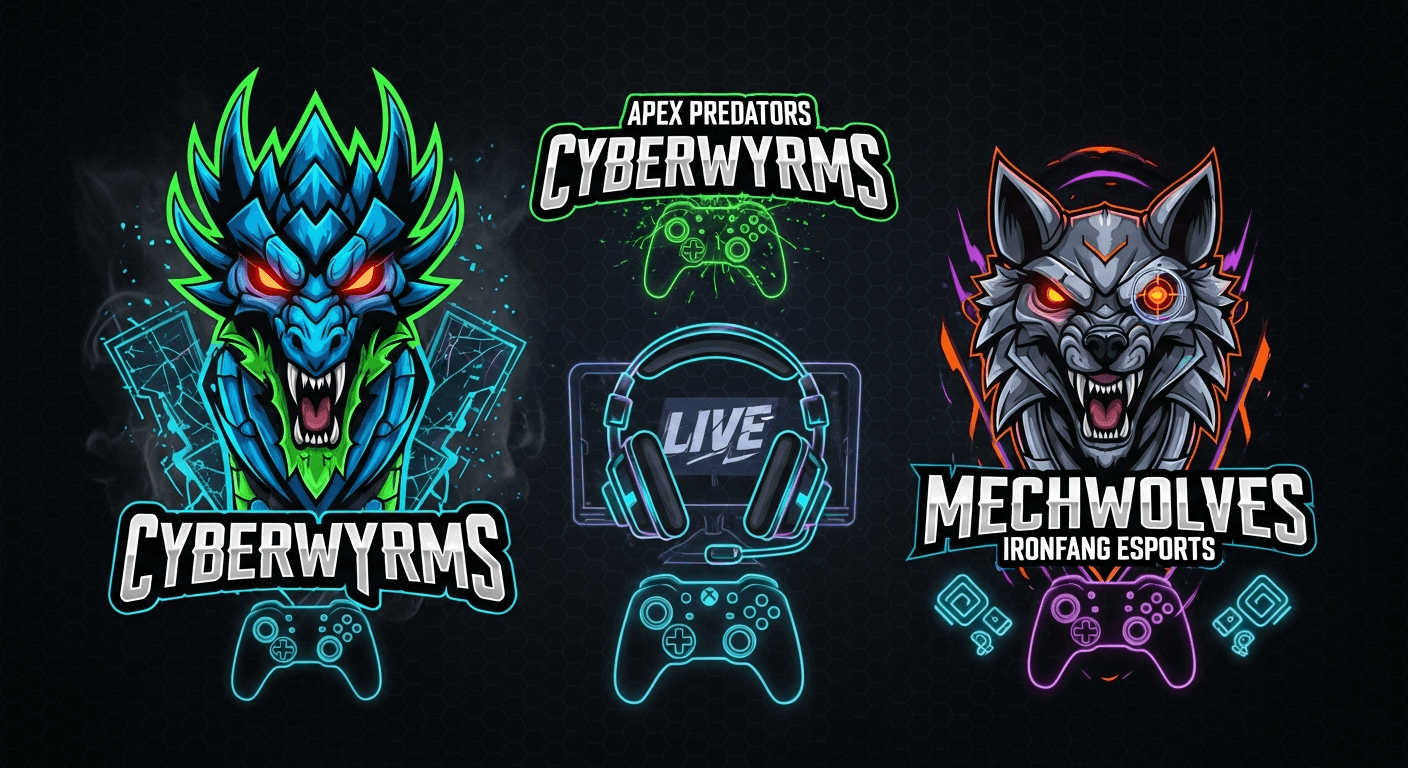
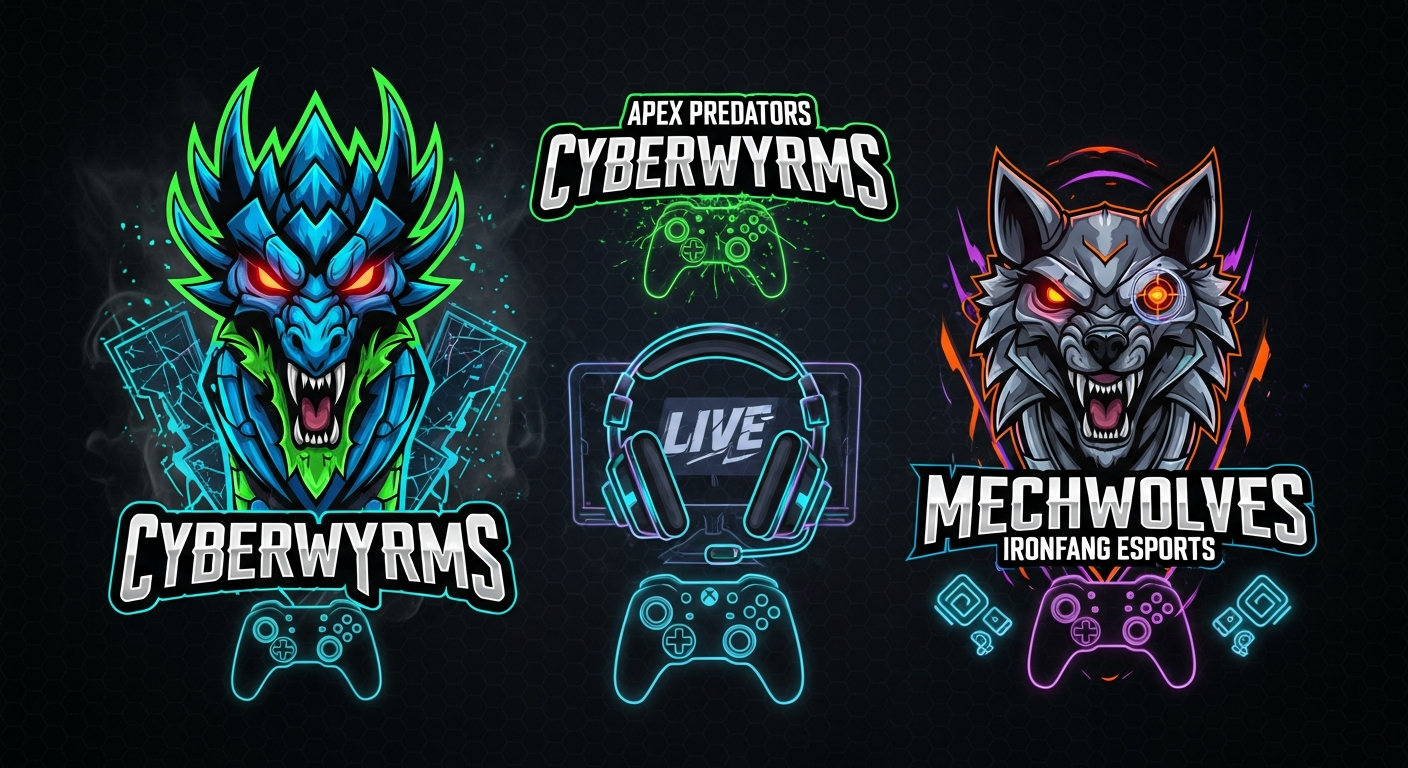
  • Sports team logo vectorization for merchandise and jerseys
    Team logos vectorized for jersey printing, merchandise, and tournament broadcast graphics

    ---

    Pro Tips for Gaming Logos

    Readability at Small Sizes

  • Test your logo at 32x32 pixels
  • Simplify details that get lost
  • Create a "compact" version for small uses
  • Color Considerations

  • Limit to 3-4 colors maximum
  • Ensure contrast on both light/dark backgrounds
  • Consider colorblind accessibility
  • Neon colors are popular but use sparingly
  • Typography

  • Bold, angular fonts work best
  • Avoid thin scripts
  • Custom lettering stands out
  • Always outline fonts in final files
  • When exporting from SVG for streaming platforms, generate PNG files at 2x the required dimensions and then downscale. This produces sharper results than exporting at exact size, especially for Twitch emotes and Discord icons.

    ---

    Creating Logo Variations

    Every gaming brand needs:

  • Full logo - Mascot + text + tagline
  • Simplified logo - Mascot + text only
  • Icon only - Just the mascot/symbol
  • Wordmark only - Just the text
  • Light version - For dark backgrounds
  • Dark version - For light backgrounds
  • ---

    Esports Industry Standards

    Tournament-Ready Files

    Professional esports organizations require:
  • Vector source files (AI, EPS, SVG)
  • High-res PNG exports (4K minimum)
  • Transparent background versions
  • Color specifications (HEX, RGB, CMYK, Pantone)
  • Usage guidelines document
  • Broadcast Requirements

    For TV/streaming broadcasts:
  • Vector files for scaling
  • Alpha channel versions
  • Animated versions (optional)
  • Quick turnaround for new assets
  • ---

    Tools for Gaming Logo Design

    Professional

  • Adobe Illustrator (industry standard)
  • CorelDRAW
  • Free Alternatives

  • Inkscape (full vector editor)
  • Figma (design + collaboration)
  • Canva Pro (templates available)
  • AI-Assisted

  • VectoSolve (instant vectorization)
  • Midjourney + VectoSolve (generate + vectorize)
  • ---

    Trademark Considerations

  • Search existing trademarks before finalizing
  • Consider trademark registration
  • Keep original vector files as proof
  • File Security

  • Watermark previews when sharing
  • Only share final files with trusted parties
  • Keep source files backed up
  • ---

    Level Up Your Gaming Brand

    Ready to go pro with your gaming logo? Vectorize your logo now and get broadcast-ready files instantly.

    GG! Your vector logo will look crisp whether it's on a 16px Discord icon or a 20-foot tournament banner.

    ---

    Gaming Logo StyleBest ForComplexityScalability Need
    Mascot LogoEsports teams, Twitch streamersHigh (detailed illustration)16px favicon to 4K broadcast
    Lettermark / WordmarkCompetitive teams, brandsMediumOverlays, jerseys, social media
    Emblem / BadgeGaming clans, tournament orgsMedium-HighPatches, merch, stream overlays
    Abstract GeometricTech-forward gaming brandsLow-MediumExcellent at all sizes
    Combination MarkEstablished esports orgsHighNeeds simplified variant

    Sources & Further Reading

  • Dribbble Stories — Gaming and esports logo design showcases, mascot illustration techniques, and branding case studies
  • 99designs Blog — Esports logo design trends, team branding guides, and competitive gaming visual identity tips
  • Adobe Creative Blog — Professional mascot illustration tutorials and vector logo creation workflows for gaming brands
  • Can I Use — SVG Support — Browser compatibility for SVG animations and filters used in gaming overlays and web-based team pages
  • CSS-Tricks — Practical SVG Guide — SVG animation and hover effect techniques for interactive gaming logos on websites and streams
  • Tags:
    gaming
    esports
    logo design
    Twitch
    streaming
    vector graphics
    mascot logo
    team branding
    Share:

    Try Vectosolve Now

    Convert your images to high-quality SVG vectors with AI

    AI-Powered Vectorization

    Ready to vectorize your images?

    Convert your PNG, JPG, and other images to high-quality, scalable SVG vectors in seconds.