
How to Convert Handwriting to Vector: Calligraphy & Script Digitization
Transform beautiful handwriting and calligraphy into scalable vector graphics. Perfect for wedding invitations, logos, and personalized designs.
Graphics & Design Experts
Our team of experienced designers and developers specializes in vector graphics, image conversion, and digital design optimization. With over 10 years of combined experience in graphic design and web development.
Key Takeaways
- Vectorizing handwriting preserves the soul of your craft while unlocking infinite scalability for logos, wedding stationery, custom fonts, and merchandise
- Scan calligraphy at 600 DPI minimum on white unlined paper with high-contrast ink for the cleanest conversion
- The workflow is scan → clean → vectorize → refine — each stage protects the nuance of your strokes
- AI vectorization (like VectoSolve) gets you 90% there in seconds; the final 10% is artisan refinement
As someone who spent years with sumi ink staining my fingertips, I know the anxiety of handing your handcraft over to a machine. Will the software flatten that gorgeous hairline upstroke? Will the swash on your capital R survive? I've been through every heartbreak and triumph of digitizing calligraphy, and I want to share everything so your letterforms make the leap from paper to pixel with their spirit intact.
Why Digitizing Handwriting Matters
We live in a world saturated with geometric sans-serifs. That's precisely why handwritten lettering has become so valuable. A hand-drawn logotype tells customers a real human poured care into a brand. A calligraphed wedding invitation makes guests feel the weight of the occasion before they read the words.
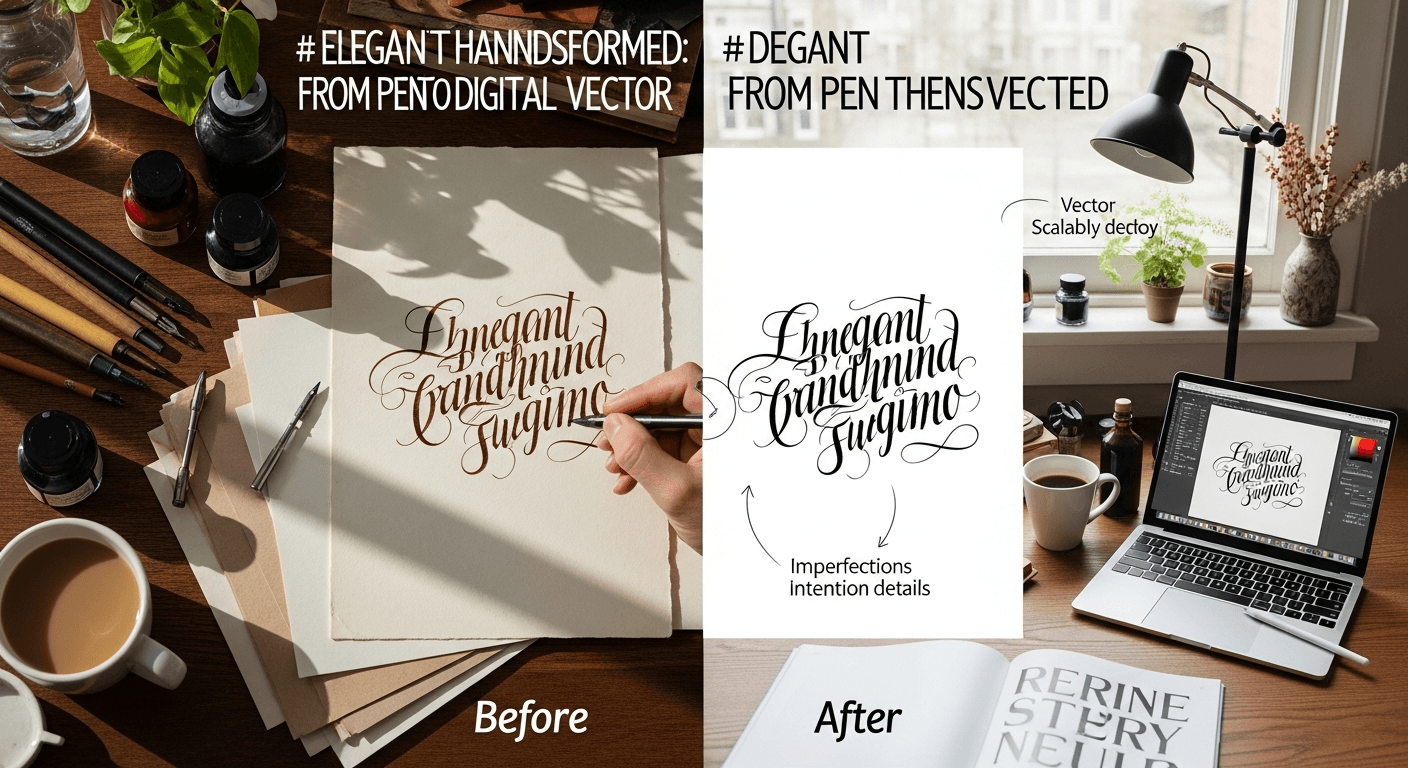
But raw scans are raster images — fixed pixels that blur when scaled and carry paper texture along for the ride. Vector conversion liberates your lettering. That brush-script logo can stretch across a billboard and shrink onto a business card. You can change colors in one click, animate strokes with VectoSolve AI Animate, and embed your work anywhere from Figma to laser cutters.
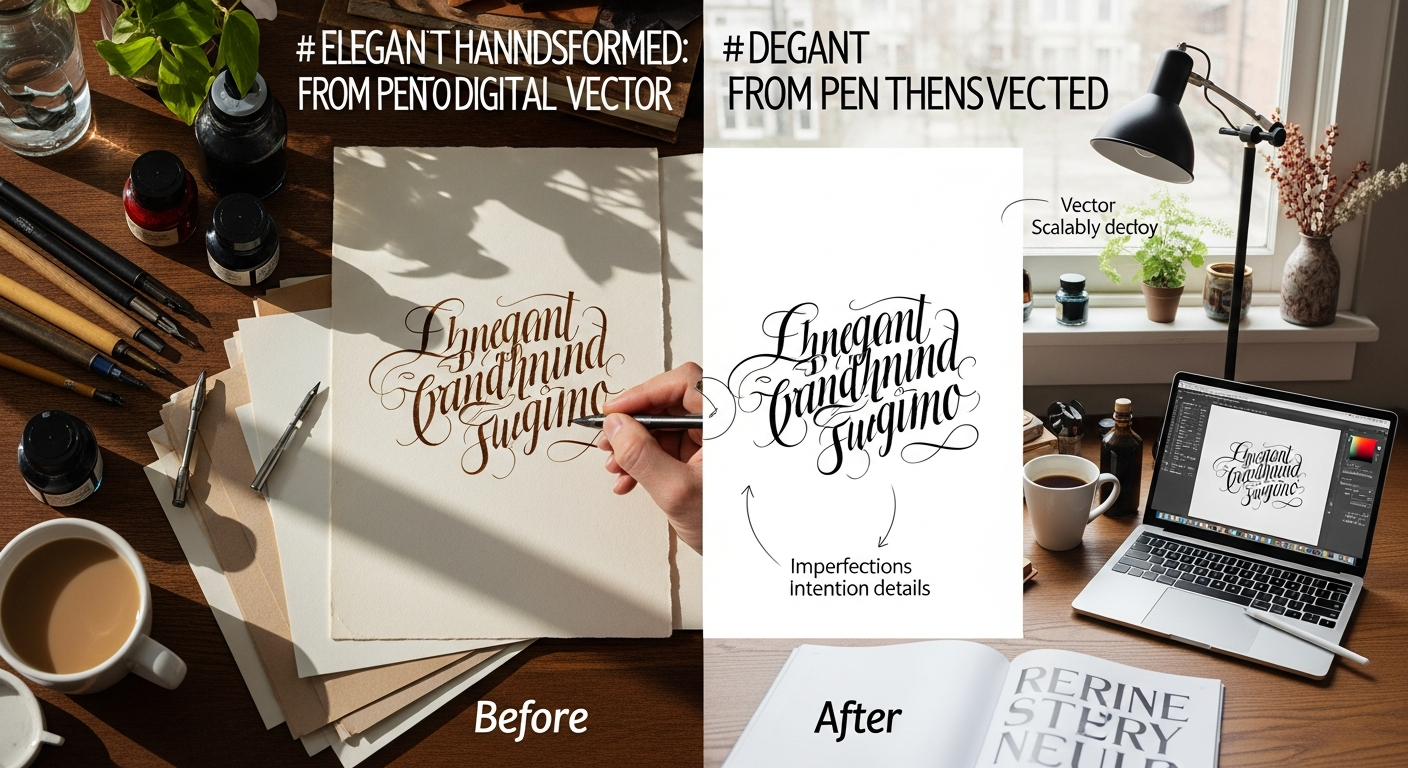
Where Vectorized Handwriting Shines
"The beauty of calligraphy has always been in the imperfection — the slight tremble, the ink pooling at a pause. True digitization doesn't erase those moments; it enshrines them.
Scanning Best Practices
Before any software touches your lettering, the quality of your source capture determines everything.
| Factor | Best Choice | Why It Matters | |--------|------------|----------------| | Paper | Bright white, unlined, smooth | Maximum contrast; no grid lines to confuse the tracer | | Ink — broad-edge | Sumi ink or Higgins Eternal | Deep black, no feathering, dries matte | | Ink — pointed pen | Walnut ink or iron gall | Rich density in hairlines | | Markers | Tombow Fudenosuke or Pentel Sign Pen | Consistent opacity, bold strokes | | Avoid | Gel pens, metallic inks, pencil on textured paper | Low contrast, reflections, grainy captures |
Use a flatbed scanner whenever possible. If you must photograph, shoot in bright diffused light directly overhead with the camera parallel to the paper. Set your scanner to grayscale mode and disable auto-sharpening.
Step-by-Step Workflow: Scan → Clean → Vectorize → Refine
Stage 1 — Scan
Capture at 600 DPI grayscale. Save as lossless PNG or TIFF — never JPEG, whose compression artifacts become vector noise.
Stage 2 — Clean
Open in Photoshop, Affinity Photo, or free GIMP:
Stage 3 — Vectorize
Upload your cleaned image to VectoSolve. The AI traces strokes following the natural flow of hand-drawn paths rather than simply outlining pixel edges, preserving your thick-thin transitions and entry/exit strokes.
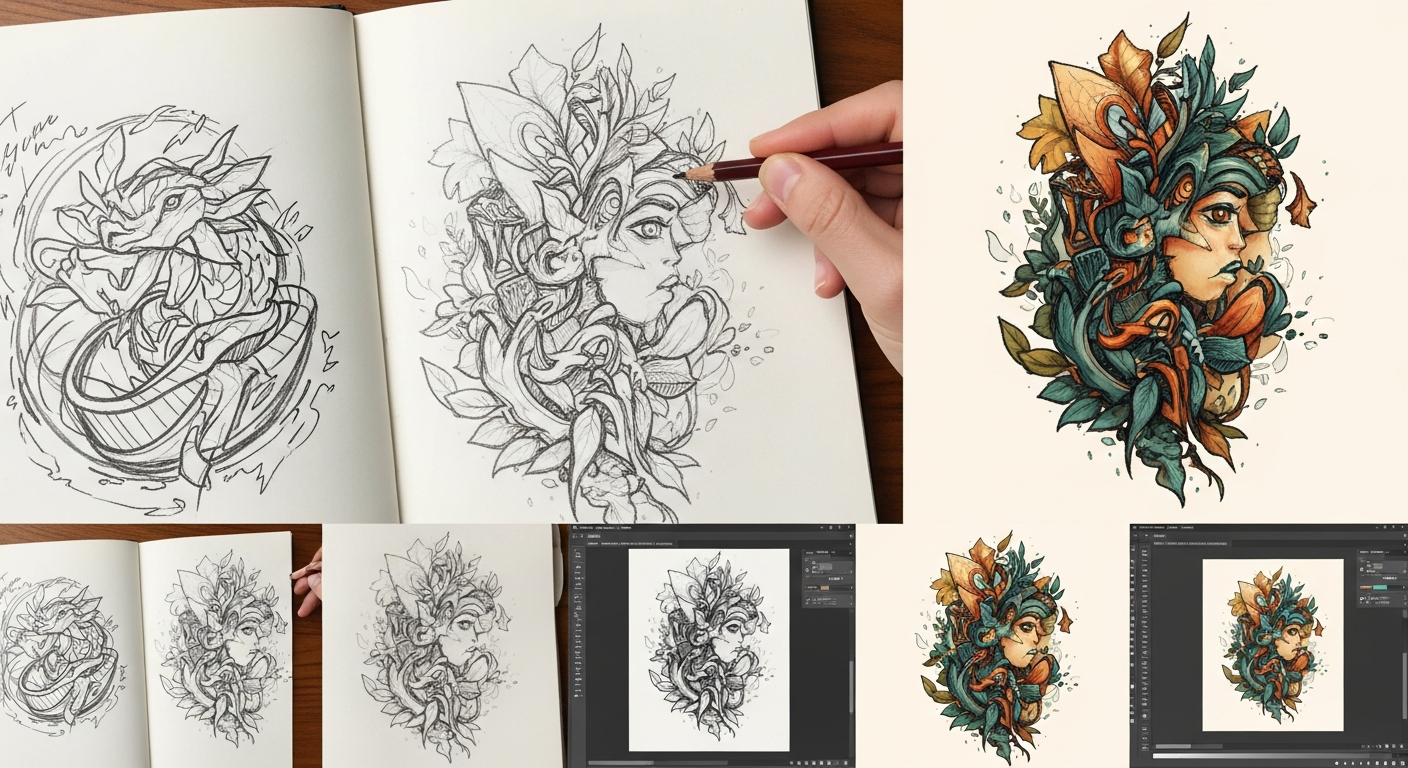
Stage 4 — Refine
Open the SVG in Illustrator, Inkscape, or Affinity Designer:
Comparing Vectorization Methods
| Method | Speed | Hairline Fidelity | Effort | Best For | |--------|-------|-------------------|--------|----------| | AI vectorization (VectoSolve) | Seconds | Very Good | Low | Batch work, Etsy shops, fast turnaround | | Illustrator Image Trace | Seconds | Moderate | Medium | Adobe ecosystem users | | Inkscape Trace Bitmap | Seconds | Fair | Medium | Free/open-source workflow | | Manual pen tool | Hours | Perfect | Very High | Premium commissions, font design | | Hybrid: AI + manual cleanup | Minutes | Excellent | Medium | Professional calligraphy studios |
For most calligraphers, the hybrid approach is the sweet spot: let AI handle the heavy lifting with VectoSolve, then spend a few minutes adjusting the curves that matter most.
Typography Tips: Keeping Your Lettering Alive
Preserve Stroke-Weight Variation
Brush scripts derive beauty from contrast — thick downstrokes dancing with thin upstrokes. Avoid global stroke-width settings that flatten variation, and check that thickest and thinnest parts maintain their ratio.
Guard Your Ligatures
Connected scripts rely on ligatures — the bridges between letters. Aggressive simplification can snap these connections. Zoom into every join and confirm paths flow continuously.
Let Flourishes Breathe
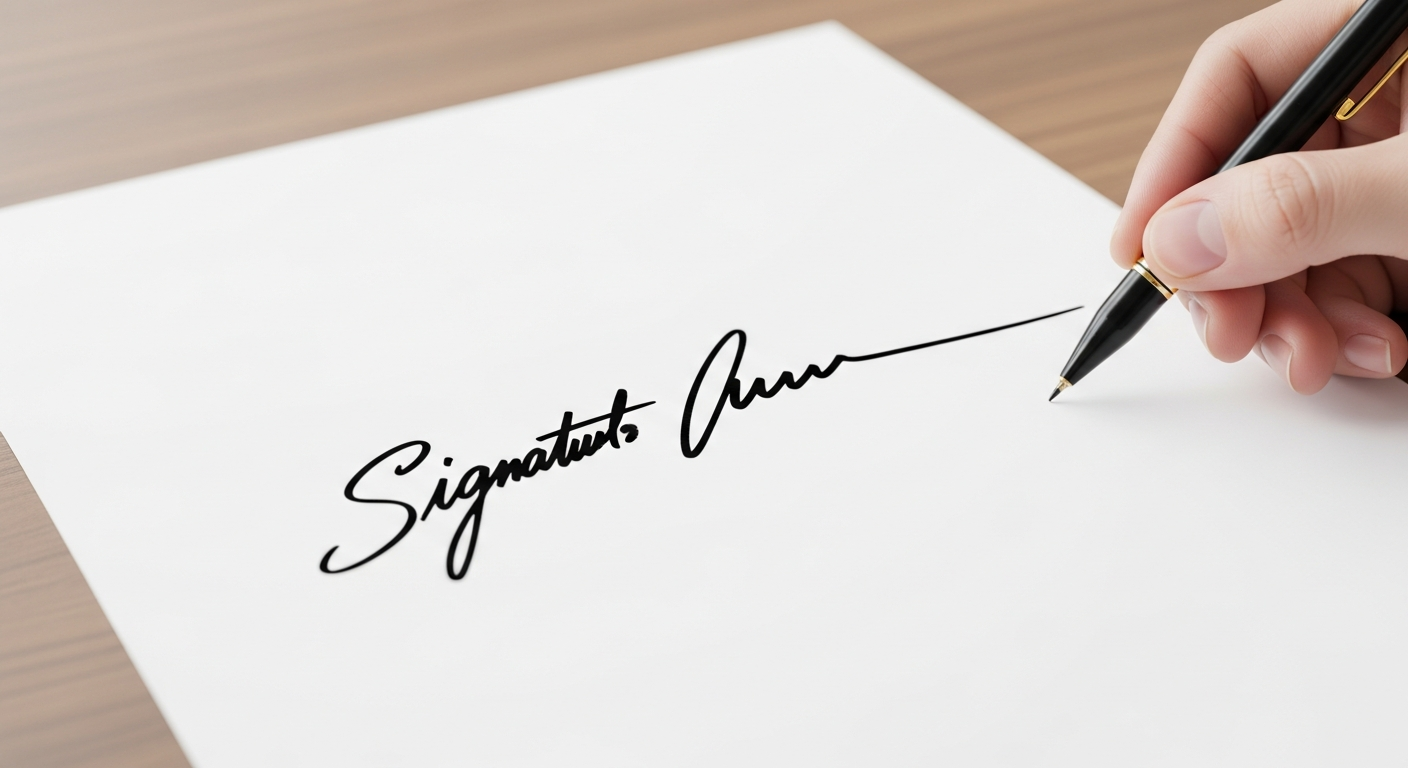
Swashes and decorative extensions need smooth Bezier handles with minimal anchor points. If a flourish looks jagged, use your editor's Smooth or Simplify function until it sings.
---
Your Handwriting Deserves to Live Forever
Every stroke carries intention, rhythm, and personality no algorithm can generate from scratch. But the right tools translate that humanity into a format the digital world understands. Whether you're building a wedding brand, launching an Etsy shop, or preserving your grandmother's recipe card as a beautiful vector — scan with care, clean with patience, vectorize with VectoSolve, and refine with love.
Then take it further — bring those vectors to life with AI-powered animation that draws each stroke the way your hand originally did.
---
| Calligraphy Scanning Parameter | Recommended Setting | Why It Matters |
|---|---|---|
| Resolution (DPI) | 600 DPI minimum | Captures fine hairline strokes and ink texture |
| Color Mode | Grayscale or B&W Bitmap | Maximizes contrast for clean edge detection |
| Paper Type | White, unlined, smooth | Eliminates grid lines and texture artifacts |
| Ink Type | High-contrast (black India ink) | Sharp edges for accurate vector tracing |
| File Format | TIFF or PNG (lossless) | No JPEG compression artifacts on letterforms |