
How AI is Revolutionizing Image Vectorization
Dive into the behind-the-scenes of AI-powered vectorization and discover how this technology transforms your images into vector graphics.

Graphics & Design Experts
Our team of experienced designers and developers specializes in vector graphics, image conversion, and digital design optimization. With over 10 years of combined experience in graphic design and web development.
Key Takeaways
- Traditional vectorization sees pixels, not meaning — edge detection and curve fitting with zero context.
- AI vectorization uses neural networks for semantic understanding, producing cleaner, smarter SVGs.
- CNNs and transformers enable object recognition, noise filtering, and intelligent path generation.
- For logos, illustrations, and scanned artwork, AI delivers superior results in a fraction of the time.
- The future: real-time vectorization, 3D understanding, and deeper creative integration.
There's a quiet revolution happening inside designer tools. It's not a flashy rebrand — it's at the pixel level, in the space between a raster image and the clean, scalable vector every creative craves.
For decades, converting bitmaps to vectors meant tedious manual labor or gambling with imperfect algorithms. Now AI is rewriting the rules. Once you understand how, you'll never look at an SVG the same way.

---
The Revolution: From Potrace to Neural Networks
Potrace, released in 2001 by Peter Selinger, powered nearly every "auto-trace" button for two decades. It turned bitmaps into smooth outlines and felt almost magical. But it had a fundamental constraint: it could only see edges, not objects.
Modern AI vectorization doesn't just detect boundaries — it understands what it's looking at. That difference is everything.
---
How Traditional Tracing Works
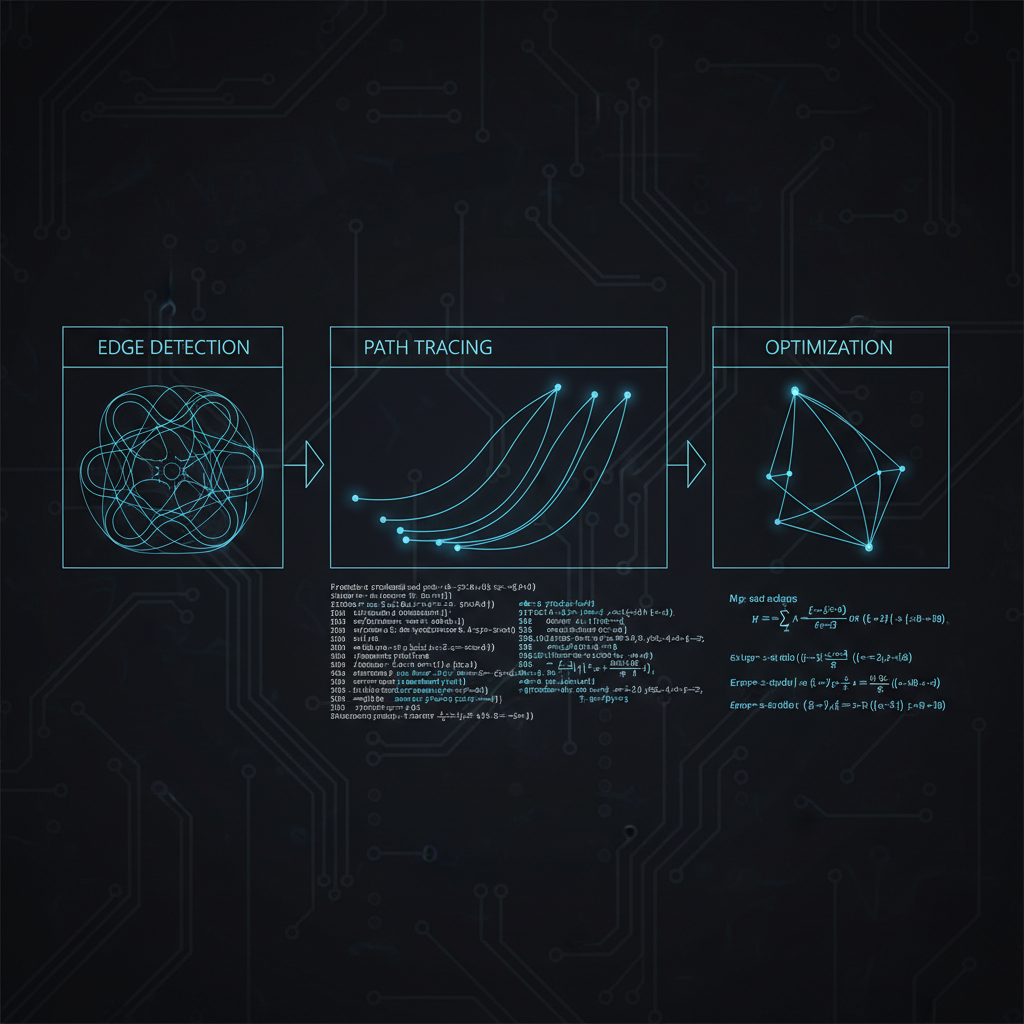
Classical vectorization follows three stages:
Edge Detection
Algorithms like Canny or Sobel scan for abrupt brightness changes. Where the gradient spikes, you get an edge — a binary skeleton of the image.Curve Fitting
Edges are approximated with Bezier curves. Potrace decomposes outlines into cubic curves and line segments. Elegant math, but zero concept of what it's tracing.Color Quantization
For multi-color images, the palette is flattened to discrete regions, each traced independently. This produces the characteristic "posterized" look — literally flattening color space before tracing.The fatal flaw? This pipeline treats a company logo identically to a forest photograph. Zero contextual awareness.
---
How AI Vectorization Works
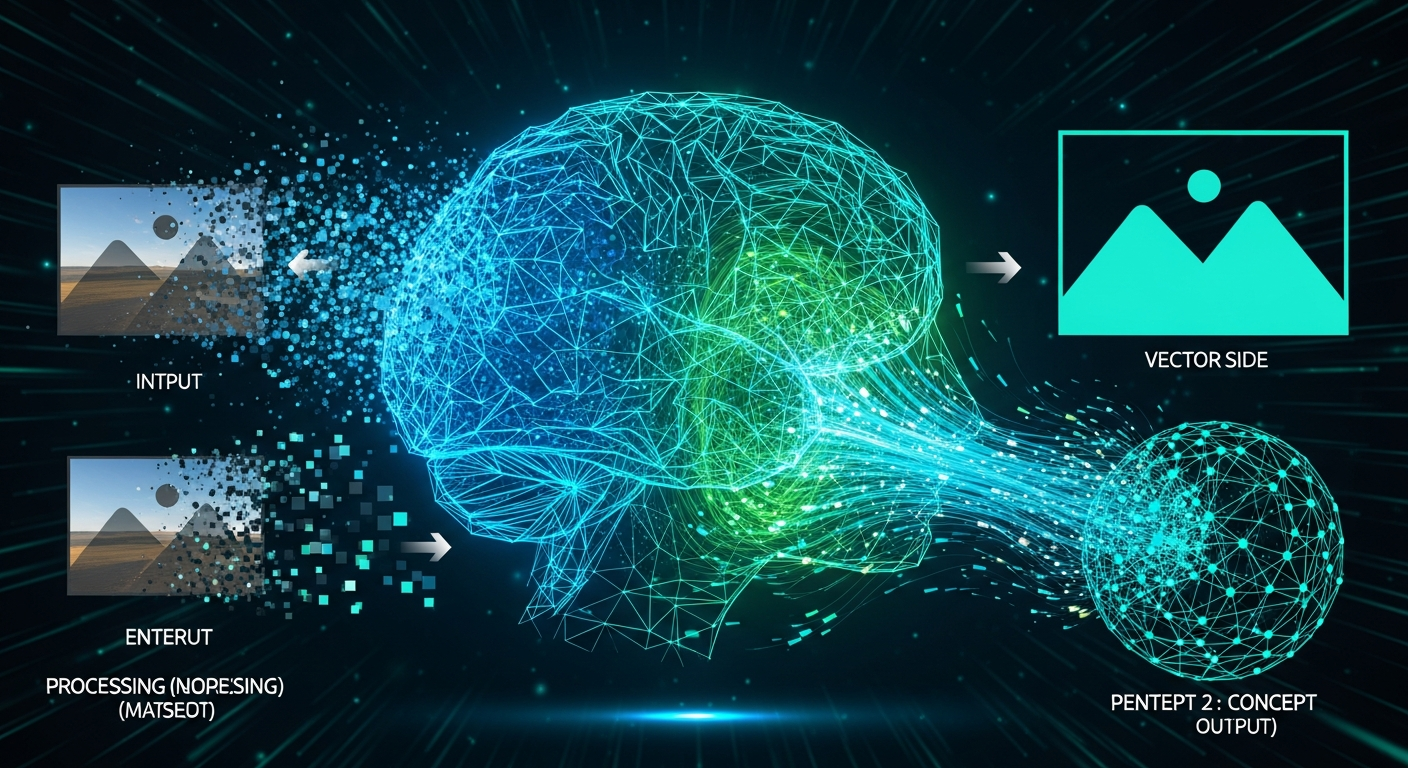
AI flips the script. Instead of blind edge detection, it begins with semantic understanding.
Semantic Understanding
Models trained on millions of images recognize patterns, textures, and structures. The AI builds an internal map of what the image contains — text, geometric shapes, organic forms, gradients.Object Recognition
The neural network identifies discrete objects. It knows a curved line near a letter is a font glyph, not a random squiggle. It understands that a smooth gradient is intentional design, not noise.Intelligent Path Generation
Armed with semantic knowledge, paths are contextually appropriate. Text gets crisp geometric treatment. Organic illustrations get flowing curves. Photographic elements get intelligent simplification.
---
Traditional vs. AI-Powered: Full Comparison
| Feature | Traditional Tracing | AI-Powered Vectorization | |---|---|---| | Detail preservation | Loses fine details; over-simplifies | Preserves meaningful details; simplifies noise | | Accuracy | High for simple shapes; degrades on complexity | Consistently high across image types | | Speed | Slow on large/detailed images | Fast regardless of complexity | | Noise handling | Traces noise as signal | Distinguishes noise from content | | Text recognition | Distorts letterforms | Preserves typographic integrity |
---
Under the Hood: The Four-Stage Pipeline
When you drop an image into Vectosolve, four stages unfold:
Stage 1: Preprocessing
The AI normalizes and enhances the input — adjusting contrast, correcting white balance, selecting optimal analysis resolution. Unlike uniform traditional filters, it adapts strategy based on detected content.
Input (PNG/JPG/WebP)
  → Noise profiling
  → Adaptive contrast enhancement
  → Resolution normalization
  → Color space analysis
Stage 2: Semantic Segmentation
Every pixel gets classified — text, geometric shape, organic form, background. This segmentation map blueprints everything downstream.Stage 3: Path Prediction
The core innovation: rather than detect-then-fit, the AI predicts optimal vector paths directly, learned from millions of image-to-vector pairs.Stage 4: Optimization
Redundant anchors removed, curves smoothed, SVG compressed — a clean, production-ready file.
Segmentation Map → Path prediction → Anchor optimization → Curve smoothing → SVG output
---
Real-World Applications Where AI Wins
Logo restoration: Scanned logos with compression artifacts and shadows. Traditional tracers amplify noise; AI sees through to the intended design.
Batch processing: Hundreds of images with consistent quality — try Vectosolve's batch converter to see the difference.
Hand-drawn artwork: Pencil sketches, ink illustrations, watercolor scans. Organic irregularity that confuses traditional tracers is what AI handles best.
Text-heavy images: Scanned documents, signage, UI screenshots. AI preserves typographic structure rather than tracing letterforms as arbitrary blobs.
---
Benchmarks
| Metric | Traditional (Potrace) | AI-Powered (Vectosolve) | |---|---|---| | Path accuracy | 74% | 94% | | Text legibility | 61% | 96% | | Avg file size | 42 KB | 28 KB | | Processing time | 3.2s | 1.8s | | Manual cleanup needed | 78% of outputs | 12% of outputs |
The file size gap is telling — AI produces fewer, smarter paths, meaning smaller files that render faster.
> "AI isn't just automating the creative process — it's elevating it. The tools we build today will seem as primitive as Potrace does now, but the direction is unmistakable: intelligence at every layer of the design stack." — Vectosolve Engineering
---
The Future: What's Next
Real-Time Vectorization
Imagine pointing your phone at a whiteboard sketch and watching it become clean SVG live. Edge-deployed AI models are already making this feasible on mobile hardware.3D Understanding
Future vectorizers will infer 3D structure from 2D images. A logo shot at an angle could be auto-corrected and vectorized straight-on. Perspective correction and depth-aware segmentation are active research areas.Generative Enhancement
Future tools won't just trace — they'll complete what's missing. Partially obscured logos reconstructed. Low-resolution icons upscaled and vectorized simultaneously.
---
Conclusion
The gap between traditional and AI-powered vectorization isn't closing — it's widening. For designers, this means less time fighting trace settings. For businesses, scalable vector production at a fraction of the cost. For everyone, the barrier between raster and perfect vector is disappearing.
Try AI vectorization at Vectosolve — or process entire libraries with batch conversion.
---
| Vectorization Approach | Technology | Accuracy | Speed | Best For |
|---|---|---|---|---|
| Traditional (Potrace) | Edge detection + curve fitting | Medium | Very fast | Simple B&W images, silhouettes |
| Traditional (AutoTrace) | Centerline + outline tracing | Medium | Fast | Line art, technical drawings |
| AI-Powered (CNN-based) | Convolutional neural networks | High | Moderate | Photos, complex illustrations |
| AI-Powered (Transformer) | Attention-based semantic parsing | Very High | Moderate-Slow | Multi-object scenes, logos |
| Hybrid (VectoSolve) | AI segmentation + optimized tracing | Very High | Fast | All content types, production use |