
Post-Christmas Sale Graphics: Design High-Converting Promo Materials
Boxing Day and end-of-year sales need compelling graphics. Learn how to design sale banners, social posts, and email campaigns that convert.
Graphics & Design Experts
Our team of experienced designers and developers specializes in vector graphics, image conversion, and digital design optimization. With over 10 years of combined experience in graphic design and web development.
Key Takeaways
- The Dec 26 - Jan 15 window generates up to 30% of Q4 retail revenue -- every hour without optimized graphics costs conversions
- Shift your color palette from Christmas red/green to New Year black/gold within 48 hours of Dec 25
- Repurpose existing Christmas assets instead of designing from scratch -- speed beats perfection during clearance
- Email clearance campaigns with animated sale graphics see 2.3x higher click-through than static alternatives
- Stop discounting by Jan 15 or risk permanent brand devaluation and trained discount-seeking behavior
The Post-Christmas Sales Rush: A 21-Day Revenue Sprint
The wrapping paper hits the floor at 7 AM on December 25. By 11 PM, 63% of consumers have already browsed Boxing Day deals on their phones. When December 26 arrives, the race is on -- and your graphics are the starting gun.
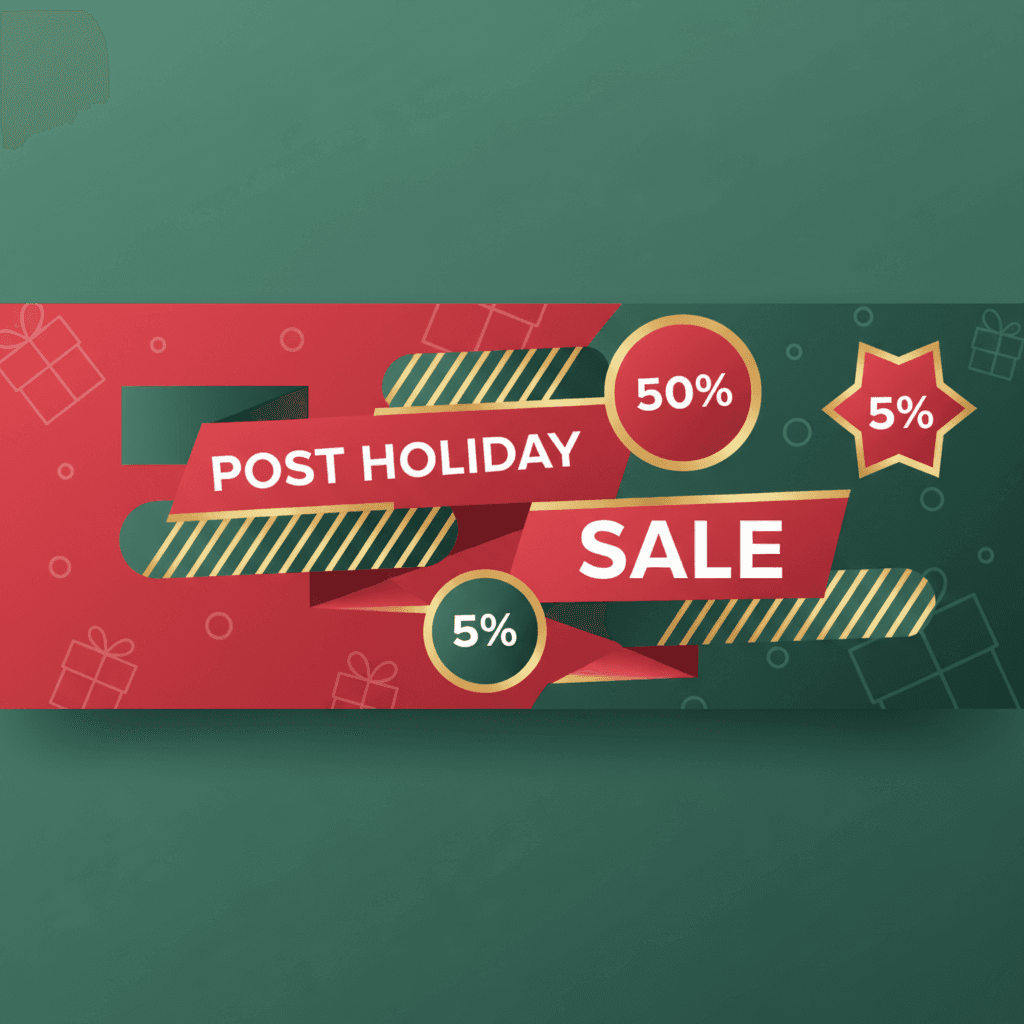
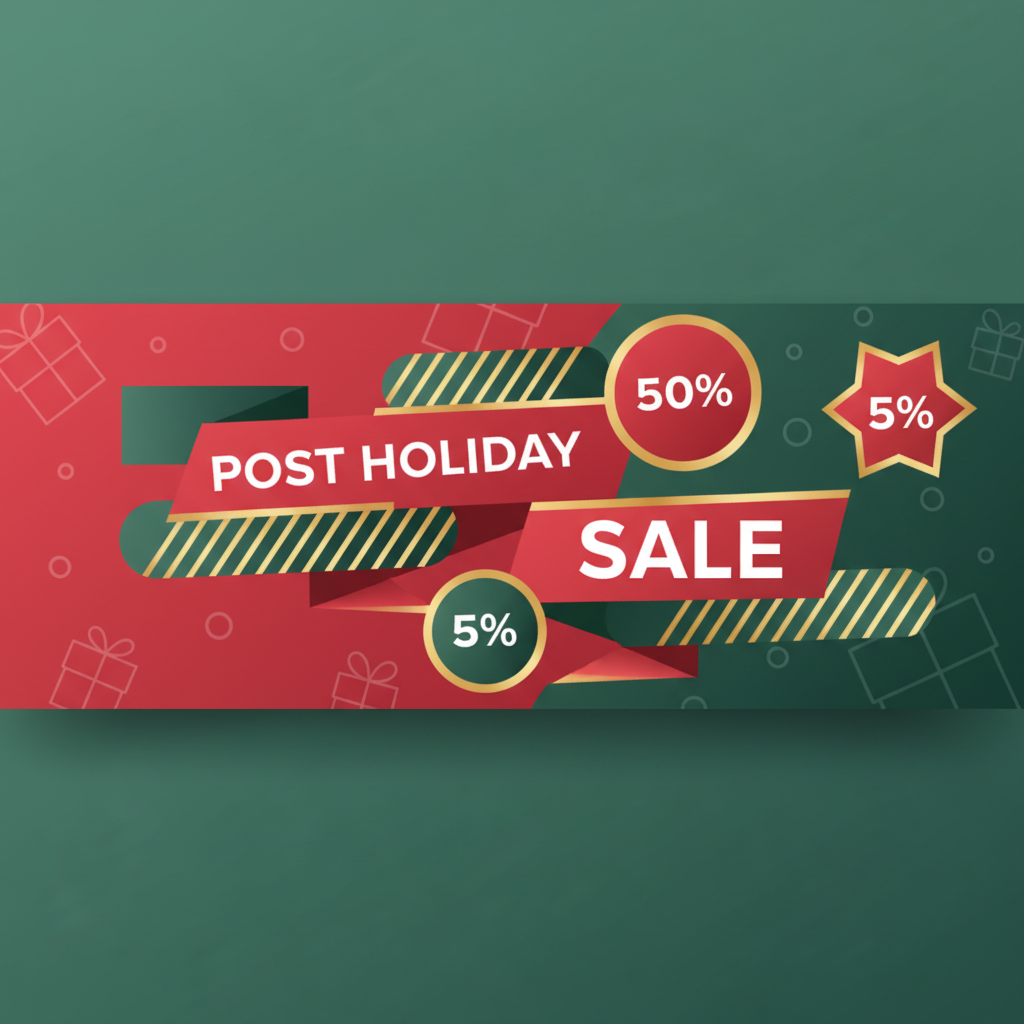
The Dec 26 through Jan 15 window is the most compressed, highest-velocity sales period in retail. NRF data shows post-Christmas clearance drives 20-30% of total Q4 revenue for mid-market retailers. Yet most brands treat sale graphics as an afterthought -- a red banner slapped over Christmas creative at the last minute.
---
Timing Strategy: Three Phases of Post-Christmas Sales
Consumer psychology shifts across three distinct phases, and your visuals must match.
Phase 1: Boxing Day Blitz (Dec 26-28)
Peak urgency. Shoppers have gift cards burning and fear missing doorbuster deals. Graphics need maximum contrast, giant percentage numbers, and countdown timers.
Phase 2: New Year Reset (Dec 29 - Jan 3)
The mood shifts from "grab deals" to "fresh start." Pivot to aspirational messaging layered over clearance pricing -- "New Year, New You" paired with "40% off everything."
Phase 3: Deep Clearance (Jan 4-15)
Inventory liquidation. Graphics should emphasize final markdowns and last-chance language. This is where "Up to 70% off" hero banners earn their keep.
---
Graphic Types Needed: The Complete Arsenal
| Graphic Type | Dimensions | Priority | Conversion Role | |---|---|---|---| | Hero Banners | 1920x600 (desktop), 750x1000 (mobile) | Critical | First impression, urgency tone | | Email Headers | 600px wide, SVG + PNG fallback | Critical | Click-through from inbox | | Social Posts | 1080x1080 (feed), 1080x1920 (stories) | High | Awareness and traffic | | In-Store Signage | Vector (scalable to any print size) | High | Foot traffic conversion | | Product Badges | 200x200 overlay | Medium | On-page conversion nudge | | Ad Banners | 300x250, 728x90, 160x600 | Medium | Retargeting and paid acquisition |
Every asset should be built from vector source files. When pivoting creative across three phases in 21 days, you can't re-render raster graphics at twelve sizes. VectoSolve converts existing assets to scalable SVG so one source file feeds every channel.
---
The Color Psychology Shift: Christmas to New Year
Most retailers fail here. They leave Christmas red-and-green running through January, and it feels stale within 48 hours of December 25.
Christmas palette (before Dec 26):
.christmas-primary { color: #c62828; }   / Deep red /
.christmas-secondary { color: #2e7d32; } / Forest green /
Post-Christmas sale palette (Dec 26+):
.sale-primary { color: #212121; }   / Sophisticated black /
.sale-secondary { color: #ffd700; } / Bold gold /
.sale-accent { color: #e53935; }    / Urgency red (kept for CTAs) /
The shift from red/green to black/gold signals a psychological transition: from "holiday warmth" to "premium opportunity." Black conveys exclusivity. Gold screams value. Keep urgency red as an accent for CTAs and countdown timers -- it's too effective at driving action to abandon.

---
Repurposing Christmas Assets at Speed
The rapid repurposing playbook: open your Christmas SVG in VectoSolve, do a global color swap, update copy to sale messaging, add urgency elements, and export at all sizes. Retailers using a template-based workflow deploy sale graphics 4x faster than those designing from scratch.
---
Email Marketing Graphics for Clearance
Email drives 24% of post-Christmas sale revenue. Your clearance emails need graphics that load fast, render everywhere, and scream "open me."
Use AI Animate to add subtle motion to static sale badges. Animated GIF headers showing a price drop (3 frames, under 100KB) dramatically outperform static images. Keep total email images under 200KB for deliverability.
| Metric | Static Graphics | Animated Graphics | Improvement | |---|---|---|---| | Open Rate | 22% | 24% | +9% | | Click-Through | 3.1% | 7.2% | +2.3x | | Conversion | 1.8% | 2.9% | +61% |
"The 48 hours after Christmas are the Super Bowl of email marketing. Your clearance graphics have exactly one scroll-length to convince someone that your deal is better than the 47 other sale emails in their inbox.
---
Conversion Optimization for Sale Pages
Your sale page graphics need to close the deal. Follow this visual hierarchy:
CTA animation increases clicks by 14-26%:
.sale-cta-button {
  background: linear-gradient(135deg, #ffd700, #ff8f00);
  animation: pulse-glow 2s infinite;
}
@keyframes pulse-glow {
  0%, 100% { box-shadow: 0 0 5px rgba(255, 215, 0, 0.4); }
  50% { box-shadow: 0 0 20px rgba(255, 215, 0, 0.8); }
}
Build sale badges as vectors so you can A/B test colors without regenerating raster assets. Change one hex code, re-export, deploy -- that's the VectoSolve advantage.
---
Template Approach for Rapid Deployment
Create a master template for each graphic type with placeholder layers: a discount layer (swap "30%" to "50%" to "70%"), a messaging layer ("Boxing Day" / "New Year Sale" / "Final Clearance"), a product layer for hero images, and a timer layer with phase end dates. With vector templates from the VectoSolve template library, you change content, not design.
---
Make This Your Highest-Converting Sale Season
The post-Christmas window is brutally short and fiercely competitive. The retailers who win aren't offering the deepest discounts -- they're the ones whose graphics communicate urgency, value, and trust faster than anyone else.
Start with vector source files from VectoSolve. Build templates that pivot in minutes. Add motion with AI Animate. And respect the timeline -- go hard from Dec 26, evolve through New Year, and close strong by Jan 15.
---
| Post-Christmas Sale Tactic | Avg. Conversion Lift | Design Turnaround | Priority |
|---|---|---|---|
| Countdown timer banners | +18–25% | 1–2 hours | Critical |
| Color palette swap (red/green to black/gold) | +12–15% | 30 minutes | High |
| Animated sale badges (SVG) | +8–12% | 1 hour | High |
| Email banner refresh | +15–20% open rate | 45 minutes | High |
| Social media story templates | +10–14% engagement | 30 minutes | Medium |