
Build Your Startup Brand Identity with Vector Graphics
How early-stage startups can create professional brand identities using vector graphics without breaking the bank. Practical tips and cost-effective strategies.
Graphics & Design Experts
Our team of experienced designers and developers specializes in vector graphics, image conversion, and digital design optimization. With over 10 years of combined experience in graphic design and web development.
Key Takeaways
- Your brand identity is the single highest-ROI investment a pre-revenue startup can make — it compounds across every touchpoint from pitch decks to product screens.
- Vector graphics eliminate the costliest bottleneck in early branding: paying a designer every time you need a resize, recolor, or new format.
- A structured brand kit (logo + colors + typography + icons + patterns) built on vector assets scales from bootstrapped side project to Series A without a full rebrand.
- Start with a flexible design system on day one, even if minimal — retrofitting brand consistency later costs 5-10x more than getting the foundation right.
Why Brand Identity Is a Startup's Most Undervalued Asset
Most founders obsess over product-market fit, burn rate, and user acquisition. Fair enough. But here's what gets overlooked: every one of those conversations is filtered through your brand. The investor scanning your pitch deck, the developer evaluating your API docs, the early adopter deciding whether to trust your checkout page — all making split-second judgments based on visual identity before reading a single word.
> "A startup's brand is its most undervalued asset. Product gets the glory, but brand is the silent engine behind every conversion, every partnership, every hire who chose you over BigCorp." — Debbie Millman, Brand Strategist
The problem? Brand identity work is expensive and slow. A traditional agency engagement runs $15,000-$50,000 and takes 8-12 weeks — absurd for a team burning through a $200K pre-seed round.
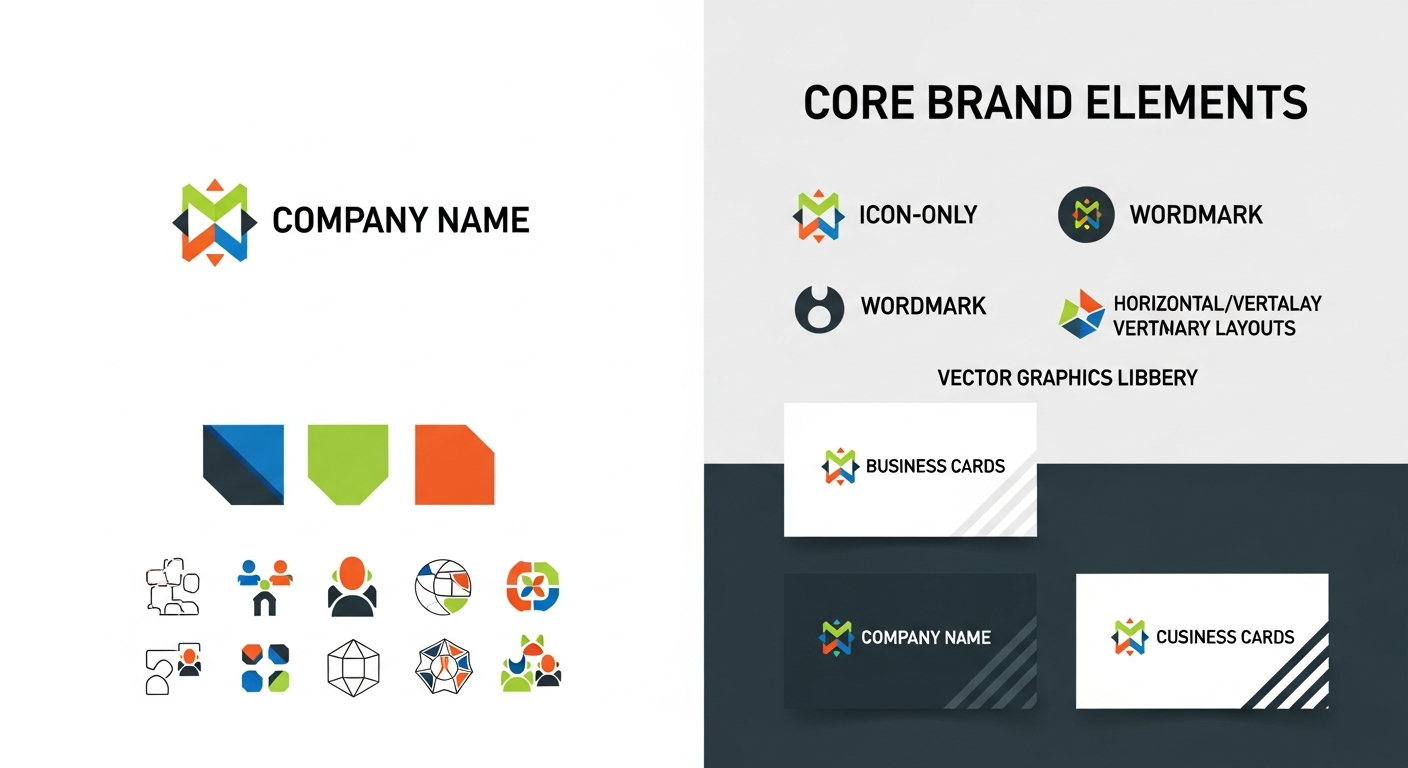
Vector graphics change the equation. When your core assets live as scalable, editable SVGs, you eliminate the most painful cost driver: dependency on designers for every variation, format, and size. Build once, adapt infinitely. Tools like VectoSolve make raster-to-vector conversion trivially easy.
---
The Brand Identity Elements Checklist
Before you touch a design tool, know what you're building:
| Element | What It Includes | Why It Matters | |---------|-----------------|----------------| | Logo | Primary mark, wordmark, icon-only, monochrome variants | Your most-seen asset — appears on every touchpoint | | Colors | 1-2 primary, 1-2 secondary, neutrals, semantic colors | Creates instant recognition; inconsistent color = amateur | | Typography | Heading font, body font, monospace (if technical) | Sets tone — playful vs. authoritative vs. technical | | Icons | UI icons, feature icons, category icons | Communicate faster than words in product and marketing | | Patterns | Background patterns, dividers, decorative elements | Add depth to presentations, social cards, and landing pages |
---
Budget-Tiered Branding Approach
| Stage | Budget | Logo Approach | Brand Kit Scope | Vector Strategy | |-------|--------|---------------|-----------------|-----------------| | Bootstrapped | $0-$300 | AI generator + VectoSolve vectorization | Logo + 2 colors + 1 font | Convert everything to SVG immediately; free icon libraries | | Seed | $500-$3K | Freelance designer | Full 5-element kit + guidelines doc | Commission vector-native files; vectorize any raster deliverables | | Series A | $5K-$15K | Agency or senior freelancer | Comprehensive brand book + component library | Full design system in Figma with SVG exports; motion assets via AI Animate |
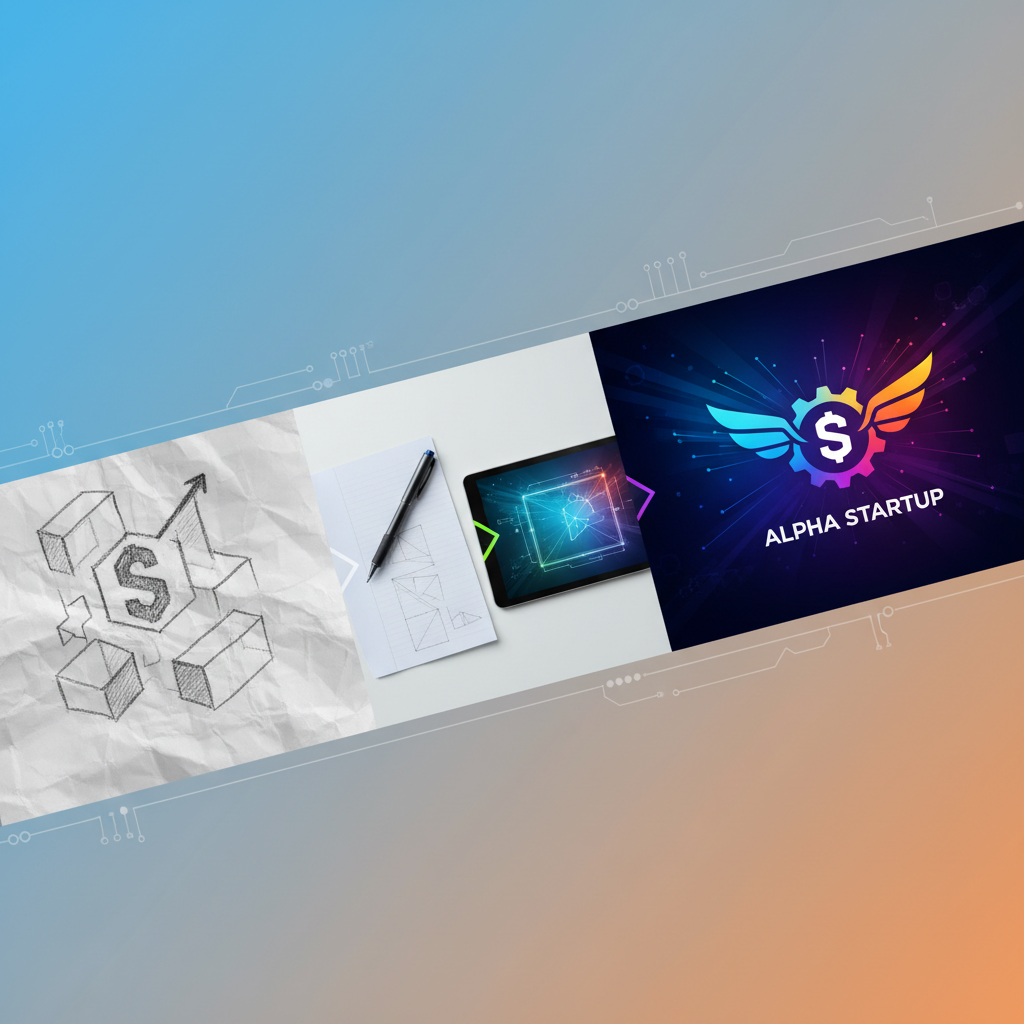
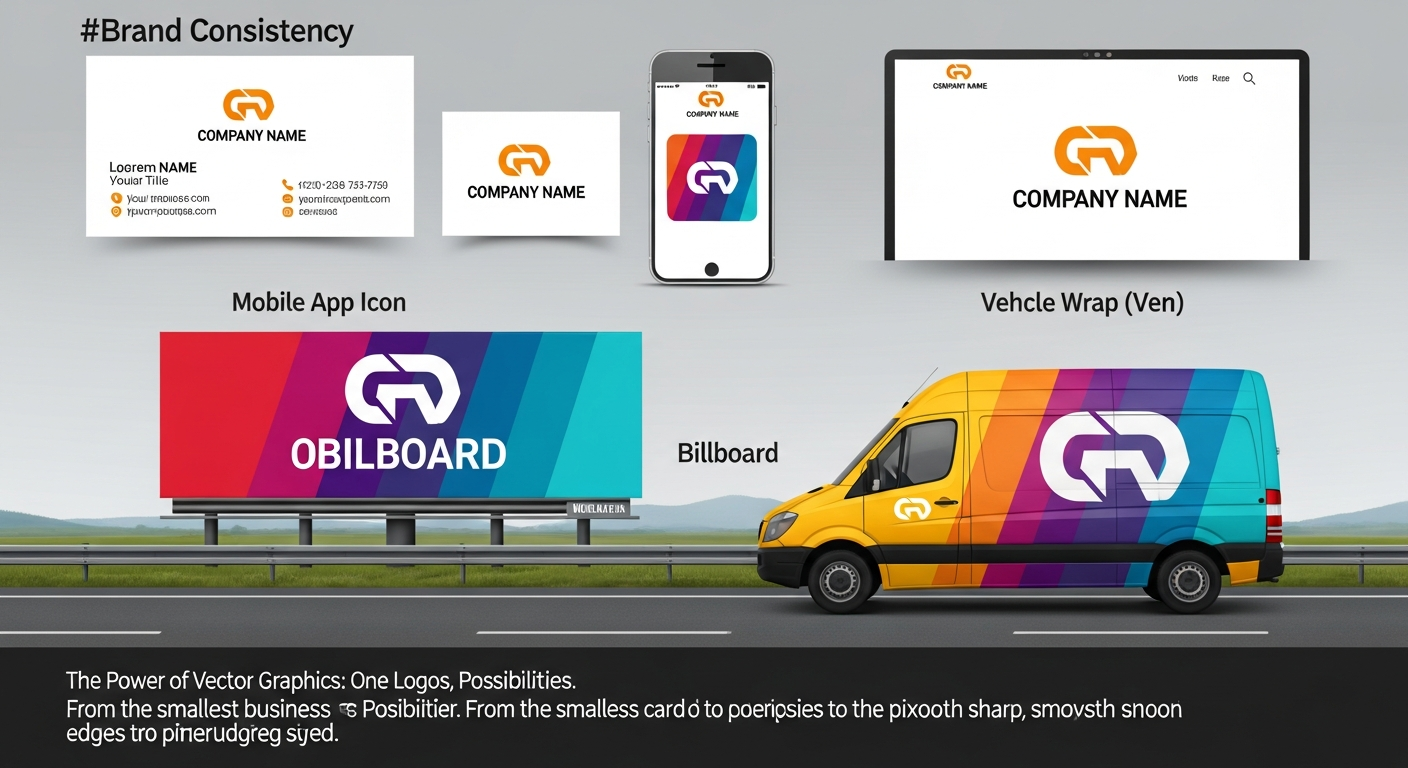
The key insight: every tier starts with vector. Even at $0 budget, getting your logo into SVG on day one saves hundreds later when you need it at billboard scale for a conference booth or pixel-perfect for a favicon.
---
Building a Flexible Brand System from Day One
The Minimum Viable Design System
1. Token Definitions
:root {
  --brand-primary: #2563EB;
  --brand-primary-light: #3B82F6;
  --brand-primary-dark: #1D4ED8;
  --brand-gray-900: #111827;
  --brand-gray-100: #F3F4F6;
  --font-heading: 'Inter', sans-serif;
  --font-body: 'Inter', sans-serif;
  --space-unit: 8px;
}
2. Logo Usage Rules — define three things to cover 90% of misuse:
3. Component Patterns — establish vector-based standards for buttons, cards, icon sizing (16/24/32px grid), and social avatar crops.
---
Vector Assets Needed per Stage
Pre-Launch (Weeks 1-4)
Post-Launch (Months 1-6)
Growth Phase (Months 6-18)
---
Pitch Deck Branding Consistency
Investors see hundreds of decks monthly. The ones that feel professional and cohesive get remembered.
The Deck Branding Checklist:
Pitch decks get projected on 1080p screens, viewed on 4K monitors, printed on paper, and read on phones. A raster logo that looks fine on your laptop becomes a pixelated mess on a projector. Vector-based assets handle every scenario without thinking about it.
Raster workflow:  Create -> Resize -> Resize -> Give up -> Hire designer
Vector workflow:  Create once -> Export at any size, any format, forever
---
The True Cost of Skipping the Foundation
What a rebrand actually involves once you have traction: $10K-$40K in design costs, 40-120 hours of engineering, all existing collateral becoming obsolete, SEO disruption across image tags and structured data, and confused users questioning whether they're on the right site. Compare that to $300-$1,000 and a few focused days getting your vector-based brand system right from the start.
---
Practical Next Steps
This Week: Audit current assets for vector versions. If you only have PNGs, run them through VectoSolve for clean SVGs. Pick two brand colors and document the HEX codes. Choose one font pairing from Google Fonts.
This Month: Create all logo variants in SVG. Build a one-page brand guidelines document. Set up a shared folder structure. Create social media templates using your vector assets.
This Quarter: Develop a design system with token definitions. Commission a custom icon set. Build pitch deck and document templates. Add animated vector assets with AI Animate.
---
Brand identity is not a Series A luxury — it's a pre-seed necessity. The startups that look like they have a $50K brand on a $500 budget think in vectors from day one. They build systems instead of collecting files. They invest a few focused days upfront instead of hemorrhaging weeks on a rebrand later. Start converting your brand assets to vector today and give your startup the visual credibility it deserves.
---
| Brand Asset | When You Need It | Vector Advantage |
|---|---|---|
| Logo (primary + variants) | Day 1 — before any outreach | Scales from favicon to billboard |
| Color palette tokens | Before first UI mockup | Consistent hex/RGB across tools |
| Typography system | Before landing page build | Outlined fonts for universal rendering |
| Icon set | Before MVP launch | Pixel-perfect at any screen density |
| Pitch deck template | Before first investor meeting | Crisp logos/graphics at any projector resolution |