
SVG File Format: Everything You Need to Know in 2026
A comprehensive guide to understanding SVG files, their benefits, how they work, and why they're essential for modern web design.
Graphics & Design Experts
Our team of experienced designers and developers specializes in vector graphics, image conversion, and digital design optimization. With over 10 years of combined experience in graphic design and web development.
Key Takeaways
- SVG (Scalable Vector Graphics) is an XML-based vector format that scales infinitely without quality loss
- SVG files are typically 50-90% smaller than equivalent PNG or JPEG images for simple graphics
- SVGs are fully editable with code, stylable with CSS, and animatable with JavaScript
- All modern browsers offer full SVG support, making it the go-to format for web graphics
- Tools like VectoSolve use AI to convert raster images (PNG/JPEG) to clean SVG vectors
What is SVG?
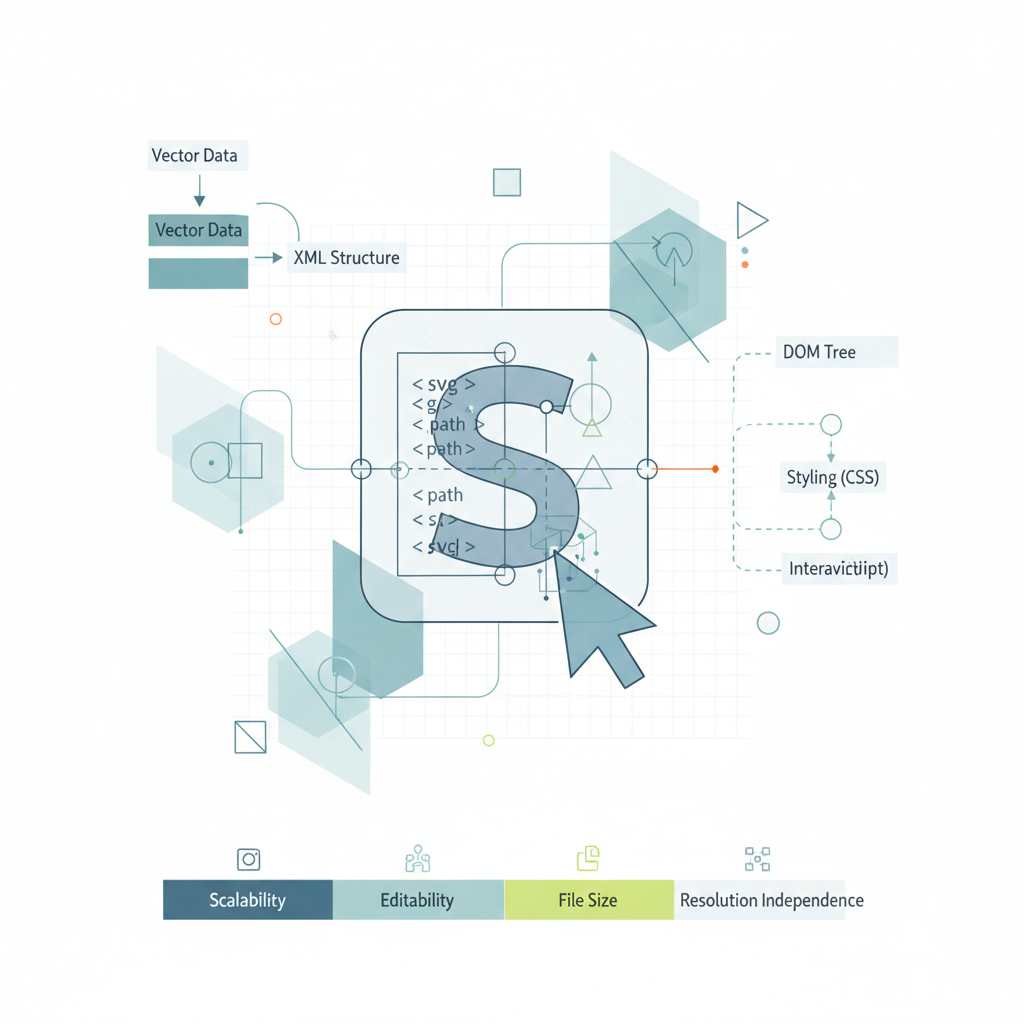
SVG (Scalable Vector Graphics) is an XML-based vector image format for two-dimensional graphics. Unlike raster formats like PNG or JPEG, SVG uses mathematical formulas to define shapes, making images scalable without quality loss.
---
History of SVG
Origins
Evolution
SVG has evolved from a specialized format to a web standard, now supported by all modern browsers and design tools.
---
How SVG Works
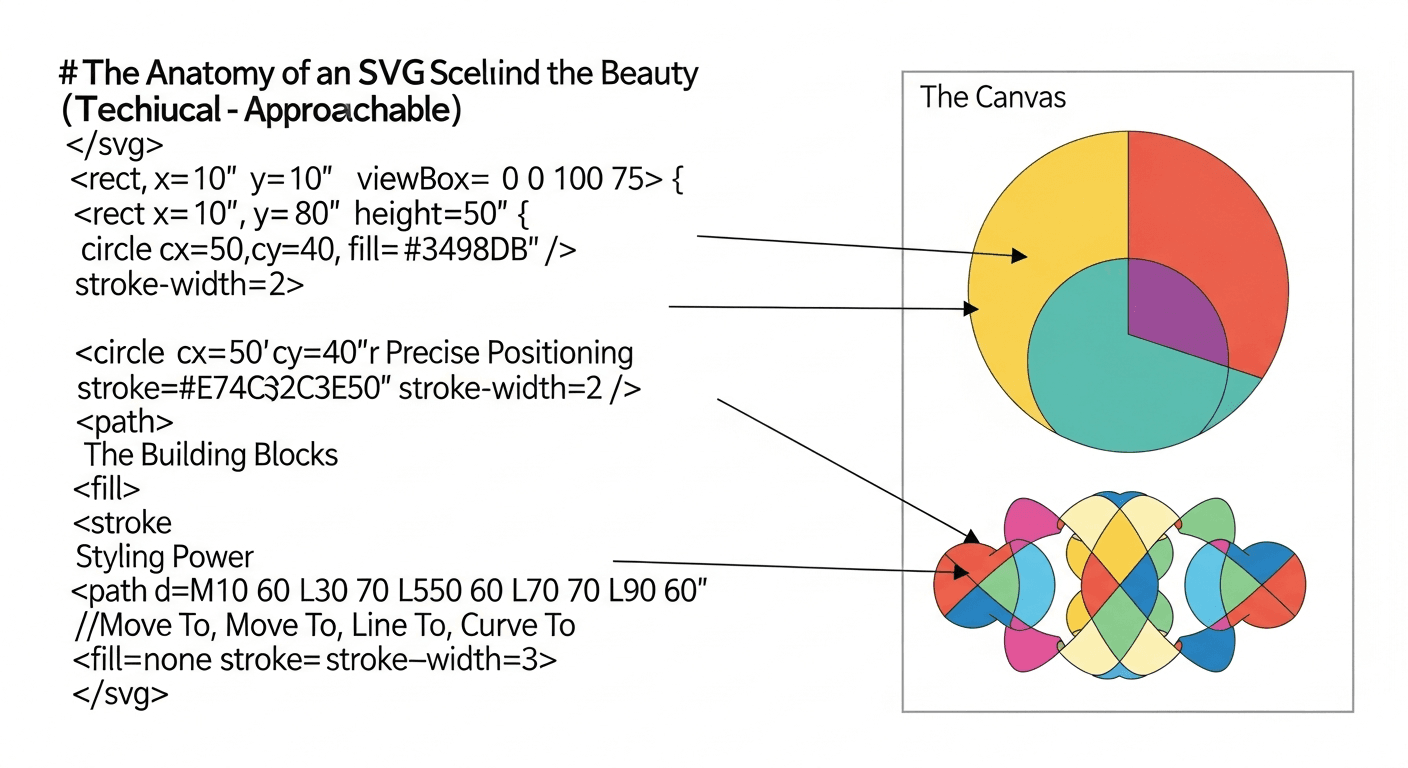
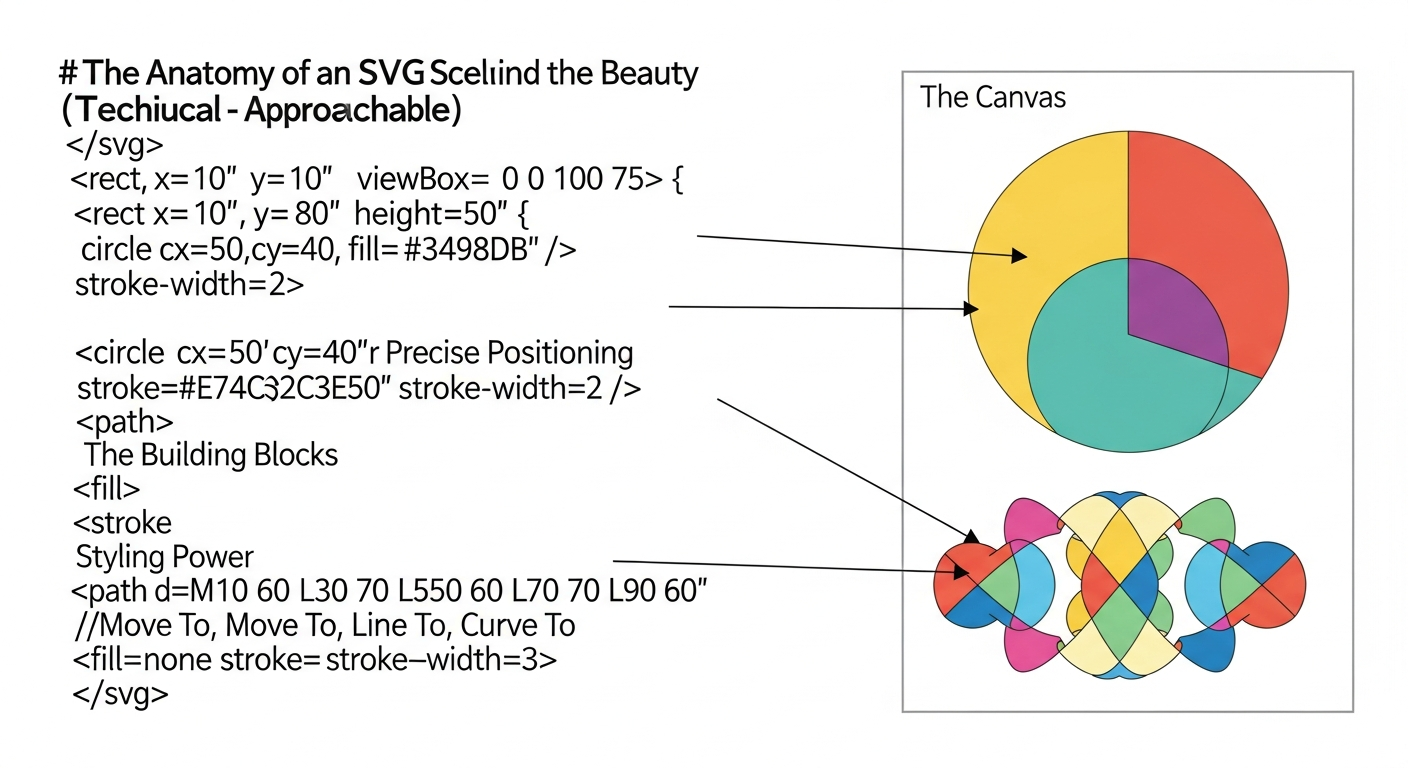
XML-Based Structure
SVG files are written in XML, making them human-readable and editable:
Vector Mathematics
Instead of pixels, SVG uses:
.svg file in a text editor, tweak coordinates or colors, and see changes instantly in your browser -- no design software required.
---
Advantages of SVG Format
1. Infinite Scalability
SVG graphics look perfect at any size:
2. Small File Sizes
For simple graphics, SVG files are typically:
Example Comparison:
Logo as PNG (2000x2000): 250 KB
Logo as SVG: 15 KB
Savings: 94%
3. Editable and Programmable
SVG files can be:
4. SEO-Friendly
Search engines can:
5. Accessibility
SVG supports:
6. Performance Benefits
"SVG is not just an image format -- it's a resolution-independent graphics platform that bridges design and code.
---
SVG vs Other Image Formats
SVG vs PNG
| Feature | SVG | PNG | |---------|-----|-----| | Type | Vector | Raster | | Scalability | Infinite | Limited | | File size | Small (simple graphics) | Larger | | Transparency | Yes | Yes | | Animation | Yes | No | | Browser support | Modern browsers | Universal | | Best for | Logos, icons, graphs | Photos, complex images |
SVG vs JPEG
| Feature | SVG | JPEG | |---------|-----|------| | Type | Vector | Raster | | Compression | Lossless | Lossy | | Scalability | Perfect | Degrades | | File size | Small (graphics) | Small (photos) | | Transparency | Yes | No | | Best for | Graphics | Photographs |
SVG vs WebP
| Feature | SVG | WebP | |---------|-----|------| | Type | Vector | Raster | | Scalability | Infinite | Fixed | | Animation | CSS/JS | Native | | Browser support | Excellent | Good | | Editability | High | None |
---
SVG File Structure
Basic Elements
Advanced Features
Gradients:
Filters:
---
Creating SVG Files
1. Vector Design Software
2. Code Editors
Write SVG directly in:
3. Online Converters
Convert PNG/JPEG to SVG with:
4. Programming Libraries
Generate SVG with:
---
Using SVG on the Web
Inline SVG
Advantages:
IMG Tag

Advantages:
CSS Background
.element {
  background-image: url('pattern.svg');
}
Object/Embed Tag
![]()
---
SVG Optimization
Optimization Techniques
Optimization Tools
Before Optimization (156 bytes):
After Optimization (98 bytes):
---
SVG Animation
CSS Animations
@keyframes rotate {
  from { transform: rotate(0deg); }
  to { transform: rotate(360deg); }
}svg circle {
  animation: rotate 2s infinite linear;
  transform-origin: center;
}
JavaScript Animation
const circle = document.querySelector('circle');
let radius = 40;setInterval(() => {
  radius = radius === 40 ? 50 : 40;
  circle.setAttribute('r', radius);
}, 1000);
SMIL Animation (Native SVG)
---
SVG Accessibility
Best Practices
Focus Management
svg:focus {
  outline: 2px solid blue;
}
---
Browser Support
Current Support (2025)
Fallback Strategies
---
SVG in Different Contexts
Limited support; use with PNG fallback:
Social Media
Printing
SVG is perfect for print:
---
Common SVG Issues and Solutions
Issue: SVG Not Displaying
Causes:
Solution:
Issue: Fuzzy Rendering
Solution: Use whole numbers for coordinates
Issue: Large File Size
Solution: Optimize with SVGO or reduce complexity
---
Converting to SVG
From PNG/JPEG
Use Vectosolve for:
From PDF
From Other Formats
Most vector formats (AI, EPS) export easily to SVG.
---
Future of SVG
Emerging Trends
---
Conclusion
SVG is the ultimate format for scalable graphics in 2025. Its combination of infinite scalability, small file sizes, editability, and web performance makes it indispensable for modern design.
Whether you're creating logos, icons, illustrations, or data visualizations, understanding SVG will improve your workflow and output quality.
Convert your images to SVG today with Vectosolve and experience the benefits of true vector graphics.
---
| Feature | SVG | PNG | JPEG | WebP |
|---|---|---|---|---|
| Scalability | Infinite | Fixed resolution | Fixed resolution | Fixed resolution |
| Transparency | Yes | Yes | No | Yes |
| Animation | CSS/JS/SMIL | APNG only | No | No |
| Editable with code | Yes (XML) | No | No | No |
| Best for | Logos, icons, UI | Screenshots, photos with transparency | Photos | Photos (modern browsers) |