
SVG Optimization Techniques Every Developer Should Know in 2026
From path simplification to GZIP compression: practical techniques to optimize SVG files for web performance.
Graphics & Design Experts
Our team of experienced designers and developers specializes in vector graphics, image conversion, and digital design optimization. With over 10 years of combined experience in graphic design and web development.
SVG files are incredibly powerful for web graphics—they're scalable, styleable with CSS, and typically smaller than raster alternatives. But poorly optimized SVGs can be larger than PNGs and slow down your site.
Here's how to optimize them properly.
Why SVG Optimization Matters
An unoptimized SVG exported from Illustrator or generated by an AI tool can contain:
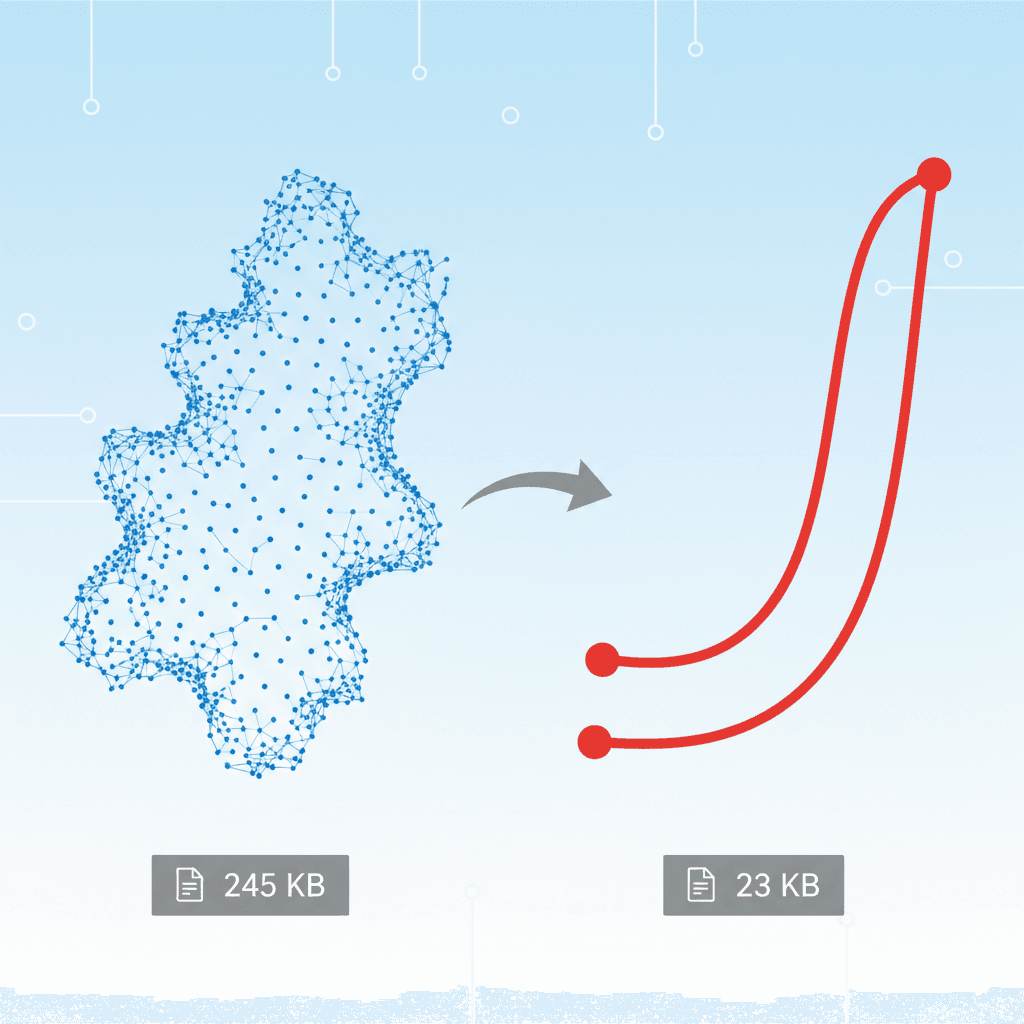
A 50KB SVG can often become 8KB after optimization—an 84% reduction.
Technique 1: Remove Metadata
Most design tools embed metadata:
Safe to remove:
version attributex="0px" y="0px"xml:space="preserve"
Technique 2: Simplify Paths
Paths with excessive precision waste bytes:
For most web use, 1-2 decimal places is sufficient.
Technique 3: Use Path Shorthand
SVG path commands have shorthand versions:
| Long | Short | Meaning |
|------|-------|--------|
| L 10 20 | l 10 20 | Relative lineto |
| H 10 | h 10 | Horizontal line |
| V 20 | v 20 | Vertical line |
| Z | z | Close path |
Technique 4: Consolidate Styles
Inline styles repeat across elements:
Technique 5: GZIP Compression
SVG is text-based and compresses extremely well:
| File | Raw | Gzipped | Savings | |------|-----|---------|--------| | Logo.svg | 15KB | 3KB | 80% | | Icons.svg | 45KB | 8KB | 82% |
Ensure your server sends Content-Encoding: gzip for SVG files.
Technique 6: Use SVGO
SVGO is the standard tool for SVG optimization:
npm install -g svgo
svgo input.svg -o output.svg
Technique 7: SVG Sprites for Icons
Instead of loading 20 separate icon files, create a sprite:
Use with :
Real-World Example
| Stage | Size | Reduction | |-------|------|----------| | Original (Illustrator) | 48KB | — | | After SVGO | 12KB | 75% | | After manual cleanup | 8KB | 83% | | Gzipped | 2KB | 96% |
---
Need to convert raster images to optimized SVG? VectoSolve handles vectorization and optimization in one step.
Questions? Contact us at contact@vectosolve.com.