
SVG Trends for Web Design in 2026 - What Designers Need to Know
Discover the top SVG trends shaping web design in 2026. From AI-generated vectors to micro-animations, learn what every designer should know.
Graphics & Design Experts
Our team of experienced designers and developers specializes in vector graphics, image conversion, and digital design optimization. With over 10 years of combined experience in graphic design and web development.
Key Takeaways
- AI-generated SVGs are transforming design workflows, enabling rapid prototyping and unique visual assets at scale.
- Animated micro-interactions using SVG deliver polished, lightweight UX moments that static assets simply cannot match.
- Variable fonts rendered as SVG unlock dynamic typography effects previously impossible with traditional web fonts.
- Dark mode SVG adaptation is now a baseline expectation, not a luxury feature.
- Accessibility-first SVG practices are moving from nice-to-have to legally and ethically essential.
- SVG design systems create consistency and scalability across products, reducing design debt dramatically.
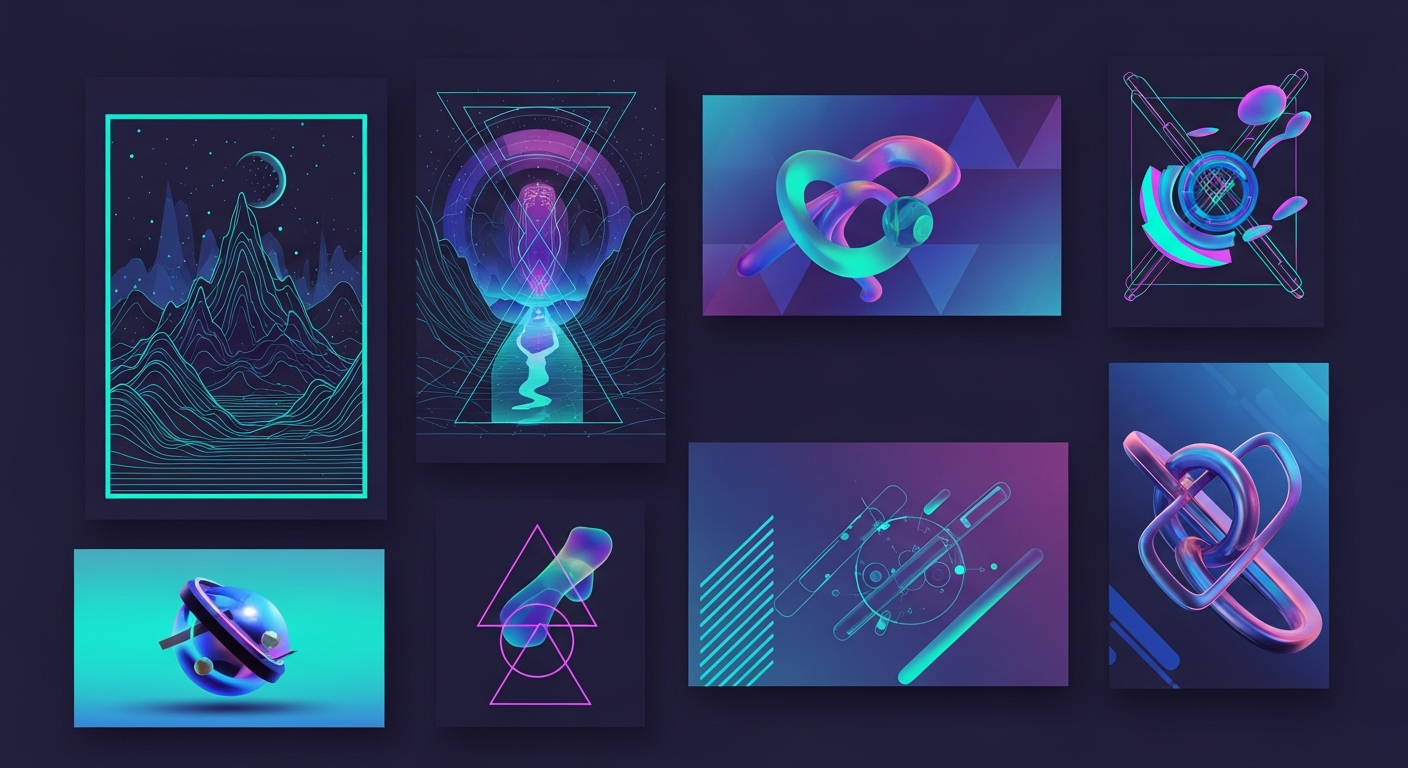
The SVG specification has been around for over two decades, yet 2026 is shaping up to be its most transformative year. As browsers mature, tooling improves, and designers push creative boundaries, Scalable Vector Graphics are no longer just "icons and logos." They're powering entire design languages, interactive experiences, and even AI-driven creative pipelines.
This article breaks down the eight most important SVG trends reshaping web design in 2026 — complete with real-world examples, implementation hints, and practical advice you can apply to your next project.
> "SVG isn't just a format anymore — it's a design philosophy. Scalable, accessible, and endlessly adaptable." — Lea Verou, Web Standards Advocate
---
1. AI-Generated SVGs
The intersection of generative AI and vector graphics has produced one of the most exciting shifts in recent design history. Tools like Recraft V3, Adobe Illustrator's Generative Vector, and open-source models fine-tuned on SVG output are enabling designers to go from text prompt to production-ready vector in seconds.
Why It Matters
Traditional SVG creation required either painstaking hand-coding or proficiency with tools like Illustrator or Figma. AI-generated SVGs democratize the process. A product manager can now describe an icon set, and an AI pipeline delivers clean, optimized markup ready for production.
Real-World Example
Duolingo's 2026 Redesign leveraged AI-generated character illustrations. Instead of manually drawing hundreds of pose variations for their owl mascot, the design team trained a model on existing assets and generated over 2,000 unique SVG poses — each optimized under 5KB.
Implementation Hint
# Using an AI SVG generation API
curl -X POST https://api.recraft.ai/v1/generate \
  -H "Authorization: Bearer YOUR_KEY" \
  -d '{"prompt": "minimalist shopping cart icon, single color, 24x24 grid", "format": "svg", "optimize": true}'
Always run AI-generated SVGs through SVGO or a similar optimizer. AI models often produce redundant path data and unnecessary attributes that inflate file size by 30–60%.
---
2. Animated Micro-Interactions
Static SVG icons are giving way to animated micro-interactions — subtle, purposeful animations that provide feedback, guide attention, and add personality to interfaces.
The State of SVG Animation in 2026
The tooling landscape has matured significantly. Libraries like Motion (formerly Framer Motion), GSAP, and Lottie have all improved their SVG animation pipelines. Meanwhile, native CSS @scroll-timeline and the Web Animations API now handle complex SVG path animations without any JavaScript dependency.

Real-World Example
Stripe's Dashboard uses animated SVG transitions between states in their payment flow. When a payment succeeds, a checkmark SVG morphs smoothly from a loading spinner — the entire animation is under 2KB and runs at 60fps on low-end devices.
prefers-reduced-motion to respect user accessibility settings.
Implementation Hint
/ Native CSS SVG path animation /
@keyframes draw-check {
from { stroke-dashoffset: 100; }
to { stroke-dashoffset: 0; }
}.checkmark-path {
stroke-dasharray: 100;
animation: draw-check 0.4s ease-out forwards;
}
@media (prefers-reduced-motion: reduce) {
.checkmark-path {
animation: none;
stroke-dashoffset: 0;
}
}
---
3. Variable Fonts as SVG
The convergence of OpenType variable fonts and SVG is producing typography that was unthinkable just two years ago. SVG-based variable fonts — sometimes called "SVG-in-OpenType" — allow color, gradients, and even animation directly within font glyphs.
Why Designers Are Excited
Traditional variable fonts manipulate weight, width, and slant. SVG variable fonts add color, texture, and transparency as axes. Imagine a heading font where the gradient shifts based on scroll position, or a display typeface where letter strokes animate on hover.
Real-World Example
Notion's 2026 brand refresh introduced a custom SVG variable font for their marketing site. The typeface includes a "vibrancy" axis that transitions letters from monochrome to a signature gradient — all within a single 48KB font file, replacing what previously required multiple image assets.
Implementation Hint
/ SVG variable font with custom axis /
@font-face {
font-family: "BrandSVG";
src: url("/fonts/brand-variable.woff2") format("woff2");
}.hero-title {
font-family: "BrandSVG", sans-serif;
font-variation-settings: "wght" 700, "VBRN" 100;
transition: font-variation-settings 0.6s ease;
}
.hero-title:hover {
font-variation-settings: "wght" 700, "VBRN" 0;
}
---
4. Dark Mode SVG Adaptation
With dark mode adoption exceeding 80% of users on major platforms, SVGs that adapt intelligently to color schemes are no longer optional.
Beyond Simple Color Swaps
The 2026 approach to dark mode SVGs goes far beyond toggling fill from black to white. Modern implementations adjust contrast ratios, shadow directions, gradient intensities, and even detail levels between modes. A complex illustration might simplify its line work in dark mode to reduce visual noise against dark backgrounds.
Real-World Example
GitHub's Mona mascot now ships with embedded prefers-color-scheme media queries inside the SVG itself. The illustration adapts its palette, shadow depth, and background elements automatically — no JavaScript or external CSS required.
Implementation Hint
![]()
![]()