Business

T-Shirt Design Vectorization: From Concept to Print-Ready

Complete guide to creating vector artwork for t-shirt printing. Learn about DTG, screen printing, and heat transfer requirements.

VectoSolve TeamFebruary 4, 202613 min read
T-Shirt Design Vectorization: From Concept to Print-Ready
V
VectoSolve Team

Graphics & Design Experts

Our team of experienced designers and developers specializes in vector graphics, image conversion, and digital design optimization. With over 10 years of combined experience in graphic design and web development.

Vector GraphicsSVG OptimizationImage ProcessingWeb Performance

Creating t-shirt designs requires specific vector preparation techniques. Whether you are using DTG, screen printing, or heat transfer, this guide has you covered.

Understanding T-Shirt Printing Methods

Each printing method has unique requirements:

Key Takeaways

  • DTG (Direct-to-Garment): Best for complex designs, photo-like images
  • Screen Printing: Ideal for bold graphics, large quantities
  • Heat Transfer/Vinyl: Perfect for simple designs, small batches
  • Sublimation: Great for all-over prints, synthetic fabrics

"

The best t-shirt designers understand their printing method before they start designing. It is not just about creativity - it is about technical execution.

— Sarah Miller

Preparing Vectors for Screen Printing

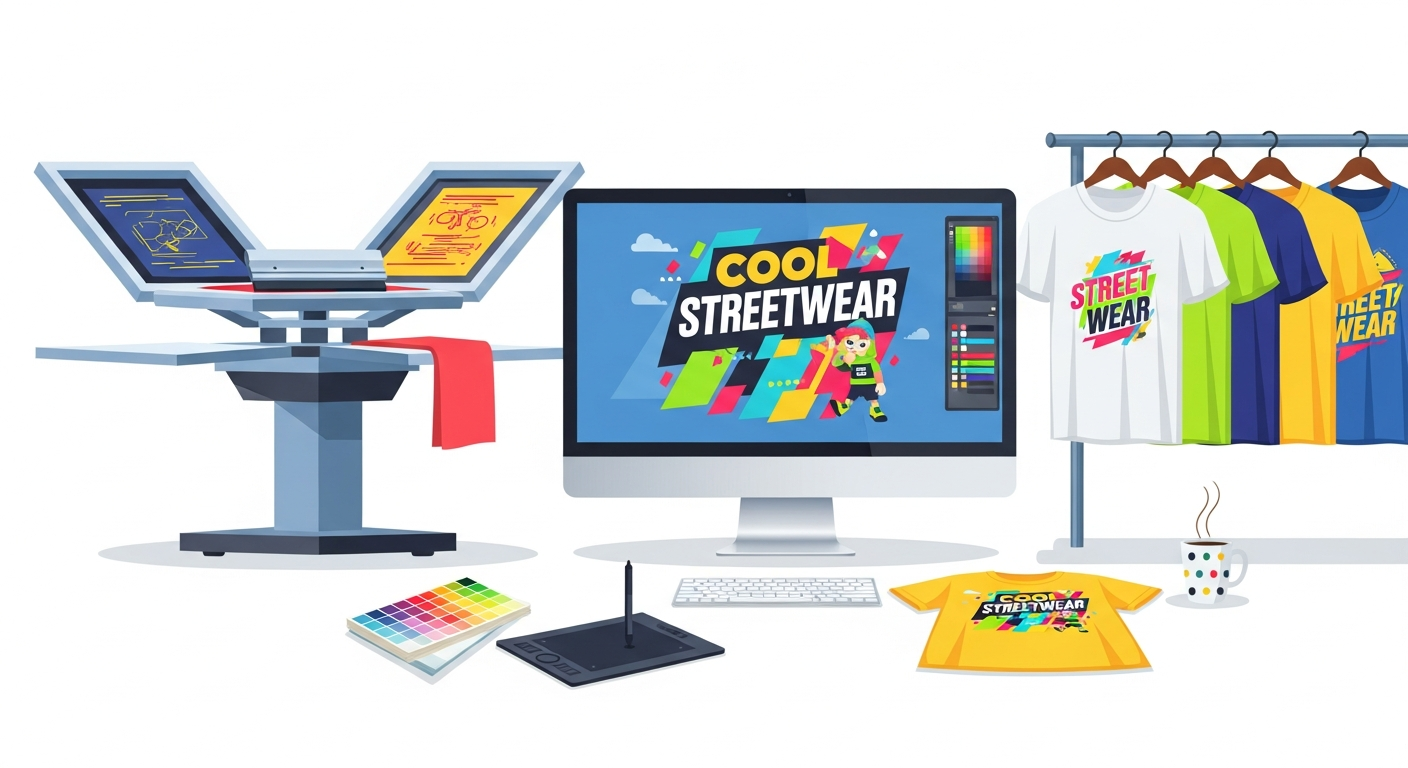
Screen printing setup
Professional screen printing requires clean separations

Screen printing requires color separations - each color needs its own screen. Here is how to prepare:

Color Limitations

  • Standard: 1-4 colors (cost-effective)
  • Premium: 6-8 colors (higher cost)
  • Simulated process: Unlimited (requires expertise)
  • Pro Tip: Design with your color count in mind from the start. A 2-color design that looks great will outsell a 6-color design that looks busy.

    File Specifications

    Format: Vector (AI, EPS, SVG)
    Color Mode: Spot Colors (Pantone)
    Resolution: N/A (vectors are resolution-independent)
    Bleed: Not needed for standard prints
    

    Warning: Avoid gradients and shadows in screen printing designs unless you are working with an experienced printer who can handle simulated process printing.

    DTG Printing Preparation

    DTG is more forgiving but still requires proper preparation:

    Image Requirements
  • Format: PNG with transparency or vector
  • Resolution: 300 DPI at print size
  • Color Mode: RGB (printer converts to CMYK)
  • Background: Transparent for no-feel prints
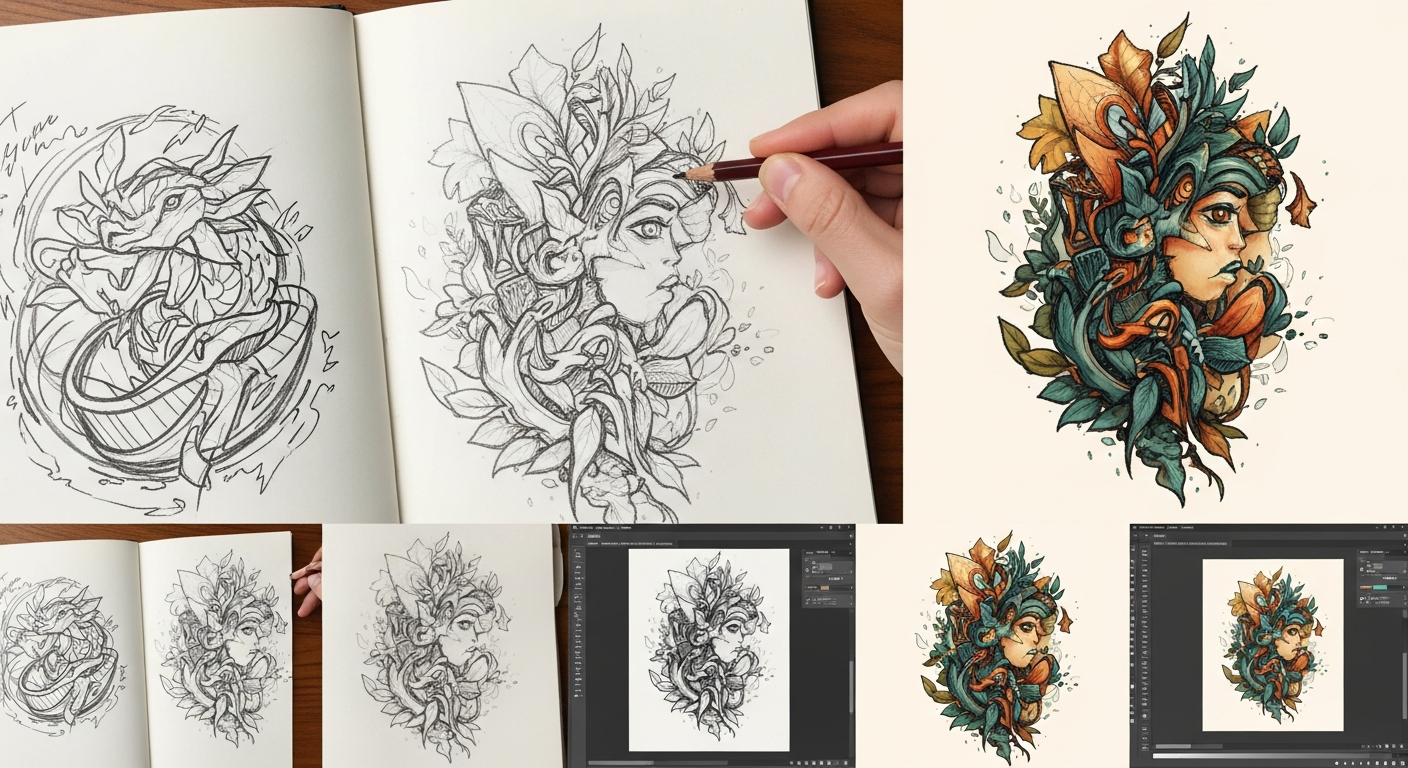
  • DTG comparison
    DTG allows for photographic detail

    When to Use Vectors for DTG

    Vectors are still preferred for:

  • Text and typography
  • Logos and brand elements
  • Clean graphic elements
  • Designs that need resizing
  • While DTG can print raster images, converting your design to vector first ensures the crispest possible output, especially for text and logos.

    Heat Transfer and Vinyl

    The simplest method, but with limitations:

    Vinyl Cutting Requirements

  • Single color per layer
  • No gradients or photographs
  • Minimum line width: 1.5mm
  • Closed shapes only (no open paths)
  • HTV (Heat Transfer Vinyl) Setup

    File Format: Vector only (AI, EPS, SVG)
    Color Mode: Spot colors
    Paths: All closed, no overlaps
    Weeding: Design for easy weeding
    

    Design Tips for All Methods

    Typography

  • Outline all fonts - Critical for production
  • Minimum size: 8pt for screen print, 6pt for DTG
  • Avoid thin fonts for vinyl cutting
  • Check kerning at final size
  • Artwork Placement

    Standard placement zones:

  • Full front: 10-12 inches wide
  • Left chest: 3-4 inches wide
  • Back: 10-14 inches wide
  • Pro Tip: Create a mockup on a t-shirt template before sending to production. What looks great on screen may need adjustment for garment placement.

    Common Mistakes to Avoid

  • Using web graphics - Always work with high-res or vector
  • Ignoring fabric color - Design for your shirt color
  • Too much detail - Simplify for better prints
  • Wrong file format - Vector for screen print, high-res for DTG
  • No color matching - Specify Pantone colors when possible
  • Conclusion

    Great t-shirt designs start with proper vector preparation. Whether you are a designer, brand owner, or print shop, following these guidelines ensures professional results every time.

    Need to convert your artwork to vectors? VectoSolve handles logos, illustrations, and complex graphics with AI precision.

    Tags:
    t-shirt design
    screen printing
    DTG
    apparel graphics
    vector preparation
    Share:

    Try Vectosolve Now

    Convert your images to high-quality SVG vectors with AI

    AI-Powered Vectorization

    Ready to vectorize your images?

    Convert your PNG, JPG, and other images to high-quality, scalable SVG vectors in seconds.