
Convert PNG to EPS Online
Upload your image to convert to EPS
Drag & drop or click — PNG, JPG, WebP up to 25MB
Upload your PNG file and preview a clean, scalable EPS — no signup, no software. VectoSolve's AI traces the edges and cleans up the result before you download it. The preview is free and carries a watermark. For the clean file, plans start at $7.99/month for 25 conversions a month (unused credits roll over).
Real example
A true vector EPS, not a picture saved as EPS
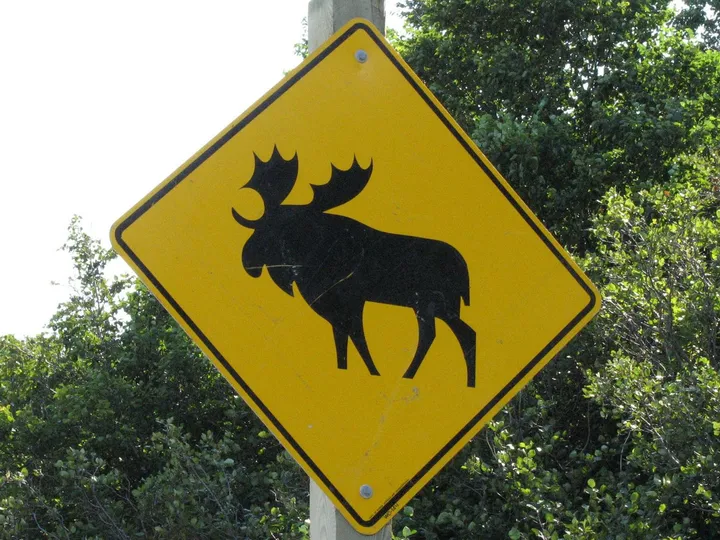
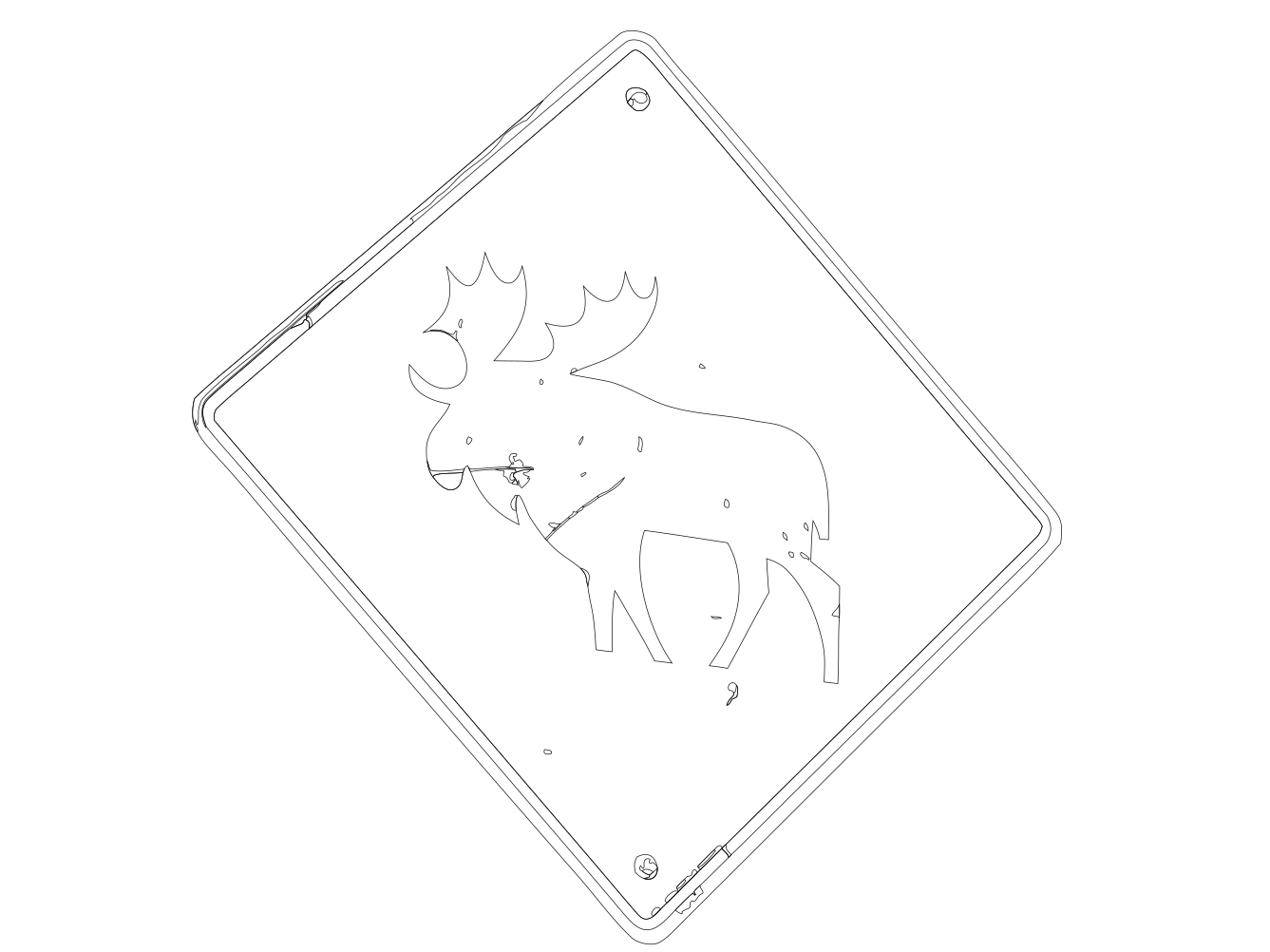
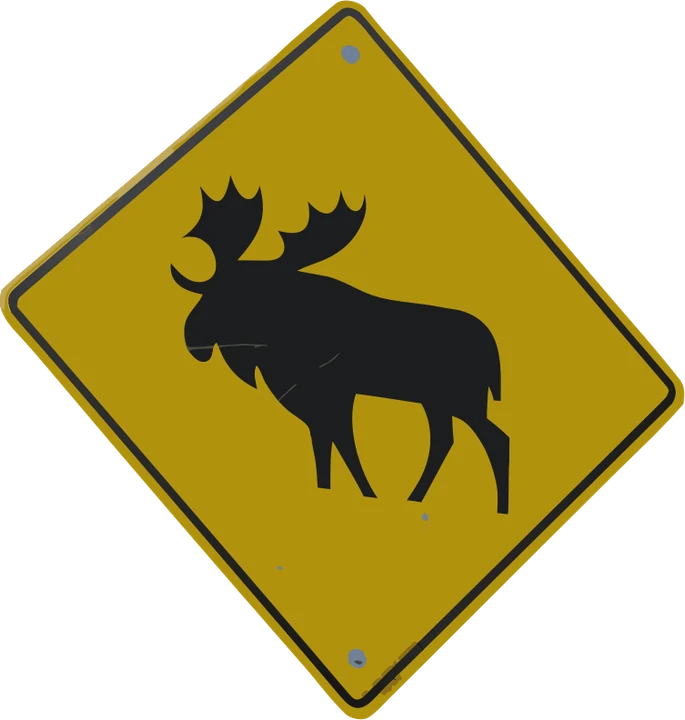
A photo of a worn road sign, converted with this page. On the left, the artwork as it prints. On the right, the outline view: every shape is a real vector path you can edit.
 1
What you upload
JPG photo, 1337 x 1002 px
 Print viewOutline view
 2
The EPS: print view and outline view
EPS, 32 filled shapes, 391 curves
 3
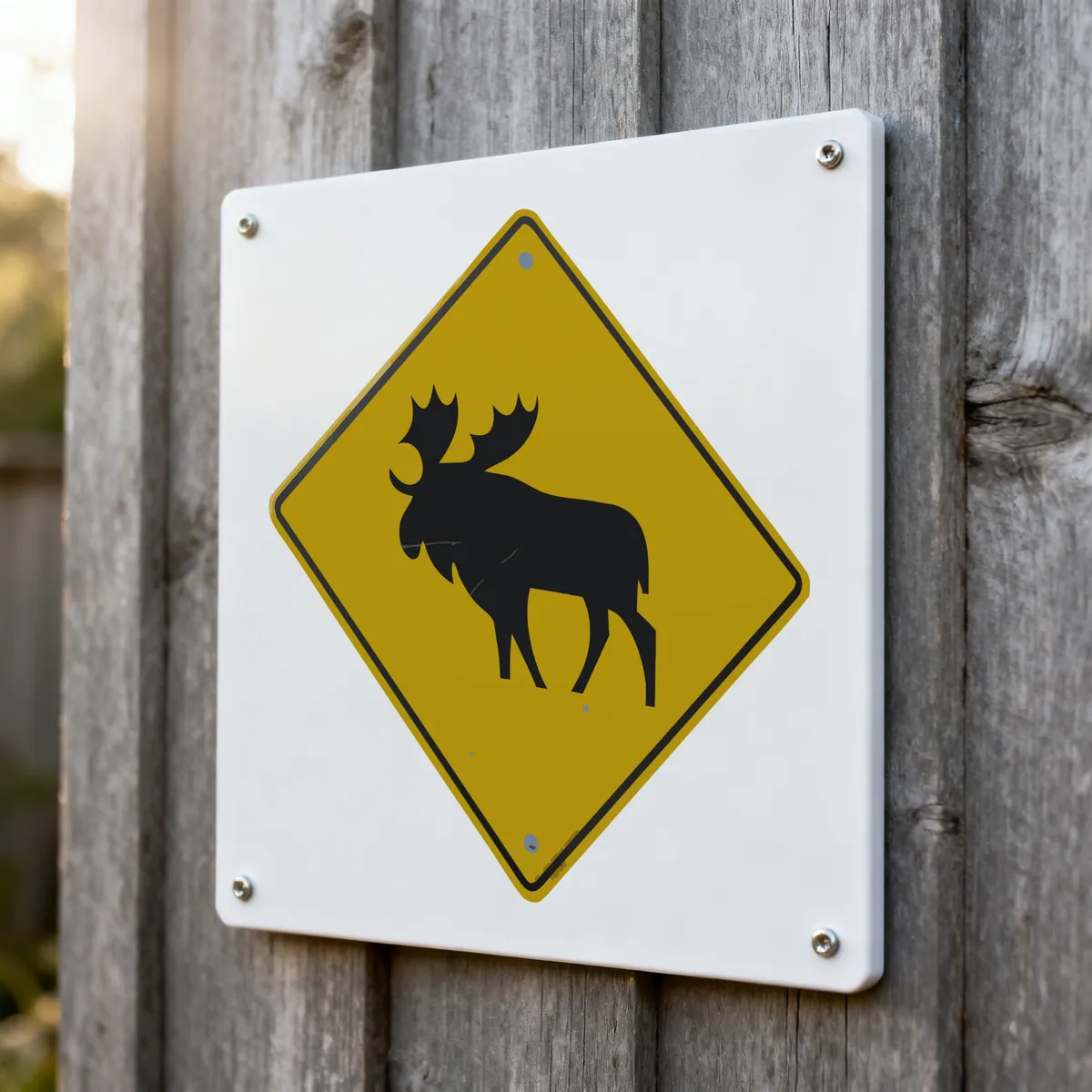
The result: aluminum composite sign
A worn road sign, redrawn as clean shapes
What's inside the file
- Header
- %!PS-Adobe-3.0 EPSF-3.0
- Shapes
- 32 closed, filled paths
- Curves
- 391 Bezier curves
- Bitmaps
- None: no image operator in the file
- Colors
- 8 RGB fills
- File
- 33.1 KB
Formats you get
- .epsIllustrator, CorelDRAW, Affinity Designer, GIMP
- .pdfVector PDF, the usual print hand-off
- .svgWeb, Inkscape, cutting machines
- .pngA preview of the same artwork
Free preview, no signup. The EPS download: $6.99 for that one file, or with a plan from $4.08 a month (billed yearly) with 25 conversions a month.
Upload your imagePhoto: JPark99, Wikimedia Commons, public domain. Conversion of October 2026; EPS written on 14 November 2026 from that SVG. The third picture is a product mockup. Product photos are mockups: each design is the real VectoSolve file, not retouched. Source photos are public domain or CC0.
For print, sign and screen-print shops
PNG to EPS for the print shop, with no bitmap inside
Print and sign shops ask for EPS because their RIP and layout software reads it without surprises. This page traces the PNG into real paths first, then writes the EPS from those paths.
Who asks for which file
- EPS sign makers and screen printers on PostScript software
- PDF offset and digital printers, the usual hand-off today
- SVG your editable master, for the web and cutting machines
- PNG a quick proof to show the customer
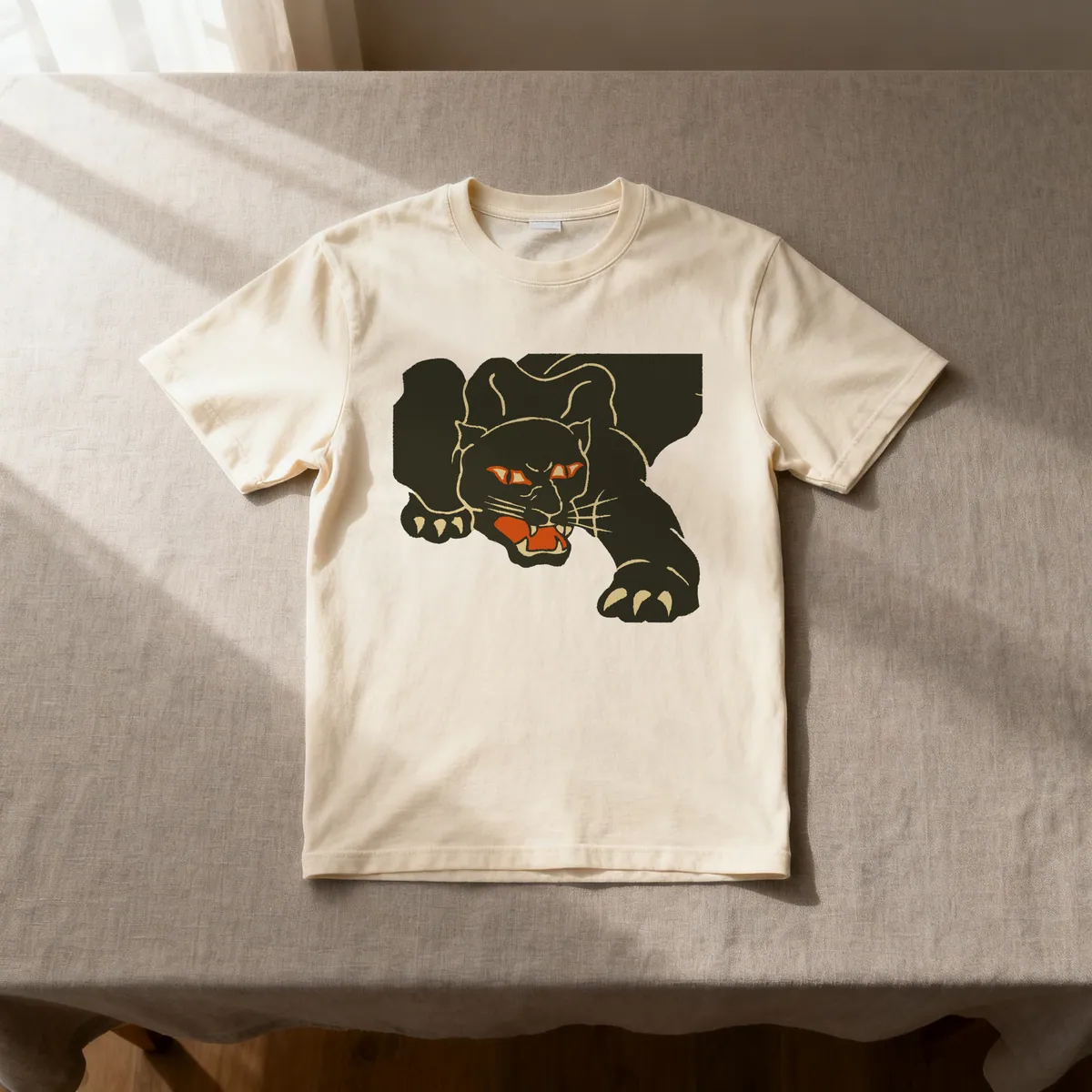
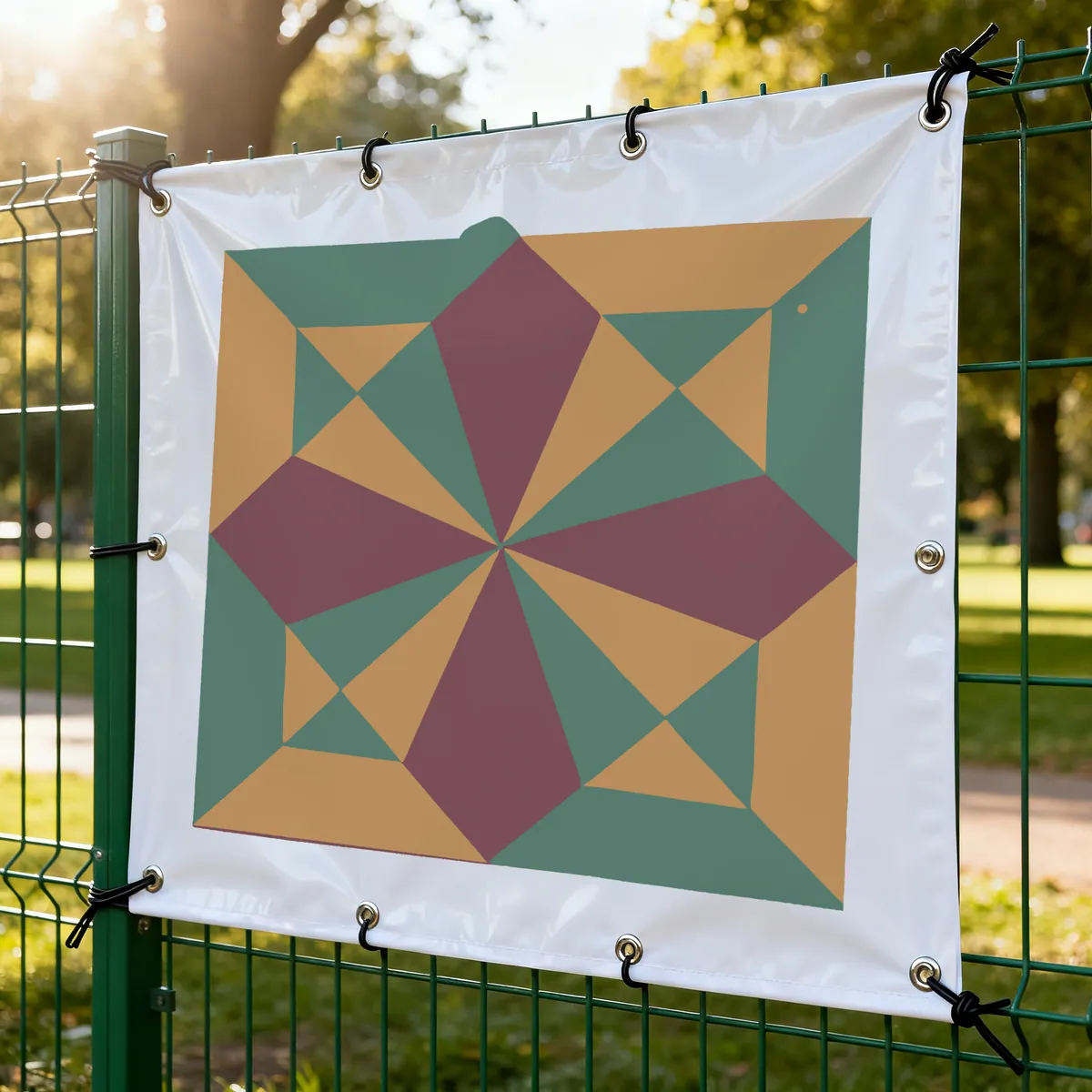
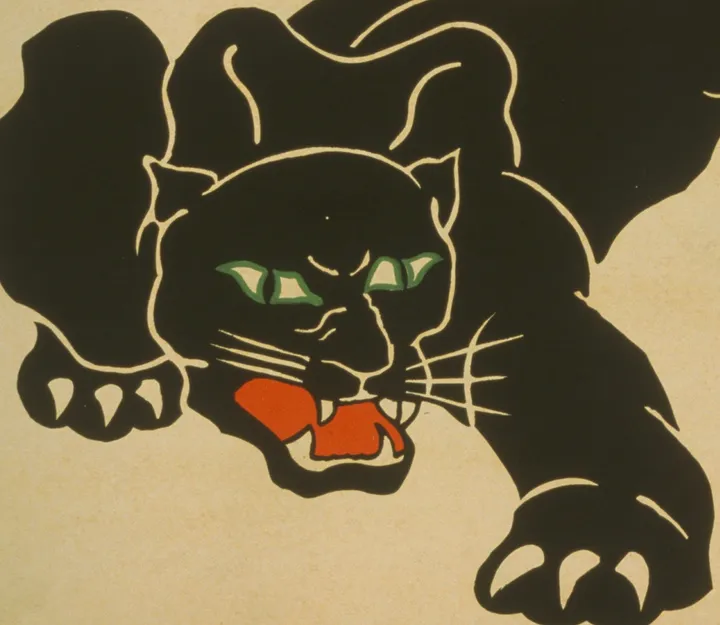
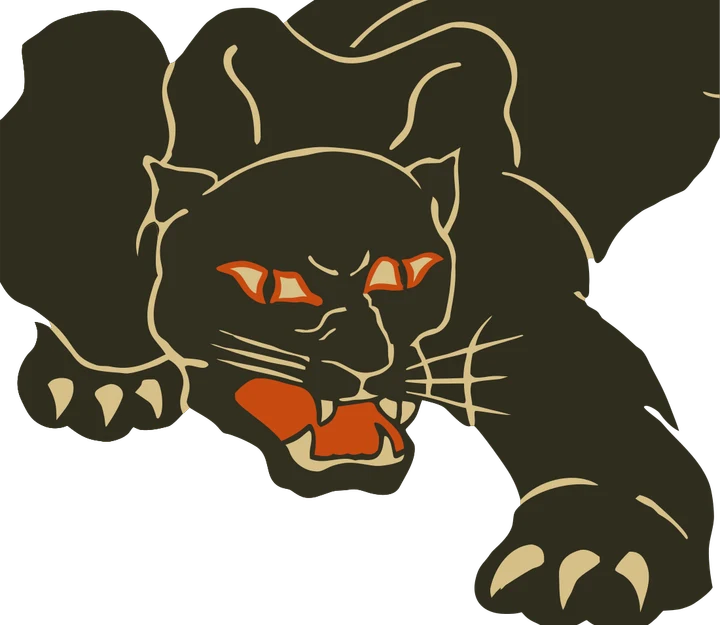
Product photos are mockups: each design is the real VectoSolve file, not retouched. Source photos are public domain or CC0. Scan: WPA poster, 1937, Library of Congress, public domain. Photo: NPS, public domain.
Custom · On quote
Top-of-market quality for complex jobs: large-format murals, detailed illustrations, photo to vector, multi-layer print files. Finished by hand by our team and checked before delivery.
No machine at the end of the job? The PNG to SVG converter turns any picture into an SVG, and the PNG to SVG cut files tool keeps the paths ready to cut.
What EPS actually is — and why your print shop asks for it
EPS stands for Encapsulated PostScript. It is a vector container built on Adobe's PostScript page-description language, the same technology that drives professional imagesetters and RIP (Raster Image Processor) software at commercial print houses. When an agency, sign maker, or merchandise supplier says "send us an EPS," they are almost always asking for one thing: editable vector paths in a format their legacy production pipeline can read reliably.
A PNG cannot satisfy that request on its own. A PNG is a raster — a fixed grid of pixels with no path data, no line definitions, and no CMYK color separations. Wrapping those pixels in an EPS wrapper does not change what is inside. The print shop needs the artwork rebuilt as PostScript curves so it can be scaled to any size, spot-color separated, and output on a plotter or press without stair-stepped edges. That rebuild is vectorization, and it is the step every honest PNG-to-EPS workflow has to include.
EPS persists mainly in three places: pre-press and offset printing, screen printing / embroidery / promotional merchandise, and older CorelDRAW or Illustrator workflows. If your destination is the web or a modern design tool, you almost certainly want PNG to SVG instead — but when a supplier's spec sheet says EPS, this is the path.
The raster-in-EPS trap most "free converters" fall into
This is the single most common reason print files get rejected. Many one-click "PNG to EPS" tools do not vectorize anything — they take your pixel image and embed the bitmap unchanged inside an EPS container. The file extension reads .eps, but the content is still the same grid of pixels. Open it in Illustrator, zoom in, and you see the identical stair-stepping. Print it large and it blurs exactly as the PNG would.
You can spot a fake vector EPS in a few seconds:
- Try to select a shape. In a real vector EPS you can click and select individual paths. If the whole image selects as one locked block, it is an embedded raster.
- Zoom in hard. True vectors stay as crisp curves at any magnification. Embedded rasters break into pixels.
- Check the file size. A vector EPS of a logo is typically small (paths are cheap to store). A large "EPS" of a simple mark usually means a fat bitmap is hiding inside.
- Watch the conversion time. Genuine tracing takes real processing; an instant result from a detailed image is a strong sign nothing was actually vectorized.
VectoSolve avoids the trap by design: the AI redraws your PNG as real, closed vector paths first, so what you export carries actual geometry — not a repackaged bitmap. If you just want to confirm the concept of true vectors versus pixels, the PNG to vector page walks through the raster-versus-math distinction in detail.
The reliable PNG-to-EPS workflow (vectorize, then export)
Every dependable route to a genuine EPS is a two-stage process. There is no honest shortcut around it, because the pixels have to become paths before any tool can write real PostScript. On this page both stages happen in one upload.
- Vectorize the PNG. Upload it above. The AI detects the boundaries between colors and rebuilds them as clean Bézier paths. This is the step that creates the actual vector geometry your print shop needs.
- Download the EPS. The converter writes the EPS from those paths itself: an EPSF-3.0 file of filled paths in RGB, with the SVG, a vector PDF and a PNG preview in the same ZIP. It opens in Illustrator, CorelDRAW and Affinity Designer with nothing to re-export.
A few things worth cleaning up on the SVG master if you plan to edit the artwork further:
- Simplify stray nodes. Anti-aliased edges in the original PNG can leave extra anchor points. Tidy them so the outlines stay smooth. You can do this directly in the free in-browser SVG editor or run SVG optimization to drop redundant path data.
- Confirm shapes are closed. Print RIPs prefer closed, filled paths over open strokes — closed paths separate and fill predictably.
Two stages, and the EPS that lands on the printer's desk contains real vectors that scale from a business card to a banner.
Color matters most: RGB, CMYK, and print-ready EPS
This is where PNG-to-EPS differs sharply from a web-focused conversion, and it is the detail print buyers care about most. A PNG is an RGB (screen) image, and VectoSolve outputs an RGB SVG — perfect for the web, but not automatically press-ready. Commercial printing runs on CMYK (cyan, magenta, yellow, black) inks, and some jobs need spot colors (e.g. Pantone references) instead.
So the honest workflow includes a color step you do in your vector editor, not in the tracer:
- Convert the document to CMYK before saving the EPS (in Illustrator: File → Document Color Mode → CMYK; in Inkscape, assign a CMYK profile / adjust fills). RGB-only files sent to press can shift color unpredictably when the RIP converts them.
- Match brand colors deliberately. A traced fill may land close to your brand color but not exact. Re-enter the precise CMYK or Pantone values on each path so the print matches the brand.
- For screen printing and embroidery, reduce to the smallest number of solid, well-separated colors — each color often becomes its own screen, plate, or thread. Clean, flat vector fills separate far more reliably than a gradient-heavy trace.
Be realistic about what vectorizes well for print: flat logos, wordmarks, line art, and few-color graphics convert into crisp, separable EPS artwork. Photographs, gradients, and soft shadows come back stylized and posterized, because a vector needs discrete color regions — that is a limitation of the format, not the tool. For brand marks specifically, the logo to vector workflow keeps letterforms and corners sharp, which is exactly what a print-ready EPS depends on.
EPS vs SVG vs PDF vs DXF — which one your job actually needs
"Send me a vector file" can mean several different containers, and picking the wrong one causes a second round of rejected files. Here is how to choose:
- EPS — ask for it when a print agency, screen printer, or merchandise supplier's spec sheet names it, or when the shop runs older PostScript-based RIP software. It is a legacy-but-trusted print format.
- SVG — the modern web and design-tool standard. Lighter, more widely supported in current software, and increasingly accepted by print shops too. Many printers now say "SVG is fine" — it is worth asking before you commit to EPS. Start from PNG to SVG.
- PDF — the safest universal handoff; it preserves vector paths and CMYK, and nearly everyone can open it. If a supplier is vague about format, a vector PDF is often the most forgiving choice.
- DXF — this is a cutting format, not a print format. It is for laser cutters, CNC routers, and plotters, and it carries geometry with no fills or color. If your real goal is to cut rather than print, go to PNG to DXF and validate it with the DXF checker — do not send a print shop a DXF expecting EPS behavior.
The practical rule: confirm the exact format and color mode with your supplier before converting. Vectorize the PNG once in VectoSolve, keep the editable SVG as your master, and export EPS, PDF, SVG, or DXF from it as each job demands — one clean vectorization, reused everywhere.
Starting from a JPG instead? JPG to EPS covers the white background a JPG always has, and how JPEG compression affects the trace.
What Do Users Ask About This Converter?
8 questions about PNG to EPS conversion
Upload your PNG to VectoSolve and select EPS as the output format. The AI traces your image into clean vector paths and exports as an EPS file ready for professional printing.
Print agencies use EPS because it supports CMYK color spaces, embeds fonts, and scales infinitely without quality loss. It's the industry standard for commercial print production, signage, and merchandise.
Yes! VectoSolve's AI creates smooth, clean vector paths from your PNG logo. The resulting EPS file is production-ready for business cards, banners, vehicle wraps, and any print application.
The preview is free and needs no signup; it carries a watermark. Premium plans start at $7.99/month for 25 vectorizations a month.
PNG, JPG and WEBP, up to 25 MB. A PNG on a plain or transparent background traces cleanest. If what you hold is already an SVG, use the SVG to EPS page instead.
It is a true vector EPS: an EPSF-3.0 header, closed filled paths and no bitmap inside, which is what RIP and layout software expect. The colors are written in RGB, so if the shop asks for CMYK or spot colors, set them in Illustrator or CorelDRAW before you send the file.
With a plan, one conversion gives you a ZIP with the EPS, the SVG master, a vector PDF and a PNG preview, all drawn from the same paths.
Yes for flat artwork: each color comes back as its own filled shapes, so you pull one separation per color. The panther poster above came back as 26 paths in 4 flat colors. Photos and soft gradients come back as hundreds of small shapes; for those, ask for a Custom quote.