
Ecosistema sviluppatori VectoSolve: SDK, server MCP e strumenti open source
Scopri gli strumenti per sviluppatori di VectoSolve: SDK TypeScript, server MCP per agenti AI, API REST v1 e integrazioni open source per workflow vettoriali automatizzati.
Founder of VectoSolve
Self-taught developer, founder and sole developer of VectoSolve since 2024. He builds the conversion engine and the cutting, embroidery and 3D printing exports.
How this article was made: drafted with AI assistance, then edited and fact-checked before publication. About the author
When we launched VectoSolve, the goal was simple: make image-to-SVG conversion fast and accessible. The web app does that well for designers and hobbyists. But developers kept asking the same question: how do I plug this into my pipeline?
We had the REST API from day one, but raw HTTP calls with FormData and Bearer tokens are not exactly a great developer experience. So we built the tools that were missing.
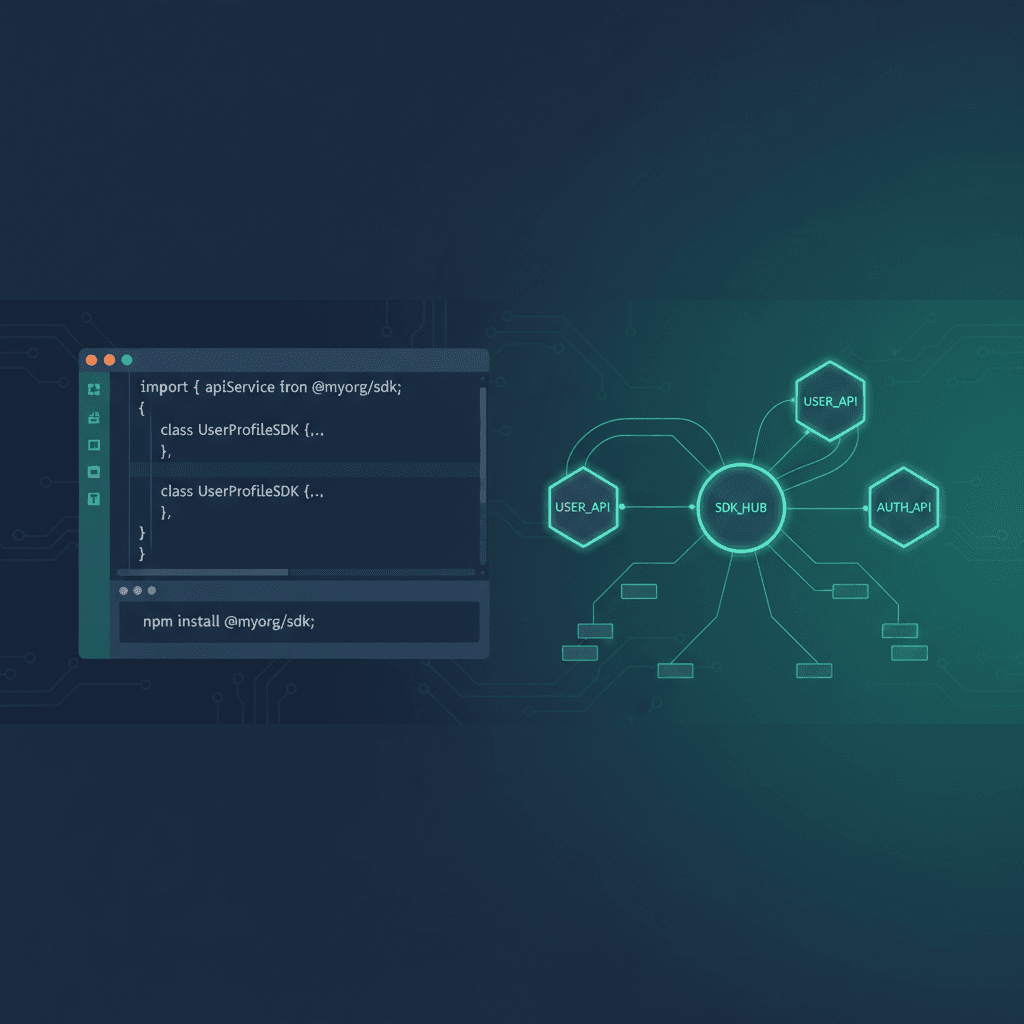
Today we are open-sourcing three projects that make it easier to use VectoSolve programmatically:
- vectosolve-sdk — Official TypeScript/Node.js SDK
- vectosolve-mcp — MCP server for Claude Code, Cursor, Windsurf, and other AI assistants
- awesome-vector-tools — A curated list of 80+ tools for SVG and vector graphics
All three are on GitHub under the Vectosolve organization. Let's walk through each one.
The TypeScript SDK: From 30 Lines to 3
Before the SDK, calling the VectoSolve API to vectorize an image looked something like this:
const form = new FormData();
form.append('file', fs.readFileSync('./logo.png'));

const res = await fetch('https://vectosolve.com/api/v1/vectorize', {
  method: 'POST',
  headers: { Authorization: 'Bearer vs_abc123...' },
  body: form,
});

const data = await res.json();
// handle errors, extract SVG, check credits...
With the SDK, the same operation becomes:
import VectoSolve from '@vectosolve/sdk';

const client = new VectoSolve({ apiKey: 'vs_abc123...' });
const result = await client.vectorize('./logo.png');
Three lines. The SDK handles FormData construction, error handling, content type detection, and credit tracking. It works with file paths, URLs, Buffers, and Blobs.
What the SDK Covers
Every operation available in the VectoSolve API is wrapped in a typed method:
| Method | What It Does | Cost |
|---|---|---|
vectorize(input, options) | Image to SVG (8 style modes: standard, HD, Cricut, laser, embroidery, stencil, coloring, stamp) | $0.20 |
removeBackground(input) | Remove background, output transparent PNG | $0.07 |
upscale(input, { scale: 4 }) | 4x crisp upscale | $0.15 |
generateLogo({ prompt, style }) | AI logo generation from text description | $0.25–$0.40 |
generatePattern({ prompt }) | AI pattern generation | $0.25 |
Every call deducts credits from your account. If a call fails server-side, credits are automatically refunded. The response always includes your remaining balance so you can build usage dashboards or alerting.
Installation
npm install @vectosolve/sdkGet your API key from the dashboard (Settings → API Keys). The SDK source is at github.com/Vectosolve/vectosolve-sdk.
The MCP Server: Vectorize Images from Your AI Assistant
If you use Claude Code, Cursor, Windsurf, or any tool that supports the Model Context Protocol (MCP), you can now vectorize images, remove backgrounds, upscale, and generate logos without leaving your editor.
MCP is an open standard that lets AI assistants call external tools. Our MCP server exposes four tools:
vectorize— Convert any image to SVGremove_background— Remove the background from an imageupscale— 2x or 4x upscalegenerate_logo— Generate SVG logos from a text prompt
Setup in Claude Code
Add this to your .mcp.json or MCP settings:
{
  "mcpServers": {
    "vectosolve": {
      "command": "npx",
      "args": ["-y", "@vectosolve/mcp"],
      "env": {
        "VECTOSOLVE_API_KEY": "vs_your_key_here"
      }
    }
  }
}
Then you can ask Claude things like: "Vectorize the logo at ./assets/logo.png and save the SVG" or "Generate 4 logo variants for a coffee shop called Brew & Bean".
Each tool call goes through the VectoSolve API and consumes credits from your account, same as using the web app or SDK. The MCP server source is at github.com/Vectosolve/vectosolve-mcp.
Awesome Vector Tools: 80+ Resources in One Place
We also published awesome-vector-tools, a curated list of tools, libraries, and resources for working with SVG and vector graphics. It covers:
- Image to vector conversion — Potrace, AutoTrace, SVGcode, Vector Magic, and more
- SVG editors — Inkscape, Boxy SVG, SVG-Edit, Method Draw
- SVG optimization — SVGO, SVG Cleaner, Nano SVG
- JavaScript libraries — Snap.svg, SVG.js, D3.js, Paper.js, Fabric.js, Rough.js
- Python libraries — svgwrite, CairoSVG, drawsvg
- Rust libraries — resvg, usvg
- SVG animation — GSAP, Lottie, anime.js, Vivus, Framer Motion
- Design tools — Figma, Canva, Affinity Designer, Penpot
- Format conversion — SVG to DXF, G-code, embroidery formats
- Background removal — remove.bg, Rembg, PhotoRoom
- Icon libraries — Lucide, Heroicons, Tabler Icons, Phosphor Icons
- Niche tools — Cricut, laser cutting, embroidery
- Learning resources — MDN SVG Tutorial, SVG specification
We built this because we kept bookmarking the same links and thought other developers would benefit from having them in one place. Contributions are welcome — just follow the contributing guidelines and submit a PR.
How It All Fits Together
Here is the full picture of how VectoSolve works for developers:
| Layer | Tool | Use Case |
|---|---|---|
| Web App | vectosolve.com | Quick conversions, marketplace, SVG Studio |
| REST API | API v1 | Direct HTTP integration (any language) |
| SDK | @vectosolve/sdk | TypeScript/Node.js projects |
| MCP | @vectosolve/mcp | AI coding assistants (Claude, Cursor, etc.) |
| CI/CD | GitHub Action | Automated vectorization in pipelines |
| Browser | Chrome & Firefox Extensions | Right-click vectorize on any webpage |
| Embed | Widget | Add vectorization to your own site |
Everything uses the same credit system. Buy credits once, use them anywhere — web, API, SDK, MCP, extensions, or widget. See pricing.
Why We Open-Sourced These
We get asked this a lot: why give away the code? The answer is straightforward. The value is in the AI conversion engine, not in the HTTP wrapper around it. Making it easier to call our API means more people use VectoSolve, which means more conversions, which funds further development.
Open-sourcing also means the community can:
- Report bugs and edge cases we did not catch
- Add support for new frameworks and runtimes
- Build integrations we had not thought of
- Audit the code for security and correctness
We will keep maintaining these projects and shipping updates as the API evolves.
Getting Started
If you want to try VectoSolve programmatically, here is the fastest path:
- Create an account at vectosolve.com (free, no credit card required)
- Generate an API key in your dashboard under Settings → API Keys
- Install the SDK:
npm install @vectosolve/sdk - Vectorize your first image:
import VectoSolve from '@vectosolve/sdk';

const client = new VectoSolve({ apiKey: process.env.VECTOSOLVE_API_KEY });

const result = await client.vectorize('https://example.com/photo.png');
console.log(result.data.svg); // Clean SVG output
Your first conversion uses the free preview. After that, API credits start at $19.99 for 100 conversions.
What Is Next?
We are working on a few things that should land in the coming weeks:
- Python SDK — Same DX as the TypeScript SDK, for Python developers
- CLI tool — Vectorize images from the terminal with
npx vectosolve convert photo.png - Batch endpoint improvements — Process up to 50 images in a single API call
- Webhook notifications — Get notified when async jobs complete
If you have feature requests or find a bug, open an issue on the relevant GitHub repo. We read every one.
Links: