Skip to content
100% Free & Private

Finger Joint Box Generator

Make a press-fit laser-cut box from flat sheet. Set the size, your material thickness and kerf, download an SVG in real millimetres, and cut. For LightBurn, Glowforge and xTool, no signup, nothing uploaded.

Open or closed
Kerf press-fit
Real mm scale

Engrave a photo on the lid

The box is free. To put your dog, a logo or a name on the lid, turn a photo into a clean engraving file. You see the result before you pay.

Opens in
Turn a photo into an engraving
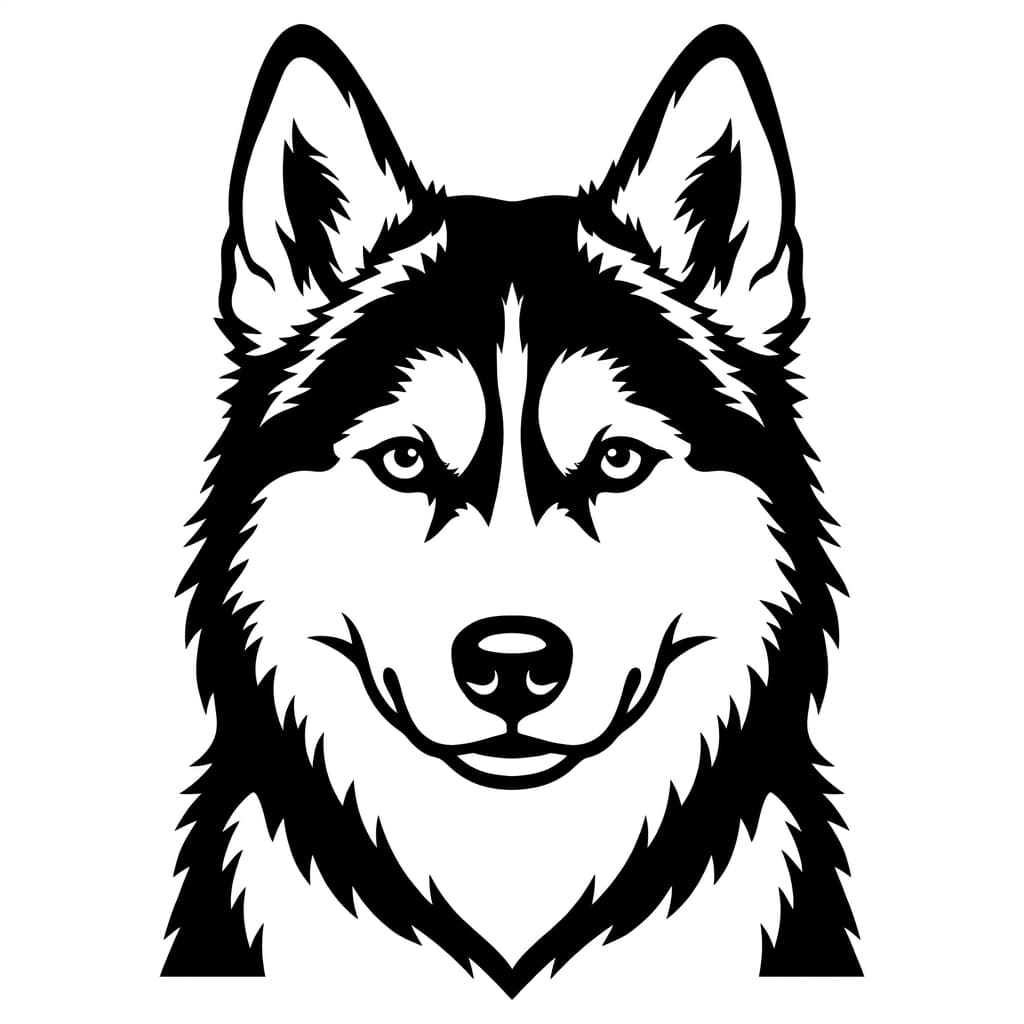
A photo of a husky
Your photo
The husky as a clean engraving file
Ready-to-cut file

Three numbers decide the fit

A finger joint only presses together cleanly if the tab depth matches your sheet and the kerf is dialled in. These are the levers.

Material thickness

The tab depth is set to your exact sheet thickness so the panels sit flush. Measure with calipers, do not trust the nominal.

Kerf

The width the beam burns away. Tabs grow and slots shrink by this amount so the joint presses, not falls, together.

Finger width

Bigger fingers cut faster and look bolder; smaller fingers spread the glue surface and align better on long edges.

The press fit lives or dies on kerf, the same beam-width idea behind a living hinge. For the full story on how the laser removes material and why it matters for fit, read our guide to kerf and press-fit joints.

Frequently Asked Questions

What is a finger-joint box?
A finger-joint box, also called a box-joint or tabbed box, is a box where the panels interlock with alternating tabs and slots cut into their edges. The tabs of one panel slot into the notches of the next, giving a strong, self-aligning joint with lots of glue surface. It is the standard way to make a laser-cut box from flat sheet material like plywood, MDF or acrylic.
Are the tabs sized for my material and laser?
Yes. You enter your exact material thickness, so the tab depth matches the panel it joins. You also enter your kerf (the width the laser beam burns away), and the generator widens the tabs and narrows the slots by that amount so the joint presses together snugly instead of falling out loose. Start around 0.1 to 0.2mm kerf for a diode or CO2 laser and fine-tune after a test cut.
External or internal dimensions?
The width, depth and height you enter are the external dimensions of the assembled box, measured across the outside faces. The panels are sized so the finished box matches those numbers. If you need a specific internal volume, add twice your material thickness to each dimension.
Open box or closed box?
By default you get an open-top box (bottom plus four walls), which is what most trays, organisers and drawer inserts need. Tick the closed box option to add a top panel with matching finger joints on all four walls.
How do I get a good press fit?
Kerf is the main dial. If the joint is too tight to push together, increase the kerf value slightly; if it is loose and falls apart, decrease it. Kerf varies with material, thickness and power, so always cut one small test joint on your exact stock before committing to the full box. Plywood, MDF and acrylic each behave a little differently.
Is the file sized correctly for my machine?
Yes. The SVG is written with real width and height in millimetres and a matching viewBox, so it imports at the exact size you set in LightBurn, the Glowforge app, or xTool. Cut every black line on a cut layer. The grey panel labels are on their own colour so you can ignore or delete them.
Is it free? Is anything uploaded?
It is completely free with no login. The box is generated in your browser with JavaScript and nothing is uploaded to any server. Download the SVG and load it straight into your laser software.

More free tools for your laser

Bend a panel with a living hinge, dial in your settings with a material test card, or check a file before you cut.

More free laser tools