
How Etsy Sellers Use AI to Write SVG Listings — Complete 2026 Guide
Stop spending hours writing Etsy titles and tags. AI can generate a complete, SEO-optimized listing from your SVG file in seconds — for 0.10 credits.
Founder and developer of VectoSolve
Self-taught developer who founded VectoSolve in 2024. He builds the conversion engine and the cutting, embroidery and 3D printing exports, working with the VectoSolve team of graphic designers.
How this article was made: drafted with AI assistance, then edited and fact-checked before publication. About the author
Try it on your own file, in Etsy mode
Free preview, no signup. Drop an image and see the vector before deciding anything.
It's 11pm on a Tuesday. You just finished designing your 14th SVG of the week — a boho wildflower bundle. Now you need to write the listing. Again.
The title needs to be under 140 characters. You need all 13 tags filled. The description should sound professional, hit the right keywords, and not sound identical to your last 200 listings. Oh, and you're doing this for every single design in your shop.
This is the part of running an Etsy SVG shop that nobody warns you about. The design work is the fun part. The listing copywriting is the grind.
What If a Machine Could See Your Design and Write the Listing?
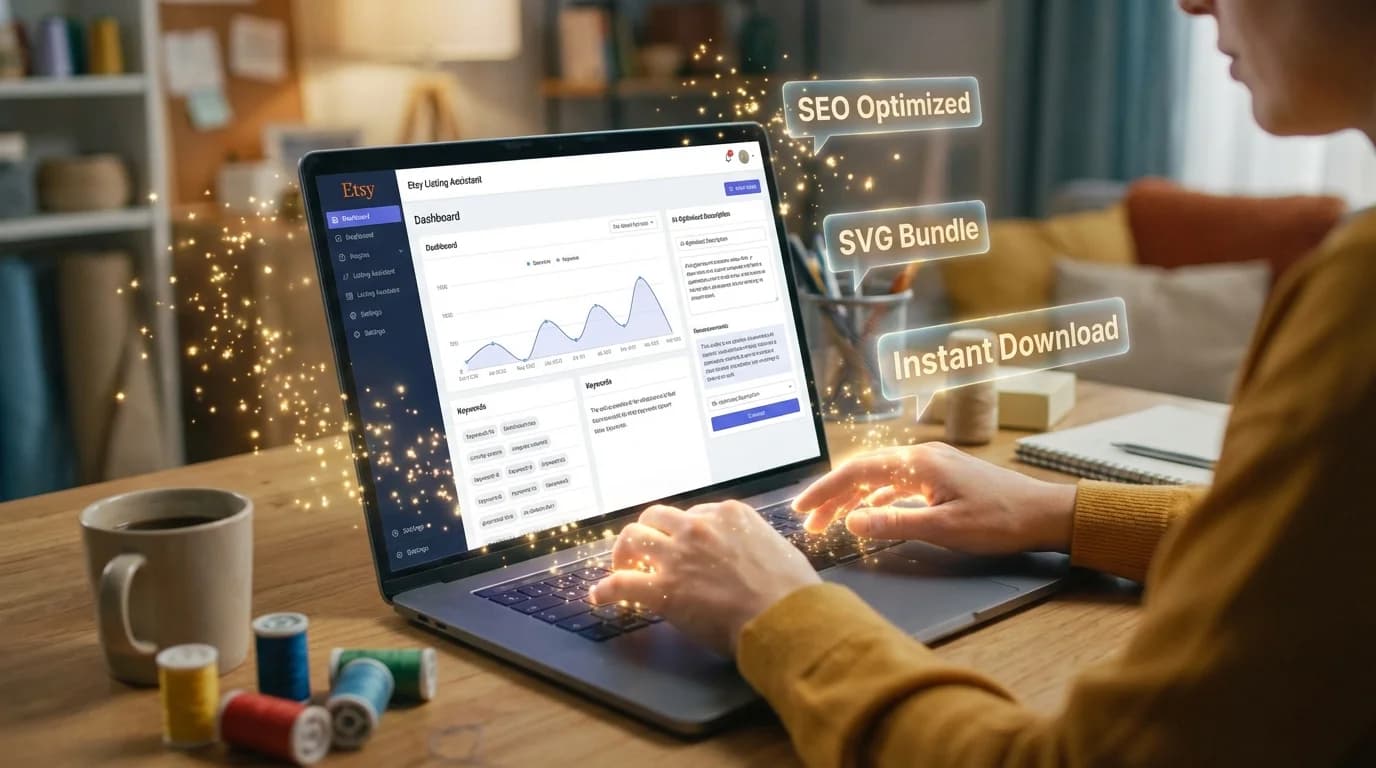
That's literally what VectoSolve's AI Content Generator does. You upload your SVG file. The AI (Google Gemini) analyzes the visual content — shapes, patterns, colors, composition — and generates a complete Etsy listing based on what it sees. Not generic copy. Not template-stuffed garbage. Actual, design-specific content.
Cost: 0.10 credits.
Time: about 5 seconds.
A Real Example, Start to Finish
Let's walk through an actual generation. No cherry-picking — this is a real output from a real SVG file.
The Design: Boho Wildflower Wreath SVG
A circular wreath with various wildflower illustrations, leaves, and small berries. Designed for wedding invitations, Cricut projects, and wall art prints.
What the AI Generated (0.10 credits):
Title:
Boho Wildflower Wreath SVG PNG DXF | Floral Circle Frame Cut File for Cricut Silhouette | Wedding Invitation Clipart Digital Download
Notice: primary keyword ("Boho Wildflower Wreath SVG") front-loaded. Format tags (PNG, DXF) included. Use case ("Wedding Invitation") and machine compatibility ("Cricut Silhouette") packed into 140 characters. That's textbook Etsy title optimization.
Tags:
wildflower wreath · boho floral svg · wedding wreath · flower circle svg · cricut cut file · silhouette svg · floral frame · digital download · wildflower clipart · invitation svg · boho wedding · wreath cut file · botanical svg
All 13 slots filled. Each under 20 characters. Mix of product terms ("wildflower wreath"), machine terms ("cricut cut file"), style terms ("boho floral"), and use case terms ("invitation svg"). This is the tag diversity that Etsy's algorithm rewards.
Description:
"Bring natural elegance to your projects with this Boho Wildflower Wreath SVG. Featuring a delicate arrangement of hand-drawn wildflowers, trailing leaves, and small berry clusters in a circular frame, this design adds organic charm to wedding stationery, wall art, and craft projects.
Compatible with Cricut Maker, Cricut Explore, Silhouette Cameo, and all major cutting machines. Instant download includes SVG, PNG (transparent background), DXF, and EPS file formats. The wreath measures approximately 12 inches at standard scale and is easy to resize without quality loss.
Perfect for wedding invitations, save-the-dates, thank you cards, t-shirt transfers, tote bags, and wall prints. Combine with our other botanical designs for a cohesive collection."
That description hits product features, machine compatibility, included formats, sizing info, and use cases — all the elements that convert browsers into buyers. And it took 5 seconds to generate.
Pro Tip: Copy the generated description verbatim, then add one personal line at the end about your shop or bundle offers. This keeps the SEO-optimized core while adding your voice.
"But Does It Actually Understand My Design?"
This is the question every seller asks, and it's the right one. Generic AI writing tools (ChatGPT, Jasper, etc.) don't see your design. You have to describe it in a prompt, which means you're essentially writing the listing yourself and asking AI to rephrase it.
VectoSolve's Content Generator is different: it reads the SVG file. The AI processes the actual vector paths, shapes, and composition. A mandala gets mandala-related tags. A Christmas tree gets holiday tags. A geometric pattern gets pattern-specific keywords.
It's not perfect — occasionally it'll call a flower a "botanical element" instead of identifying the specific species. But it's dramatically better than starting from a blank text box, and the output is accurate enough that most sellers paste it directly without edits.
A Full Year of Conversions for $49
Starter Annual: 25 conversions every month, $49 for the whole year. That is about $4.08 a month · Cancel anytime
Get the Annual DealThe Math: When AI Listings Pay for Themselves
Let's do some back-of-napkin math.
Your time writing one Etsy listing manually: 15-20 minutes (title + research tags + write description)
Your time with AI: 30 seconds (upload, generate, copy, paste)
Time saved per listing: ~18 minutes
Now scale that:
| Volume | Manual Time | AI Time | AI Cost | Time Saved |
|---|---|---|---|---|
| 10 listings | 3 hours | 5 min | 1 credit | 2 hours 55 min |
| 50 listings | 15 hours | 25 min | 5 credits | 14.5 hours |
| 100 listings | 30 hours | 50 min | 10 credits | 29 hours |
| 500 listings (full catalog refresh) | 150 hours | 4 hours | 50 credits | 146 hours |
If your hourly rate is $15 (or $25, or $50), the ROI is obvious. The AI pays for itself on the first listing.
Beyond Etsy Listings: Other Content You Can Generate
The Content Generator isn't a one-trick tool. Same AI, different output formats:
Blog Article — 0.25 credits
An 800-word article about your design, written for SEO. Use it on your own blog, on Pinterest (link back to your shop), or as content marketing on Medium. Great for building organic traffic to your Etsy listings from Google.
Alt Text — 0.10 credits
A WCAG-compliant accessibility description. If you sell SVGs on your own website (Shopify, Gumroad), this makes your product pages accessible and earns SEO points for image alt attributes.
Product Description
A shorter, punchier marketing description tuned for Shopify, Creative Market, Design Bundles, or any platform that isn't Etsy. Different tone, different keyword strategy.
Five Workflow Tips from High-Volume Sellers
After talking to sellers who generate 50-200 listings per month with VectoSolve, here are the patterns that emerged:
1. Batch on Release Day
Don't generate listings one at a time throughout the week. Save your new SVGs, upload them all on your release day, and generate all listings in one session. The flow state of "upload → generate → paste → next" is fast — experienced sellers clear 20 listings in under 15 minutes.
2. Tweak Titles, Keep Tags and Descriptions
The AI-generated tags and descriptions are consistently strong. Titles occasionally benefit from a small edit — adding your shop name, adjusting the keyword emphasis for a specific search trend, or including a seasonal term. Spend your editing energy on titles; trust the AI on tags.
3. Use the Generated Content as Your SEO Baseline
Even if you want to write your own descriptions, generate the AI version first and use it as a keyword reference. The tags it produces often surface terms you wouldn't have thought of — "botanical svg," "invitation clipart," "wreath cut file" — that are actively searched on Etsy.
4. Pair with AI Animation for Maximum Listing Impact
The sellers who report the biggest click-through improvements don't just use AI listings — they also animate their best designs. A 0.10-credit Eco animation + a 0.10-credit listing = 0.20 credits for a fully animated, fully SEO-optimized listing. Screen record the animation for your listing images. It's the closest thing to a cheat code for Etsy search visibility.
5. Refresh Old Listings Quarterly
Don't just generate content for new designs. Go back to your older listings with stale titles and incomplete tags. Upload the SVG, regenerate, and update. Etsy's algorithm rewards listing freshness — a refreshed listing with 13 optimized tags can jump 2-3 pages in search results.
A full catalog refresh of 200 listings costs 20 credits and takes about 2 hours. That's a 20-credit investment that can measurably improve your entire shop's search ranking. Do it quarterly.
Free SVG Tools for Crafters
Design Checker · Color Separator · Mat Preview · Offset Generator · Text to SVG
Check Your SVG FreeGetting Started
Open vectosolve.com/ai-describe. Upload one SVG. Select "Etsy Listing." Click generate. Read the output.
If you're anything like the sellers we've talked to, the reaction will be: "Wait, that's actually... good?"
Yes. It is. And it cost you a dime.
| Listing Element | Manual Time | AI-Assisted Time | Impact on CTR |
|---|---|---|---|
| Title (140 chars, keyword-rich) | 10-15 min | 30 seconds | +25-40% |
| All 13 tags optimized | 15-20 min | 15 seconds | +30-50% search visibility |
| Description (SEO + buyer-focused) | 20-30 min | 1 minute | +15-25% |
| Full listing (title + tags + desc) | 45-65 min | 2 minutes | Combined uplift 40-70% |