
Vector Graphics for Social Media: Create Scroll-Stopping Content
Master vector graphics for social media marketing. Learn how to create professional Instagram, TikTok, YouTube, and LinkedIn graphics that scale perfectly.
Founder and developer of VectoSolve
Self-taught developer who founded VectoSolve in 2024. He builds the conversion engine and the cutting, embroidery and 3D printing exports, working with the VectoSolve team of graphic designers.
How this article was made: drafted with AI assistance, then edited and fact-checked before publication. About the author
Try it on your own file
Free preview, no signup. Drop an image and see the vector before deciding anything.
Key Takeaways
- Vector graphics let you design once and export for all social platforms — Instagram, TikTok, YouTube, LinkedIn — without quality loss
- Build a brand kit with SVG logo variations (full color, single color, light/dark, icon-only) for consistent cross-platform presence
- Each platform has unique size requirements: Instagram feed is 1080x1080, YouTube thumbnails are 1280x720, LinkedIn posts are 1200x627
- Use carousel posts and infographics as high-engagement vector content — they drive saves and shares
- 2026 trends favor minimalist designs, bold typography, gradients, and hand-drawn accents — all ideal for vector workflows
Why Vector Graphics Dominate Social Media
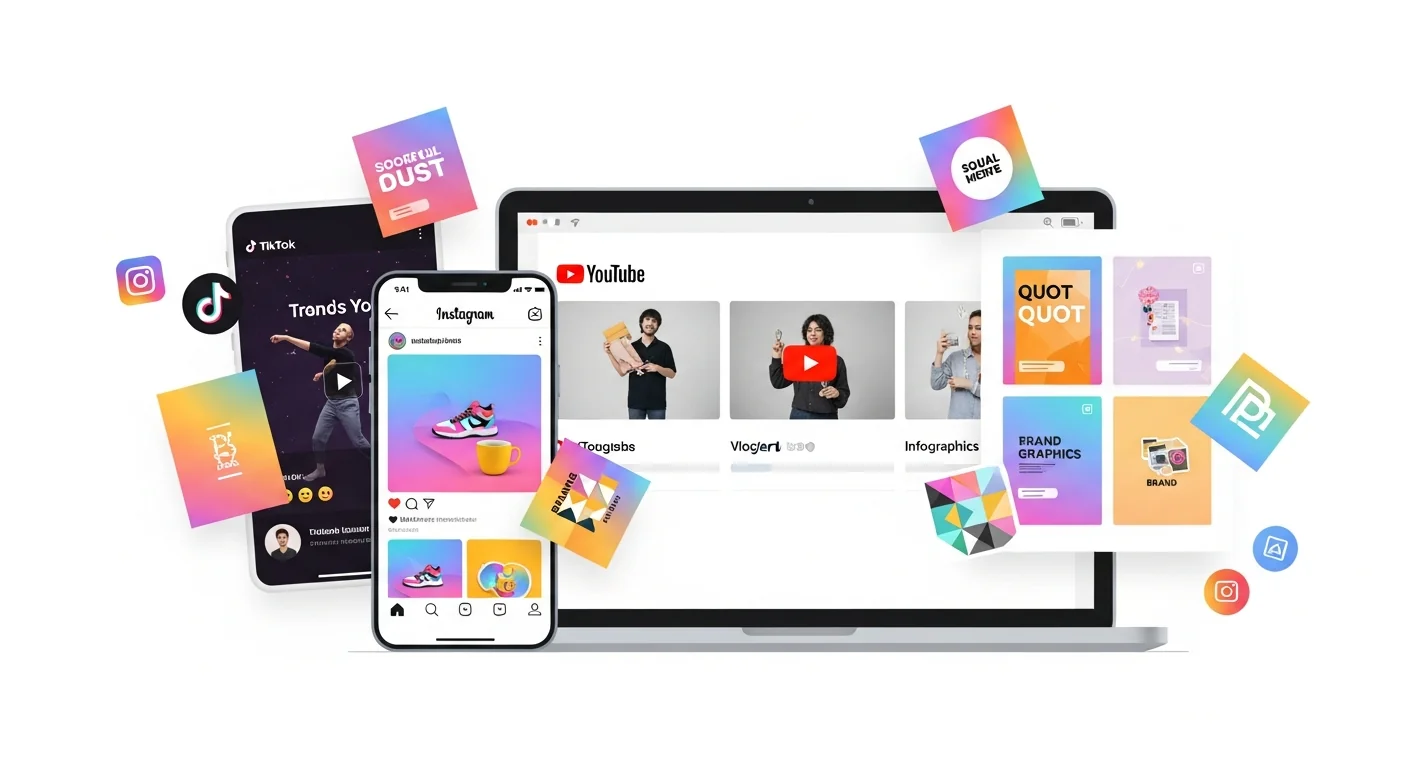
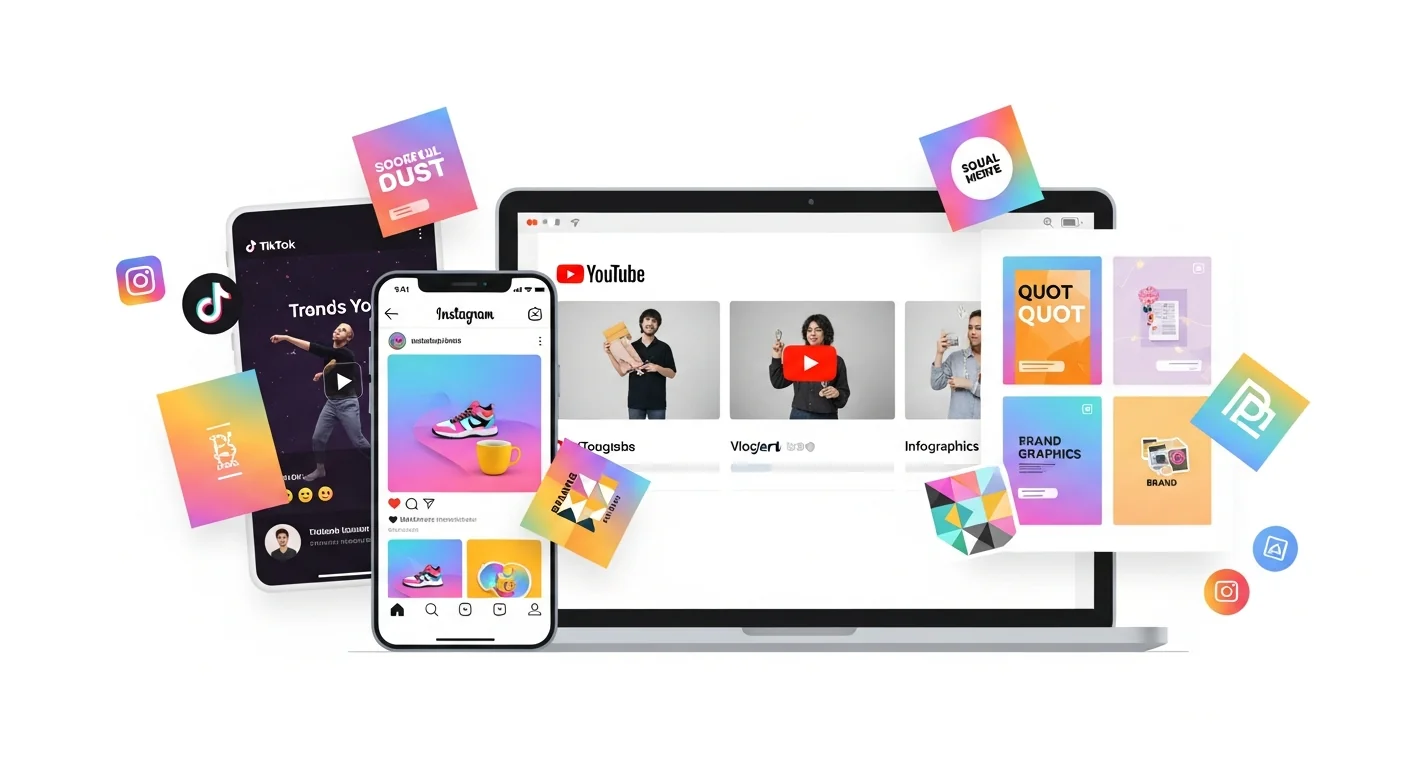
In a world where content is consumed across countless devices and screen sizes, vector graphics ensure your brand looks sharp everywhere. From Instagram Stories to LinkedIn banners, vector-based designs scale perfectly and maintain brand consistency.
The Multi-Platform Challenge
Screen Size Variations
Social media content appears on:
- Smartphones (various resolutions)
- Tablets (different aspect ratios)
- Desktop (HD to 4K monitors)
- Smart TVs (YouTube, streaming)
Platform-Specific Sizes
Each platform has unique requirements:
- Instagram: Square, portrait, landscape, Stories
- TikTok: 9:16 vertical
- YouTube: 16:9 thumbnails, various banner sizes
- LinkedIn: Professional formats
Vector graphics let you create once and export for all sizes without quality loss.
Pro Tip: Design your social media templates at the largest dimension you'll need (typically YouTube channel art at 2560x1440px), then scale down for other platforms. Working from large to small with vectors ensures you never lose quality and often reveals layout issues early.
Platform-Specific Graphic Requirements
| Format | Size | Best For |
|---|---|---|
| Feed Post | 1080x1080px | Product showcases |
| Portrait | 1080x1350px | Infographics |
| Story | 1080x1920px | Promotions, polls |
| Reel Cover | 1080x1920px | Video previews |
| Profile | 320x320px | Logo/brand mark |
TikTok
| Format | Size | Best For |
|---|---|---|
| Video | 1080x1920px | All content |
| Profile | 200x200px | Logo |
| Cover | 900x900px | Highlights |
YouTube
| Format | Size | Best For |
|---|---|---|
| Thumbnail | 1280x720px | Click-through |
| Channel Art | 2560x1440px | Branding |
| Profile | 800x800px | Logo |
| End Screen | 1920x1080px | CTAs |
| Format | Size | Best For |
|---|---|---|
| Post | 1200x627px | Articles |
| Profile | 400x400px | Professional photo |
| Banner | 1584x396px | Personal branding |
| Company | 300x300px | Company logo |
A Full Year of Conversions for $49
Starter Annual: 25 conversions every month, $49 for the whole year. That is about $4.08 a month · Cancel anytime
Get the Annual DealCreating a Social Media Brand Kit
Essential Vector Assets
Logo Variations
- Full color
- Single color (for overlays)
- Light/dark versions
- Icon only
Brand Elements
- Shapes and patterns
- Icons and illustrations
- Dividers and frames
- Badges and stickers
Typography
- Headline styles
- Body text styles
- Quote designs
- CTA buttons
Color Palette
Define your colors in vector format:
- Primary colors (1-2)
- Secondary colors (2-3)
- Accent colors (1-2)
- Background colors
Vector Templates for Social Media
Carousel Posts
Create swipeable content:
- Educational content
- Step-by-step guides
- Product features
- Behind-the-scenes
Pro tip: Design as one long vector, then slice for each slide.
Quote Graphics
- Bold typography
- Brand colors
- Consistent style
- Easy to template
Infographics
Vector is perfect for:
- Data visualization
- Process flows
- Comparisons
- Statistics
Story Templates
Create reusable templates for:
- Announcements
- Q&A sessions
- Polls and quizzes
- Product launches
Converting Brand Assets to Vector
What to Vectorize
- Logos (if not already vector)
- Icons and illustrations
- Hand-drawn elements
- Signatures and handwriting
How to Convert
- Gather your assets - collect all brand graphics
- Upload to VectoSolve for instant conversion
- Organize in folders - by type and use case
- Create templates - in your design tool of choice
Free SVG Tools for Crafters
Design Checker · Color Separator · Mat Preview · Offset Generator · Text to SVG
Check Your SVG FreeDesign Tools for Social Media
Professional
- Adobe Illustrator: Industry standard for vectors
- Adobe Express: Quick social graphics
- Figma: Collaborative design
Free Options
- Canva: Templates + some vector features
- Inkscape: Full vector editing
- Photopea: Browser-based editing
AI-Assisted Workflow
- Generate ideas with AI image tools
- Vectorize with VectoSolve
- Edit and brand in Illustrator/Figma
- Export for all platforms
Don't underestimate Figma for social media design. It's free for individuals, runs in the browser, handles SVG natively, and supports reusable components — meaning you can update your logo once and have it propagate across every template in your brand kit automatically.
Batch Processing for Efficiency
Create Once, Export Many
With vector source files:
- Design at largest needed size
- Export for each platform
- Maintain quality at all sizes
Automation Tips
- Use artboards for multiple sizes
- Create export presets
- Batch export with scripts
- Use templates for consistency
Trending Social Media Styles
2026 Trends
- Minimalist designs - clean, less cluttered
- Bold typography - oversized text
- Gradients - smooth color transitions
- 3D elements - depth and dimension
- Hand-drawn accents - authentic feel
- Glassmorphism - frosted glass effects
Evergreen Styles
- Flat design
- Geometric patterns
- Monochrome with color pop
- Photo + graphic overlays
A Full Year of Conversions for $49
Starter Annual: 25 conversions every month, $49 for the whole year. That is about $4.08 a month · Cancel anytime
Get the Annual DealMeasuring Success
Graphics Performance Metrics
- Engagement rate - likes, comments, shares
- Click-through rate - for CTAs
- Save rate - valuable content indicator
- Reach - visibility
A/B Testing Graphics
- Test different colors
- Compare layouts
- Try various CTAs
- Measure and iterate
Build Your Social Media Design System
Ready to create a cohesive social media presence? Start by vectorizing your brand assets and building a scalable design system.
Remember: Consistency builds recognition. Use your vector assets across all platforms for maximum brand impact!
| Platform | Recommended Image Size | Max File Size |
|---|---|---|
| Instagram Feed | 1080 x 1080 px | 30 MB |
| TikTok Video Cover | 1080 x 1920 px | 15 MB |
| YouTube Thumbnail | 1280 x 720 px | 2 MB |
| LinkedIn Post | 1200 x 627 px | 10 MB |
| Facebook Cover | 1640 x 924 px | 10 MB |