
Best PNG to SVG Converters in 2026 - Top 7 Tools Compared
We tested 7 popular PNG to SVG converters for quality, speed, and price. Find the best image vectorization tool for your needs in 2026.
Graphics & Design Experts
Our team of experienced designers and developers specializes in vector graphics, image conversion, and digital design optimization. With over 10 years of combined experience in graphic design and web development.
Key Takeaways
- VectoSolve delivers the best AI-powered vectorization for complex images, especially photographs and gradients
- Vector Magic remains a strong desktop option but lacks modern AI features
- Free tools like Inkscape and Autotracer work well for simple logos but struggle with detail
- Price doesn't always equal quality — some free tools outperform paid ones on basic tasks
- For professional workflows, investing in a dedicated vectorizer saves hours of manual tracing
Introduction
Converting PNG to SVG is one of those tasks that sounds simple until you actually try it. A raster image made of pixels needs to become a scalable vector made of mathematical paths — and the quality difference between tools is staggering.
I spent three weeks testing every major PNG-to-SVG converter I could find. I ran the same five test images through each tool, compared the outputs side-by-side, and measured them on accuracy, detail preservation, file size, and ease of use. This guide is the result of that hands-on testing.
Whether you're a designer who needs pixel-perfect vectors, a developer optimizing web assets, or someone who just needs to convert a logo quickly, this guide will help you pick the right tool.
---
Testing Methodology
To keep this comparison fair, I used the same five test images across every tool:
Scoring Criteria
Each tool was scored on a 1–10 scale across five dimensions:
| Criteria | Weight | What I Measured | |---|---|---| | Accuracy | 30% | How closely the SVG matches the original PNG | | Detail Preservation | 25% | Fine lines, small text, subtle gradients | | File Size | 15% | Output SVG file size (smaller is better) | | Ease of Use | 15% | Time from upload to usable SVG output | | Feature Set | 15% | Color controls, editing, batch processing, export options |
The overall score is a weighted average of these five dimensions. Let's see how each tool performed.
---
Quick Verdict Table
| Rank | Tool | Best For | Price | Score |
|---|---|---|---|---|
| 1 | VectoSolve | AI vectorization, complex images | Free tier / $9.99/mo | 9.4/10 |
| 2 | Vector Magic | Desktop batch processing | $295 one-time | 8.7/10 |
| 3 | Adobe Illustrator | Professional design workflows | $22.99/mo | 8.3/10 |
| 4 | Vectorizer.io | Quick online conversions | Free / $9.95 credits | 7.8/10 |
| 5 | Inkscape | Free open-source option | Free | 7.5/10 |
| 6 | Convertio | Simple file format conversion | Free / $9.99/mo | 6.9/10 |
| 7 | Autotracer | Basic free tracing | Free | 6.2/10 |
---
1. VectoSolve — Best Overall AI Vectorizer
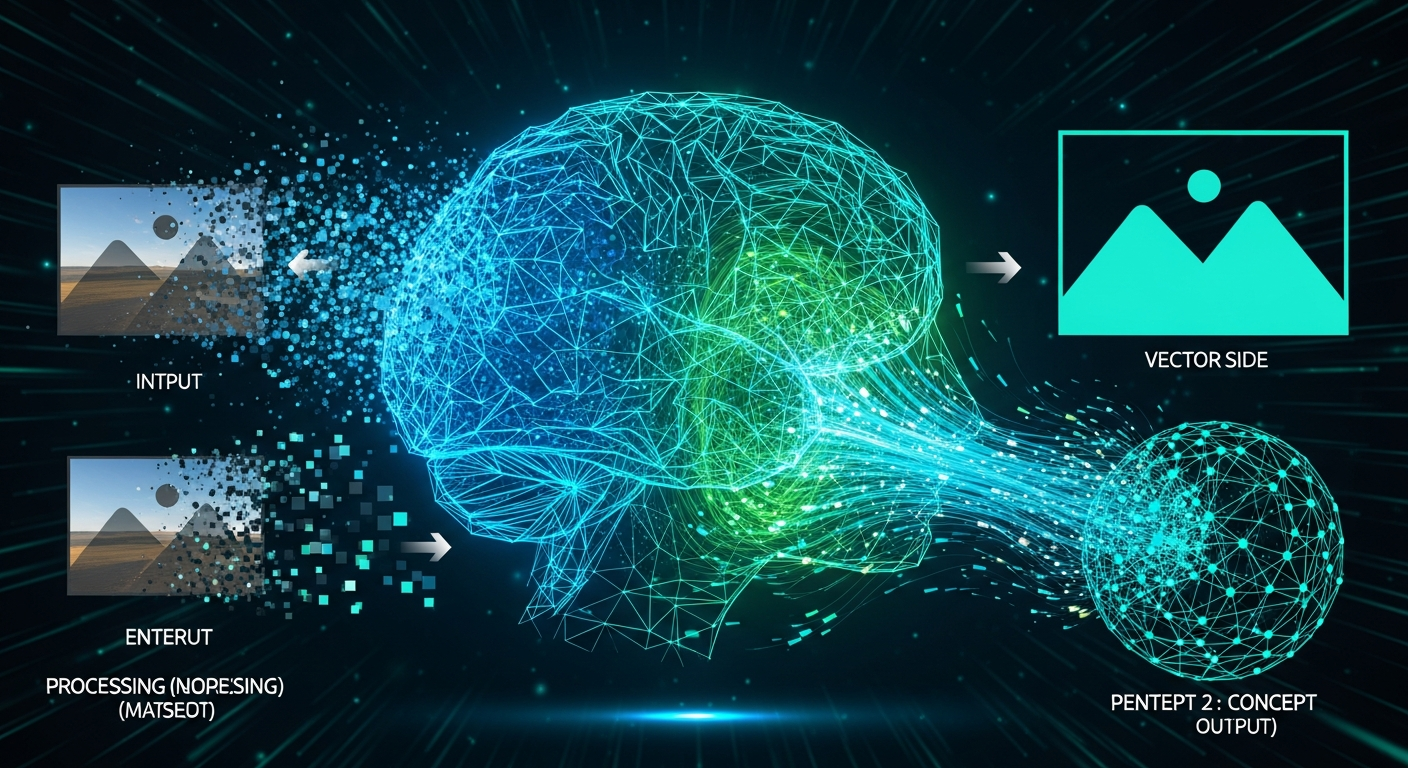
VectoSolve is the tool that genuinely surprised me. While most converters rely on traditional tracing algorithms that have barely changed in a decade, VectoSolve uses a purpose-built AI model trained specifically on image-to-vector conversion.
What Sets It Apart
The difference is immediately visible on complex images. Where other tools produced jagged paths and lost fine details, VectoSolve's AI engine understood the structural intent of the image. A curved line stayed smooth. Text remained crisp. Gradients were handled with intelligent color stops rather than thousands of tiny paths.
I was particularly impressed with the photograph test. Most tools either refuse to vectorize photos or produce SVGs with file sizes in the megabytes. VectoSolve created a stylized but recognizable vector version at just 340KB — impressive for a landscape photo.
Test Results
| Test Image | Accuracy | Detail | File Size | Notes | |---|---|---|---|---| | Simple logo | 10/10 | 10/10 | 12KB | Pixel-perfect reproduction | | Complex logo | 9/10 | 9/10 | 45KB | Gradients handled beautifully | | Photograph | 9/10 | 8/10 | 340KB | Best photo result of any tool | | Hand-drawn sketch | 10/10 | 9/10 | 28KB | Captured pencil texture naturally | | Technical diagram | 9/10 | 9/10 | 52KB | Text labels remained readable |
Pros
Cons
Pricing
Overall Score: 9.4/10
---
2. Vector Magic — Best Desktop Application
Vector Magic has been around for years and built a loyal following among designers who need reliable desktop vectorization. The online version is decent, but the desktop application is where it truly shines.
What Sets It Apart
Vector Magic uses a sophisticated multi-pass tracing algorithm that automatically detects the right number of colors and segments the image before tracing. The result is usually cleaner than a single-pass trace, especially for logos and illustrations with distinct color regions.
The desktop app also offers real-time preview — you can adjust settings and see the vector output update immediately. This feedback loop is incredibly useful when fine-tuning a difficult conversion.
Test Results
| Test Image | Accuracy | Detail | File Size | Notes | |---|---|---|---|---| | Simple logo | 10/10 | 10/10 | 14KB | Excellent, near-perfect | | Complex logo | 8/10 | 8/10 | 68KB | Good but some gradient banding | | Photograph | 6/10 | 6/10 | 1.2MB | Struggled with continuous tones | | Hand-drawn sketch | 8/10 | 8/10 | 42KB | Slightly over-smoothed curves | | Technical diagram | 8/10 | 8/10 | 61KB | Minor issues with thin lines |
Pros
Cons
Pricing
Overall Score: 8.7/10
---
3. Adobe Illustrator Image Trace — Best for Existing Adobe Users
If you're already paying for Adobe Creative Cloud, Image Trace in Illustrator is a powerful vectorization tool built right into your workflow. It's not a standalone converter — it's a feature within Illustrator — but it deserves a place in this comparison because so many designers rely on it.
What Sets It Apart
Image Trace's biggest advantage is post-conversion editing. Once the trace is complete, you can immediately edit individual paths, adjust anchor points, and refine the result using Illustrator's full vector editing toolkit. No other tool offers this level of integration.
The presets are well-designed too. "High Fidelity Photo" mode produces surprisingly good results for photorealistic images, and the "Sketched Art" preset handles hand-drawn work nicely.
Test Results
| Test Image | Accuracy | Detail | File Size | Notes | |---|---|---|---|---| | Simple logo | 9/10 | 9/10 | 18KB | Clean result, minor node excess | | Complex logo | 8/10 | 8/10 | 72KB | Good with manual cleanup | | Photograph | 7/10 | 7/10 | 890KB | Decent with High Fidelity preset | | Hand-drawn sketch | 9/10 | 8/10 | 38KB | Sketched Art preset works well | | Technical diagram | 7/10 | 7/10 | 65KB | Text tracing was inconsistent |
Pros
Cons
Pricing
Overall Score: 8.3/10
---
4. Vectorizer.io — Best Quick Online Converter
Vectorizer.io occupies a nice middle ground: it's more capable than basic free tools but simpler (and cheaper) than professional software. For quick, one-off conversions, it's a solid choice.
What Sets It Apart
The browser-based interface is clean and fast. Upload an image, wait a few seconds, and download your SVG. There's no account required for basic use, and the preview is high-quality enough to judge the output before downloading.
I particularly liked the color palette control. You can set a maximum number of colors, which is invaluable for keeping logo conversions clean and brand-consistent.
Test Results
| Test Image | Accuracy | Detail | File Size | Notes | |---|---|---|---|---| | Simple logo | 9/10 | 9/10 | 15KB | Very clean output | | Complex logo | 7/10 | 7/10 | 82KB | Some color merging in gradients | | Photograph | 5/10 | 5/10 | 1.8MB | Not designed for photos | | Hand-drawn sketch | 7/10 | 7/10 | 55KB | Acceptable but smoothed details | | Technical diagram | 7/10 | 6/10 | 78KB | Thin lines partially lost |
Pros
Cons
Pricing
Overall Score: 7.8/10
---
5. Inkscape Trace Bitmap — Best Free Open-Source Option
Inkscape is a free, open-source vector editor, and its Trace Bitmap feature is the go-to free option for PNG-to-SVG conversion. It won't win awards for user experience, but you truly cannot beat the price.
What Sets It Apart
For a free tool, Inkscape's tracing engine is remarkably capable. It offers multiple tracing modes — brightness cutoff, edge detection, color quantization — and gives you manual control over almost every parameter. If you're willing to experiment with settings, you can get results that rival paid tools on simpler images.
> "Inkscape proves that open-source software can compete with commercial tools — if you're willing to invest the time to learn it." — A common sentiment in the design community
Test Results
| Test Image | Accuracy | Detail | File Size | Notes | |---|---|---|---|---| | Simple logo | 9/10 | 8/10 | 16KB | Great with manual tuning | | Complex logo | 7/10 | 6/10 | 95KB | Required multiple passes | | Photograph | 4/10 | 4/10 | 2.1MB | Poor, not recommended | | Hand-drawn sketch | 7/10 | 7/10 | 48KB | Decent with edge detection | | Technical diagram | 7/10 | 6/10 | 72KB | Acceptable after cleanup |
Pros
Cons
Pricing
Overall Score: 7.5/10
---
6. Convertio — Best for Simple File Conversion
Convertio is primarily a file format converter, not a dedicated vectorizer. It supports hundreds of format pairs, and PNG-to-SVG is just one of them. The results reflect this generalist approach — acceptable for basic needs, but not impressive for demanding work.
What Sets It Apart
Convertio's strength is simplicity. Upload, click convert, download. There are virtually no settings to configure, which is either a positive or a negative depending on your perspective. For someone who just needs a quick SVG from a simple PNG, it works.
Test Results
| Test Image | Accuracy | Detail | File Size | Notes | |---|---|---|---|---| | Simple logo | 8/10 | 7/10 | 22KB | Acceptable for basic use | | Complex logo | 6/10 | 5/10 | 110KB | Noticeable quality loss | | Photograph | 3/10 | 3/10 | 2.8MB | Essentially unusable | | Hand-drawn sketch | 6/10 | 5/10 | 68KB | Over-simplified curves | | Technical diagram | 6/10 | 5/10 | 85KB | Lost thin lines and text |
Pros
Cons
Pricing
Overall Score: 6.9/10
---
7. Autotracer — Best for Quick Free Tracing
Autotracer is a bare-bones, completely free online tracing tool. It does one thing — trace raster images into vectors — and it does it with minimal fuss. Don't expect miracles, but for simple graphics, it gets the job done.
What Sets It Apart
Autotracer is genuinely free with no catches. No account, no credits, no watermarks, no resolution limits on output. For a simple logo or icon conversion, this is the fastest path from PNG to SVG with zero cost.
Test Results
| Test Image | Accuracy | Detail | File Size | Notes | |---|---|---|---|---| | Simple logo | 7/10 | 7/10 | 19KB | Decent for a free tool | | Complex logo | 5/10 | 5/10 | 125KB | Significant color loss | | Photograph | 2/10 | 2/10 | 3.4MB | Do not attempt | | Hand-drawn sketch | 5/10 | 5/10 | 72KB | Heavy smoothing artifacts | | Technical diagram | 5/10 | 4/10 | 95KB | Most detail lost |
Pros
Cons
Pricing
Overall Score: 6.2/10
---
Full Comparison Table
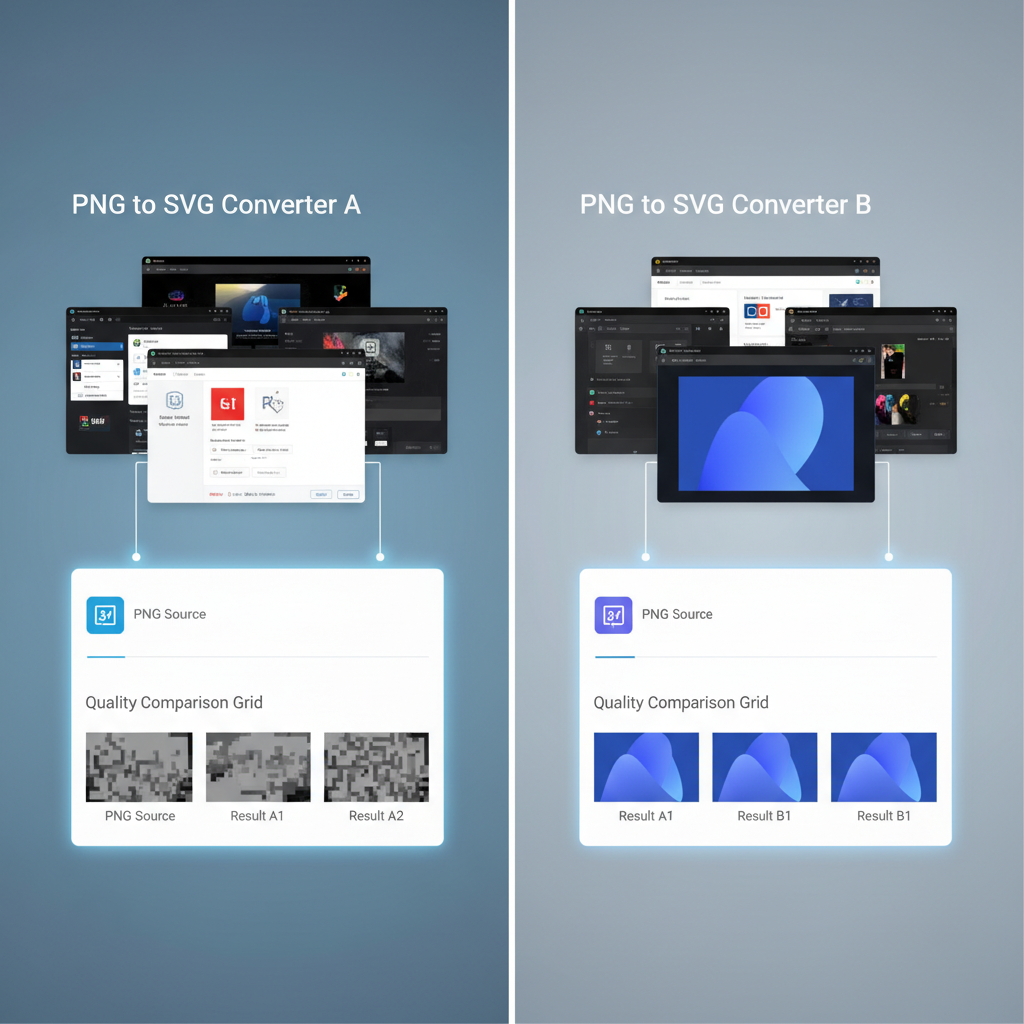
| Feature | VectoSolve | Vector Magic | Illustrator | Vectorizer.io | Inkscape | Convertio | Autotracer |
|---|---|---|---|---|---|---|---|
| Overall Score | 9.4 | 8.7 | 8.3 | 7.8 | 7.5 | 6.9 | 6.2 |
| AI-Powered | Yes | No | Partial | No | No | No | No |
| Photo Support | Excellent | Poor | Good | Poor | Poor | None | None |
| Batch Processing | Yes | Yes | Yes | No | Scripting | No | No |
| Free Tier | Yes | No | No | Limited | Fully Free | Limited | Fully Free |
| Offline Use | No | Desktop | Desktop | No | Desktop | No | No |
| SVG Optimization | Built-in | Basic | Manual | Basic | Manual | None | None |
| Animation | Yes | No | No | No | No | No | No |
| Ease of Use | 9/10 | 8/10 | 6/10 | 8/10 | 5/10 | 9/10 | 7/10 |
---
Recommendations by Use Case
Different projects call for different tools. Here's my recommendation based on the most common scenarios:
For Professional Designers
Use VectoSolve or Adobe Illustrator. If you already have Creative Cloud, Image Trace is built into your workflow. If you want better AI-powered results without manual cleanup, VectoSolve is worth the subscription.For Developers Optimizing Web Assets
Use VectoSolve. The AI engine produces clean, optimized SVGs that are ready for the web. The small file sizes mean faster page loads, and the built-in optimization saves a step in your pipeline.For Logo and Brand Work
Use VectoSolve or Vector Magic. Both excel at logo vectorization. VectoSolve edges ahead on complex multi-color logos, while Vector Magic's desktop app is great for offline batch work.For Occasional, Simple Conversions
Use Inkscape or Autotracer. If you just need to convert a simple icon or logo once in a while, there's no reason to pay. Inkscape gives you more control; Autotracer is faster.For Budget-Conscious Teams
Use VectoSolve's free tier or Inkscape. VectoSolve gives you five free AI-powered conversions daily — enough for most small teams. Inkscape is unlimited and free forever.
---
Final Verdict
After three weeks of testing, the hierarchy is clear. VectoSolve leads the pack with its AI-powered engine that handles everything from simple logos to complex photographs. Vector Magic is the runner-up with strong desktop capabilities. Adobe Illustrator is the best choice if you're already in the Adobe ecosystem.
For free options, Inkscape offers the most power and flexibility, while Autotracer wins on pure simplicity.
The gap between AI-powered tools and traditional tracers is only going to widen. If you're doing vectorization work regularly, investing in an AI-driven solution like VectoSolve is the smartest move you can make in 2026.
> "The best tool is the one that saves you time without sacrificing quality. For most people in 2026, that tool is an AI-powered vectorizer." — The conclusion my testing supports
---
Last updated: February 2026. Prices and features may have changed since publication. All testing was performed on the latest available versions of each tool.
---
| Converter | Complex Image Handling | Gradient Support | Batch Mode |
|---|---|---|---|
| VectoSolve | Excellent — AI-driven | Full gradient vectorization | Yes |
| Vector Magic | Very good | Limited | Desktop only |
| Inkscape | Fair — manual tuning | Basic posterization | CLI scripting |
| Vectorizer.io | Good for simple art | No | No |
| Adobe Image Trace | Very good | Limited preset modes | Via Actions |