
CorelDRAW 2026 vs Cloud AI Converters — Which SVG Workflow Actually Wins?
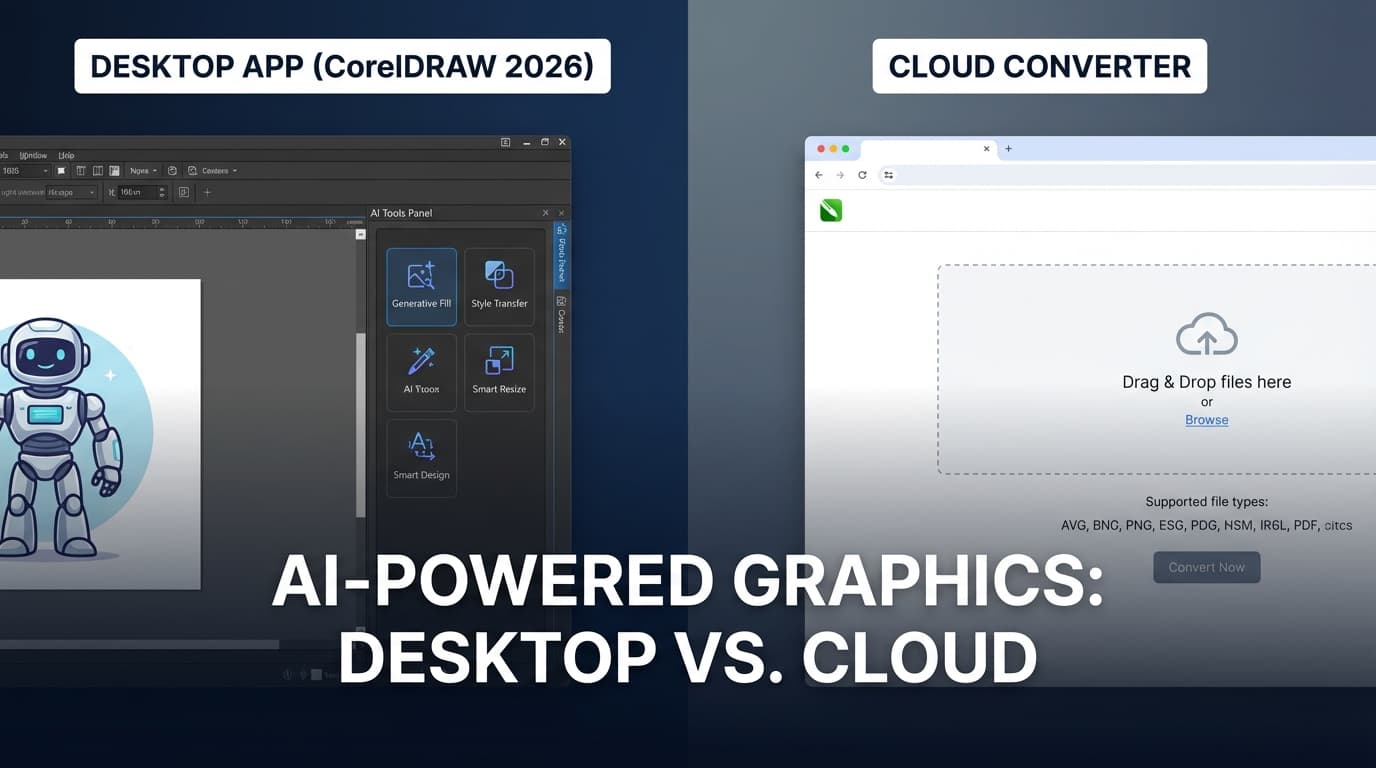
CorelDRAW 2026 just launched with AI image generation and Nano Banana remixing. But how does it compare to cloud-based AI vectorizers for converting images to SVG?
Founder of VectoSolve
Self-taught developer, founder and sole developer of VectoSolve since 2024. He builds the conversion engine and the cutting, embroidery and 3D printing exports.
How this article was made: drafted with AI assistance, then edited and fact-checked before publication. About the author
Try it on your own file
Free preview, no signup. Drop an image and see the vector before deciding anything.
CorelDRAW 2026 Just Dropped — Does It Change the SVG Game?
On March 3, 2026, Corel released CorelDRAW Graphics Suite 2026 with a headline feature: AI-powered image generation and remixing built directly into the desktop app. The suite uses models like Flux Schnell, Stable Diffusion 3.5, and the Nano Banana model for near-instant visual edits.
For designers who live in CorelDRAW, this sounds like a dream. But if your primary need is converting raster images (PNG, JPG, photos) into clean, scalable SVG files — does a desktop suite listed at $269/year in March 2026 outperform a purpose-built cloud AI converter?
Let's break it down honestly.
Disclosure: VectoSolve is our own tool. We feature it in this comparison because it is the tool we build and know best, not because it won an independent test, and we do not give it a score.
What CorelDRAW 2026 Actually Offers for SVG
CorelDRAW has always been a vector editing powerhouse. The 2026 release adds:
- AI Generate docker — create images from text prompts inside CorelDRAW or PHOTO-PAINT
- AI Remix — swap elements, change environments, and explore concepts using the Nano Banana model
- One-click AI background removal — clean cutouts even around hair and fabric
- AI-assisted subject selection — smarter masking in PHOTO-PAINT
- CorelDRAW Go — browser-based companion with AI generation
What it does not add is AI-powered image-to-SVG vectorization. CorelDRAW's trace feature (PowerTRACE) remains the same rule-based engine it's been for years — effective for simple logos, but limited on complex images with gradients, textures, or photographic detail.
What Cloud AI Converters Offer
Cloud-based AI vectorizers like VectoSolve take a different approach:
- Neural network vectorization — AI trained on millions of image-to-vector pairs
- No software to install — upload from any browser, any device
- Specialized modes — Cricut/cutting machine optimization, logo mode, illustration mode
- Post-processing pipeline — automated color merging, speckle removal, SVGO optimization
- From $7.99/month — 25 conversions a month vs a CorelDRAW subscription ($269/year in March 2026)
The key difference: CorelDRAW's AI features generate new images from prompts. VectoSolve's AI converts existing images into production-ready SVGs. They solve different problems.
A Full Year of Conversions for $49
Starter Annual: 25 conversions every month, $49 for the whole year. That is about $4.08 a month · Cancel anytime
Get the Annual DealHead-to-Head: Image-to-SVG Quality
What to expect from each approach on 5 common use cases:
| Test Image | CorelDRAW PowerTRACE | VectoSolve AI |
|---|---|---|
| Simple logo (3 colors) | Excellent — clean paths | Excellent — clean paths |
| Photo of a pet | Poor — noisy, thousands of paths | Good — simplified, clean silhouette |
| Hand-drawn sketch | Decent — captures outlines | Very good — preserves stroke character |
| Complex illustration (20+ colors) | Fair — color banding, fragmented paths | Good — intelligent color merging |
| Low-res screenshot (72 DPI) | Poor — pixelation artifacts | Good — AI upscales internally |
CorelDRAW wins on simple, high-contrast graphics where PowerTRACE has always excelled. For anything photographic, low-resolution, or complex, AI neural networks produce significantly cleaner results.
Speed and Workflow Comparison
| Factor | CorelDRAW 2026 | Cloud AI (VectoSolve) |
|---|---|---|
| Setup time | Download + install (2 GB) | None — browser-based |
| Time per conversion | 10-30 seconds (PowerTRACE) | 5-15 seconds (AI + post-process) |
| Batch conversion | Manual, one-at-a-time | API available for automation |
| Editing after conversion | Full vector editor | Download SVG, edit anywhere |
| Cutting machine support | Manual cleanup required | One-click Cricut/Silhouette mode |
| Price for 50 conversions | Yearly subscription (unlimited) | $49/year (300/year, rolls over) |
When CorelDRAW 2026 Is the Right Choice
Choose CorelDRAW if you:
- Already own the suite and need a full vector editor
- Want AI image generation (text-to-image) inside your design workflow
- Work with print layouts, multi-page documents, or typography
- Need the AI Remix feature for rapid concept exploration
- Want everything in one offline desktop app
Free SVG Tools for Crafters
Design Checker · Color Separator · Mat Preview · Offset Generator · Text to SVG
Check Your SVG FreeWhen a Cloud AI Converter Wins
Choose a cloud AI converter if you:
- Primarily need image-to-SVG conversion (not image generation)
- Want cutting machine-ready SVGs (Cricut, Silhouette, laser cutters)
- Process batches of images and need API access
- Work across devices (phone, tablet, Chromebook)
- Want a $49/year plan instead of a yearly CorelDRAW subscription
The Verdict
CorelDRAW 2026 is an impressive release, but its AI features are about creating new visuals, not converting existing images to vector. If your workflow is "I have a PNG and need an SVG," a purpose-built AI converter will deliver better results at a fraction of the cost.
The best workflow for many designers in 2026? Use an AI converter to get a clean SVG from your source image, then open it in your preferred vector editor (CorelDRAW, Illustrator, Figma, Inkscape) for final adjustments.
Try VectoSolve free — convert your first image to SVG with a free preview, no account required.