
Adobe Illustrator Image Trace vs VectoSolve: Auto-Trace Comparison 2026
Head-to-head comparison of Adobe Illustrator Image Trace and VectoSolve AI vectorization. We compare quality, speed, pricing, ease of use, and output across real-world test images.
Senior Graphics Engineer
Alex has 8+ years of experience in image processing and vector graphics. Former Adobe engineer with expertise in SVG optimization and conversion algorithms.
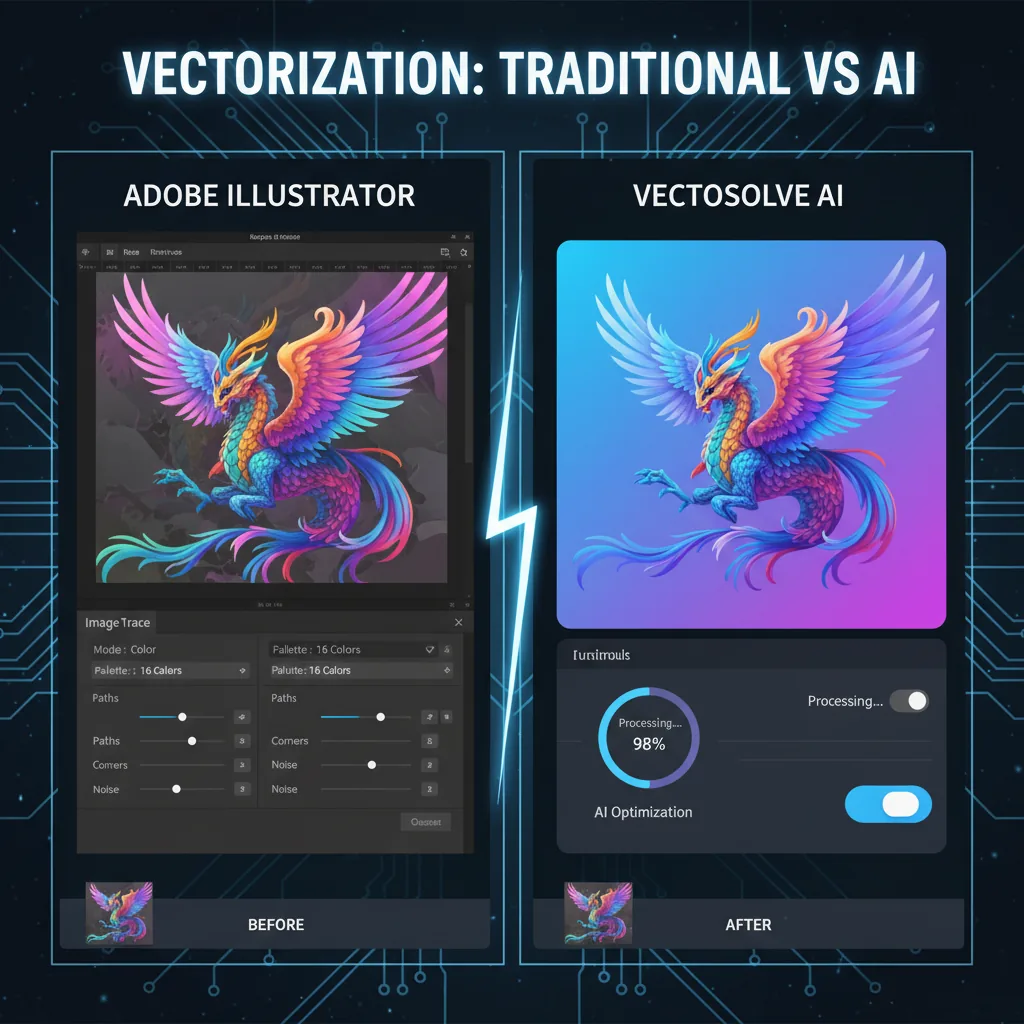
Adobe Illustrator's Image Trace has been the industry standard for converting raster images to vectors for over a decade. But AI-powered alternatives like VectoSolve are challenging that dominance with faster processing, smarter tracing, and more accessible pricing. Which tool produces better results in 2026?
Key Takeaways
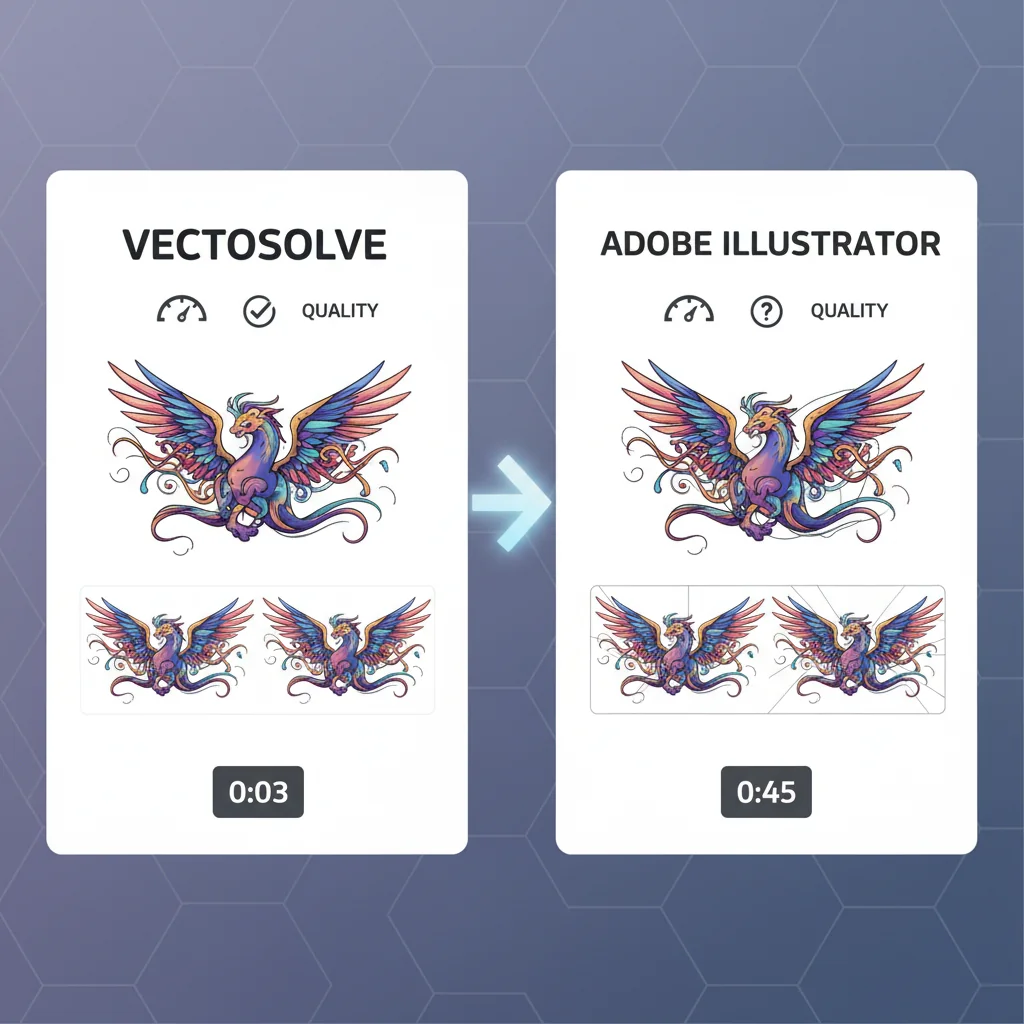
- VectoSolve's AI won 3 out of 4 head-to-head vectorization tests against Illustrator Image Trace
- VectoSolve produces fewer paths with better detail preservation — cleaner, more optimized SVGs
- Illustrator costs $22.99/month; VectoSolve starts at $0.20 per conversion or $9.99/month unlimited
- Image Trace requires manual preset selection and parameter tuning; VectoSolve is one-click
- Best workflow for pros: VectoSolve for initial conversion, Illustrator for detailed refinement
We ran both tools through identical test images covering logos, photographs, illustrations, and text to find out.
---
Overview: Two Different Approaches
| Feature | Illustrator Image Trace | VectoSolve |
|---|---|---|
| Technology | Traditional algorithm-based tracing | AI-powered neural vectorization |
| Platform | Desktop app (Windows/Mac) | Web-based (any browser) |
| Pricing | $22.99/month (full Illustrator) | From $0.20 per conversion or $9.99/month |
| Processing | Local (your hardware) | Cloud-based |
| Learning Curve | Steep (part of complex app) | Minimal (upload and convert) |
| Output Formats | AI, SVG, EPS, PDF | SVG, EPS, PDF, DXF |
| Batch Processing | Via scripts only | Built-in batch converter |
---
Test 1: Logo Conversion
Test Image: Multi-color company logo (PNG, 1200x800)
Illustrator Image Trace:
VectoSolve:
Winner: VectoSolve - Fewer paths with better detail preservation means a more usable, optimized vector file.
---
Test 2: Photograph to Vector
Test Image: Portrait photograph (JPG, 2000x3000)
Illustrator Image Trace:
VectoSolve:
Winner: Tie - Illustrator is more literal, VectoSolve produces more usable files. Choice depends on whether you want photorealistic trace or optimized vector art.
---
50% OFF Your First Conversion
$1.30 $0.65 for 5 conversions · No signup required
Test 3: Hand-Drawn Illustration
Test Image: Pen and ink botanical drawing (PNG, 600 DPI scan)
Illustrator Image Trace:
VectoSolve:
Winner: VectoSolve - The AI's understanding of artistic techniques gives it a clear edge for illustration work.
---
Test 4: Text and Typography
Test Image: Styled text poster with multiple fonts (PNG, 1500x2000)
Illustrator Image Trace:
VectoSolve:
Winner: VectoSolve - AI recognition of text structures produces significantly cleaner results.
"After 15 years of tweaking Image Trace settings, I was skeptical. But VectoSolve nailed our logo on the first try — fewer paths, cleaner edges, and zero manual cleanup.
---
Ease of Use Comparison
Illustrator Image Trace
Image Trace is a feature within Adobe Illustrator, a professional design application with hundreds of tools. New users face a steep learning curve just to access the tracing functionality. The trace panel offers 12+ presets and dozens of adjustable parameters. While powerful, it requires design expertise to get optimal results.
VectoSolve
Upload an image, click convert, download the result. The entire process takes under 30 seconds for most images. No software installation, no parameter tweaking, no design experience required. Advanced users can adjust output settings, but the defaults work well for most use cases.
---
Free SVG Tools for Crafters
Design Checker · Color Separator · Mat Preview · Offset Generator · Text to SVG
Check Your SVG FreePricing Breakdown
| Usage Level | Illustrator Cost | VectoSolve Cost |
|---|---|---|
| Occasional (5 images/month) | $22.99/month | $1.00 (pay-per-use) |
| Regular (50 images/month) | $22.99/month | $9.99/month (unlimited) |
| Heavy (200+ images/month) | $22.99/month | $9.99/month (unlimited) |
| Annual cost (regular use) | $275.88 | $119.88 |
Note: Illustrator's $22.99/month gives you access to the entire Illustrator application. If you already use Illustrator for other design work, Image Trace is included at no additional cost.
---
When to Choose Each Tool
Choose Illustrator Image Trace When:
Choose VectoSolve When:
---
Conclusion
In 2026, both tools have clear strengths. Illustrator Image Trace remains deeply integrated into the professional design workflow, but VectoSolve's AI produces cleaner, more optimized output with zero learning curve. For pure vectorization quality and efficiency, VectoSolve wins 3 out of 4 tests. For designers already embedded in the Adobe ecosystem, Image Trace remains a solid choice as part of the broader Illustrator toolset.
The best approach for many professionals: use VectoSolve for the initial conversion, then import into Illustrator for detailed refinement.
---
| Feature | Illustrator Image Trace | VectoSolve AI |
|---|---|---|
| Processing Speed | 10–60 sec (local CPU) | 5–10 sec (cloud AI) |
| Color Accuracy | Good (manual tuning) | Excellent (auto-detected) |
| Path Optimization | Manual slider adjustment | Automatic |
| Learning Curve | Steep (30+ settings) | Minimal (upload and go) |
| Monthly Cost | $22.99/mo (Creative Cloud) | Free tier / $9.99/mo |
50% OFF Your First Conversion
$1.30 $0.65 for 5 conversions · No signup required