
Vectorize Client Images 10x Faster: Freelance Designer Guide
Time is money for freelancers. Learn how to vectorize client images 10x faster and deliver better results. Practical tips for design professionals.
Graphics & Design Experts
Our team of experienced designers and developers specializes in vector graphics, image conversion, and digital design optimization. With over 10 years of combined experience in graphic design and web development.
Key Takeaways
- A tested pricing framework for vectorization services (per-image, hourly, and package models)
- Client communication templates you can copy-paste today
- A batch workflow that turns 3-hour jobs into 15-minute jobs
- Upsell strategies that turn one-off gigs into recurring retainers
- Platform tips for landing vectorization clients on Fiverr, Upwork, and 99designs
Why Vectorization Is Your Most Profitable Freelance Skill
Let me be blunt: if you're a freelance designer not offering vectorization services, you're leaving the easiest money on the table. Every business with a logo older than five years needs vector files. Every print shop rejects raster artwork daily. Every marketing team eventually realizes their PNG logo looks like garbage on a billboard.
Vectorization is the most requested design service that clients don't even know how to name. They say "can you clean up our logo?" or "make this work for print." What they mean is: convert our raster files to scalable vector format.
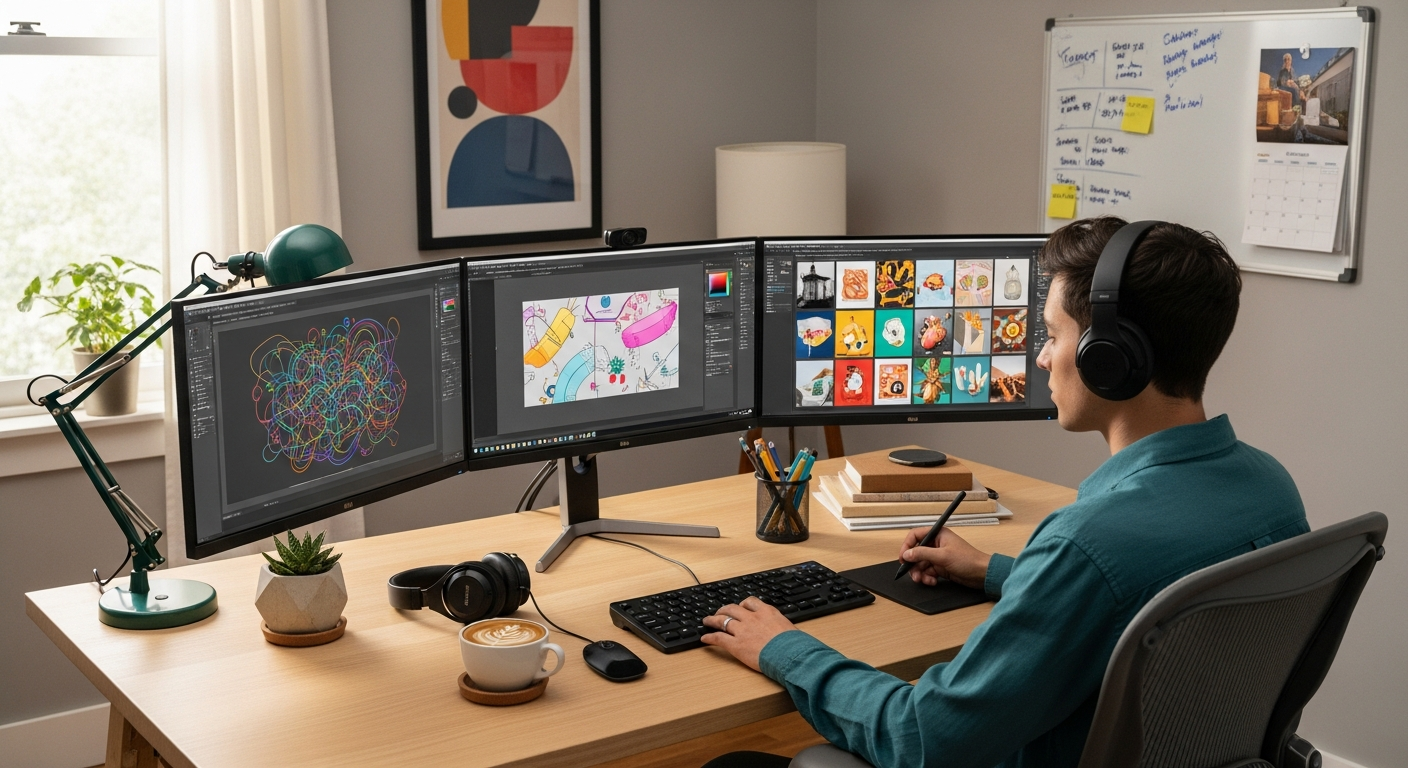
The beauty of this work is the math. It's fast to deliver, hard for clients to DIY, and the perceived value is enormous compared to your actual time investment --- especially when you build the right workflow.
---
The Pricing Playbook: How to Charge for Vectorization
This is where most freelancers fumble. They either undercharge because it feels "too easy" with modern tools, or they quote hourly and punish themselves for being efficient.
| Service Tier | Includes | Price Range | Turnaround | Best For | |---|---|---|---|---| | Quick Convert | 1 logo to SVG, 2 revisions | $25 -- $50 | 24 hours | Small biz owners, Etsy sellers | | Brand Starter | Up to 5 assets, color variants, basic guide | $150 -- $300 | 2--3 days | Startups, local businesses | | Full Brand Kit | 10+ assets, SVG/EPS/PDF, print-ready, usage docs | $500 -- $1,200 | 5--7 days | Agencies, established brands | | Monthly Retainer | Unlimited vectorizations, priority turnaround | $300 -- $800/mo | Same-day | Marketing teams, print shops |
---
Client Communication: Templates That Set Expectations
Half of freelancing is managing expectations. Here are templates refined over hundreds of vectorization projects.
The Intake Message
Hi [Client],To get your vectorization quote, I need:
The source files (PNG, JPG, or photo --- any resolution)
Intended use (web, print, signage, embroidery?)
Any color changes needed
Deadline requirements I'll have a quote back within a few hours.
Best, [Your name]
The Deliverables Checklist
YOUR VECTOR DELIVERY
====================
Files included:
logo-primary.svg (web-ready, scalable)
logo-primary.eps (print/production)
logo-primary.pdf (universal sharing) Color specs:
Primary: #2563EB / RGB(37,99,235)
Secondary: #1E293B / RGB(30,41,59) Revisions remaining: 2 of 2 included
---
Building Your Workflow: From Chaos to Assembly Line
The freelancers who earn six figures aren't more talented --- they're more systematic. Here's how to turn vectorization into a batch operation.
The Batch Processing Method
Time Management Reality Check
Compare that to manually tracing 12 logos at 30 minutes each --- 6 hours of pen-tool work versus 90 minutes of managed workflow.
"Stop trading hours for dollars. Start trading systems for leverage. The freelancers who build repeatable workflows don't just earn more --- they earn more while working less.
---
Portfolio Building: Turn Client Work Into a Client Magnet
Every vectorization project is a portfolio piece. The before/after format is irresistible because it's immediately understandable --- no design knowledge required.
What to showcase: Before/after sliders, scale demonstrations (business card to billboard), complexity range, and format variety (SVG, print proofs, embroidery mockups from the same vector).
Where to showcase: Post before/after comparisons on Dribbble, Behance, and Instagram with #vectorization #logodesign #beforeandafter. These posts consistently outperform other design content because non-designers can instantly see the value.
---
The Upsell Ladder: From One Vector to Ongoing Revenue
Vectorization is rarely the end of what a client needs --- it's the beginning.
Rung 1: Single Vectorization ($25--$50) --- Client sends one logo. You deliver fast, they're impressed.
Rung 2: Full Asset Vectorization ($150--$300) --- "While I'm at it, want me to convert all your brand assets?"
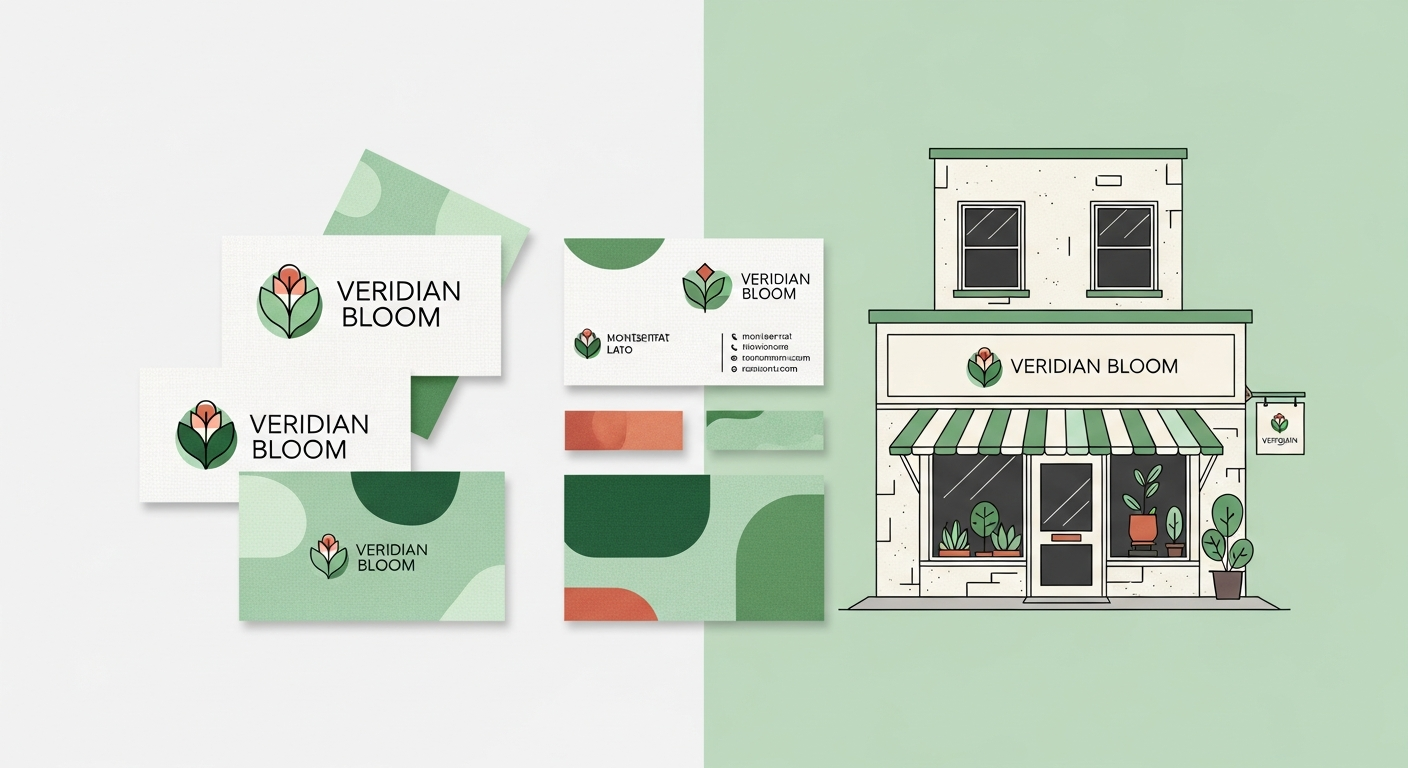
Rung 3: Brand Package ($500--$1,500) --- "Your vectors are done, but I noticed your brand lacks consistent color specs. Want me to build a brand kit?" Use VectoSolve's logo generator to mock up variations quickly.
Rung 4: Monthly Retainer ($300--$800/mo) --- "Since your team sends me assets regularly, a retainer saves you money and guarantees priority turnaround."
Each rung is a natural conversation, not a hard sell. You're solving problems they didn't know they had.
---
---
The Bottom Line
Vectorization hits the freelancer trifecta: high demand, fast delivery, great margins. Clients don't understand why it costs what it does --- they just know they need it and can't do it themselves. That asymmetry is your advantage.
Build the workflow. Set the boundaries. Stack the upsells. Use tools like VectoSolve to make sure you spend time on the parts that actually require a designer's eye --- not tracing paths for three hours.
The freelancers who figure this out don't just survive. They build businesses.
---
| Pricing Model | Best For | Typical Rate | Profit Margin |
|---|---|---|---|
| Per-Image Flat Rate | Simple logos, icons | $15-$75 per image | 80-90% with AI tools |
| Hourly Rate | Complex illustrations, maps | $50-$150/hour | 60-75% |
| Batch Package | Brand kits, icon sets (10-50 images) | $200-$1,500 per package | 85-95% with batch workflow |
| Monthly Retainer | Agencies, repeat clients | $500-$3,000/month | 70-85% |