
Online vs Desktop Vector Converters: Which Should You Use in 2026?
Should you use an online converter like VectoSolve or desktop software like Illustrator? We break down the pros and cons of each approach.
Graphics & Design Experts
Our team of experienced designers and developers specializes in vector graphics, image conversion, and digital design optimization. With over 10 years of combined experience in graphic design and web development.
Key Takeaways
- Online converters excel at quick, one-off conversions with zero setup — ideal for designers who need results in under 60 seconds
- Desktop software wins for batch processing, offline work, and granular control over vector output — essential for production workflows
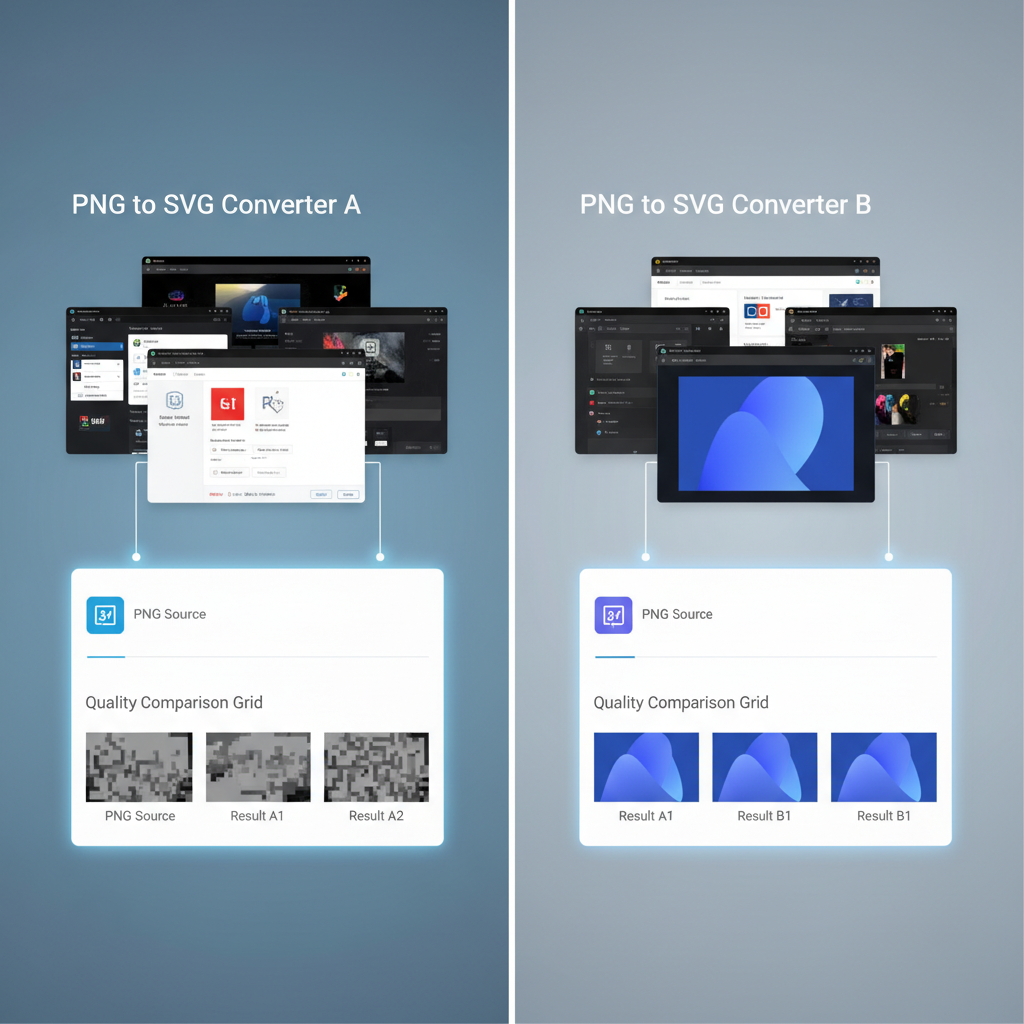
- AI-powered online tools like VectoSolve have dramatically closed the quality gap, often matching desktop results for standard conversions
- Privacy-sensitive projects still favor desktop tools since files never leave your machine
- The best approach for most professionals is a hybrid workflow — online tools for speed, desktop tools for complex edits
The Great Vector Conversion Debate
If you've ever needed to convert a raster image to vector format, you've faced the fundamental question: should you use an online converter or install desktop software?
The answer in 2026 isn't as straightforward as it was five years ago. Online tools have evolved from producing crude, barely-usable tracings to delivering genuinely impressive AI-powered vectorization. Meanwhile, desktop applications have added their own AI features and remain the gold standard for professional production work.
This guide breaks down the real-world differences, so you can pick the right tool for your specific situation — not just follow generic advice.
---
How Online Vector Converters Work
Online converters run entirely in your browser (or on a cloud server). You upload an image, the service processes it, and you download a vector file — typically SVG, EPS, or PDF.
The Modern Online Experience
Today's best online converters use machine learning models trained on millions of image-to-vector pairs. They don't just trace edges anymore — they understand shapes, recognize common objects, and make intelligent decisions about curve placement and color grouping.
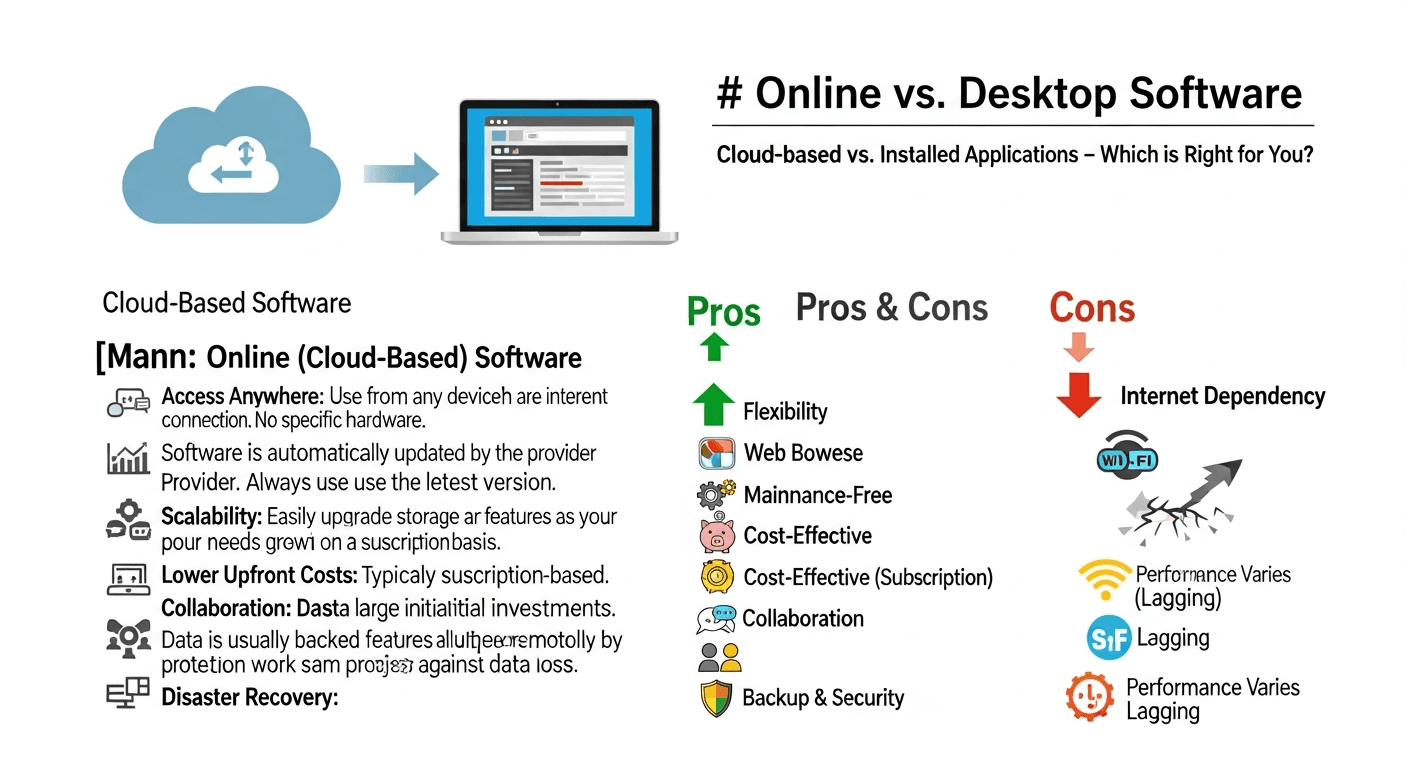
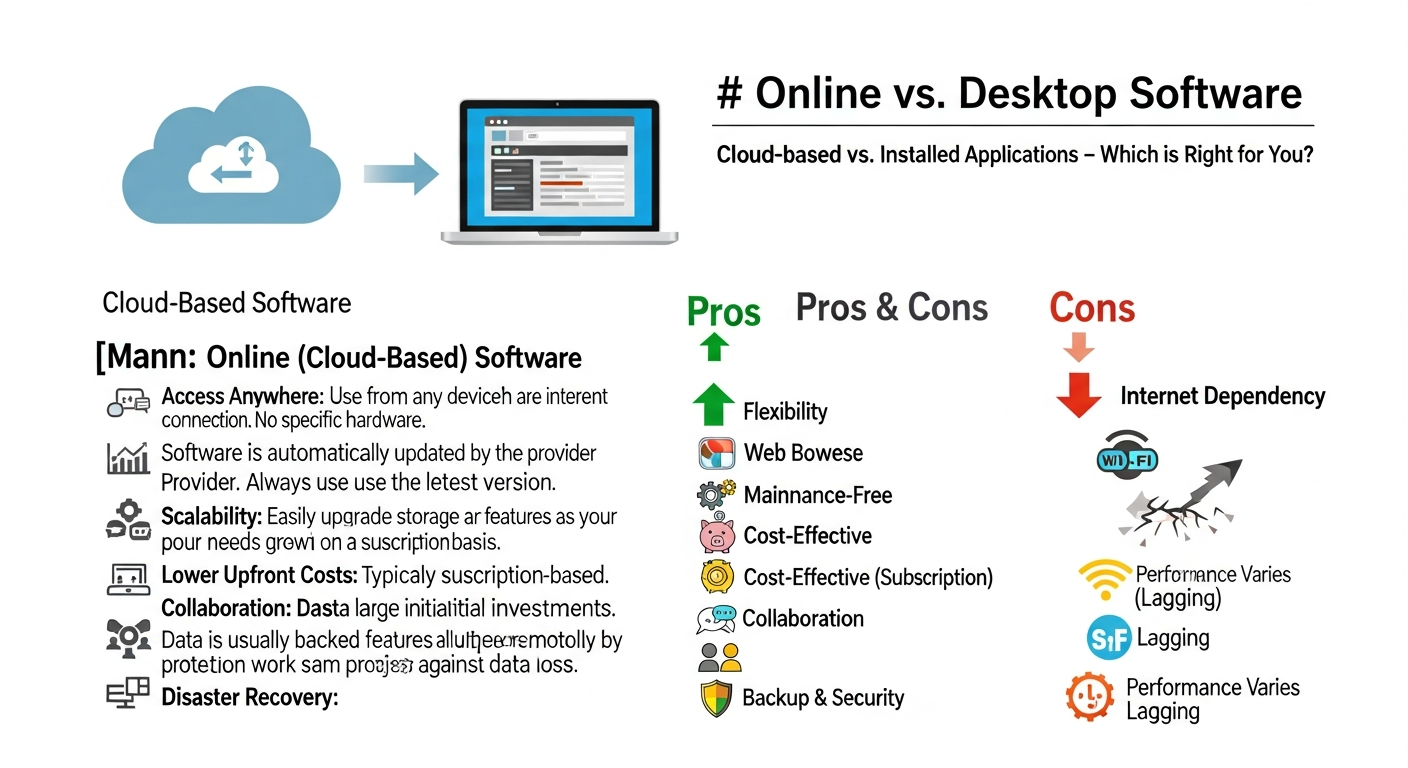
Pros of Online Converters
Cons of Online Converters
---
How Desktop Vector Software Works
Desktop applications install locally on your machine. They range from dedicated auto-tracing tools to full vector illustration suites with tracing built in. Processing happens entirely on your hardware using your CPU and GPU.
The Desktop Advantage
Desktop software gives you direct access to every parameter in the vectorization process. You can adjust node counts, simplify paths, control color quantization, set corner thresholds, and manually edit every single anchor point after tracing.
Pros of Desktop Software
Cons of Desktop Software
---
Head-to-Head Comparison Table
| Feature | Online Converters | Desktop Software | Winner |
|---|---|---|---|
| Conversion Speed | 5–30 seconds (cloud processing) | 10–120 seconds (depends on hardware) | Online |
| Output Quality (Simple Images) | Excellent — AI models handle logos and icons superbly | Excellent — with proper settings | Tie |
| Output Quality (Complex Images) | Good — some detail loss in intricate areas | Superior — full parameter control | Desktop |
| Privacy & Security | Files uploaded to cloud servers | 100% local processing | Desktop |
| Cost (Occasional Use) | Free or $5–15/month | $0 (Inkscape) to $600+ (Illustrator) | Online |
| Cost (Heavy Use) | $20–50/month for unlimited plans | One-time or annual subscription | Desktop |
| Offline Capability | None | Full functionality | Desktop |
| Batch Processing | Limited (5–20 files typically) | Unlimited with scripting/actions | Desktop |
| Setup Time | 0 minutes — open browser and go | 15–60 minutes (download, install, configure) | Online |
| Learning Curve | Minimal — upload and download | Moderate to steep | Online |
| Post-Conversion Editing | Basic or none | Full vector editing capabilities | Desktop |
| File Format Support | SVG, PNG, EPS, PDF (varies) | All major vector and raster formats | Desktop |
---
Top Online Vector Converters in 2026
VectoSolve
VectoSolve uses advanced AI vectorization to deliver production-ready SVGs directly from your browser. Its standout features include intelligent color grouping, automatic shape recognition, and a clean layer structure that makes post-editing painless.
Best for: Designers who need fast, high-quality conversions without learning complex software. The free tier is generous enough for occasional use, while the premium plan handles professional volume.
Vector Magic
Vector Magic has been a reliable online converter for years. It offers both an online version and a desktop application, making it a natural bridge between the two categories. The tracing algorithm is well-tuned for logos and simple graphics.
Best for: Users who want a proven, established tool with predictable results and the option to switch between online and desktop modes.
Other Notable Online Tools
---
Top Desktop Vector Software in 2026
Adobe Illustrator
Illustrator's Image Trace feature remains the industry benchmark for desktop vectorization. The 2026 version includes AI-enhanced tracing with Adobe Sensei, offering presets for different image types and granular control over every aspect of the conversion.
Best for: Professional designers already in the Adobe ecosystem who need the deepest possible control and seamless integration with Photoshop, InDesign, and other Creative Cloud apps.
"Illustrator's Image Trace has gotten remarkably good with AI presets, but you still need to know which settings to tweak for optimal results.
Inkscape
Inkscape is the free and open-source powerhouse. Its "Trace Bitmap" feature (using the Potrace engine) handles most common conversion tasks well. While the interface isn't as polished as Illustrator, the price — free forever — makes it an essential tool in any designer's toolkit.
Best for: Budget-conscious designers, open-source advocates, and anyone who needs a capable desktop vector editor without subscription fees.
CorelDRAW
CorelDRAW's PowerTRACE is arguably the most underrated desktop vectorization tool. It offers excellent automatic tracing with smart smoothing algorithms and strong batch processing capabilities. Available as a one-time purchase or subscription.
Best for: Windows-focused designers who prefer a one-time purchase option and need robust batch processing for production work.
---
The Hybrid Approach: Best of Both Worlds
Here's what most experienced designers actually do: they use both.
A Practical Hybrid Workflow
This isn't about choosing one over the other — it's about using the right tool for each specific task.
"I start almost every vectorization in VectoSolve now. About 70% of the time, the output is good enough to use directly. For the other 30%, I pull it into Illustrator for refinement. My overall throughput has roughly doubled.
---
Decision Framework: Which Tool for Which Use Case?
| Use Case | Recommended Approach | Why |
|---|---|---|
| Single logo conversion | Online (VectoSolve) | Fast, high quality, no setup needed |
| Quick social media graphic | Online | Speed matters more than perfection |
| Client brand assets (final delivery) | Hybrid — online first, desktop refinement | Balance speed with production quality |
| Batch converting 500+ icons | Desktop (Illustrator/CorelDRAW) | Scripting and automation are essential |
| Confidential document vectorization | Desktop (any) | Files stay on your machine |
| Complex illustration tracing | Desktop (Illustrator) | Needs manual parameter tuning |
| Quick mockup or wireframe | Online | Speed and convenience win |
| Architectural or CAD-adjacent work | Desktop (Inkscape/Illustrator) | Precision and measurement tools needed |
| Budget-limited freelancer | Online free tier + Inkscape | Zero cost for professional results |
| Agency production pipeline | Hybrid with API integration | Automate simple jobs, manual for complex |
---
What About Privacy and Security?
This is the question that tips many professionals toward desktop tools — and it's a legitimate concern.
When to stay offline:
When online is fine:
Reputable online tools like VectoSolve have clear privacy policies and don't retain uploaded files beyond the conversion process, but the risk assessment ultimately depends on your specific situation and obligations.
---
Cost Comparison: What You'll Actually Spend
Occasional Use (5–10 conversions per month)
Regular Use (50–100 conversions per month)
Heavy Production Use (500+ conversions per month)
---
The Bottom Line
The online-vs-desktop debate in 2026 is no longer about quality — AI-powered online tools have closed that gap for the majority of common use cases. The real deciding factors are:
For most designers and businesses, the answer is straightforward: start with an online tool like VectoSolve for speed and convenience, and keep a desktop editor ready for the jobs that need extra control. That hybrid approach gives you the fastest possible turnaround without sacrificing quality when it counts.
---
Last updated: February 2026. Tool capabilities and pricing are subject to change — check each provider's website for current information.
---
| Feature | Online Converters | Desktop Software |
|---|---|---|
| Setup Time | 0 minutes (browser-based) | 10–30 minutes (download + install) |
| Batch Processing | Limited (5–10 files) | Unlimited |
| Offline Access | No | Yes |
| Output Control | Basic presets | Full parameter tuning |
| Avg. Cost | Free – $15/mo | $0 (Inkscape) – $55/mo (Illustrator) |