
How to Optimize SVG Files for Web Performance (2026)
Learn proven techniques to reduce SVG file size by 50-80% without losing quality. Improve Core Web Vitals with optimized vector graphics.
Graphics & Design Experts
Our team of experienced designers and developers specializes in vector graphics, image conversion, and digital design optimization. With over 10 years of combined experience in graphic design and web development.
Key Takeaways
- Unoptimized SVGs can be larger than PNGs — proper optimization reduces file size by 50-80% on average
- Remove editor metadata first: it alone accounts for 40-60% of unnecessary bloat from tools like Illustrator and Figma
-
SVGO is the industry-standard optimizer — run it via CLI (
npx svgo) or use the SVGOMG web interface - Enable GZIP compression on your server for SVGs: a 12KB SVG compresses to just 3.2KB
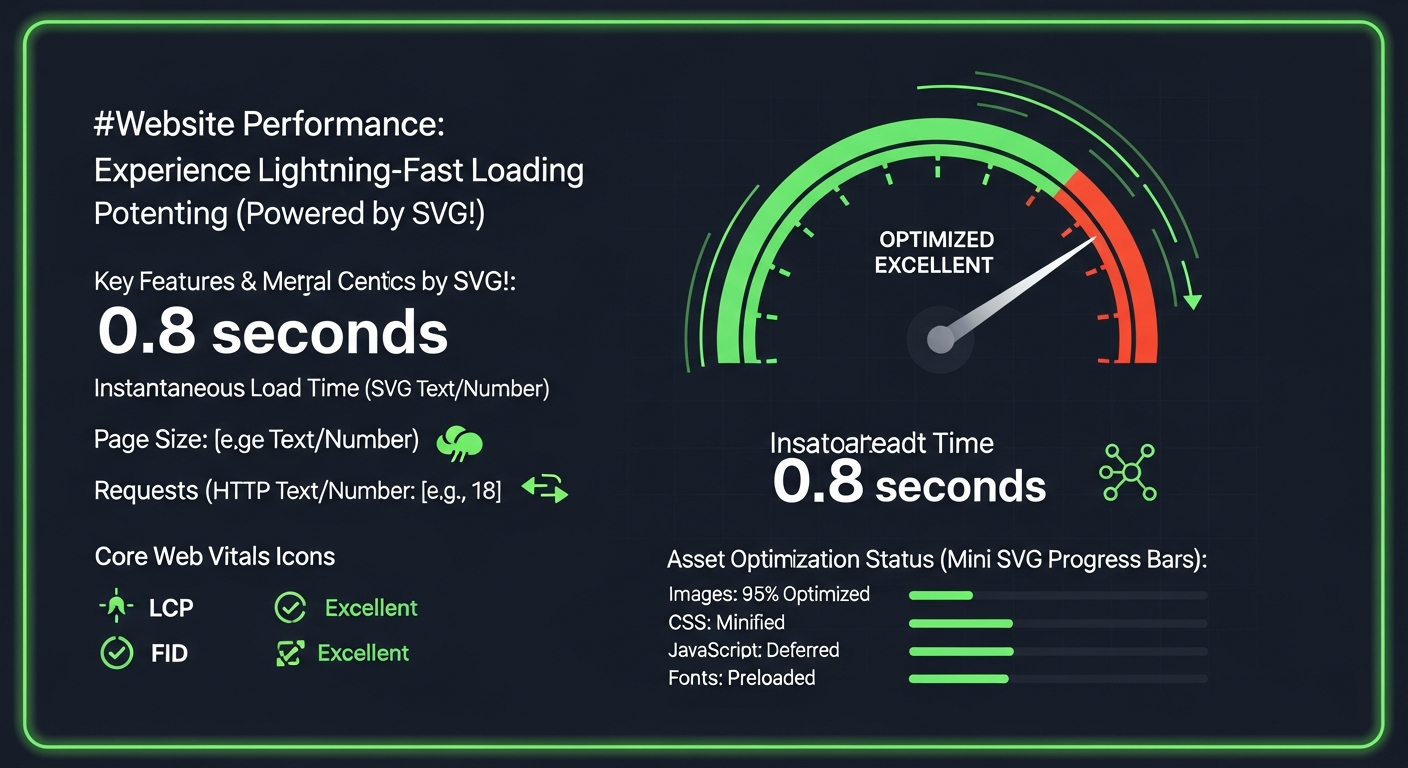
- Optimized SVGs directly improve Core Web Vitals: LCP, FID, and CLS scores all benefit
Why SVG Optimization Matters
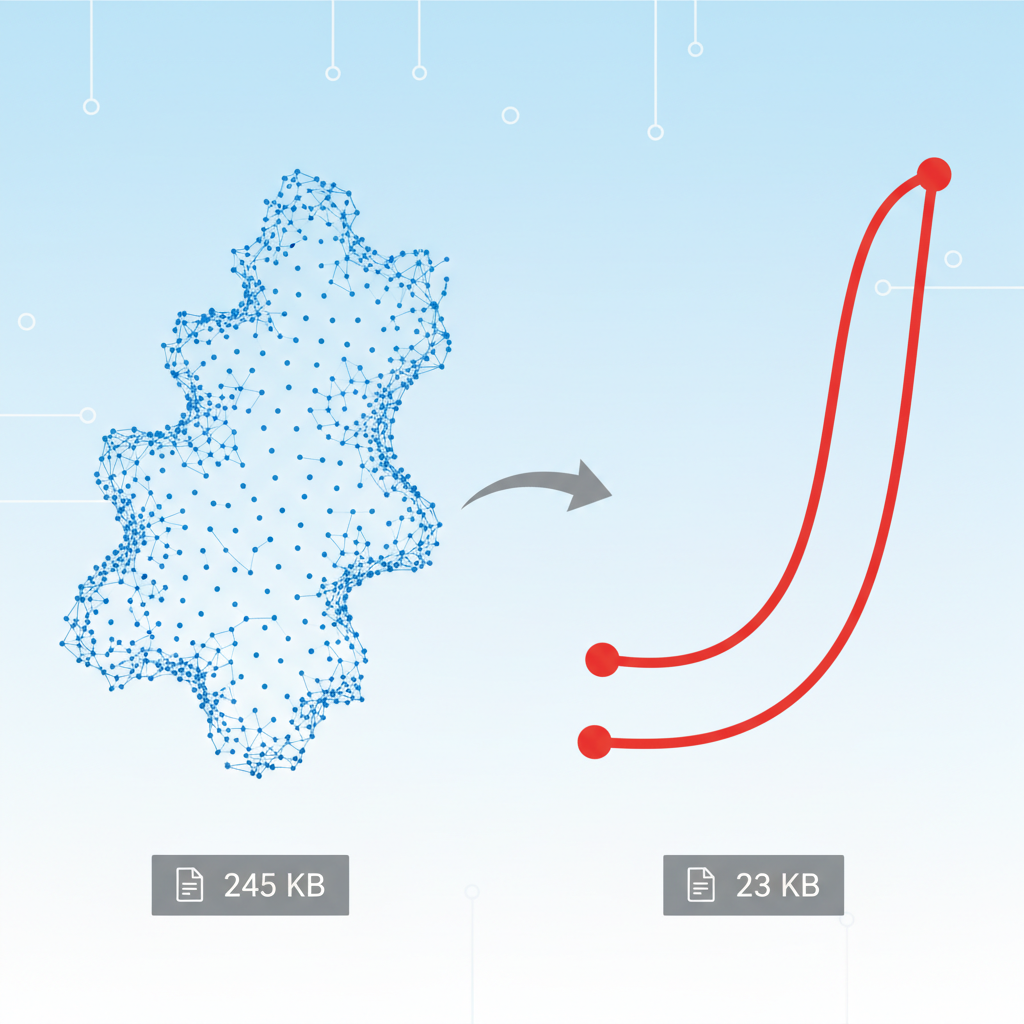
Unoptimized SVGs can be larger than PNGs. A 500KB SVG defeats the purpose of using vectors. Proper optimization can reduce file sizes by 50-80%.
Real Impact on Performance
| Metric | Unoptimized | Optimized | Improvement | |--------|-------------|-----------|-------------| | File size | 45 KB | 8 KB | 82% smaller | | Parse time | 120ms | 25ms | 79% faster | | LCP impact | +0.3s | +0.05s | 83% better |
---
The SVG Optimization Checklist
1. Remove Editor Metadata
Design tools add unnecessary data:
Before (Illustrator export):
After (optimized):
Savings: 40-60% from metadata alone
2. Simplify Paths
Reduce decimal precision:
Before:
After:
Savings: 20-40%
cleanupNumericValues precision to 2 decimal places for icons and UI elements. For detailed illustrations or maps where accuracy matters, use 3-4 decimals. The visual difference at 2 decimals is virtually imperceptible at typical icon sizes.
3. Merge Paths
Combine similar paths:
Before:
After:
Savings: 50-70%
4. Use CSS Instead of Attributes
Before:
After:
Savings: 10-30% (more with repeated elements)
5. Remove Hidden Elements
Delete anything not visible:
---
Best SVG Optimization Tools
1. SVGO (Best Overall)
Command-line tool, most configurable:
npx svgo input.svg -o output.svg
Typical savings: 50-80%
2. SVGOMG (Web Interface)
Online version of SVGO with visual preview:3. ImageOptim (Mac)
Drag-and-drop optimization:4. VectoSolve (During Conversion)
SVGs from VectoSolve are pre-optimized:
---
SVGO Configuration for Maximum Savings
// svgo.config.js
module.exports = {
  plugins: [
    'removeDoctype',
    'removeXMLProcInst',
    'removeComments',
    'removeMetadata',
    'removeEditorsNSData',
    'cleanupAttrs',
    'mergeStyles',
    'inlineStyles',
    'minifyStyles',
    'cleanupIds',
    'removeUselessDefs',
    'cleanupNumericValues',
    'convertColors',
    'removeUnknownsAndDefaults',
    'removeNonInheritableGroupAttrs',
    'removeUselessStrokeAndFill',
    'cleanupEnableBackground',
    'removeHiddenElems',
    'removeEmptyText',
    'convertShapeToPath',
    'convertEllipseToCircle',
    'moveGroupAttrsToElems',
    'collapseGroups',
    'convertPathData',
    'convertTransform',
    'removeEmptyAttrs',
    'removeEmptyContainers',
    'mergePaths',
    'removeUnusedNS',
    'sortDefsChildren',
    'removeTitle',
    'removeDesc'
  ]
};
"The fastest SVG is a small SVG. Optimization isn't optional — it's the difference between a snappy interface and a sluggish one.
---
Before/After Examples
Logo Optimization
| Stage | Size | Reduction | |-------|------|-----------| | Original (Illustrator) | 125 KB | - | | Remove metadata | 52 KB | 58% | | Simplify paths | 28 KB | 78% | | Merge paths | 18 KB | 86% | | Final (SVGO) | 12 KB | 90% |
Icon Set (50 icons)
| Stage | Total Size | |-------|------------| | Original | 450 KB | | Optimized | 85 KB | | Savings | 81% |
---
Advanced Techniques
1. Use SVG Sprites
Combine multiple icons into one file:
Benefits:
2. GZIP Compression
SVGs compress exceptionally well:| File | Original | Gzipped | |------|----------|---------| | Logo.svg | 12 KB | 3.2 KB | | Icons.svg | 85 KB | 18 KB |
Configure server:
gzip on;
gzip_types image/svg+xml;
3. Lazy Loading
For below-fold SVGs:

---
Core Web Vitals Impact
Optimized SVGs directly improve:
LCP (Largest Contentful Paint)
FID (First Input Delay)
CLS (Cumulative Layout Shift)
---
Conclusion
SVG optimization is essential for web performance. A few minutes of optimization can reduce file sizes by 80% and significantly improve your Core Web Vitals scores.
Quick wins:
Start optimizing: Convert and optimize your images with VectoSolve for instant, web-ready SVGs.
---
| Optimization Technique | Avg. Size Reduction | Core Web Vitals Impact | Difficulty |
|---|---|---|---|
| Remove editor metadata | 40–60% | LCP improvement | Easy (automated) |
| SVGO with tuned config | 50–80% total | LCP + CLS improvement | Easy (CLI tool) |
| Simplify paths & merge shapes | 15–30% | FCP improvement | Medium |
| Use CSS instead of inline styles | 10–20% | FCP improvement | Medium |
| Gzip/Brotli compression | 60–70% on wire | TTFB improvement | Easy (server config) |