
PNG to SVG Converter: How to Get Clean Vectors (2026 Guide)
Everything you need to know about converting PNG images to SVG format. Discover the best tools, techniques, and tips for perfect vectorization.
Graphics & Design Experts
Our team of experienced designers and developers specializes in vector graphics, image conversion, and digital design optimization. With over 10 years of combined experience in graphic design and web development.
Key Takeaways
- PNG to SVG conversion transforms pixel-based images into infinitely scalable vectors that look perfect at any size and load faster on the web
- AI-powered converters like VectoSolve produce high-quality SVGs in seconds, eliminating the need for hours of manual tracing in Illustrator
- Source image quality is everything: use high-resolution PNGs (1000x1000+) with sharp edges, good contrast, and transparent backgrounds
- SVGs deliver measurable SEO benefits through faster page loading, better Core Web Vitals scores, and improved accessibility for search engines
- Choose the right detail level for your use case: high for complex logos, medium for illustrations, low for simple icons
Introduction
Converting PNG to SVG has become essential for modern web design and digital branding. Whether you're a designer, developer, or business owner, understanding how to properly convert raster images to scalable vectors can significantly improve your digital assets.
---
What is PNG to SVG Conversion?
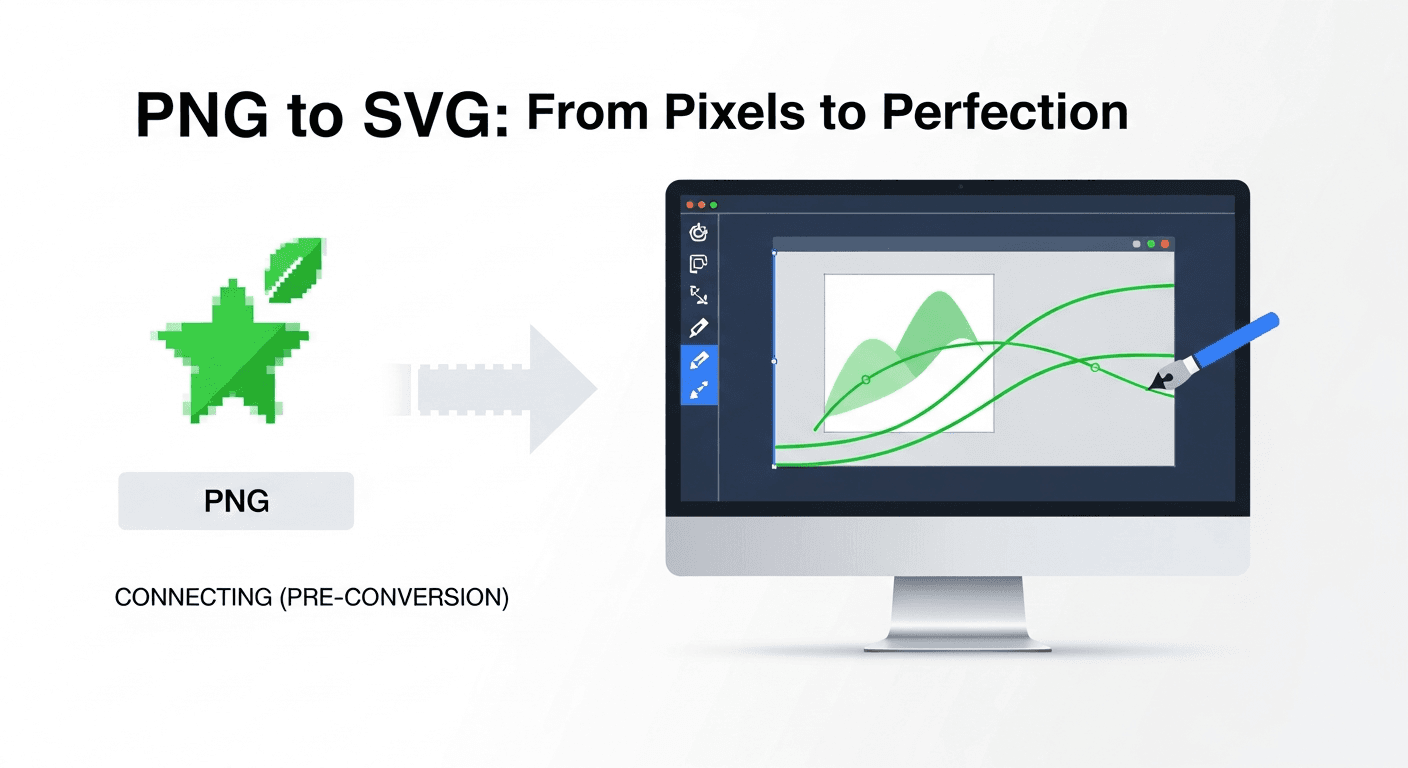
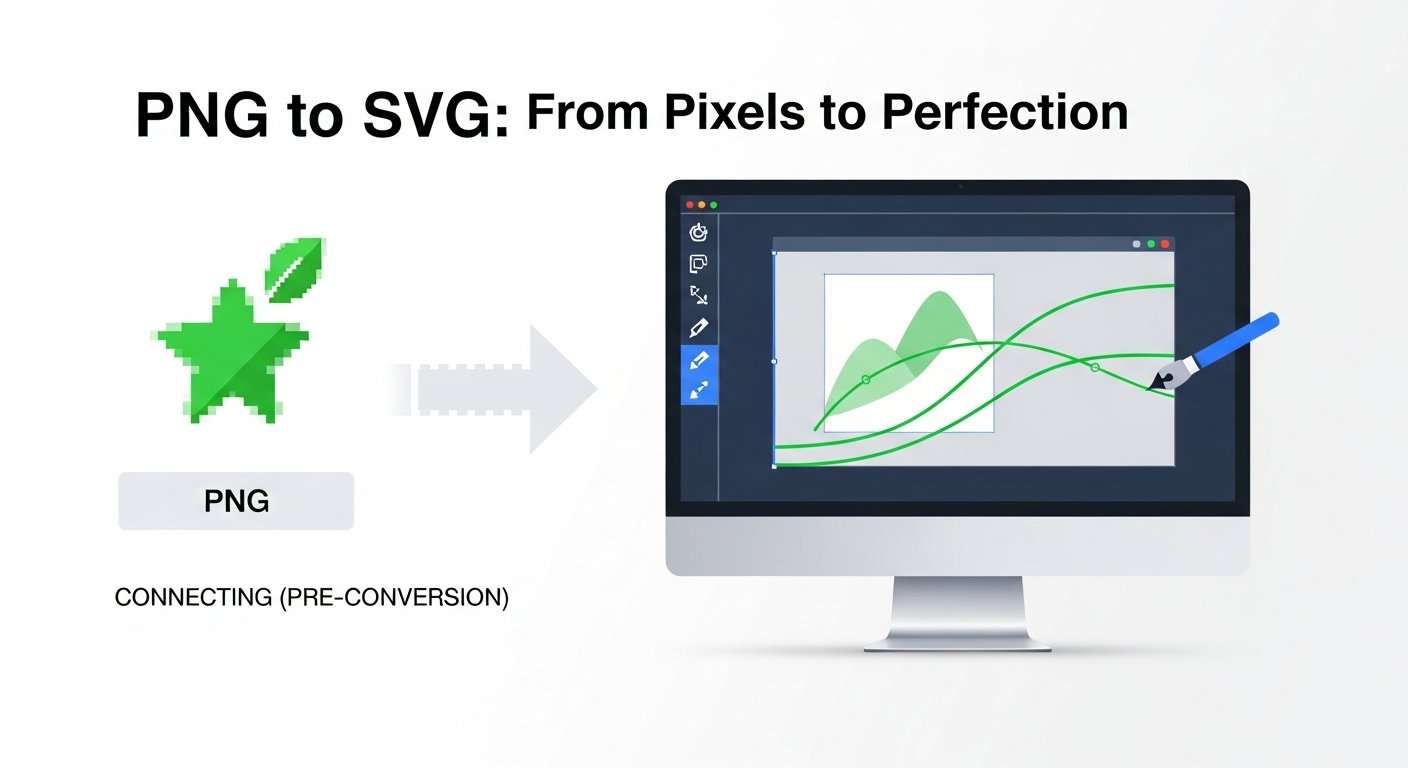
PNG to SVG conversion is the process of transforming a raster (pixel-based) image into a vector graphic. This conversion allows images to scale infinitely without losing quality, making them perfect for responsive websites and high-resolution displays.
Why Convert PNG to SVG?
"After converting our entire icon set from PNG sprites to SVGs, our page load time dropped by 40% and our Core Web Vitals went from yellow to green across the board. The SEO impact was measurable within weeks.
---
Best PNG to SVG Converters in 2025
1. Vectosolve - AI-Powered Conversion
Vectosolve uses advanced artificial intelligence to convert your PNG images to high-quality SVG vectors:
Advantages:
Best for: Logos, icons, illustrations, and graphics
2. Online Tools Comparison
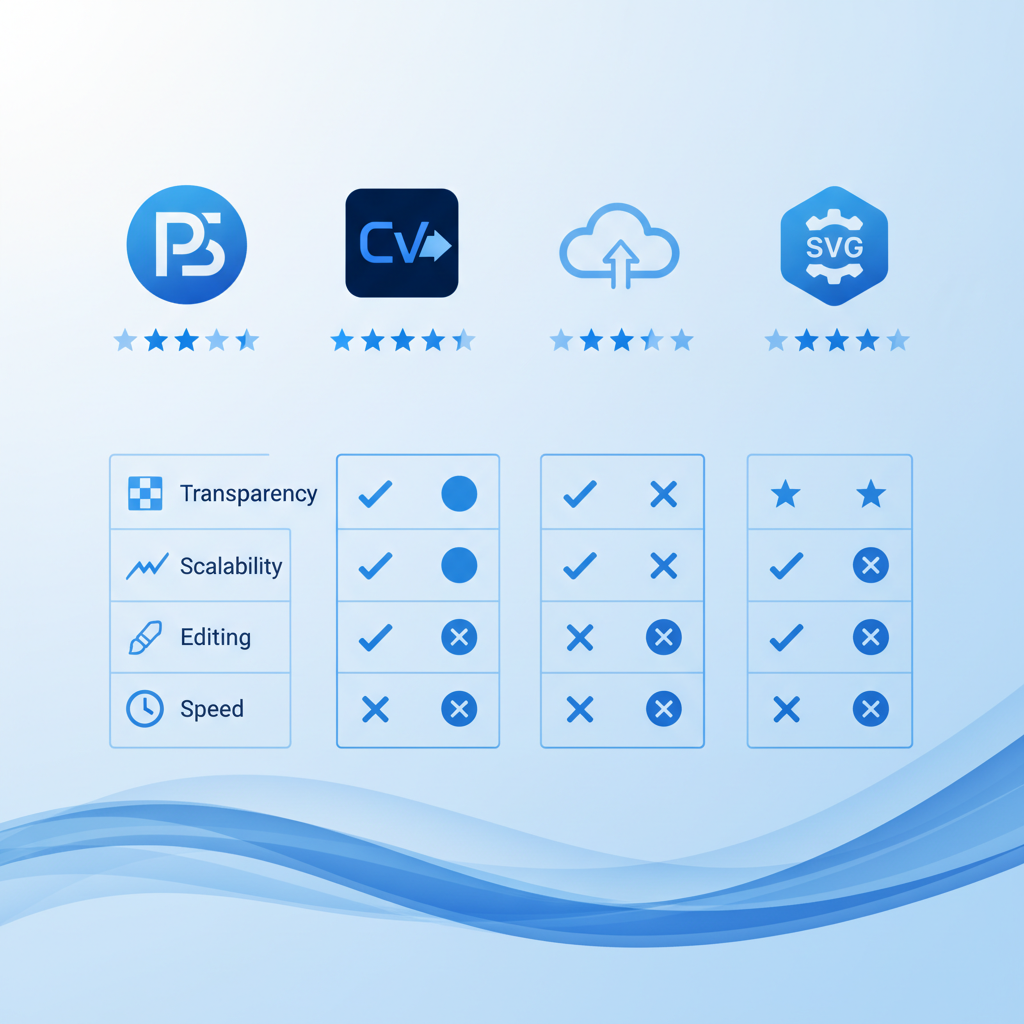
| Feature | Vectosolve | Traditional Tools | |---------|-----------|------------------| | AI-powered | Yes | No | | Quality | Excellent | Variable | | Speed | Instant | Slow | | Batch processing | Yes | Limited | | Customization | Advanced | Basic |
---
Step-by-Step Conversion Process
Preparing Your PNG Image
Using Vectosolve for Conversion
Post-Conversion Optimization
---
Best Practices for PNG to SVG Conversion
Source Image Quality
Choosing the Right Detail Level
High Detail: For complex logos with intricate elements Medium Detail: Balanced quality for most use cases Low Detail: Simple icons and minimalist designs
Color Optimization
---
Common Use Cases
Logo Conversion
Converting your company logo from PNG to SVG ensures:
Icon Sets
SVG icons offer:
Illustrations and Graphics
Vector illustrations provide:
---
Technical Considerations
SVG Format Benefits
SVG code is:
Browser Compatibility
Modern SVG support includes:
---
SEO Benefits of SVG
Improved Page Speed
Enhanced Accessibility
---
Troubleshooting Common Issues
Problem: Blurry Results
Solution: Use higher resolution source images
Problem: Too Many Colors
Solution: Reduce color palette before conversion
Problem: Large File Size
Solution: Optimize with SVGO or similar tools
Problem: Lost Details
Solution: Increase detail level in conversion settings
---
Advanced Tips
Batch Conversion
For multiple files:
Integration with Workflows
---
Cost Comparison
Free vs Paid Solutions
Free Tools:
Vectosolve:
---
Future of PNG to SVG Conversion
AI and machine learning continue to improve vectorization:
---
Conclusion
Converting PNG to SVG is no longer a complex, time-consuming task. With modern tools like Vectosolve, you can transform your raster images into scalable vectors in seconds. Whether you're optimizing logos, creating icon sets, or improving website performance, SVG conversion is an essential skill for 2025 and beyond.
Start converting your PNG images to SVG today with Vectosolve and experience the benefits of resolution-independent graphics.
---
| Conversion Method | Speed | Quality (1–10) | Best For |
|---|---|---|---|
| AI-Powered (VectoSolve) | 5–15 seconds | 8–9 | Logos, icons, illustrations |
| Adobe Illustrator Image Trace | 30–120 seconds | 7–9 | Complex artwork with manual tuning |
| Inkscape Trace Bitmap | 15–60 seconds | 6–8 | Budget-friendly manual conversion |
| Online Free Tools | 5–30 seconds | 4–6 | Quick one-off simple graphics |
| Manual Pen Tool Tracing | 30–120 minutes | 10 | Pixel-perfect precision work |