
How AI Vectorization Works: The Tech Behind Instant SVG Conversion
A deep dive into how AI-powered vectorization converts raster images to clean SVG files. Understand the technology that makes instant, high-quality conversion possible.
Graphics & Design Experts
Our team of experienced designers and developers specializes in vector graphics, image conversion, and digital design optimization. With over 10 years of combined experience in graphic design and web development.
Traditional vs AI Vectorization
Manual Tracing
Traditional vectorization requires a designer to:
Time required: 15-60 minutes per image
Auto-Trace Tools
Basic auto-trace (like Image Trace) uses simple algorithms:
Problem: Results are often messy with too many nodes and poor edge quality.
AI-Powered Vectorization
Modern AI tools like VectoSolve use machine learning:
Time required: 2-3 seconds
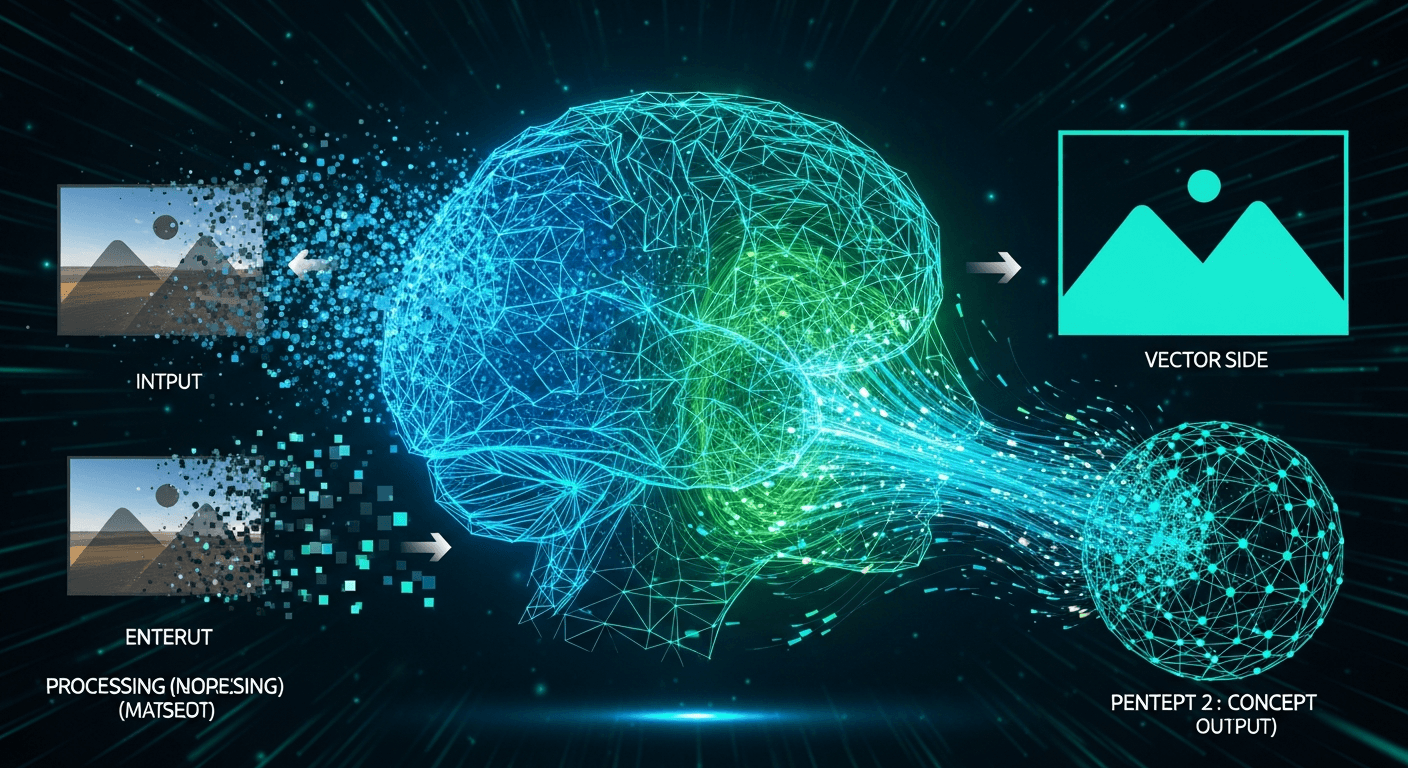
How VectoSolve's AI Works
Step 1: Image Analysis
The AI first analyzes your image:
This isn't simple edge detection. The AI understands what it's looking at.
Step 2: Semantic Understanding
Unlike basic tools, AI understands context:
This understanding produces cleaner results.
Step 3: Path Generation
The AI generates vector paths:
Step 4: Optimization
Final optimization ensures:
Why AI Beats Traditional Auto-Trace
Comparison Test: Logo Conversion
| Metric | Manual | Auto-Trace | AI (VectoSolve) | |--------|--------|------------|-----------------| | Time | 20 min | 10 sec | 3 sec | | Path nodes | ~200 | ~2000 | ~250 | | File size | 12 KB | 85 KB | 8 KB | | Quality | Excellent | Poor | Excellent |
Why Auto-Trace Fails
Traditional auto-trace has fundamental limitations:
Why AI Succeeds
AI overcomes these limitations:
Best Use Cases for AI Vectorization
Perfect For:
Less Ideal For:
The Future of Vectorization
AI vectorization will continue to improve:
VectoSolve updates its AI regularly to incorporate these improvements.
Try It Yourself
The best way to understand AI vectorization is to experience it: