
Remove Background from Logo: Free Online Tool (2026 Guide)
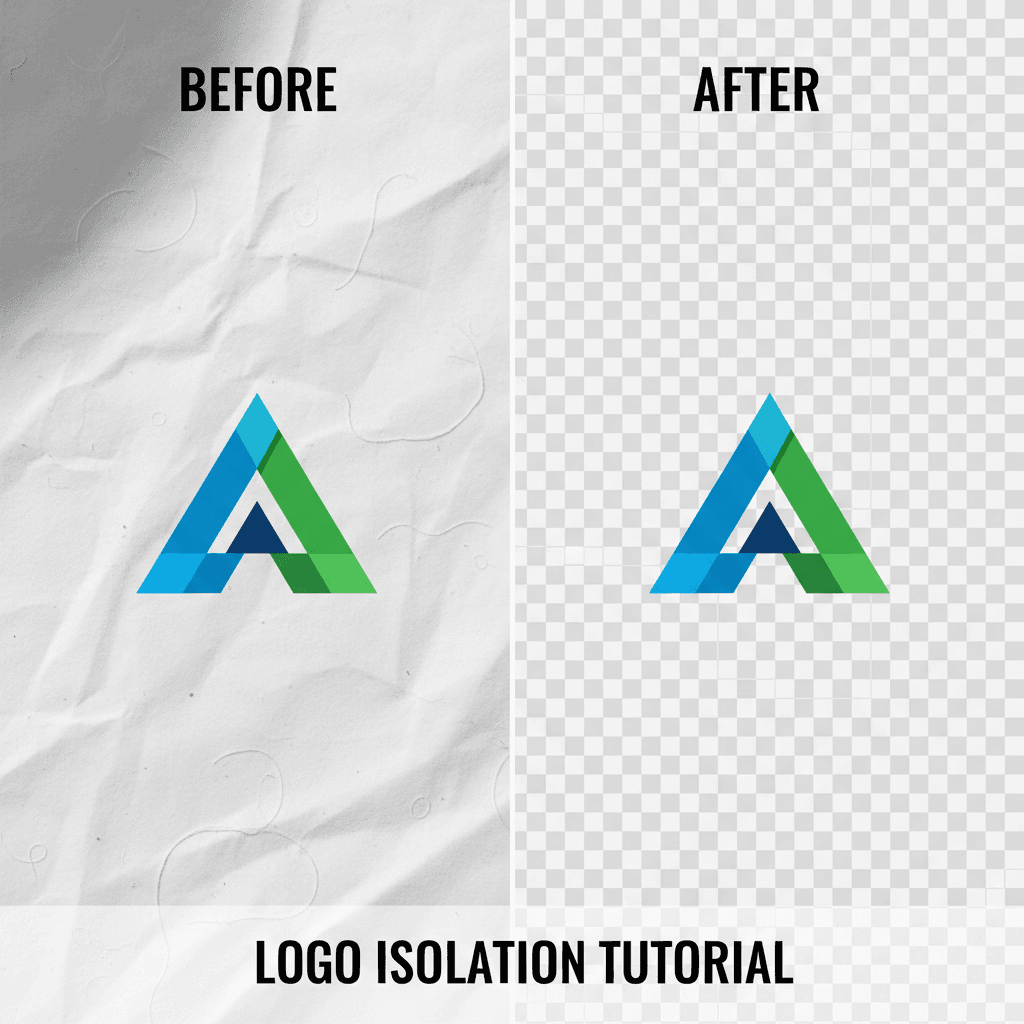
Need a transparent logo? Here's how to remove the background from any logo image in seconds — free, no Photoshop required.
Senior Graphics Engineer
Alex has 8+ years of experience in image processing and vector graphics. Former Adobe engineer with expertise in SVG optimization and conversion algorithms.
Whether you are putting your logo on a website header, a social media profile, a business card, a t-shirt, or an email signature — you need it with a transparent background. A logo floating on its own, without a white box around it, looks professional and works on any background color. The problem? Most business owners have their logo saved as a JPG or PNG with a white or colored background. Removing that background used to require Photoshop skills and patience. In 2026, AI does it in seconds.Every Business Needs a Transparent Logo
How to Remove Your Logo Background in 30 Seconds
- Go to VectoSolve.com
- Click "Remove Background" in the tools menu
- Upload your logo — JPG, PNG, or WebP, any size up to 10MB
- Download your transparent PNG — the background is gone instantly
No account required for a free preview. The AI identifies your logo automatically and removes everything around it.
The Power Combo: Remove Background + Vectorize
Here is the real game-changer. After removing the background, you can vectorize your logo in the same workflow. This gives you:
- Transparent PNG — for web, social media, email
- Scalable SVG — for print, merchandise, signage, and vinyl cutting
One upload, two essential files. No other tool combines background removal and vectorization this seamlessly.
Why Your Logo Needs Both Formats
| Use Case | Format Needed | Why |
|---|---|---|
| Website header/favicon | Transparent PNG or SVG | Looks clean on any background |
| Social media profiles | Transparent PNG | Circular crops need transparency |
| Business cards | SVG or high-res PNG | Print requires 300 DPI minimum |
| T-shirts and merch | SVG | Vector scales to any garment size |
| Signage and banners | SVG | Must be crisp at large sizes |
| Email signature | Transparent PNG | Small file, clean presentation |
| Vinyl cutting (Cricut) | SVG | Cutting machines require vector paths |
| Vehicle wraps | SVG | Extremely large scale printing |
Methods Compared: How to Remove a Logo Background
Method 1: Adobe Photoshop (Manual)
- Cost: $22.99/month
- Skill level: Intermediate to advanced
- Time: 5–30 minutes depending on complexity
- Quality: Excellent (but depends on your skill)
Photoshop gives you full control but requires expertise and an expensive subscription.
Method 2: Canva Background Remover
- Cost: Requires Canva Pro ($13/month)
- Skill level: Beginner
- Time: ~1 minute
- Quality: Good for simple logos, struggles with fine details
Method 3: VectoSolve AI Background Removal
- Cost: Free preview, then $0.07 per image
- Skill level: Beginner — one click
- Time: ~5 seconds
- Quality: Excellent — preserves fine details, edges, and transparency
- Bonus: Can vectorize in the same workflow
Tips for Best Results
- Use the highest quality image you have — the better the input, the cleaner the removal
- Simple backgrounds work best — solid white or light backgrounds give the cleanest results
- Check the edges — zoom in on the preview to verify clean edges around your logo
- For complex logos — logos with thin lines, gradients, or drop shadows may need a second pass
Frequently Asked Questions
Is VectoSolve's background removal really free?
You get a free preview to see the result before paying. Full-quality downloads cost $0.07 per image — far less than any monthly subscription tool.
What file format do I get?
Background removal gives you a transparent PNG. You can then vectorize it to get an SVG as well — both from the same upload.
Can it handle logos with gradients?
Yes. VectoSolve's AI handles gradients, shadows, and semi-transparent elements. The edges are clean even with complex visual effects.
My logo has a patterned background. Will it work?
Yes, the AI can separate your logo from patterned, textured, or photographic backgrounds. Results are best when the logo colors contrast clearly with the background.
Can I remove the background from a scanned logo?
Absolutely. Scan your printed logo at 300 DPI or higher, upload to VectoSolve, remove the background, and optionally vectorize it. This is one of the most common use cases — going from a printed business card to a digital-ready logo file.
Get Your Transparent Logo Now
Stop struggling with white boxes around your logo. VectoSolve removes backgrounds with one click and gives you both transparent PNG and scalable SVG formats. Professional results, no design skills needed.