
Creating Seamless Vector Patterns from Images: Step-by-Step Tutorial
Transform any image into a seamless repeating pattern for textiles, wallpapers, and packaging. Learn the complete workflow from photo to production-ready vector.
Graphics & Design Experts
Our team of experienced designers and developers specializes in vector graphics, image conversion, and digital design optimization. With over 10 years of combined experience in graphic design and web development.
Key Takeaways
- Seamless vector patterns tile infinitely with zero visible seams — master four core repeat methods (full-drop, half-drop, brick, diamond) to unlock textile, wallpaper, packaging, and digital design work.
- Converting a photograph to a production-ready repeat tile follows a clear pipeline: isolate motif, vectorize, build tile, test at 4x4, and export.
- Always test scale on the actual substrate before sending files to production — a pattern that looks perfect on screen can disappear or overwhelm once printed.
Few things in design feel as satisfying as watching a single motif lock into a flawless, infinite repeat. As someone who has spent years hunched over repeat tiles for textile mills and packaging houses, I can tell you: the moment your edges vanish and the pattern just flows is pure magic.
This guide walks you through every stage — from a raw photograph to a production-ready seamless vector pattern — with detail that holds up on a printing press or a bolt of cotton sateen.
---
Why Vectors Are Non-Negotiable for Pattern Design
Raster patterns break the moment a mill scales your artwork to a 60-inch fabric width. Vector patterns don't.
| Advantage | What It Means in Practice |
|-----------|---------------------------|
| Infinite scaling | Your tile prints identically on a postage stamp or a king-size duvet |
| Live color editing | Swap a five-color palette in seconds to deliver multiple colorways |
| Tiny file size | A complex floral repeat in SVG can be under 200 KB |
| Industry requirement | Textile mills, wallpaper printers, and packaging converters demand vector art |
| CSS/SVG ready | Vectors embed directly into web
---
The Four Core Repeat Methods
Understanding repeat geometry is the backbone of pattern design. Every seamless pattern is built on one of these structures.
| Repeat Type | Offset | Best For | Difficulty | |-------------|--------|----------|------------| | Full-drop | 0 % — straight grid | Geometrics, plaids, checks | Beginner | | Half-drop | 50 % vertical shift | Florals, organics, ditsy prints | Intermediate | | Brick | 50 % horizontal shift | Paisleys, conversational motifs | Intermediate | | Diamond / Ogee | 50 % on both axes | Damasks, medallions, luxury patterns | Advanced |
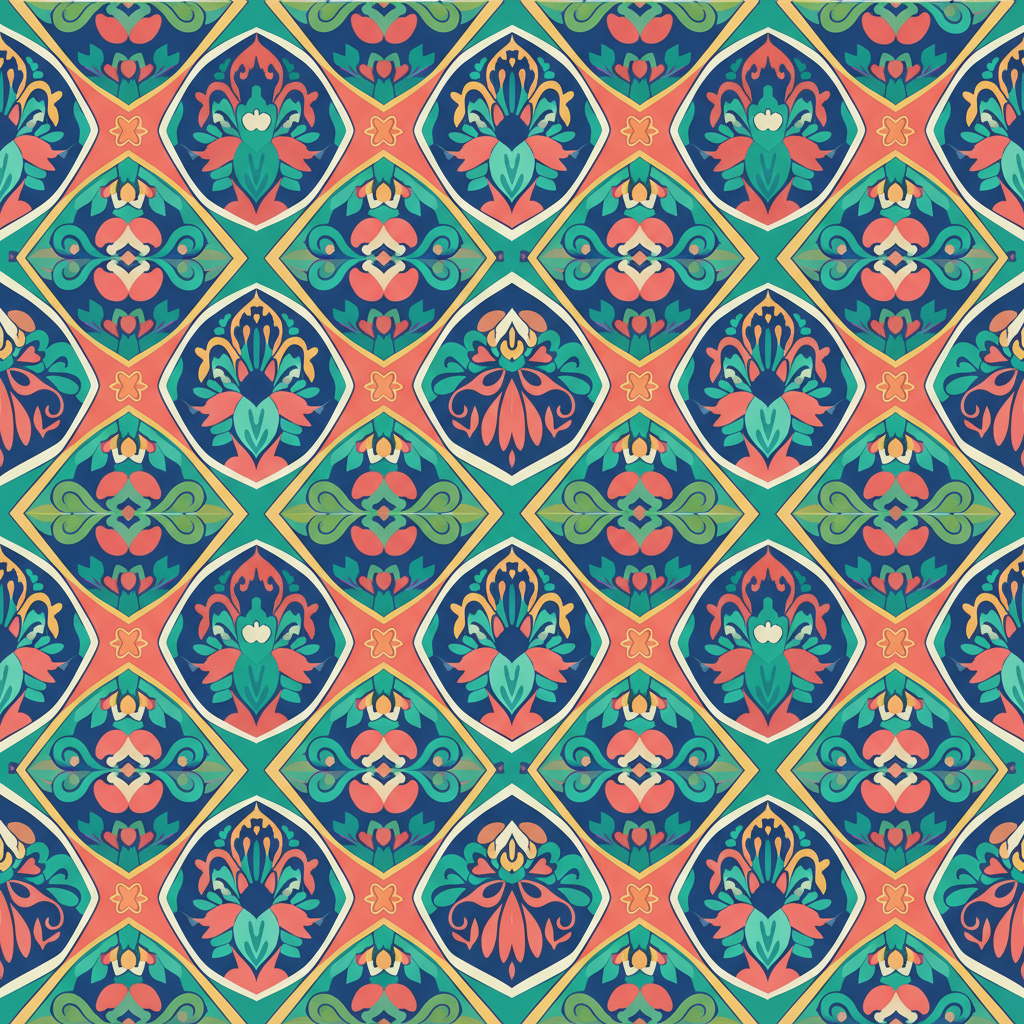
A full-drop repeat is the simplest: every tile sits directly beside and below its neighbor. A half-drop shifts alternating columns down by half the tile height, breaking up the grid and hiding the repeat — that is why it dominates floral textile design. The brick repeat does the same horizontally, like a masonry wall. The diamond repeat offsets on both axes and is beloved in high-end wallpaper and jacquard weaving.
---
Step-by-Step: Photograph to Seamless Tile
Step 1 — Capture Your Source Image
Start with a photograph that has a clear, isolated motif: a pressed flower, a hand-painted brushstroke, a sketch of a bird.
Step 2 — Vectorize the Motif
Upload your image to VectoSolve for AI-powered vectorization. The platform converts raster artwork into clean, scalable SVG paths — no manual pen-tool tracing required.
Step 3 — Build the Tile
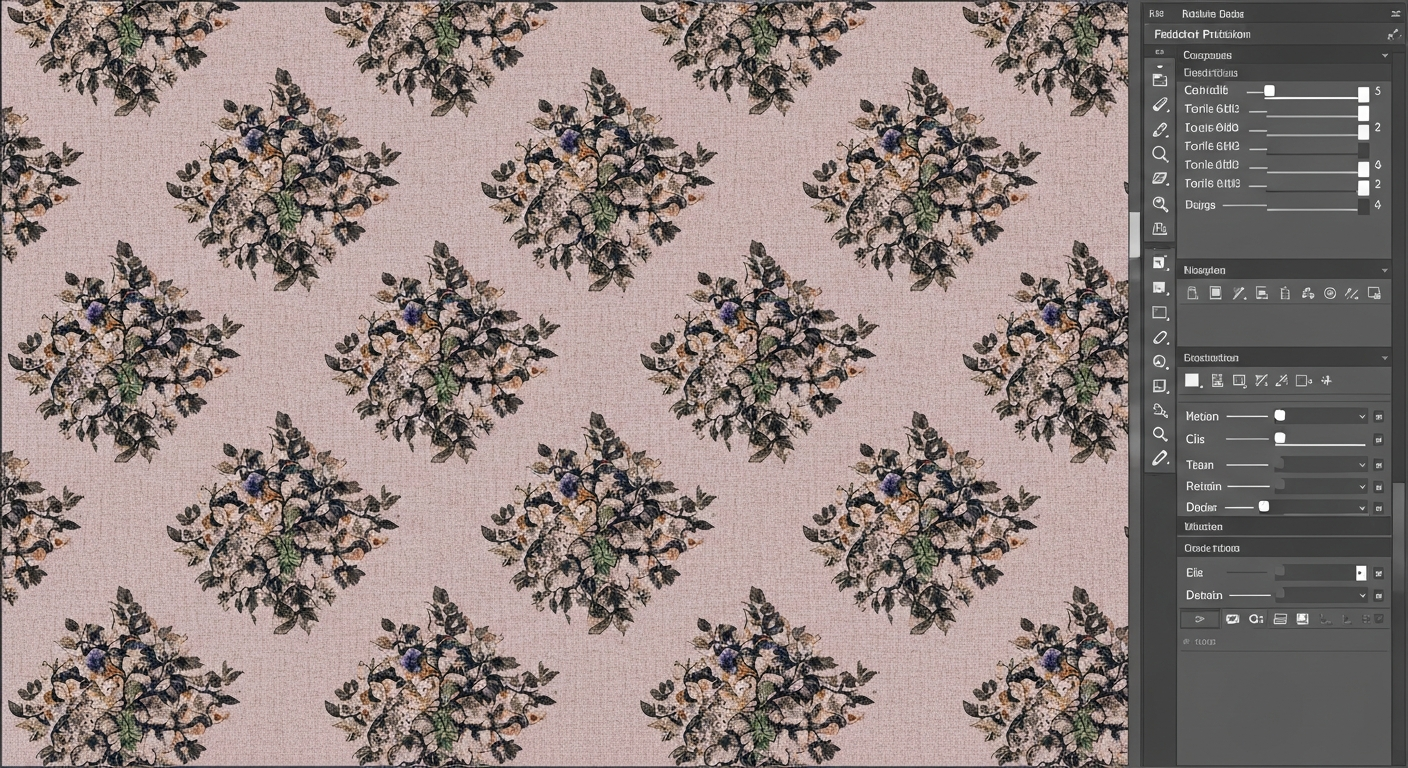
For a half-drop, your working tile is one tile wide by two tiles tall — the software then shifts alternating columns.
Step 4 — Test Seamlessness
Step 5 — Refine Color and Export
---
SVG Pattern Element: Bringing Your Tile to the Web
Embed seamless patterns directly in HTML using the SVG
This technique is resolution-independent, loads fast, and works for hero sections, card backgrounds, and decorative UI. Try VectoSolve's pattern generator to create SVG-ready tiles without writing code.
---
Use Cases Across Industries
> "You encounter seamless patterns before you even get out of bed — your sheets, your curtains, your wallpaper, the cereal box on the table. Patterns are the quiet fabric of everyday life." — Anonymous textile designer
Textiles and Fashion
Apparel fabrics, upholstery, curtains, bedding, scarves, and accessories. Mills require precise repeat lengths and spot-color separations.Wallpaper and Home Decor
Wallpaper repeats must match across strips hung side by side. A half-drop repeat is industry standard because it hides strip joins.Packaging and Wrapping Paper
Gift wrap, tissue paper, branded shipping boxes, and product packaging. Patterns reinforce brand identity while hiding minor print registration errors.Web and Digital Products
Website hero backgrounds, app interfaces, social media templates, and digital scrapbooking paper. SVG patterns scale to any viewport.
---
Common Mistakes and How to Fix Them
---
Your Next Step
You now have the full pipeline: photograph to motif, motif to vector, vector to seamless tile, tile to production file. Upload any image to VectoSolve for a clean SVG in seconds, then jump into the pattern generator to build your first seamless repeat.
The world runs on patterns. Time to make yours.