
What is SVG Format? Complete Technical Guide for 2026
Learn everything about SVG (Scalable Vector Graphics) format: how it works, when to use it, and why it's essential for modern web design.
Founder of VectoSolve
Self-taught developer, founder and sole developer of VectoSolve since 2024. He builds the conversion engine and the cutting, embroidery and 3D printing exports.
How this article was made: drafted with AI assistance, then edited and fact-checked before publication. About the author
Try it on your own file
Free preview, no signup. Drop an image and see the vector before deciding anything.
Key Takeaways
- SVG is an XML-based, W3C-standard vector format that scales infinitely without quality loss
-
Inline SVG gives full CSS/JS control;
<img>tags offer caching — choose based on your use case -
Accessibility is built in:
<title>,<desc>,role, andaria-labelmake SVGs screen-reader friendly - Animation spans four approaches: SMIL, CSS, JavaScript, and the Web Animations API
- Always sanitize SVG from untrusted sources — the format can embed scripts
- Optimize with VectoSolve's SVG optimizer to strip metadata and compress paths

What is SVG, Really?
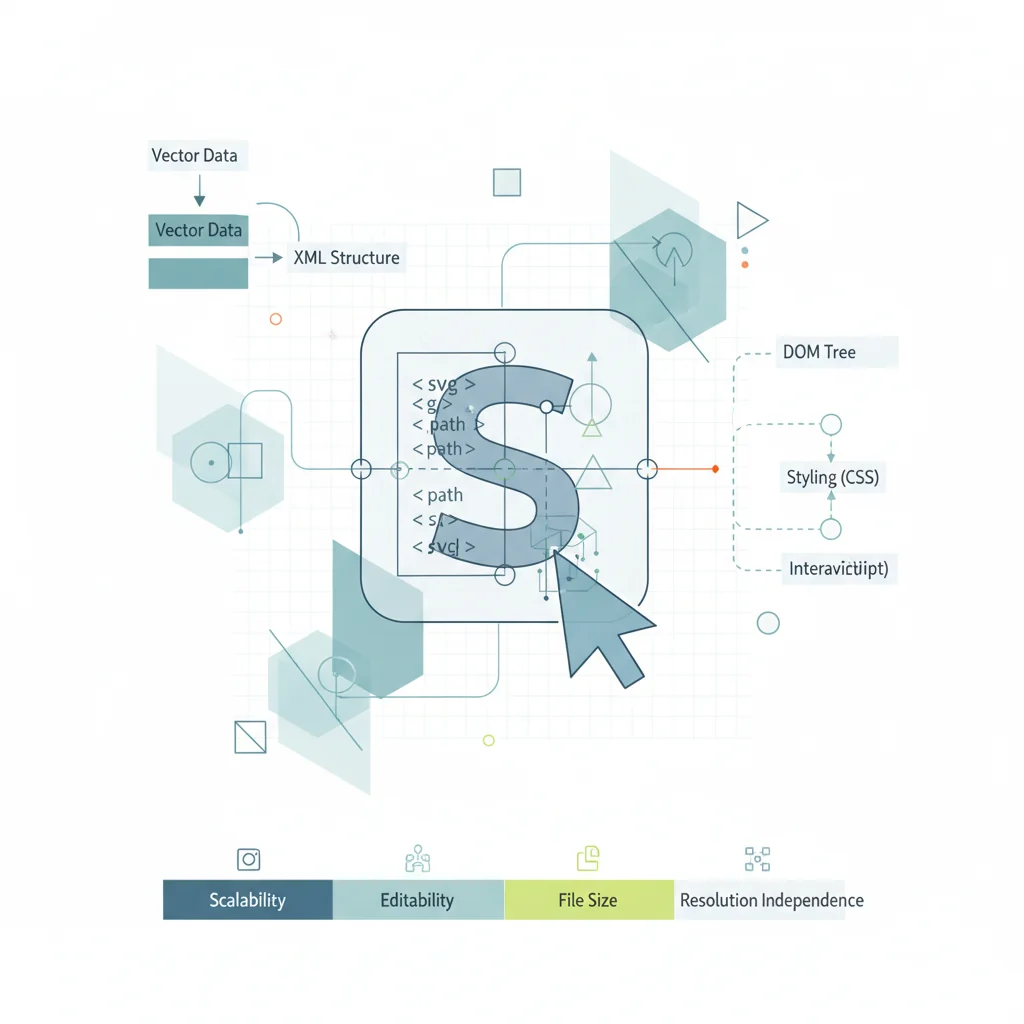
SVG (Scalable Vector Graphics) is not just another image format. It is a full XML vocabulary that describes two-dimensional graphics using mathematical coordinates, geometric primitives, and style declarations. It lives on the same plane as HTML: text-based, human-readable, DOM-integrated, and styleable with CSS.
The W3C defines SVG as "a language for describing two-dimensional graphics in XML." Because it is XML, every SVG is a structured document you can open in a text editor, manipulate with JavaScript, and validate against a schema. No other mainstream image format offers this.
SVG Anatomy: XML Structure and viewBox
Every SVG starts with a root <svg> element. Understanding its attributes is key to mastering the format.
<svg xmlns="http://www.w3.org/2000/svg"
     viewBox="0 0 200 100"
     width="400" height="200">
  <rect x="10" y="10" width="180" height="80" rx="8"
        fill="#0f172a" stroke="#38bdf8" stroke-width="2"/>
  <text x="100" y="58" text-anchor="middle"
        fill="#f8fafc" font-size="18">Hello, SVG!</text>
</svg>xmlnsdeclares the SVG namespace — required in standalone.svgfiles, optional when inlined in HTML5viewBox="0 0 200 100"defines the internal coordinate system: origin at(0,0), 200 units wide, 100 tallwidth/heightset the rendered size; the browser maps the viewBox onto this viewport
The viewBox decouples the coordinate space from pixel dimensions. A viewBox="0 0 24 24" icon renders identically at 16px or 512px — the browser scales the coordinate system. This is why SVG scales infinitely.
SVG uses a coordinate system with y-axis pointing downward (same as CSS and Canvas), origin at top-left.
SVG is plain XML. You can create, edit, and debug SVG files with any text editor — VS Code, Vim, even Notepad. This is fundamentally different from binary formats like PNG or JPG. Need a visual interface? Use VectoSolve's SVG editor for live code output.
History: W3C, Browser Wars, and Modern Adoption
- 1998: W3C forms the SVG Working Group, merging Adobe's PGML and Microsoft's VML proposals
- 2001: SVG 1.0 becomes a W3C Recommendation
- 2003: SVG 1.1 refines and modularizes the spec
- 2011: SVG 1.1 Second Edition — the version most browsers fully implement
- 2018: SVG 2.0 reaches Candidate Recommendation, aligning with CSS and HTML
The IE Saga
IE 8 and below had zero SVG support. IE 9 (2011) shipped basic rendering but with gaps: no SMIL animation, limited filters, viewBox quirks. The true turning point came when Microsoft retired IE for Edge (Chromium) in 2022. Today SVG has 98.5% global browser support.
A Full Year of Conversions for $49
Starter Annual: 25 conversions every month, $49 for the whole year. That is about $4.08 a month · Cancel anytime
Get the Annual DealSVG Element Reference
| Element | Purpose | Common Use |
|---|---|---|
<path> | Arbitrary shapes via draw commands (M, L, C, Z) | Icons, logos, outlines |
<rect> | Rectangles with optional rounded corners (rx/ry) | Buttons, cards, backgrounds |
<circle> | Circle by center point and radius | Dots, avatars, pie charts |
<polygon> | Closed shape from coordinate points | Stars, hexagons, arrows |
<text> | Rendered, selectable, searchable text | Labels, watermarks |
<g> | Group element for collective transforms/styles | Layer control, grouping |
<defs> | Reusable definitions (not rendered directly) | Gradients, patterns, clips |
<use> | Clones an element defined elsewhere | Icon reuse, sprites |
<symbol> | Like <g> in <defs>, but with its own viewBox | Icon libraries, sprite sheets |
Inline SVG vs img vs CSS Background vs object
| Method | CSS Styling | JS Access | Caching | Accessibility | Best For |
|---|---|---|---|---|---|
Inline <svg> | Full | Full DOM | No | Excellent | Icons, interactive graphics |
<img> tag | None | None | Yes | Good (alt) | Static logos, illustrations |
CSS background | None | None | Yes | Poor | Decorative patterns only |
<object> | Internal only | Via contentDocument | Yes | Moderate | Legacy interactive SVGs |
Choose inline when you need hover states, animation, or JS interaction. Choose <img> for static assets you want cached. Use CSS background only for decoration. The <object> approach is rarely the best choice in 2026.
Accessibility: role, aria-label, title, desc
SVG has first-class accessibility baked into the spec:
<svg role="img" aria-labelledby="logoTitle logoDesc"
     viewBox="0 0 120 40">
  <title id="logoTitle">VectoSolve Logo</title>
  <desc id="logoDesc">Geometric V and S lettermark in gradient blue</desc>
  <path d="M10 35L30 5L50 35Z" fill="url(#grad)"/>
</svg>role="img"— tells assistive tech this is an image<title>— the accessible name (equivalent toalton<img>)<desc>— longer description for complex graphicsaria-labelledby— links to<title>and<desc>elementsaria-hidden="true"— use on purely decorative SVGs to hide from screen readers
Free SVG Tools for Crafters
Design Checker · Color Separator · Mat Preview · Offset Generator · Text to SVG
Check Your SVG FreeAnimation: SMIL, CSS, JavaScript, Web Animations API
SMIL (SVG's Native Animation)
<circle cx="50" cy="50" r="20" fill="#ef4444">
  <animate attributeName="r" values="20;35;20" dur="1.5s" repeatCount="indefinite"/>
</circle>
CSS Animations
Apply @keyframes, transition, and transform to SVG elements — the same CSS you already know.
JavaScript Libraries
GSAP, Anime.js, and Snap.svg provide timeline-based control for complex path morphing and sequenced animations.
Web Animations API
The modern standards-based approach combining JS power with CSS performance:
element.animate(
  [{ transform: 'rotate(0deg)' }, { transform: 'rotate(360deg)' }],
  { duration: 2000, iterations: Infinity }
);
Pro Tip: Use SVG sprites for icon systems. Define icons as <symbol> elements in a single hidden SVG, reference each with <use href="#icon-name"/>. One HTTP request, full CSS control, browser caching. The modern replacement for icon fonts — smaller, more accessible, sharper at every size.
Warning: SVG can execute JavaScript. Because SVG supports <script> elements, event handlers (onload, onclick), and external references, untrusted SVGs can be a vector for XSS attacks.
Protect yourself: sanitize with DOMPurify before inlining, prefer <img> tags for user-uploaded SVGs (browsers block scripts in <img> context), set a strict CSP, and strip <script>, <foreignObject>, and event handlers during upload processing.
Performance Optimization
SVGs from design tools carry bloat — editor metadata, redundant groups, excessive decimal precision.
| Optimization Step | Typical Savings |
|---|---|
| Remove metadata | 10-25% |
| Reduce decimal precision | 15-30% |
| Merge groups, clean IDs | 5-15% |
| GZIP/Brotli (server-side) | 60-75% |
| Combined (pre-compression) | 40-60% |
Key techniques: strip editor metadata, reduce coordinate precision to 1-2 decimals, flatten nested <g> elements, use viewBox instead of fixed dimensions, enable GZIP/Brotli (SVG compresses exceptionally well), and automate with VectoSolve's optimizer.
Get Started with SVG
VectoSolve provides AI-powered tools for the full SVG workflow:
- Convert raster to vector — upload PNG/JPG, get clean optimized SVG
- Edit visually — use the SVG editor to tweak paths and colors
- Optimize — run files through the optimizer to strip bloat
SVG is the web's native graphics language — open, standardized, accessible, animatable, and performant. In 2026, fluency in SVG is not optional. It is foundational.
| SVG Feature | Browser Support | Use Case |
|---|---|---|
| Inline SVG with CSS/JS control | All modern browsers (98%+) | Interactive icons, animations, theming |
| <img> tag embedding | Universal | Static logos, illustrations with caching |
| SMIL Animation | All except IE (95%+) | Declarative SVG motion without JavaScript |
| SVG Filters (feGaussianBlur, etc.) | All modern browsers (97%+) | Blur, drop shadows, color manipulation |
| Accessibility (title, desc, aria) | Screen readers + all browsers | Inclusive design for visually impaired users |