
Image to Coloring Page
Drop a photo on the blank page below. The AI traces it into clean, closed outlines you can print for the kids, color yourself, or sell as a book.
Loading converter…
Free preview, no signup. SVG + print-ready PNG.
Go ahead, color this one
This puppy was a photo five seconds before this page. Grab a crayon and try the result.
Pick a crayon, click inside the lines. That is the file you get.
From snapshot to fridge door
Same puppy all the way through. No drawing skills involved at any step.
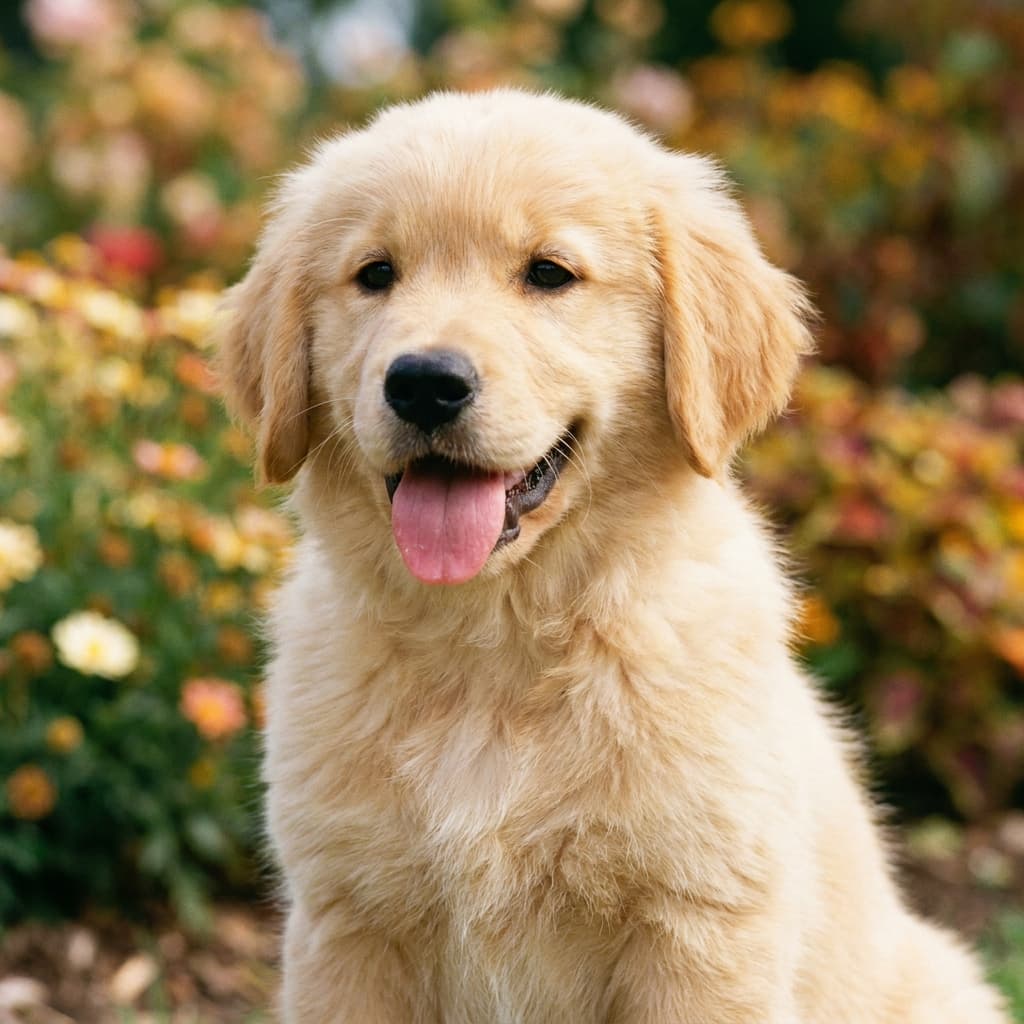
The photo
Any snapshot works. This one came off a phone.
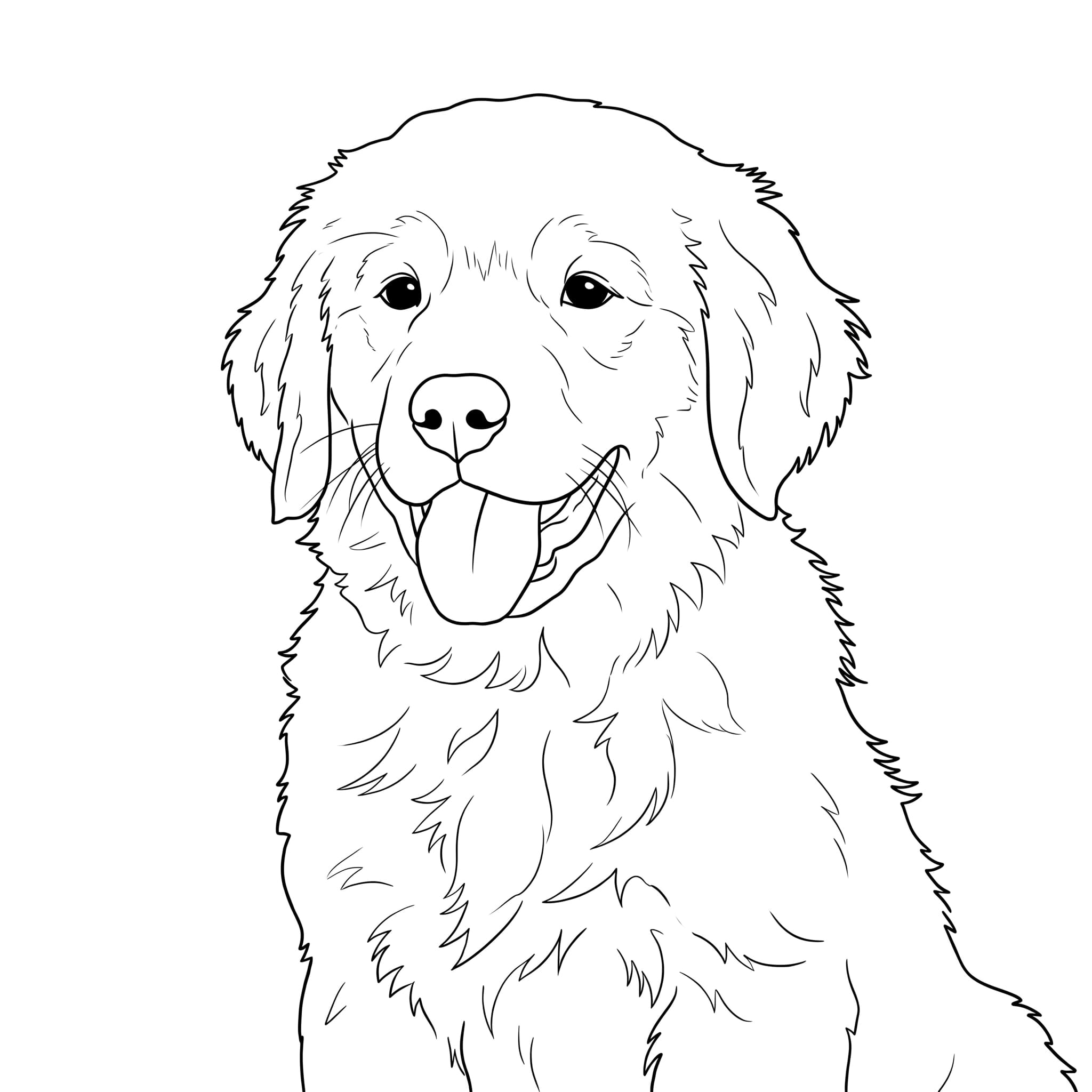
The coloring page
Clean closed outlines, zero gray, in 5 seconds.
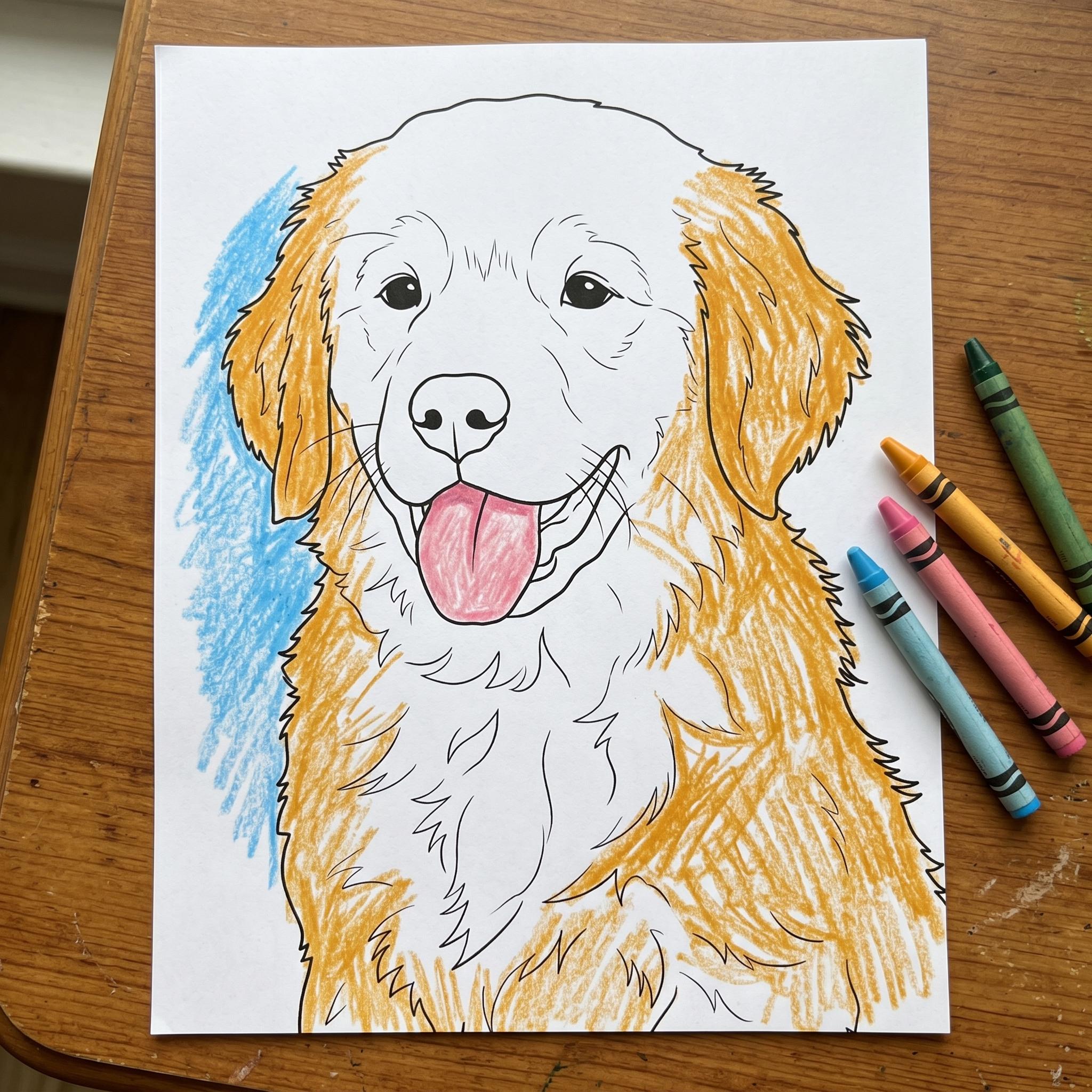
The fridge masterpiece
Printed, crayoned, and very proudly displayed.
Pick the lines for the colorist
A toddler and an adult colorist need very different pages. The converter has a preset for each, shown here on the same photo.
 Ages 3-6
Kids Simple
Very thick outlines, big easy regions. Survives chunky crayons and enthusiasm.
Ages 7 and upStandard
The recommended preset: balanced detail that works for most kids and casual colorists.
 Adult coloring books
Adult Detail
Fine, intricate linework with many small regions. The style adult coloring bestsellers use.
Turning pages into a product
Coloring books are one of the simplest digital products that actually sell. The specs buyers and printers expect:
| Minimum pages | 24 pages |
| Trim size | 8.5 x 11 in |
| Resolution | 300 DPI |
| Bleed | 0.125 in |
| Margins | 0.375 in min |
| Printing | Single-sided |
| Pack size | 10-50 pages |
| Format | PDF + PNGs |
| Typical price | $3-10 per pack |
| License | Commercial use included |
Straight talk: the AI gives you clean pages, not a finished book. You still pick a theme buyers want, write the listing, and assemble the PDF. It removes the drawing, not the work.
Coloring page FAQ
How do I convert an image to a coloring page?
Upload any image (photo, drawing, clipart) to the converter on this page. Coloring Mode traces clean outlines, removes colors and shading, and generates a printable coloring page (or colouring page, for the British spelling) in 2-5 seconds. Download as SVG or high-resolution PNG.
What types of images work best for coloring pages?
Images with clear subjects and distinct outlines work best: pet photos, cartoon characters, flowers, animals, landscapes, and portraits. High-contrast images with clean edges produce the crispest line art. AI-generated images from Midjourney or DALL-E also convert beautifully.
Can I convert a photo of my pet into a coloring page?
Absolutely. Pet photos are the most popular use case. Upload a clear photo of your pet and the AI traces the outlines into clean line art. Works with dogs, cats, horses, birds, any animal. Print at any size from A5 to poster.
What line thickness should I pick for different ages?
Use the Kids Simple preset for ages 3-6: very thick outlines and large, easy regions. Standard suits most kids and casual adult colorists. Adult Detail produces fine, intricate linework with many small regions, the style used in adult coloring books. All three are one click in the converter on this page.
Can I sell coloring pages made from my photos on Etsy?
Yes. All files converted with VectoSolve include full commercial use rights. Many Etsy sellers create coloring packs of 10-50 pages and sell them as printable PDF downloads for $3-10 per pack. Use your own photos or AI-generated images you have rights to.
How do I make a KDP coloring book from images?
Convert your images one by one with Coloring Mode, then assemble the pages into a single PDF at your trim size. Amazon KDP requires at least 24 pages for a paperback; most coloring books run 50-100 single-sided pages at 8.5 x 11 inches and 300 DPI. The specs table on this page has the full checklist.
What size and resolution does KDP require?
Print interiors at 300 DPI. The most common coloring book trim is 8.5 x 11 inches; if your art reaches the page edge, add 0.125 inch bleed and keep at least 0.375 inch margins. Export the PNG from this tool and place it on your page template at full resolution.
Is the image to coloring page converter free?
The preview is free, with no signup required, and carries a watermark. After that, conversions use credits: one yearly plan unlocks Coloring Mode plus every other tool and export format. The watermarked preview lets you judge the line art on your own image before paying anything.
One plan, every page you need
Coloring Mode, every preset, and all the other tools. One yearly plan.
- Coloring Mode: photo to clean closed outlines
- All three line presets: kids to adult detail
- SVG + 300 DPI PNG, ready for KDP printing
- Commercial-use license: sell on Etsy & KDP
- 300 conversions / year · unused credits roll over
That photo on your phone? It's a coloring page.
Upload it, pick the line thickness, print it. The preview is free.
Make my coloring pageNo signup required. SVG + PNG output.
More ways to turn images into something you can use
Same engine, different outputs. Pick the one your project needs.