
Creating Seamless Textile Patterns with Vector Graphics
Design production-ready textile patterns from scratch or existing artwork. Complete guide to repeats, color separation, and fabric printing preparation.
Founder and developer of VectoSolve
Self-taught developer who founded VectoSolve in 2024. He builds the conversion engine and the cutting, embroidery and 3D printing exports, working with the VectoSolve team of graphic designers.
How this article was made: drafted with AI assistance, then edited and fact-checked before publication. About the author
Try it on your own file
Free preview, no signup. Drop an image and see the vector before deciding anything.
Key Takeaways
- Textile patterns require precise vector files with seamless repeat structures for fabric production
- Half-drop and half-brick repeats hide tile boundaries better than simple block repeats
- Color separation is critical: screen printing supports 6-12 colors while digital printing is unlimited
- A single vector pattern can generate dozens of colorways with global swatch editing
- Vectorizing hand-drawn artwork preserves artistic character while meeting production specifications
Vector Patterns for Textile Production
Textile patterns require precise vector files for successful fabric production. Whether digitizing hand-drawn designs or creating digital patterns, understanding repeat structures and production requirements is essential.

Why Vectors for Textiles?
Production Requirements
Textile printing demands:
- Scalability: Adjust for different applications
- Precision: Exact repeat alignment
- Color control: Accurate separation
- File flexibility: Multiple output formats
- Easy editing: Quick colorway creation
From Concept to Fabric
Vector workflow enables:
Design Journey:
Sketch → Vectorize → Repeat → Colorways → Production
Pro Tip: Start by vectorizing your hand-drawn motifs with VectoSolve before building repeat tiles. Clean SVG paths are far easier to align at tile edges than raster artwork.
Understanding Pattern Repeats
Repeat Types Explained
Straight/Block Repeat:
- Simplest structure
- Tiles align in grid
- Easy to create
- May show obvious grid lines
Half-Drop Repeat:
- Offset by 50% vertically
- More organic appearance
- Common in florals
- Hides repeat boundaries
Half-Brick Repeat:
- Offset by 50% horizontally
- Good for geometric patterns
- Creates flowing movement
- Less obvious repeat
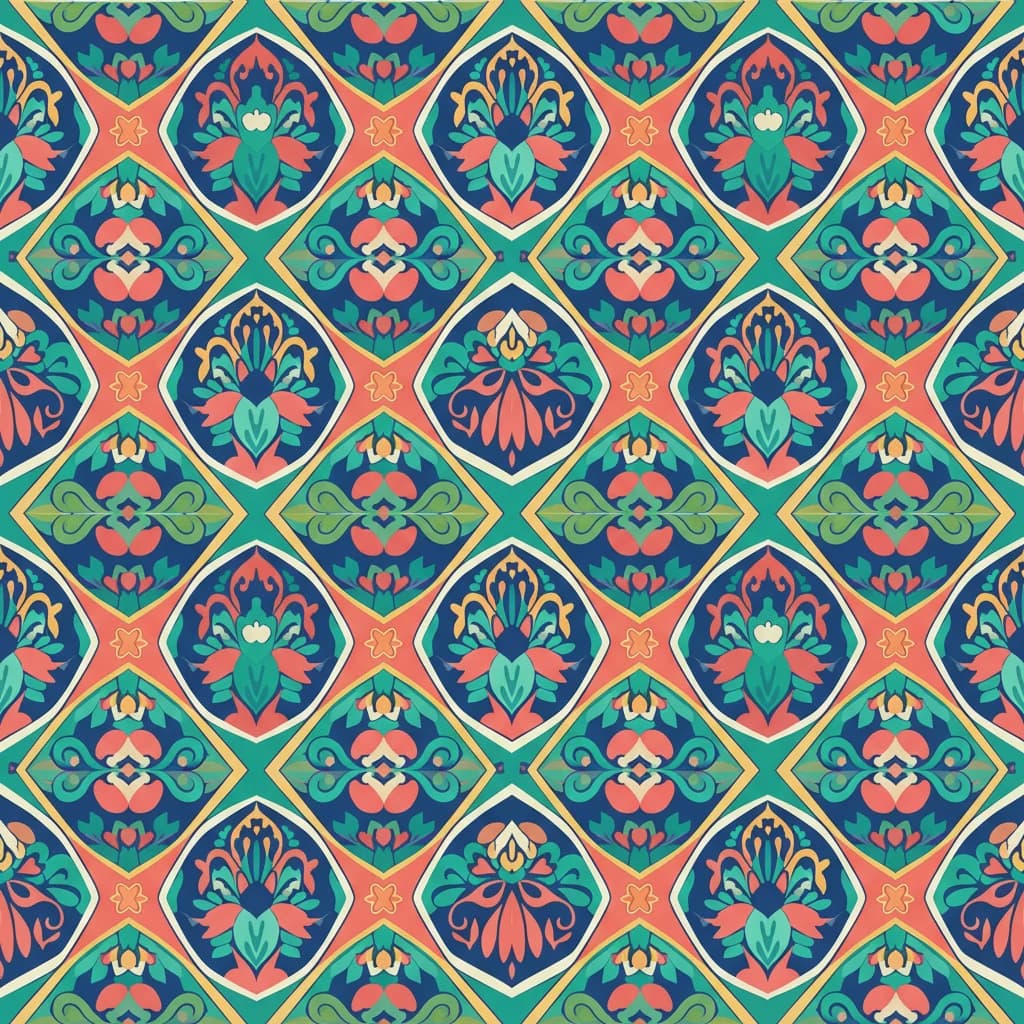
Diamond/Ogee Repeat:
- Diagonal arrangement
- Creates dynamic movement
- More complex to build
- Sophisticated appearance
Building a Seamless Repeat
Step-by-step process:
Creating Seamless Tiles:
1. Define tile dimensions
2. Place primary motifs
3. Tile edges must match
4. Fill negative space
5. Test at scale
6. Adjust for balance
A Full Year of Conversions for $49
Starter Annual: 25 conversions every month, $49 for the whole year. That is about $4.08 a month · Cancel anytime
Get the Annual DealConverting Artwork to Textile Vectors
Source Material Options
What can become patterns:
- Hand-painted designs
- Hand-drawn illustrations
- Photographic elements
- Found textures
- Digital sketches
Vectosolve Conversion
- Upload artwork to Vectosolve
- Select appropriate detail level
- Download clean SVG
- Import to pattern software
- Build repeat structure
Post-Conversion Optimization
Prepare vectors for textiles:
- Simplify overly complex paths
- Clean color areas
- Ensure shapes are closed
- Organize layers by color
- Remove unnecessary points
Pattern Design Considerations
Scale and Proportion
Design for intended use:
Typical Pattern Scales:
Small ditsy: 0.5-1" repeat
Medium: 4-8" repeat
Large statement: 12-24" repeat
Engineered: Custom sizes
Motif Placement
Balance your design:
- Vary motif sizes
- Create visual rhythm
- Avoid obvious clustering
- Balance density
- Consider viewing distance
Negative Space
Background matters:
- Ground color selection
- Breathing room for motifs
- Pattern density
- Visual rest areas
Color Separation
Understanding Color Limits
Production realities:
Color Considerations:
Screen printing: 6-12 colors typical
Rotary printing: Similar limits
Digital printing: Unlimited
Cost increases with colors
Creating Color Separations
Vector separation process:
- Identify distinct colors
- Create layers per color
- Assign Pantone/production colors
- Prepare separation file
- Verify registration
Color Reduction Techniques
When simplification is needed:
- Combine similar tones
- Create halftone effects
- Use overprinting
- Strategic color placement
Free SVG Tools for Crafters
Design Checker · Color Separator · Mat Preview · Offset Generator · Text to SVG
Check Your SVG FreeColorway Development
Multiple Colorways from One Design
Vector color advantages:
- Global swatch editing
- One-click colorway changes
- Accurate color matching
- Efficient production
Colorway Strategy
Typical Colorway Development:
├── Original design colors
├── Market-driven options
│   ├── Seasonal colors
│   ├── Trending palettes
│   └── Customer requests
└── Neutral/basic options
With vector patterns, creating a new colorway is as simple as swapping global color swatches. Many designers produce 8-12 colorways from a single base pattern to maximize market appeal.
Color Communication
Specify colors precisely:
- Pantone references
- CMYK values for print
- Lab values if needed
- Physical swatches
Production Specifications
File Preparation
What mills and printers need:
Production Files:
├── Vector source (AI/EPS)
├── Color separations
├── Technical specifications
│   ├── Repeat dimensions
│   ├── Color references
│   └── Scale information
└── Production notes
Print Method Considerations
Match files to printing:
| Method | Colors | File Needs |
|---|---|---|
| Screen | 6-12 | Separations |
| Rotary | 8-16 | Separations |
| Digital | Unlimited | RGB/CMYK |
| Sublimation | Unlimited | RGB |
Application-Specific Requirements
Apparel Fabrics
Clothing pattern needs:
- Repeat visible at garment scale
- Placement print options
- Directional consideration
- Size range accommodation
Home Textiles
Larger scale considerations:
- Room-size viewing
- Repeat size for furniture
- Matching across panels
- Coordinate patterns
Technical Textiles
Performance fabrics:
- Color durability
- Production precision
- Testing requirements
- Documentation needs
A Full Year of Conversions for $49
Starter Annual: 25 conversions every month, $49 for the whole year. That is about $4.08 a month · Cancel anytime
Get the Annual DealBuilding a Pattern Library
Organizing Pattern Assets
Efficient library structure:
Pattern Library:
/Textiles
  /Florals
    /Small_Scale
    /Medium_Scale
    /Large_Scale
  /Geometrics
  /Conversationals
  /Abstracts
  /Coordinates
  /Archived
Version Control
Track pattern evolution:
- Original design date
- Colorway versions
- Production status
- Client associations
Quality Control
Pattern Testing
Before production:
✓ Repeat tiles seamlessly
✓ Colors correctly specified
✓ Scale appropriate for use
✓ Motifs balance throughout
✓ Technical requirements met
✓ Sample print reviewed
Common Issues to Avoid
Textile pattern pitfalls:
- Obvious repeat lines
- Unbalanced density
- Color registration problems
- Scale miscalculation
- Incomplete vector paths
Digital Printing Workflow
Direct-to-Fabric
Digital printing specifics:
- RGB color mode
- High resolution backup
- Color profile application
- Test print essential
Sublimation Printing
Sublimation requirements:
- Mirror image files
- Bright, saturated colors
- Synthetic fabric substrates
- Temperature/time settings
Free SVG Tools for Crafters
Design Checker · Color Separator · Mat Preview · Offset Generator · Text to SVG
Check Your SVG FreeTrend Research and Development
Pattern Trend Sources
Stay current with:
- Trade shows (Première Vision, Texworld)
- Trend forecasting services
- Fashion week coverage
- Social media monitoring
- Vintage archive research
Seasonal Development
Pattern creation calendar:
Development Timeline:
18-24 months: Trend research
12-18 months: Concept development
6-12 months: Sample production
0-6 months: Market release
Conclusion
Vector graphics are the foundation of professional textile pattern design. From initial concept vectorization to production-ready files, understanding repeats, color separation, and technical requirements ensures your patterns translate beautifully to fabric. Start with Vectosolve to digitize your artwork, then build production-ready patterns that meet industry standards.
| Repeat Type | Complexity | Best For |
|---|---|---|
| Block repeat | Simplest — tile on grid | Geometric patterns, plaids |
| Half-drop | Moderate — offset vertically | Florals, organic motifs |
| Half-brick | Moderate — offset horizontally | Damask, wallpaper designs |
| Diamond / Ogee | Complex — rotated tile | Luxury textiles, upholstery |
| Random / Tossed | Advanced — non-repeating look | Conversational prints, children's fabric |