
VectoSolve Studio
Bad customer files in.
Production-ready art out.
We take the blurry logos, screenshots and phone photos your customers send, and return files your laser, plasma table, router, vinyl cutter or press can run, and clean art for your embroidery digitizer. Every file is checked against your original before delivery.
Free quote. You pay only after the watermarked preview.
- Laser engraving
- Embroidery
- Screen printing
- Plasma and CNC
- Signs
What Studio does
You already have an auto-tracer. This is the other thing.
Auto-tracers are fine on clean, high-resolution art and useless on the files customers actually send. Studio does the part that eats your afternoon.
We rebuild the source first
Blurry, tiny and compressed files are cleaned up before tracing, so edges come out sharp instead of wobbly.
We set it up for your machine
Prepared by our tracing engine with the settings your machine needs, in the format it opens: SVG, DXF, AI, EPS, PDF, LightBurn or G-code.
Checked, then previewed
Every file is checked against your original before delivery, and you see a watermarked preview before you pay.
Trades
Five trades, one problem: the file the customer sent.
Each trade has its own way of failing on a bad file. Pick yours to see what we send back.
Laser engraving
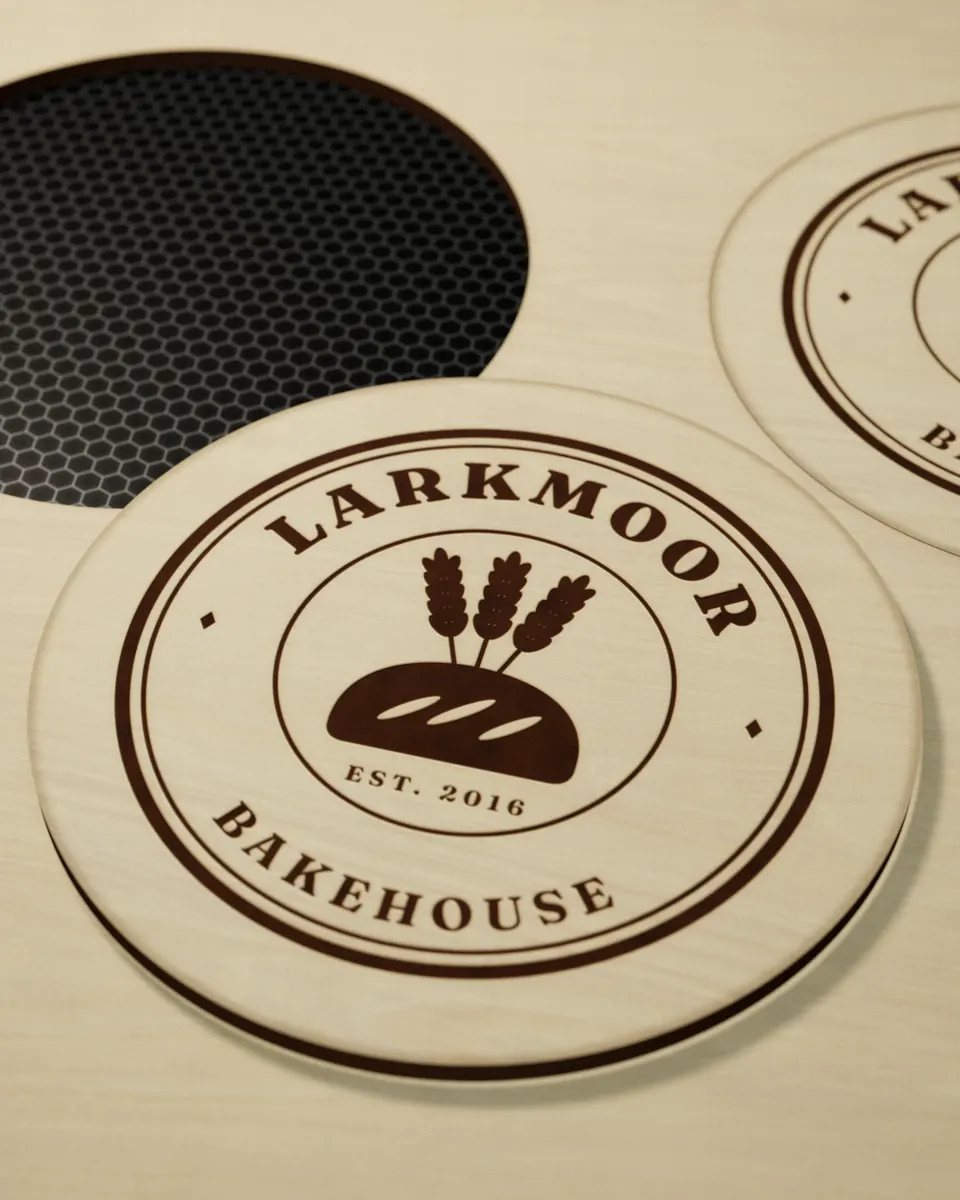
SVG / DXF / AI / LightBurnLogos saved off a website, rebuilt into clean paths with cut, score and engrave on separate layers.
See laser engraving files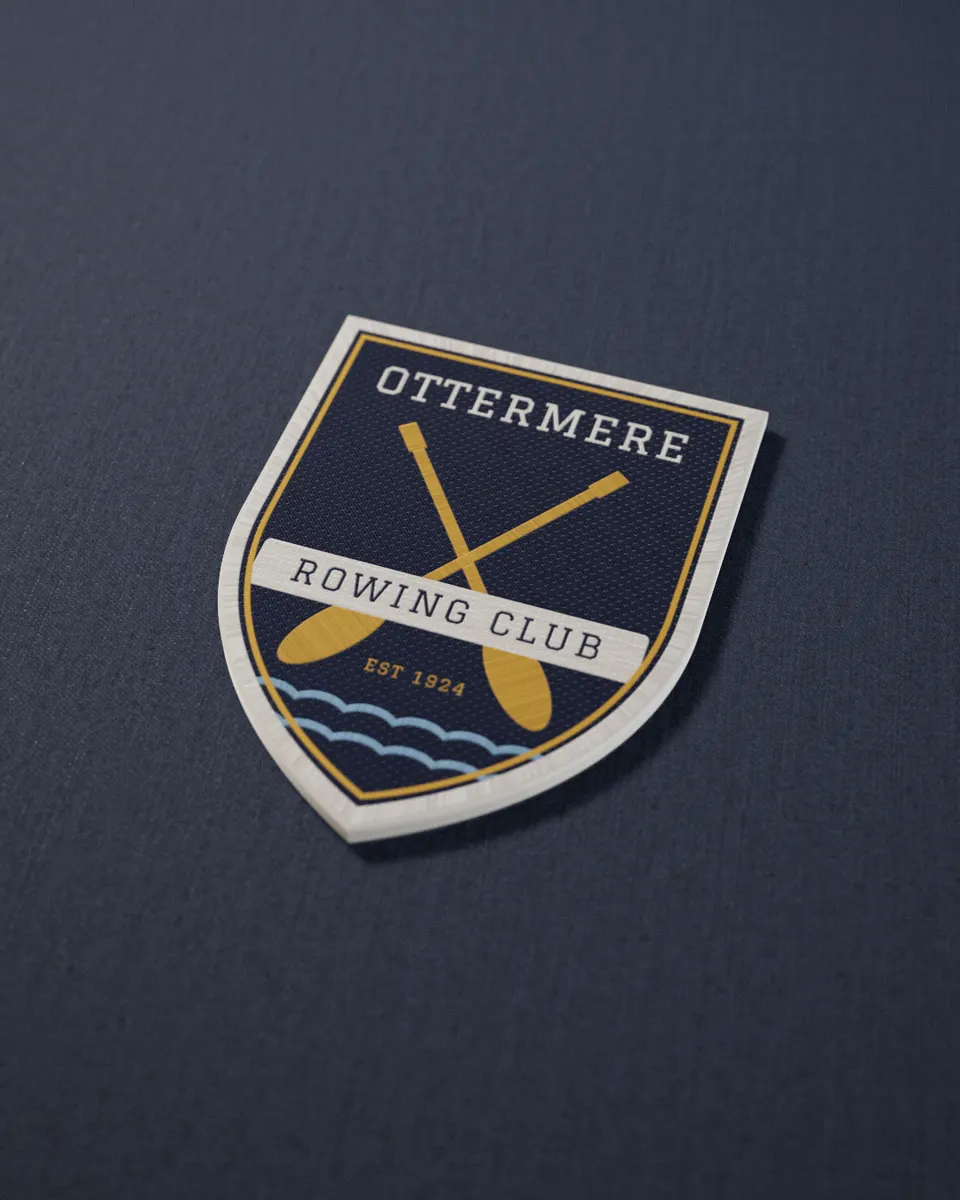
Embroidery
SVG / AI / EPS / PDFScanned crests and photographed polo logos, rebuilt as clean vector art your digitizer works from.
See embroidery artwork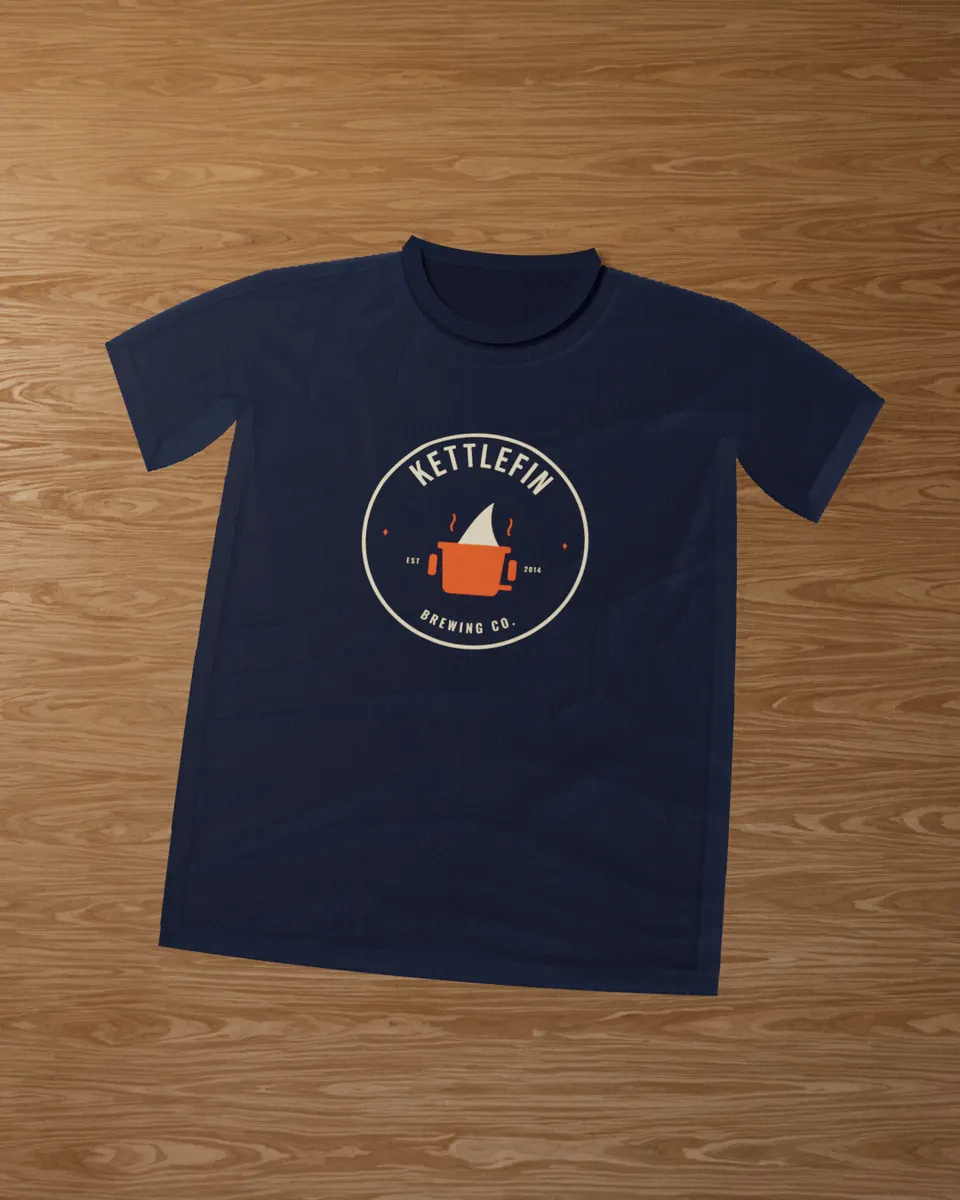
Screen printing
EPS / PDF / SVG / AITiny, soft-edged logos rebuilt as flat color shapes, ready to separate for your screens.
See screen printing artwork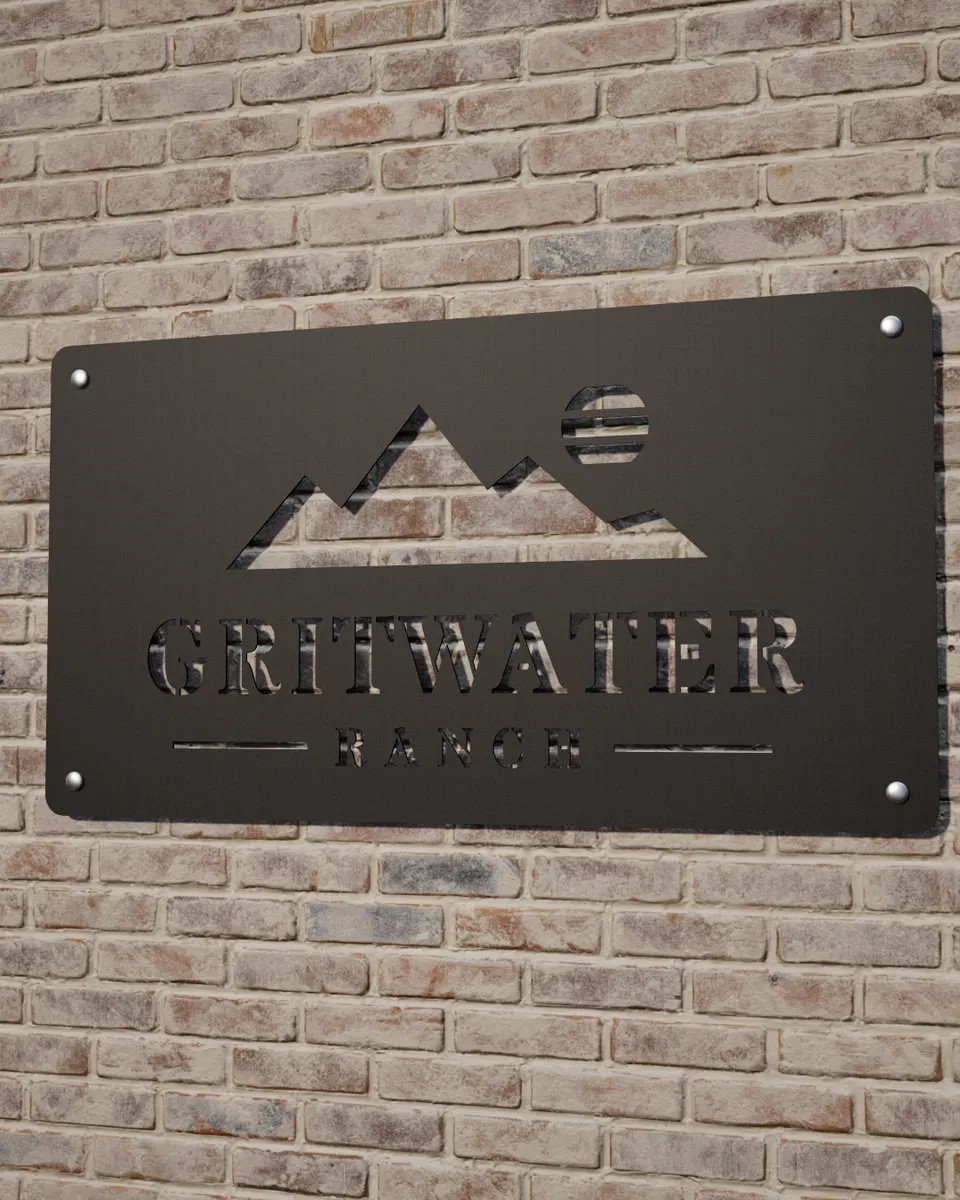
Plasma and CNC
DXF / SVG / G-codeRough sign ideas and old photos turned into closed profiles or ready G-code for the table.
See plasma and CNC files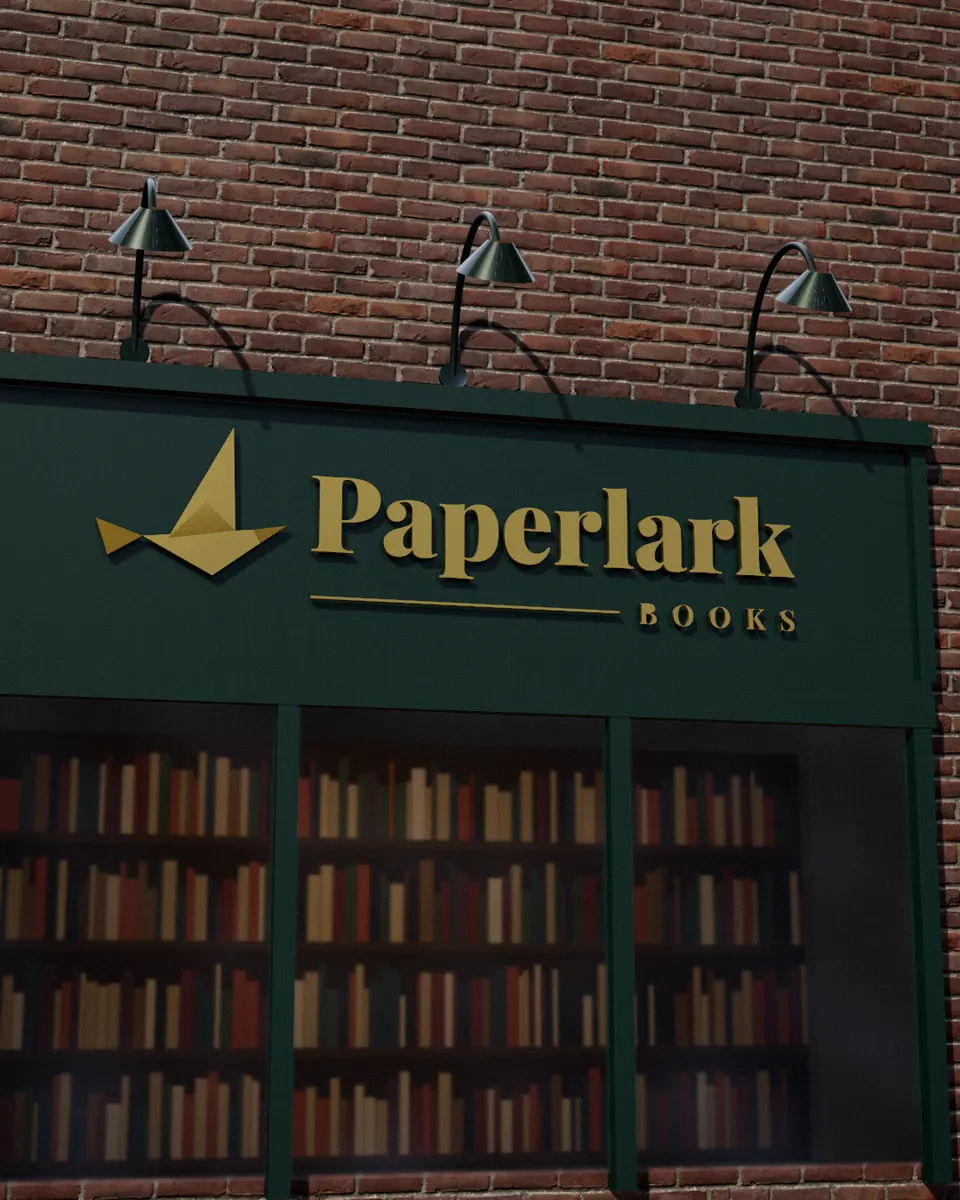
Sign makers
EPS / AI / SVG / PDF / DXFA 260 pixel logo for a storefront, rebuilt as clean shapes, one file per color you cut.
See sign files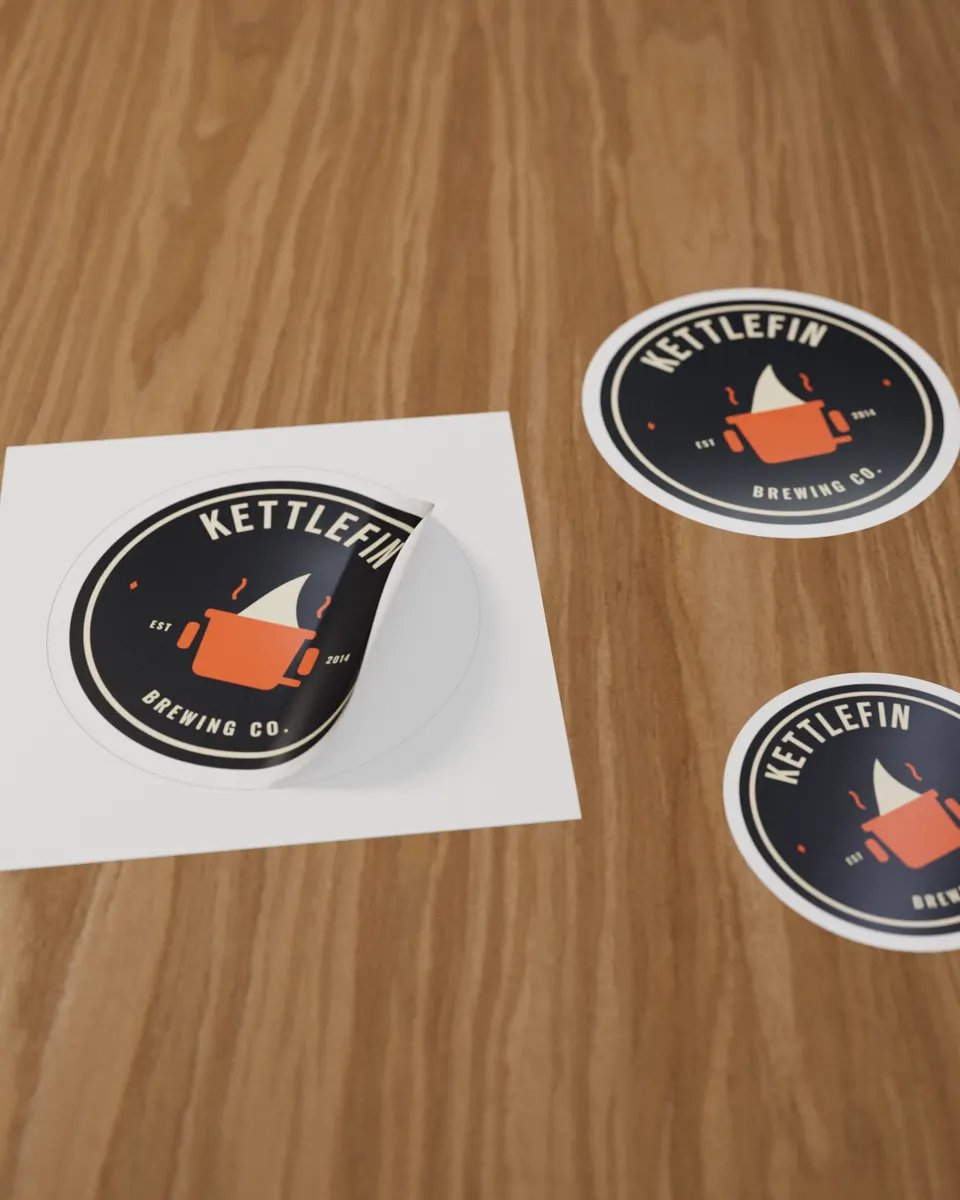
Something else?
Stickers, decals, vinyl, promo products. If it starts with a bad customer file, send it and tell us what it has to run on.
Ask for a quoteBefore and after
What arrives, and what goes to the machine.
A 180 pixel logo saved off a website, and the engraved piece made from the file we send back.
Customer file: 180 px wide, blurry, JPEG noise, no vector.
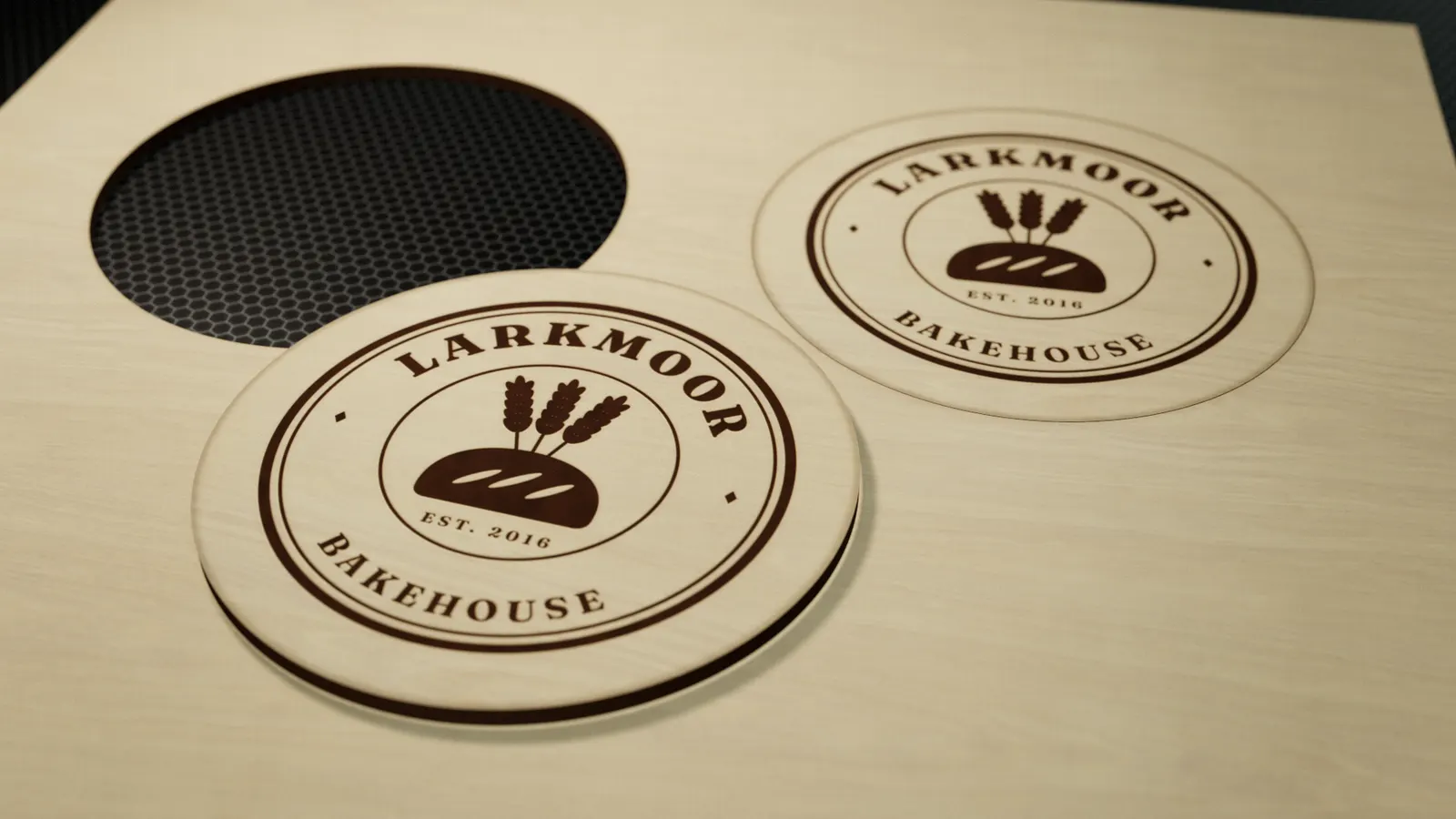
Finished art, engraved and cut in birch plywood.

All sample logos belong to fictional brands drawn for these demos. Product photos are rendered mockups of the finished files.
How it works
Four steps. You see the finished file before you pay.
- 01
Send the file
Use the form, or forward the customer's email to contact@vectosolve.com. Add the machine and the finished size.
- 02
Get a free quote
We look at the file and send the price. The delivery date is on the quote.
- 03
See the preview, then pay
Check a watermarked preview of the finished file before you pay anything.
- 04
Download your files
In the format your machine opens, with no VectoSolve name inside the files.
What you can count on
Built for shops that cannot afford a bad file on the machine.
Pay only after the preview
Free quote first, then a watermarked preview of the finished file. You pay once you have seen it.
Your customer never sees our name
No VectoSolve name, metadata or watermark in the delivered files. We never contact your customers, and we sign an NDA on request.
Corrected until it runs
If a file we delivered does not run on your machine, we correct it at no charge until it does.
Straight answers on bad sources
If a part cannot be recovered, such as text too small to read, we say so in the quote instead of guessing.
FAQ
Questions shops ask
- What can I send?
- Anything the customer gave you: JPG, PNG, a phone photo, a PDF, a scan, a screenshot or an old SVG. If a part cannot be recovered, such as text too small to read, we say so in the quote instead of guessing.
- Which formats come back?
- The one your machine opens: SVG, DXF, AI or a LightBurn file for lasers, closed DXF profiles or ready G-code for plasma and CNC, EPS, AI, SVG or PDF for signs, vinyl and print. For embroidery, the clean vector artwork your digitizer works from.
- How is this different from running the converter myself?
- The converter is a tool: you upload, you judge, you fix the edge cases. Studio is the service: we prepare the file with the settings your machine needs, check it against your original, and you only pay once you have seen the preview.
- Does my customer ever see your name?
- No. The delivered files carry no VectoSolve name, no metadata and no watermark; the watermark is only on the preview you check. We never contact your customers, and we sign an NDA on request.
Get a quote
Send us the file you cannot run.
Tell us where it has to work. You get a free quote, then a watermarked preview of the finished file before you pay.
- JPG, PNG, PDF, phone photos, scans and screenshots
- Checked against your original before delivery
- Watermarked preview before you pay anything
Send a test file, get a free quote
Free quote within one business day. The delivery date is on the quote. You see a watermarked preview before you pay.