
VectoSolve Studio for sign makers
Sign files that scale to the storefront.
The customer wants their logo across the front of the shop and sends a file the size of a thumbnail. We rebuild it as clean shapes that hold at any size, ready for the vinyl cutter, the router or the print.
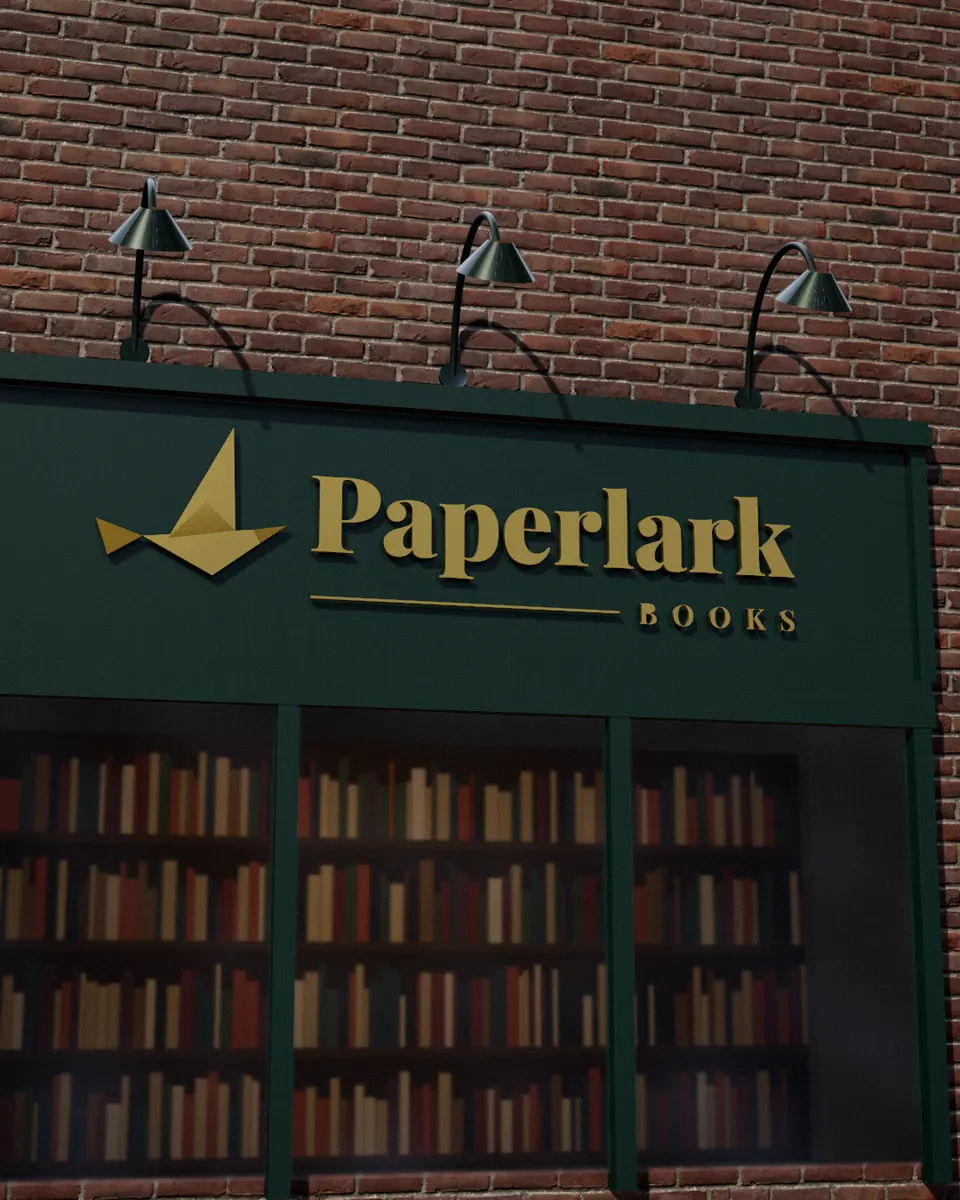 Sample logo, rendered mockup
The problem
What usually lands in your inbox
- A logo a couple hundred pixels wide that has to become several feet of lettering.
- Edges that look fine on a phone and fall apart at full size.
- Open contours the cutter or router cannot follow.
- More shades of color than you have vinyl for.
The fix
What Studio sends back
One file per color
Reduced to the colors you cut, weeding-friendly.
EPS, AI, SVG or PDF
And closed DXF profiles when the letters go to the router.
Preview before you pay
You check a watermarked preview of the finished file before paying anything.
Before and after
A typical sign job, start to finish.

Customer file: 260 px wide, for a storefront sign.
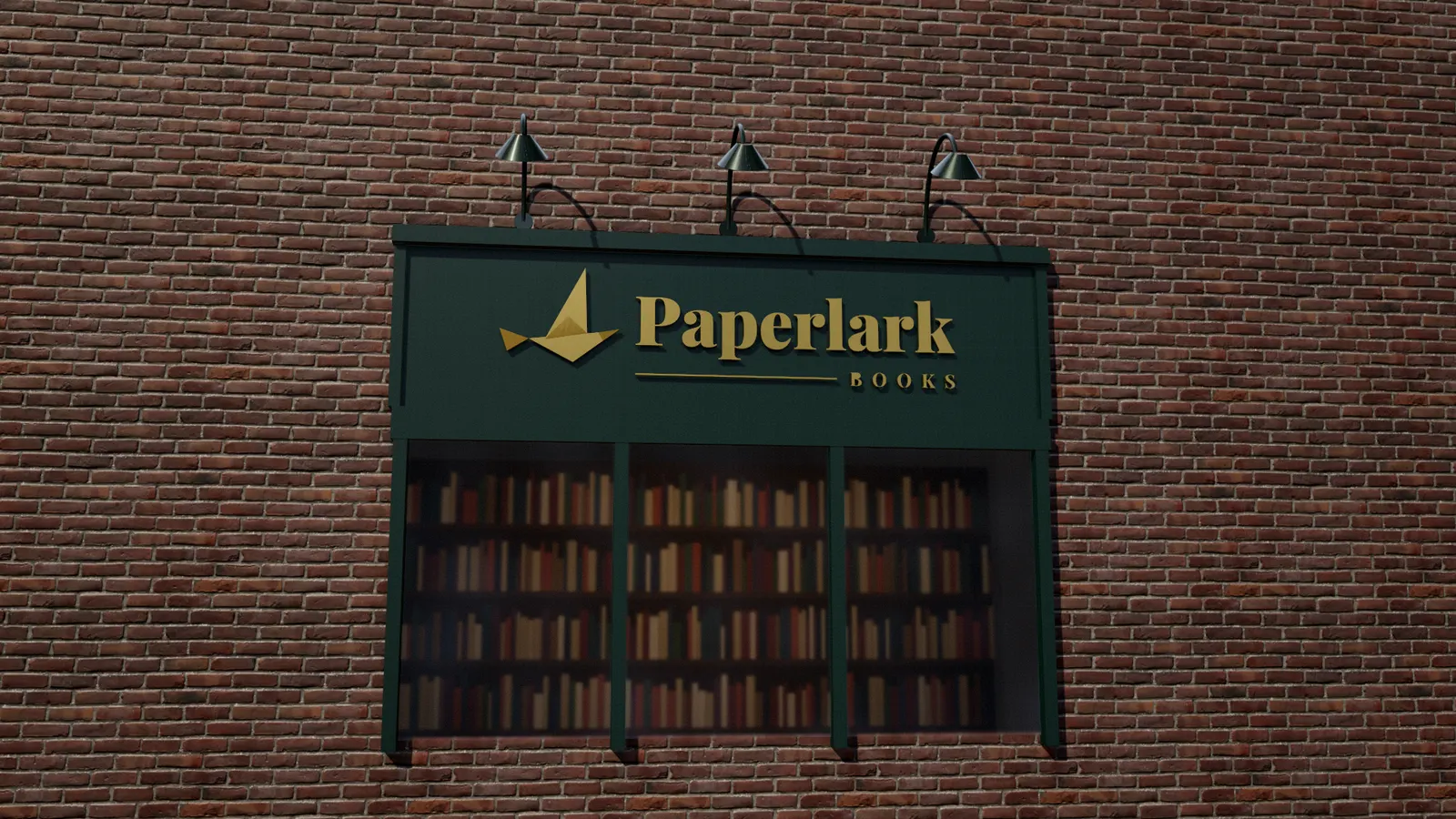
Finished art, as raised letters on a storefront fascia.
How it works
Four steps. You see the finished file before you pay.
- 01
Send the file
Use the form, or forward the customer's email to contact@vectosolve.com. Add the machine and the finished size.
- 02
Get a free quote
We look at the file and send the price. The delivery date is on the quote.
- 03
See the preview, then pay
Check a watermarked preview of the finished file before you pay anything.
- 04
Download your files
In the format your machine opens, with no VectoSolve name inside the files.
FAQ
Signs questions
- Can the file go as large as the sign?
- Yes. Vector shapes have no resolution, so the same file works at a few inches or across a storefront. Tell us the finished size and we set the file up for it.
- Do I pay before seeing anything?
- No. You get a free quote, then a watermarked preview of the finished file. You pay only once you have seen it, and then you download the clean files.
- What if the file does not run right?
- Send us a photo or a screenshot of the problem. If a file we delivered does not run on your machine, we correct it at no charge until it does.
- Does my customer ever see your name?
- No. The delivered files carry no VectoSolve name, no metadata and no watermark; the watermark is only on the preview you check. We never contact your customers, and we sign an NDA on request.
Get a quote
Send us the file the customer gave you.
The machine is already picked below. Add the material, the finished size and your deadline in the note if you know them. You get a free quote, then a watermarked preview before you pay.
- JPG, PNG, PDF, phone photos, scans and screenshots
- Checked against your original before delivery
- Watermarked preview before you pay anything
Send a test file, get a free quote
Free quote within one business day. The delivery date is on the quote. You see a watermarked preview before you pay.