
VectoSolve Studio for screen printing
Print-ready art from a logo that never was.
Soft edges and drifting colors become halos and noise on every screen. We rebuild the art as flat color shapes with clean edges, so separating it for the press is straightforward.
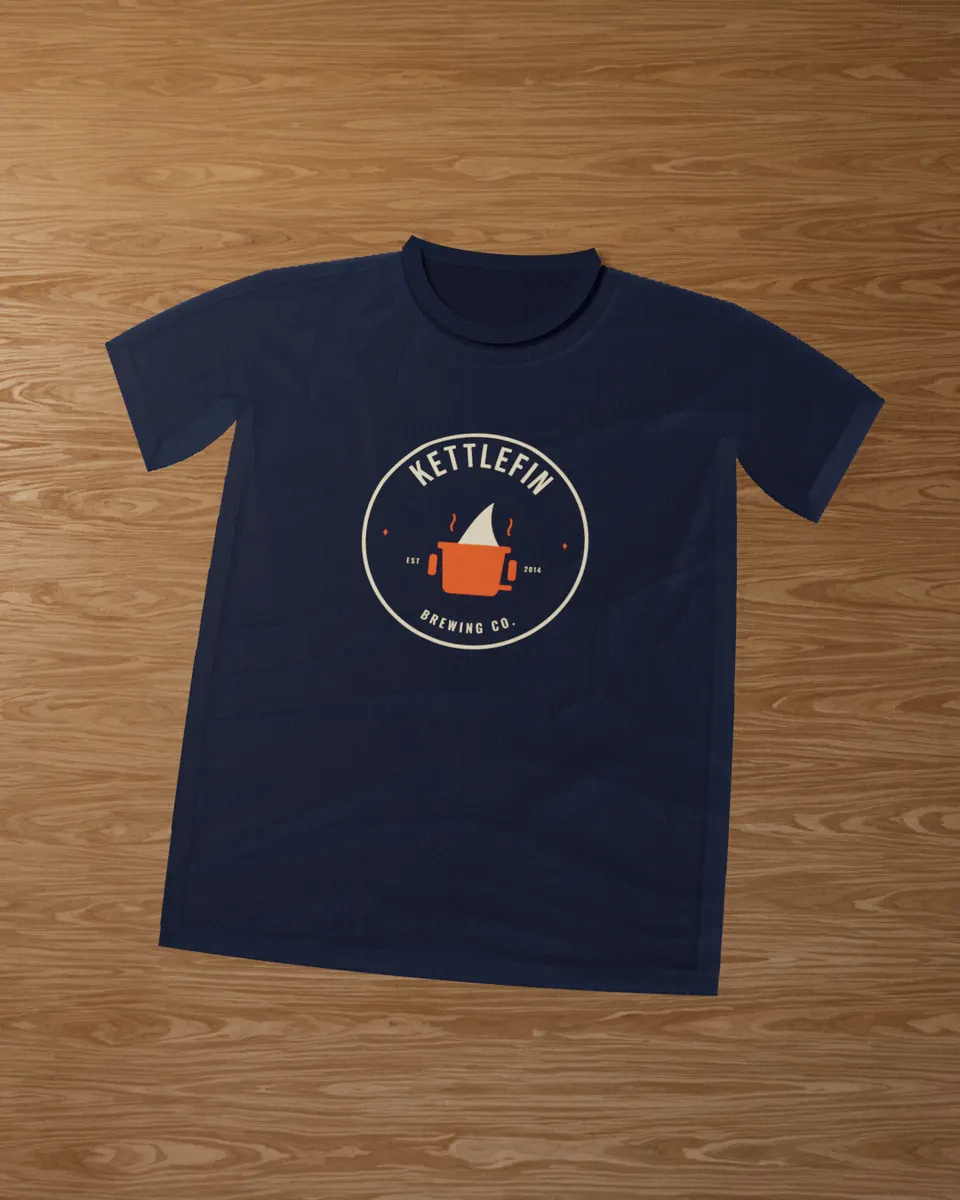 Sample logo, rendered mockup
The problem
What usually lands in your inbox
- A small logo with anti-aliased edges that print as a fuzzy halo.
- Two brand colors that have drifted into a dozen near-identical shades.
- Text and outlines too thin to hold on a screen at shirt size.
- Art for stickers and decals with no clean outline to cut around.
The fix
What Studio sends back
Flat color shapes
Solid fills and clean edges, reduced to the colors the design really uses.
EPS, PDF, SVG or AI
In the format your workflow prints from, sharp at any size.
Preview before you pay
You check a watermarked preview of the finished file before paying anything.
Before and after
A typical screen printing job, start to finish.
Customer file: 170 px wide, soft edges, drifting colors.
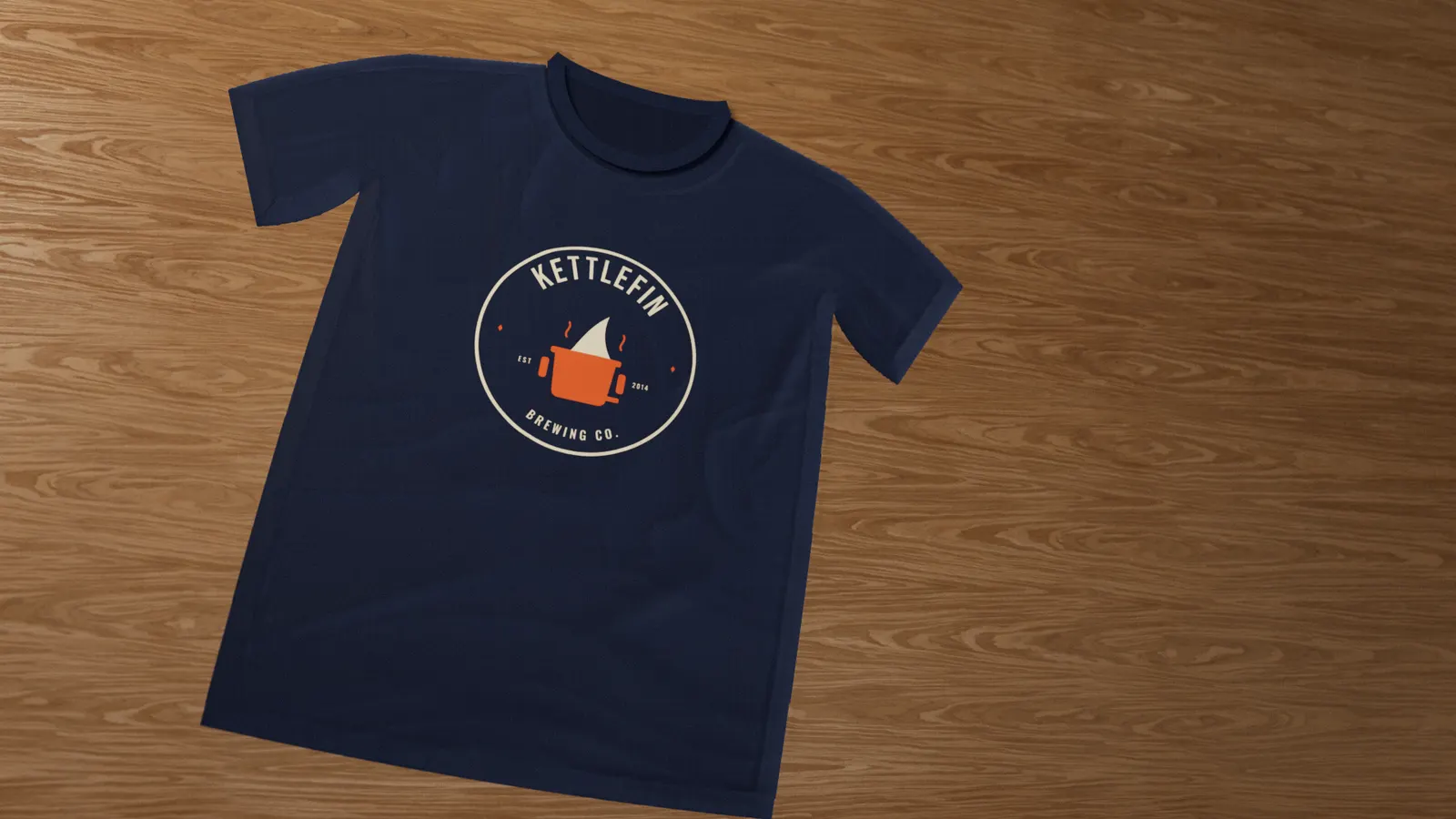
Finished art, two inks on a navy tee.
How it works
Four steps. You see the finished file before you pay.
- 01
Send the file
Use the form, or forward the customer's email to contact@vectosolve.com. Add the machine and the finished size.
- 02
Get a free quote
We look at the file and send the price. The delivery date is on the quote.
- 03
See the preview, then pay
Check a watermarked preview of the finished file before you pay anything.
- 04
Download your files
In the format your machine opens, with no VectoSolve name inside the files.
FAQ
Screen printing questions
- Which format should I ask for?
- The one your press or your printer named. If nobody said, tell us who the file is for and we deliver the format they work with.
- What happens with small text the source destroyed?
- If a part cannot be recovered, such as text too small to read, we say so in the quote instead of guessing.
- Do I pay before seeing anything?
- No. You get a free quote, then a watermarked preview of the finished file. You pay only once you have seen it, and then you download the clean files.
- Does my customer ever see your name?
- No. The delivered files carry no VectoSolve name, no metadata and no watermark; the watermark is only on the preview you check. We never contact your customers, and we sign an NDA on request.
Get a quote
Send us the file the customer gave you.
The machine is already picked below. Add the material, the finished size and your deadline in the note if you know them. You get a free quote, then a watermarked preview before you pay.
- JPG, PNG, PDF, phone photos, scans and screenshots
- Checked against your original before delivery
- Watermarked preview before you pay anything
Send a test file, get a free quote
Free quote within one business day. The delivery date is on the quote. You see a watermarked preview before you pay.