
VectoSolve Studio for laser engraving
Laser files that engrave the way the customer pictured it.
Your customer sends a logo saved off their website. You need closed paths at the size of the job. We rebuild the art, set it up for your laser software, and check it against the original before delivery.
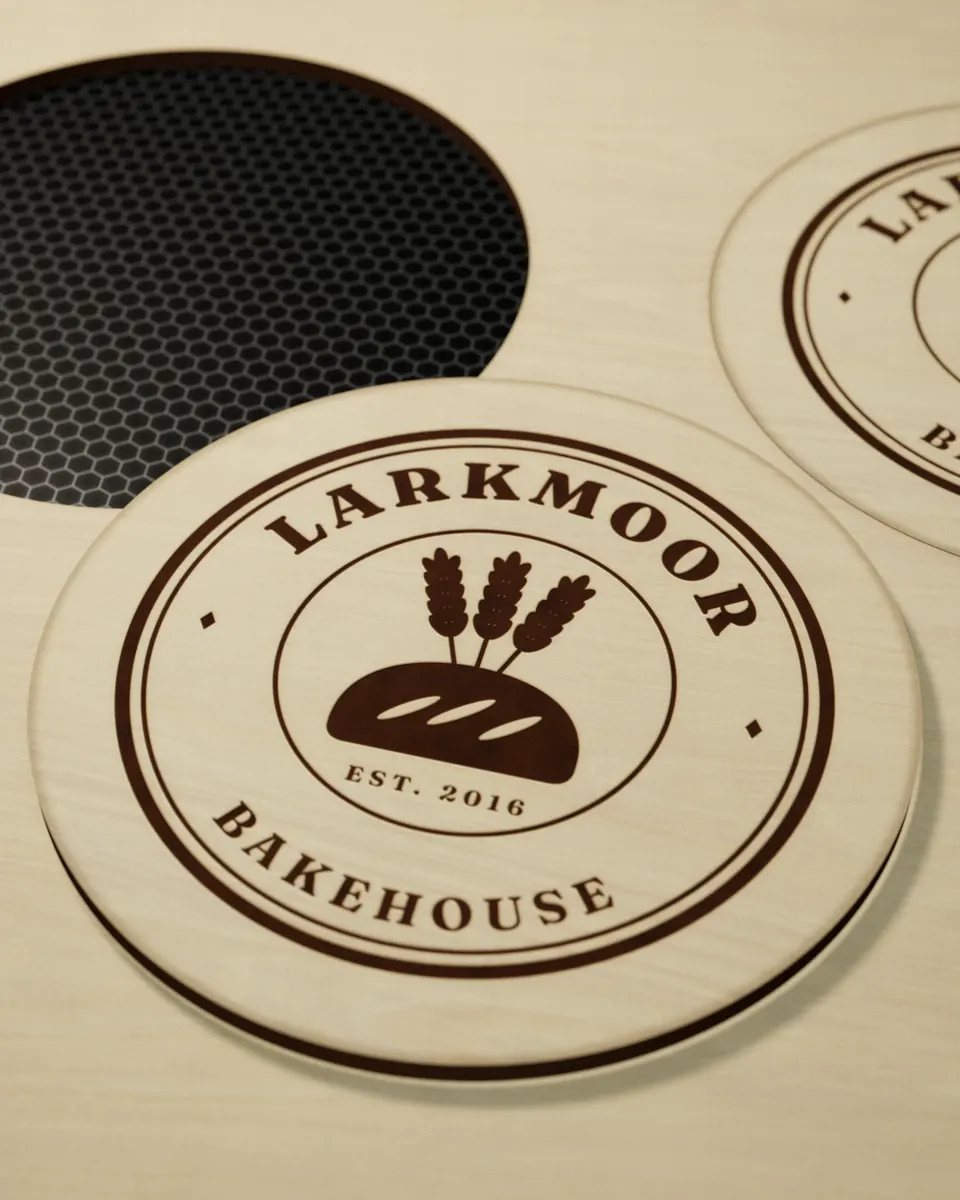 Sample logo, rendered mockup
The problem
What usually lands in your inbox
- A logo saved off a website, a couple hundred pixels wide, with JPEG noise around every letter.
- Small lettering that turns to mush once you scale it to the size of the piece.
- Edges that an auto-trace turns into wobbly, doubled outlines the laser follows faithfully.
- Outlines that do not close, so the cut path stops halfway around the shape.
The fix
What Studio sends back
Separate layers
Cut, score and engrave on their own layers. Letters keep their holes.
Your format
SVG, DXF, Adobe Illustrator or a LightBurn file, at the size you cut.
Preview before you pay
You check a watermarked preview of the finished file before paying anything.
Before and after
A typical laser engraving job, start to finish.
Customer file: 180 px wide, blurry, JPEG noise, no vector.
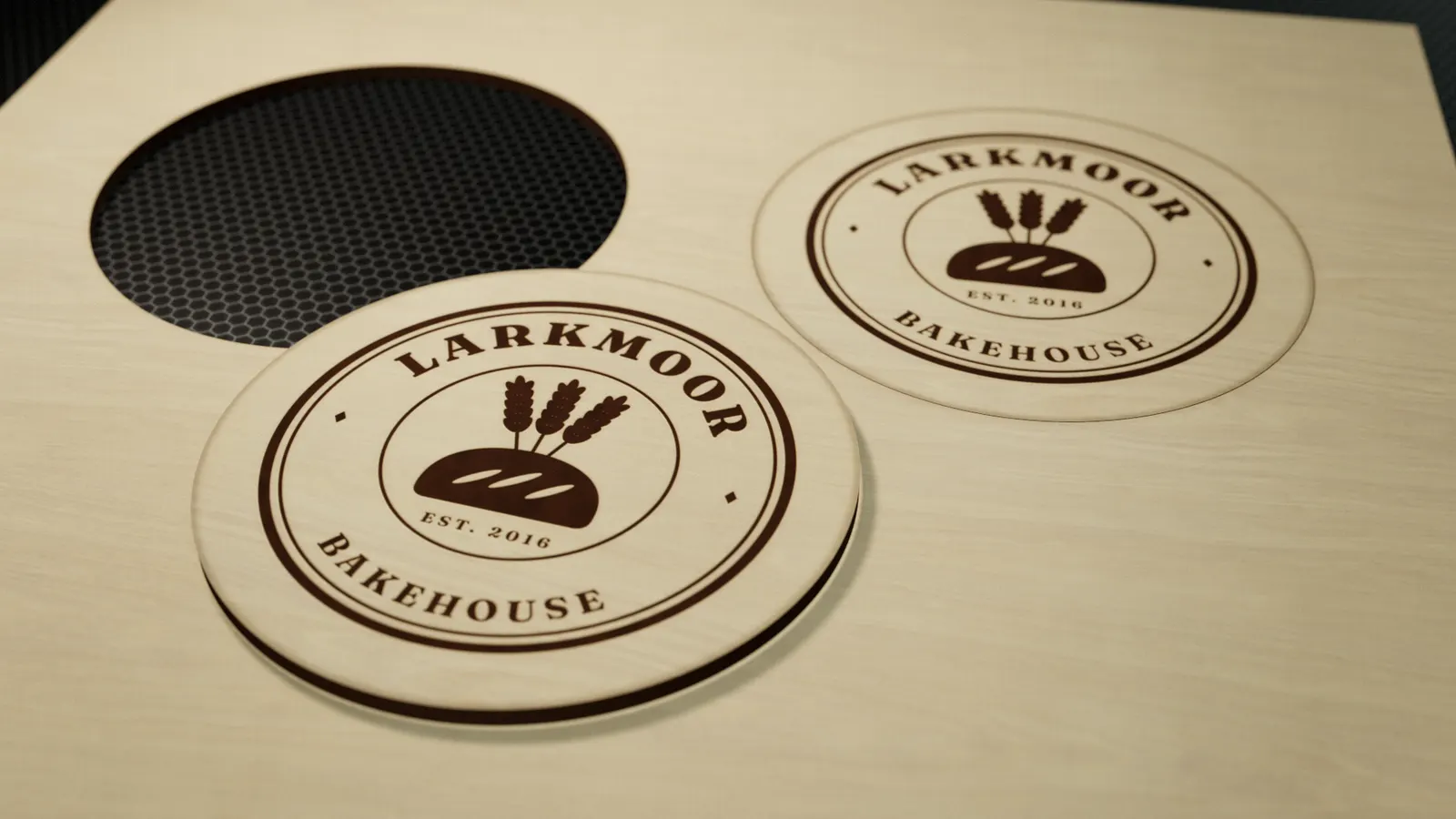
Finished art, engraved and cut in birch plywood.
How it works
Four steps. You see the finished file before you pay.
- 01
Send the file
Use the form, or forward the customer's email to contact@vectosolve.com. Add the machine and the finished size.
- 02
Get a free quote
We look at the file and send the price. The delivery date is on the quote.
- 03
See the preview, then pay
Check a watermarked preview of the finished file before you pay anything.
- 04
Download your files
In the format your machine opens, with no VectoSolve name inside the files.
FAQ
Laser engraving questions
- What should I send?
- Whatever the customer gave you: JPG, PNG, a phone photo, a PDF, a scan or a screenshot. Add the material and the finished size if you know them.
- What happens with small text the source destroyed?
- If a part cannot be recovered, such as text too small to read, we say so in the quote instead of guessing.
- Do I pay before seeing anything?
- No. You get a free quote, then a watermarked preview of the finished file. You pay only once you have seen it, and then you download the clean files.
- What if the file does not run right?
- Send us a photo or a screenshot of the problem. If a file we delivered does not run on your machine, we correct it at no charge until it does.
- Does my customer ever see your name?
- No. The delivered files carry no VectoSolve name, no metadata and no watermark; the watermark is only on the preview you check. We never contact your customers, and we sign an NDA on request.
Get a quote
Send us the file the customer gave you.
The machine is already picked below. Add the material, the finished size and your deadline in the note if you know them. You get a free quote, then a watermarked preview before you pay.
- JPG, PNG, PDF, phone photos, scans and screenshots
- Checked against your original before delivery
- Watermarked preview before you pay anything
Send a test file, get a free quote
Free quote within one business day. The delivery date is on the quote. You see a watermarked preview before you pay.