
VectoSolve Studio for embroidery
Clean art for your digitizer, from whatever logo the customer had.
A scanned club crest, a photo of last year's polo, a JPEG where every flat color has turned into noise. We rebuild it as clean, flat-color vector art, so digitizing starts from sharp shapes instead of guesses.
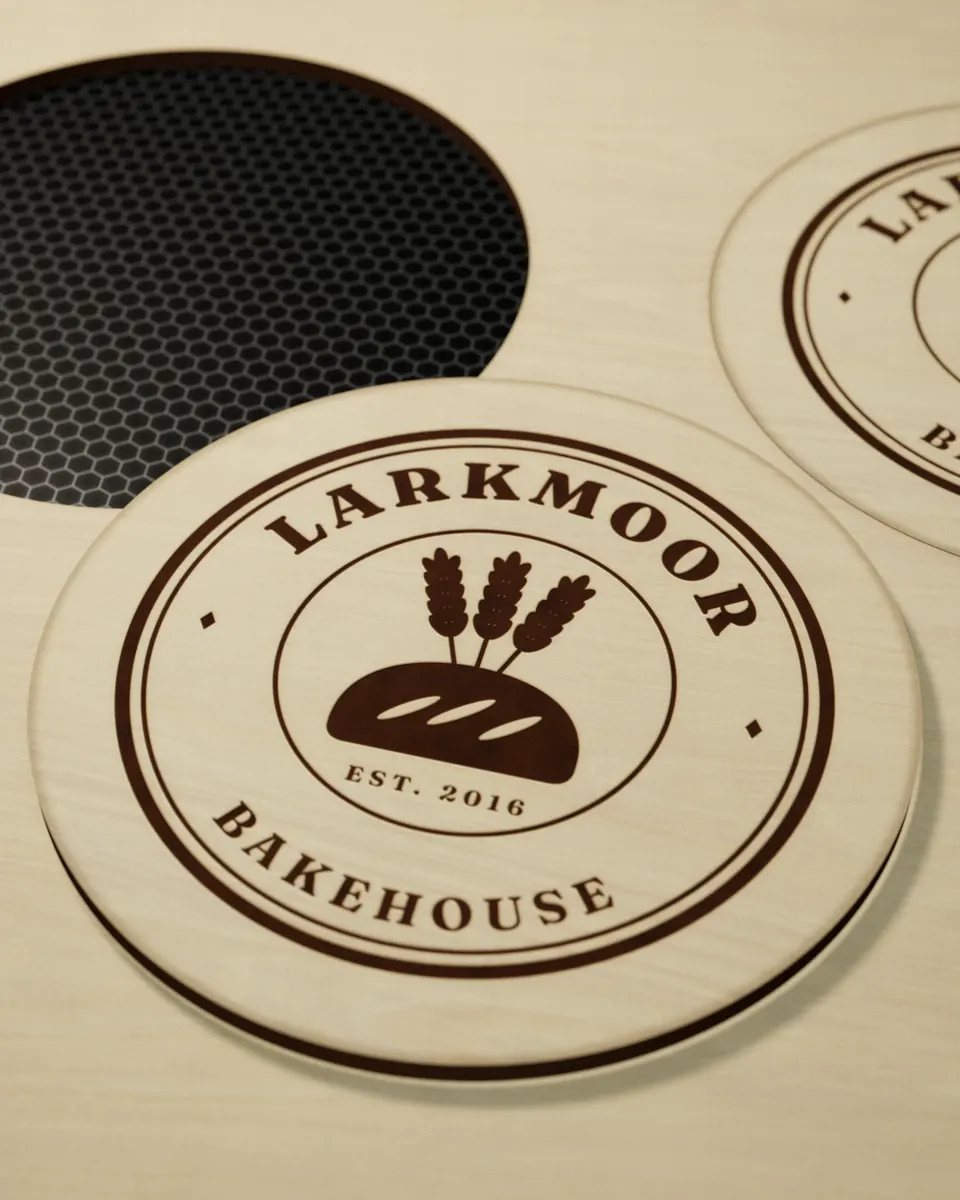
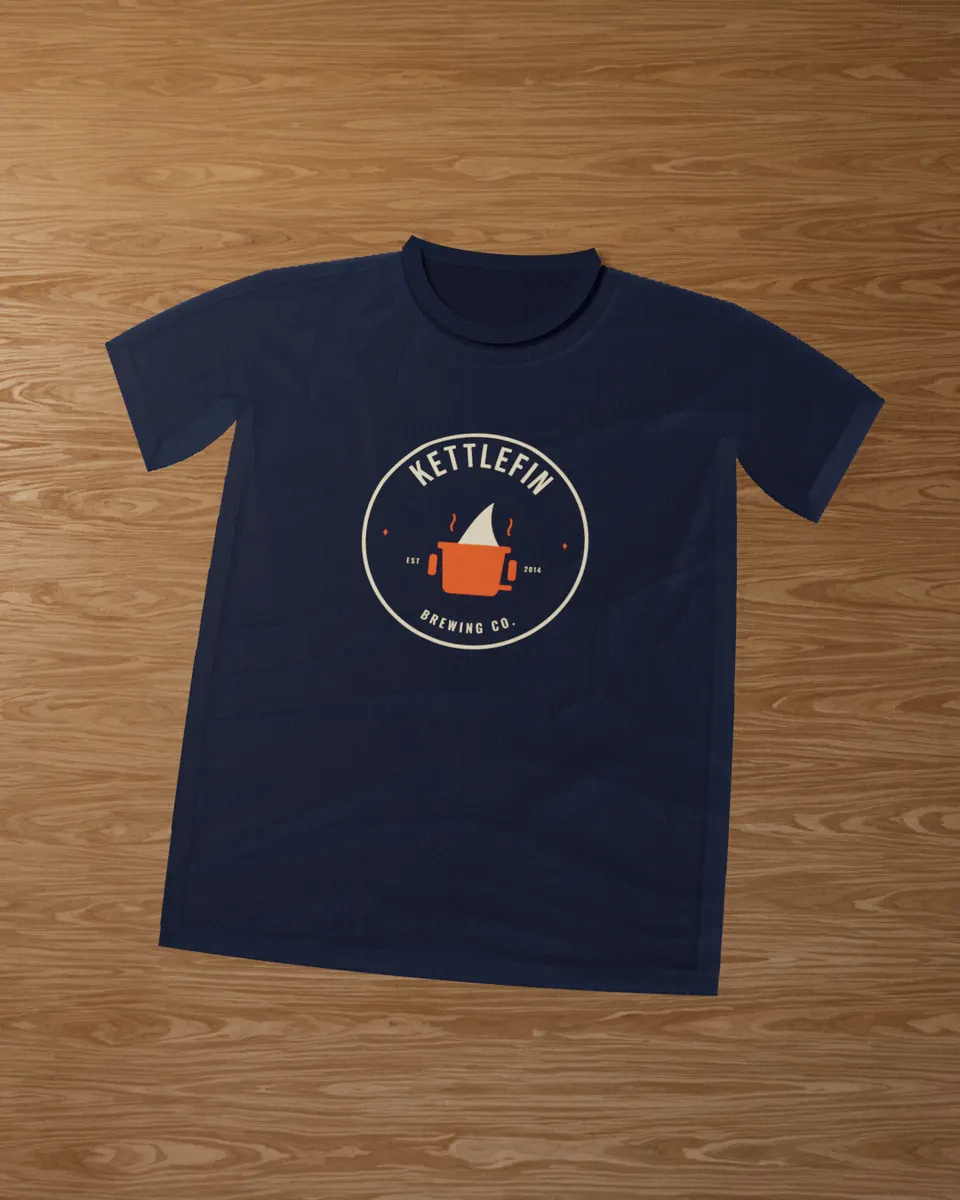
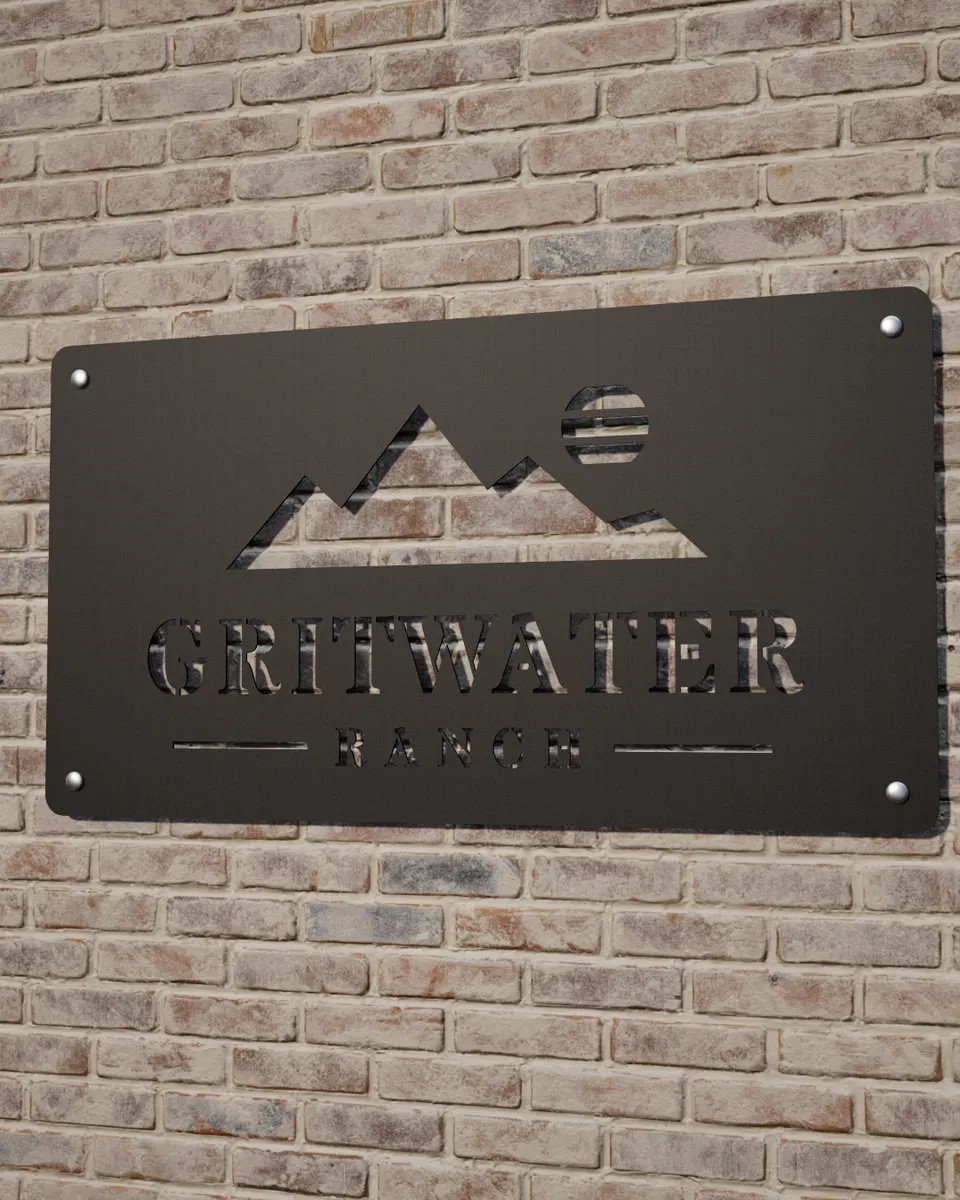
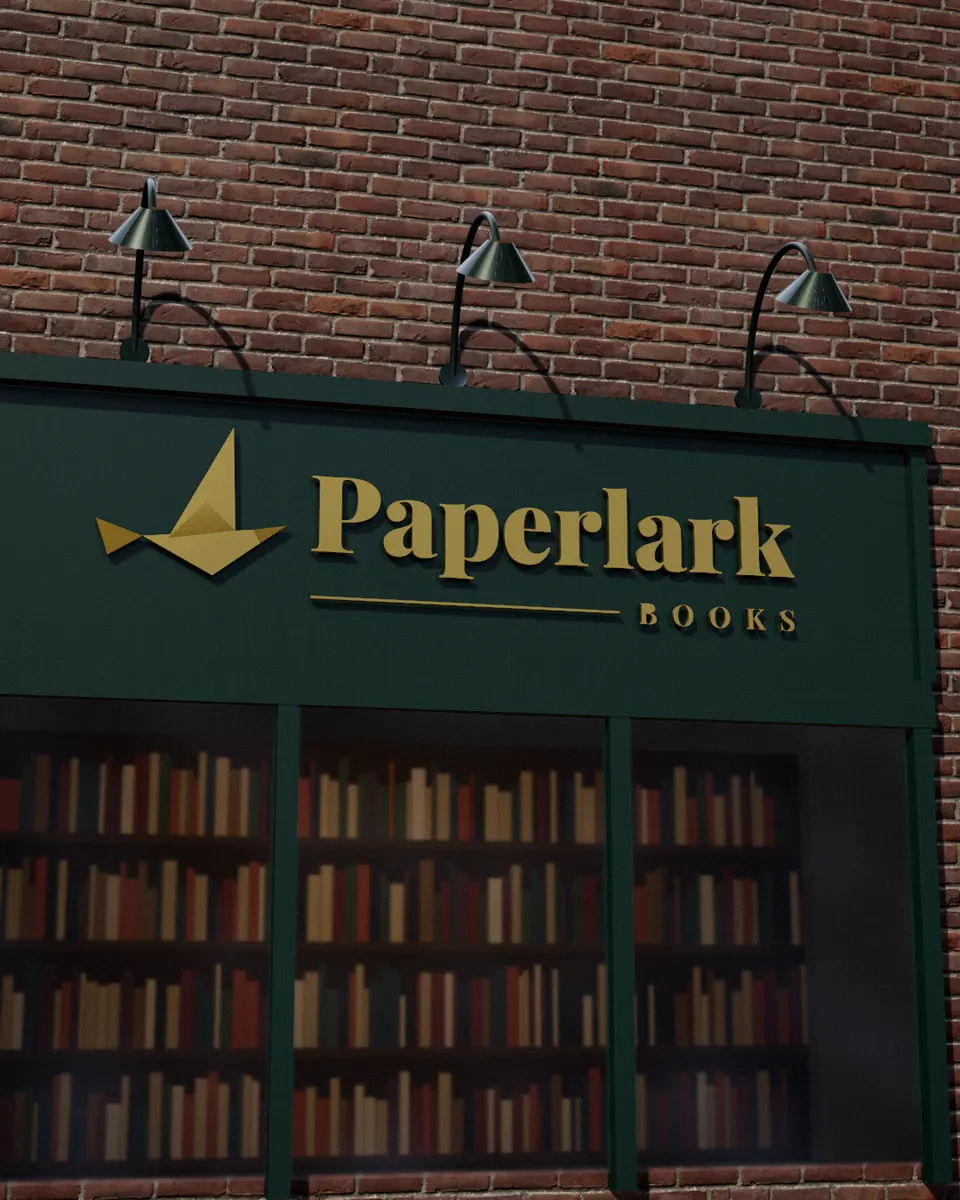
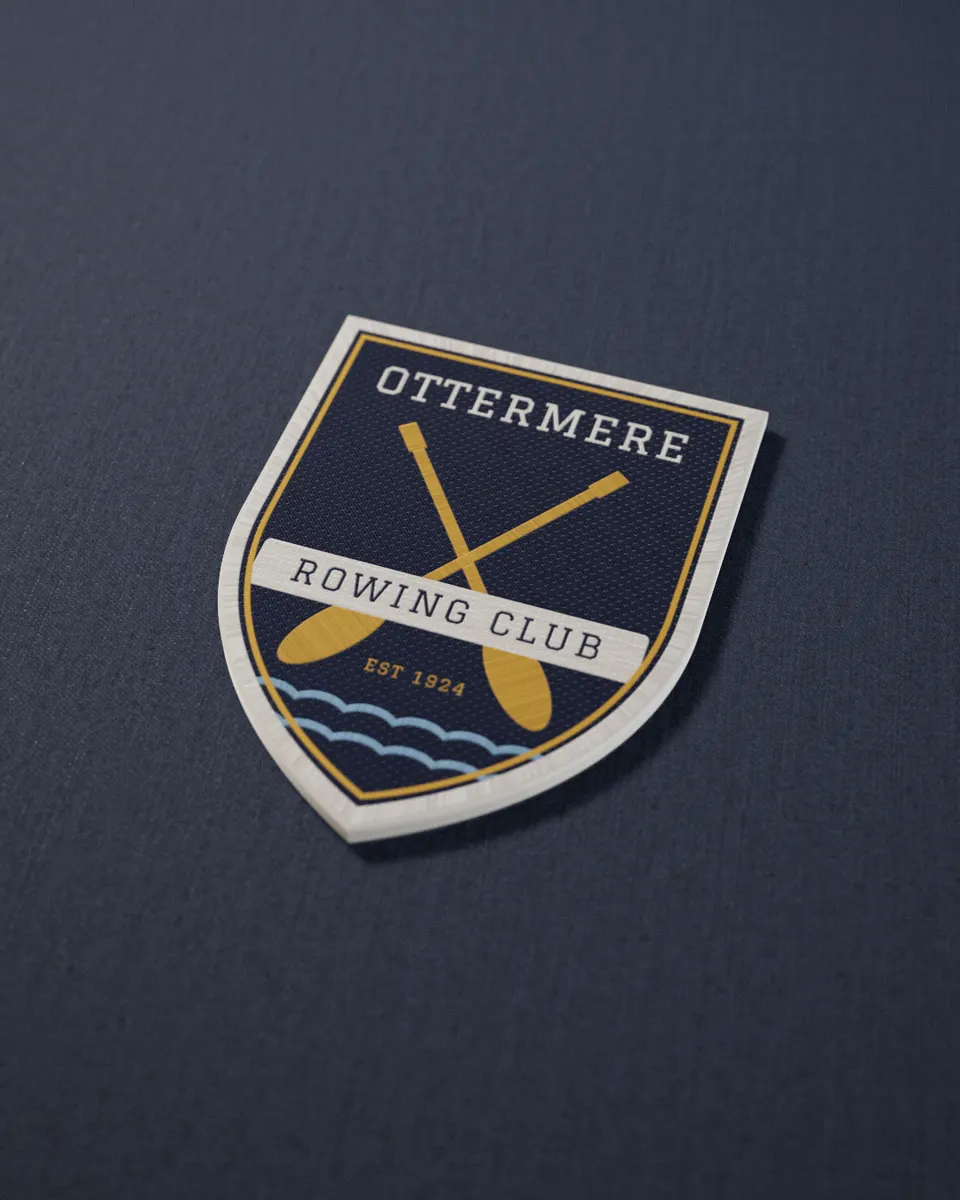 Sample logo, rendered mockup
The problem
What usually lands in your inbox
- A scanned or photographed crest, slightly skewed, with paper texture in the background.
- Flat brand colors that compression has turned into soft gradients and stray shades.
- Edges so soft that every satin column and fill boundary becomes a guess.
- Nothing your digitizer can open without rebuilding it from scratch.
The fix
What Studio sends back
Flat-color vector art
Clean shapes and solid colors, the artwork your digitizer works from.
The vector, not the stitch file
We deliver the vector file in SVG, AI, EPS or PDF. Digitizing into DST or PES stays with your digitizer.
Preview before you pay
You check a watermarked preview of the finished file before paying anything.
Before and after
A typical embroidery job, start to finish.
Customer file: 150 px wide, scanned, soft edges.
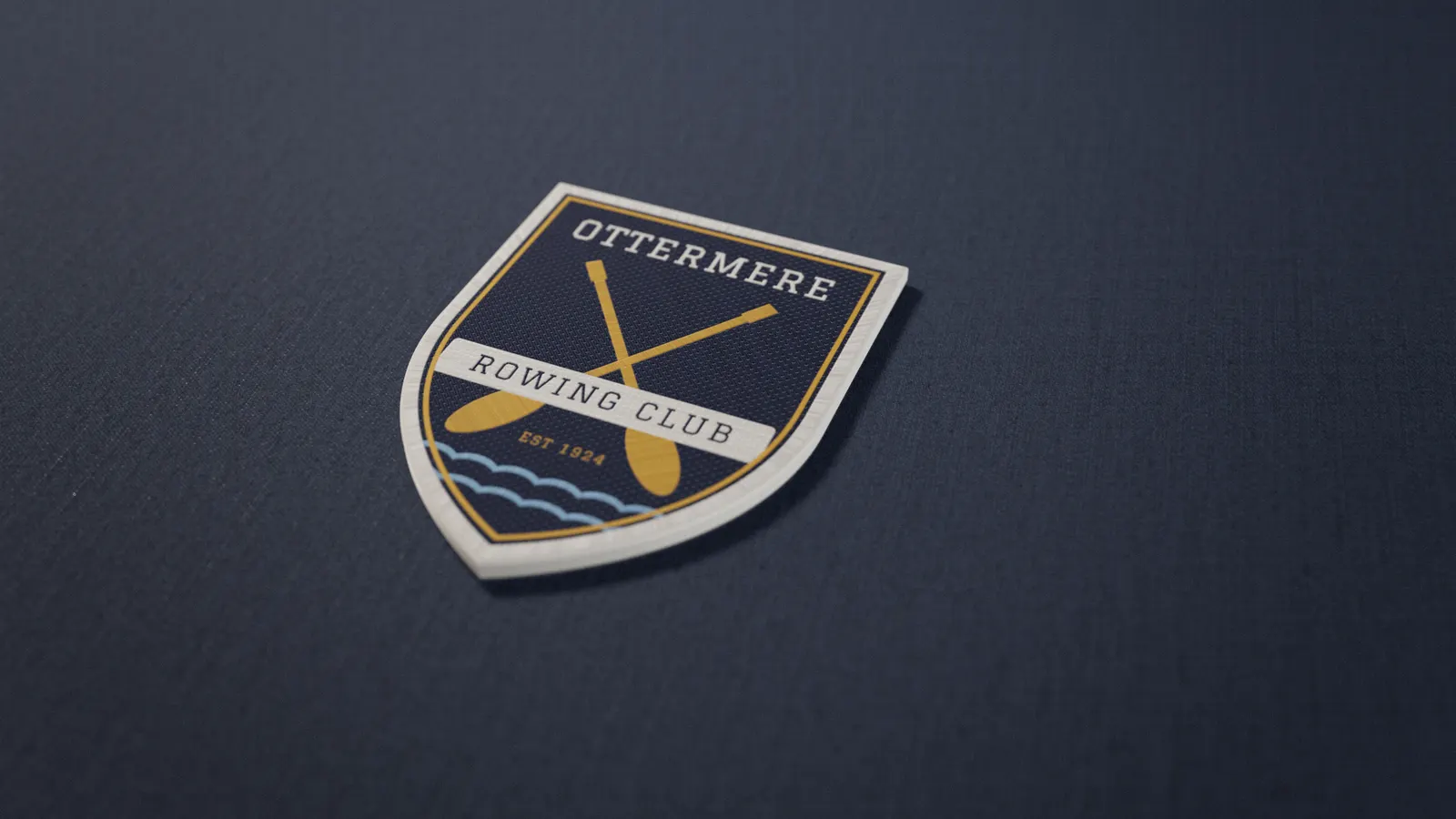
Finished art, stitched as a patch on denim after digitizing.
How it works
Four steps. You see the finished file before you pay.
- 01
Send the file
Use the form, or forward the customer's email to contact@vectosolve.com. Add the machine and the finished size.
- 02
Get a free quote
We look at the file and send the price. The delivery date is on the quote.
- 03
See the preview, then pay
Check a watermarked preview of the finished file before you pay anything.
- 04
Download your files
In the format your machine opens, with no VectoSolve name inside the files.
FAQ
Embroidery questions
- Do you send DST or PES stitch files?
- No. We deliver the clean vector artwork your digitizer works from, in SVG, AI, EPS or PDF. The stitch file stays with your digitizer.
- What should I send?
- Whatever the customer gave you: JPG, PNG, a phone photo, a PDF, a scan or a screenshot. Tell us the finished size if you know it.
- Do I pay before seeing anything?
- No. You get a free quote, then a watermarked preview of the finished file. You pay only once you have seen it, and then you download the clean files.
- Does my customer ever see your name?
- No. The delivered files carry no VectoSolve name, no metadata and no watermark; the watermark is only on the preview you check. We never contact your customers, and we sign an NDA on request.
Get a quote
Send us the file the customer gave you.
The machine is already picked below. Add the material, the finished size and your deadline in the note if you know them. You get a free quote, then a watermarked preview before you pay.
- JPG, PNG, PDF, phone photos, scans and screenshots
- Checked against your original before delivery
- Watermarked preview before you pay anything
Send a test file, get a free quote
Free quote within one business day. The delivery date is on the quote. You see a watermarked preview before you pay.