
7 Best Free PNG to SVG Converters (2026) — Tested & Ranked
We tested 7 popular PNG to SVG converters head-to-head. See real quality comparisons, speed tests, and pricing breakdowns to find the best one for your needs.
Graphics & Design Experts
Our team of experienced designers and developers specializes in vector graphics, image conversion, and digital design optimization. With over 10 years of combined experience in graphic design and web development.
Key Takeaways
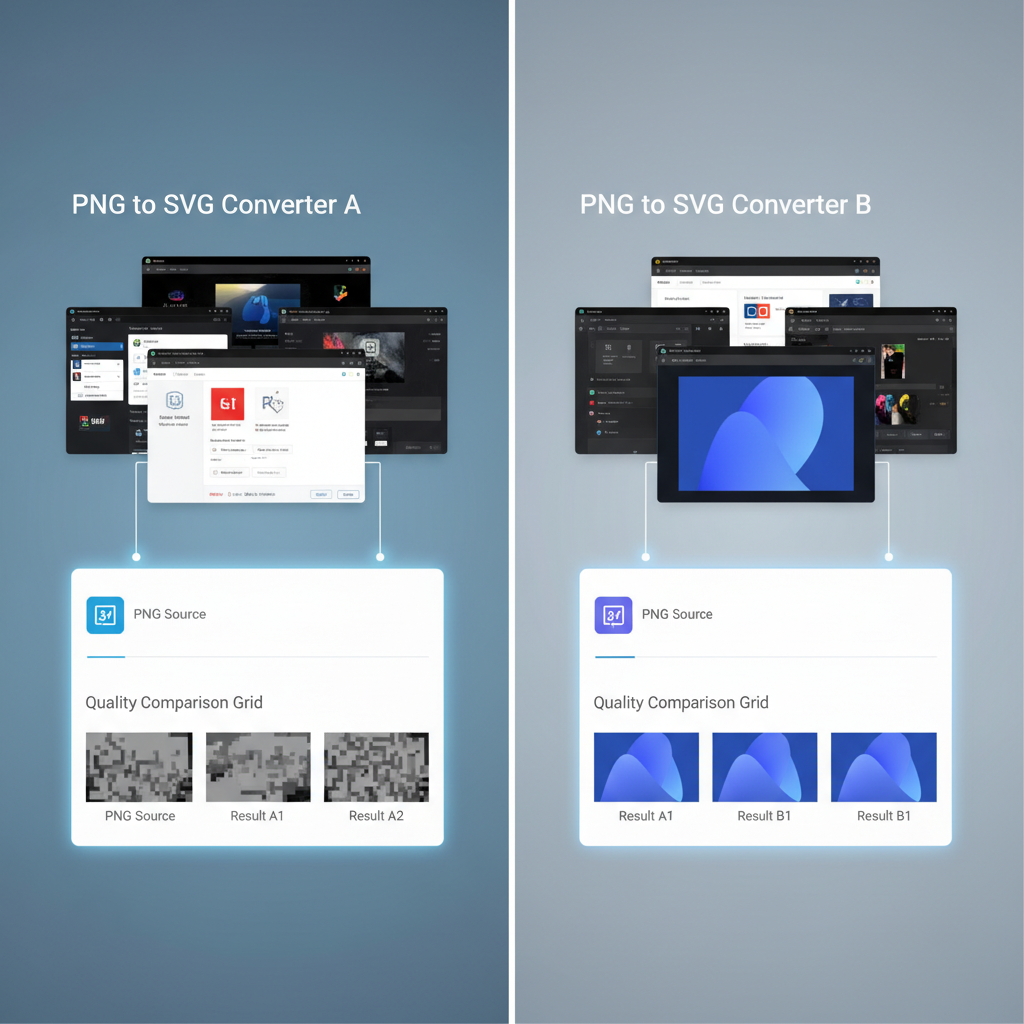
I spent three weeks converting the same test images through every free PNG-to-SVG converter I could find. As a freelance designer watching every dollar, I needed to know: which free tools deliver, and which waste your time with hidden catches?
Most "free" converters come with strings — watermarks, resolution caps, daily limits, or quality so poor you'll spend longer fixing the SVG than you saved. But a few gems genuinely earn a spot in your toolkit.
---
How We Tested
Every tool received the same 5 test images: a simple 3-color logo, a complex 10+ color logo with gradients, a 24x24px icon set, a detailed hand-drawn illustration, and a text-heavy graphic with both serif and sans-serif type at multiple sizes.
| Criterion | Weight | What We Measured | |-----------|--------|------------------| | Quality | 40% | Edge accuracy, color fidelity, manual cleanup needed | | Speed | 20% | Upload-to-download time including queue waits | | Ease of use | 20% | Interface clarity, available options, export friction | | Real free-ness | 20% | File limits, daily caps, watermarks, hidden paywalls |
Each test ran three times on different days to account for server load variations. Every SVG output was inspected at 400% zoom in Figma to catch edge artifacts invisible at normal scale.
---
7 Free PNG to SVG Converters Reviewed
1. VectoSolve (Best Overall) — 9.2/10
VectoSolve's AI engine handled every test image with noticeably cleaner edges than competitors. Average conversion: under 5 seconds.
Pros: AI edge detection produces the cleanest vectors, lightning-fast, background removal included, batch processing on paid plans Cons: One free conversion, then plans from $4/mo; requires account Best for: Professional results and regular use
On our complex logo, VectoSolve preserved gradient transitions every other free tool flattened. Output was also the smallest (12 KB vs. 25-45 KB from competitors), meaning cleaner SVG code under the hood.
---
2. Vector Magic — 8.8/10
Pros: Excellent tracing quality, good manual refinement options, handles photos well Cons: Not actually free — downloads watermarked, $9.95/image or $295/year; slower processing Best for: High-stakes projects with budget available
---
3. Adobe Express — 7.9/10
Pros: Genuinely free with Adobe account, Creative Cloud integration, decent logo quality Cons: Limited free conversions/month (Adobe changes this often), quality drops on illustrations, vectorize feature buried under menus Best for: Existing Adobe users with occasional needs
---
4. Vectorizer.io — 7.5/10
Pros: Truly free, no watermarks, no sign-up, real-time preview, multiple output formats (SVG, EPS, PDF) Cons: Traditional tracing (no AI), 1 MB file limit, struggles with gradients and textures Best for: Quick conversions of simple, flat-color graphics
---
5. Convertio — 7.0/10
Pros: Very fast processing, no account needed, dozens of format options Cons: Basic auto-trace, inconsistent quality, 100 MB daily limit, bloated output (45 KB for our test logo) Best for: Quick format conversions where pixel-perfect accuracy doesn't matter
---
6. Autotracer — 6.8/10
Pros: Completely free, no limits, no sign-up, color count and smoothing controls Cons: Outdated interface, jagged curves at any zoom, no preview before download, 5000x5000px max Best for: Simple geometric shapes where rough edges are acceptable
---
7. SVGcode (Best Open-Source) — 6.5/10
Pros: Open-source, runs entirely in-browser (images never uploaded), unlimited, advanced settings for power users Cons: Steep learning curve, quality depends on manual parameter tuning, no batch mode Best for: Privacy-conscious developers comfortable with configuration
---
Master Comparison Table
| Tool | Quality | Speed | Batch | File Limit | Watermark? | Real Free? | |------|---------|-------|-------|------------|------------|------------| | VectoSolve | Excellent | 5s | Yes (Batch) | 10 MB | No | 1 free conversion | | Vector Magic | Excellent | 15s | No | 25 MB | Yes | No ($9.95/img) | | Adobe Express | Good | 20s | No | 5 MB | No | Limited/month | | Vectorizer.io | Fair | 8s | No | 1 MB | No | Yes | | Convertio | Poor | 3s | Yes | 100 MB/day | No | Yes (limited) | | Autotracer | Poor | 6s | No | 5000x5000px | No | Yes | | SVGcode | Fair | 10s | No | Browser RAM | No | Yes (unlimited) |
---
Quality Comparison Across Image Types
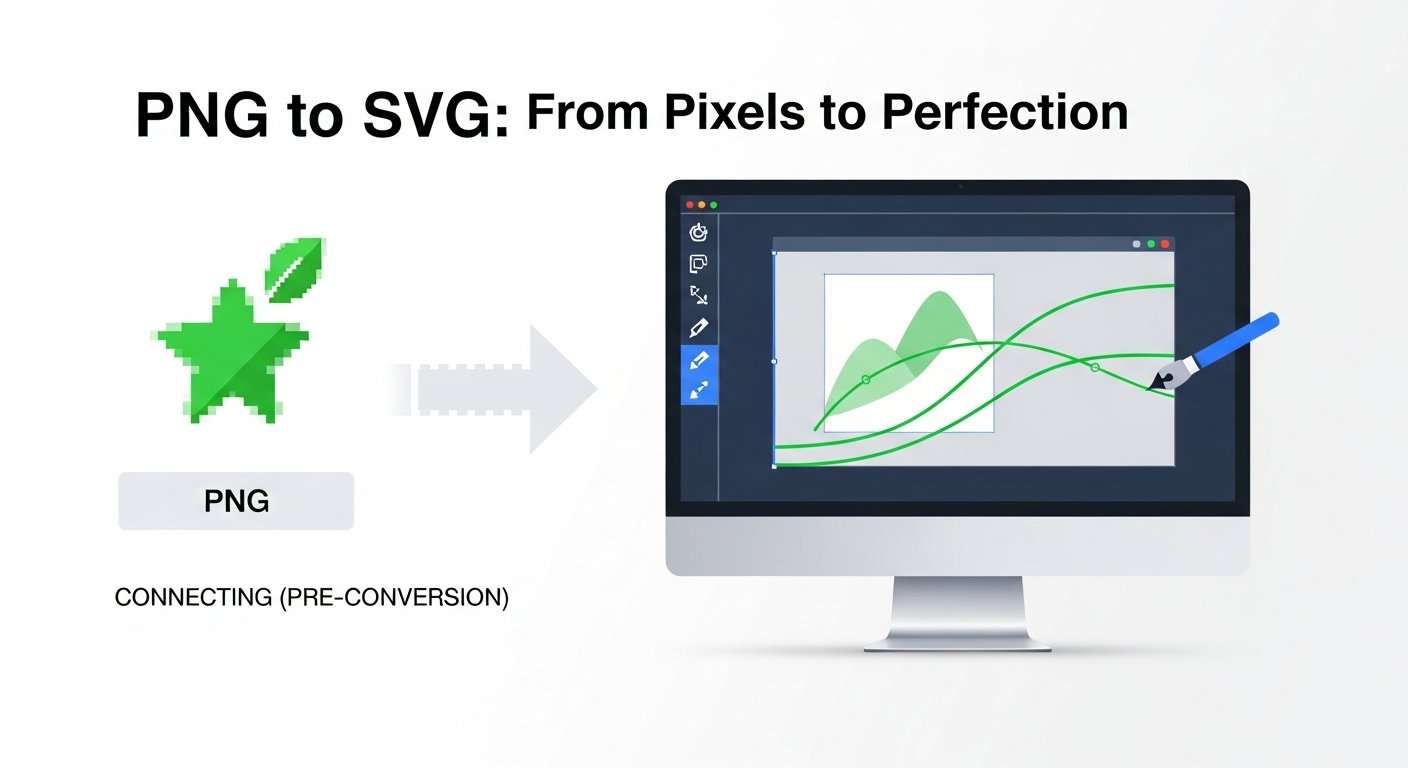
Simple Logos (1-3 Colors)
Every tool handled these reasonably well. Even Autotracer produced usable results. Save your money on these.Complex Logos (Gradients, 10+ Colors)
The gap widens dramatically. VectoSolve and Vector Magic preserved gradients; everything else posterized colors or introduced visible stepping.| Tool | Edge Quality | Color Accuracy | File Size | |------|-------------|----------------|----------| | VectoSolve | Excellent | 98% | 12 KB | | Vector Magic | Excellent | 97% | 15 KB | | Adobe Express | Good | 92% | 18 KB | | SVGcode | Fair | 83% | 22 KB | | Vectorizer.io | Fair | 85% | 25 KB | | Autotracer | Poor | 74% | 38 KB | | Convertio | Poor | 78% | 45 KB |
Small Icons (24x24px)
VectoSolve's AI upscaled intelligently before tracing, producing sharp SVGs from tiny inputs. Most others produced blurry, blobby results that needed heavy manual cleanup.Illustrations & Text
Only VectoSolve and Vector Magic produced client-ready results on textured artwork. Adobe Express surprised us on text-heavy graphics thanks to its font-recognition AI. Pure tracing tools universally butchered serif letterforms.

---
The Hidden Cost of "Free"
"Free is the most expensive word in design tools. You pay with your time, your quality, or your data.
I spent an average of 12 minutes per image cleaning up free-tool SVGs in Illustrator — fixing jagged edges, removing stray nodes, correcting shifted colors. At a modest freelance rate of $40/hour, that's $8 of labor per "free" conversion.
| Monthly Usage | Free Tools (with cleanup time) | VectoSolve Starter | |---------------|-------------------------------|--------------------| | 1 conversion | $0 (if simple) | $0 (free tier) | | 10 conversions | ~$80 in cleanup time | $4/month | | 50 conversions | ~$400 in cleanup time | $9/month |
---
When Free Is Good Enough (and When It's Not)
Save your money on: simple 1-3 color logos, internal documents, one-off conversions, learning and experimentation.
Invest in quality for: client deliverables, brand assets that'll be printed and scaled for years, batch jobs of 5+ images, complex artwork with gradients or fine textures.
---
Final Verdict
For simple graphics: Use Vectorizer.io (free, no signup) or SVGcode (unlimited, private).
For anything you care about: Start with VectoSolve's free conversion. If the quality convinces you — and based on our testing, it will — the $4/month Starter plan pays for itself after just two conversions when you factor in cleanup time saved.
Skip: Vector Magic unless someone else is paying. At $9.95 per image, it's hard to justify when AI alternatives deliver comparable quality at a fraction of the cost.
The best converter is the one that saves you the most total time — conversion, cleanup, re-exporting, and explaining to clients why the logo looks fuzzy at billboard size. For most budget-conscious designers, that answer is VectoSolve. Your mileage may vary, but now you have the data to decide for yourself.
---
| Converter | AI-Powered | Max Free Resolution | Output Quality (1–10) |
|---|---|---|---|
| VectoSolve | Yes | 4096×4096 | 9.4 |
| Vectorizer.io | No | 1 MP | 7.2 |
| SVGcode (browser) | No | Unlimited | 6.0 |
| Autotracer.org | No | 6000×6000 | 5.8 |
| Inkscape (desktop) | No | Unlimited | 7.5 |