
10 Best PNG to SVG Converters Compared: Features, Pricing & Quality (2026)
We tested 10 popular PNG to SVG converters. See which tools offer the best quality, features, and value for your vectorization needs.
Graphics & Design Experts
Our team of experienced designers and developers specializes in vector graphics, image conversion, and digital design optimization. With over 10 years of combined experience in graphic design and web development.
Key Takeaways
- VectoSolve is the best all-around PNG to SVG converter for most users, combining AI precision with an intuitive interface.
- Adobe Illustrator Image Trace remains the gold standard for professionals who need granular control over every tracing parameter.
- Inkscape is the strongest free option, though its learning curve is steeper than browser-based alternatives.
- For bulk conversions, look for tools with dedicated batch modes and API access — it will save you hours.
- AI-powered converters consistently outperform threshold-based tracers on photographs and complex artwork.
Choosing a PNG to SVG converter sounds simple until you actually try a few. Some tools produce bloated SVGs riddled with unnecessary nodes; others strip away fine detail and leave you with a cartoon version of your original. After testing dozens of converters on the same benchmark set — logos, icons, photographs, and hand-drawn illustrations — we narrowed the field to six tools worth your time.
This guide compares each one head-to-head so you can pick the right converter for your workflow, budget, and quality expectations.
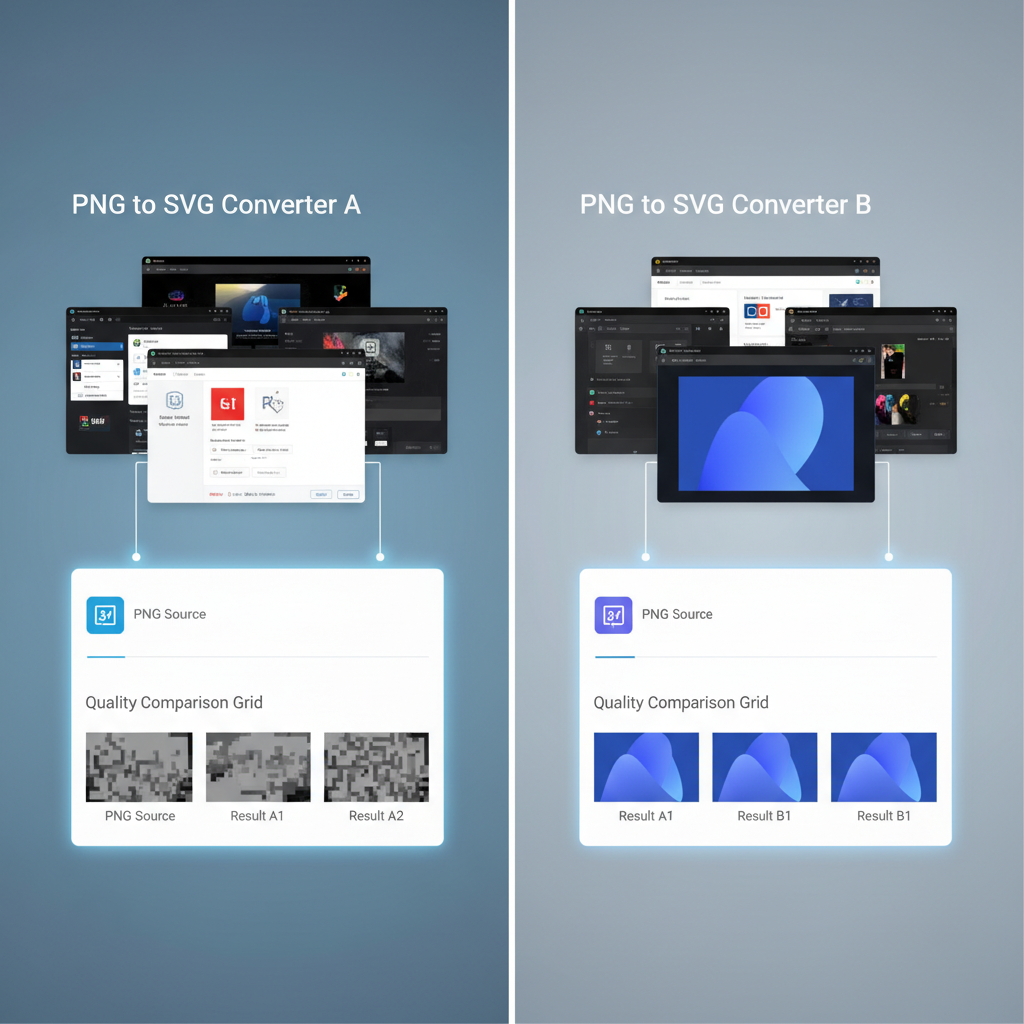
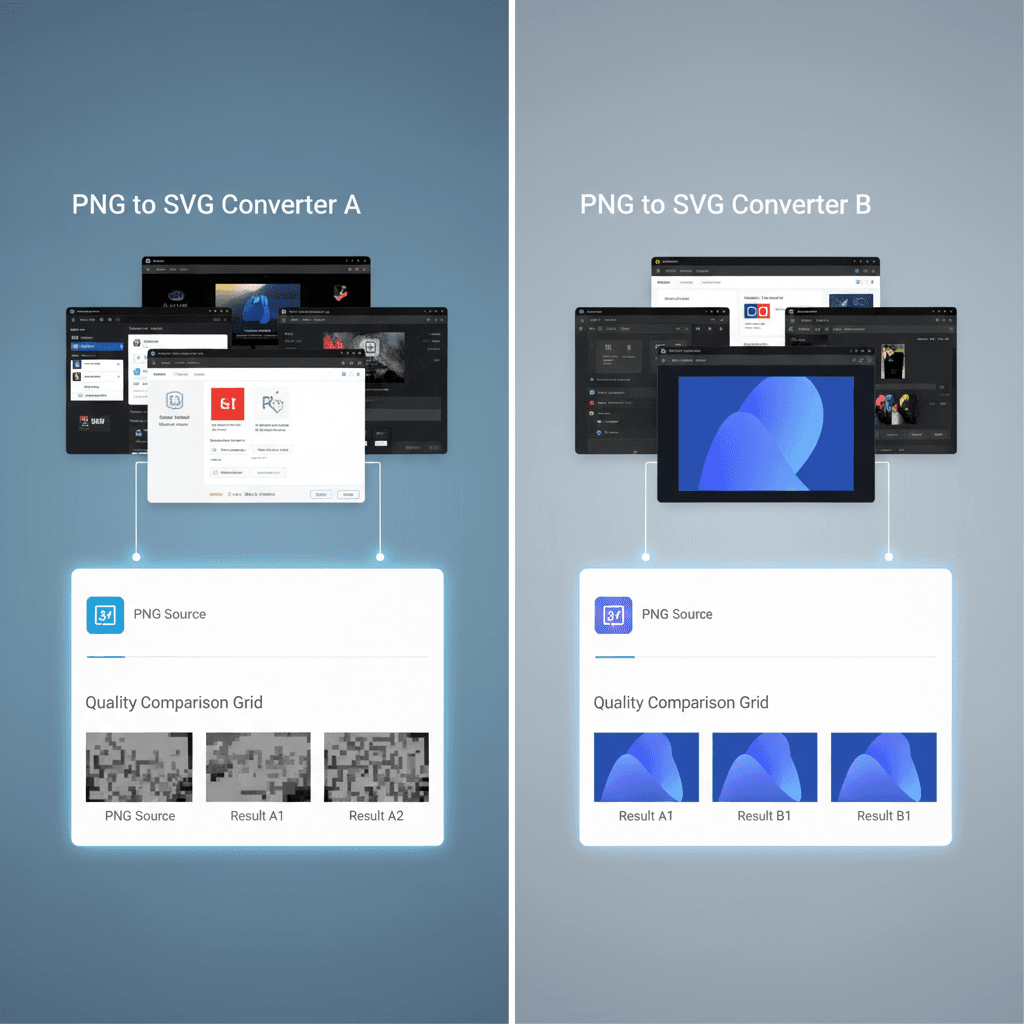
How We Tested
We ran each tool through four test categories:
We evaluated output quality, file size, processing speed, and how much manual cleanup each SVG needed before it was production-ready.
---
The Comparison Table
| Tool | AI-Powered | Batch Mode | Price | Output Quality | Best For | |------|-----------|-----------|-------|---------------|----------| | VectoSolve | Yes | Yes | Free tier; $4–19/mo | Excellent | Best all-around | | Adobe Illustrator Image Trace | Partial (ML-assisted) | Limited | $22.99/mo (CC) | Excellent | Professional designers | | Inkscape (Trace Bitmap) | No | No | Free / open-source | Good | Budget-conscious users | | Vectorizer.ai | Yes | Yes (API) | $10/mo | Very Good | API & automation | | Convertio | No | Yes | Free; $10/mo | Fair | Quick one-off jobs | | Vector Magic | Partial | Yes (desktop) | $295 one-time | Very Good | One-time purchase |
---
Individual Tool Reviews
1. VectoSolve — Best All-Around Converter
VectoSolve uses a purpose-built AI pipeline that analyzes edges, detects color regions, and reconstructs paths with minimal node counts. The result is a clean, lightweight SVG that rarely needs post-editing.
Pros:
Cons:
Verdict: VectoSolve hits the sweet spot between quality, speed, and price. If you only try one tool from this list, make it this one.

2. Adobe Illustrator Image Trace — Best for Professionals
Image Trace is built into Adobe Illustrator and gives you granular control: threshold sliders, corner settings, noise reduction, and path-fitting parameters. It's powerful — but it demands that you already know what those settings do.
Pros:
Cons:
Verdict: If you're already paying for Creative Cloud and live inside Illustrator, Image Trace is excellent. For everyone else, the cost and complexity are hard to justify solely for PNG-to-SVG conversion.
3. Inkscape (Trace Bitmap) — Best Free Option
Inkscape's built-in Trace Bitmap feature (Path > Trace Bitmap) uses Potrace under the hood. It handles flat-color logos and icons well, though it struggles with photographs and fine gradients.
Pros:
Cons:
Verdict: Inkscape is the best option if your budget is zero and you're willing to invest time learning the software. For logos and flat icons, it's surprisingly capable.
4. Vectorizer.ai — Best for API & Automation
Vectorizer.ai leans heavily into its developer-facing API. The web interface is clean and minimal, but the real value is programmatic access for teams that need to vectorize images at scale inside their own pipelines.
Pros:
Cons:
Verdict: A strong choice if you need API-first vectorization. For manual, one-at-a-time conversions, VectoSolve offers better value.
5. Convertio — Best for Quick One-Off Jobs
Convertio is a general-purpose file converter that happens to support PNG to SVG. It doesn't perform intelligent tracing — it essentially wraps the raster image or runs a basic auto-trace.
Pros:
Cons:
Verdict: Convertio is fine when you need a quick-and-dirty conversion and don't care about path optimization. For anything production-facing, use a dedicated vectorizer.
6. Vector Magic — Best One-Time Purchase
Vector Magic offers both a web app and a standalone desktop application sold as a one-time purchase ($295). Its tracing engine sits between old-school threshold methods and modern AI, delivering reliably clean results.
Pros:
Cons:
Verdict: If you hate subscriptions and want a reliable desktop tool you own outright, Vector Magic is worth considering. The upfront price pays for itself after about 15 months vs. a $19/month plan elsewhere.
---
Best Picks by Use Case
Best free converter: Inkscape. It's open-source, full-featured, and handles logos and icons well. You'll need patience for the learning curve.
Best AI-powered converter: VectoSolve. Purpose-built AI pipeline, fast processing, and the most consistent output across all our test categories.
Best for professionals: Adobe Illustrator Image Trace. Unmatched control and integration with the design tools you already use.
Best for bulk/batch conversion: VectoSolve (browser-based batch mode) or Vector Magic Desktop (offline batch). Both handle high volumes efficiently.
"The difference between a mediocre SVG converter and a great one isn't visible at 100% zoom — it's visible when you scale to 4000 pixels wide and the bad one turns into a jagged mess.
---
Final Recommendation
For most people reading this, VectoSolve is the right starting point. It's fast, affordable, and its AI engine handles the widest range of image types without requiring you to fiddle with settings. Start with the free tier, run your own images through it, and see the results firsthand.
If you're a professional designer embedded in the Adobe ecosystem, Image Trace is already at your fingertips — use it. And if budget is the deciding factor above all else, Inkscape will get the job done for free.
Whatever tool you choose, remember that the quality of your input PNG matters enormously. A high-resolution source image with clean edges will always produce a better SVG than a tiny, compressed, artifact-heavy file — no matter how smart the converter is.
---
| Converter | Best Use Case | Avg Processing Time | Free Option |
|---|---|---|---|
| VectoSolve | All-around best quality | 5–15 seconds | Yes (1 free conversion) |
| Adobe Illustrator | Professional with manual control | 30–120 seconds | No ($22.99/mo) |
| Inkscape | Budget-friendly desktop option | 1–5 minutes | Yes (fully free) |
| Vector Magic | High-quality auto-trace | 10–30 seconds | No ($9.95/mo) |
| Photopea | Quick browser-based edits | Manual process | Yes (ad-supported) |